Learn how to disable smooth scrolling in the Safari browser to scroll web pages line by line when pressing the arrow keys on your Mac's keyboard.
How to disable smooth scrolling when pressing the arrow keys in Safari for Mac

Stay up-to-date on the latest Mac news, and tutorials. Get expert tips and tricks to optimize your Mac’s performance and learn about the latest Apple products and software updates. Discover the best Mac apps and accessories to enhance your user experience.
Learn how to disable smooth scrolling in the Safari browser to scroll web pages line by line when pressing the arrow keys on your Mac's keyboard.
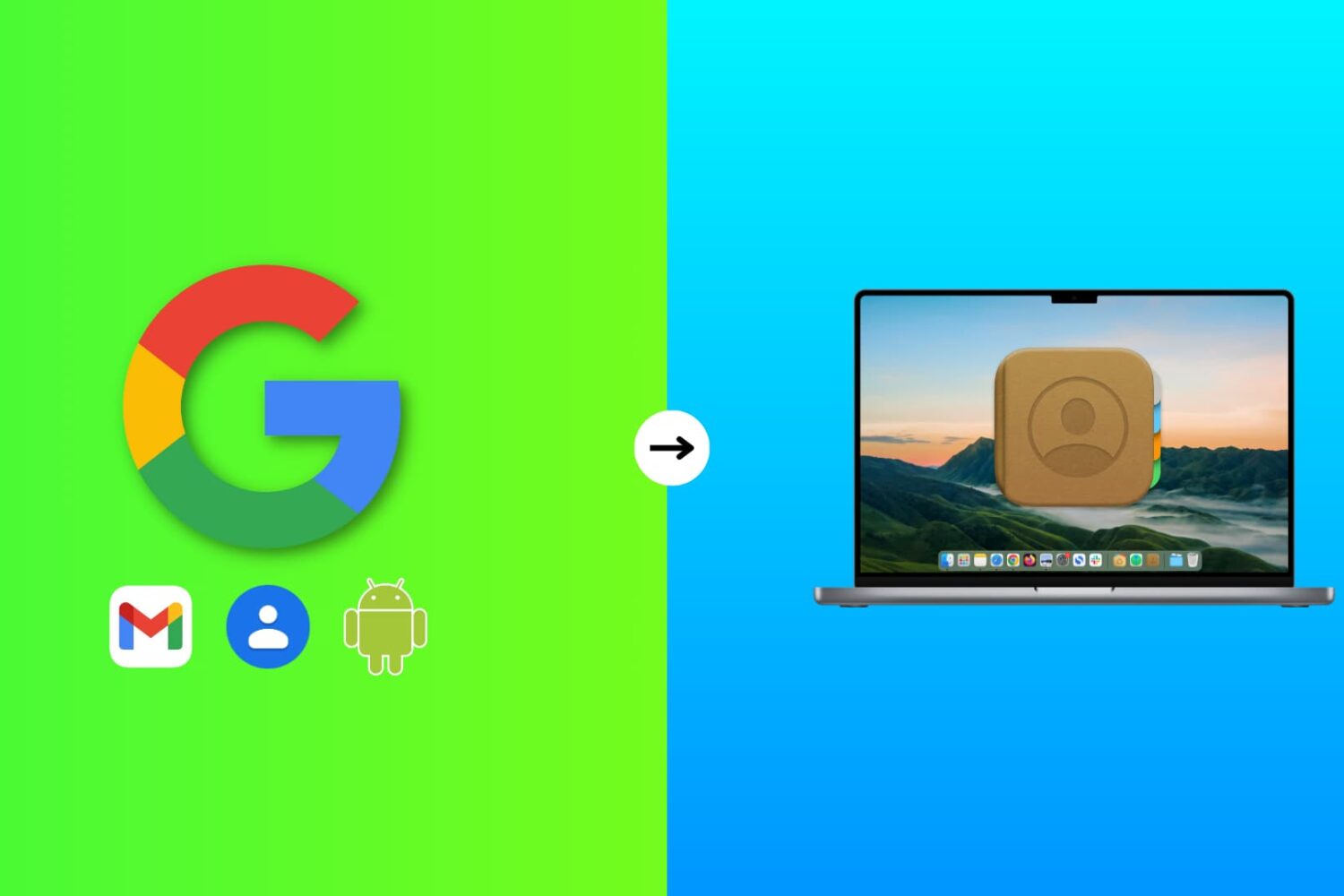
Learn how to add phone numbers and email addresses of your family members, friends, and other contacts saved in your Google account to your Mac's Contacts app.
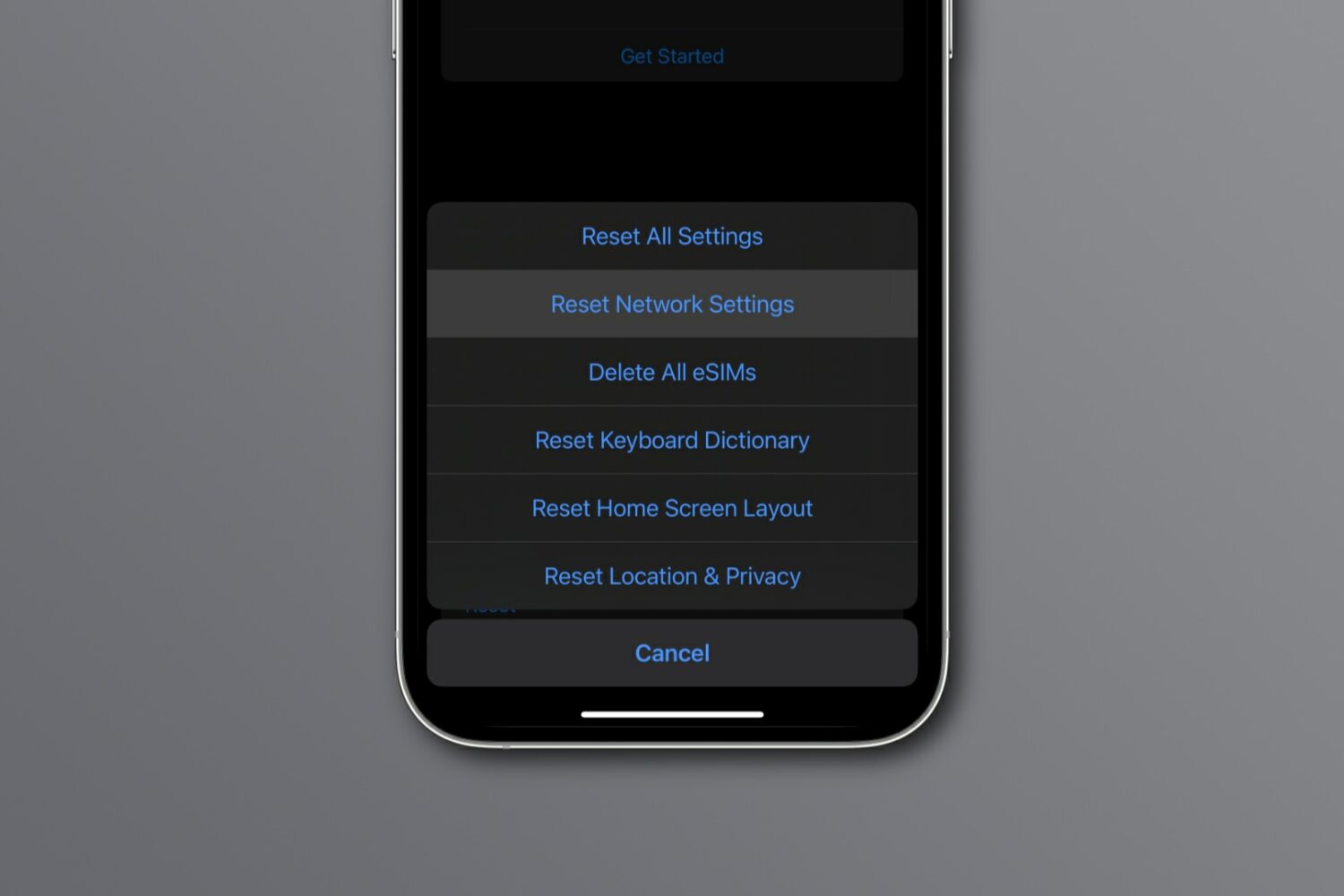
Reset network settings on your iPhone, iPad, Mac, Apple Watch, or Apple TV to resolve common Wi-Fi issues, network glitches, and internet connectivity problems.
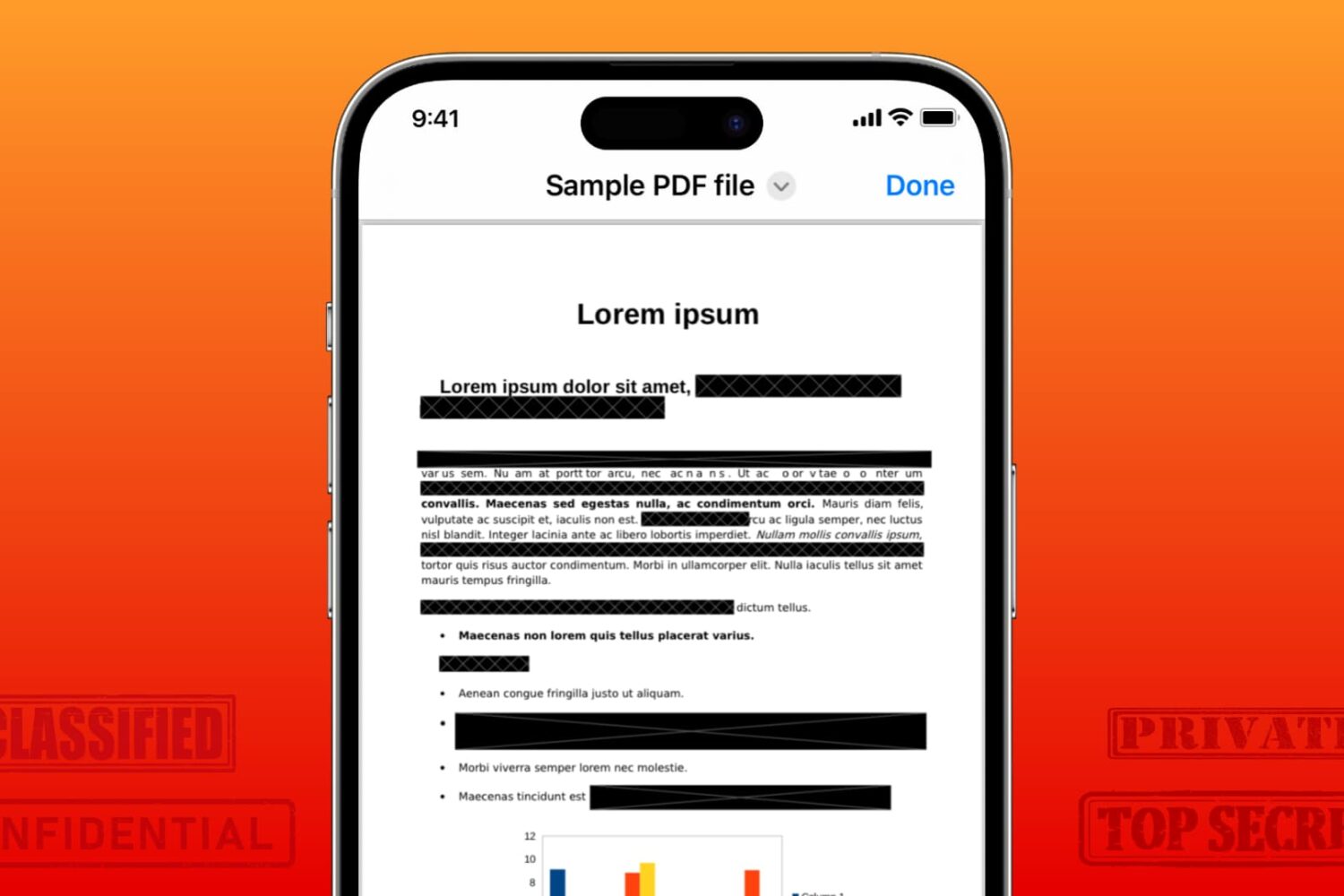
Learn how to securely redact or black out emails, phone numbers, bank accounts, and other confidential text in PDF documents to protect your privacy.
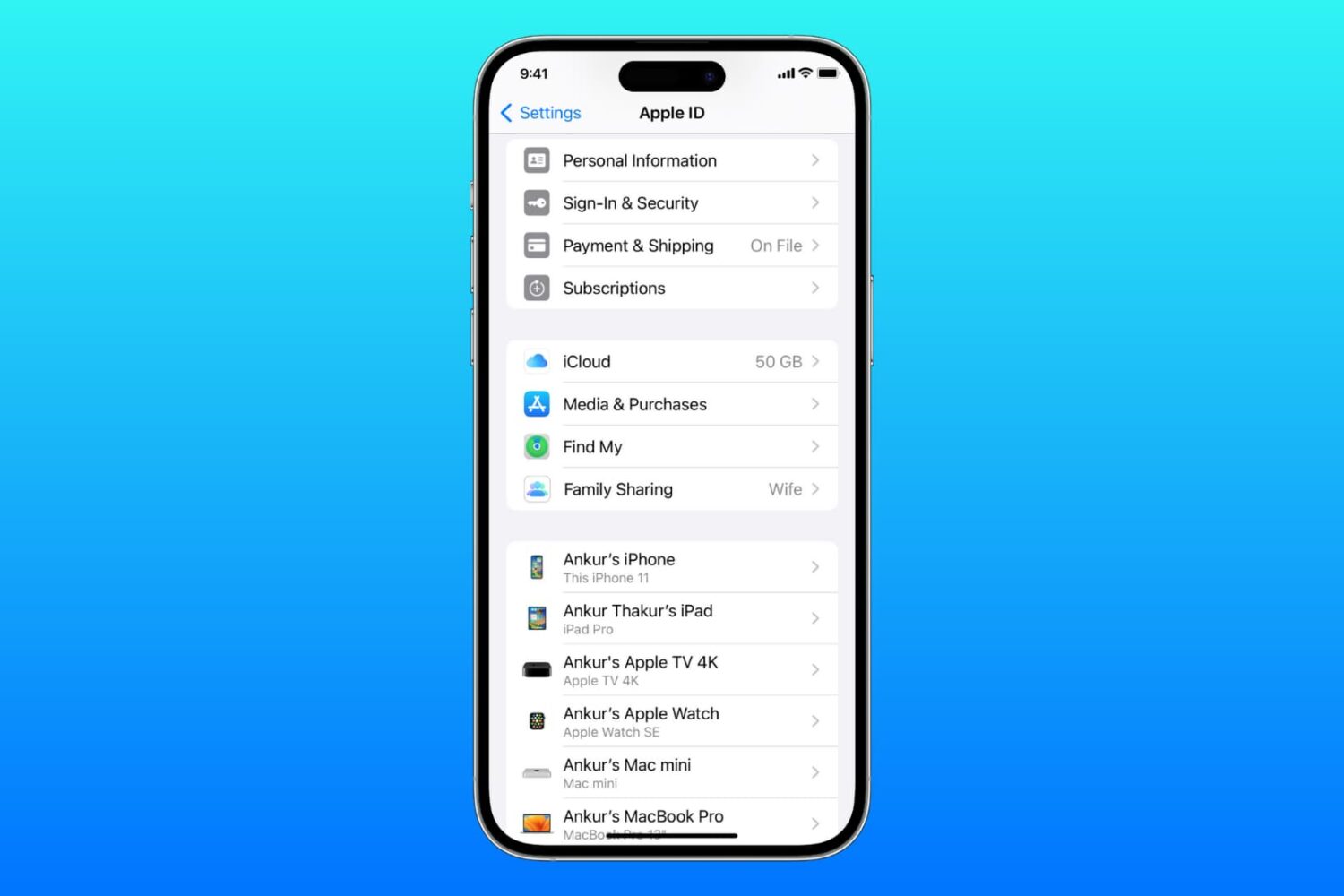
Learn what to do if you cannot access your iCloud or Apple Account settings because they’re grayed out or unclickable on your iPhone, iPad, Mac, or web browser.
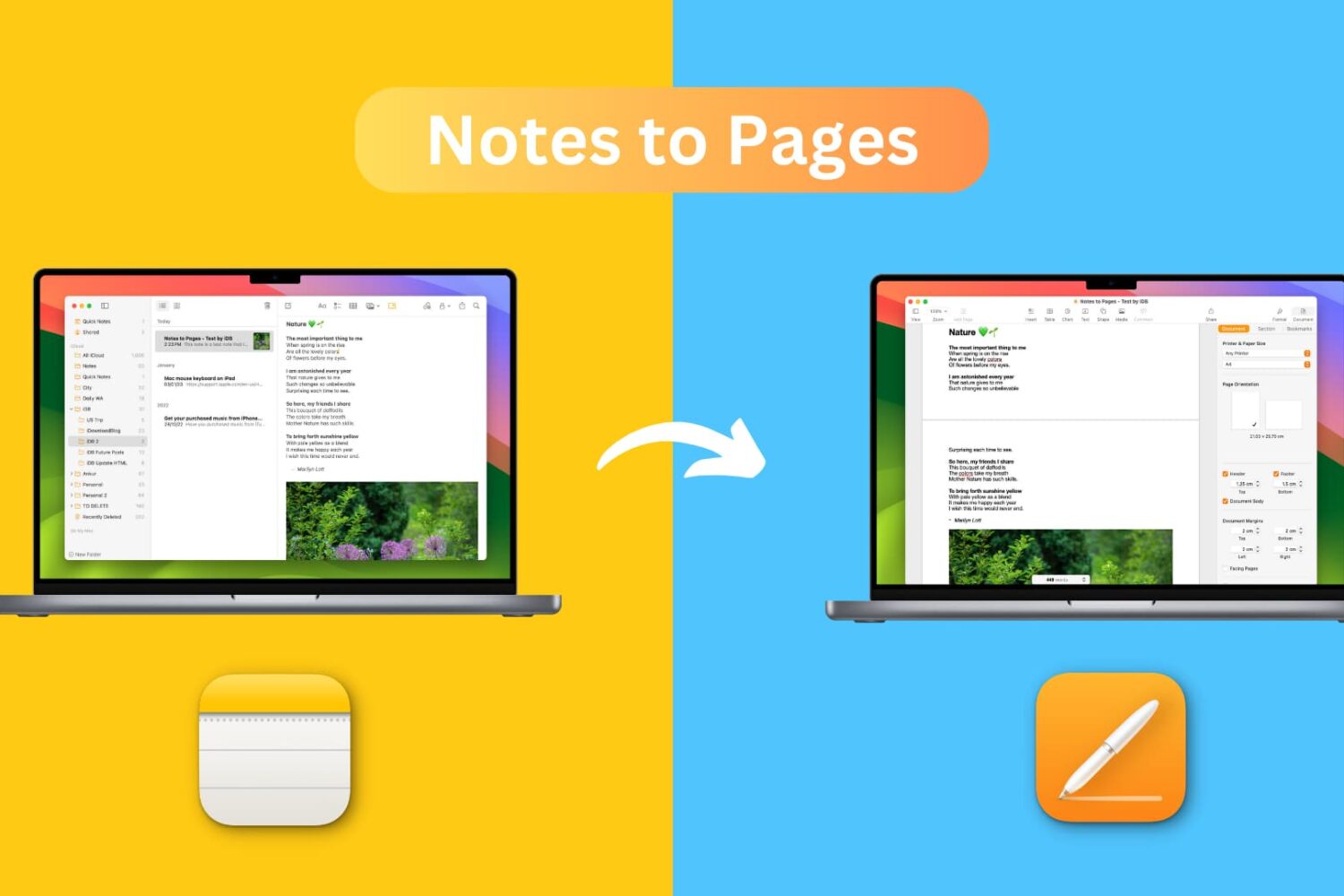
Learn how to transfer a note from the Notes app to the Pages app on your iPhone, iPad, or Mac while retaining most text formatting and attachments like images, drawings, etc.
Learn how to use FaceTime Live Captions on your iPhone, iPad, and Mac to view real-time transcriptions of what the other person is saying.

Learn what Live Speech is and how to set it up and use it on your iPhone, iPad, Mac, or Apple Watch to convert typed words into speech.
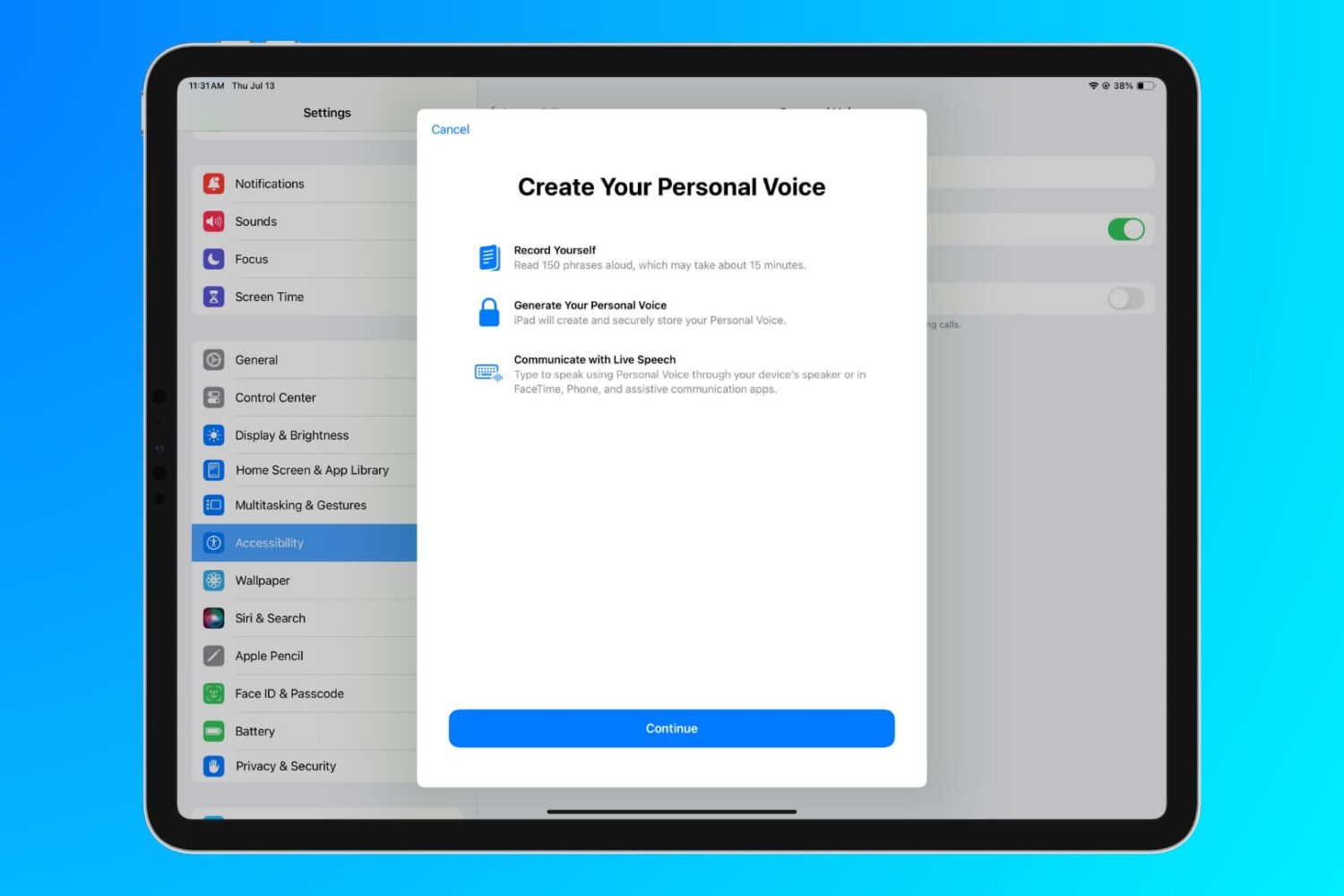
Learn how to use the Personal Voice accessibility feature to create a replica of your voice on iPhone, iPad, and Mac for use with Live Speech.
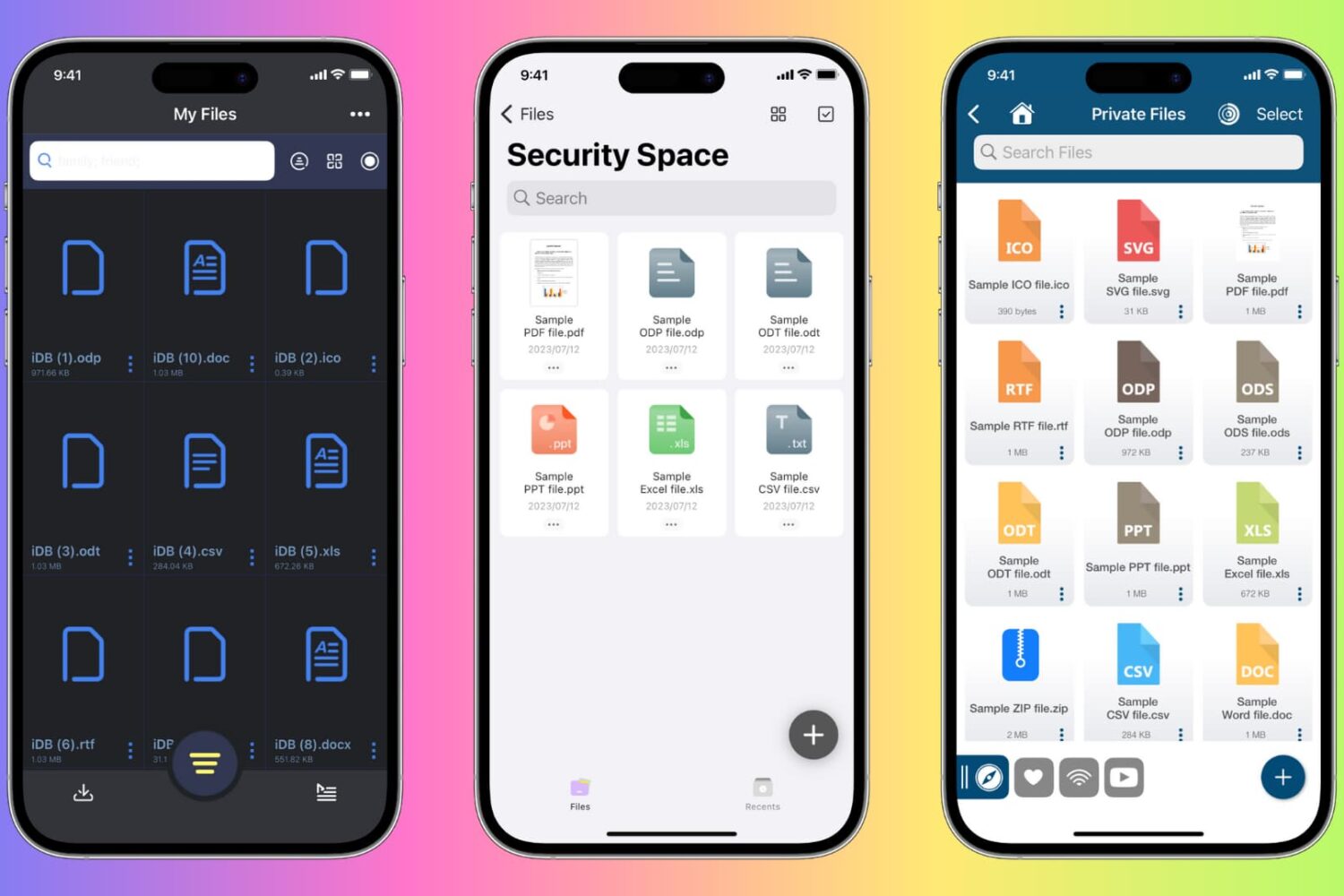
Learn how to protect private documents on your iPhone, iPad, or Mac from prying eyes by locking them with Face ID, Touch ID, or device passcode.