Lockscreen

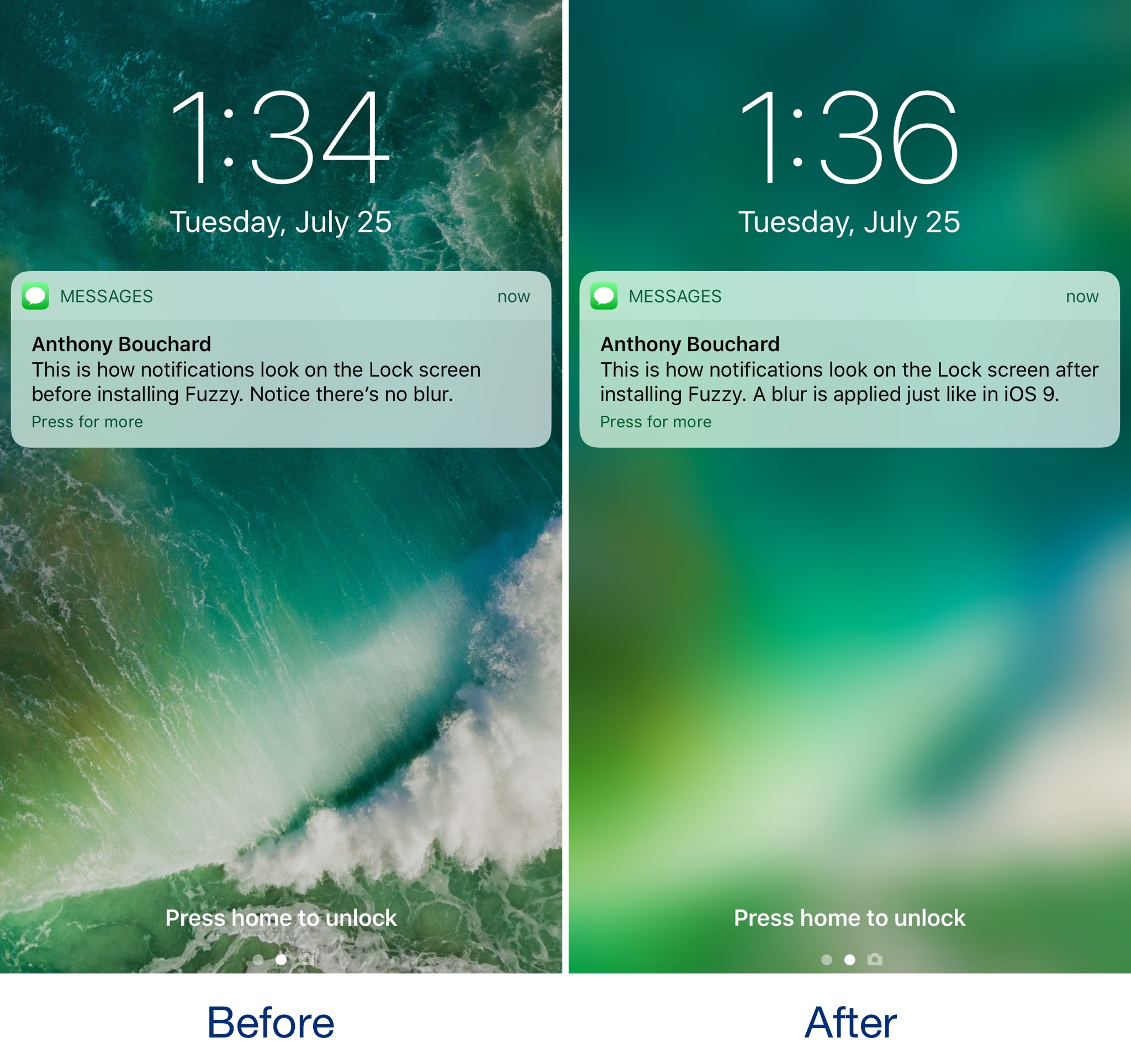
Fuzzy blurs the Lock screen background when you have notifications

iOS 10 changed how incoming notifications looked on the Lock screen by doing away with the background blur that appeared behind banners and adding those polarizing banner backgrounds.

If you miss the way the Lock screen wallpaper would always become blurred when receiving notifications, then you might be interested in trying a new free jailbreak tweak called Fuzzy by iOS developer candoizo.

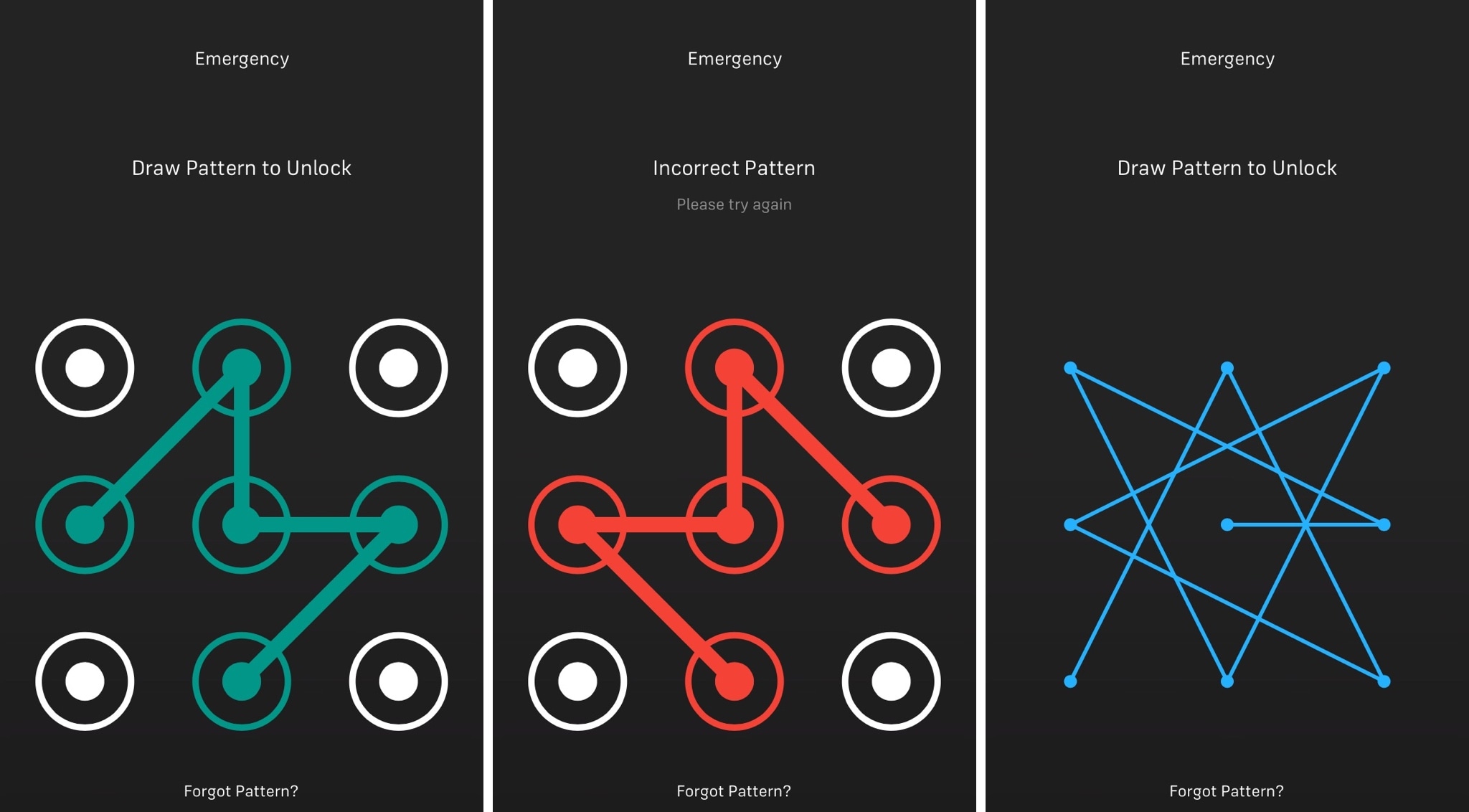
DummyPass trumps over-shoulder peeping attempts on your passcode

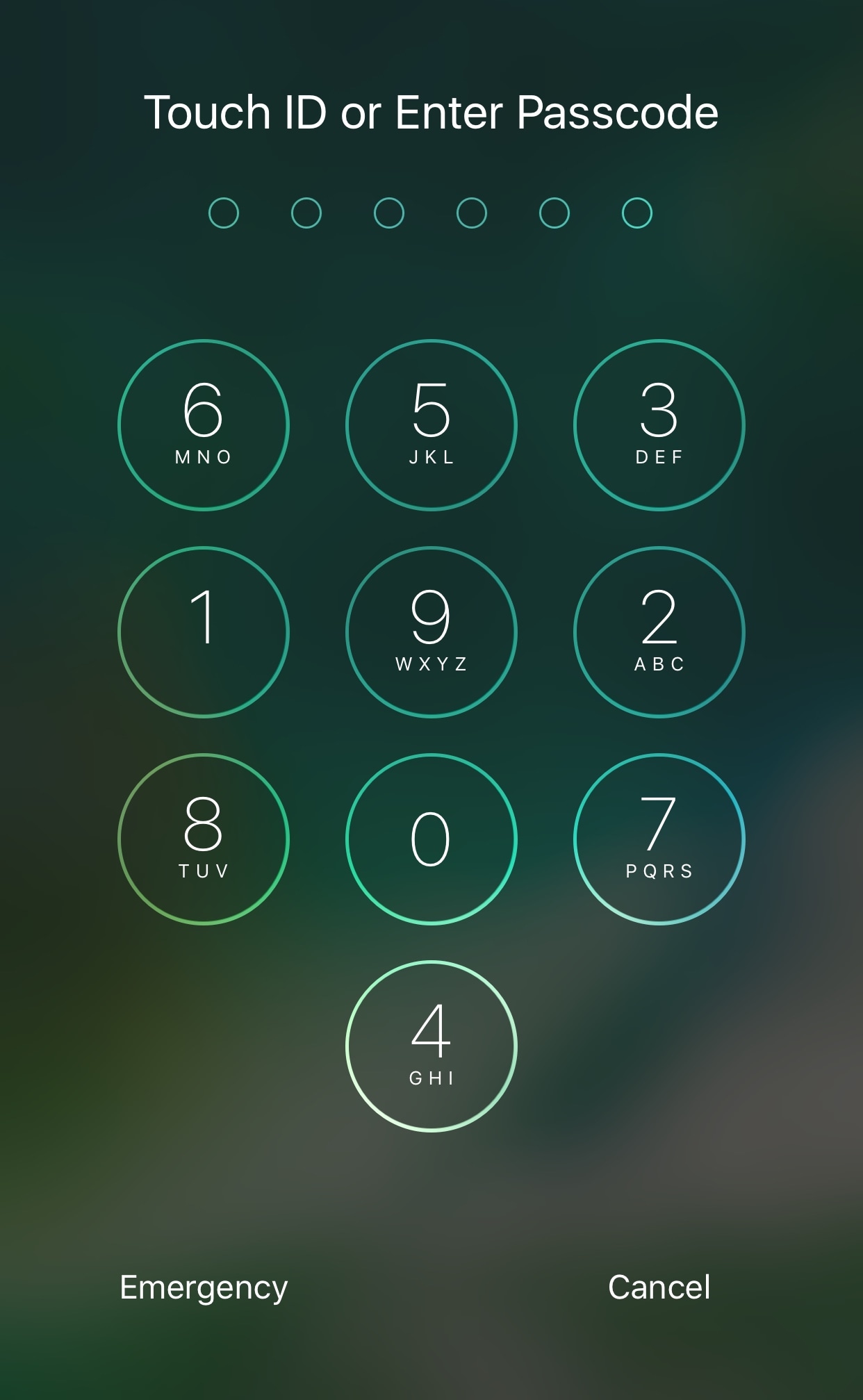
If you use a passcode to unlock your iPhone or iPad, then you know how important it is to keep other people from seeing the digits you tap on to get into your device.

Since people are inclined to pay more attention to the numbers you tap rather than the pattern of the buttons, a new free jailbreak tweak called DummyPass by iOS developer Wisy uses this concept to your advantage.

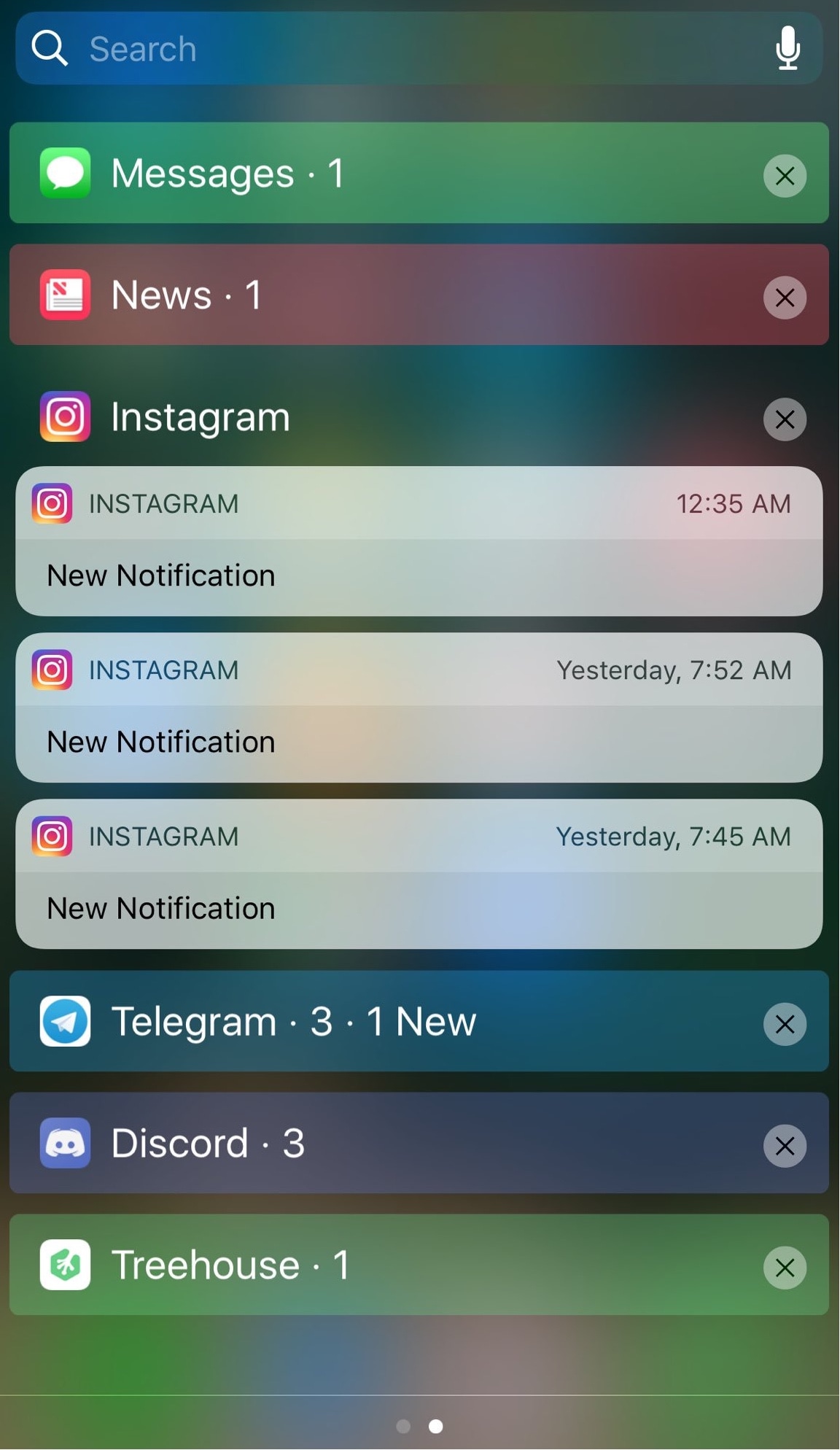
NCLink10 groups inbound notifications by app and lets you collapse them

In the most recent iterations of iOS, inbound notifications on the Lock screen and in Notification Center aren't displayed as pleasantly as they once were in older versions. App-based notification groups and the ability to collapse certain groups have gone missing.

With a new jailbreak tweak called NCLink10 by iOS developer HiDaN, you can resurrect these feature on even the latest iterations of iOS.

Send yourself test notifications with this jailbreak tweak

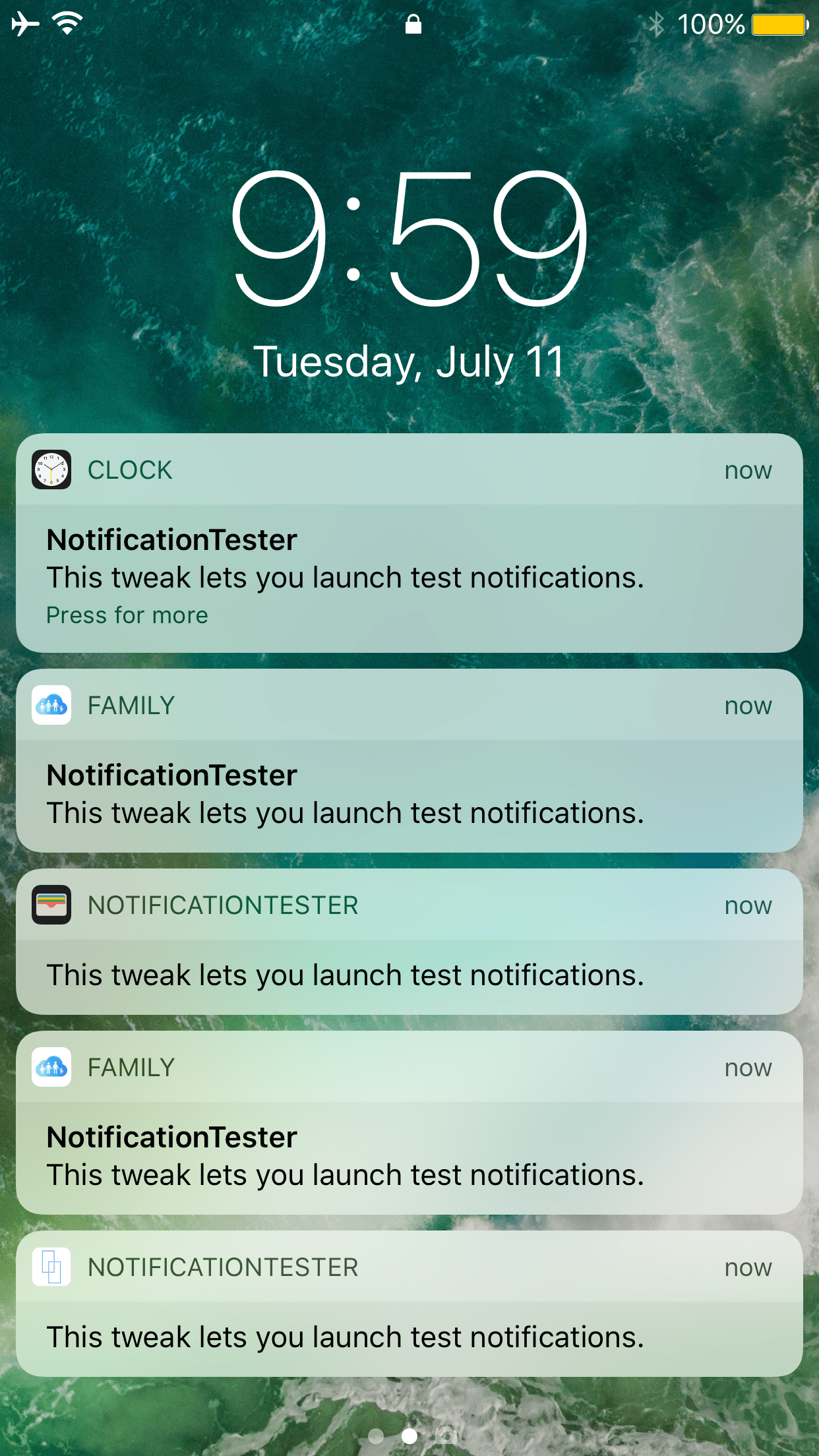
There are countless jailbreak tweaks in Cydia that let you change the look and feel of your notification banners, but not all of them come with an option to preview your changes after you apply new settings.

If you come across this issue often, then you're going to love a new free release dubbed NotificationTester by iOS developer D4ni.

LockscreenXI brings iOS 11’s Lock screen interface to iOS 10

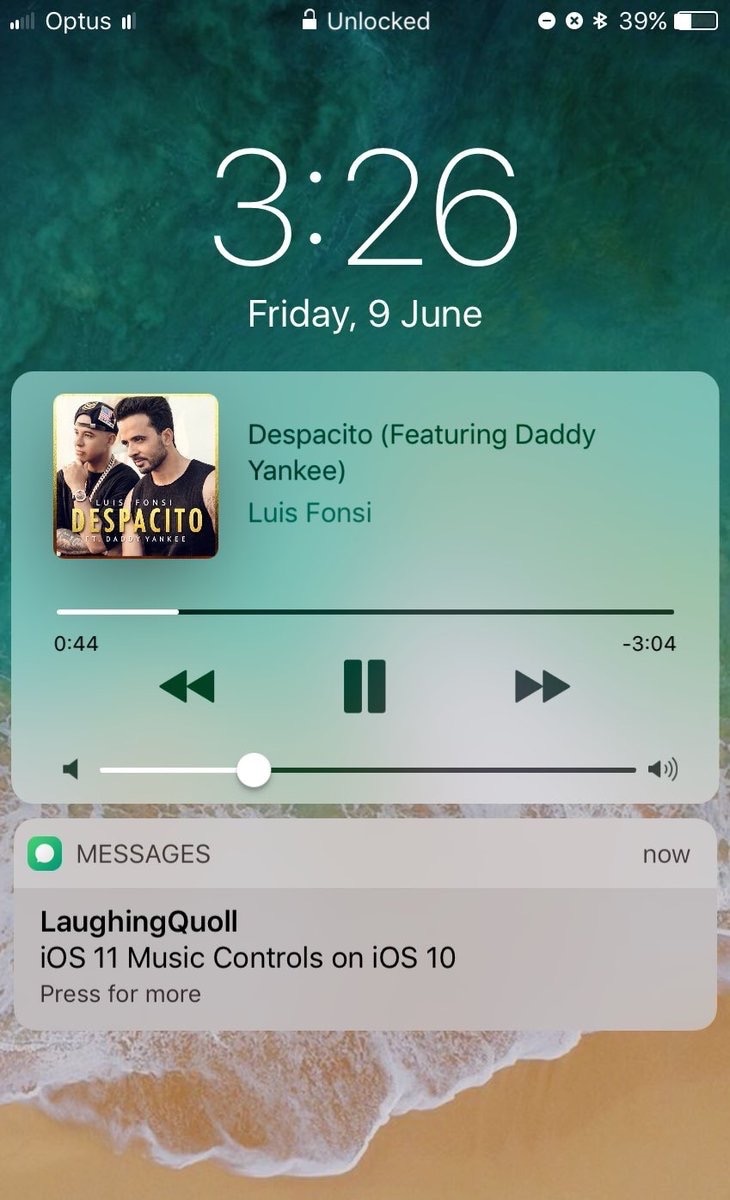
Some jailbreakers are already drooling over the host of interface changes that come with iOS 11, but we encourage these folks to hold onto their seats. A jailbreak tweak collection dubbed Eleven is nearing full release that will bring many of iOS 11's new interface experiences to jailbroken iOS 10 devices.

The first piece of Eleven, LockscreenXI, brings the Lock screen experience of iOS 11 to jailbroken iOS 10 devices. It was just released in Cydia by its creator LaughingQuoll ahead of all other pieces of Eleven, which are still a work in progress.

Ventana gives your iPhone a Windows 10-inspired Lock screen

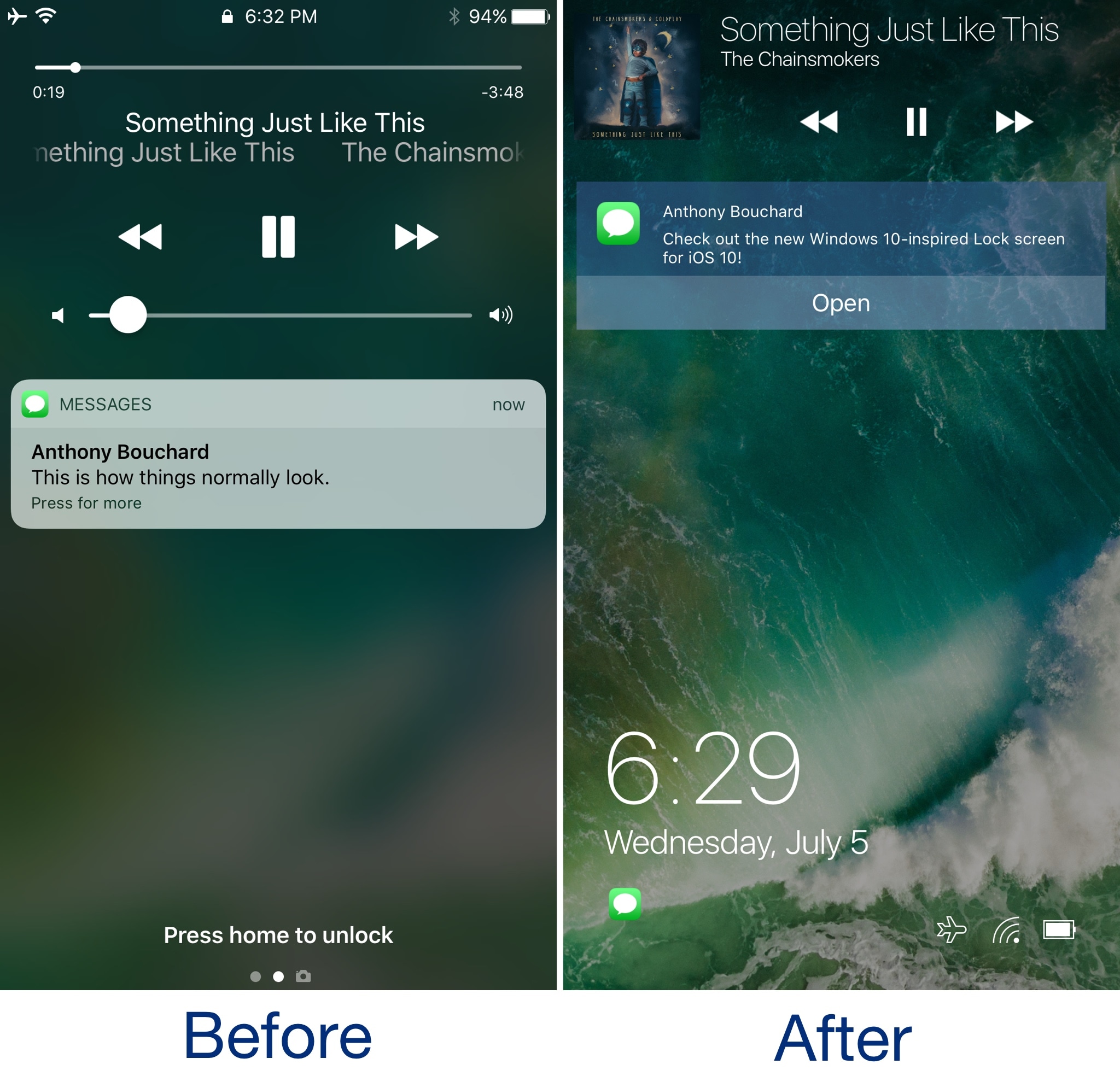
We’ve seen tons of Lock screen replacements for jailbroken devices over the years, but for the first time, a new jailbreak tweak dubbed Ventana by iOS developers CoolStar and Jeremy Goulet brings a highly-polished Windows 10-like Lock screen to iOS 10 devices.

As shown above, this tweak is nothing short of a full redesign for the Lock screen, and includes a refreshed look and feel for the date and time indicator, incoming notifications, and Now Playing music interface.

The best jailbreak tweaks for the Lock screen

The Lock screen separates the outside world from your personal data and is the first thing you interact with any time you use your device. If you're using the Yalu jailbreak for iOS 10, then you might be wondering about the best ways to personalize it.

In this piece, we’ll discuss the best Lock screen-oriented jailbreak tweaks released since the iOS 10 jailbreak launched to the general public.

Spice up your Lock screen’s passcode capabilities with Callisto Pro

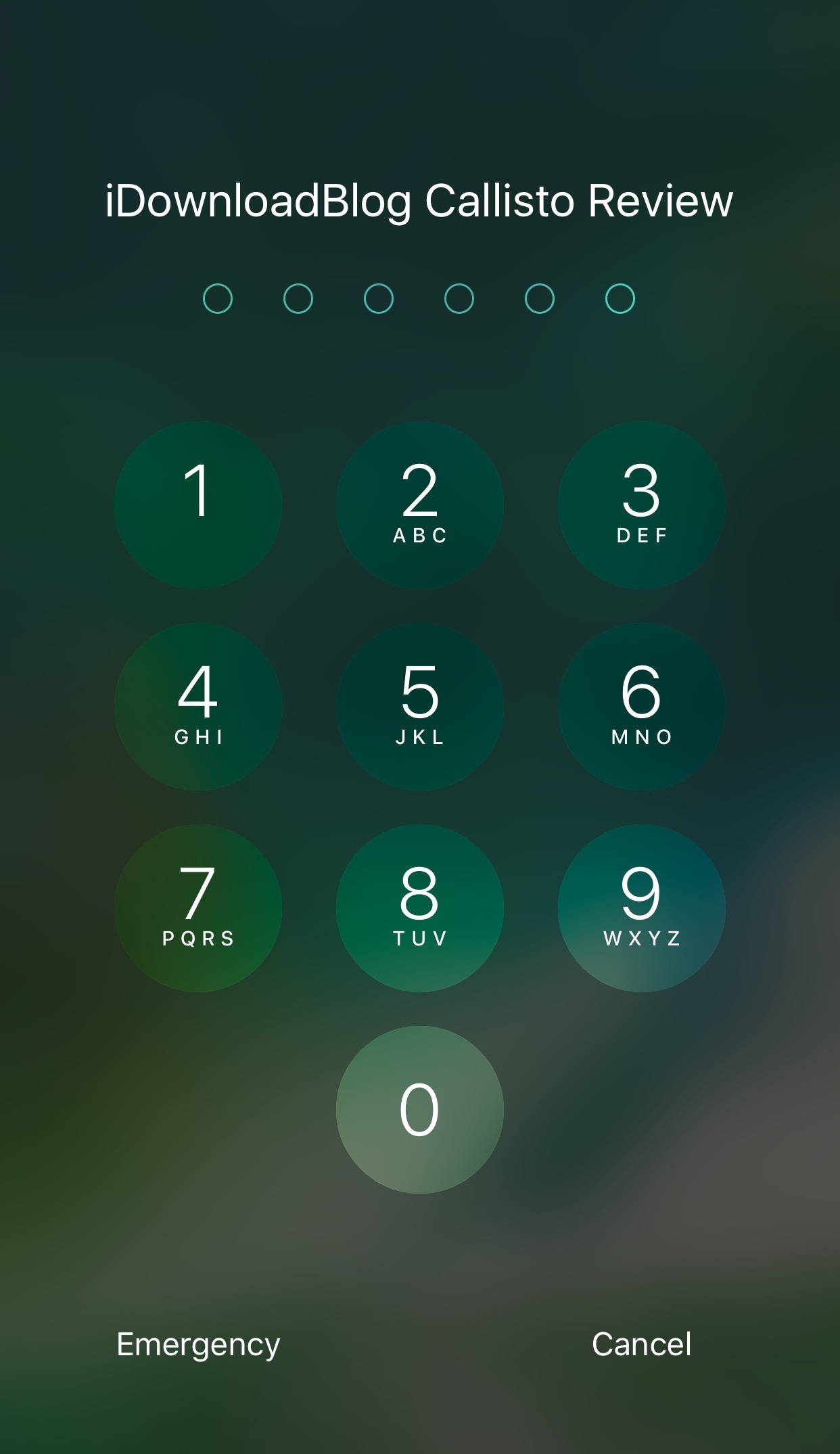
Whether you’re using Touch ID or a passcode to secure your device, a new jailbreak tweak dubbed Callisto Pro (iOS 10) by iOS developer ijapija00 provides a host of new features for customizing the passcode-entry experience.

It's jam-packed with both aesthetic and functional features, letting you not only customize the way your passcode keypad looks and feels, but also the way it keeps your device protected.

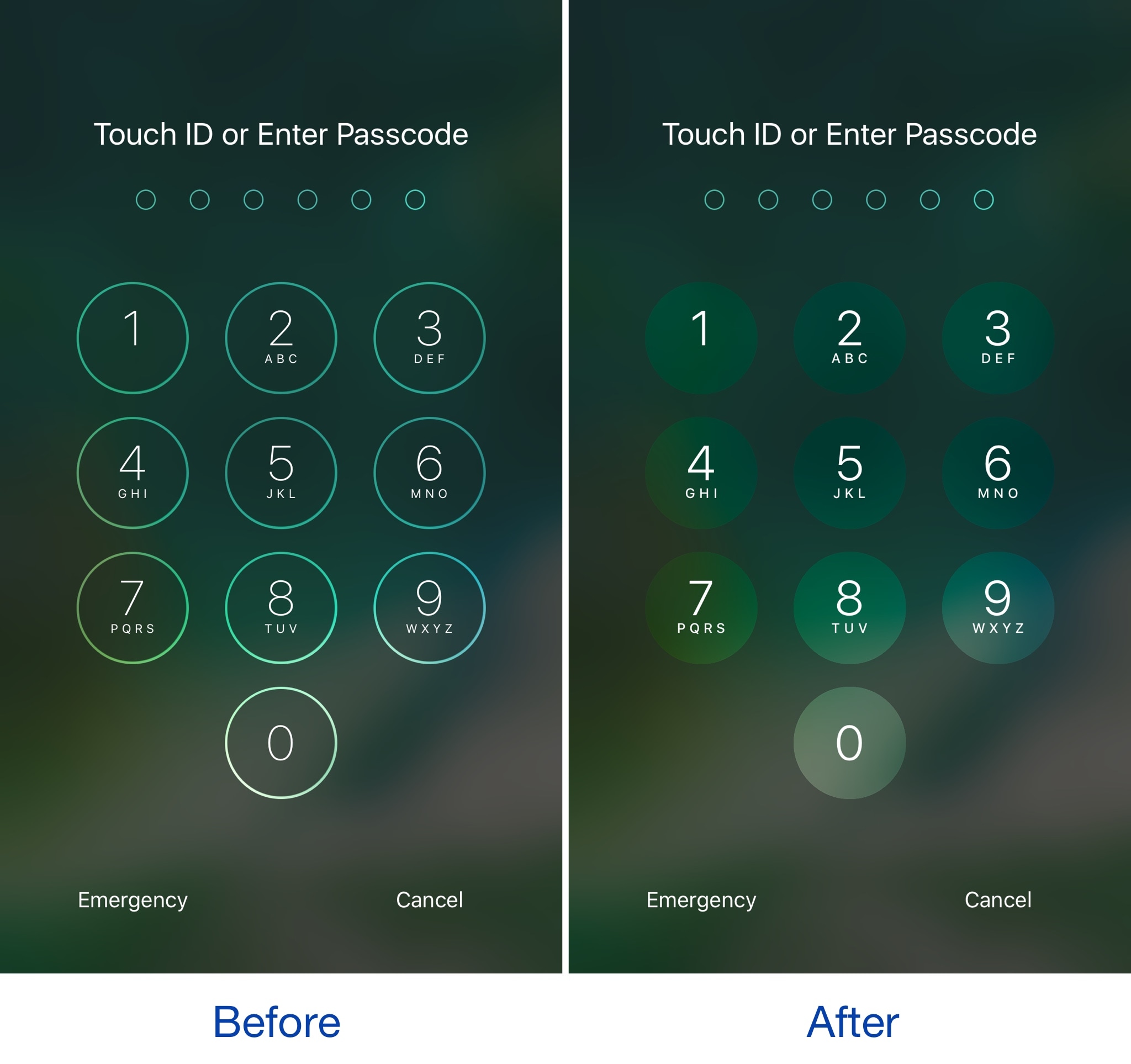
This tweak brings an iOS 11-inspired passcode keypad to iOS 10

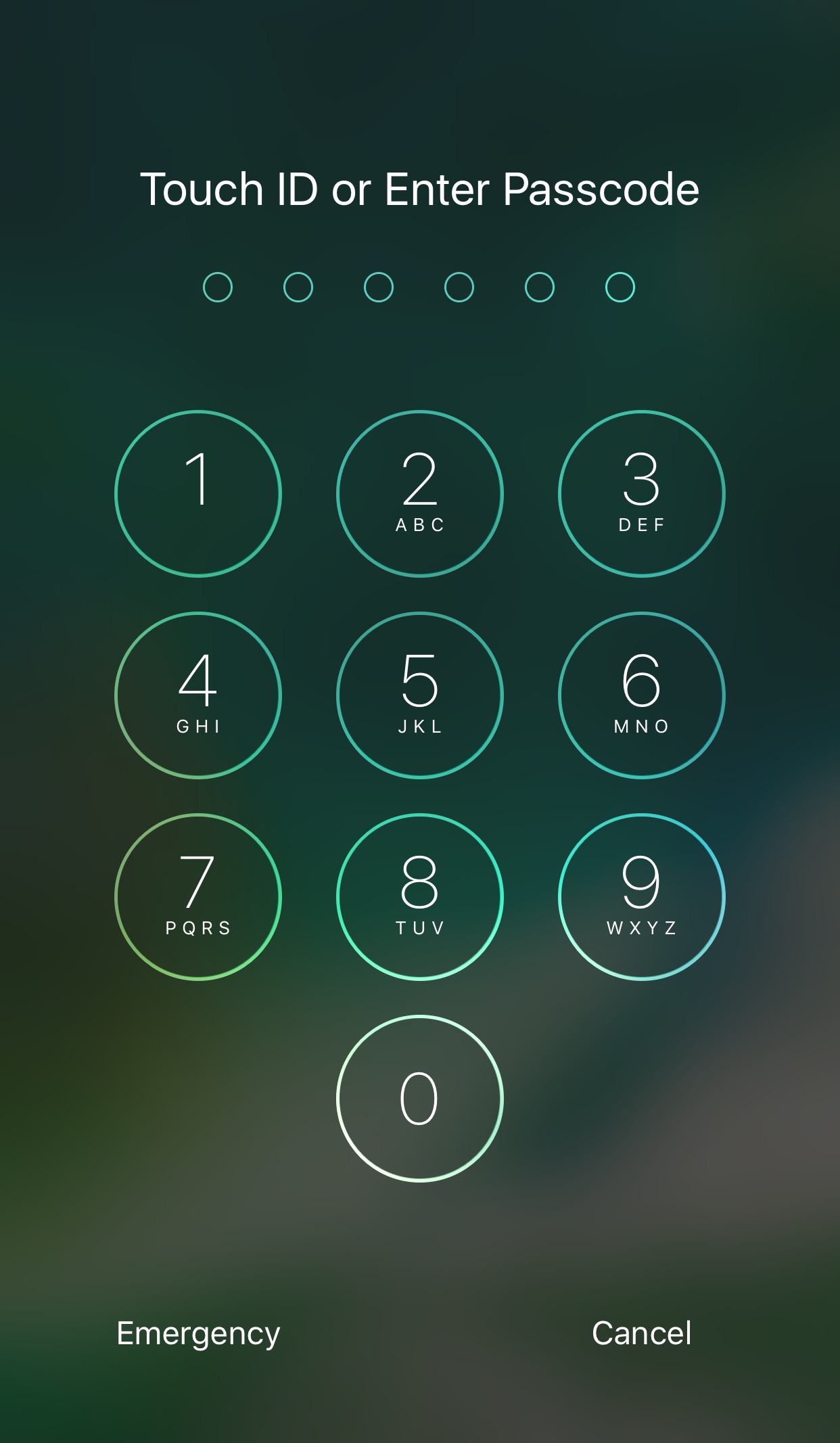
Among the slew of interface changes iOS 11 brings to the table, one of first things you’ll notice after picking up a device with the new operating system installed on it is the redesigned passcode keypad.

If you like the way it looks, but you won’t be upgrading this Fall in order to keep your jailbreak, a new free jailbreak tweak dubbed Creamy (iOS 10) by iOS developer ijapija00 can be used to mimic the aesthetics of the iOS 11 passcode keypad on your jailbroken device.

Make unlocking non-Touch ID devices quicker with Accelerated Unlock

Devices that don’t support Touch ID or just aren’t utilizing the feature typically resort to passcodes as the next best form of security. On the other hand, there tends to be a rather annoying delay after pressing the Home button before the passcode interface finally appears.

A new free jailbreak tweak dubbed Accelerated Unlock by iOS developer Youssef Mikhail does away with this unwanted delay and makes unlocking your device seem faster.

TimeMover offers creative tools for moving and rotating your Lock screen clock

Depending on what kind of wallpaper you’re using on your Lock screen, a new jailbreak tweak dubbed TimeMover by iOS developer NeinZedd9 can help you re-orient your Lock screen clock to better match it.

Whether you want to move the time up or down or side-to-side slightly, or rotate it to follow the lines or effects appearing in your wallpaper, TimeMover has an intuitive tap and drag-based user interface for fine-tuning your Lock screen clock to match your unique setup.

Add powerful Spotify features to the Now Playing interface with Apace

Spotify users rocking jailbroken iOS 10 devices are going to feel right at home with a new jailbreak tweak release dubbed Apace by iOS developer Andreas Henriksson.

This tweak is a replacement for the popular iOS 9-only tweak dubbed Quickify and lets you add Now Playing music to existing Spotify music playlists or collections right from Control Center or the Lock screen.