Lockscreen

Randomize your iPhone’s wallpaper image on demand with UnsplashWalls

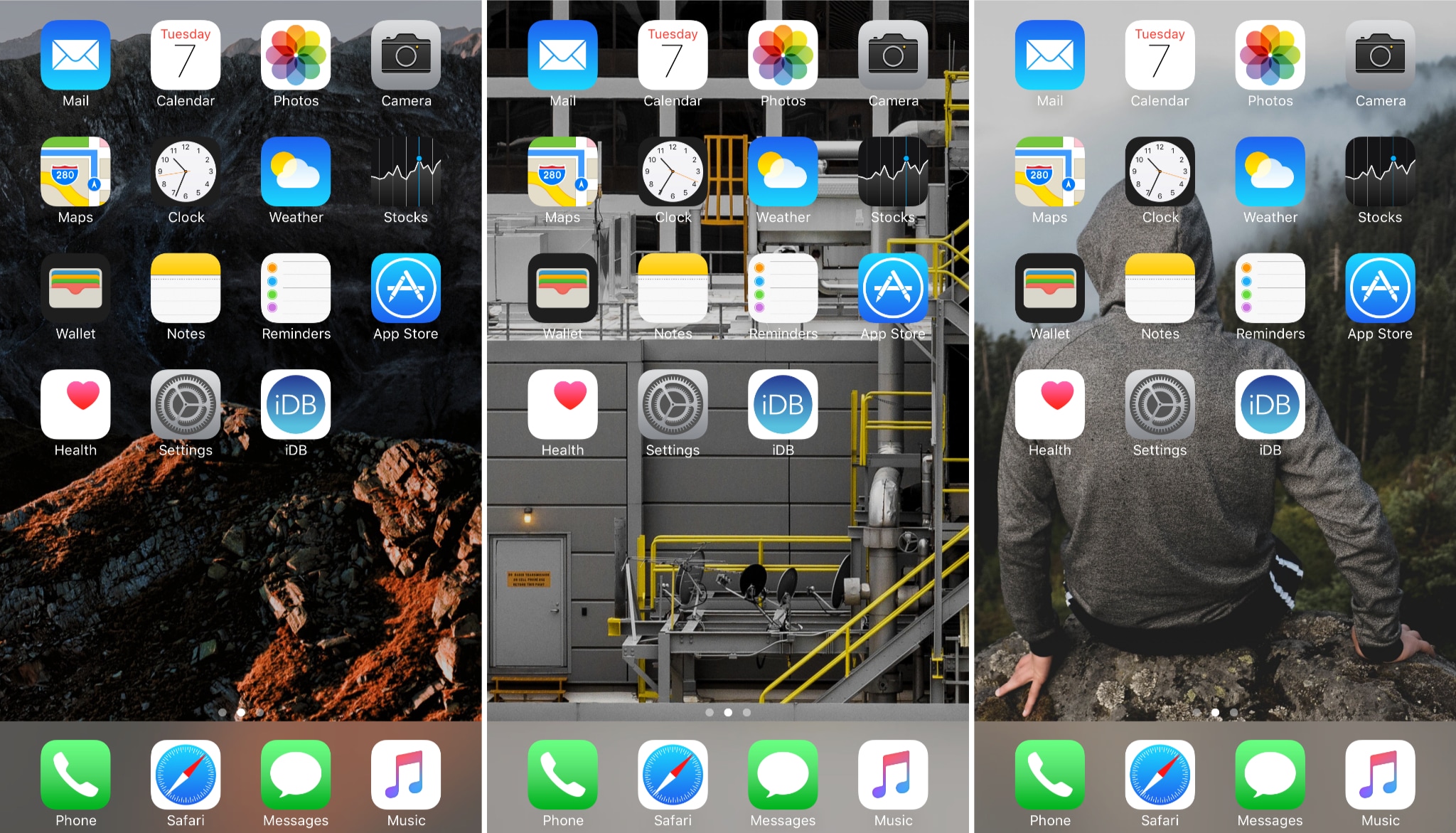
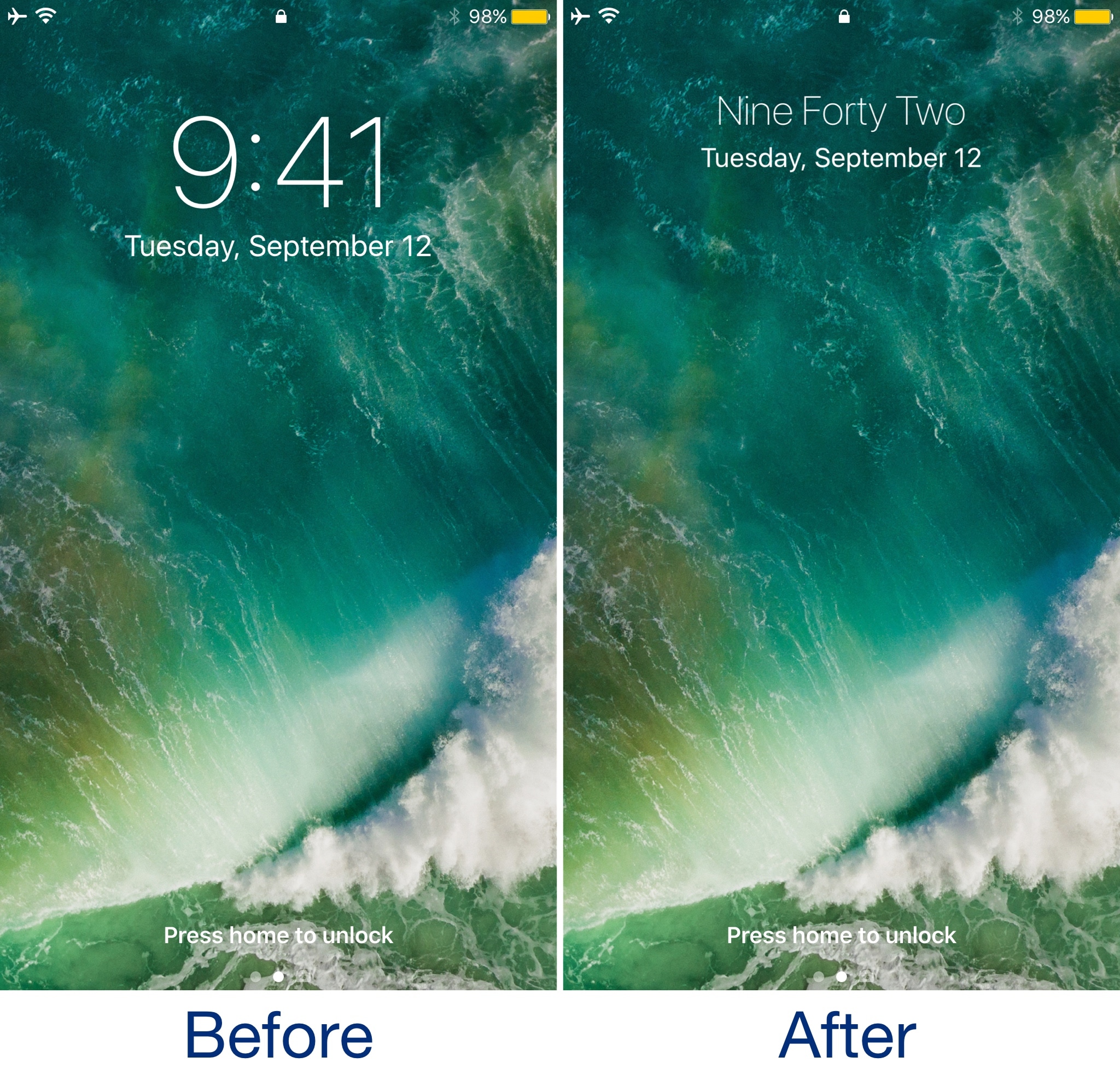
The wallpaper is one of the first things you notice every time you use your device, whether you're glancing at the Lock screen to view the time, or accessing the Home screen to launch an app. With that in mind, shouldn’t your wallpaper captivate your interest?

It can be challenging to choose a single wallpaper to use all the time, but with a new free jailbreak tweak called UnsplashWalls by iOS developer ipad_kid, you won't have to. It can keep things exciting by randomizing your iPhone's wallpaper on demand.

Simple WorldClock adds a World Clock display to your Lock screen

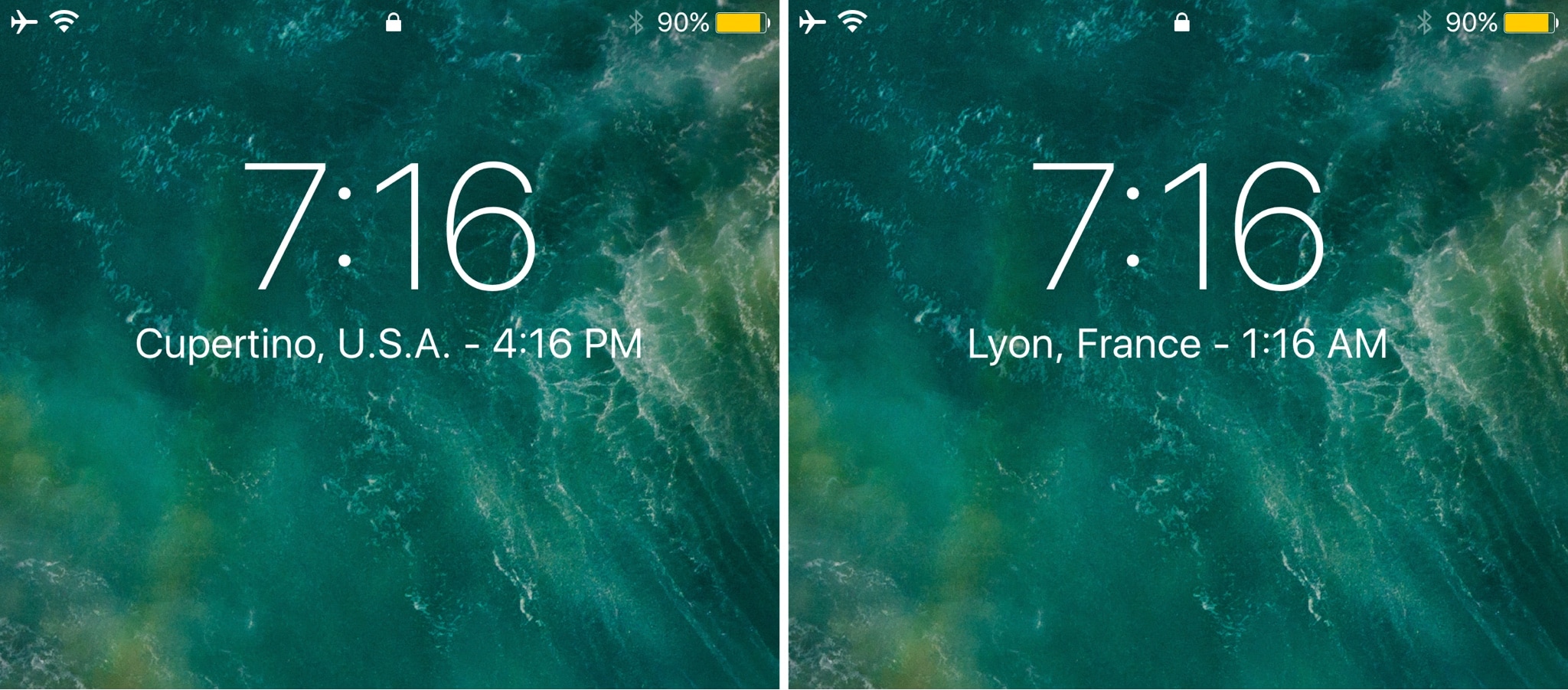
If you keep track of several time zones around the globe, then the World Clock tab in the native Clock app can be your best friend. Nevertheless, it takes an effort to find, launch, and check the Clock app whenever you want to know what time it is in another part of the world.

Enter Simple WorldClock, a new free jailbreak tweak by iOS developer NeinZedd9 that puts all your World Clocks under the large time display on the Lock screen.

NoLSPowerDown keeps the power down slider from appearing on the Lock screen

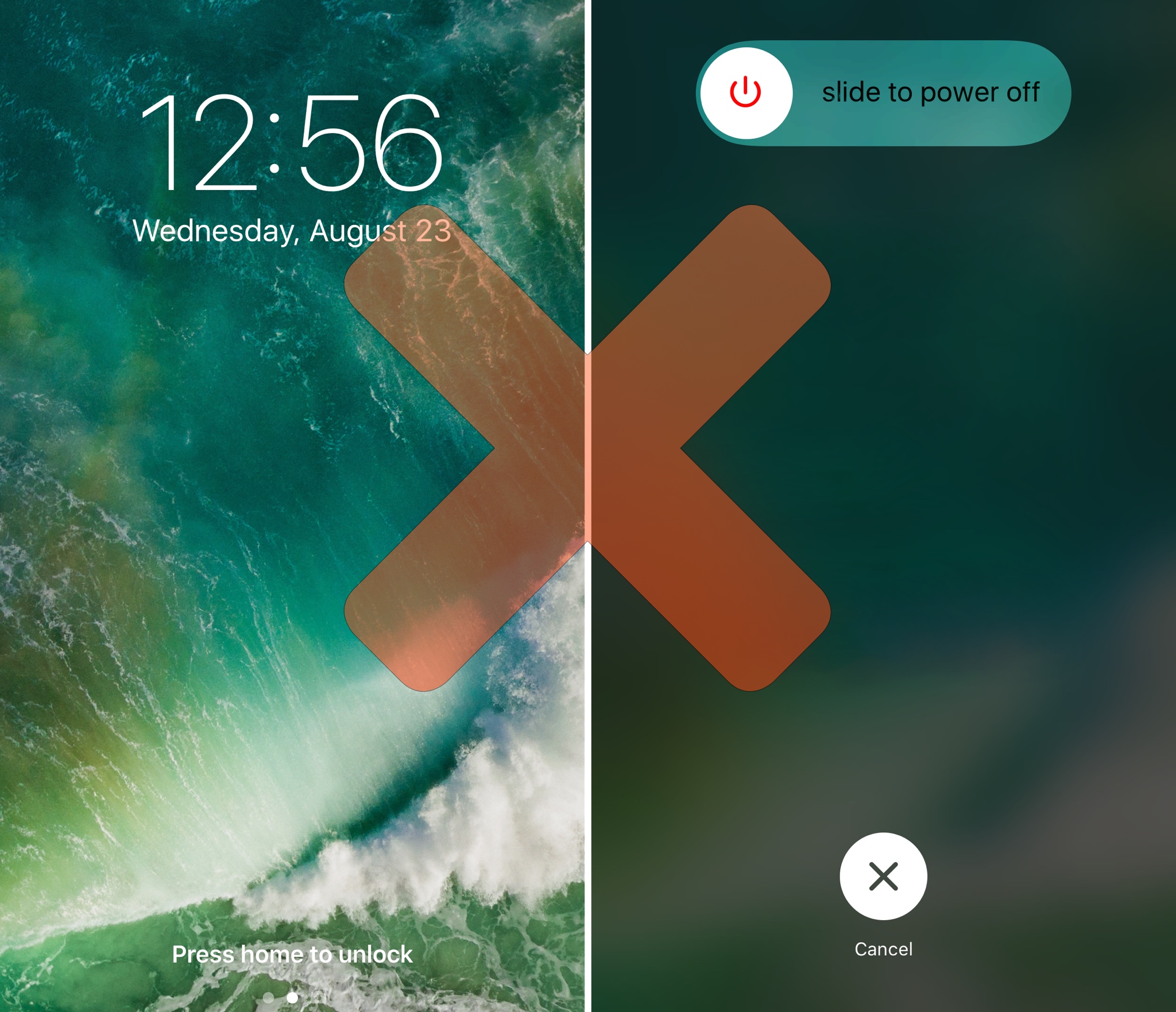
You can invoke the power down menu from anywhere in iOS, whether you’re on the Lock screen or actively using your device. If for any reason you ever wanted to limit this function so you couldn’t access it from the Lock screen, then today is your lucky day.

A new free jailbreak tweak called NoLSPowerDown by iOS developer NoisyFlake prevents your power down slider from being accessed unless your device is unlocked.

CallPlus improves the Phone app on jailbroken iPhones

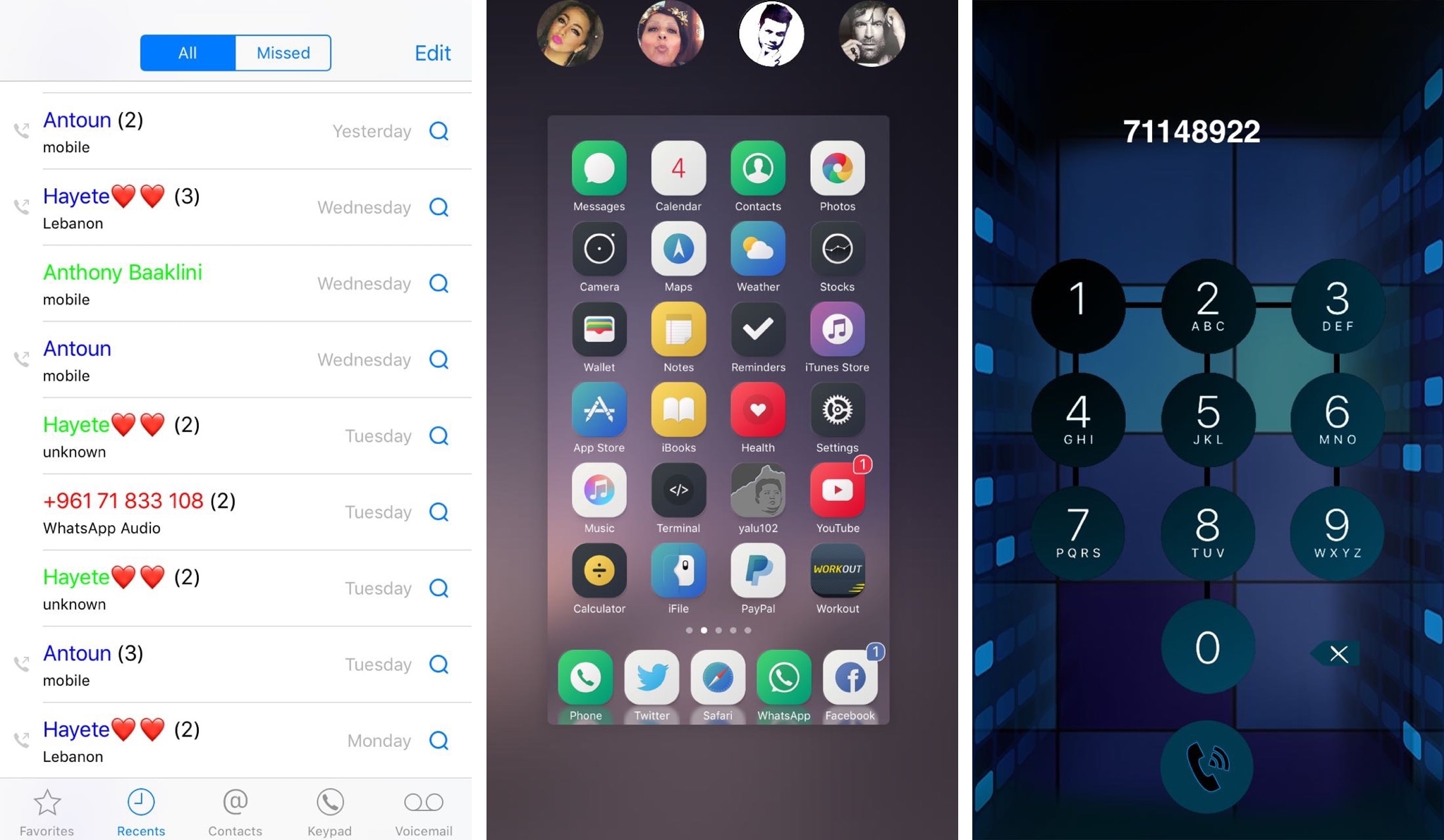
If you have an iPhone, then chances are you rely on the built-in Phone app to handle your inbound and outbound calls. While the app is useful, it’s also barebones by nature and could do with some improvements.

A new jailbreak tweak dubbed CallPlus by iOS developer Elias Sfeir supercharges the Phone app, giving you more features than you’re probably accustomed to out of the box.

Miss Priority Hub because you’re on iOS 10? Try Atmos

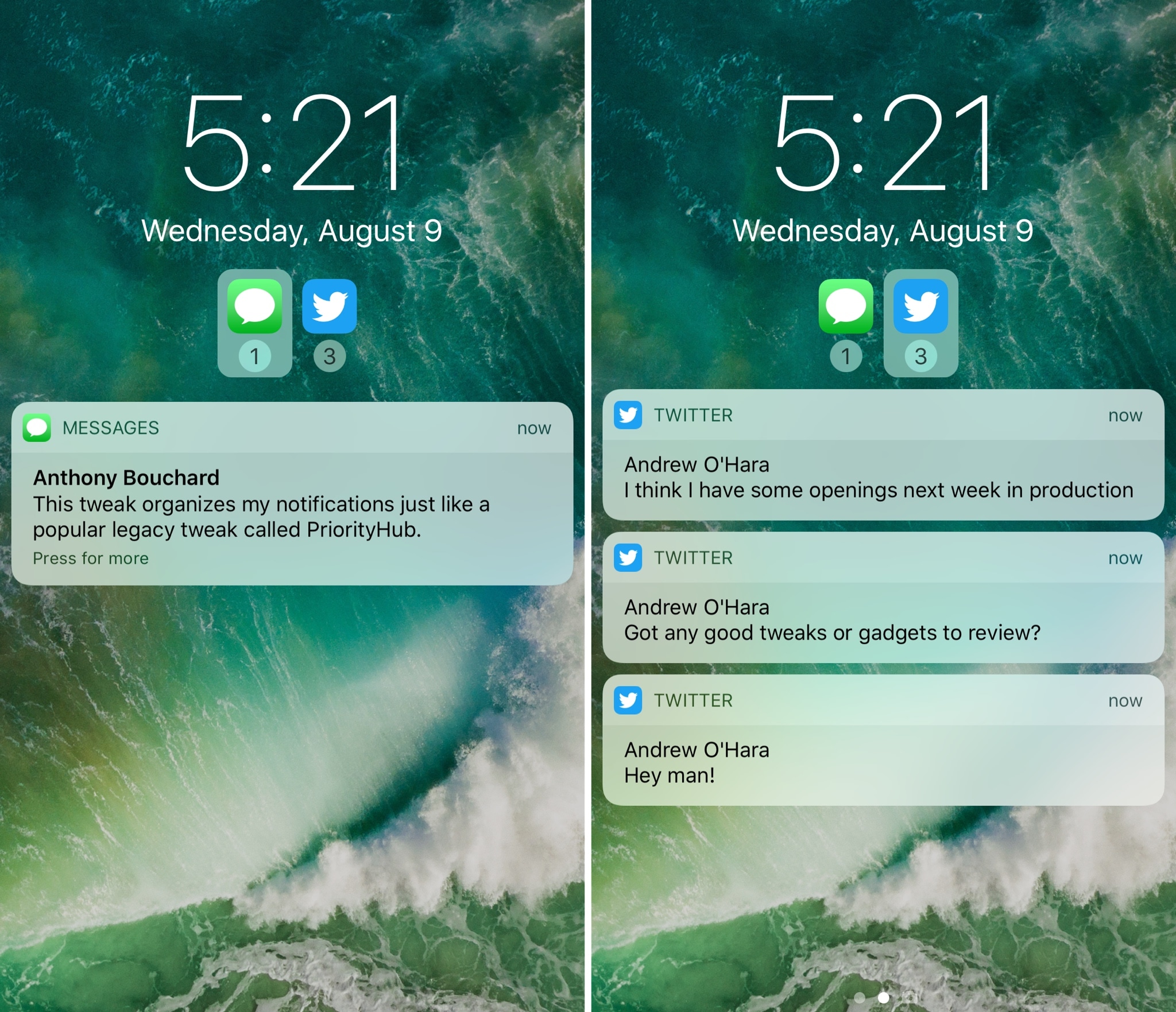
One of my long-time favorite jailbreak tweaks for organizing my incoming notifications is Priority Hub, but the tweak was never updated to support iOS 10. If you’re in the same boat and miss this classic tweak, then you might want to try a new release called Atmos by iOS developer Antique.

After you install Atmos, your notifications are grouped by app both on the Lock screen and in Notification Center. With this sort of organization, you can focus on what’s important rather than looking at a chaotic menagerie of mixed notifications.

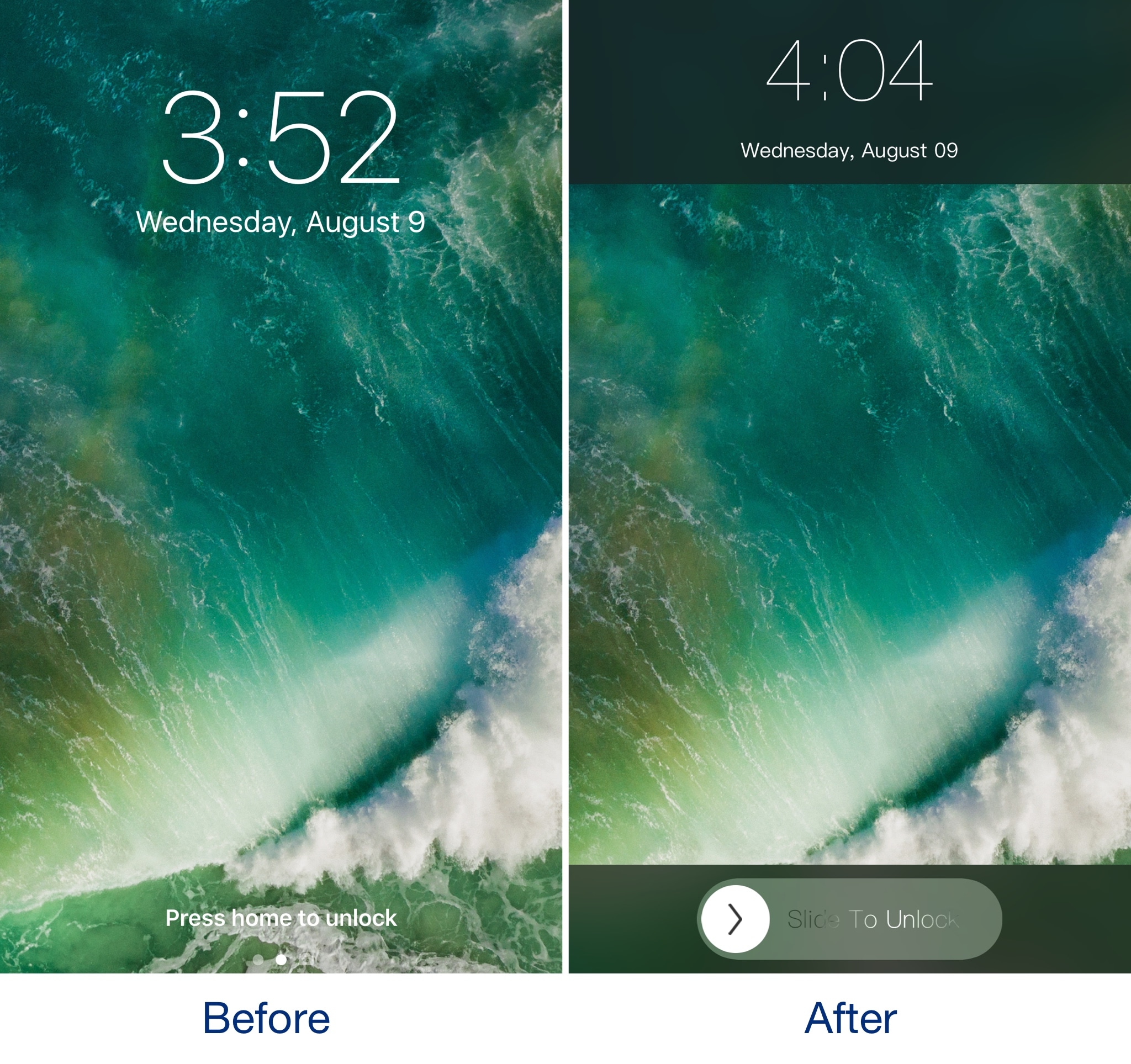
SlideToUnlockX brings the classic ‘slide to unlock’ to iOS 10

If you've got nostalgia for the good old days when you would use 'slide to unlock' to access your iPhone, then you should check out a throwback jailbreak tweak dubbed SlideToUnlockX by iOS developer XCXiao.

Once you install SlideToUnlockX, you can bring this classic unlock style to your jailbroken iOS 10 iPhone or iPad and cure your nostalgia.

Prevent storage-filling Lock screen screenshot pranks with LSScreenshotLimit

First world problems differ from one person to the next, but having been in a situation before where someone pranked me by grabbing my iPhone and taking several screenshots of the Lock screen to fill up my storage space, I can’t recommend a new free jailbreak tweak called LSScreenshotLimit by iOS developer DGh0st enough.

This tweak helps you avoid issues like the one I described by limiting the number of screenshots that can be taken from the Lock screen at one time. In doing so, you'll also dodge unnecessary frustration and urges to strangle whoever filled your Camera Roll with repetitive screenshots.

Musubi brings an Android-style passcode screen to jailbroken iOS 9 devices

iOS has had the same boring numeric passcode interface for what seems like an eternity, but other operating systems like Android let users ‘draw’ patterns to unlock their device instead.

Although most people are using Touch ID to unlock their Apple devices today, jailbreakers can now use a new free jailbreak tweak dubbed Musubi by iOS developer c0ldra1n to bring an Android-inspired pattern passcode interface to iPhones and iPads.