Lockscreen

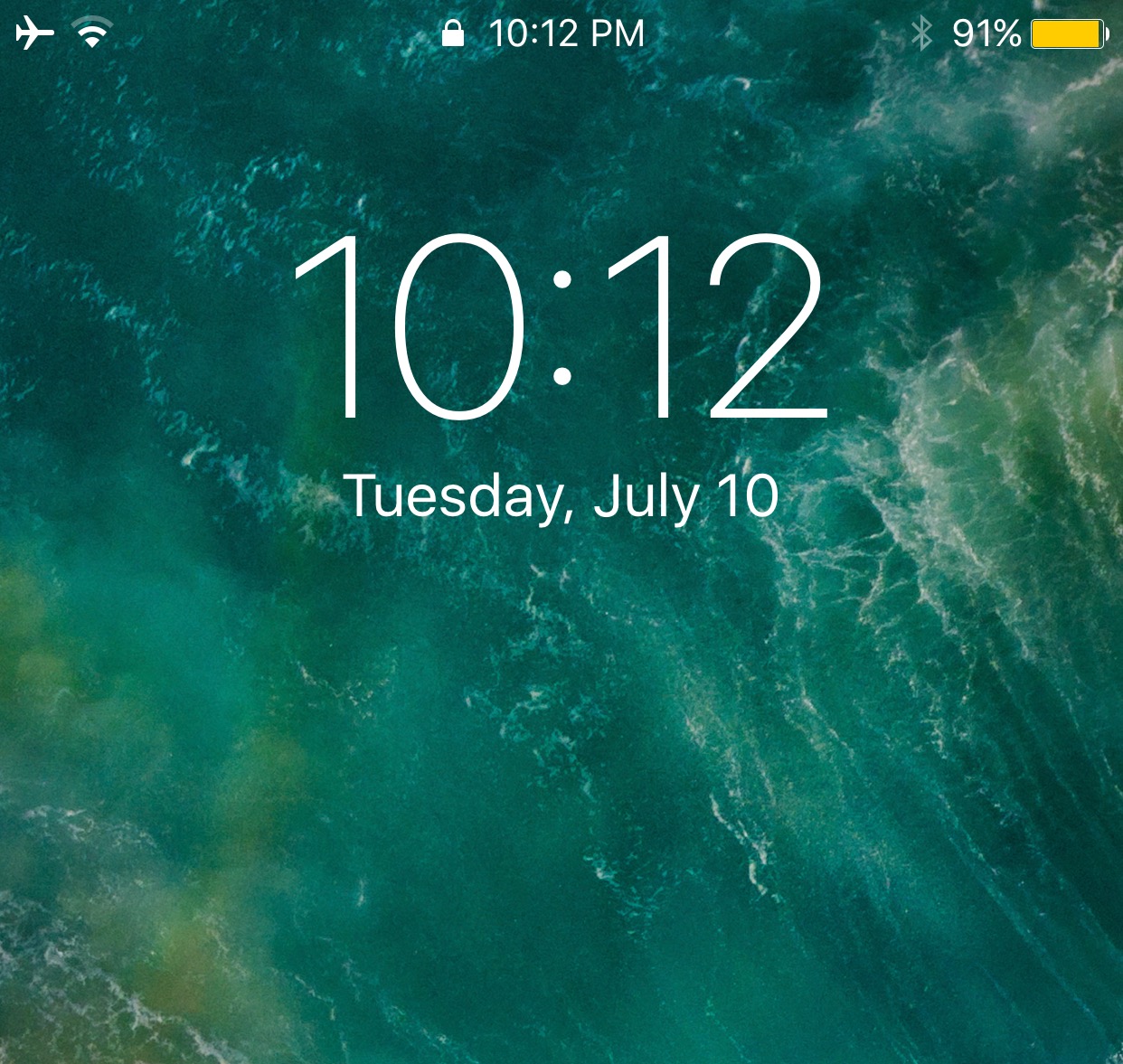
This jailbreak tweak lets you use the current time as your passcode

A few years back, a controversial jailbreak tweak was released that allowed you to use the current time as your iPhone’s unlocking passcode. Intriguingly, that idea appears to be making a comeback following the release of Electra1131.

Enter TimeToUnlock, a new free jailbreak tweak by iOS developer Jake James that revives this relatively classic passcode concept on jailbroken iOS 11 devices.  

Retry failed Face ID unlocking attempts automatically with PearlRetry

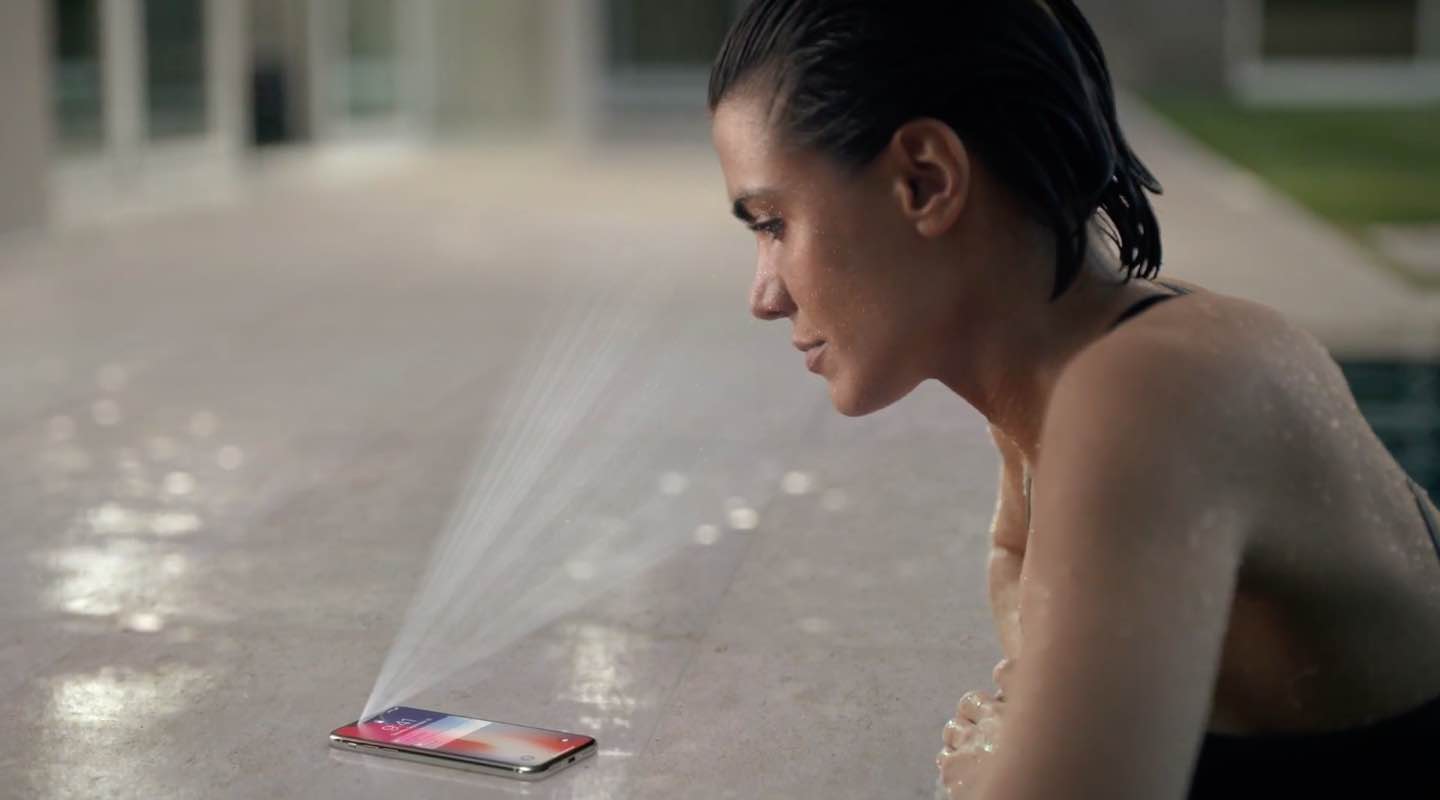
Face ID is an incredibly convenient way of unlocking your iPhone X… that is, when it works. The modern security feature sometimes skips out on us when we need it the most, and retrying it requires you to follow cumbersome steps.

Fortunately, iOS developer gilshahar7 has released a new free jailbreak tweak dubbed PearlRetry, which strives to be the ultimate solution to this widespread problem for jailbreakers.

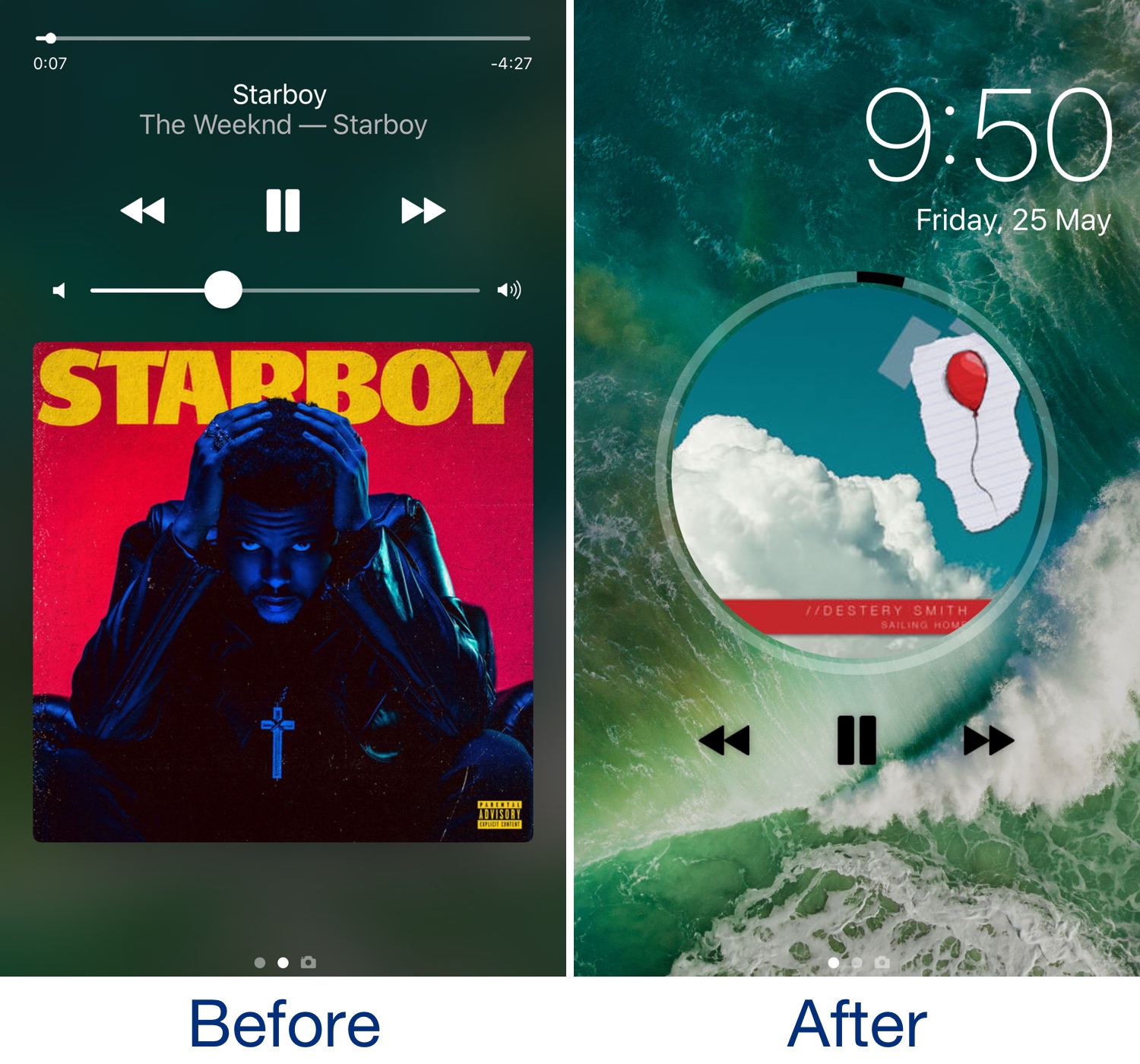
Victrola gives the Lock screen’s Now Playing music interface a makeover

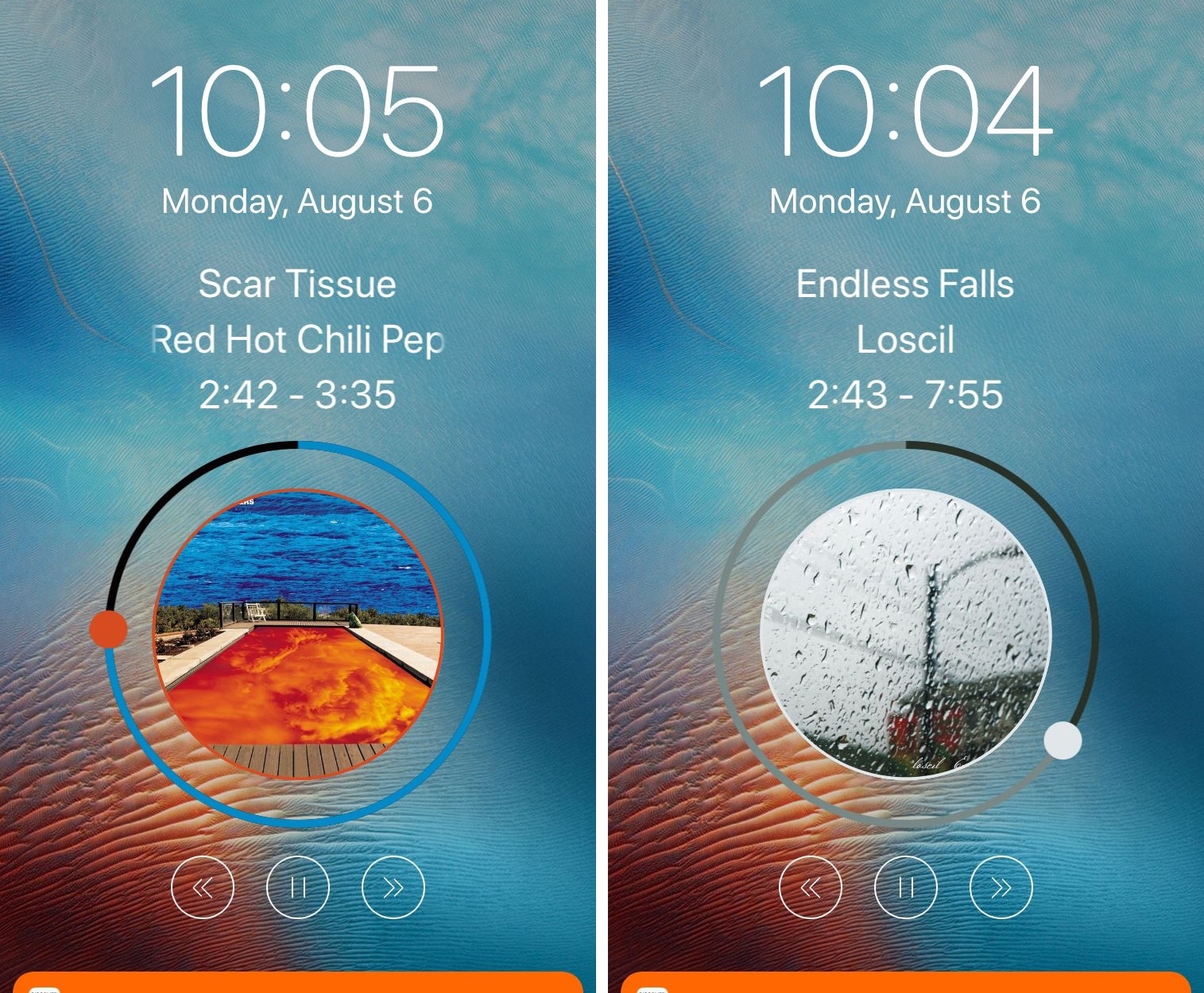
Whenever play music on your handset, the Lock screen becomes immersed with Now Playing music controls and information relevant to whatever might be playing. The controls work exactly how we’d expect them to, but they sport a standardized appearance and lack character.

For those who agree, it may be worth trying a new jailbreak tweak release dubbed Victrola by iOS developer Antique. If effectively provides a polarizing new look and feel for the Lock screen’s Now Playing music controls.

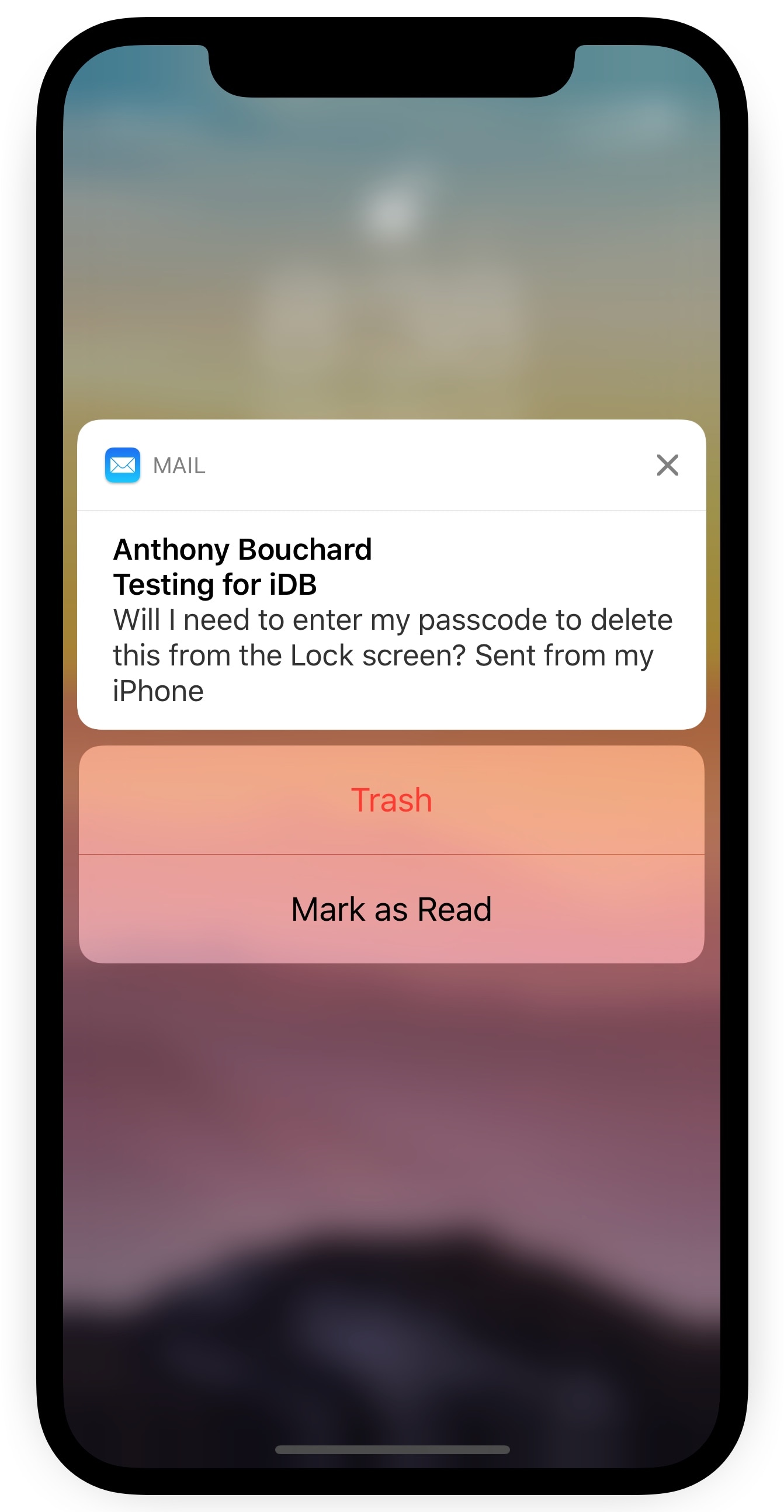
TrashFromLS lets you delete emails via the Lock screen without authentication

Depending on your iPhone’s notification settings, you might receive email notifications on the Lock screen as the flow of messages come in. While it can be convenient to see these email previews, it’s somewhat annoying that you can’t delete incoming emails from the Lock screen without authenticating yourself first.

A new free jailbreak tweak called TrashFromLS by iOS developer Kiran Patil was just released in Cydia this week and tackles this problem head-on. After installing it, you can move incoming emails to the trash without authenticating yourself.

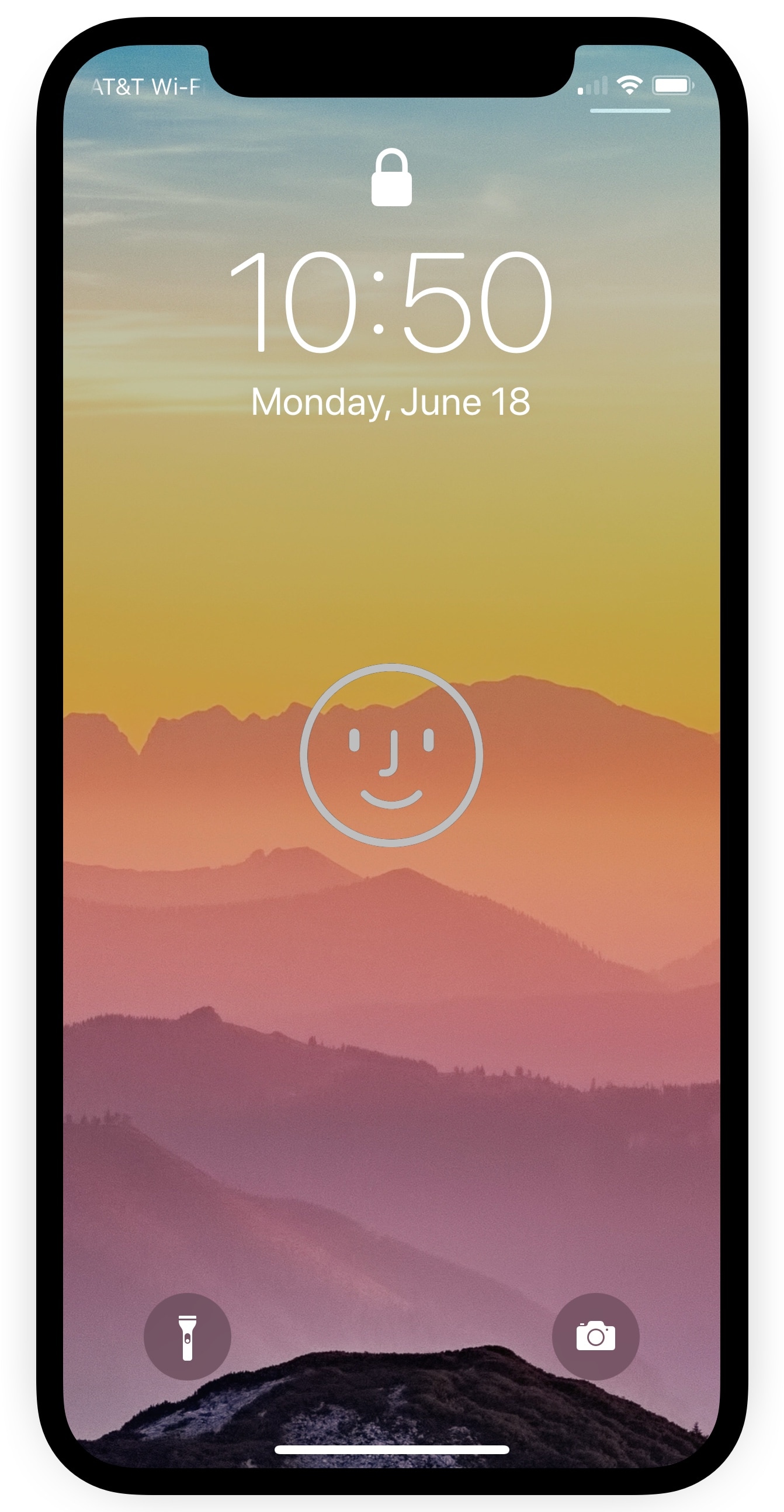
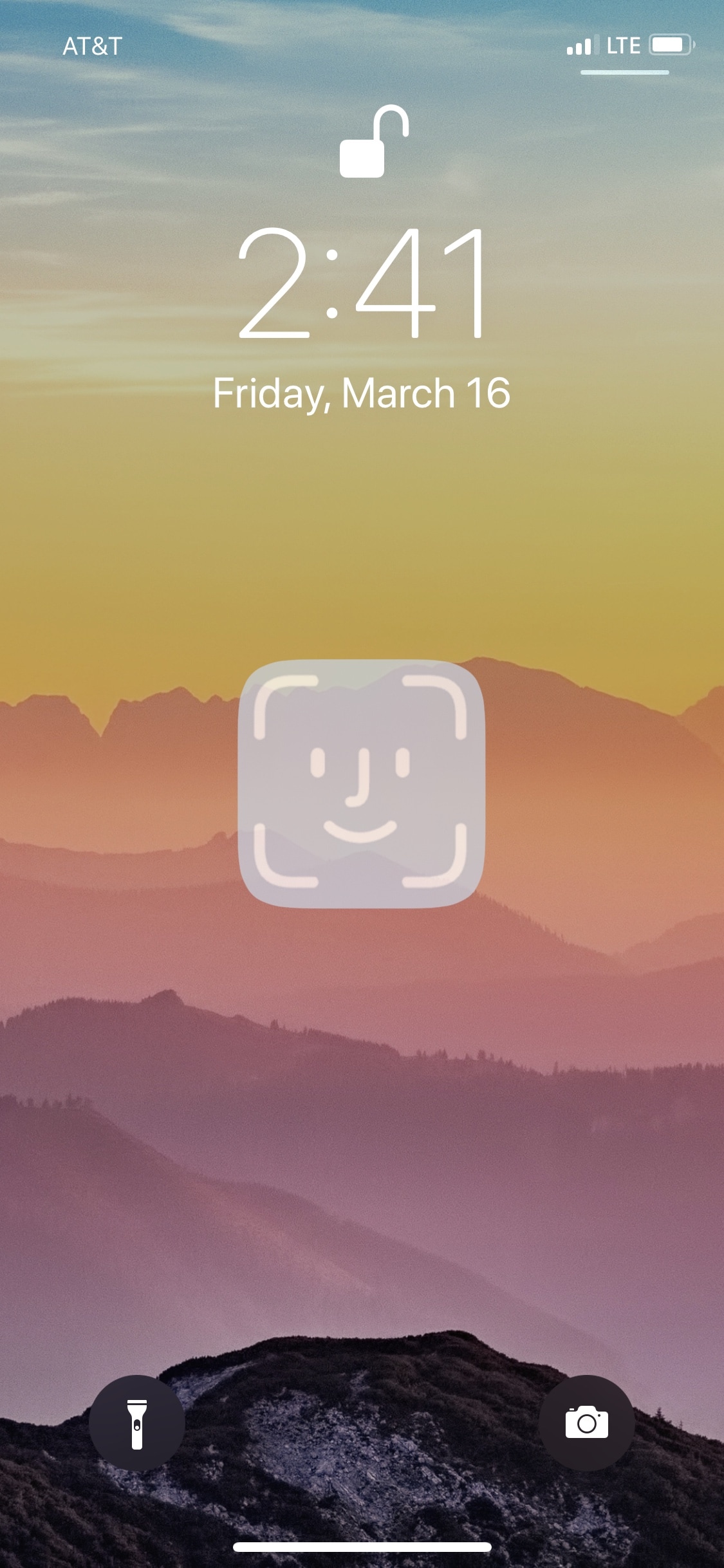
FastUnlockX makes unlocking your iPhone X with Face ID even faster

Anyone sporting an iPhone X should be familiar with how Face ID works by now. After the handset recognizes your face, you’re required to swipe up from the bottom of the display to get to your Home screen. But wouldn’t it be nice if you could skip the second step altogether?

A new free jailbreak tweak dubbed FastUnlockX by iOS developer CPDigitalDarkroom brings this idea to fruition and makes unlocking your iPhone X with Face ID a split second faster.  

Customize your Lock screen’s charging text string with PersonalEcate

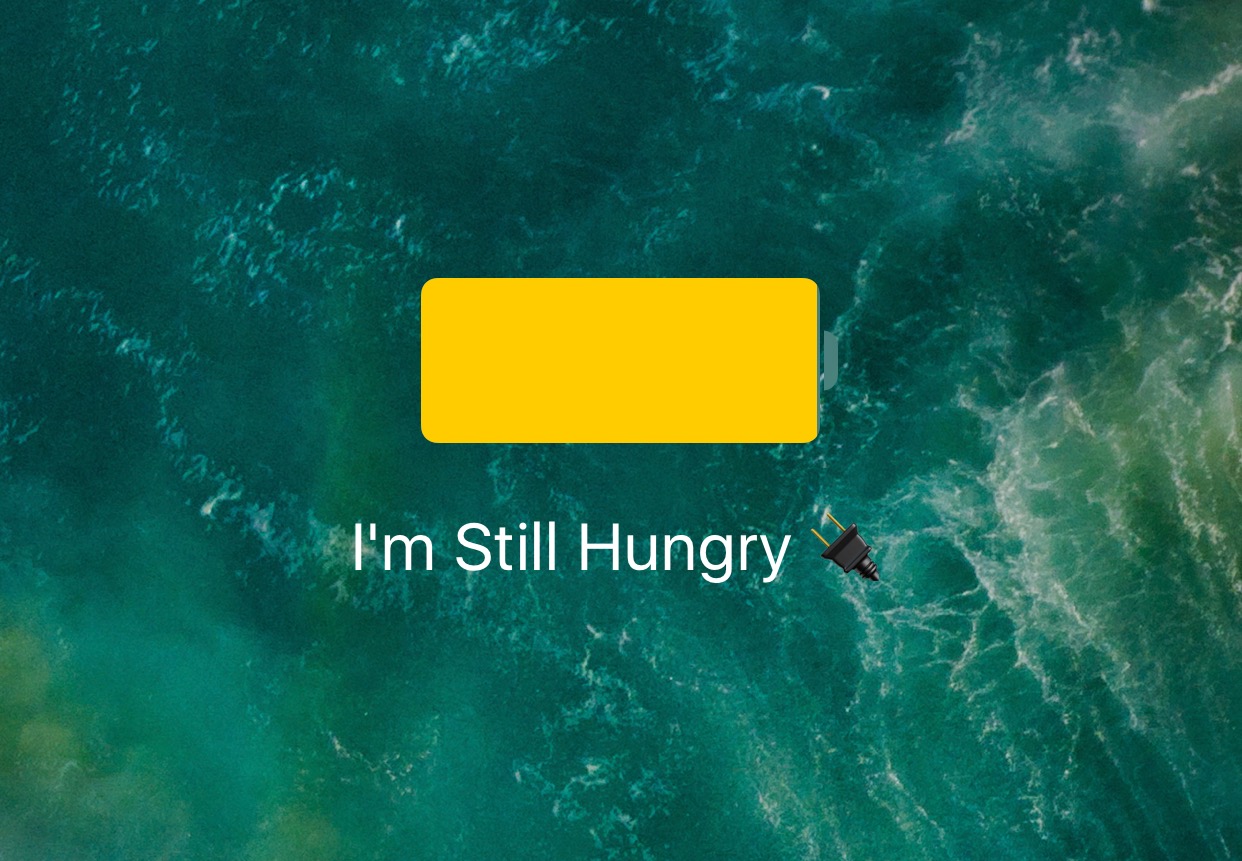
Any time you plug your locked iPhone or iPad into a power source, the screen lights up with an over-sized battery indicator that gives you a brief summary and visual representation of your remaining percentage.

With a new free jailbreak tweak dubbed PersonalEcate by iOS developer CydiaGeek, you can customize the string of text that typically appears underneath the battery indicator icon.

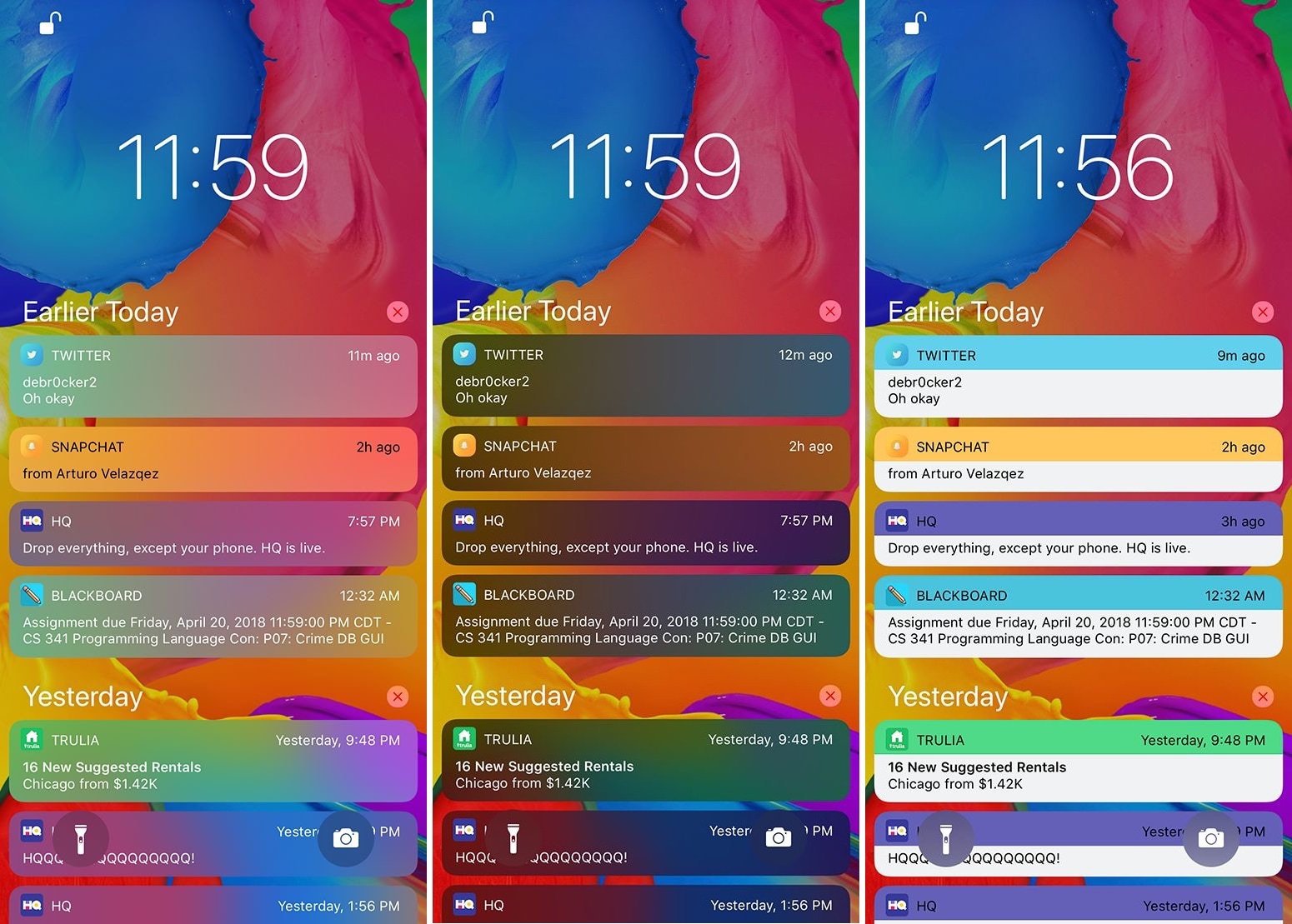
See more incoming notification content at a glance with MoreLinesNotifications

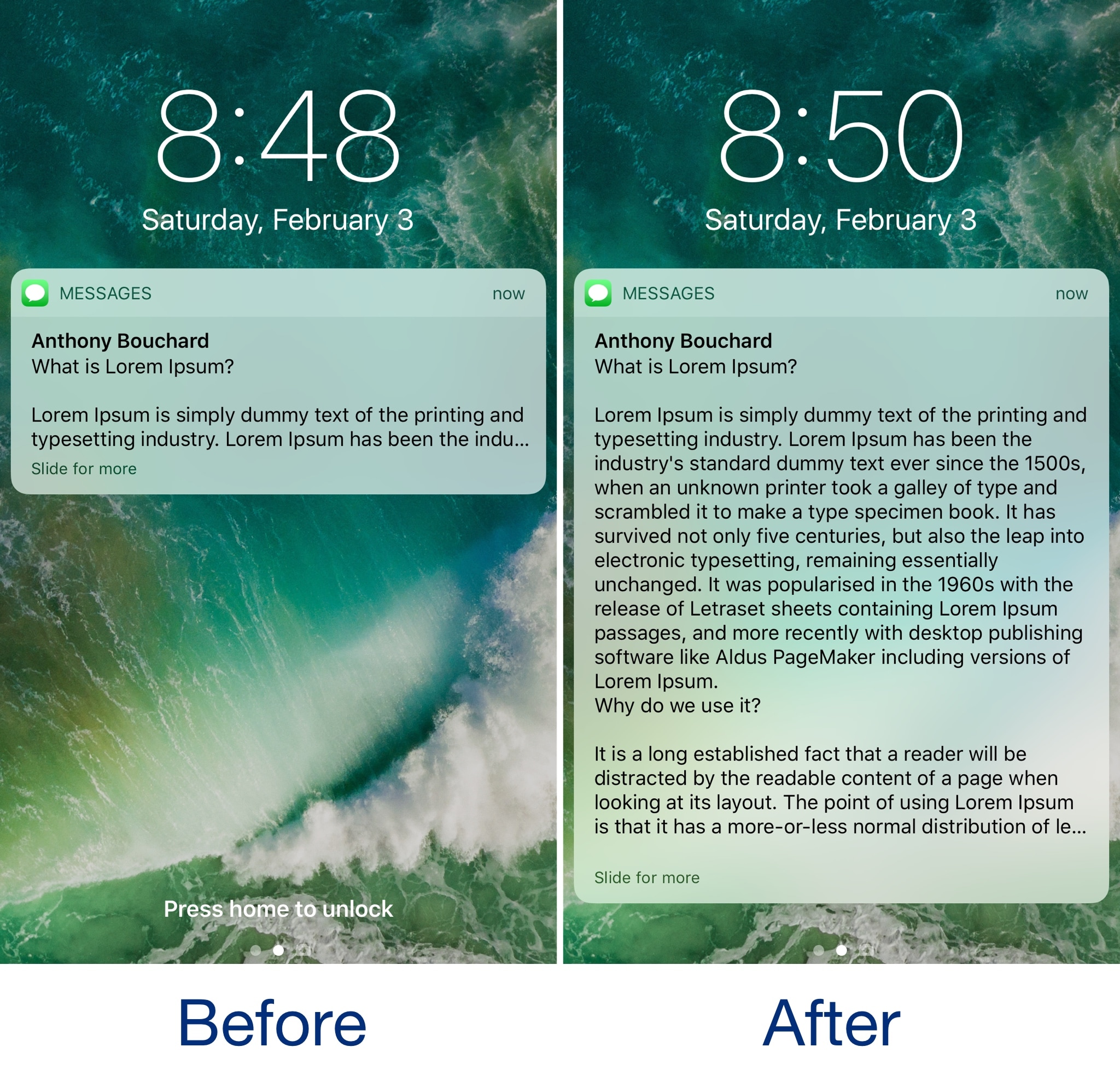
Whenever you receive long text messages or emails, iOS automatically limits the amount of text that displays inside of your incoming notifications. In most cases, this means unlocking your device to read the entire message rather than reading it from the Lock screen notification preview.

A new free jailbreak tweak called MoreLinesNotifications by iOS developer CydiaGeek tries to solve this problem by maximizing the amount of text that each incoming notification displays.

PullToClear lets you clear pending notifications with a pull gesture

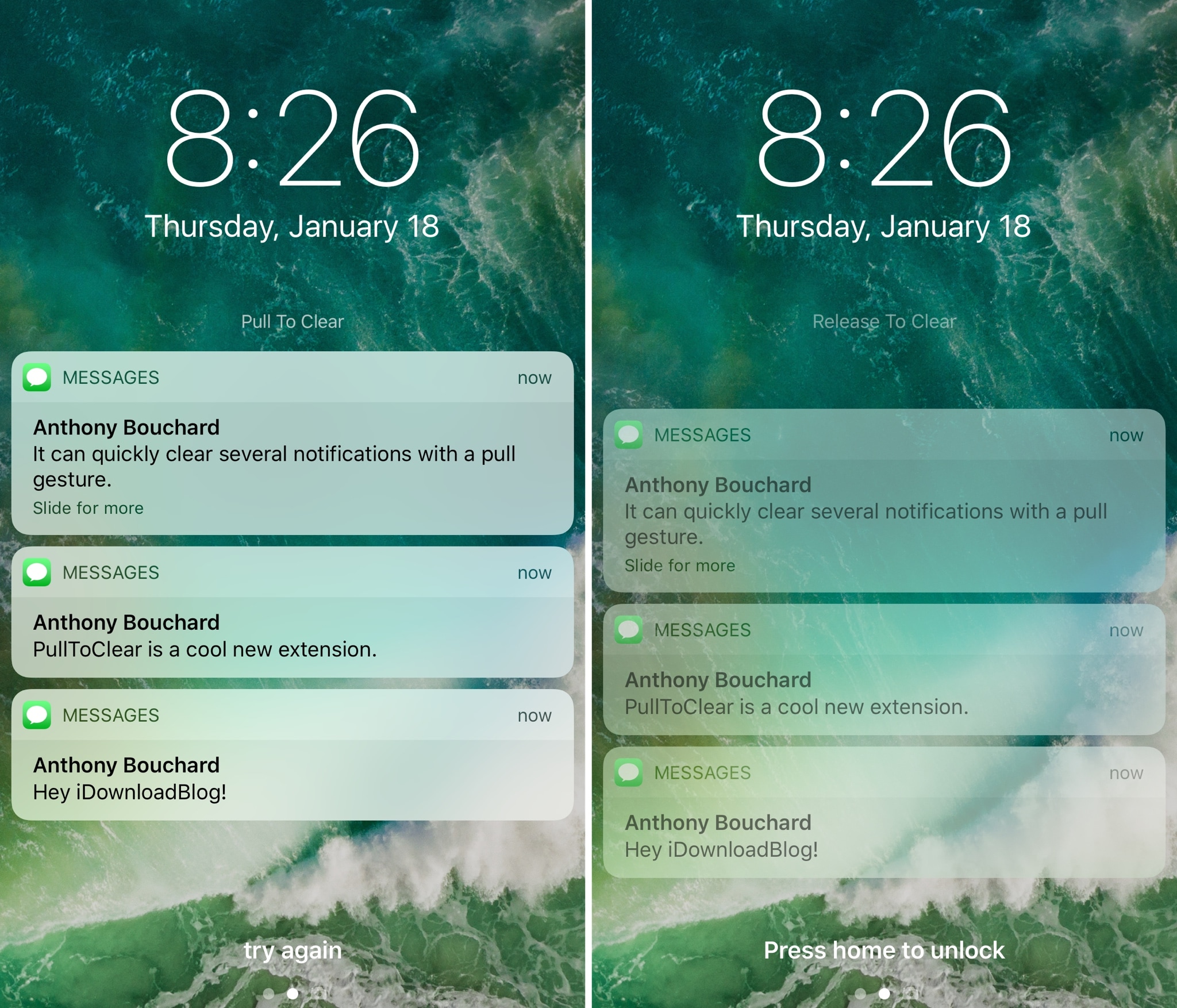
PullToClear is a new free jailbreak tweak by iOS developer CreatureSurvive that lets you quickly and effortlessly every unread notification from either Notification Center or the Lock screen.

Once installed, you can pull down from either interface to reveal the hidden “Pull To Clear” action, as shown above. Pulling down further reveals the “Release To Clear” action.

LockWatch adds Apple Watch-inspired clocks to your iPhone’s Lock screen

As an avid Apple Watch user, I was excited to learn about a jailbreak tweak dubbed LockWatch by iOS developer Sniper_GER, which ports several of the Apple Watch’s watch faces to the Lock screen of jailbroken devices.

LockWatch continues to undergo development as of this writing, but it’s a fascinating to check the time on your iPhone precisely as you would when glancing at your wrist. Furthermore, the tweak supports both analog and digital watch faces, to provide options for those with personal preference.