TikTok is bringing new privacy protections designed to make the app less likely eat into teenagers' sleep time, such as automatic notifications muting after 9pm and 10pm, and more.
New TikTok privacy features for teens include notifications curfew
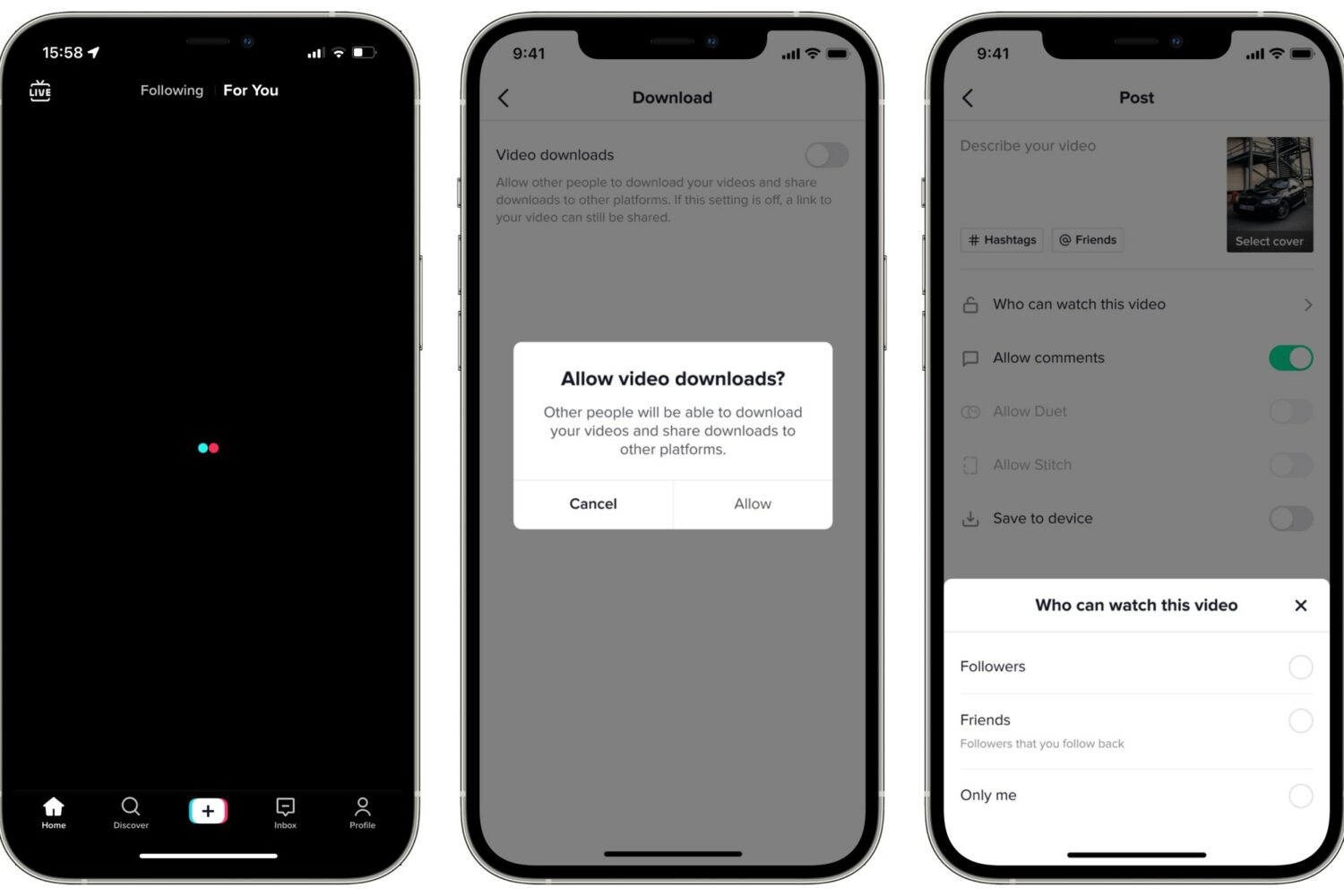
TikTok is bringing new privacy protections designed to make the app less likely eat into teenagers' sleep time, such as automatic notifications muting after 9pm and 10pm, and more.
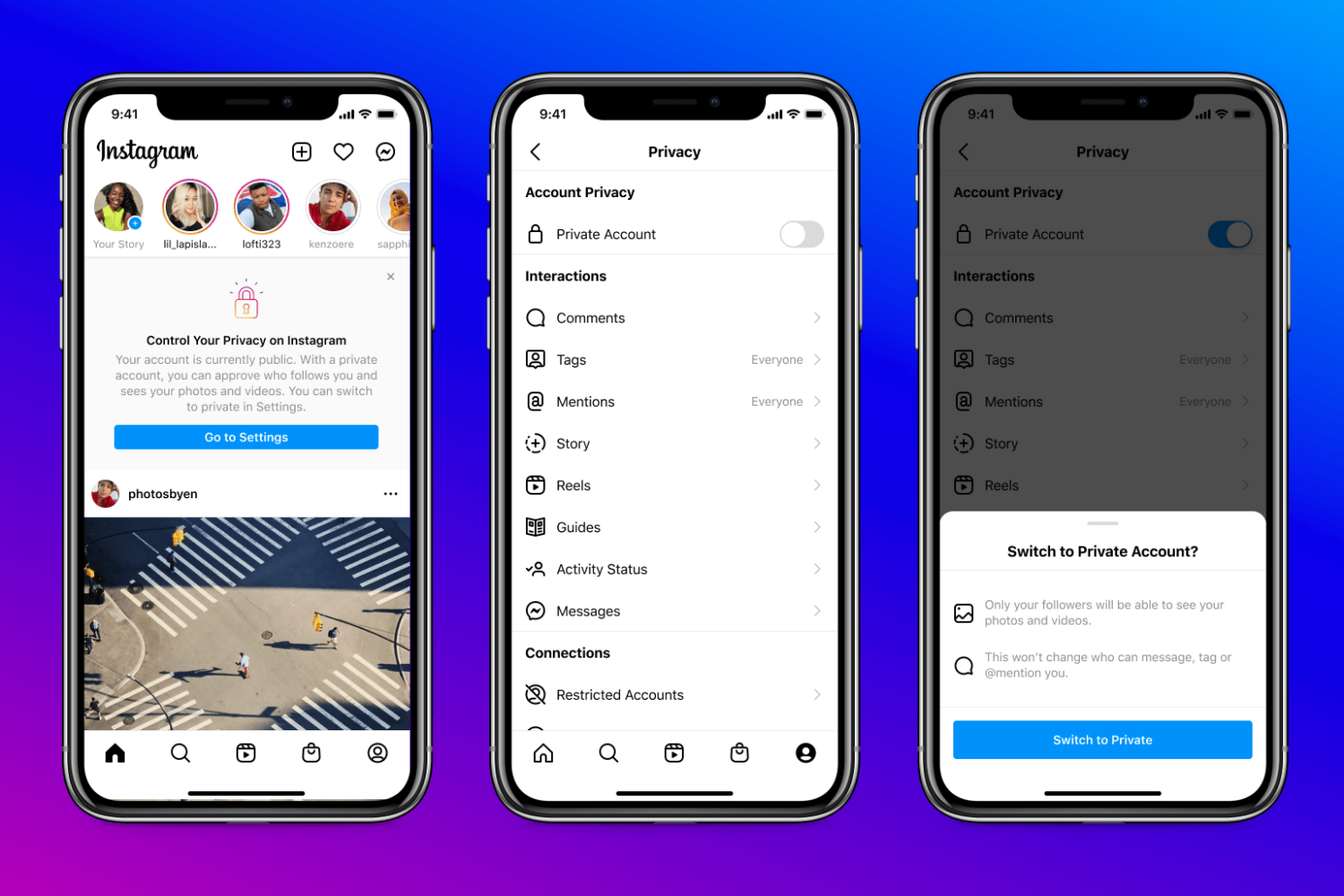
Instagram's safety procedures are tightening, with any new accounts created by kids younger than 16 automatically set to private by default to boost privacy of the youngsters.

An AirTag safety warning issued in Australia advises parents to keep Apple's personal item tracker away from children due to its easy-to-access battery posing a choking hazard.

Snowman, the brains behind the endless runner and sand/snowboarding games Alto's Adventure and Alto's Odyssey, have a new interactive iOS app built specifically for kids.
The AirTag, Apple's personal item tracker, has sparked concerns of child safety after an Australian retailer pulled the product from its stores because kids can easily access its battery.
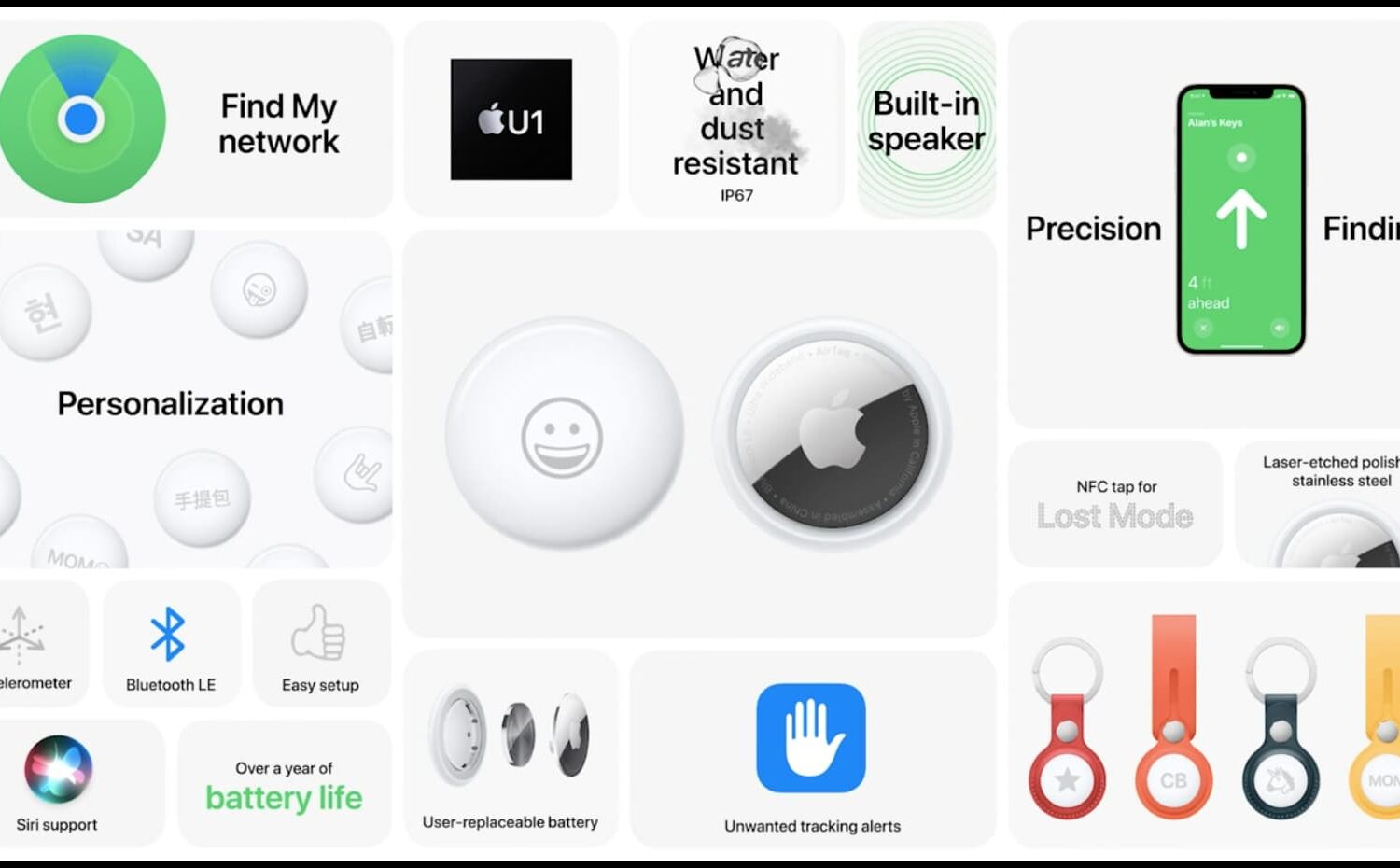
Learn about the safety hazards associated with tracking your kids and pets using AirTags, Apple’s tiny personal item trackers.

If you purchase a Kindle Paperwhite for your child to enjoy reading books, you may want to make a few adjustments. Depending on your child’s age, you can enable parental controls with a password. Then, allow or disallow specific settings, create Kindle FreeTime, choose books for them to read, and more.
Here’s how to set up the parental controls on your Kindle Paperwhite.
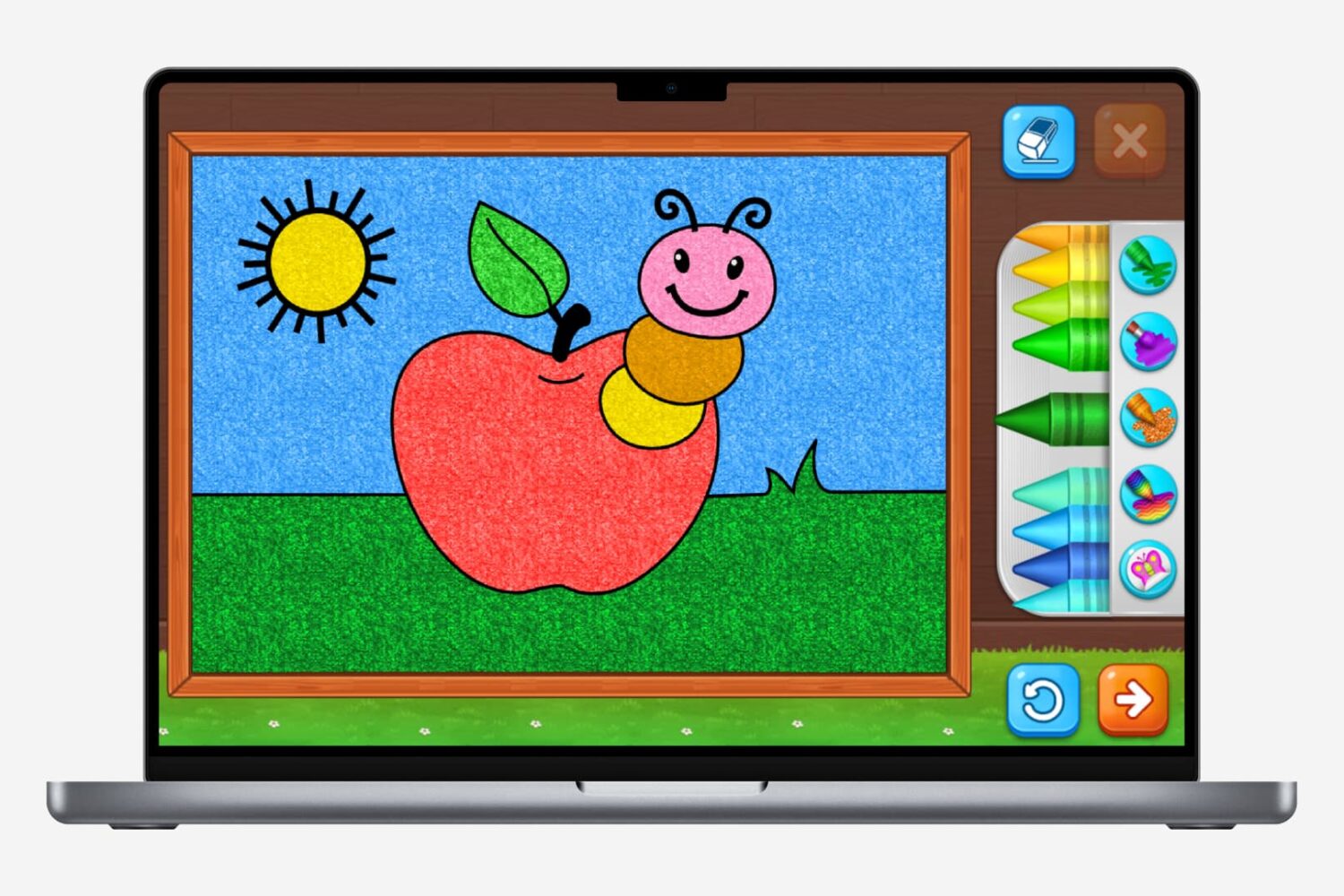
Discover the top coloring apps for both adults and kids on Mac, offering a creative outlet for all ages to unwind and express themselves digitally.

Facebook has confirmed that it is “exploring” building a version of Instagram for children because many kids under the age of 13 are interested in joining the photo-sharing platform.
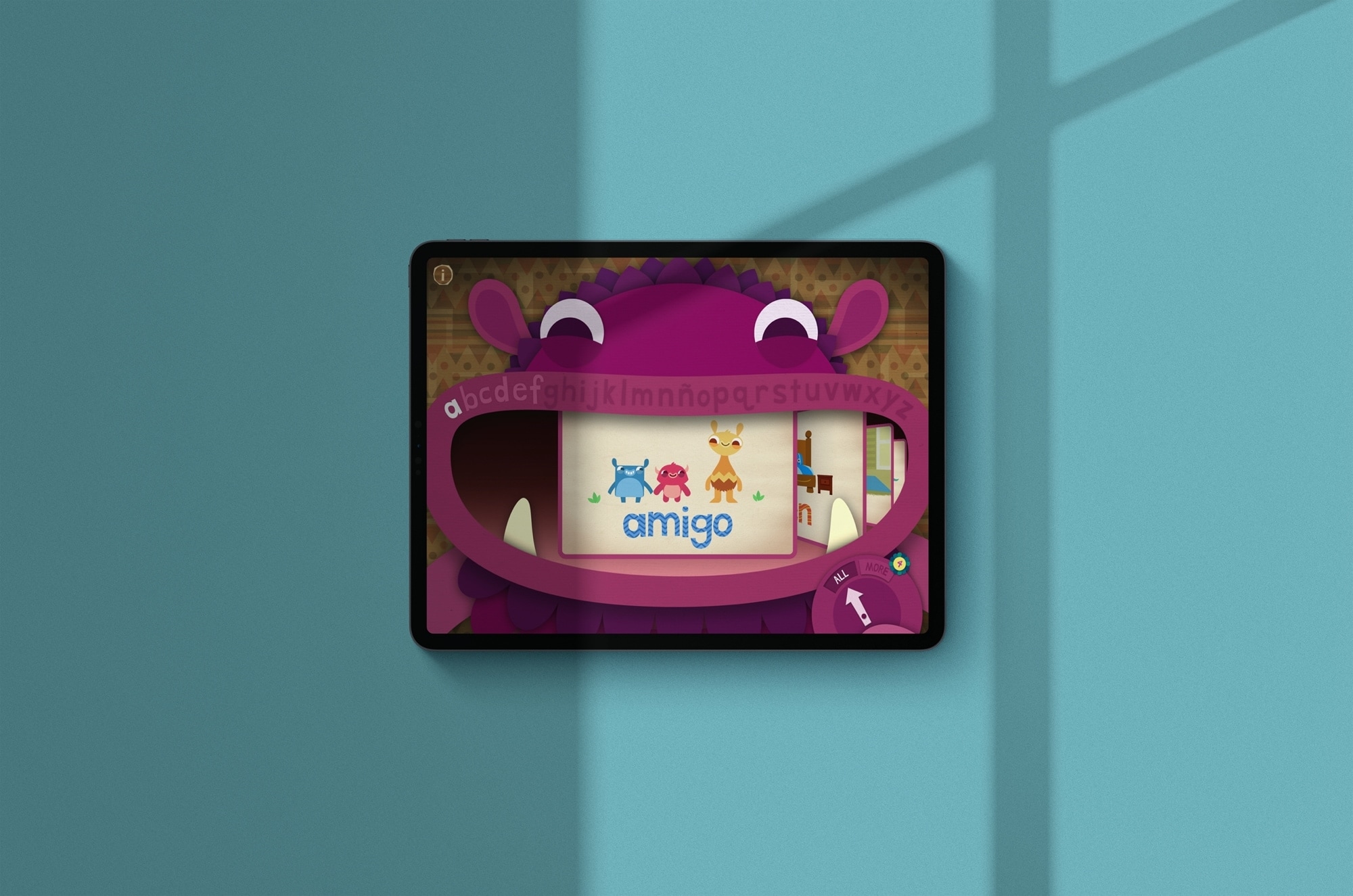
Check out these language learning apps for kids to introduce your child to a new language on their iPhone or iPad.
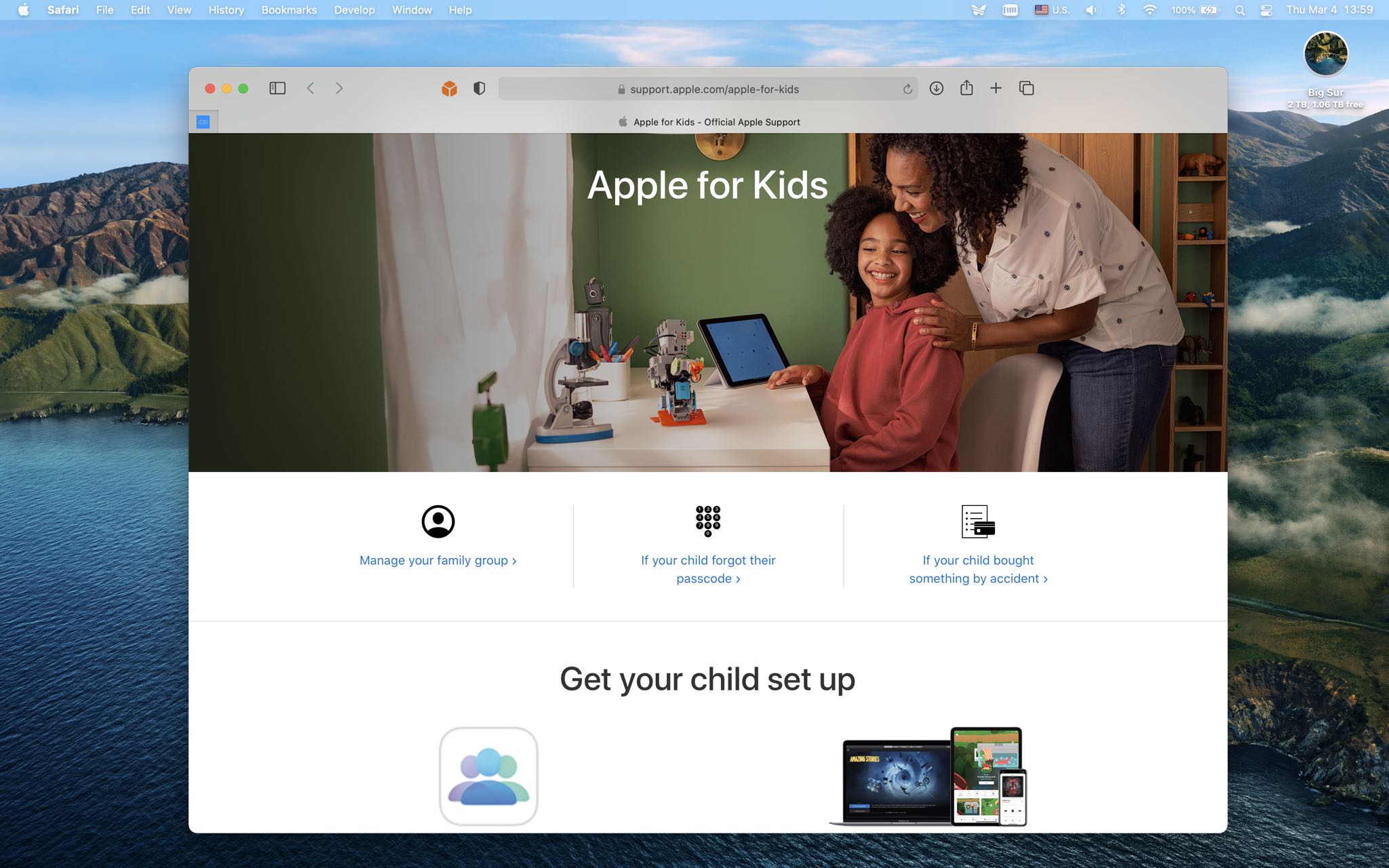
Apple has published a new section on its dedicated support website that's completely dedicated to parents, featuring helpful resources about related features such as parental controls, Ask to Buy, Family Sharing, Apple Cash Family, Screen Time and so forth.
STORY HIGHLIGHTS:
A new support portal for parents. It provides links to existing resources. Parental controls and more are included. A useful resource for parentsFound at support.apple.com/apple-for-kids/, it includes relevant links to Apple's existing support resources, making it a one-stop-shop for parents managing kids' Apple experiences.
At the very top, you get links for managing your family group with the Family Sharing feature, including setting up the feature on the child's device. Further down the webpage, you'll find relevant links for setting up Apple Cash Family so you can send cash to a child. Parents will also find links leading to Apple's support instructions detailing how to turn on Ask to Buy.
→ How to chat live with Apple Support
With the Ask to Buy feature enabled, your kids have the freedom to make their own choices while still controlling their spending. The family organizer can use their own device to approve or decline these Ask to Buy requests from a notification. For example, if a child wants to buy an app, the family approver can see the app and decide whether to allow it.
This feature is on by default for any children under 13.
Other sub-sections on the webpage provide links to set up Apple devices, including configuring an Apple Watch for a family member without an iPhone, using Family Setup, as well as prevent unwanted in-app purchases, set limit for kids with Screen Time and more.