Discover some of the best music apps for your kids so they can listen to, sign along, or make their own music, ensuring a healthy mix of entertainment and creativity.
The best music apps for kids on iPhone and iPad
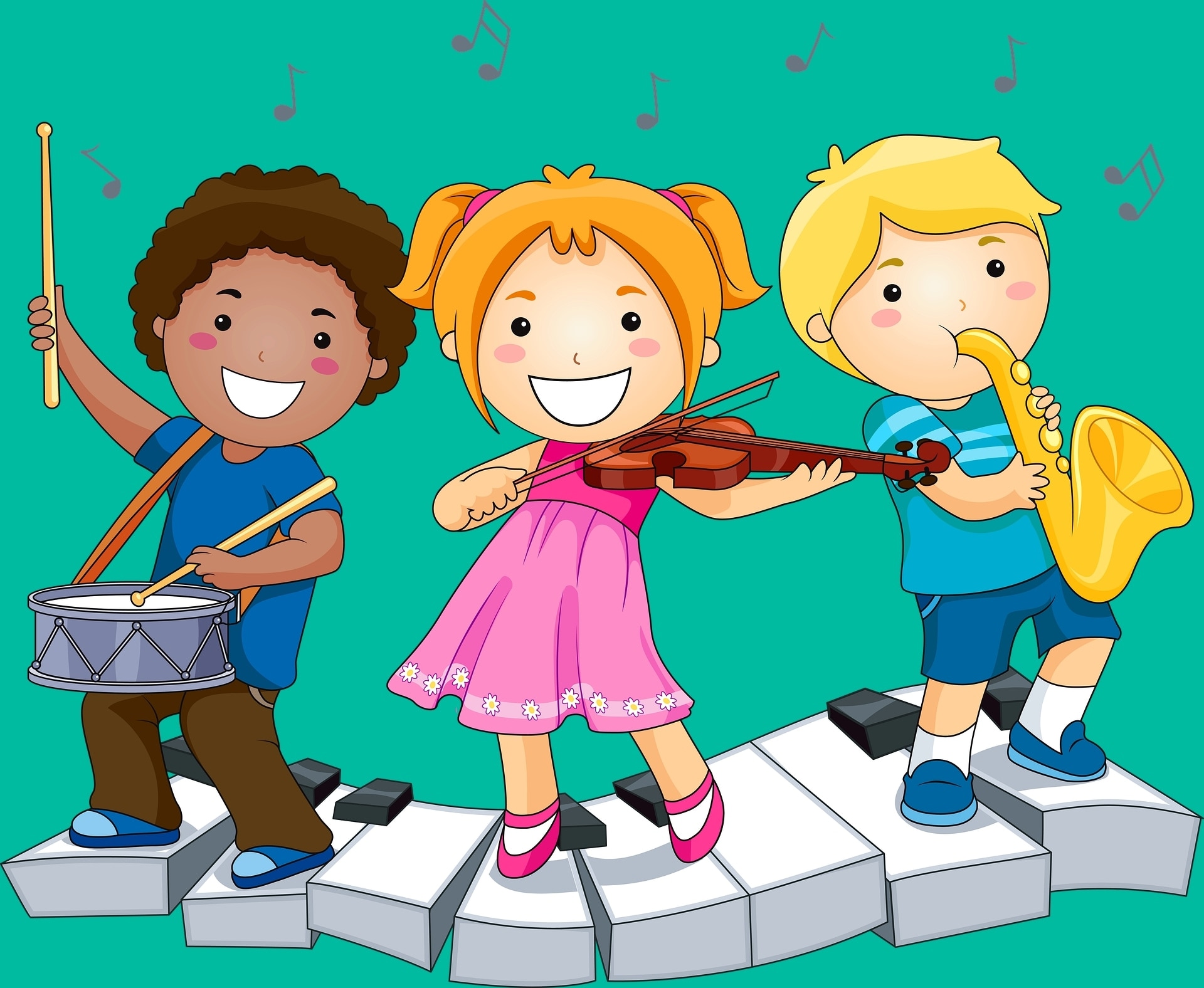
Discover some of the best music apps for your kids so they can listen to, sign along, or make their own music, ensuring a healthy mix of entertainment and creativity.
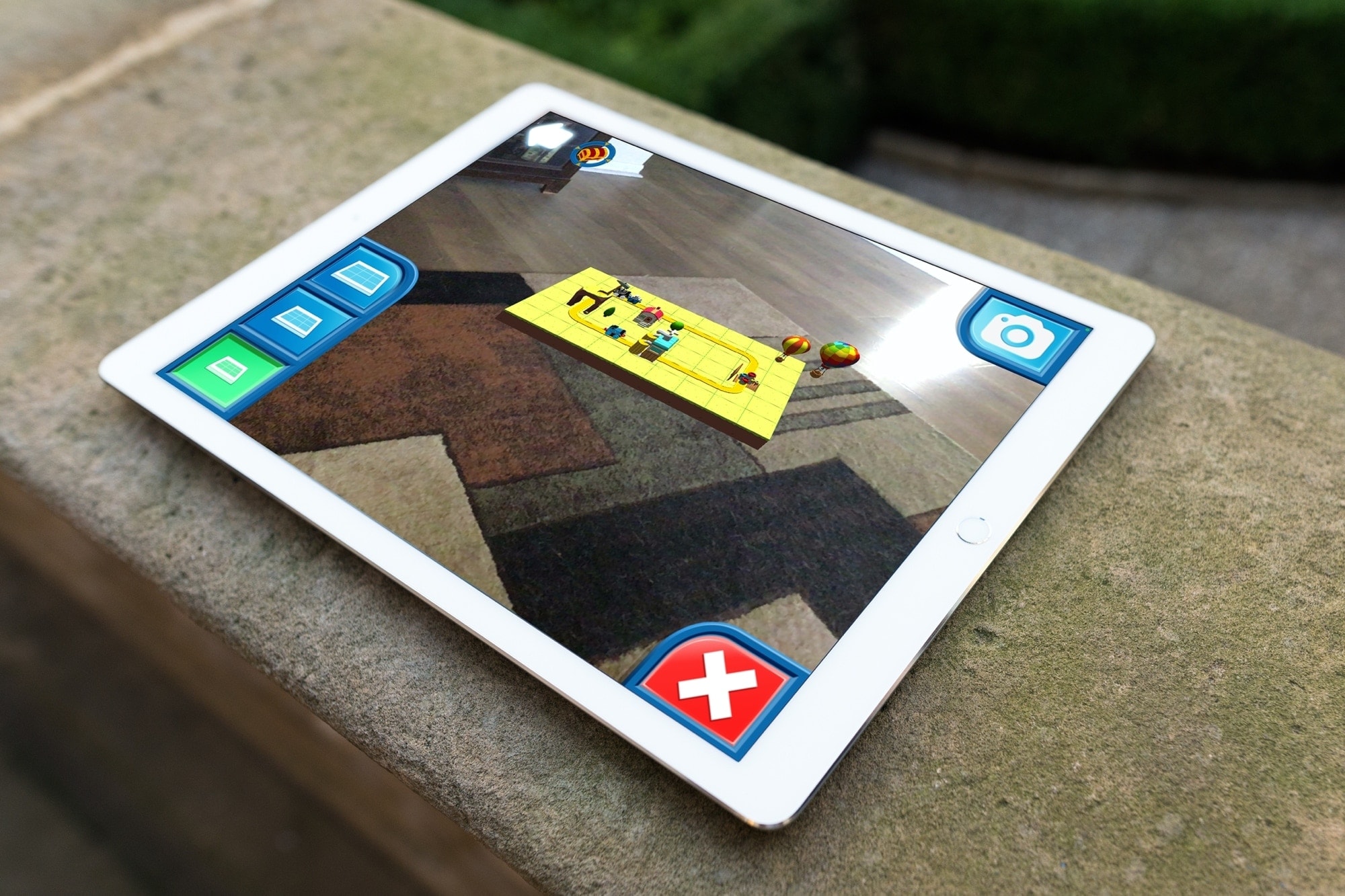
Augmented reality apps are just cool. And we’ve shown you some educational AR apps along with those to help you spruce up your living space. So why not let the kiddos in on the fun?
Here are some terrific iPhone and iPad AR apps for kids. They let your little one experience technology in a unique way with objects and characters they feel like they can reach out and touch. Heck, you might have as much fun with these apps as they do!

Create an Apple ID or iCloud account for your child so they can have their own Apple Account on their iPhone, iPad, Apple Watch, or Mac and take full advantage of the features that come with it.
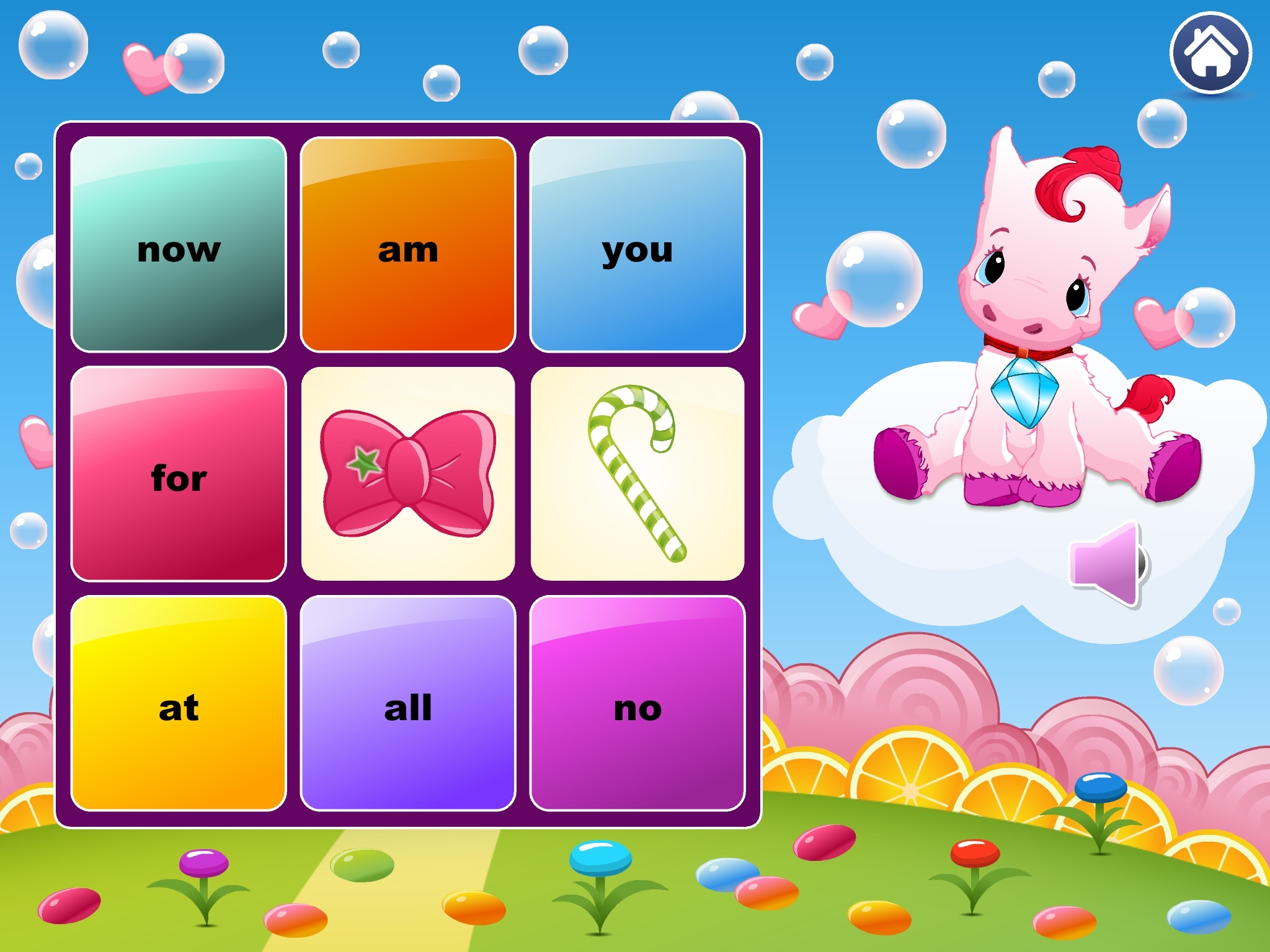
Teaching children to recognize sight words is important when they’re just learning to read. Knowing those common words that they can spot easily and not have to sound out helps them focus on tougher words.
For helping the youngster in your life, you can download sight word apps for iPhone and iPad. These digital tools can reinforce what they learn from you and their teachers. Plus, apps like these give them fun and entertaining ways to learn, which makes education more interesting.
Take a look at this list of apps for kids to learn sight words and see which one or more you think your child would enjoy!

Looking for apps to teach your kid how to trace letters and numbers? We've listed some of the best iPhone and iPad apps for tracing letters that help your child learn to write.
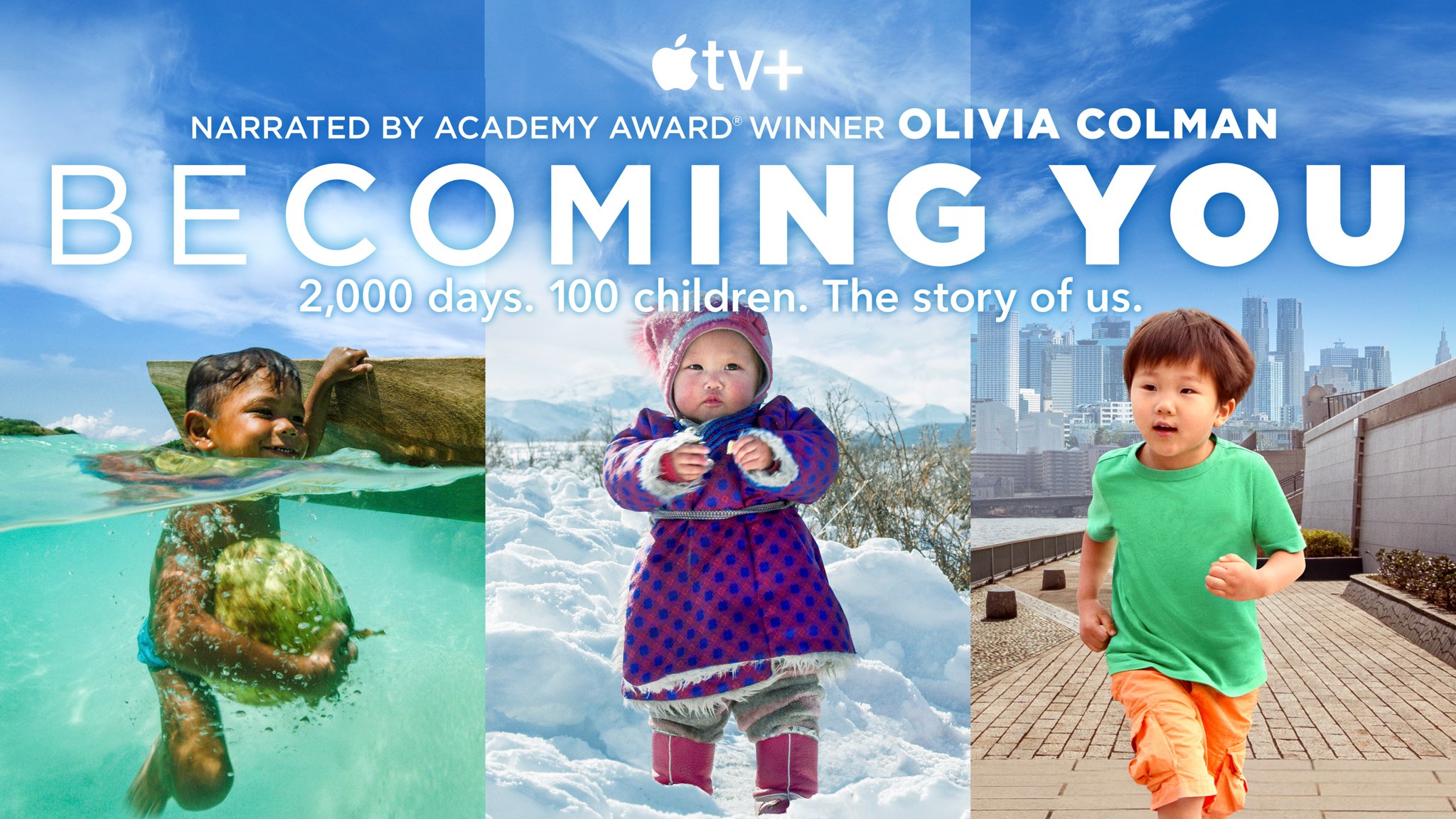
Apple TV+ yesterday shared a making-of video for “Becoming You,” a six-part global docuseries that deals with childhood development and spans 11 countries around the globe.
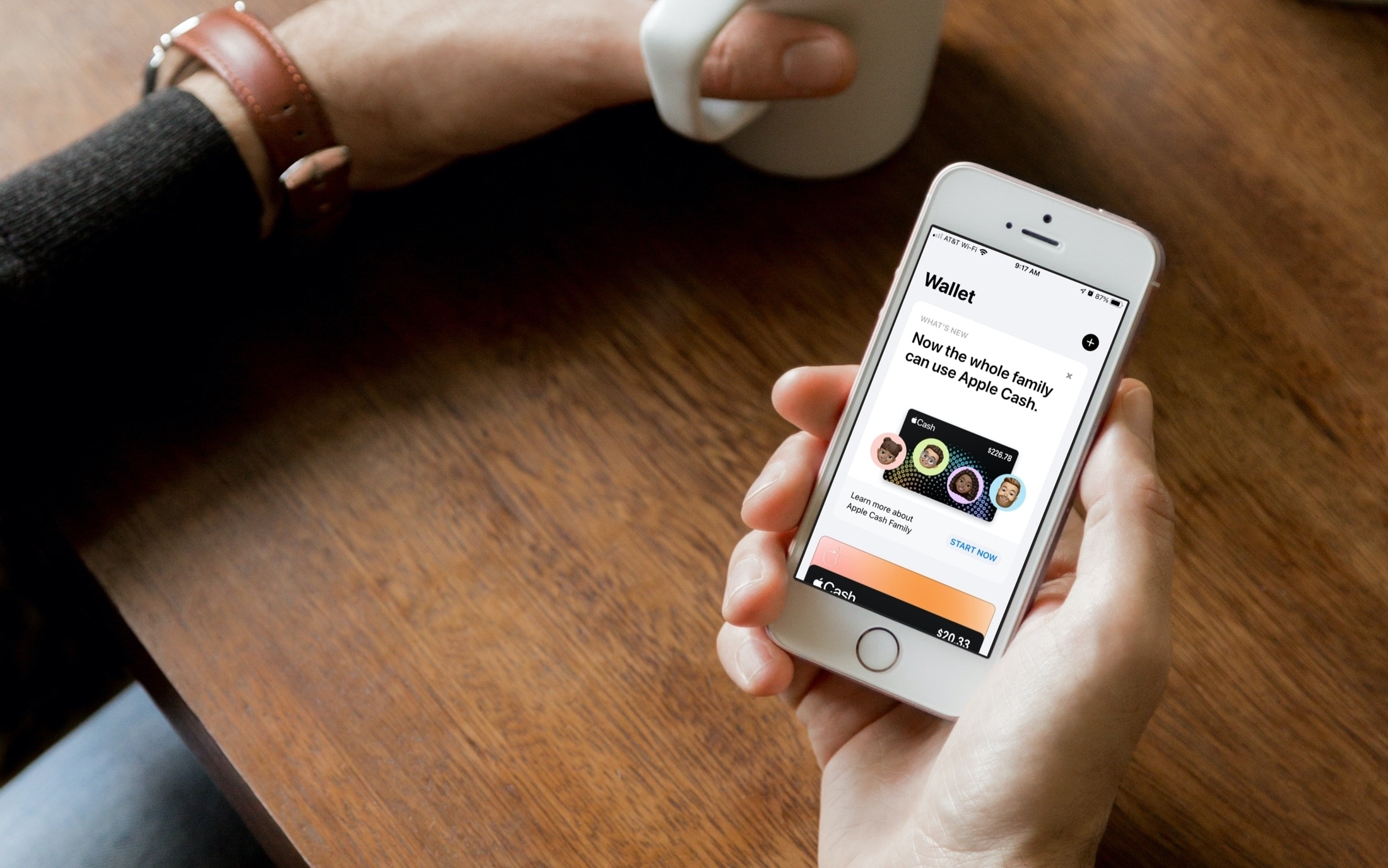
For rewarding your child, giving them their allowance, and letting them make a purchase, you can use Apple Cash Family. This feature arrived with iOS 14 as a way for parents to digitally send money to their children and teens.
This is convenient for families who don’t walk around with wads of cash, whose kids use their money for apps or games, or spend money in stores; all with their parent’s permission of course. Here, we’ll show you the requirements for using and how to set up Apple Cash Family.
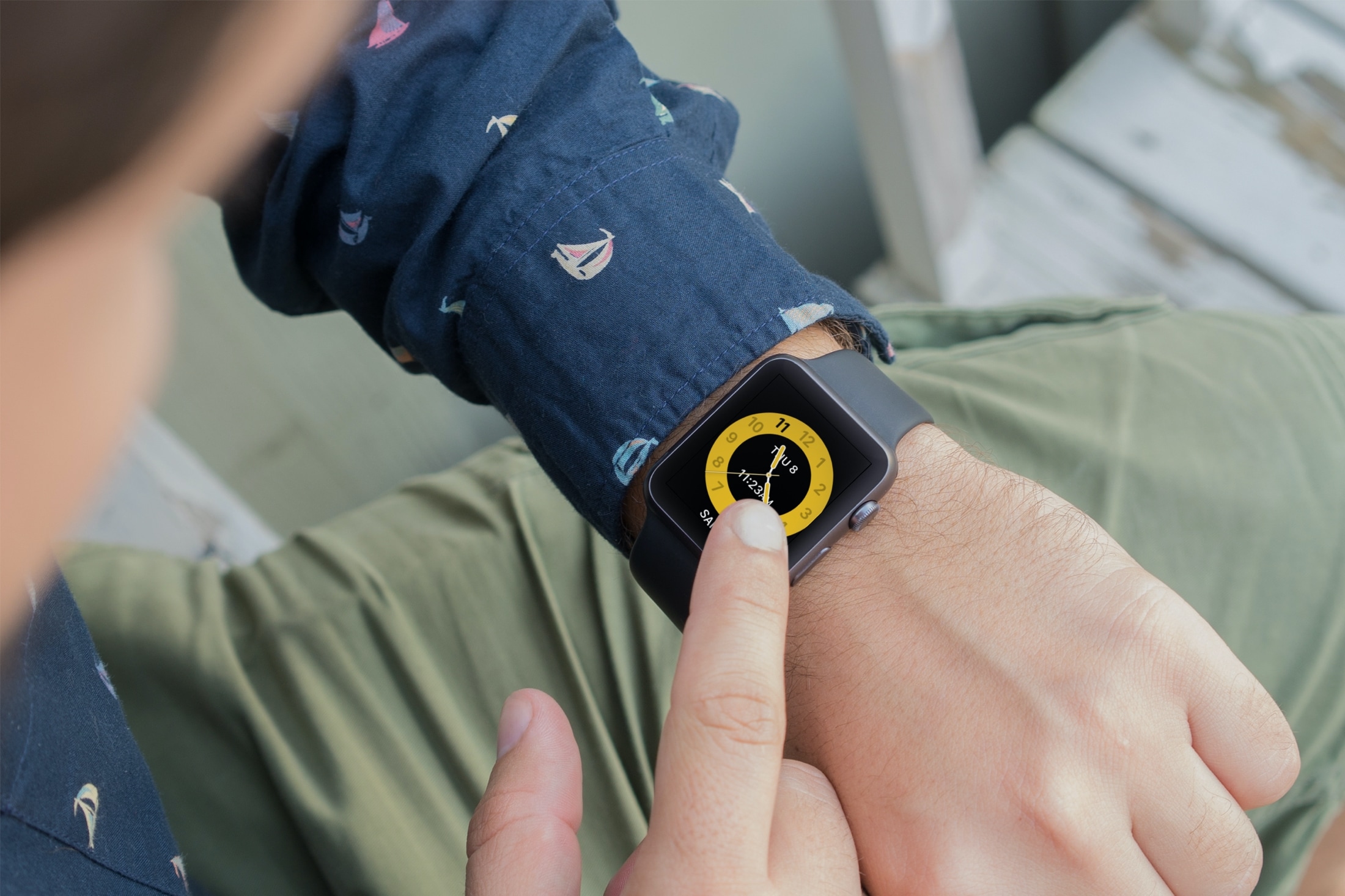
Learn how to use Schooltime on Apple Watch to minimize distractions and stay focused during school hours with our step-by-step guide.
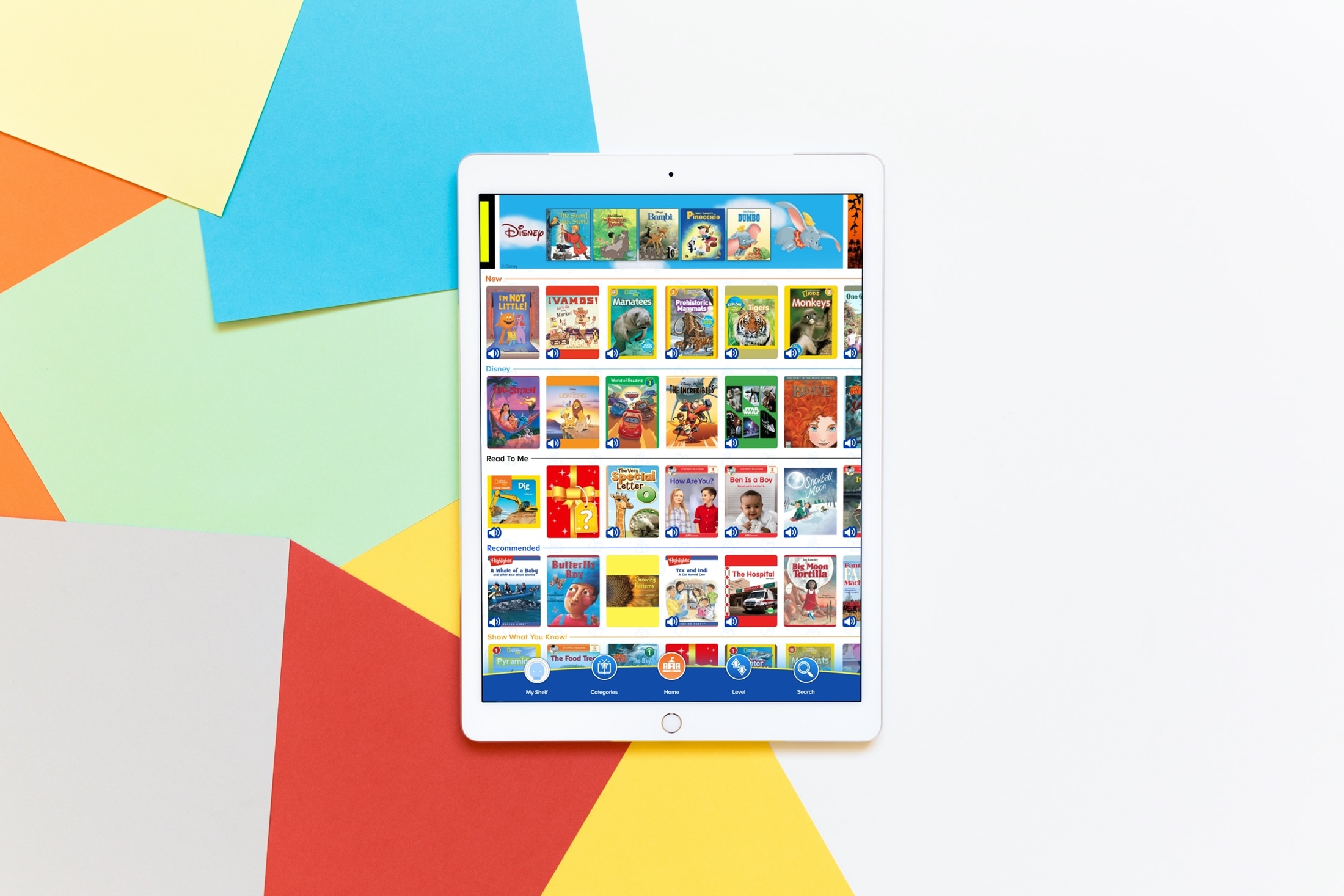
If you have a child who enjoys reading, maybe you're using some of the apps we recommended to help them learn, then you’ll want to take a look at this app list. We’ve gathered some of the best apps for kids’ books for iPhone and iPad.
These apps provide books just for your little one. So whether they’re interested in animals, TV characters, vehicles, or something totally different, you’ll find books for them. This helps to foster their love of reading and keeps them entertained with something they enjoy.
To keep your child interested in reading, improving their reading skills, and show them that a book can be a wonderful tool to encourage their imagination, check out these apps for kids’ books.
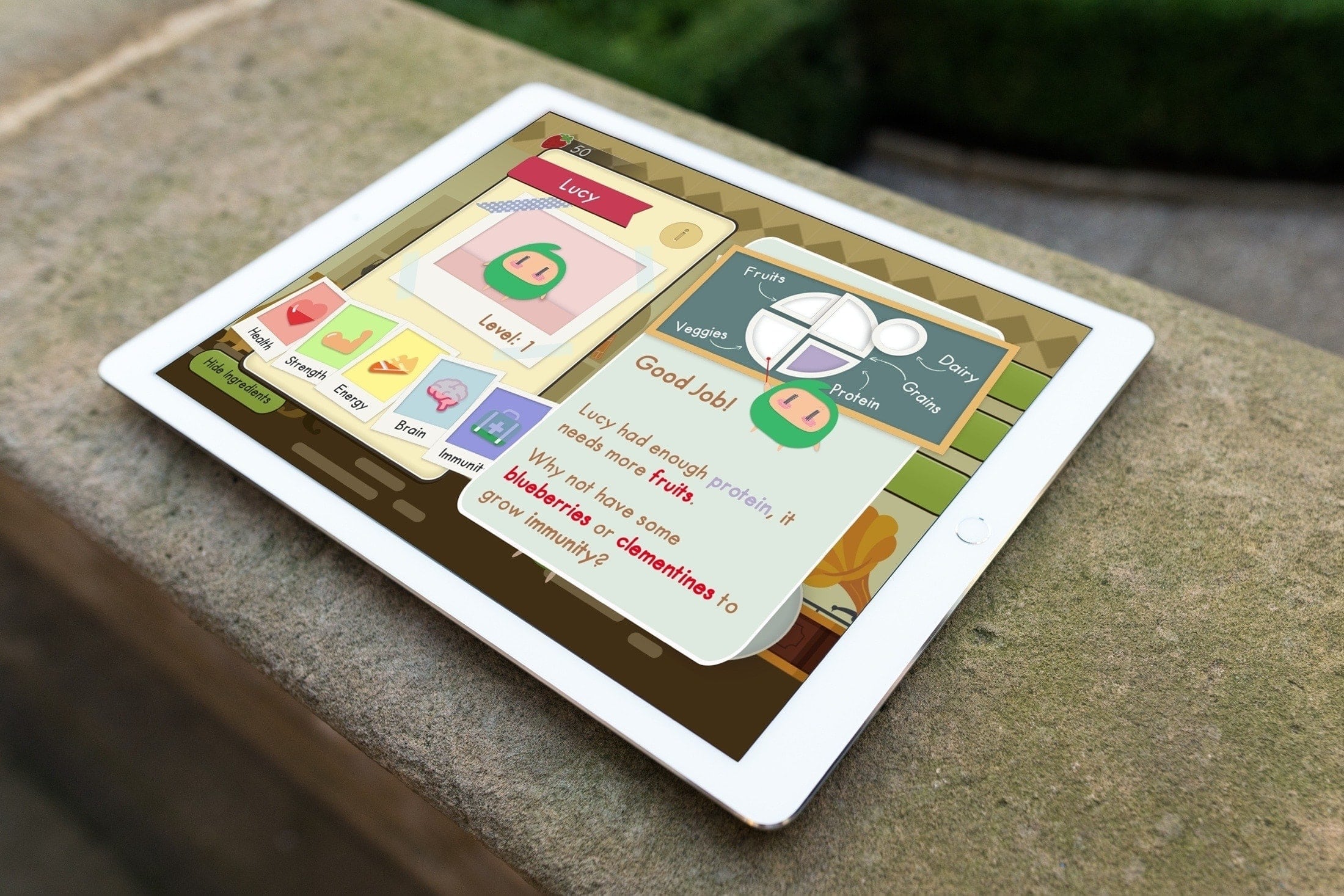
Check out this list of the best iPhone and iPad apps for kids, which will teach them lifelong skills early on and help them as they grow into big kids and then adults.
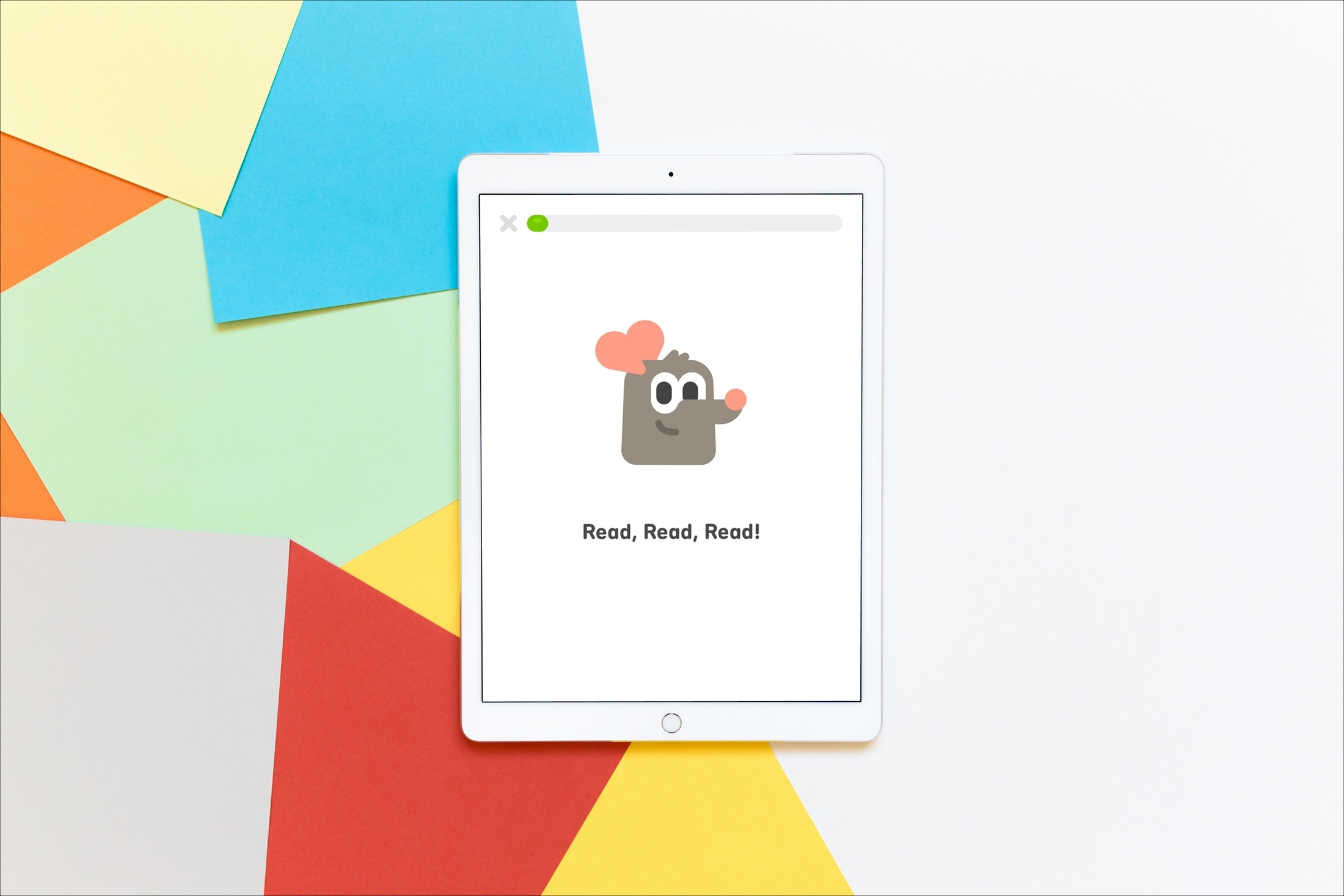
Children normally enjoy learning more when it’s fun. So getting enjoyable, entertaining, and educational apps for iOS can be great supplements to what kids are taught in school and at home.
When it comes to learning to read, it’s important to have tools that make the experience upbeat and pleasant. This encourages youngsters and motivates them to want to continue and practice even more. If you’re not sure which app is the right fit for your child, we have compiled a list of some of the best.
These apps for iPhone and iPad help kids learn to read and improve their reading skills. Have a look at the list, give one or more a try for yourself, and then share it with the little one in your life.
Apple today expanded its existing coding resources for teachers and educators with a newly launched Develop in Swift online course and Everyone Can Code curricula.