Keyboard

Fleksy Keyboard for iOS refreshed with revamped UI, six new themes and more

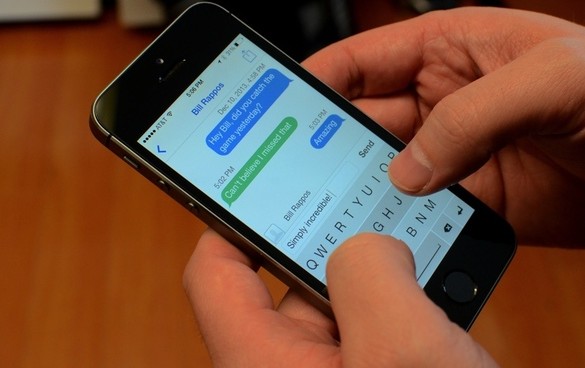
As you know, Apple has not yet opened up the iPhone's virtual keyboard to developers so you can't just go into the App Store and replace the stock iOS keyboard with a custom one, like on Android.

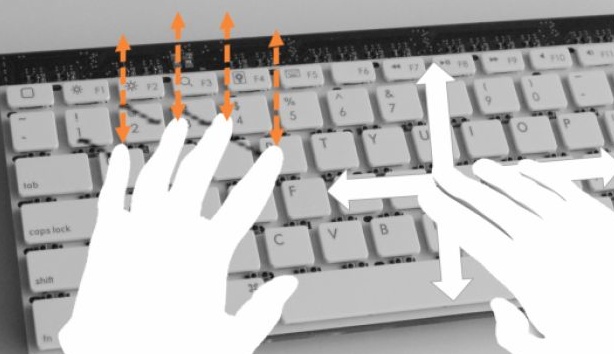
But where some see failures, others like Fleksy see opportunities. For those unfamiliar with Fleksy, it's the first alternate keyboard with gestures available to third-party developers across the entire iOS ecosystem.

Also available on Android, Fleksy Keyboard has seen over a million cumulative downloads across platforms, with about half of the downloads coming from iOS.

Following a 2.0 release on Android earlier this year, today Fleksy Keyboard has been bumped to version 3.1, featuring a completely revamped user interface, six new UI themes and more...

Keyfault eliminates frustrating iOS keyboard behavior

Instead of simply describing this tweak, I'll start by telling you a personal story. Like Sebastien's incessancy over ShareLock,  I too had a tweak burning a hole in my brain at JailbreakCon. However, unlike Sebastien, I was able to convince my new favorite jailbreak dev, Filippo Bigarella, to code mine at the dinner table that fateful Friday night. Now, perhaps Filippo felt some form of quid pro quo harassment, considering I let him bunk with me at the hotel across from the convention center, but that is of no consequence.

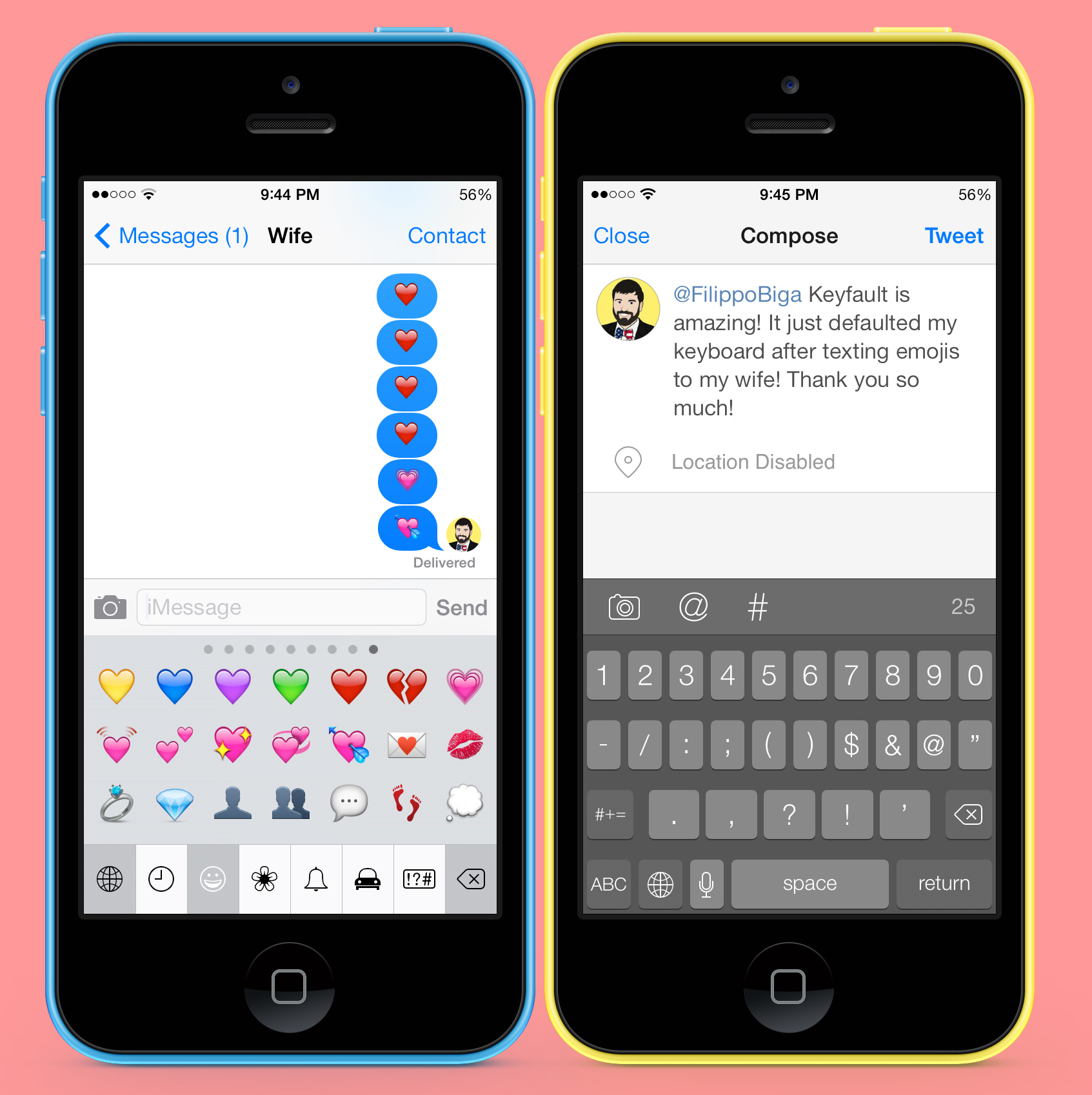
Ever since I have used the emoji keyboard, I have been frustrated with the way default keyboards are selected when tapping a typable field. This behavior is also the same on language keyboards, but since I am an average American, I only know two languages, English and emoji.

Fixing this long annoyance of mine, Keyfault returns the active keyboard to the default language keyboard as determined in settings...

SwiftKey Note gets landscape mode with wide keyboard on iPhone, new features

SwiftKey Note by TouchType would file as yet another note-taking iOS app if it weren't for its custom software keyboard with enhanced auto-correction and predictions. Apple has not yet opened up the iOS keyboard to third-party developers so any app that improves upon the soft-keyboard experience is noteworthy.

Since its January debut, the app's undergone several revisions and currently sits at version 1.7.

Developers in a blog post announced that a new version has launched Wednesday with support for landscape keyboard on the iPhone and an additional three new features. If you've been wondering why all the fuss about SwiftKey Note, there's no need to sit on the sidelines as the software is available free of charge in the App Store...

Logitech announces new, slimmer version of its Ultrathin iPad keyboard case

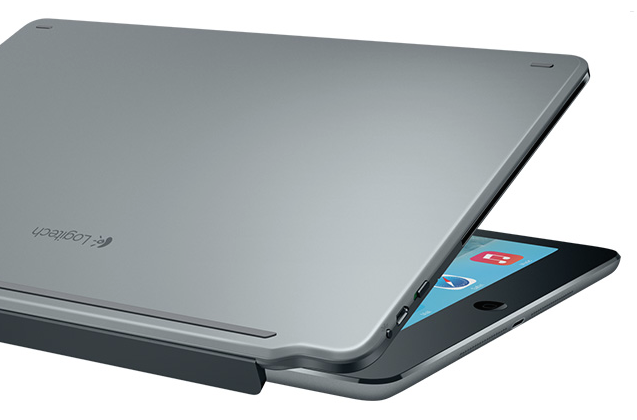
In response to the recent release of Office for iPad, Logitech yesterday announced a new version of its wildly popular Ultrathin iPad keyboard case. The new version improves on the design of its predecessor, with a thinner, lighter and more flexible design.

If you haven't seen an Ultrathin before, it's a Bluetooth keyboard for your iPad that doubles as a protective cover. It's designed from aluminum to match the rear casing of Apple’s tablet, and the keyboard offers comfortable key spacing and iOS shortcuts...

Apple posts iOS 7.1.1 with additional Touch ID fixes

Apple has just released iOS 7.1.1 for public consumption. A maintenance update, iOS 7.1.1 contains "improvements, bug fixes and security updates." Specifically, it makes Touch ID even more reliable than the previous iOS 7.1 update, while fixing a pair of bugs related to keyboard responsiveness and Bluetooth keyboards with VoiceOver enabled.

It's arrived just five days after iOS 7.1.1 devices located in and around Apple's Cupertino campus started exposing themselves in web logs.

Needless to say, those of you who rock a jailbroken iPhone, iPod touch or iPad are advised to hold off on upgrading to the new software until we're able to confirm it won't break your jailbreak...

BlackBerry wins injunction against Typo keyboard case

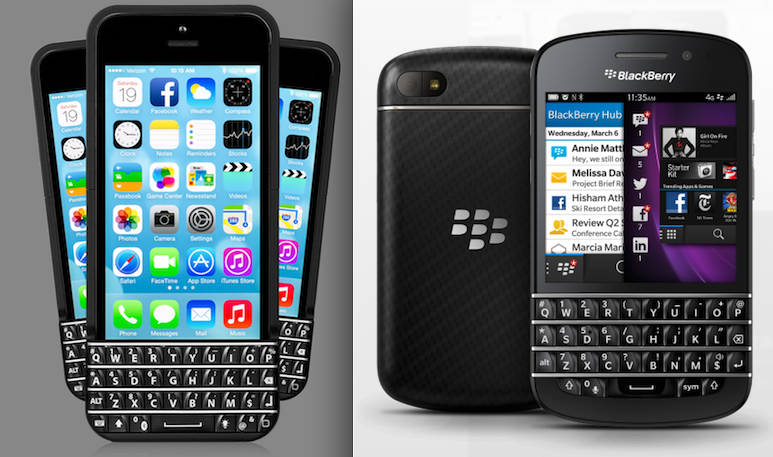
BlackBerry won a key victory yesterday in its fight against Typo. A federal judge agreed with the Canadian company that the iPhone keyboard case likely infringes on their patents, and issued a preliminary injunction late Friday to halt sales.

For those that missed it, back in January BlackBerry sued the makers of the Typo iPhone case over patent infringement. The case features a built-in battery, and a physical, backlit keyboard that looks nearly identical to those used in BB devices...

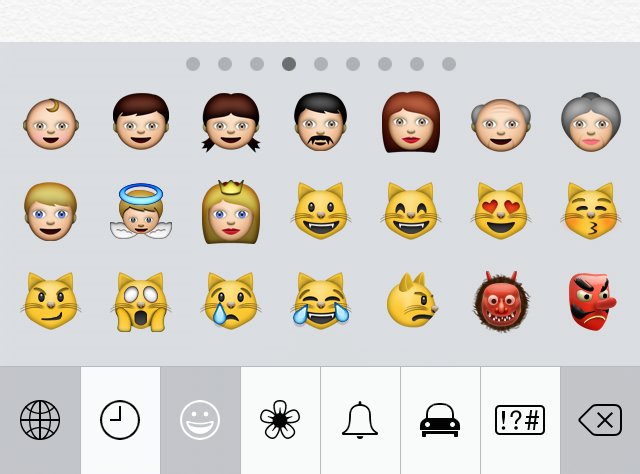
Apple looking to add more diversity to emoji character set

According to Apple’s VP of worldwide communications Katie Cotton, the company is looking to expand its emoji character set to include emojis that are non-caucasian. The spokeswoman recently provided a statement to MTV Act about the lack of diversity in the 400+ set.

In the statement, Cotton points out that there's a universal lack of diversity in emojis, as the characters are based on the Unicode standard. But apparently Apple is working with the Unicode Consortium to update the standard by adding new, multicultural emoji characters...

How to add a color keyboard to iOS 7

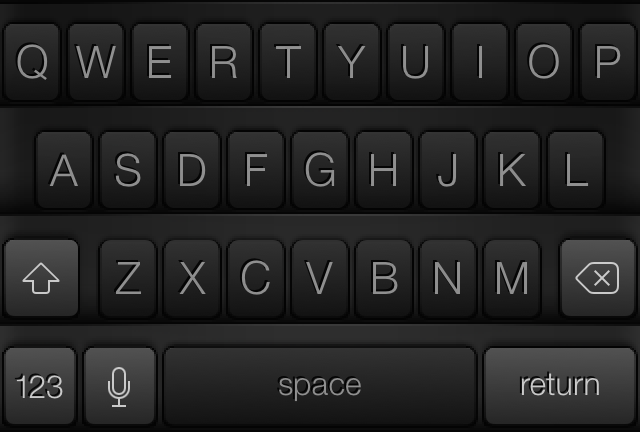
Sometimes you just want to switch up the look and feel of things, and that is what Color Keyboard for iOS 7 allows you to do. As you might have imagined, Color Keyboard is not new to the jailbreak scene. It's a tweak that's been available for lesser firmware, but was just recently updated to cooperate with iOS 7.

Update: with the release of iOS 8, Apple now allows third-party keyboards in the App Store. If you're looking for a different keyboard for your iPhone or iPad, make sure to check out our list of iOS 8 keyboards.

If you've used Color Keyboard in the past, then you'll be intimately familiar with the contents of the iOS 7 version of the tweak. If you want to change up the look of your keyboard, then Color Keyboard for iOS 7 is one of the best tweaks that you can use. Have a look inside as we delve into Color Keyboard for iOS 7's feature-set on video.

Hands-on with the Hipjot keyboard beta for Cydia – try it now

If you've been keeping your ear to the street as of late, you're well aware of the Nintype/Hipjot keyboard tweak that's currently in development for Cydia. Unlike most Cydia releases, the Hipjot keyboard implementation is being worked on by the developer of the App Store version—Jormy Games—so you can expect a release that's about as faithful as possible to the developer's original vision.

Comparable to keyboard technology like Swype, Hipjot adds a keyboard that largely departs from Apple's stock iOS keyboard. It allows you to use swiping gestures to go from one character to the next in order to build full words, sentences, and paragraphs. The unique text entry method allows its users to type much faster than is possible on a standard iOS keyboard, with some users reaching upwards of 70-90 words per minute without breaking much of a sweat.

I've had the chance to go hands-on with the Cydia version of the keyboard, and I can tell you that it makes typing much faster. Being able to use Hipjot with stock iOS apps, and 3rd-party apps makes typing a breeze. Inside we've created a preview video of the beta build so that you can see how the keyboard works in action with stock applications.

Logitech launches Harmony Smart Keyboard for Apple TV

Navigating the Apple TV interface using the included Apple Remote rather quickly becomes a cumbersome affair. Fortunately, you could always hook up an external keyboard to the device (here's how) because the Apple TV supports Bluetooth keyboards.

Realizing that owners of streaming-media devices need a better control system, accessory maker Logitech on Tuesday revealed its new full-fledged Harmony keyboard remote for the living room. It was specially designed for controlling devices such as the Apple TV, Roku and Xbox One and includes dedicated hardware keys and functions allowing you to search for shows, navigate menus and browse the web from your couch...

How to enable the Fleksy Keyboard in stock applications

The Fleksy Keyboard is a third-party keyboard with an SDK that iOS developers can tap into if given access by Fleksy. The benefits of using the Fleksy Keyboard over the stock iOS keyboard is readily apparent after just a brief hands-on experience. You can actually go out to the App Store right now to download the standalone Fleksy Keyboard app to try it out. Other apps, like Launch Center Pro, have recently incorporated Fleksy in-app, providing for an arguably better typing experience.

But what about using the Fleksy Keyboard with built-in apps like Messages, Reminders; even Safari? What then? Up until now, this has been impossible. But the recent creation of a brand new jailbreak tweak called Fleksy Enabler, allows you to use the popular keyboard with some first-party and unsupported third-party apps.

How to easily change the color of your iPhone keyboard

Update: with the release of iOS 8, Apple now allows third-party keyboards in the App Store. If you're looking for a different keyboard for your iPhone or iPad, make sure to check out our list of iOS 8 keyboards.

I generally hate jailbreak releases that feature goofy names like ColorY0urBoard, but I decided to give the new jailbreak app a try despite my inclinations. To my surprise, ColorY0urBoard is actually not that bad of an app.

If you're searching for a way to easily customize the color of the stock keyboard within iOS, then ColorY0urBoard is a viable option. It's a standalone app release with an interface dedicated solely to changing the keyboard color. The app includes a color wheel, much like you'd find in image-editing applications, and it also features brightness and alpha sliders to perfect your customized look.

ColorY0urBoard isn't perfect, but it does a pretty good job of customizing the look of your keyboard. Have a glance at our video walkthrough inside for more details.