Keyboard

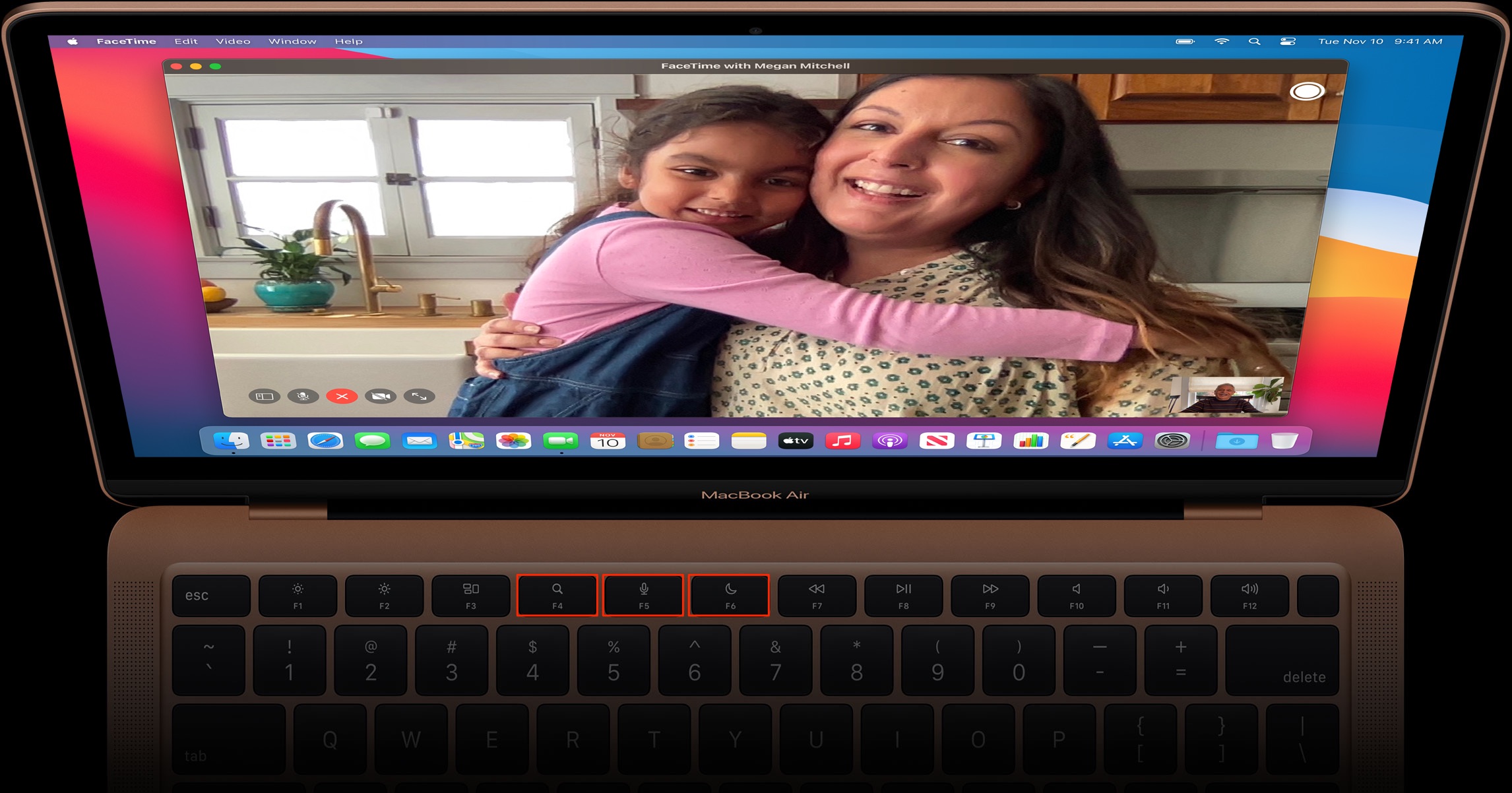
The new MacBook Air keyboard has dedicated keys for Spotlight, Dictation, DND and Emoji

Apple's just-refreshed MacBook Air with the new Apple M1 laptop chip that was announced yesterday features an updated media key layout in the function row, with the new shortcuts for Dictation, Spotlight and Do Not Disturb functions replacing the previous keys for adjusting brightness and invoking the Launchpad feature. Also, there's now a dedicated Emoji key.

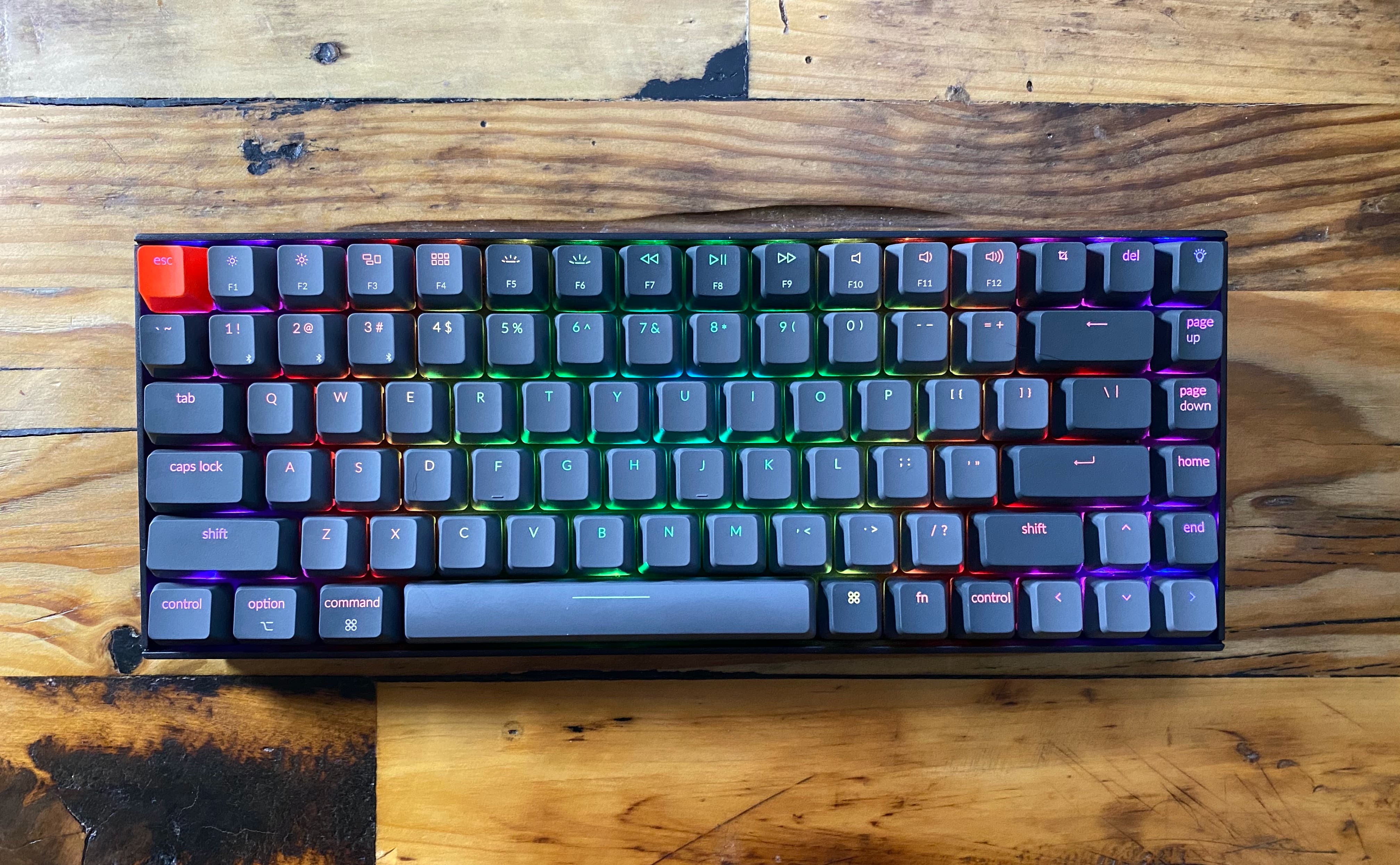
The best wireless keyboards for Mac

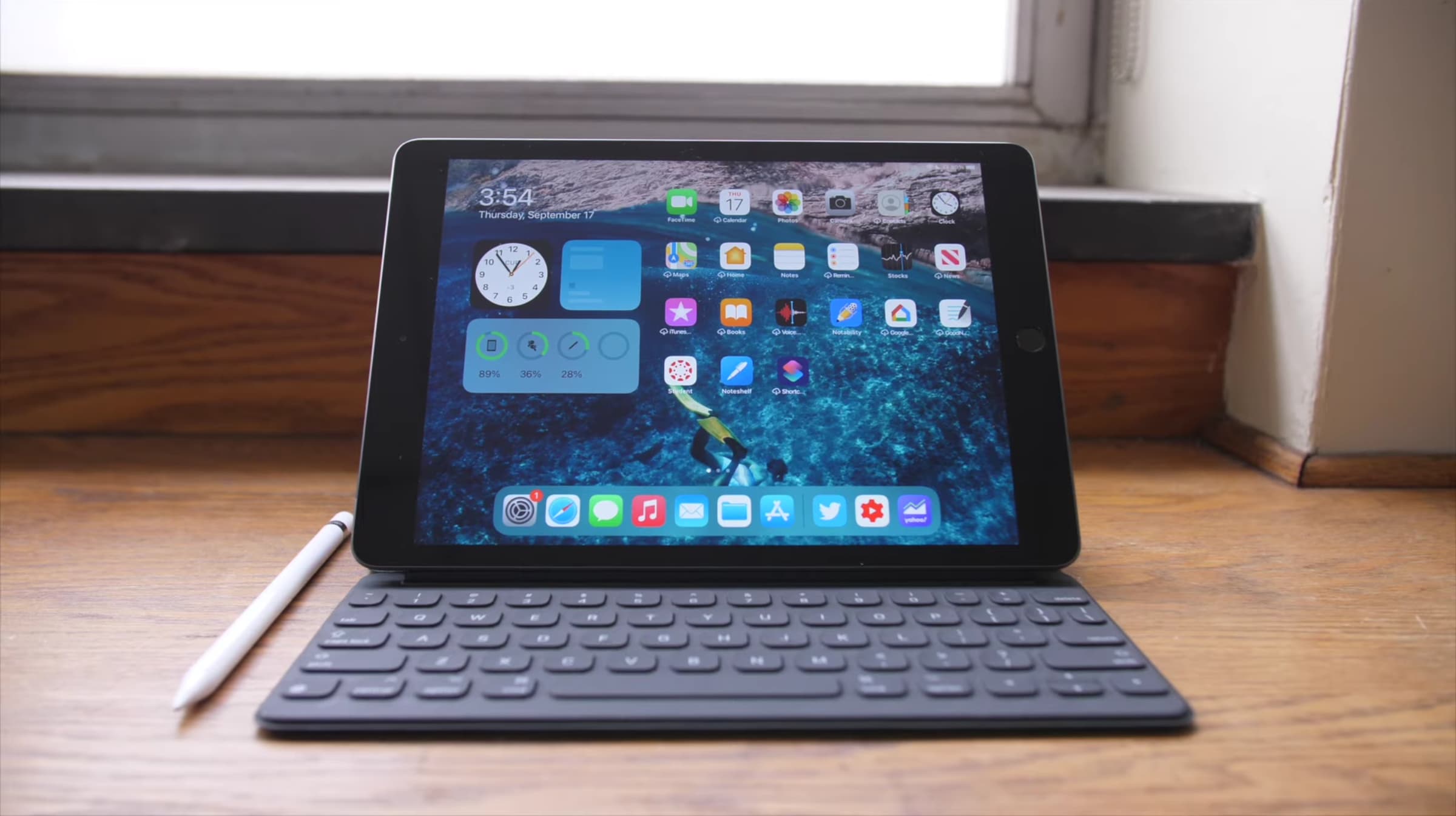
Wireless keyboards make the perfect companion for your Mac. They are portable, so you can take them with you on the go, and they won't clog up your desktop with extra cables. But there are a ton of these out there, so we felt it was our duty to help you sort through the noise. Here is our list of the best wireless keyboards for Mac, with options for nearly every device and budget.

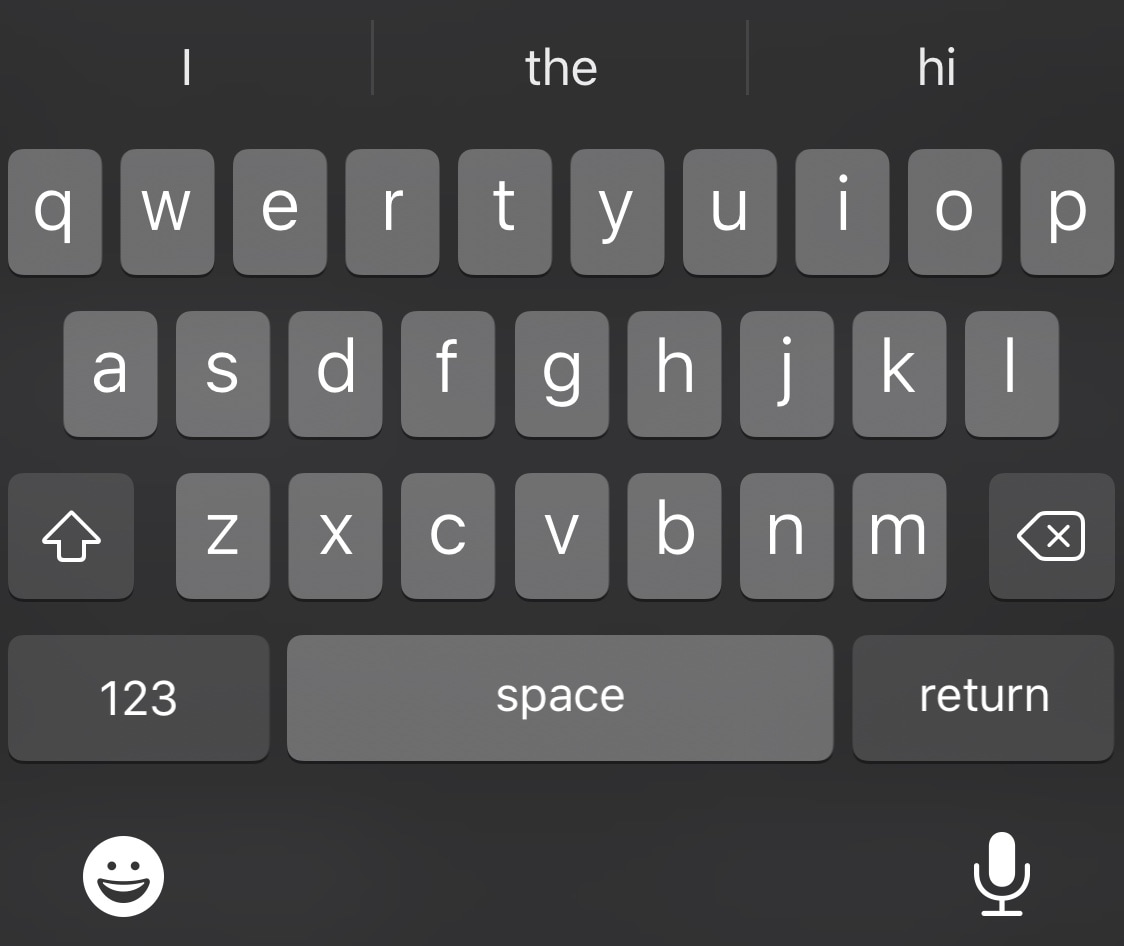
Choose your favorite iPhone keyboard UI for every situation with Keyboard Controller

As many smartphone users already know, one of the major advantages to using a software-based keyboard as opposed to a hardware-based keyboard is that the interface can dynamically change depending on what you might be doing on your device. For example, a web browser’s keyboard might display more URL-centric input methods while a number input interface’s keyboard might display only numbers rather than the full alphabet.

iOS developer Tomasz Poliszuk knew that some of these keyboard interfaces could be helpful in more places than one, and unfortunately, Apple doesn’t provide users with any way of choosing which dynamic keyboard interface appears where. With that in mind, a newly released and free jailbreak tweak dubbed Keyboard Controller was conceived.

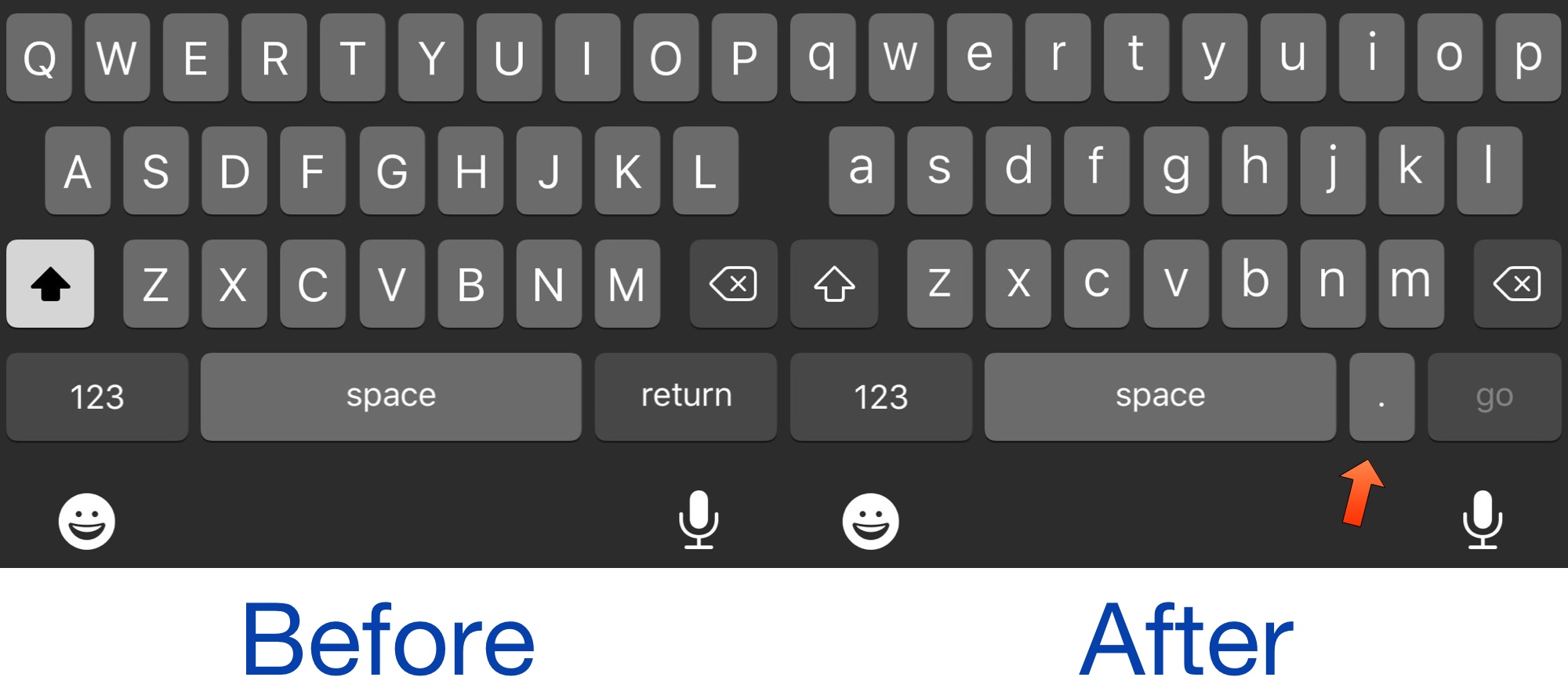
AdjacentPeriod makes the period key appear adjacent to the space bar at all times

Chronic typists, especially those who use the iOS platform for such works, will find that the process of adding a period to the end of a sentence is somewhat cumbersome. This is due to how the iOS keyboard is designed, initially necessitating that the user enters a second keyboard state comprised of other symbols just to access the period key.

As you begin using the keyboard in the Safari web browser, however, you’ll notice that a period key naturally appears adjacent to the space bar to make inputting periods easier – this is a valuable asset when inputting URLs. If you, like me, wish that the keyboard experience was exactly like this system-wide, then you’re probably going to appreciate a new jailbreak tweak dubbed AdjacentPeriod by iOS developer Mikeneko.
Wasabi brings a supercharged clipboard manager to jailbroken iPhones

In a world where multitasking becomes more and more important to the average iPhone and iPad user, the clipboard experience on both the iOS and iPadOS platforms leaves a lot to be desired out of the box. Unfortunately, this doesn’t look like an area that Apple aims to improve any time soon.

The bright side of this particular scenario is that a newly released jailbreak tweak dubbed Wasabi by iOS developer Nepeta provides jailbreakers with the clipboard experience that all iPhone and iPad users deserve.