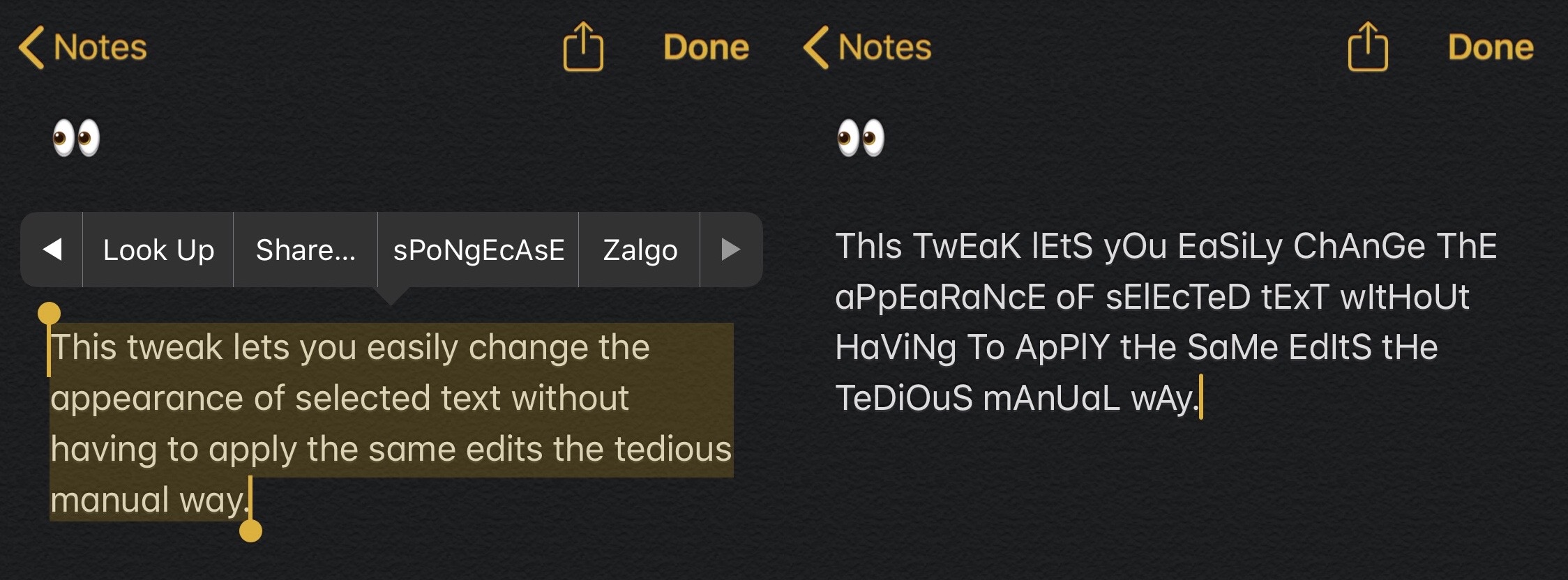
macOS Big Sur 11.3 includes all-new gaming layouts with a dedicated interface for mapping buttons on the paired controller to custom keyboard and mouse combinations.
macOS Big Sur 11.3 brings customizable keyboard and mouse layouts for gaming
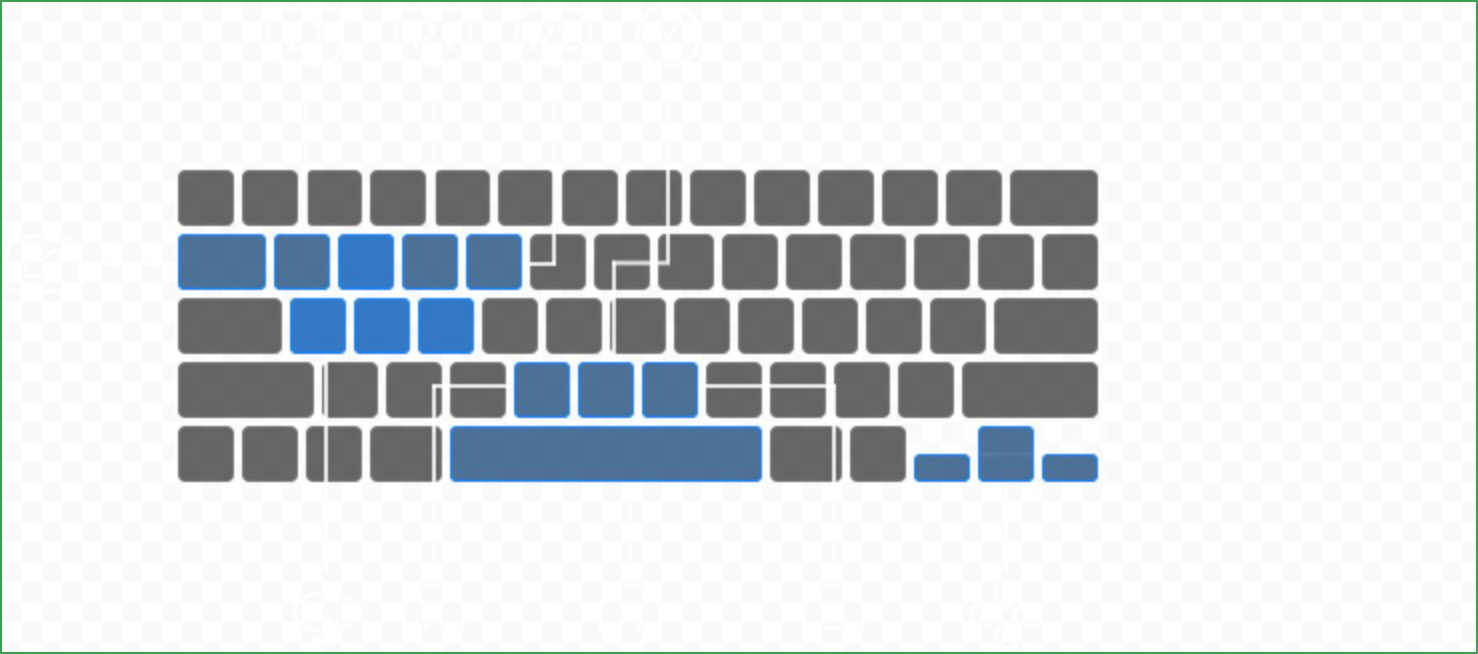
macOS Big Sur 11.3 includes all-new gaming layouts with a dedicated interface for mapping buttons on the paired controller to custom keyboard and mouse combinations.
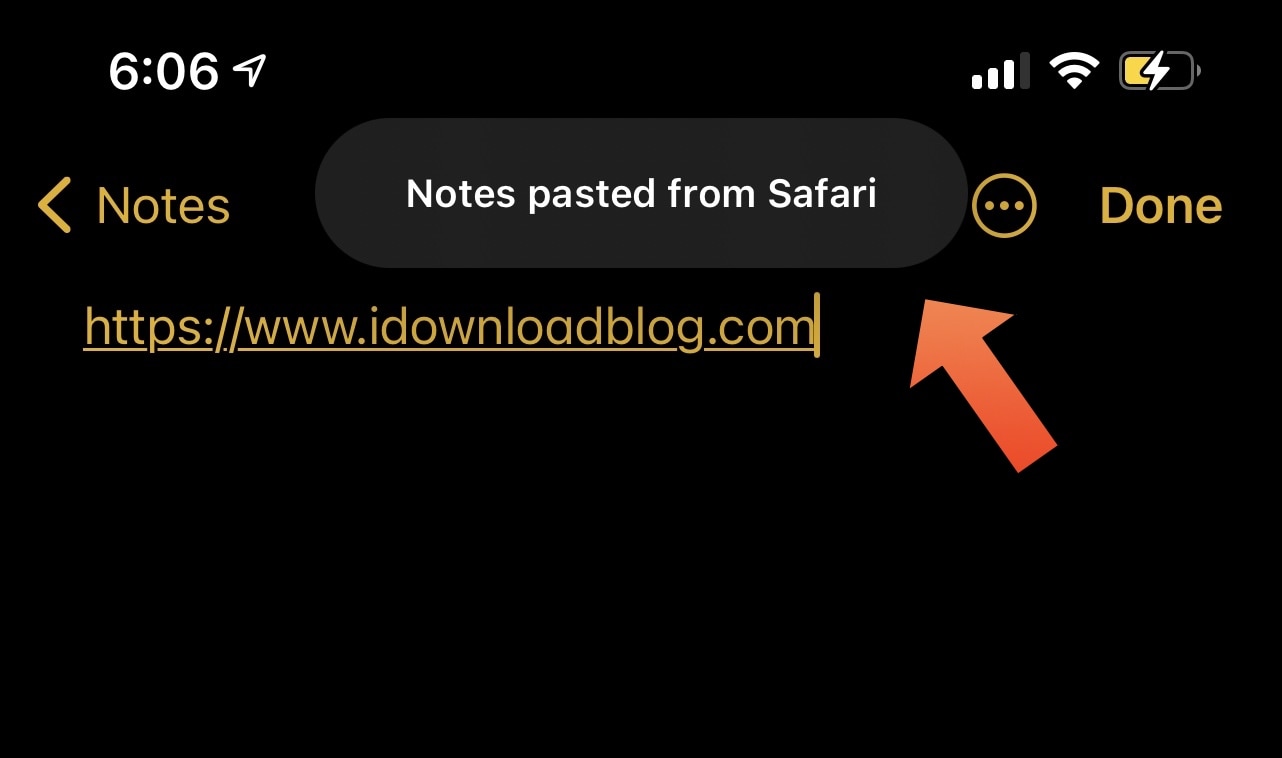
Upon updating to iOS or iPadOS 14, you probably noticed that the operating system automatically displays a prompt at the top of the screen whenever you paste something into an app that you copied or cut from a different app. For this piece, we’ll refer to those prompts as Paste Tips.
Some people enjoy the Paste Tips because it alerts the user to potentially unwanted clipboard access, but others may find it to be somewhat of a nuisance, especially if they do a lot of copying or cutting and pasting. Those in the latter boat may appreciate a newly released and free jailbreak tweak dubbed DisablePasteTips by iOS developer Netskao.
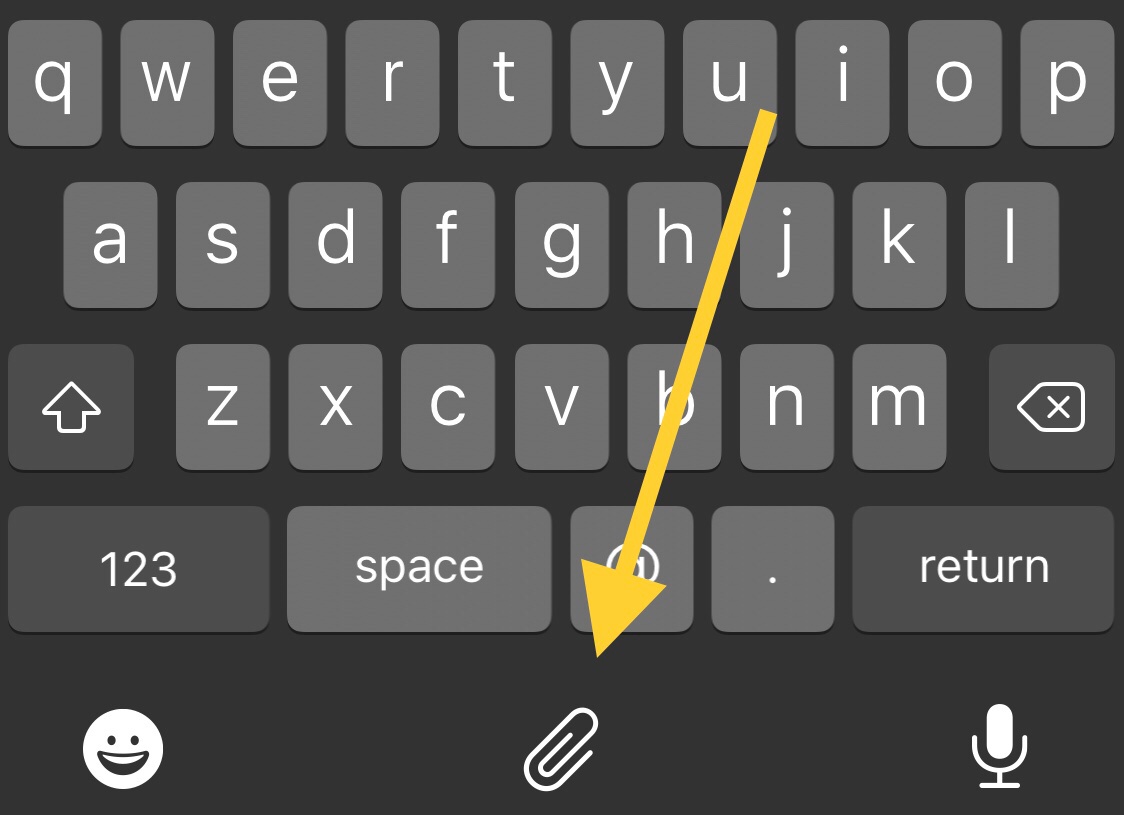
Anyone who does even the least amount of text editing knows just how important the ability to copy, cut, and paste text is. Unfortunately, the process tends to be cumbersome and time consuming on the iPhone.
Those taking advantage of a jailbreak, including the recently updated unc0ver tool with respect to iOS 14, are likely to appreciate the convenience and satisfaction of a newly released and free jailbreak tweak dubbed CopyKey by iOS developer Chr1s.
Perform actions and tasks faster with these keyboard shortcuts for the Script Editor app on your Mac.
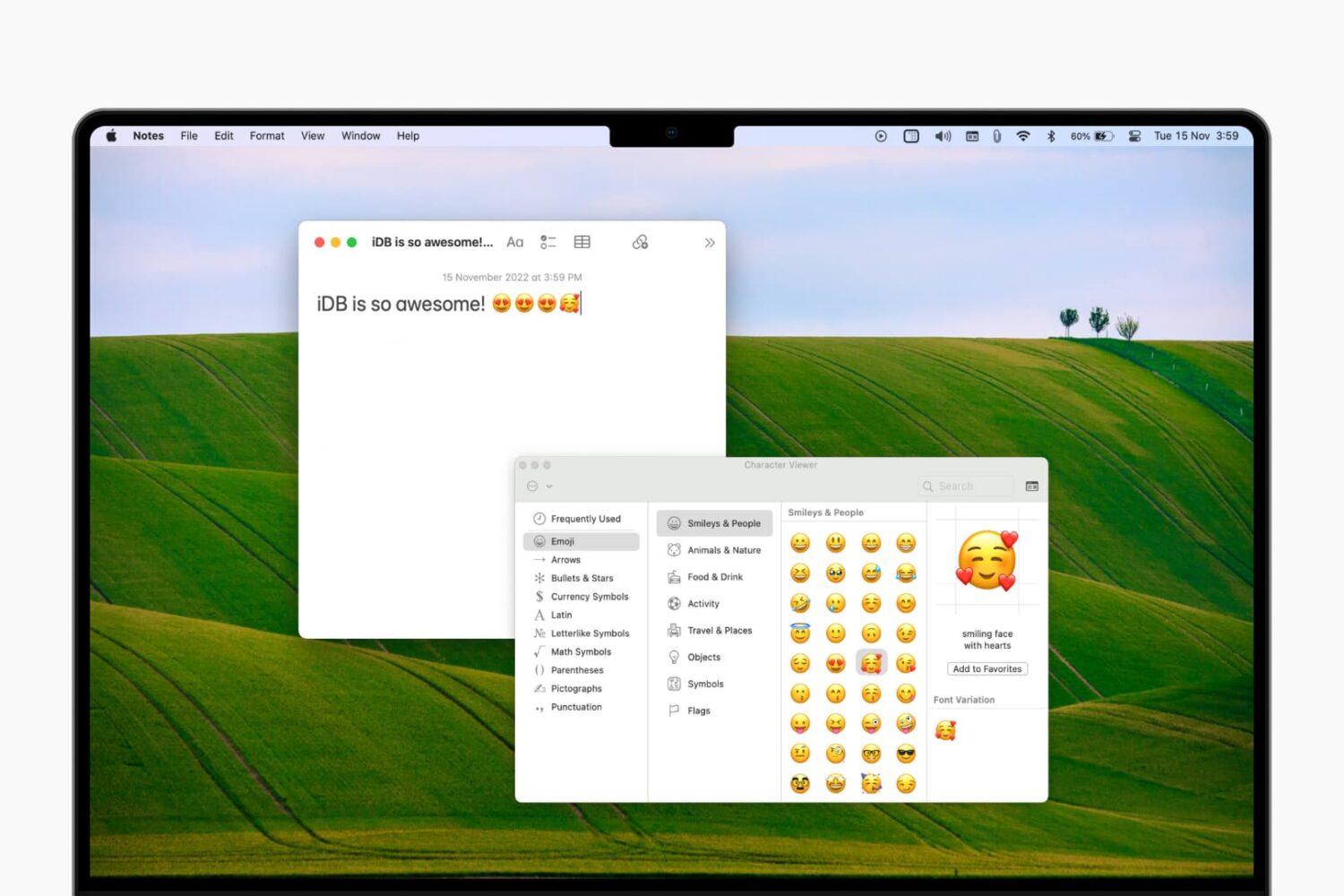
Learn how to access the emoji keyboard on your Mac to add emojis, symbols, characters, and icons to your notes, documents, emails, and other text fields.
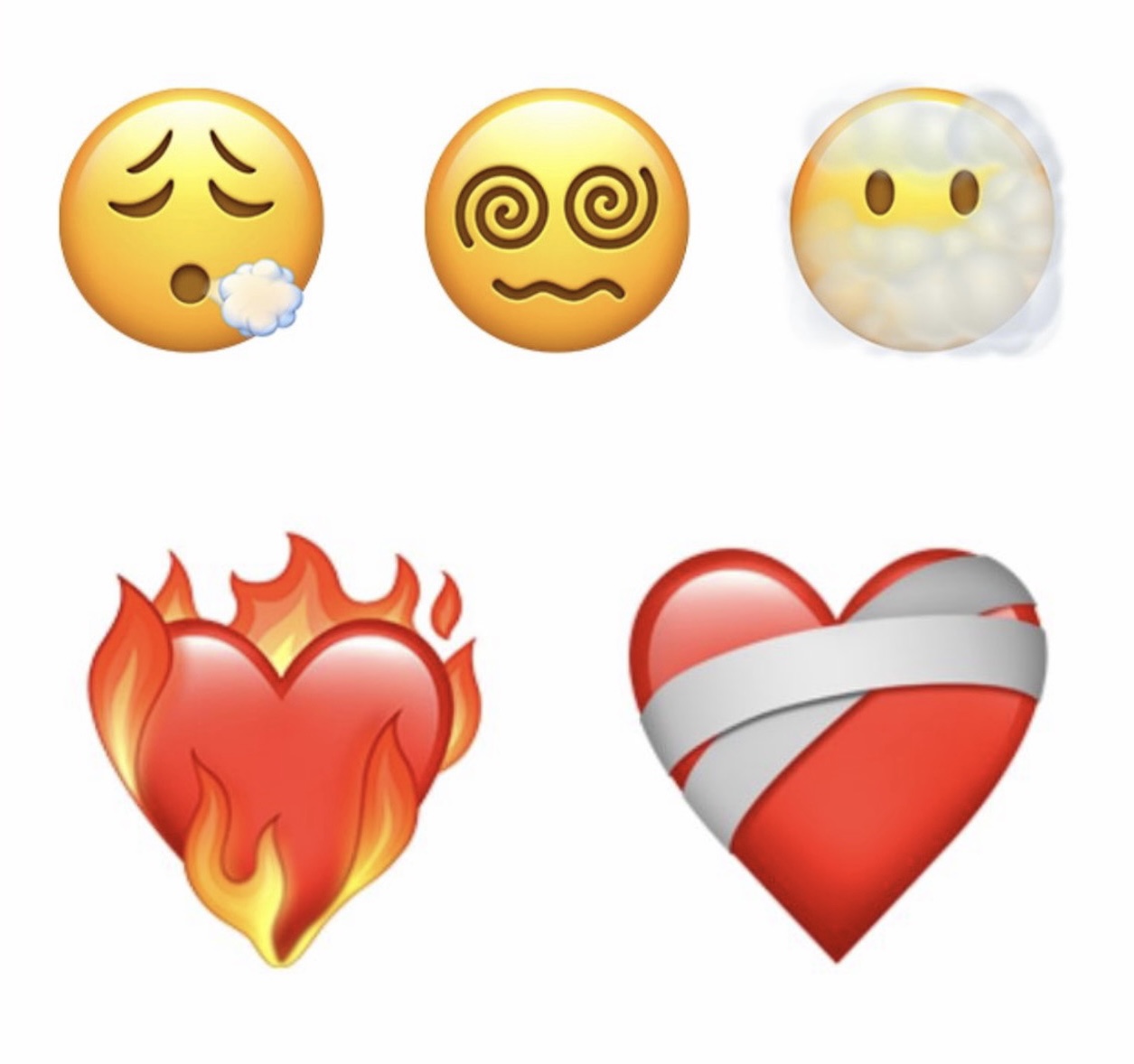
Apple is currently testing iOS & iPadOS 14.5 with its developer base, and should be releasing it to the general public sometime within the next several weeks assuming all the beta testing stages go smoothly.
The upcoming software update will introduce a bevy of novel features, including more than 217 new Emojis that will help users express themselves in text.
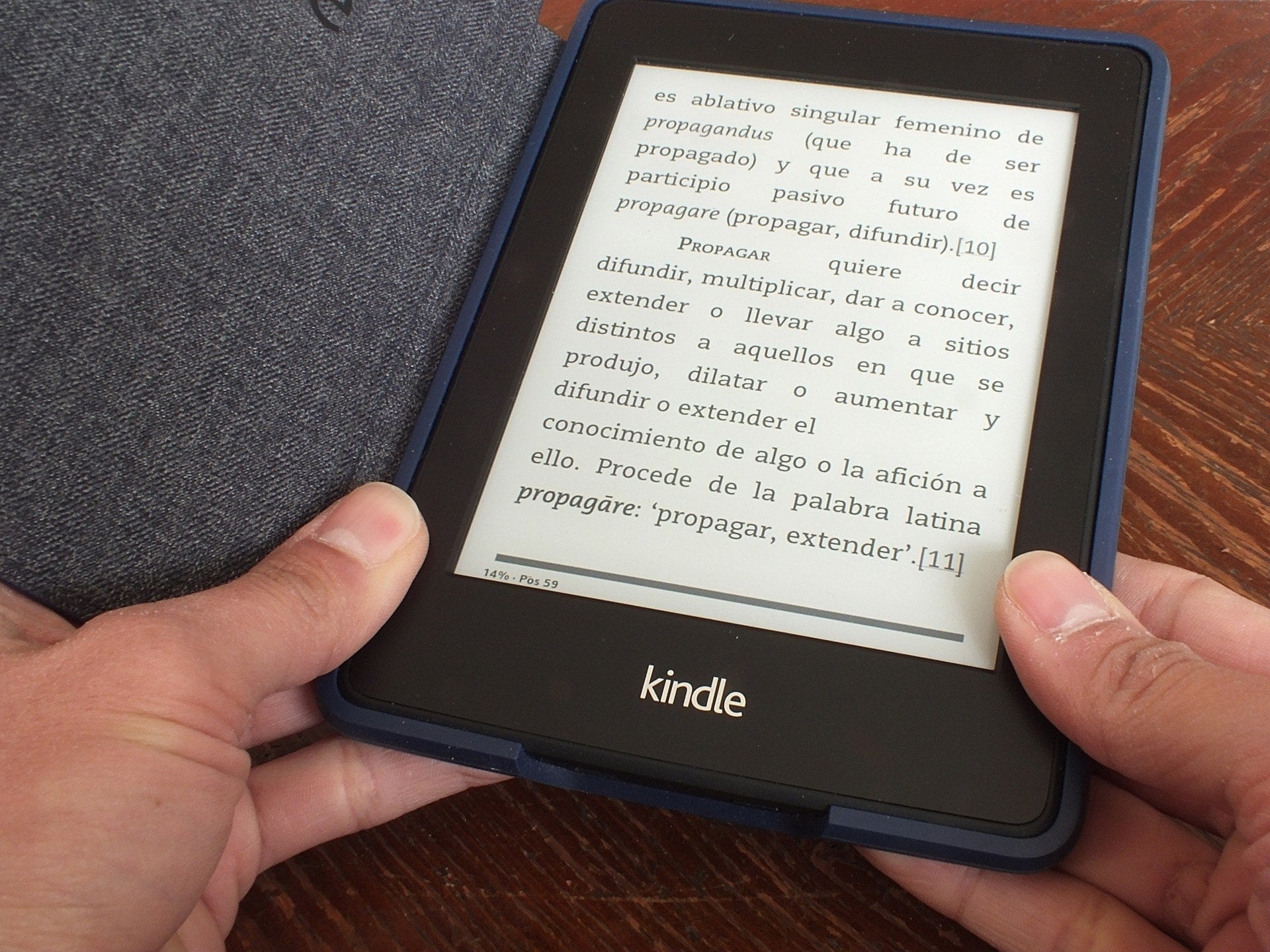
Your Kindle Paperwhite is equipped to handle multiple languages and keyboards. So if you’re bilingual or interested in testing your skills in another language, Kindle is a great way to do it.
Here, we’ll show you how to set the language you want, add and use keyboards in other languages, and even set a default dictionary for each language.
Text editing was always somewhat of a cumbersome experience on the iOS platform, and although it was drastically improved starting with the release of iOS 13, some would inexplicably argue that Apple could have went about it differently to provide a more user-friendly result.
One of the more popular jailbreak tweak categories we’ve witnessed over the past couple of years would be those that create clipboard managers for the iPhone and iPad platforms. As it would seem, Apple’s simple cut/copy and paste solution isn’t suitable enough for serious multitaskers who cut or copy several things at a time before pasting them into another interface.
Of all the recent clipboard manager tweak releases that I remember, Copypasta by iOS developer Nepeta left an impression on me because of its ease of usability, aesthetically pleasing interface, and lack of a price tag. The tweak was originally designed for jailbroken iOS 11 and 12 devices, but it never received an update for iOS 13; that is, until now.
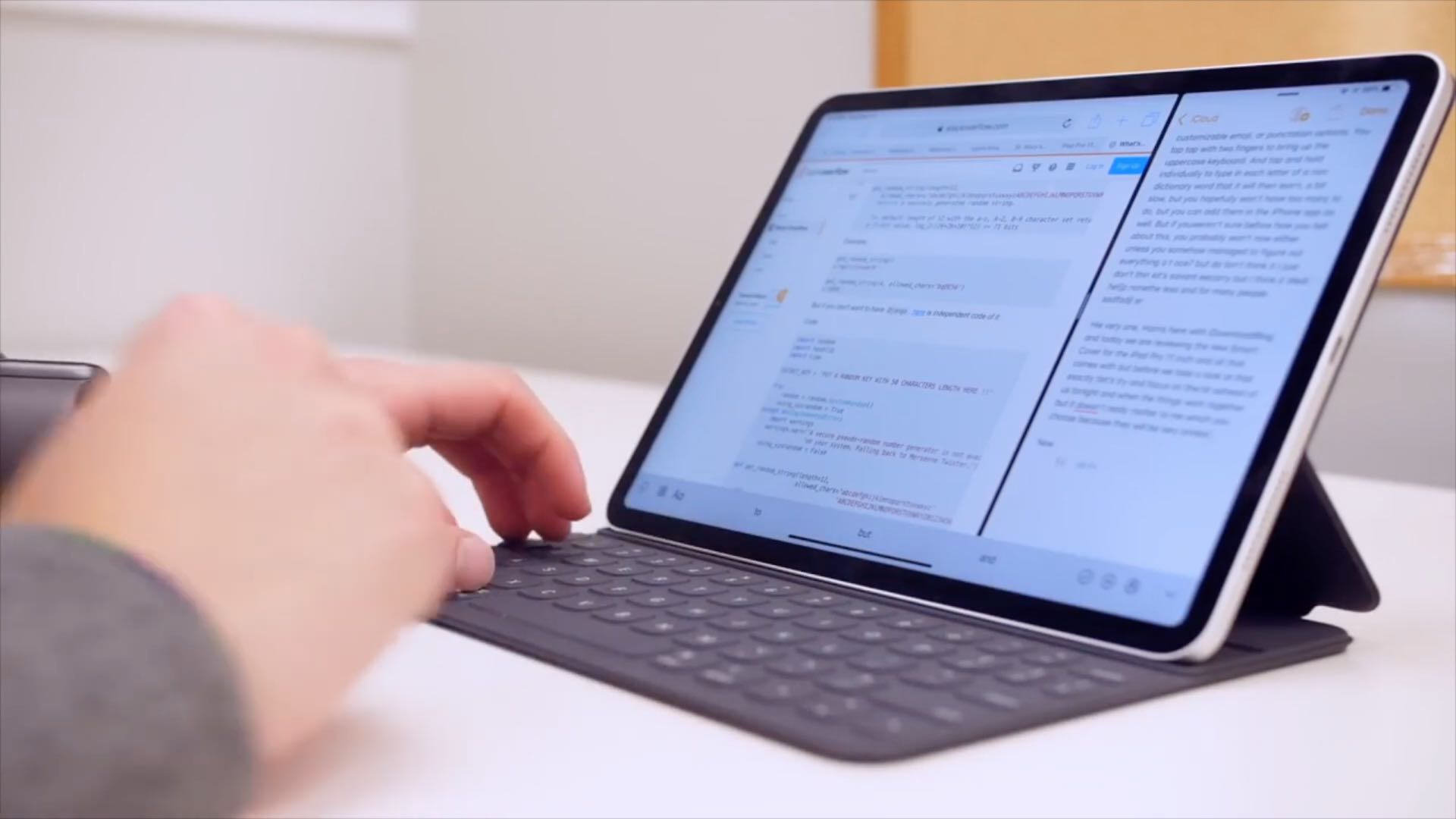
Learn how to configure your physical keyboard so that pressing the globe key instantly brings up the iPad emoji picker anywhere in iPadOS.
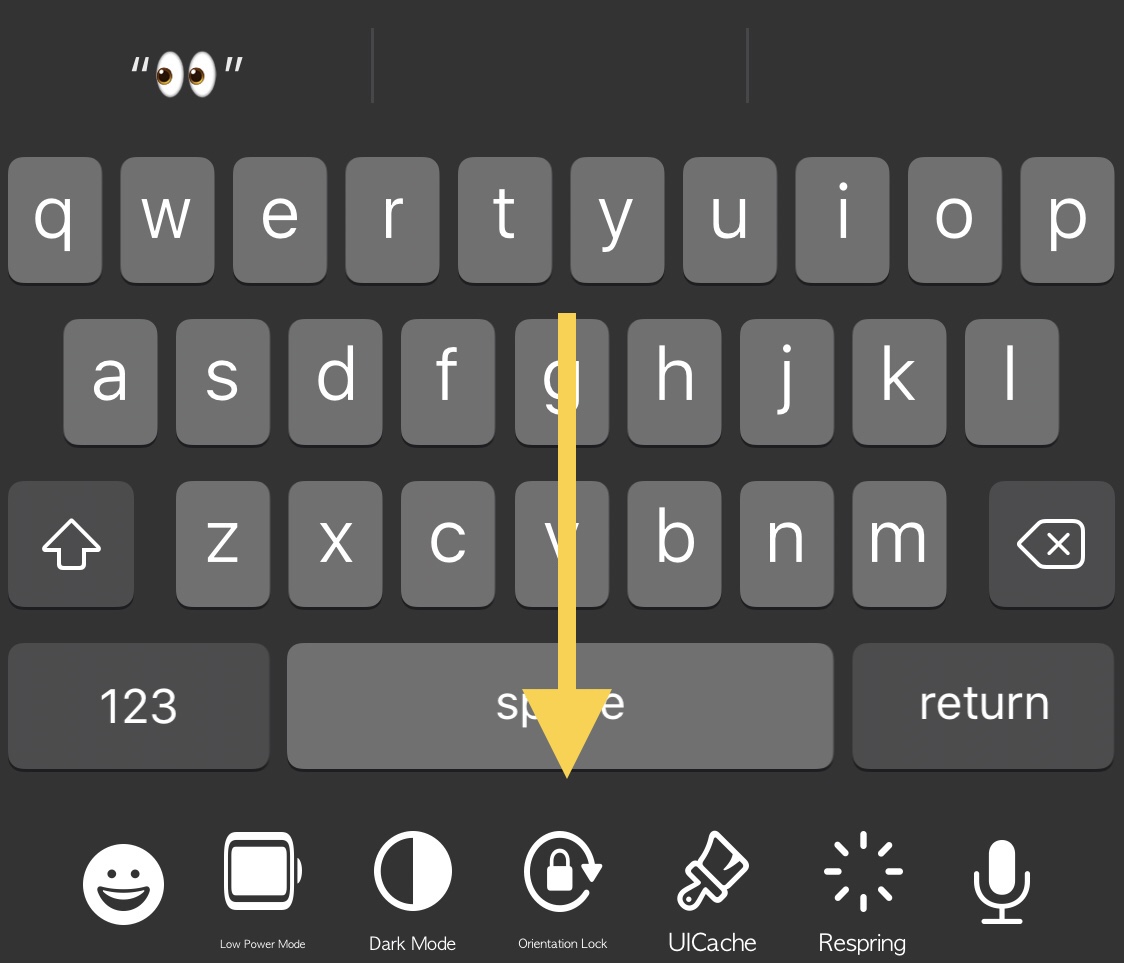
The keyboard is one of the most frequently-used interfaces on any iPhone, and that’s not just because it’s useful for texting, but also because it’s the one tool you use whenever you browse the web, jot down notes or reminders, or search the App Store for your favorite apps, among other things.
While it’s certainly possible to download third party keyboards from the App Store to replace iOS’ native keyboard interface, you’d be hard pressed to find anything nearly as powerful as what can be had with a jailbreak tweak. That’s because jailbreak tweaks often let you keep Apple’s wonderful native keyboard while still enabling you to augment it in ways that Apple otherwise wouldn’t permit on a stock handset.