Jailbreak

Check out the most comprehensive jailbreaking coverage on the internet, including the latest news, apps, tweaks, and detailed tutorials about everything jailbreak.

Upcoming Auxo update adds new toggles, bug fixes, and more

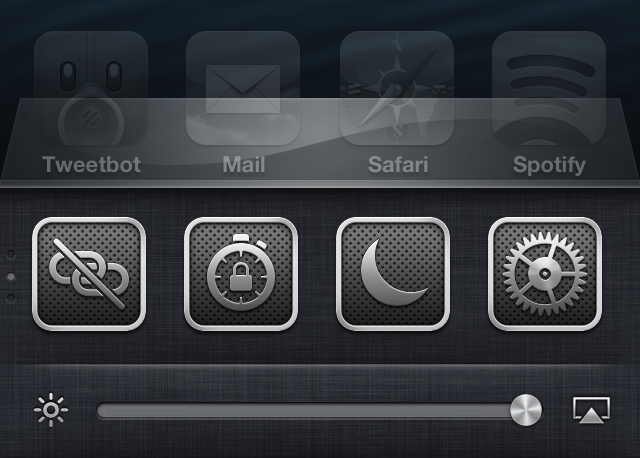
A nice little surprise landed in my inbox today: a preview copy of Auxo 1.4. It's a release that brings new toggles, options, and bug fixes to one of my favorite jailbreak tweaks. To begin, let me just tell you that Auxo 1.4 isn't a groundbreaking new release, but you will be happy to find a refined experience when compared to earlier iterations of the tweak.

Take a look inside as I go hands on with Auxo 1.4, covering some of the biggest new features that you can expect to see when the update is officially released on Cydia.

How to change your iPhone’s panorama button

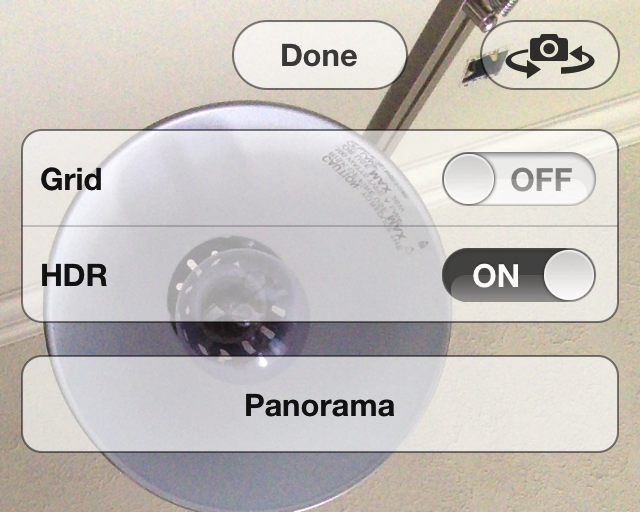
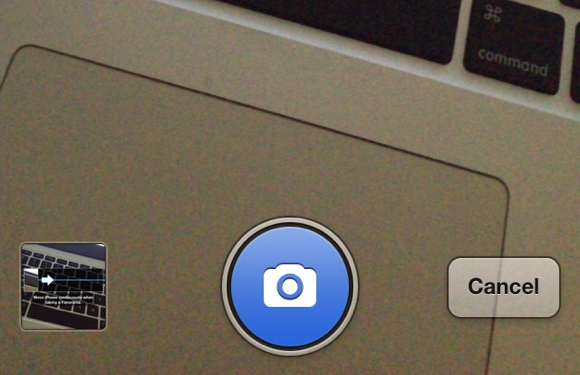
Better Pano Button is a jailbreak tweak for those that hate the original grayscale panorama button found within the iPhone's Camera app. The tweak will allow you to replace the button with a blue button while in panorama mode.

The developer states that having a blue button is for minimalists, which actually doesn't really make much sense to me. If anything, it's less minimal than the standard gray button. He also states that it is better, which is, of course, totally debatable. Check inside for a few more tidbits of information.

‘Beacon’ shows animated Apple logo after each respring

Do you really enjoy the animated Apple logo that appears on your phone the first time it is restored? Would you like to see that animated logo every time you reboot or respring your iPhone? If so, then check out Beacon.

Beacon is a new jailbreak tweak that forces the animated Apple logo to appear each time your respring or reboot your device. That animation is accompanied by a transition animation when switching to your Lock screen. With all of this said, you'd have to really, and I mean really, love that animation in order to be willing to cough up $0.99 for the privilege.

LockLauncher 2.0 is out with support for iOS 6 and iPhone 5

It seems like there's been a lot of tweaks updated lately to support iOS 6 and the new 4-inch display on the iPhone 5. There's Mail Enhancer Pro, ToDoNotes 2, and iBye. And today, we are adding another one to the list.

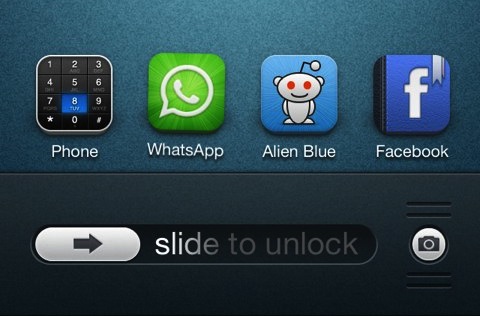
LockLauncher, a jailbreak tweak that lets you launch multiple apps at once from your lockscreen, has been updated to version 2.0. The update includes several improvements, including iOS 6, iPhone 5 support and more...

‘TouchPal’ is a free Swype inspired jailbreak tweak

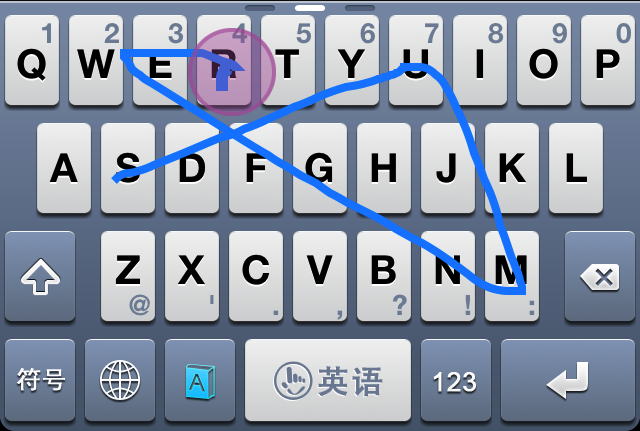
TouchPal is a very under the radar jailbreak tweak that allows users to replace their stock iOS keyboards to a new Swype inspired keyboard that's downloadable from the App Store. I know that probably sounds a bit odd, so let me explain a bit.

TouchPal is actually two different things. First, it's a legitimate App Store app that can be downloaded by anyone, whether or not they are on a jailbroken device or not. The standalone app was created as a multi-language keyboard that allows you to have accurate predictive text by means of standard taps on keys, or swipe gestures, which are inspired by Swype.

Unfortunately, by itself, you can only use TouchPal as a standalone app, and then copy that text to other applications, or take advantage of an app's built in URL scheme for inter-app communication. The good news is, that there's a second part to this puzzle piece, and it comes in the form of a jailbreak tweak that's adorned by the same name — TouchPal. This jailbreak tweak allows you to incorporate the keyboards featured in the standalone app, right into stock iOS. This means that you can use the TouchPal keyboard within normal apps like Notes, Mail, Safari, and any other app that you use on your iPhone.

Needless to say, TouchPal is really neat. Take a look inside as I demonstrate how it works in our full video walkthrough.
How to get the new LastPic tweak to work with biteSMS

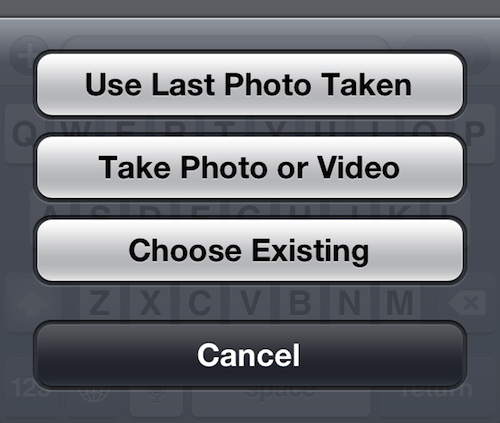
Last month, Filippo Bigarella released a handy little tweak called LastPic. For those who missed it, LastPic lets you quickly add the last photo you took to an iMessage conversation, similar to the Tweetbot function.

Unfortunately, the tweak is only compatible with the iMessage app. But luckily we've discovered a simple hack that allows you to use it with the popular jailbreak app biteSMS. And yes, we've got a tutorial for you...

Let’s Talk Jailbreak – 04: Someone broke into the car

In our fourth episode of Let's Talk Jailbreak, Sebastien and I discuss p0sixninja's potential exploits for iOS7, being scared to install tweaks that might force a restore, biteSMS and iRealSMS, Sebastien's trial run with f.lux, one of Jeff's favorite sleeper jailbreak tweaks, finding a new iOS 6.1.2 device, and much, much more. You don't want to miss this...

Pod2g confirms evad3rs are not working on 6.1.3 jailbreak

It's been nearly two weeks now since Apple released iOS 6.1.3 that effectively killed the evasi0n jailbreak. It had a good run though, lasting  for nearly 6 weeks, through 2 iOS software updates, and jailbroke close to 20 million devices.

And it looks like that's it for jailbreaks for a while. We had an inkling there wouldn't be a 6.1.3 jailbreak released—it doesn't make sense to burn exploits before iOS 7— and the evad3rs' pod2g just confirmed our suspicion on Twitter...

‘Pinnacle’ lets you easily navigate the Settings app menu structure

http://www.youtube.com/watch?v=unSQMgdkpRs

Pinnacle is a new jailbreak tweak designed to peruse the menu structure of the Settings app using a simple tap and hold gesture. The tweak contains an option that allows you to immediately go back to the root of the Settings menu, or to select from a list of sub-menus. To use Pinnacle, simply tap and hold on the current menu's back button.

Obviously, a tweak like this is best suited for deep menu structures like you'll find in the Settings app, but Pinnacle also works with any app that uses iOS' stock chrome menu interface for navigation. I look at it as a different take on Ryan Petrich's SwipeBack tweak.

How to enable HDR on the iPhone’s front facing camera

Front HDR is a new jailbreak tweak that allows you to enable High Dynamic Range while using the iPhone's front facing camera. Normally speaking, HDR is a mode reserved for the iPhone's rear camera, and since the rear picture quality is much better than the front camera, it's probably best served there.

Still, there are always those who want to make their iPhone's do things that it was never intended to do, and that's the case with Front HDR. While the tweak does work as advertised, it also poses a few big issues along the way. Check inside for more details.

WeatherIcon comes alive for iOS 6

Rejoice, ladies and gentlemen, because WeatherIcon is back and it brings support for iOS 6 in tow. Aptly dubbed WeatherIcon 6, this jailbreak tweak brings live weather updates to jailbroken iOS 6 devices.

Like its predecessor, this tweak ditches the static "73 degrees and sunny" located on the stock Weather app icon, in favor of live up-to-date weather conditions. One thing you won't find in WeatherIcon 6 is support for status bar weather information, but the developer says that a future update to a dependency will bring status bar support soon.