Jailbreak

Check out the most comprehensive jailbreaking coverage on the internet, including the latest news, apps, tweaks, and detailed tutorials about everything jailbreak.

How to merge live front facing camera video with your wallpaper

http://www.youtube.com/watch?v=X2n96JcpAls If you have an iOS device with a front facing camera, you can use a new jailbreak tweak on Cydia to "merge" the wallpaper image with live video from the device's front facing camera. Faded Camera Wallpaper is the name of the tweak, and it's a free download on Cydia's ModMyi repo. It's a tweak that will display a faint video feed from the front facing camera, canvased on top of the Home screen wallpaper.

The tweak is exactly as described, and contains no options or settings, which is unfortunate. It might be an effect that you wouldn't mind using from time to time, but there's not even an off switch to disable it. As it stands, it's a usable tweak, but it's in desperate need of a preference panel to at least toggle it on or off. Without such an option, you have a surefire battery killer on your hands, as it appears that the camera is in action even when not at the Home screen wallpaper.

What do you think?
How to add a Velox style music widget to your iPhone right now

http://www.youtube.com/watch?v=jVgRbDOiUMo

Itching to get your hands on Velox? You're not alone. In the meantime, you may want to give MusicWidget (velox style) a go. It's a free jailbreak tweak available on Cydia's BigBoss repo, that lends Velox styled music controls to the stock Music app.

There are no settings or options to configure for MusicWidget, just install it and go. It's a tweak that works only with iPhones running iOS 6.x. Once installed, a double tap on the Music app icon will reveal music controls in a style similar to the Velox tweak that we showed you earlier. The Music app can be anywhere on your Home screen, it doesn't have to stay relegated to the dock.

If you decide to take it for a ride, let me know what you think about it.

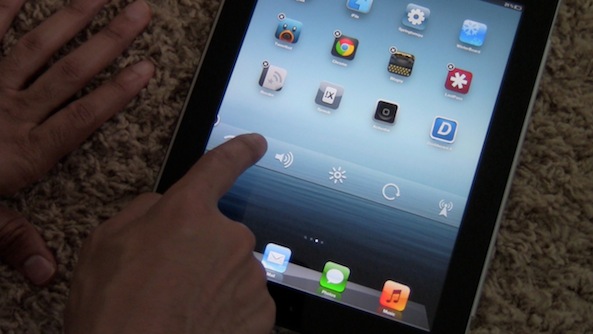
Auxo version 1.4 released on Cydia

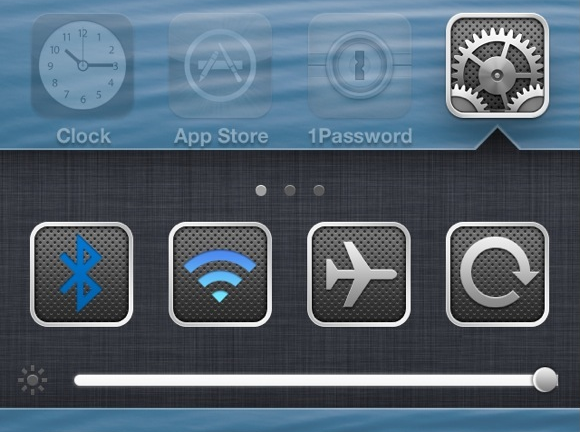
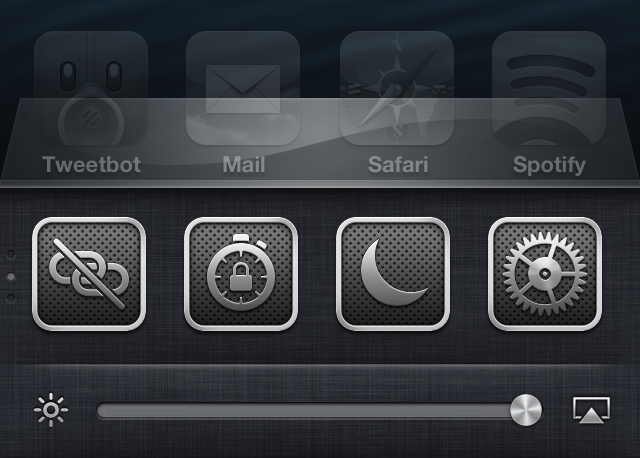
One of my favorite jailbreak tweaks of all time, Auxo, has been updated to version 1.4. This release, as we highlighted in our preview of the update, brings bug fixes, new toggles, and additional settings to the table.

The biggest feature in my opinion, is the adjustment that has been made with the tap zones on the brightness and music control sliders. in the past, those slider knobs have been really difficult to key in on with your finger, but after the 1.4 update, this is no longer an issue.

Let’s Talk Jailbreak 05: Technical difficulties

Our fifth episode of Let's Talk Jailbreak is proof that time flies when you're having fun. We have tons to talk about today, including an update on Sebastien's broken car window, the possibility of an iOS 6.1.3 jailbreak, the top tweaks of the week, Apple's use of widgets, and so much more. I think it's safe to say that you don't want to miss this episode.

Velox: an upcoming tweak that lets you interact with app icons to check notifications and more

Velox is an upcoming jailbreak tweak that I've had my eye on for months. I've been anticipating the release of this tweak for a very long time, because I think it has the potential to make a huge impact on the jailbreak community.

Rarely does a jailbreak tweak come along that has the capability to change the way that you use your device. A very exclusive number of tweaks belong to that group, and Velox has the potential to crash the party.

Yes, Velox is in the same hemisphere, and it contains, perhaps even more long term potential than Auxo. That's because it's a completely different type of tweak that can interact with multiple apps, and features its own API for extended development.

Primarily, Velox is a tweak that allows you to interact with apps on your Home screen in order to check notifications without opening Notification Center. But that's just the tip of the iceberg. Velox also features custom "folders" that can be individually tailored for specific apps. Each of these folders can be accessed using a simple swipe up or swipe down gesture on the app icon that you wish to interact with.

What does this mean? It means that if I swipe up on the Settings app, a folder containing settings toggles is revealed. It means that if I swipe down on the Camera app, the camera is revealed in a folder right there on my Home screen. Trust me, reading these words just doesn't do it justice; you have to see it in action to really appreciate the potential here. Thankfully, I've got an exclusive hands-on video to showcase how it works...

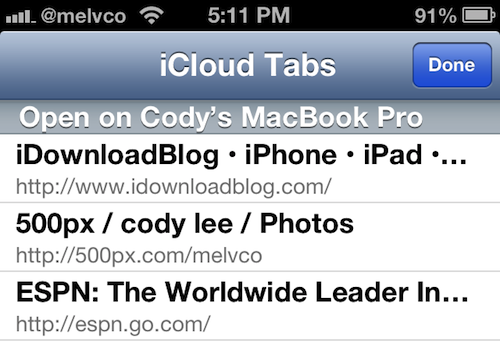
Quickly access your iCloud tabs in Safari with CloudTabs+

I use my MacBook and iPhone all day, every day. If I'm not on one, I'm on the other, and sometimes I'm on both. So I'm constantly using features like iCloud's Safari tab sync to ensure a streamlined experience as I switch between devices.

The sync feature itself, which Apple introduced last year in iOS 6, works great. But I have to admit, it would be nice if it wasn't buried in mobile Safari's Bookmarks menu. Luckily, that's not a problem anymore with this new jailbreak tweak...

App Store app works with jailbreak theme to create custom Lock screens

Trying to find a decent Lock screen theme in Cydia is like trying to find a needle in a haystack. There are thousands of them in there, and there are way more bad ones than there are good. So you're forced to spend hours browsing.

But what if I told you there was an app in the App Store that, when coupled with a jailbreak theme, allowed you to either create your own custom Lock screen themes, or download hundreds of free themes, with a few quick taps?

Well, such an app exists. And if you haven't seen it yet, this post is going to make your day...

PowerSwipe lets you quickly respring or reboot from the Lock screen

If you're not the type of person who takes pictures with their iPhone very often, you've probably looked into alternative uses for the camera grabber on your Lock screen. After all, if you're going to have a button there, why not make it useful?

Luckily, there are a number of jailbreak tweaks available that allow you to change the functionality of the camera toggle to do other things like launch an application or toggle Airplane mode. And today, we're adding another one to the list... 

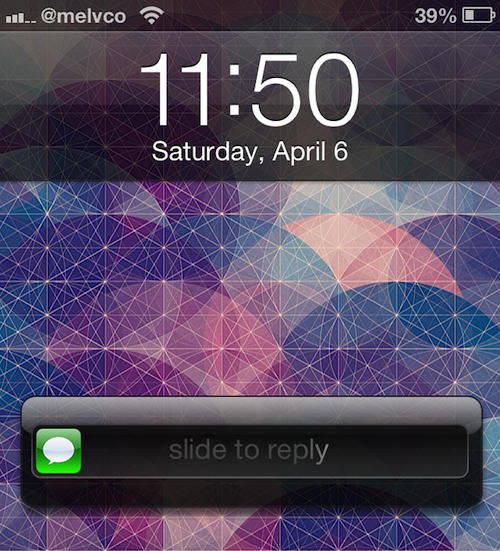
‘Messages’ lets you compose and reply to messages from anywhere in iOS

Sometimes I feel like I'm one of the only people in the world that doesn't use biteSMS. Don't get me wrong, I really like some of the tweak's features, like quick reply and compose. But in my experience, it's not very stable and tends to clash with the stock Messages app.

That being said, you can understand my excitement when I saw 'Messages' pop up in my Cydia stream today. The new jailbreak tweak, by Ma Jun (the creator of Bulletin), offers up biteSMS-like quick compose and reply features, without all of the extra biteSMS fluff...

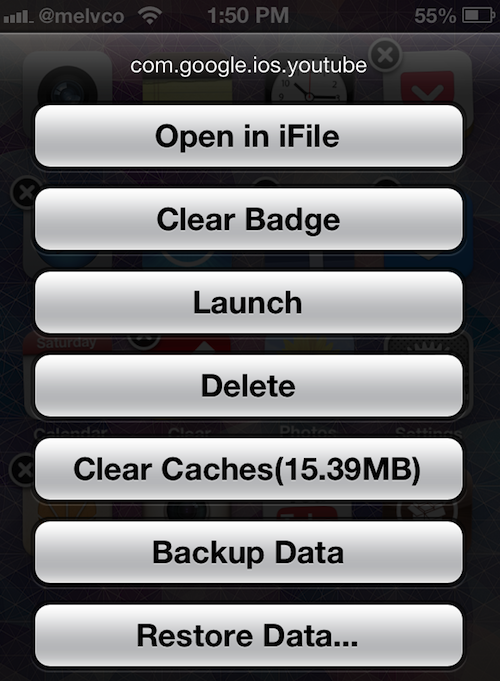
Backup and restore app data, clear caches and more with Icon Tool

What do you get when you take a jailbreak tweak that can clear an app's notification badges, and cross it with one that can clear its cache, backup and restore its data, and more? Easy, Icon Tool.

Icon Tool is a new tweak by developer ioshack that offers up all of the above-mentioned options in one easy to access menu. Simply put your device into wiggle mode, and triple tap on an app icon...

Apple was right, widgets just ain’t cool

Without a doubt, one of the biggest differences between iOS and Android is its fundamental handling of information. Google decided to allow widgets onto a phone's Home screen so that, theoretically, users would have the information they need right at their fingertips. Apple, on the other hand, has doggedly stuck to its guns over the years, with iOS remaining a collection of app icons rather than live widgets.

Over the years there have been plenty of arguments amongst those in the tech community as to which was the best way to go. Android users will repeatedly point to widgets as one of the main reasons they prefer their phones over the iPhone or even one of the Windows Phone handsets. Sitting halfway between iOS and Android, Windows Phone features live tiles that offer up information from the phone's Home screen a la widgets, but that's just not enough for some. It's widgets or nothing, man, and that's the way it is.

But iOS users can have their cake and eat it. They can have widgets on their home screens just like Android users, whilst still having that iPhone they so love. But the real question is: should they? Even if they should, I'd argue that fewer people actually would than we might think...

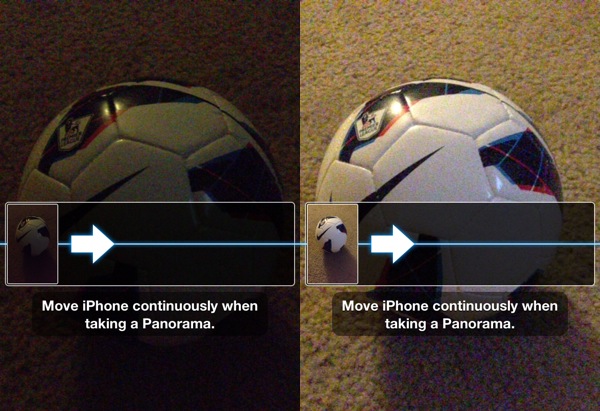
Take better low-light panoramic pictures with LLBPano

I'm a big fan of the Panorama capture feature that was added in iOS 6. I'd like to be able to use it while holding my iPhone in landscape mode, but other than that I think Apple did a great job with it.

It doesn't always work very well in low-light conditions though. And that's where the jailbreak tweak LLBPano comes in. It enables Low-light mode on the iPhone 5 when taking panoramic photos...