Jailbreak

Check out the most comprehensive jailbreaking coverage on the internet, including the latest news, apps, tweaks, and detailed tutorials about everything jailbreak.

Sleeper Tweak: BannerDisable

We talk about a lot of interesting things on Let's Talk Jailbreak, and one of them is the concept of sleeper tweaks. These are great tweaks, that for whatever reason have been forgotten, or fly under the radar. We've talked about a few of them on the Podcast, and I'd like to periodically talk about them on the blog.

One of the first sleeper tweaks that comes to my mind is BannerDisable. It came out before Do Not Disturb hit iOS, and it's a lot more forceful than iOS' built in DND feature. If you absolutely do not want any notifications disturbing you for any reason, then you should definitely have BannerDisable installed on your device.
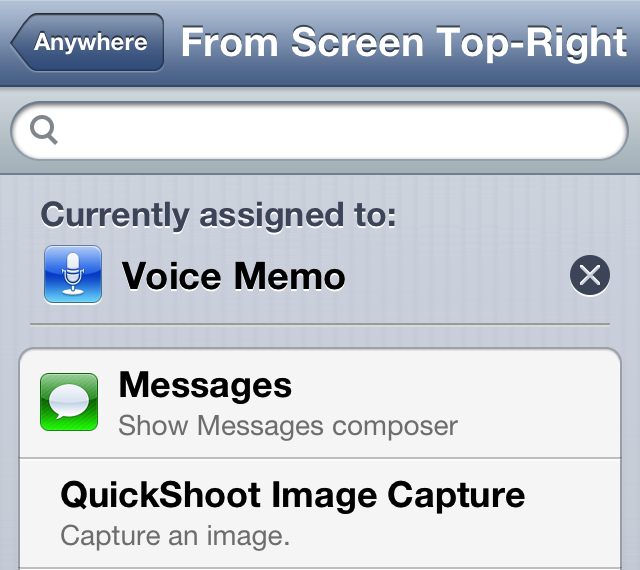
How to assign voice memos to an Activator gesture

Whenever you have Ryan Petrich's beta repo added to your Cydia sources, you're bound to run into a new surprise from time to time. That's because the prolific Cydia developer likes to test out some of his new creations on his personal repo before adding them to Cydia.

One of his latest creations is called Voice Memo Toggle for Activator. As its name states, it simply adds the ability to toggle voice memos on or off using an Activator gesture. The memos are taken using the iPhone's stock Voice Memos app, which makes it only available for the iPhone or iPod touch users. Take a look inside for a few additional details.

Set intervals for the Reminders app with RemindMeAgain

A new tweak was just submitted to the Cydia store today, and it is called RemindMeAgain. As its name alludes to, RemindMeAgain works with the Reminders app to provide you with Reminders for tasks at preset intervals. RemindMeAgain will continue to bug you at the interval you set, until the task is checked as being complete.

Take a look inside for a brief look at the tweak...

Messages: a compromise between biteSMS and the stock Messages app

If you already listened to our latest episode of Let's Talk Jailbreak, then you know that Sebastien and I discussed jailbreak tweaks for the Messages app. We talked about biteSMS, Messages+, iRealSMS, and the like. We talked about these tweaks as we discussed the validity of a new tweak, simply called Messages, and whether or not it was worth the investment.

At the time, neither of us had really put any hands-on time into the tweak, although Cody has given it a shot and seemed to like it. On the show, I promised that I would check out the tweak and provide my two cents, and that's just what I did today.

How to add an animated clock to Notification Center

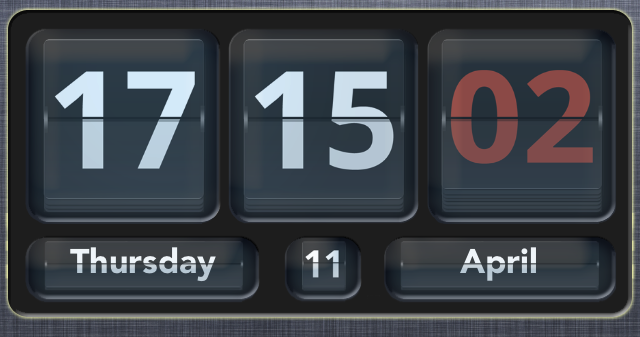
Flip Clock is a jailbreak widget that allows you to add an animated flipping clock to Notification Center. The tweak features a nice helping of options to configure the look and feel of the clock to your personal liking.

Once Flip Clock is installed, simply enable it in Settings > Notifications in order to display it within your Notification Center. The tweak also works with packages like LockInfo for placing the widget in more places than just the Notification Center panel. Check out a few more tidbits about this great looking jailbreak tweak after the break...

Badger beta updated with support for all apps and more

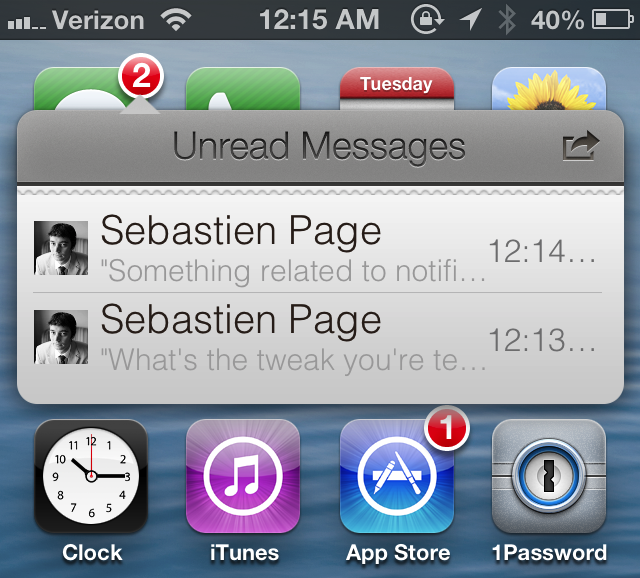
Badger — the highly anticipated jailbreak tweak that let's you view notifications right on the Home screen — has been updated. The tweak, still in beta, continues to receive incremental updates as it inches closer to a public release.

In our very first look at the tweak, Badger was extremely limited, only allowing users to view notifications for the Messages app. After the recent updates, Badger now allows users to view notifications for every app installed on the device, and more.

Filippo Bigarella donates over $5,000 from proceeds of his jailbreak tweak LivelyIcons to charities

Back in mid February, we brought you coverage on a jailbreak tweak called LivelyIcons. It was a tweak, created by Filippo Bigarella, that let you have animated app icons on your Home screen. The animations were nice, but the big news about LivelyIcons' was Bigarella's promise to donate some of the proceeds to cancer research.

To be honest, I had almost forgotten about the tweak until Bigarella sent out a tweet today updating the progress of the earnings and donations. Judging by the numbers, it looks as if LivelyIcons was a huge success. Check inside for the details...

QuickShoot Pro: a great way to quickly snap photos and videos

Have you ever missed an ideal snapshot as you waited for the Camera app's animation and UI to finish loading? I think it's safe to say that all of us have missed a perfect photo as a result of having to wait on the iPhone's Camera app. Things have gotten considerably better in this regard as hardware speeds have improved, but it's still not exactly perfect.

QuickShoot Pro is a jailbreak tweak that seeks out to solve the issue by letting you snap photos and videos directly from the Home screen. It accomplishes this feat using a couple of different methods. The first method requires you to double tap on the Camera app icon for a photo, and a triple tap on the app icon for video. By doing this, a photo or video is taken without the Camera UI, hence resulting in a faster composition.

The second method is a simple Activator gesture. You can setup an Activator gesture for taking a photo or starting a new video. QuickShoot Pro features quite a few options that can be used to configure the tweak to your needs and liking. It's not going to completely reduce the wait time associated with taking a new photo, but it's certainly faster than the stock method for taking photos and videos. Take a look inside as we break down QuickShoot Pro in our hands on video walkthrough...

How to quickly share notes on Twitter and Facebook

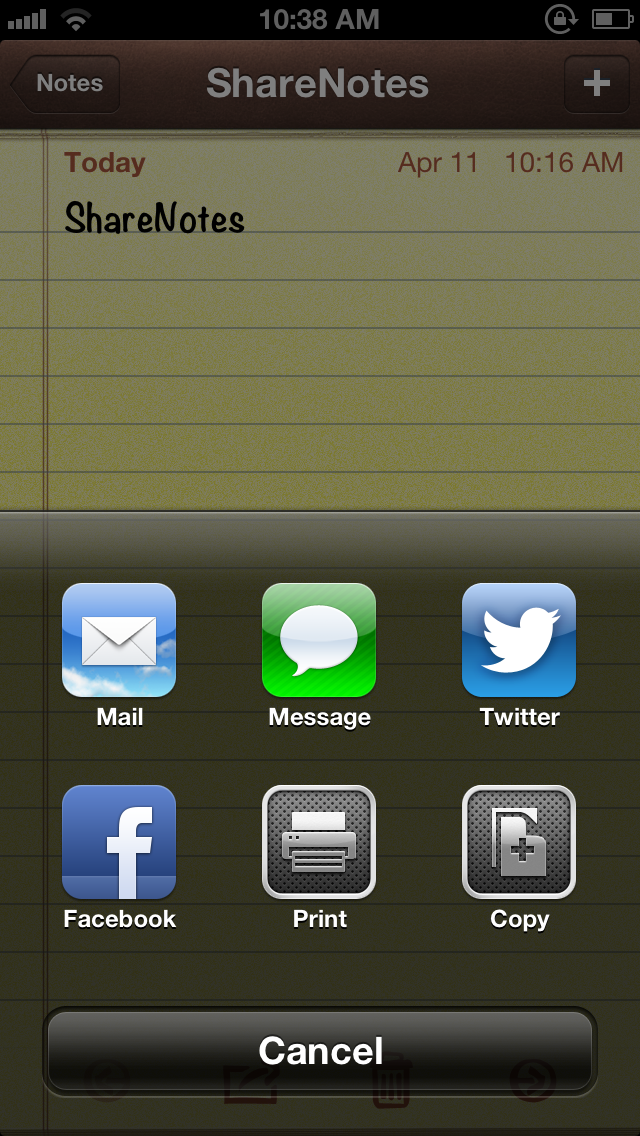
ShareNotes is a new jailbreak tweak that allows you to share notes on Twitter and Facebook using iOS' built in share sheet. The sheet is accessible via a tap on the share button in the Notes app, and it features two new buttons for Facebook and Twitter sharing once this tweak is installed.

The stock sharing options for notes are quite limited; you can only share notes via Mail or Messages. This jailbreak tweak opens things up a bit. Take a look inside for screenshots and more info...

How to select a specific song from the Lock screen using ‘Pluck’

http://www.youtube.com/watch?v=gs9Xxc-_a6o

Pluck is a recently released tweak that places a dedicated button on the iPhone's Lock screen for selecting Music. To view the button, simply invoke the iPhone's music controls by double pressing the Home button while on the Lock screen. Tapping the button allows you to "pluck" a new track from your Music Library, instead of forcing you to unlock the device and venture into the Music app just to select a specific song.

Once the button is tapped, a new sheet featuring your Music Library is pulled in from the bottom of the screen. This sheet can also be accessed by means of an Activator gesture, which is configurable in Pluck's preferences. Check inside for a few more details.

How to make the iPhone’s Spotlight background transparent

Clear The Air is a new jailbreak tweak that allows you to adjust the transparency of the Spotlight search in iOS. Options can be configured to adjust the transparency on a sliding scale, maintain the status bar's opacity, and a general kill switch to quickly enable or disable the effect.

If you're looking for a tweak that allows you to enjoy your background wallpaper while performing Spotlight searches, then this is the tweak for you.