Jailbreak

Check out the most comprehensive jailbreaking coverage on the internet, including the latest news, apps, tweaks, and detailed tutorials about everything jailbreak.

LSStepCount is a jailbreak tweak that places a pedometer count right on the Lock screen

Wouldn't it be cool if you could have a pedometer right on the Lock screen? Some phones, notably the Samsung Galaxy S5, already allow you to do this. Now you can do the same thing on your iPhone 5s courtesy of a new jailbreak tweak.

The tweak, which is aptly entitled LSStepCount, is a beta release that places a pedometer count right on the Lock screen and in the status bar. It's a beta tweak, so it definitely needs some TLC from a design perspective, but it works. Check out our video walkthrough of the tweak after the jump.

How to add a live word counter to the stock Notes app

Prolific jailbreak developer Julian Weiss is quickly ascending the ranks as one of my favorite members of the community. He continues to release tweak after tweak, and many of them prove to be useful just like this one. NotesCounter is his latest addition to Cydia, and as is the case with many of his releases, it's a simple yet effective jailbreak tweak.

As its name implies, NotesCounter adds a simple word counter to the Notes app interface. It's accomplished in a way that's good-looking without bringing unnecessary attention to itself. Have a look at our full video walkthrough of NotesCounter after the jump.

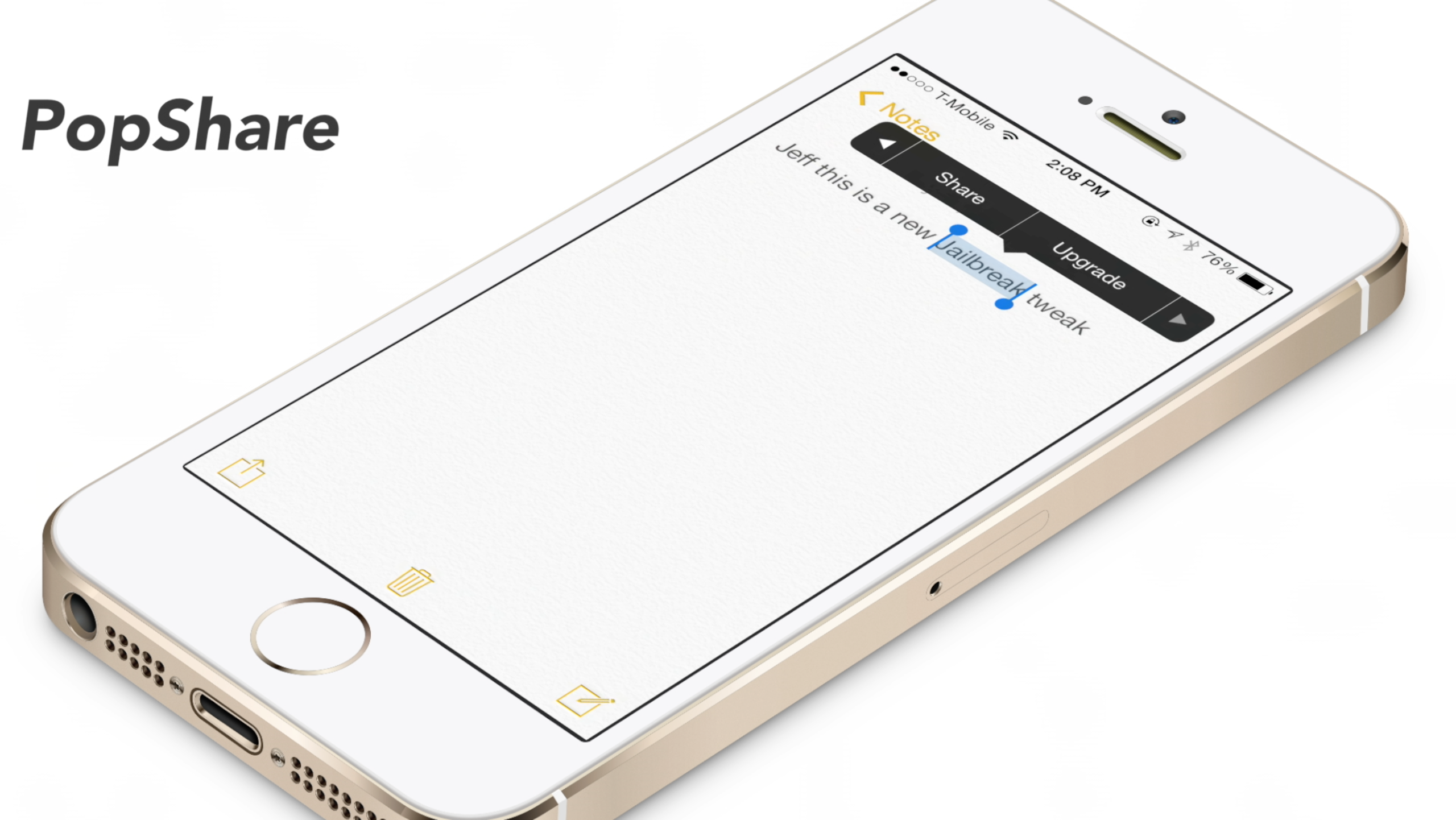
PopShare: share text from the copy and paste menu

PopShare is a recently released jailbreak tweak that acts as an add-on to Ryan Petrich's Action Menu. Action Menu is the legendary tool that adds a ton of extra features, including the ability to create add-ons like PopShare, to the copy and paste menu.

The idea behind PopShare is that you can highlight specific text and quickly share that text using iOS' built-in sharing sheet. As an idea, PopShare is a good jailbreak tweak. Unfortunately, ideas don't always translate into success, especially on the very first try. Have a look at our video walkthrough inside to see what I mean...

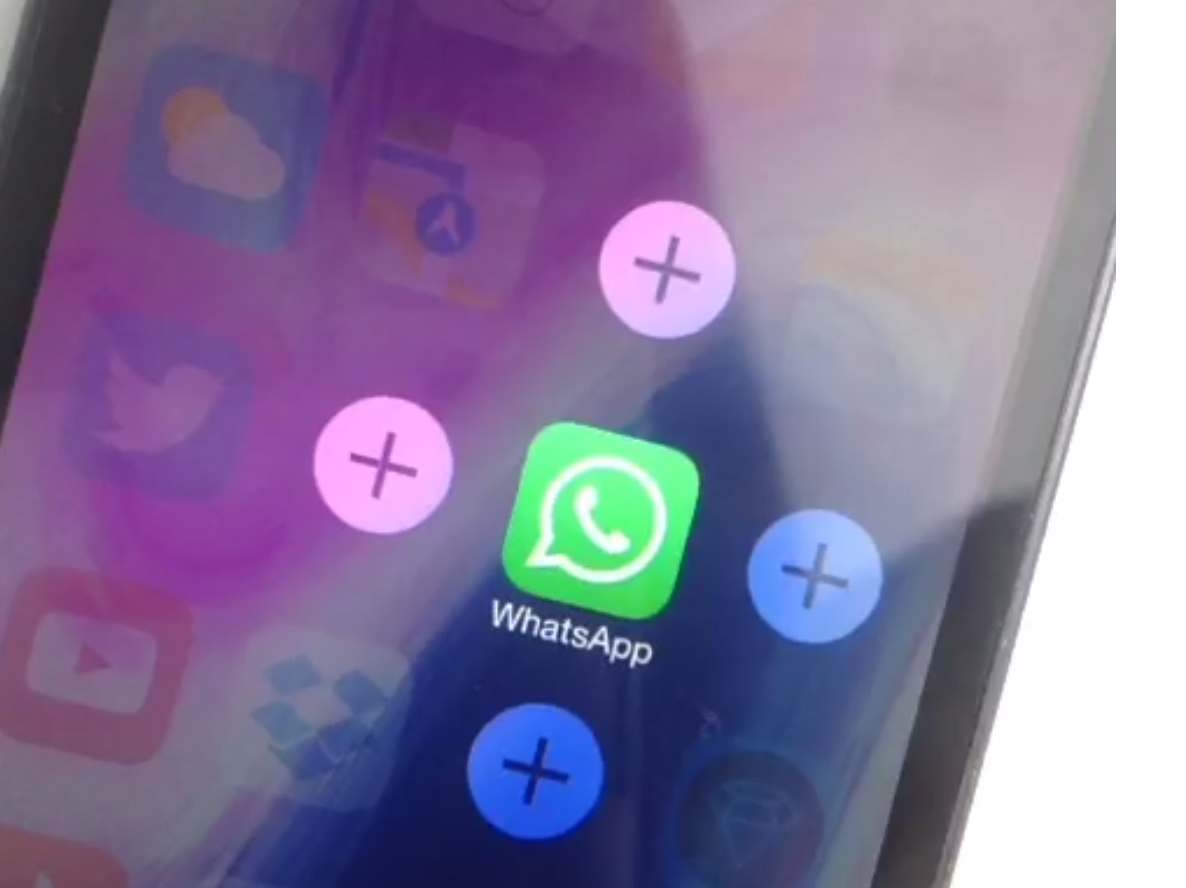
Sentry teases Apex 2, the tweak that lets you group apps together

Sentry, the designer behind Auxo 2 and a bevy of other jailbreak releases, has teased a sequel to another one of his popular tweaks. Apex—the jailbreak tweak that allowed users to group app icons and reveal them using swipe gestures—has received the iOS 7 treatment, and it comes in the form of Apex 2.

If you're someone who likes to avoid using folders, then Apex is a jailbreak tweak that should pique your interest. The idea behind the tweak was good, but it was the implementation, with its smooth animations, that made Apex stand out.

Needless to say, it's good to see Apex running on iOS 7, as it evokes fond memories. Check out the full review of the original version, and a sneak peak at the new iOS 7 update.

How to integrate Google Cloud Print natively within iOS

If you ever listen to our Let's Talk iOS podcast, you're probably keenly aware of my paperless lifestyle. As a huge Evernote proponent, I make it a habit of avoiding hoarding lots of unnecessary papers. But every now and then, even I am forced to print out a document or two. It happens just rarely enough to make it extremely annoying, and my annoyance is compounded by the fact I don't own an AirPrint compatible printer.

As someone who is slowly integrating their way back into the Google ecosystem, I decided to give Google's Cloud Print service a try. Google Cloud Print is basically the Google equivalent of AirPrint with some notable differences here and there. But for all intents and purposes, people use Google Cloud Print for the same reason that people use AirPrint—they want to print wirelessly from a wirelessly connected device.

It goes without saying that Google Cloud Print support is a feature that hasn't been, and probably never will be, included in stock iOS. But that's okay, because there is a jailbreak tweak that will allow you to just that. Check inside for the full video walkthrough.
‘Almpoum’ adds more options for screenshot taking

Almpoum is a jailbreak tweak for frequent screenshot takers. As you might have guessed, this is the type of tweak that bloggers, or anyone else that documents aspects of iOS, may find handy.

With Almpoum enabled, users can be prompted whenever a screenshot is attempted. The prompt contains several options—save the shot to the Photo Library, copy it to the clipboard, do both, or outright cancel the screenshot.

We've recorded a video walkthrough to showcase the different facets of Almpoum inside. Take a look after the break for all of the details.

KeyShortcut Pro: add real keyboard shortcuts to iOS

KeyShortcut Pro was just released on Cydia's BigBoss repo, and it's worthy of your consideration, especially if you're a heavy typer. This is the pro version of the tweak that allows you to use real keyboard shortcuts in iOS.

KeyShortcut Pro makes it so that you can hold the 'A' button to select all, the 'C' button to copy, and the 'V' button to paste. You can also do things like cut, undo, and redo. The pro version of KeyShortcut adds a few additional options to the mix, which are not seen in the original. Check out our full video inside to see what I mean...

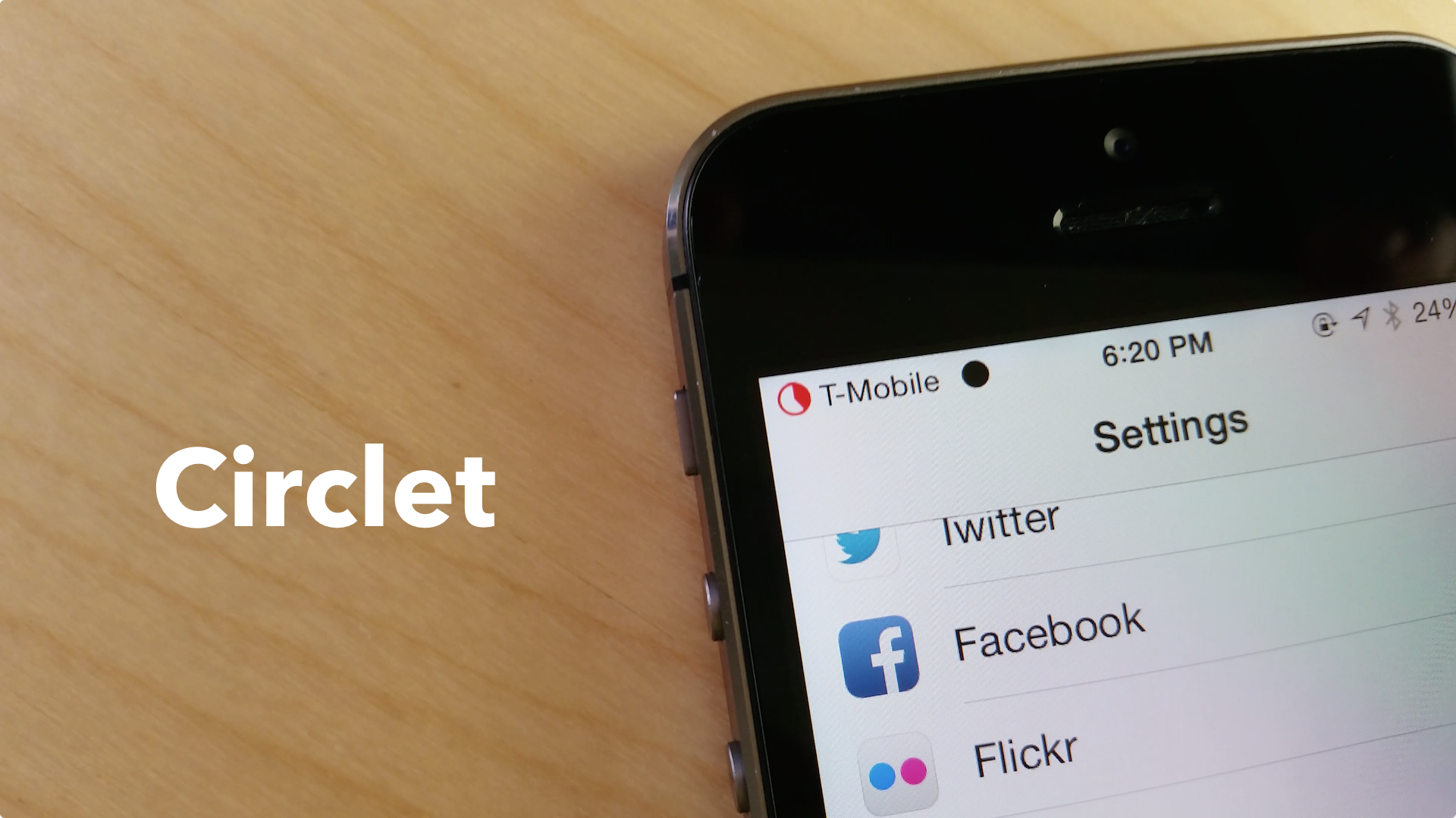
New Status Bar indicators tweak Circlet is available in Cydia

Circlet, a new stylish Status Bar indicators tweak we recently previewed in now available in Cydia.

Developed by Julian Weiss, this jailbreak tweak allows you to theme your Status Bar signal, Wi-Fi and battery indicator without the use of WinterBoard. Weiss notes in the description of the tweak that it is very lightweight, as "every "circlet" is generated as needed, without any assets saved," and no respring is necessary.

QuickCam: take photos from anywhere with this new jailbreak tweak

Have you ever found yourself using an app, and at that very moment, you came upon a picture-taking opportunity? I can't tell you how many times I've missed a great picture just because I couldn't switch to the Camera app quickly enough.

A new jailbreak tweak aims to eliminate the "shutter-shock" syndrome that's been responsible for tons of missed photo masterpieces. QuickCam is a Cydia release that makes it possible to invoke a camera overlay on top of the current running app by means of an Activator gesture. Have a look at our video walkthrough inside for the details.

How to view the current volume percentage in the volume HUD

Want to alter the iPhone's volume heads up display to showcase the current volume setting as a percentage? If so, then Voltage—a jailbreak tweak that was released earlier this spring—might be the tool that you've been looking for.

Voltage includes a preference panel that allows you to use variables to format the way that the HUD overlay. Check out our video walkthrough inside to see how voltage might benefit you.

Daily Dash: find out what’s trending on your Lock screen

Twitter trends on your iPhone's Lock screen? That's the premise behind Daily Dash—a Cydget widget for jailbroken devices that lists the top three Twitter trending topics right on the Lock screen.

Daily Dash actually came out a few days ago, but it didn't work properly. An update was pushed to fix the issue, and now it works exactly as described. Check out our video walkthrough after the break to see Daily Dash in action.