Jailbreak

Check out the most comprehensive jailbreaking coverage on the internet, including the latest news, apps, tweaks, and detailed tutorials about everything jailbreak.

Watchdog adds true app backgrounding to jailbroken iOS devices

Back in the day, there was a jailbreak tweak called Backgrounder, which brought true app backgrounding to users before iOS even had native multitasking. That tweak no longer works for the latest firmware, but a new tweak called Watchdog aims to make true app backgrounding available today on iOS 8.

Watchdog is a beta tweak that's available via developer Allan Kerr's third-party repo. In this post, I'll show you how you can get Watchdog on your jailbroken device, and share a few use case scenarios.
Couria: the best biteSMS alternative for iOS 8.4

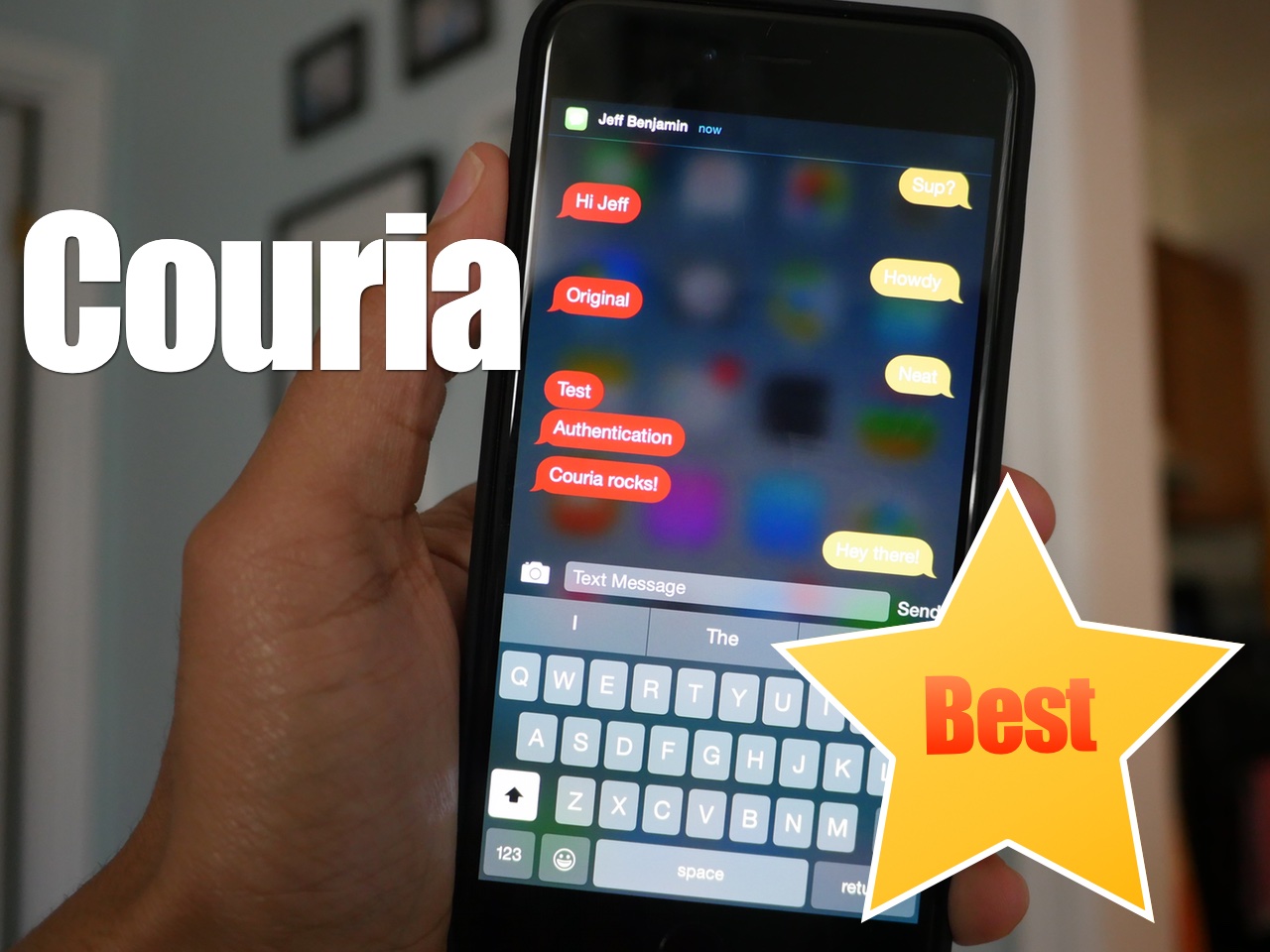
In the absence of biteSMS, Couria has historically stepped in to help fill the large void left by the once venerable quick reply and quick compose tweak for jailbroken iPhones. Thankfully, Couria is really good at what it does, and arguably better than biteSMS in some respects.

I really like Couria's lightweight footprint. It's fast, easy to use, and fits the stock Messages app like a glove. For these reasons, it's hands-down the best way to use quick reply and quick compose with the stock Messages app.

How to set a custom timeout setting in Cydia

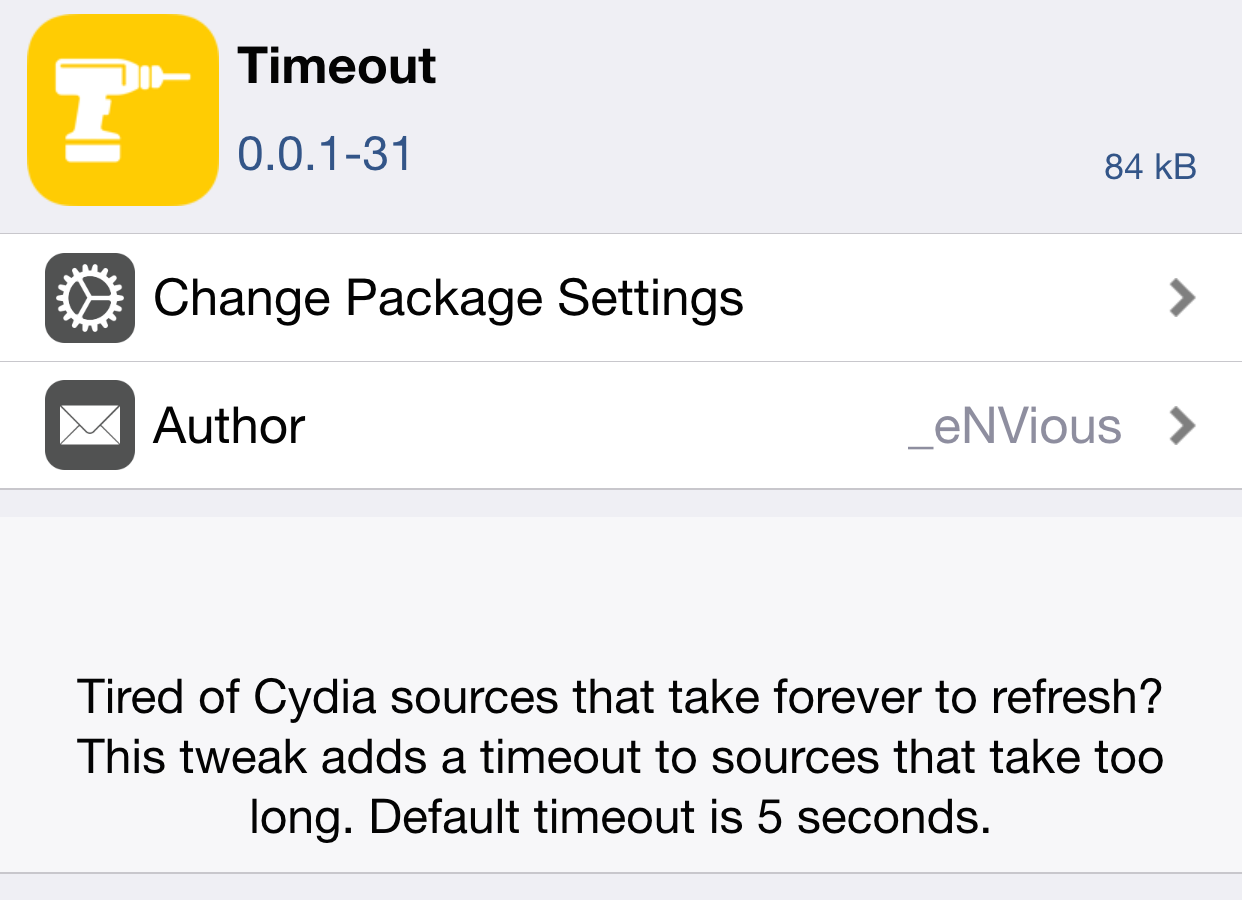
Timeout is a jailbreak tweak that's currently in beta. It's a tweak that lets you add a custom timeout setting to Cydia. Setting a custom timeout value for Cydia is handy for those occasions when you encounter long wait times with slow repos. Instead of waiting for what seems like an eternity on a slow repo, you can use Timeout to force Cydia to refresh in a quicker fashion.

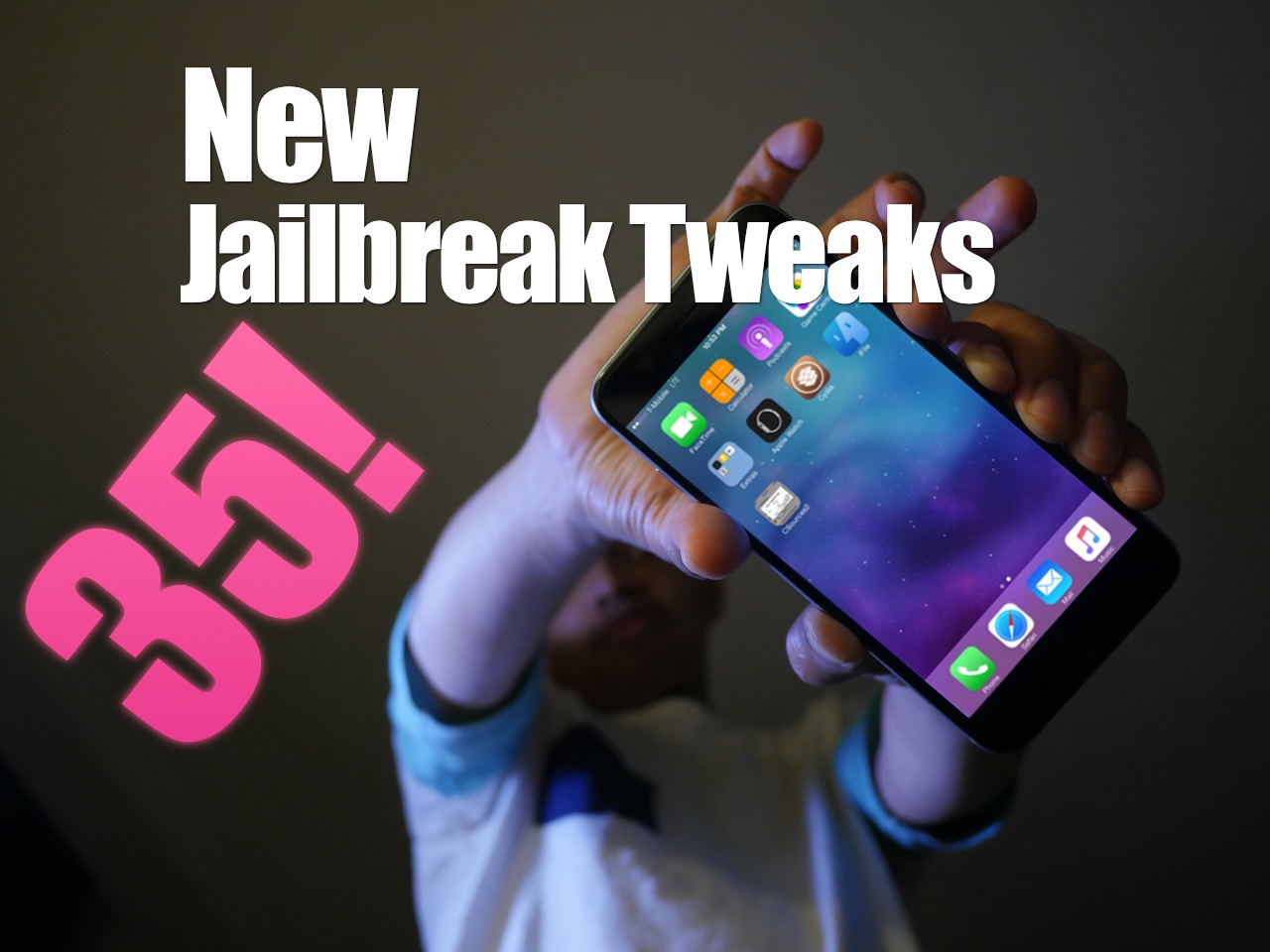
35 new free, paid, and beta jailbreak tweaks showcased on video

As Sebastien alluded to in yesterday's jailbreak tweaks of the week post, last week saw a colossal amount of new jailbreak tweaks released. There's probably a good chance that, simply due to the amount of new tweaks released, you missed some.

In this post, I'll showcase 35 new tweaks on video. You'll find a mix of free, paid, and even some beta/unreleased tweaks. How many of these tweaks do you have installed on your iPhone? Have a look and see for yourself.

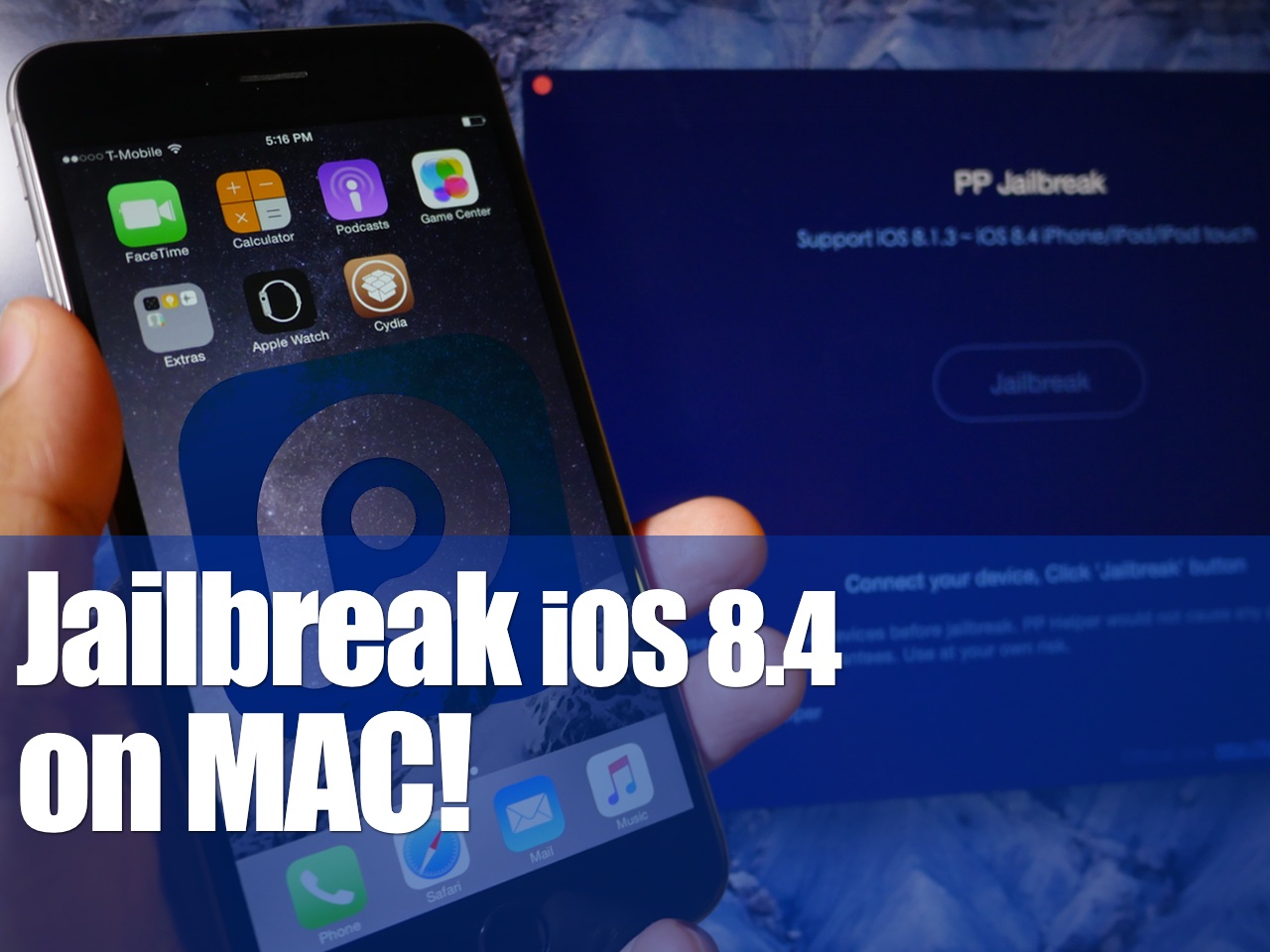
How to jailbreak iOS 8.4 on Mac with PP jailbreak [Video]

The PP untethered jailbreak for iOS 8.4 is out, and it has been confirmed to work. As we continue to wait on a possible TaiG jailbreak for Mac, the 25PP team is making it so that Mac users can jailbreak now.

Of course, you can always use the virtual machine method for jailbreaking iOS 8.4 using TaiG on Mac, but the PP jailbreak tool is as simple as simple gets for Mac users. Inside, we'll show you how to jailbreak your iPhone, iPad, or iPod touch running iOS 8.4 on Mac using PP jailbreak.

25PP releases a Mac version of the iOS 8.4 jailbreak

Finally, Mac users can join in on the fun. 25PP has released a Mac version of the iOS 8.4 jailbreak, allowing Mac users to jailbreak natively on their machines for the very first time.

I have personally confirmed that this tool works, so you should feel confident about using this to jailbreak your device if you're a Mac user who has been waiting.

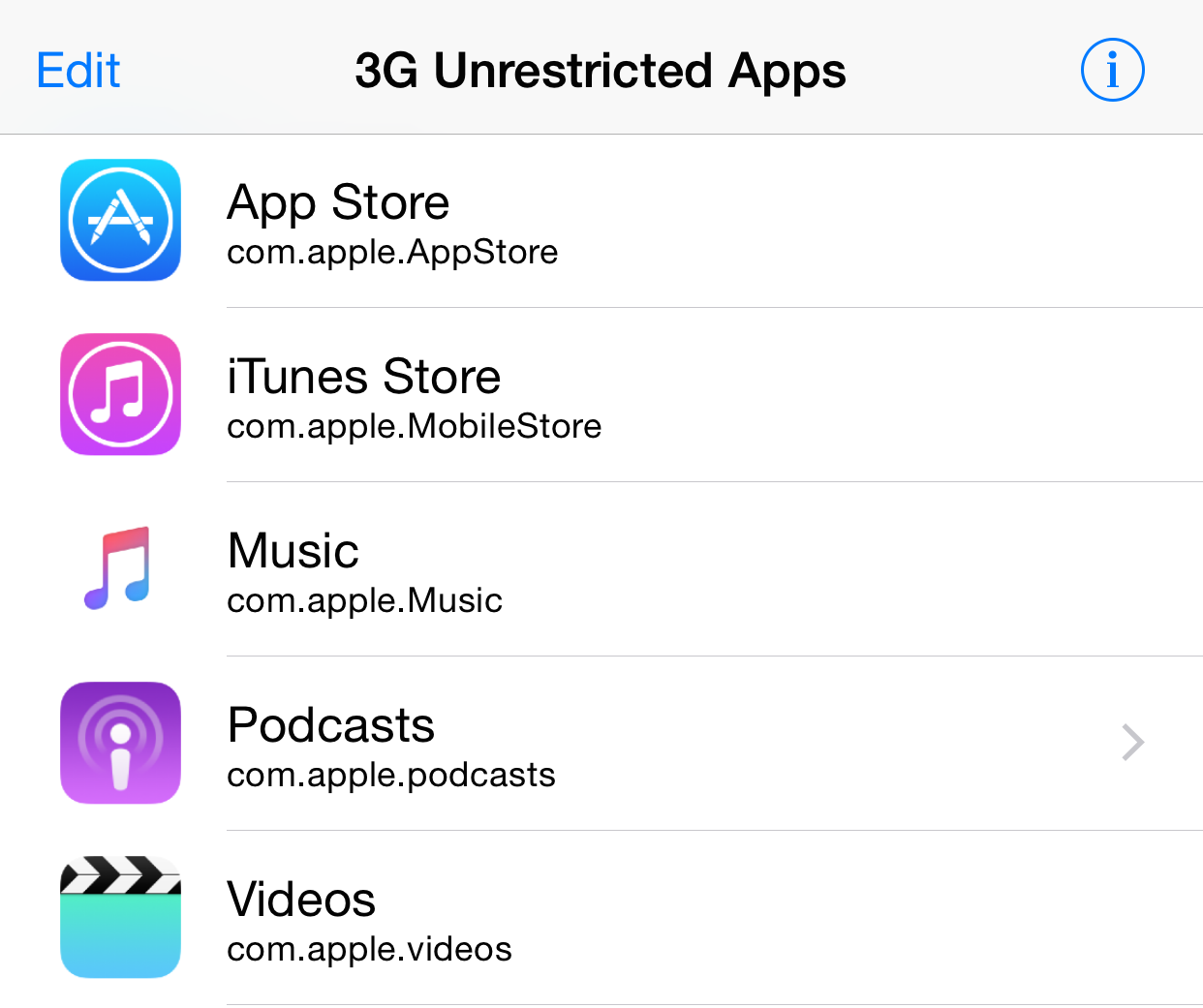
Jailbreak tip: improve Apple Music sound quality while on a cellular connection

If you're connected to a Wi-Fi connection and use Apple Music, the music you listen to will be streamed at 256kbps. This is considered to be "high quality" according to Apple.

When connected to a cellular network, however, the bitrate will fluctuate based on connection quality. It's safe to assume that the cellular bitrate, while never officially established, is always less than the 256kbps that you get over Wi-Fi.

This is basically confirmed by the appearance of a new settings switch found in iOS 9 beta 3, which allows users to force high quality (256kbps) bitrate streams over cellular connections.

But what if you're running iOS 8.4, which lacks the option to force high quality over cellular?

TaiG 2.4.2 beta goes live to integrate Cydia 1.1.23 and fix jailbreak issues

TaiG is pushing ahead with new releases of its TaiG jailbreak tool on an almost daily basis it seems. This latest version of TaiG is a beta release, version 2.4.2.

The latest beta version of the TaiG jailbreak tool is Windows-only, which isn't exactly a surprise given TaiG's release history. It also serves, more importantly, to fix jailbreak errors related to 30% and 40% hang-ups during the jailbreak process.

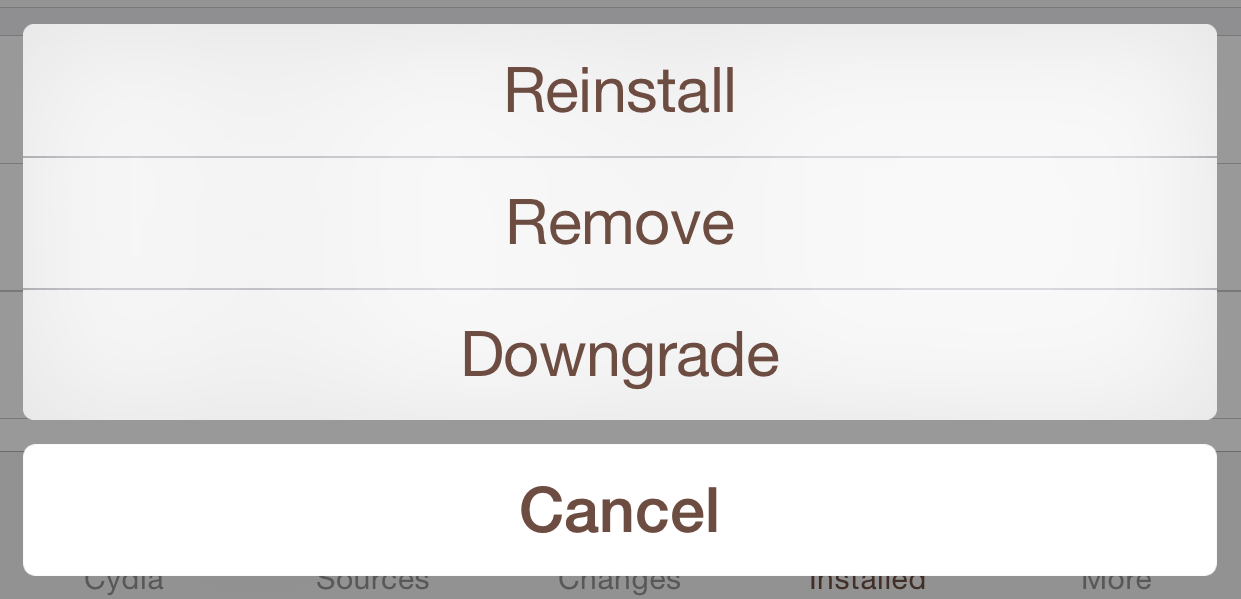
How to downgrade a Cydia tweak or app

As we noted earlier, Cydia now features the ability to downgrade apps and tweaks. With version 1.1.23, saurik gave users the ability to downgrade their tweaks via the Cydia package page if there is an older version available on the repo that the tweak or app resides on. In this post, we will show you how easy it is to downgrade a Cydia package.

Indulge adds top free and top paid tweak charts to Cydia

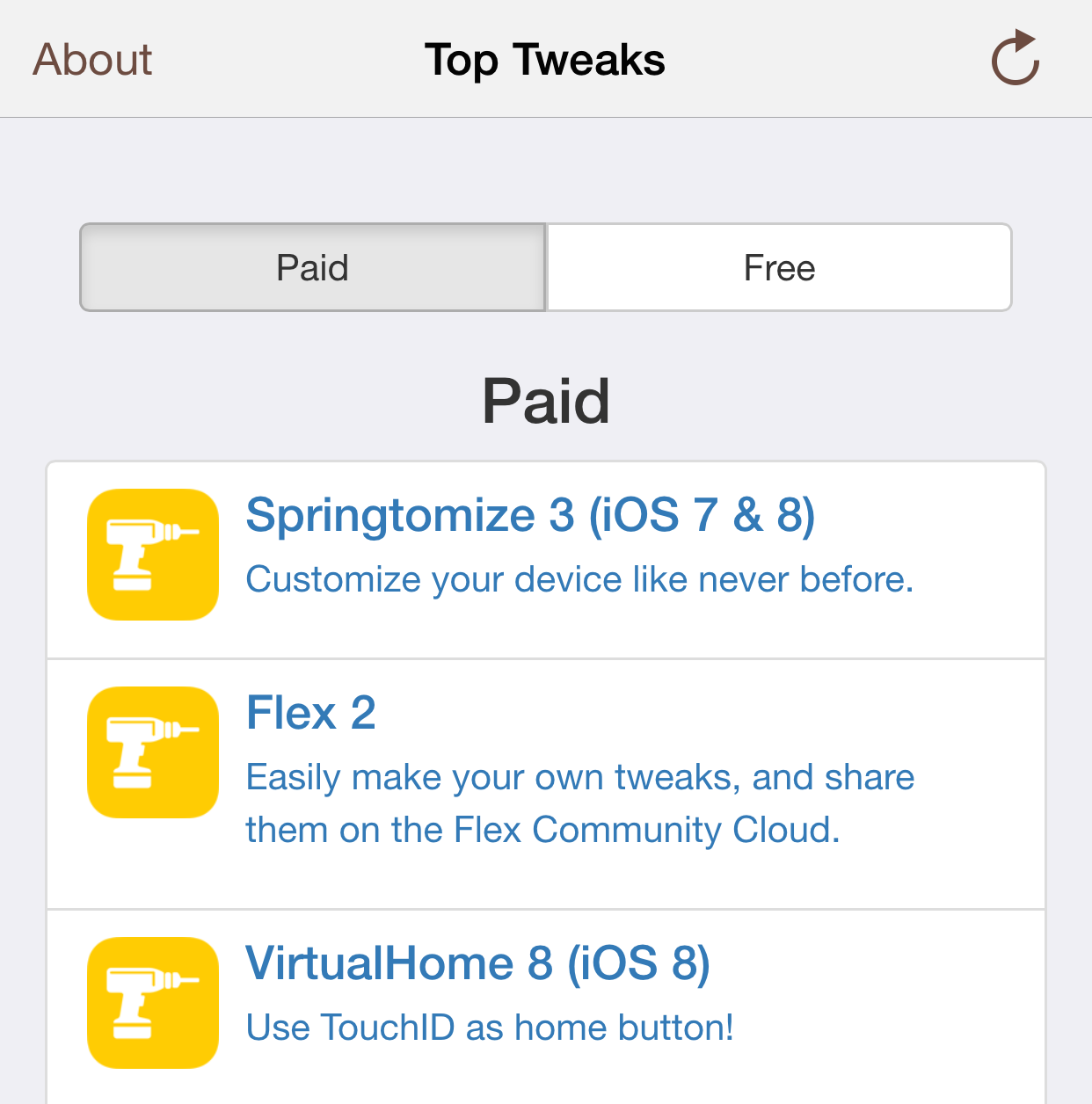
Indulge is a brand-new first-of-its-kind jailbreak tweak that allows users to view the most popular Cydia releases based on aggregate user install data.

Cydia has never had a way to view the most popular jailbreak tweaks available for download, but with the recent 1.1.19 update, it can now do that and a whole lot more. Indulge is a jailbreak tweak that's available on developer Steve Rolfe's beta repo. If you'd like to take it for a test drive, check out the installation information that follows.

Cydia Installer 1.1.23 released to support package downgrades, find extensions, and more

Another day, another big Cydia release. Cydia 1.1.23 brings some big changes to the table, as saurik has added package downgrade support, the ability to use find extensions like TweakHub.

The update also fixes a crashing issue that occurs after clearing caches. Doing so would cause Cydia not to be able to run at all.

Needless to say, this is a pretty large update for Cydia users, and has long-term positive implications on jailbreakers and their Cydia usage habits. Have a look at our post for the full change log.