Jailbreak

Check out the most comprehensive jailbreaking coverage on the internet, including the latest news, apps, tweaks, and detailed tutorials about everything jailbreak.

How to browse Cydia in full screen mode

As you've no doubt noticed, a lot of the newer jailbreak tweaks are Cydia-centric tweaks designed around improving the experience while browsing Cydia. One such example of this is a tweak we talked about recently called TranslucentCydia.

The latest such tweak—nobar+—is a release that allows you to browse Cydia in full screen mode. It does this by automatically hiding the status bar when Cydia is launched.
How to add translucence to the Cydia install screen

After Cydia was updated to version 1.1.19, the floodgates were opened to all sorts of tweaks to modify the Cydia experience. Some tweaks added new functionality to Cydia, such as SwipeForMore, one of my favorite new releases to touch down in some time. Other tweaks, like TranslucentCydia, take a different approach and simply aim to change the look of Cydia.

How to enable quick copy and paste in the Alien Blue Reddit client

Alien Blue is the official and most popular Reddit client on iOS, but it lacks one feature that I've always found annoying—the ability to easily copy and paste the text of posts.

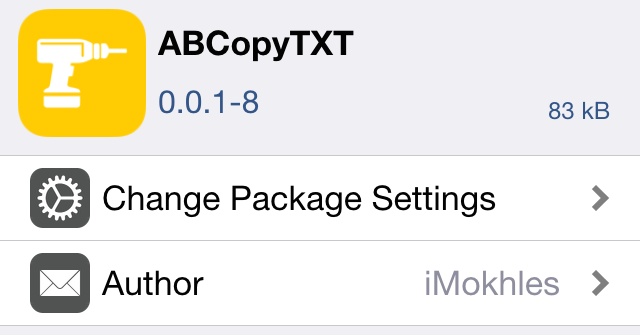
A new jailbreak tweak called ABCopyTXT just recently appeared on Cydia, and it allows you to easily copy text in Alien Blue using the stock iOS share sheet. Have a look at our walkthrough to see how it works.

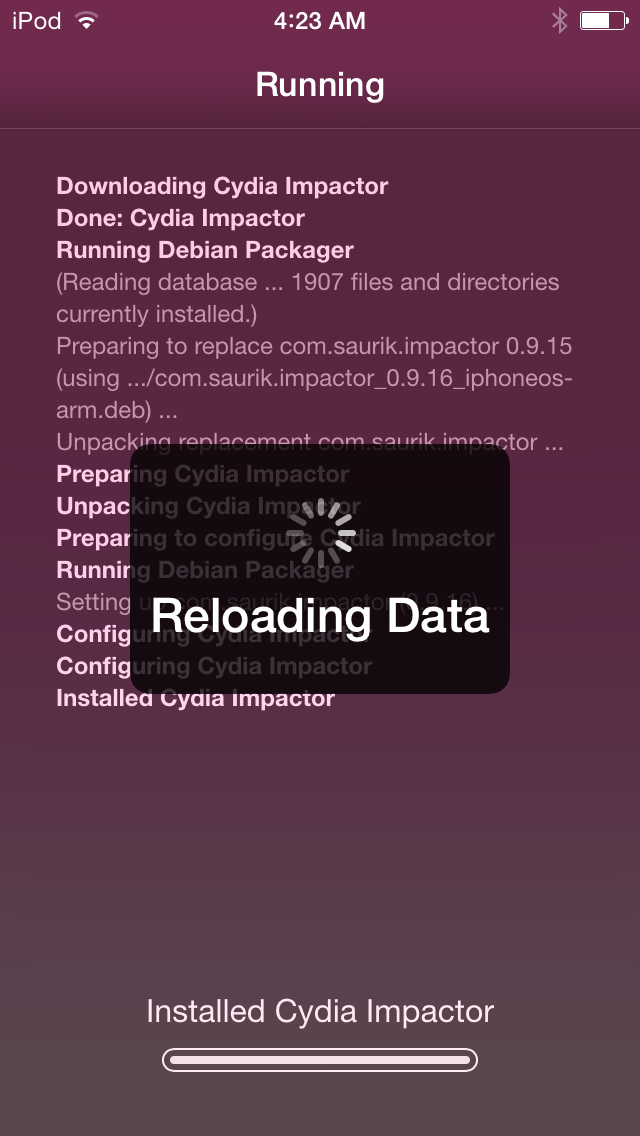
Saurik releases Cydia Impactor to “unjailbreak” your iPhone without updating iOS

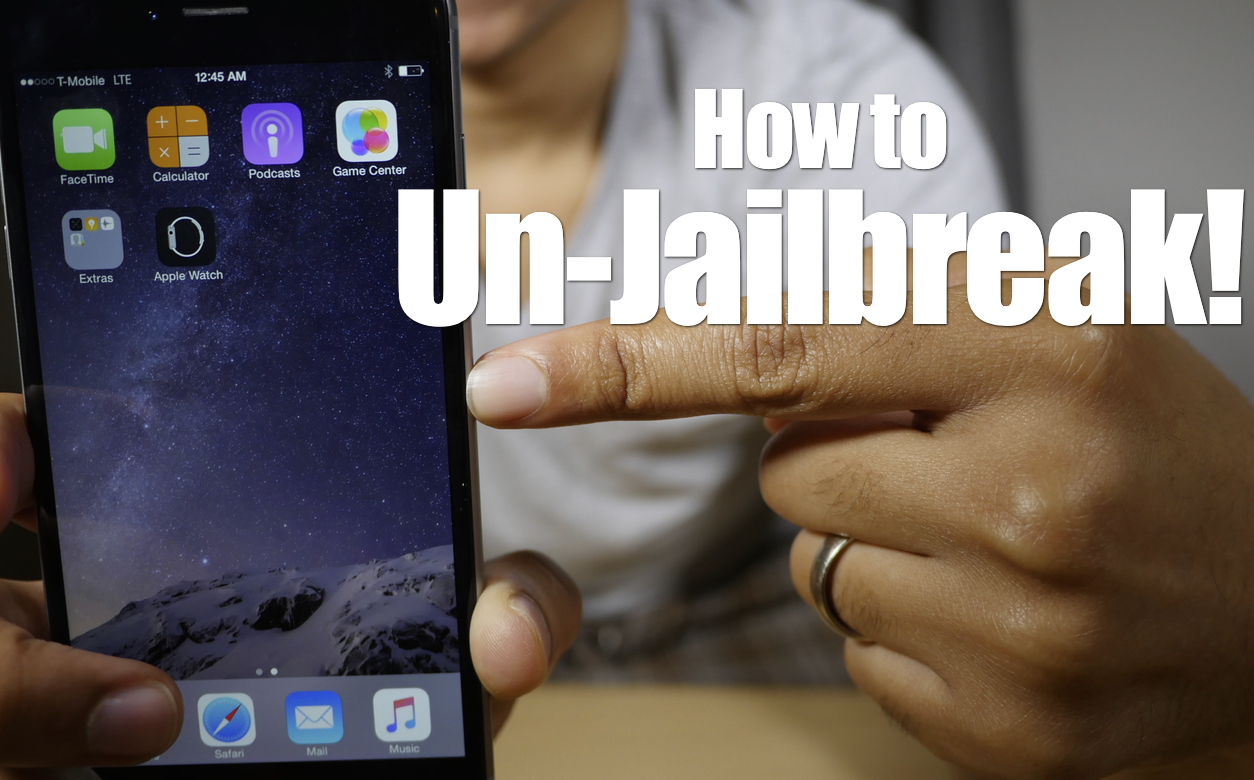
A powerful new tool has just been released for jailbreakers to "unjailbreak". It's called Cydia Impactor, and it's an on-device tool that lets you remove and revert all changes made to a device to return it to its stock configuration.

The most notable thing about this tool is that it allows you to return to stock without needing to upgrade your device. Say, for example, you wanted to sell your iPhone, but wanted to retain its jailbreak-ability to increase resale value. Normally, if you wanted to perform a full system restore, you'd be forced to upgrade to the latest firmware, and thus lose your jailbreak. With Cydia Impacter, you can restore your device to stock without upgrading.

DockBar adds a sleek application launcher to your jailbroken iPhone

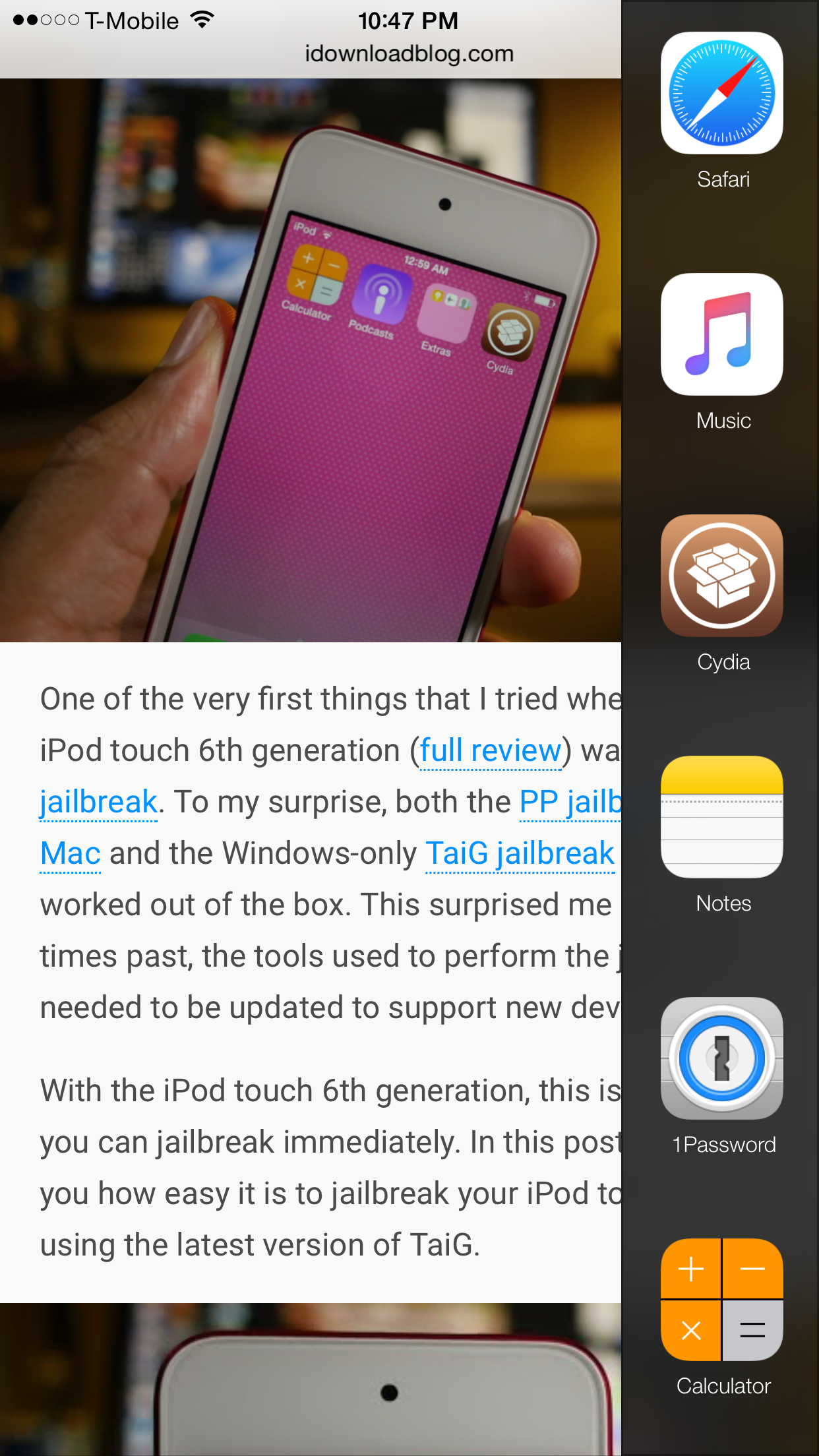
Looking for a quick way to launch pre-selected apps on your jailbroken iPhone? Cole Schaefer's DockBar ($0.99) may be the tweak that meets your needs. It's a great looking release that brings a customizable launcher to iOS.

DockBar works hand-in-hand with Activator as its means of invocation. Thus, you can access your quick launch side bar from nearly anywhere in iOS, and that includes while within apps and on the Home screen. 

Roundification tweak brings rounded corners to Notification Center

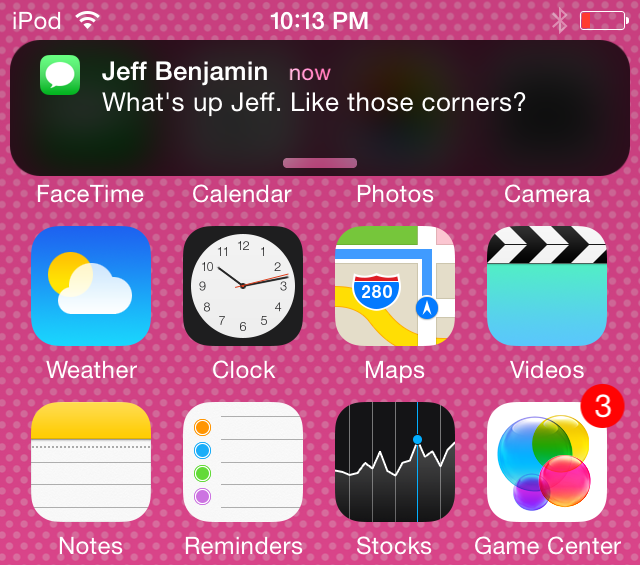
Roundification is a new tweak that adds rounded corners to the Notification Center banners, including the quick reply interface. It also rounds off the entirety of Notification Center itself.

The tweak brings an elegant look to Notification Center, and although it's not yet available on the default Cydia repos, it is available on a special third-party repo. Would you like to try Roundification? In this post, we'll share all of the details.

How to jailbreak the iPod touch 6th generation

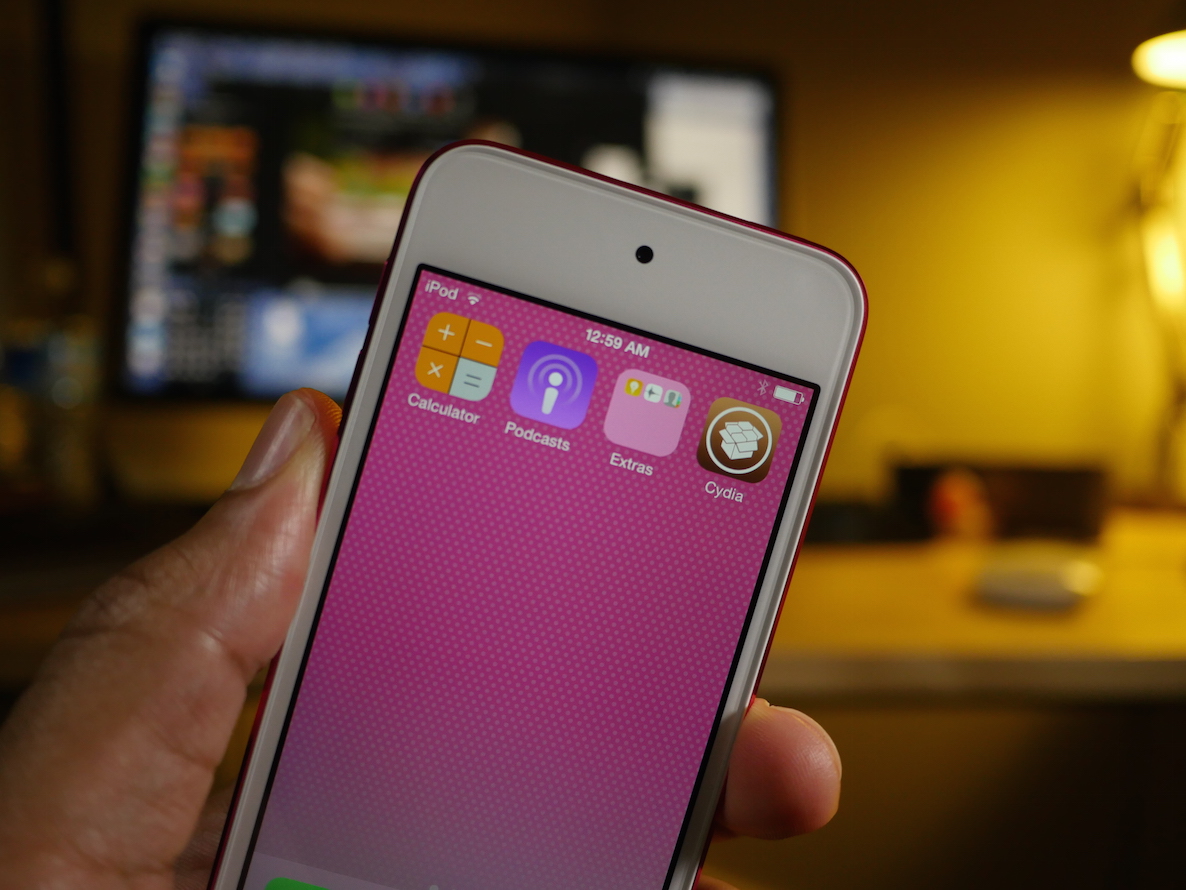
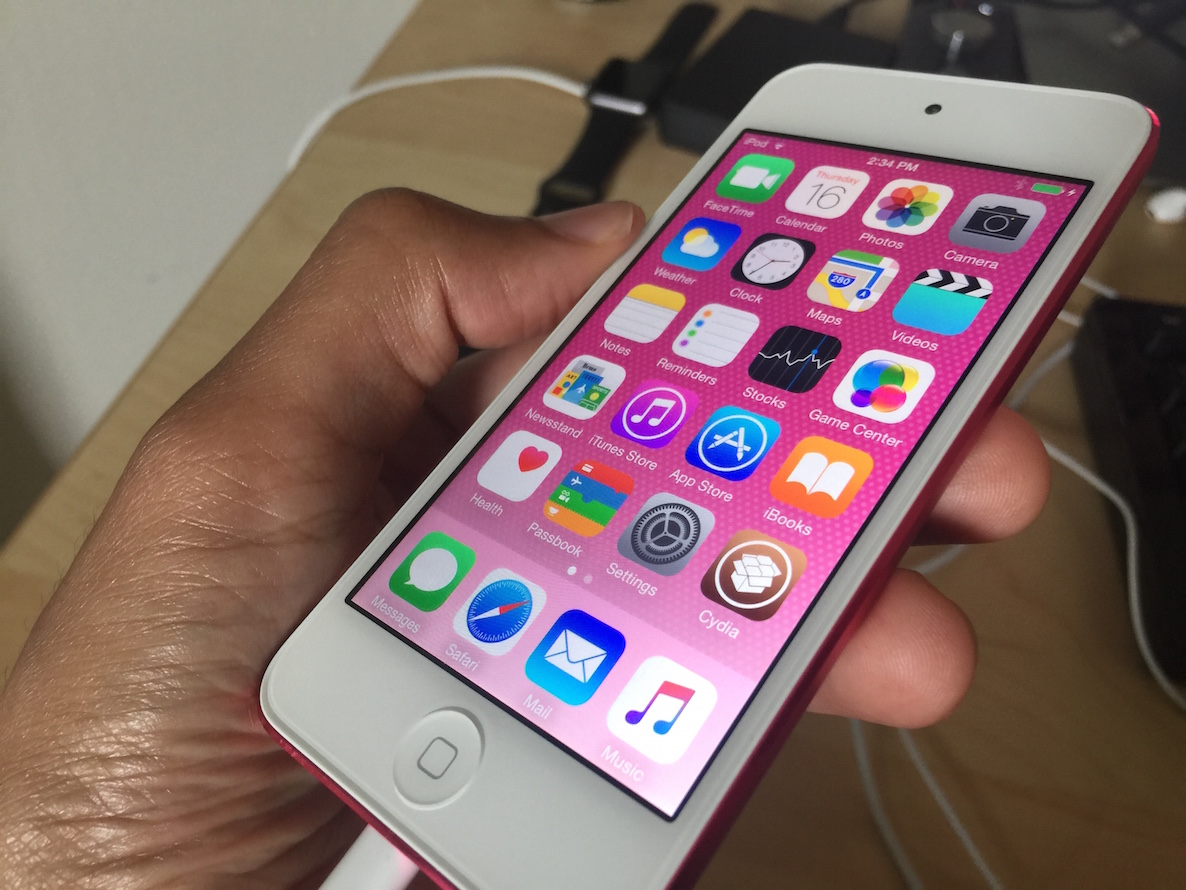
One of the very first things that I tried when I got the iPod touch 6th generation (full review) was to jailbreak. To my surprise, both the PP jailbreak for Mac and the Windows-only TaiG jailbreak for iOS 8.4 worked out of the box. This surprised me because in times past, the tools used to perform the jailbreak needed to be updated to support new devices.

With the iPod touch 6th generation, this is not so; you can jailbreak immediately. In this post, I'll show you how easy it is to jailbreak your iPod touch 6 using the latest version of TaiG.

TaiG 2.4.3 beta released to jailbreak iOS 8.4

The folks at TaiG have released yet another beta for the iOS 8.4 jailbreak tool on Windows. Labeled version 2.4.3 beta, this update is there to optimize the jailbreak process.

As TaiG has been doing for some time now, they are suggesting that jailbreakers stick to the public versions of the TaiG tool, and leave the beta versions to testers. In this post, you'll find the download links for both the publicly available version of TaiG and the beta version.

You can jailbreak the iPod touch 6th generation right now

The iPod touch 6th generation can be jailbroken out of the box, because it comes with iOS 8.4, and the PP iOS 8.4 jailbreak tool for Mac works with the new iPods.

In fact, I just jailbroke my device no less than 5 minutes ago, and it worked without a hitch. If you guys have kept up with me, you know how much I absolutely loathed using my 5th-gen touch due to its pedestrian speed.

Seeing that the new iPod touch packs much more power than the device it replaces, I'd say this is a good candidate for a jailbroken device, or at the very least, it might become my go-to test device.

Let’s Talk Jailbreak 116: Catching up

Episode 116: Sebastien joins us from France to talk about all of the latest jailbreak news, the latest iOS 8.4 jailbreak for Mac, the newest Cydia-centric tweaks, his meet up with pod2g, and more.

Subscribe via RSS

Support Let’s Talk Jailbreak

Red Hat. – Different for the sake of better technology

Jailbreak tip: spoof your location in Snapchat to use any geofilter

Phantom for Snapchat is a popular jailbreak tweak that allows you to supercharge Snapchat with all sorts of bolt on features. It also has the ability to spoof your location.

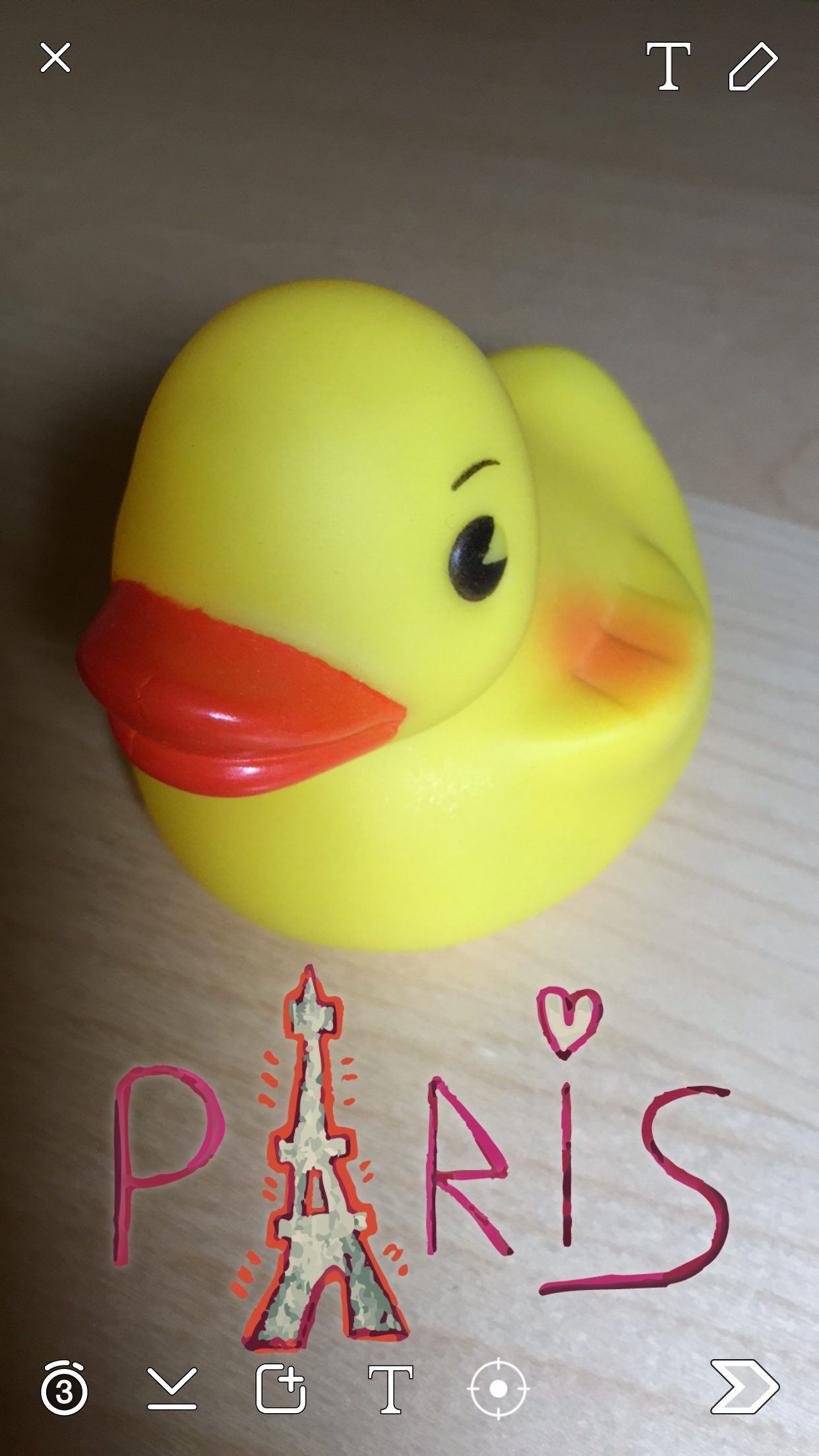
Snapchat uses your location to present you with custom geofilters, which are basically stickers that you can place on your Snaps that reflect your current location. So, for example, you couldn't normally add a Paris filter to your Snaps unless you were actually in Paris.

With Phantom's location spoofing option, it's possible to snag filters for any location that you desire around the world. It's super-easy to use as well. We'll show you how to spoof your location in Snapchat to add custom filters in our video tutorial.