Jailbreak Apps & Tweaks

These are the latest jailbreak apps and tweaks available for your iPhone or iPad. We save you time by highlighting only the best tweaks.

How to use 3D Touch to clear all notifications [jailbreak]

Although there aren't any stock 3D Touch actions in iOS 9's Notification Center, many feel that more could be done with Apple's new deep press recognition in this area, and perhaps we'll see some additions in future iOS updates, but for now these features are only enabled via jailbreak tweaks.

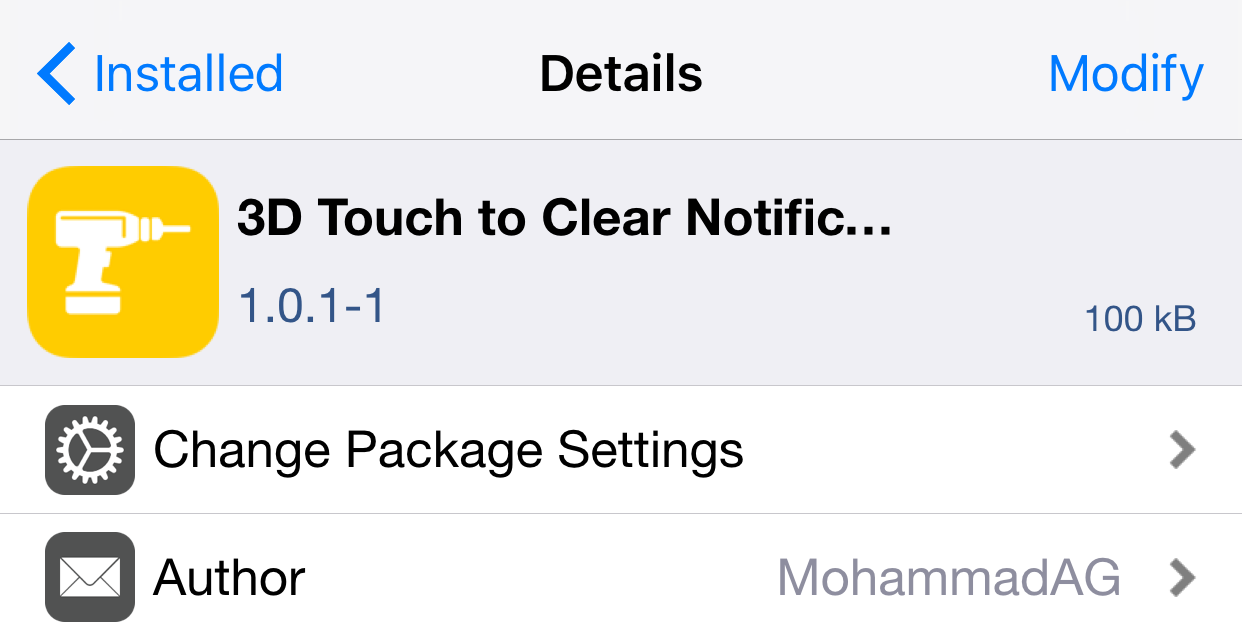
3D Touch to Clear Notifications is a new tweak that, as its name implies, allows users to firmly press in Notification Center to remove all notifications, much like the current implementation in Apple Watch's notification shade.

How to downgrade iOS 9.1 to iOS 9.0.2

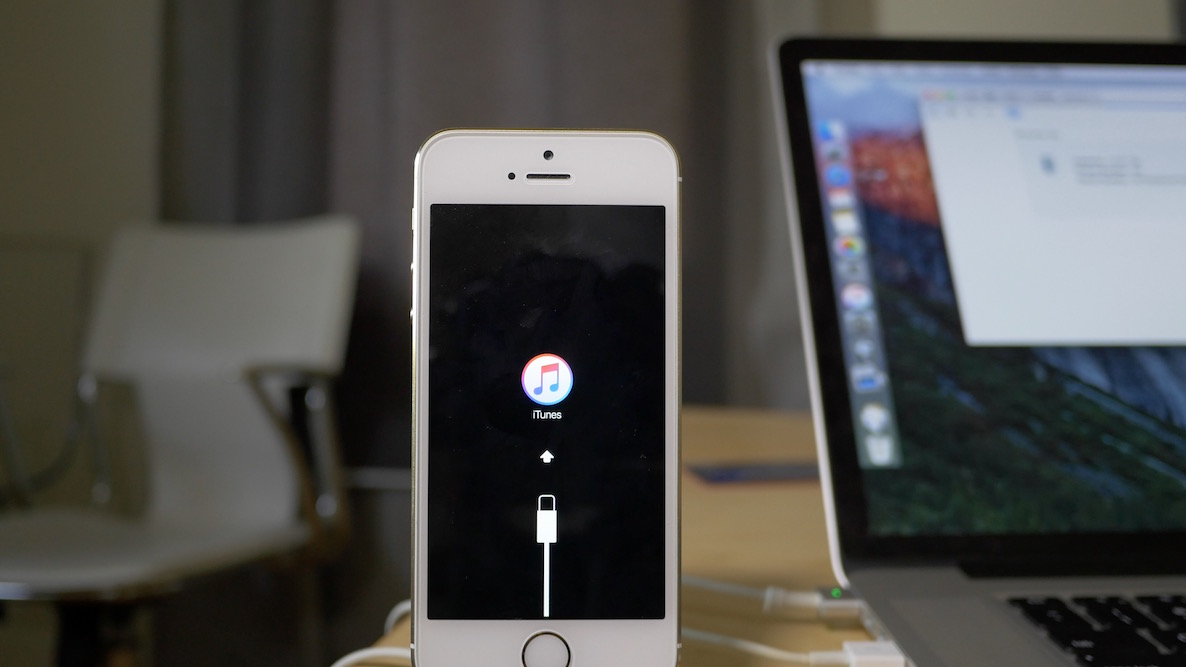
Maybe it was the new emoji that tempted you? Or maybe you just made a mistake? Whatever the reason, you've found yourself on iOS 9.1, but wish to go back to iOS 9.0.2—the last jailbreakable firmware that's currently available for iOS 9. Fortunately, you still have time to downgrade back to iOS 9.0.2.

In this video tutorial, we'll show you how easy it is to downgrade from iOS 9.1 to iOS 9.0.2. But act quickly, this tutorial certainly has an expiration date, which will occur when Apple closes the 9.0.2 signing window.

Cydia Impactor, the tool that lets you unjailbreak your iPhone, is coming for iOS 9

Here's a piece of news that kind of flew under the radar during saurik's update of Cydia Installer earlier today—he's apparently working on  providing a version of Cydia Impactor for iOS 9 firmware, too.

Cydia Impactor was the groundbreaking jailbreak release that allowed iOS 8 jailbreakers to perform an erase and restore on their devices without necessitating a software update. It basically allowed you to use iOS' Erase all Content & Settings feature in such a way that it worked with jailbroken devices.

That tool was groundbreaking, because jailbroken devices, up until that point, were never capable of using this built in iOS feature. Cydia Impactor adds significant peace of mind to jailbreakers, because if something goes wrong with a jailbroken device, it's possible to restore on the same firmware, and re-jailbreak.

In the past, jailbroken iPhones that needed to be restored were forced to update to the latest firmware, which, more times than not, would render the device un-jailbreakable. As you might have noticed, Cydia Impactor doesn't currently work for iOS 9, but saurik is working hard in an effort to fix that.
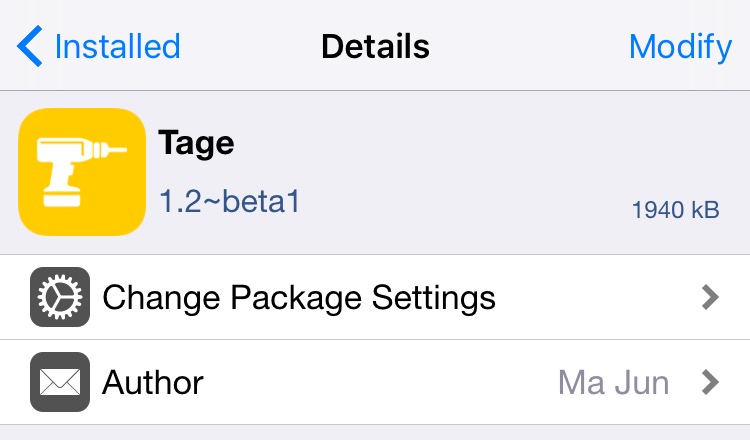
Tage beta with iOS 9 compatibility goes live for jailbreakers

Tage is a jailbreak tweak that is well regarded in the jailbreak community. In fact, it was our 2014 tweak of the year.

Tage is a tweak that acts as an App Switcher replacement, and so much more. Up until now, Tage hasn't been compatible with iOS 9 and the latest Pangu jailbreak, but that's all changed with today's 1.2-beta 1 release.

If you want to try out the Tage beta, read the rest of this post for the details. Also, be sure to watch our in-depth walkthrough video explaining why Tage is so loved around these parts.

Cydia Installer updated to version 1.1.25

Saurik has pushed an update to Cydia Installer, bringing it to version 1.1.25. This latest version of Cydia Installer moves jailbreak content found in /Applications to the user partition from the System partition. It's recommended that all users update as soon as possible.

Update: Cydia Installer was updated to version 1.1.26 shortly after being updated to 1.1.25. The latest version doesn't show any release notes, but we assume it is just a minor update to the more notable 1.1.25 version.

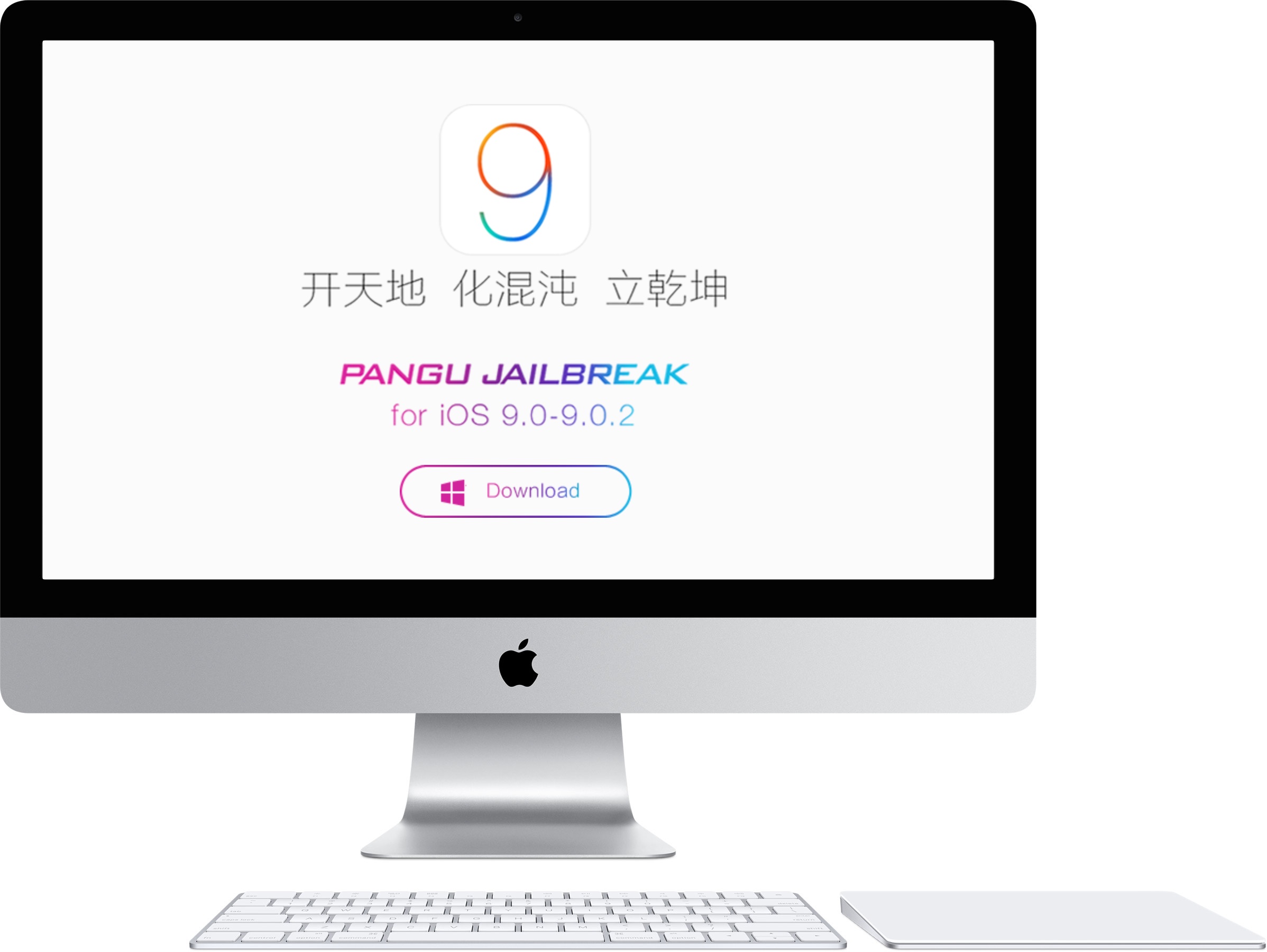
Pangu releases version 1.1.0 of its iOS 9 jailbreak tool

Pangu has released an update to its Windows jailbreak tool for iOS 9. Pangu 1.1.0 features fixes to improve the success rate when attempting to jailbreak 64-bit devices, optimizations for the backup process, overall jailbreak speed, and more. If you've been experiencing issues getting Pangu for iOS 9 to work successfully on your device, then you should definitely try Pangu 1.1.0.

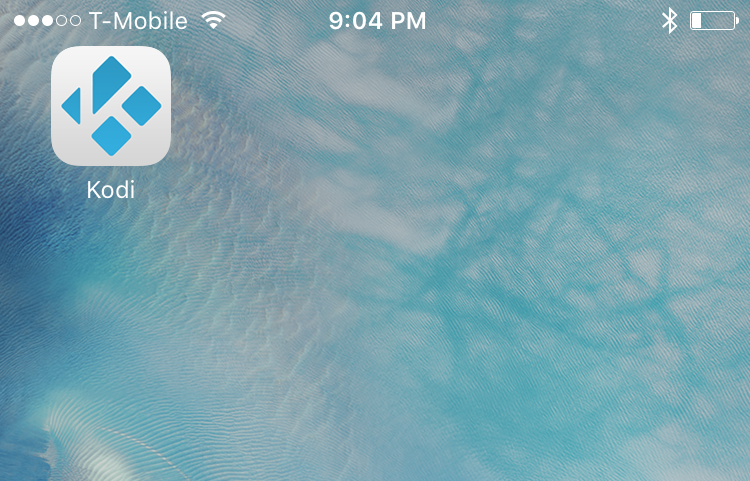
How to install Kodi on iOS 9

Kodi (formerly XBMC) has been updated to work with iOS 9. Prior to the update, the package would download and install on your jailbroken iOS device, but would crash upon startup. The folks behind Kodi just pushed an update that fixes the crashing issue.

We've talked about this app many times on iDB and via our Let's Talk Jailbreak podcast. Kodi is one of the best apps for viewing media content, and streaming media content from an IP based over the air antenna solution on iOS. You can also use Kodi to stream local content from a NAS or from a PC.

Needless to day, Kodi has lots of uses, and now it's officially available for iOS 9. In this post, we'll show you how to add the repo necessary to install Kodi on your iPhone or iPad running Apple's latest version of iOS.

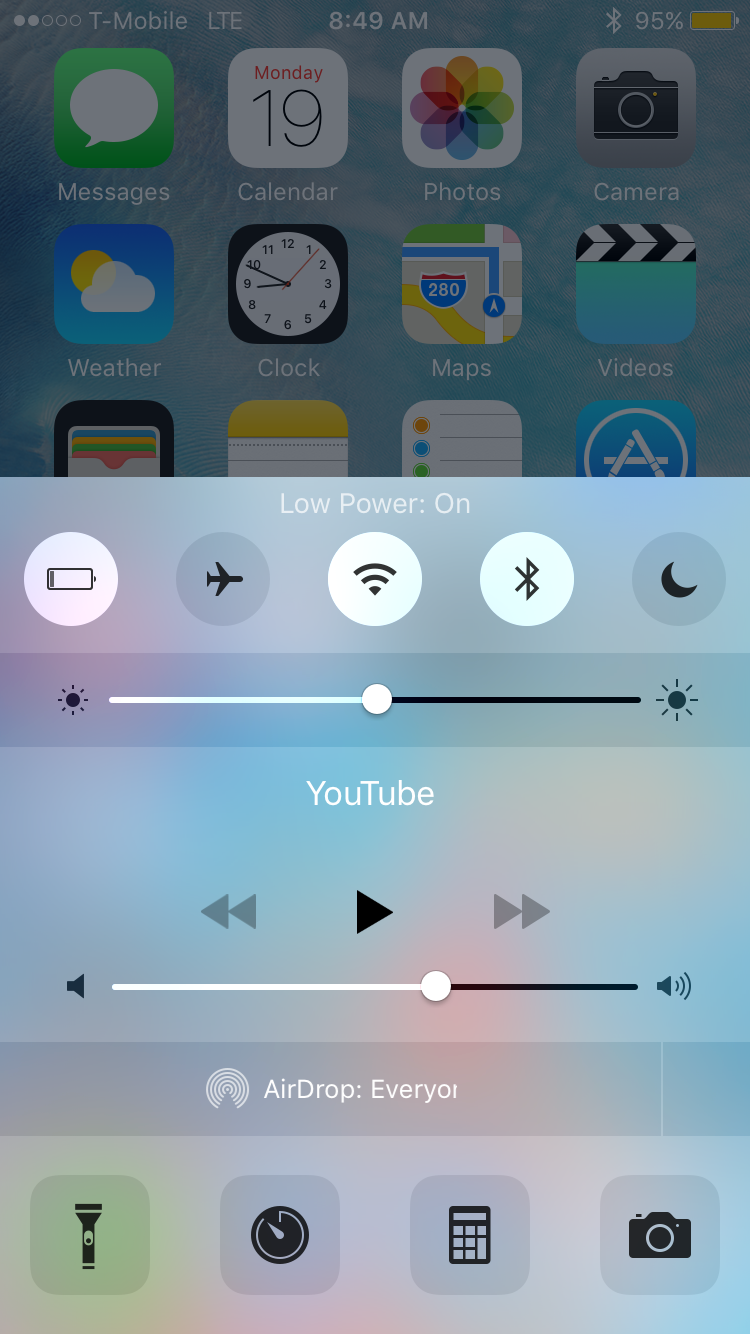
How to toggle Low Power mode via Control Center with a jailbreak tweak

Low Power Flipswitch is a new Flipswitch toggle that allows you to quickly enable or disable Low Power Mode on iOS 9 devices. Flipswitch is the long-running framework that lets developers access standard toggles, and create new toggles.

With a tweak like Ryan Petrich's FlipControlCenter, which was recently updated to support iOS 9, users can easily enable a Low Power Mode toggle that's directly accessible via Control Center. Check out the rest of this post for more details.

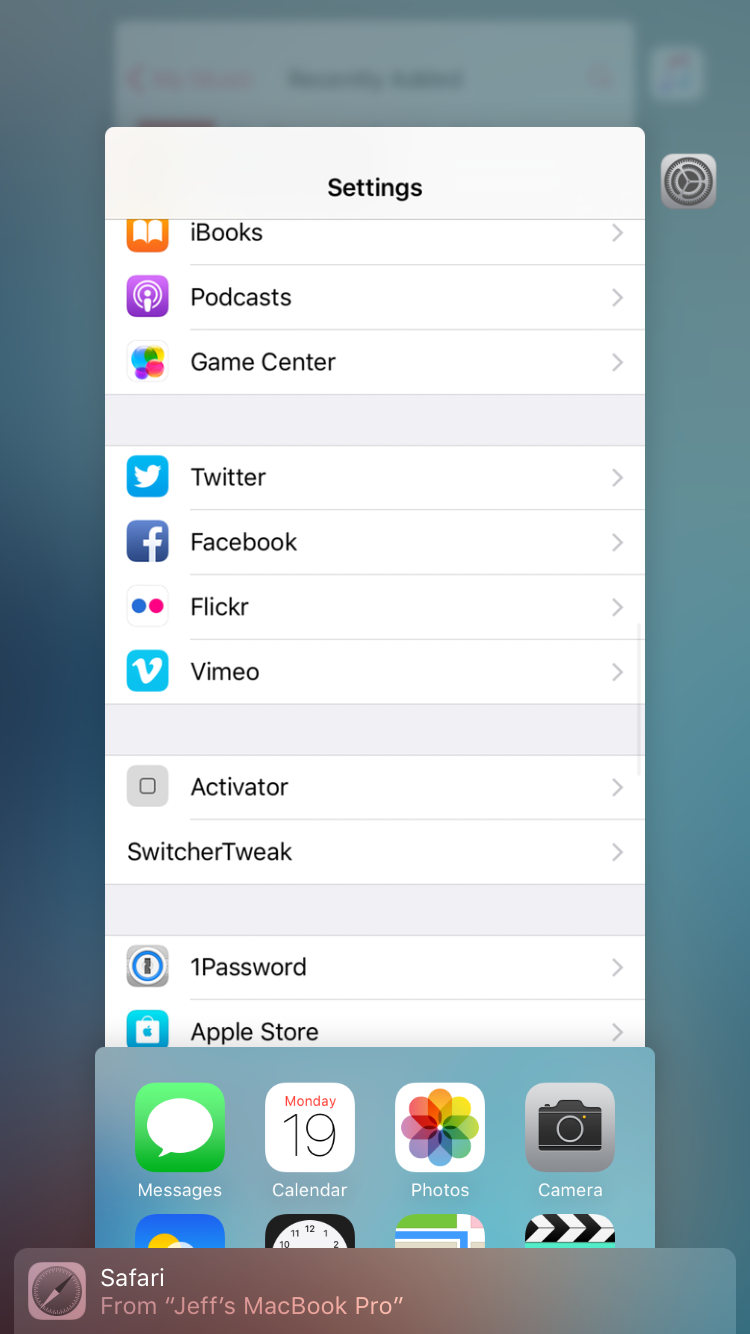
SwitcherTweak: invert the App Switcher direction, enable vertical App Switcher scrolling, and more

If you're looking to customize the newly redesigned App Switcher in iOS 9, then look no further than the just-released SwitcherTweak. This is a jailbreak tweak that adds lots of new options to the App Switcher, including scrolling direction, respring options, padding, blur, and more.

SwitcherTweak is available for free right now via a third-party repo, and I recommend that you check it out. Watch our video walkthrough for a more in-depth look at what this tweak can do.

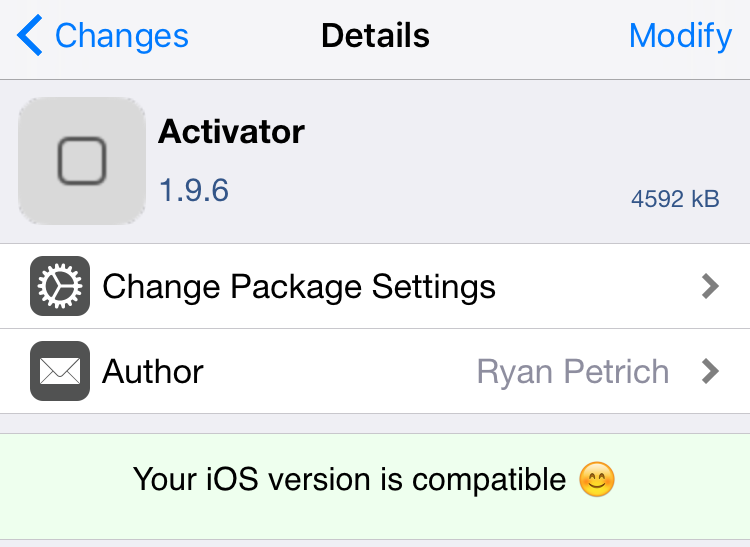
Activator for iOS 9 gets a big update with 3D Touch support

Hot on the heels of the earlier initial beta release of Activator for iOS 9, Ryan Petrich has just dropped the public release of Activator 1.9.6. As you might expect, this release adds several new options and iPhone 6s-centric features to the popular tweak. Activator for iOS 9 is now available for download via the BigBoss repo. Check out the rest of this post for the full change log.

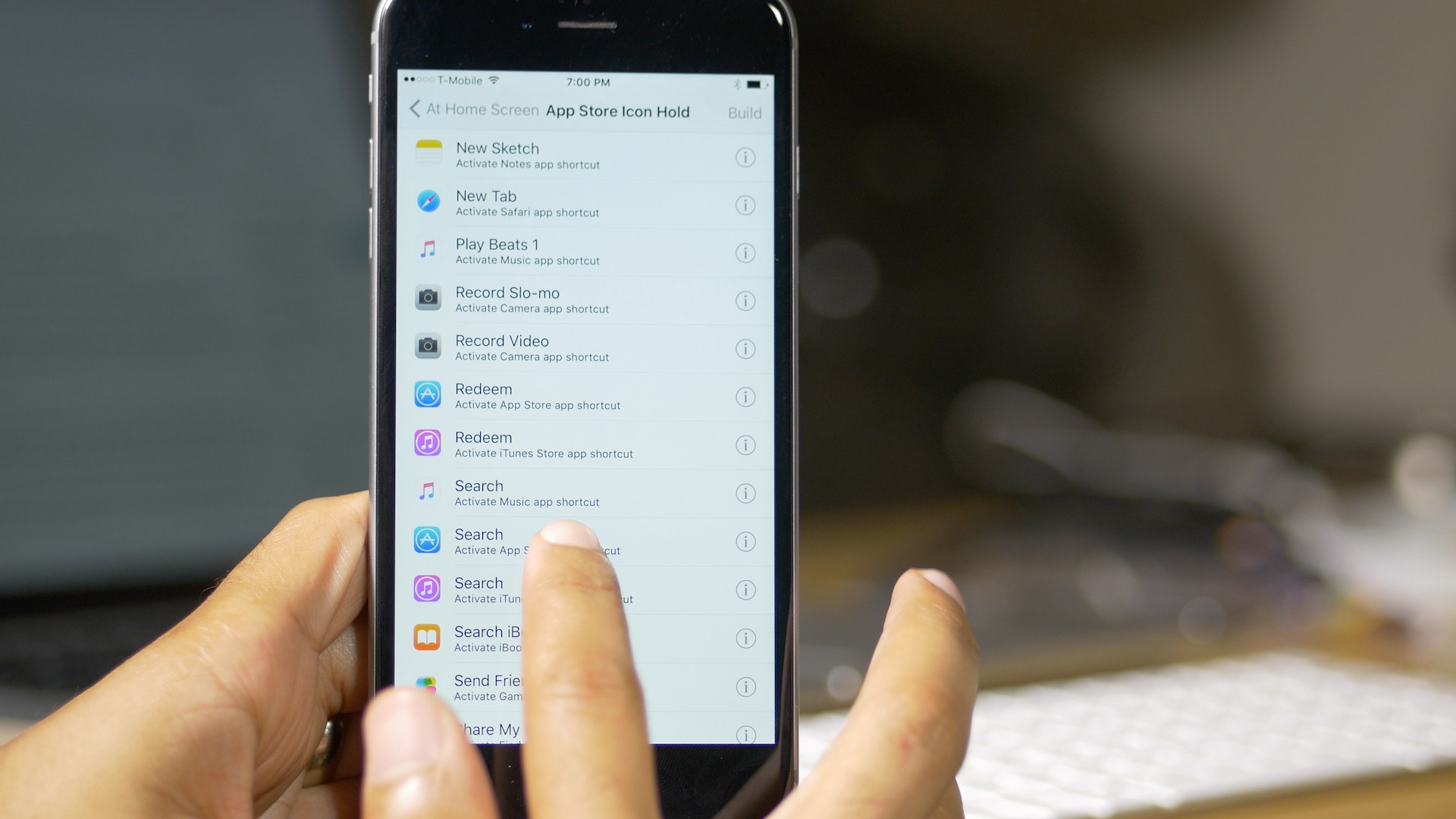
A closer look at Activator’s new Application Shortcuts feature

Earlier today, we reported that Ryan Petrich had updated his beta repo, and with it, the Activator beta for iOS 9. The update brought overall compatibility to iOS 9, but more interestingly, it brought about a new feature called Application Shortcuts.

In our previous post about the iOS 9 compatible Activator beta, we briefly touched on the new Application Shortcuts, but in this post, I'd like to dive in a little deeper to show you exactly what these puppies can do, and why they're so cool—even for older pre-iPhone 6s devices.

In a nutshell, Application Shortcuts let you access the shortcuts that are normally only available to 3D Touch capable iPhones on the Home screen, merging them with Activator gestures. The result is a super-cool feature that will undoubtedly be one of the highlights of the iOS 9-enabled Activator.