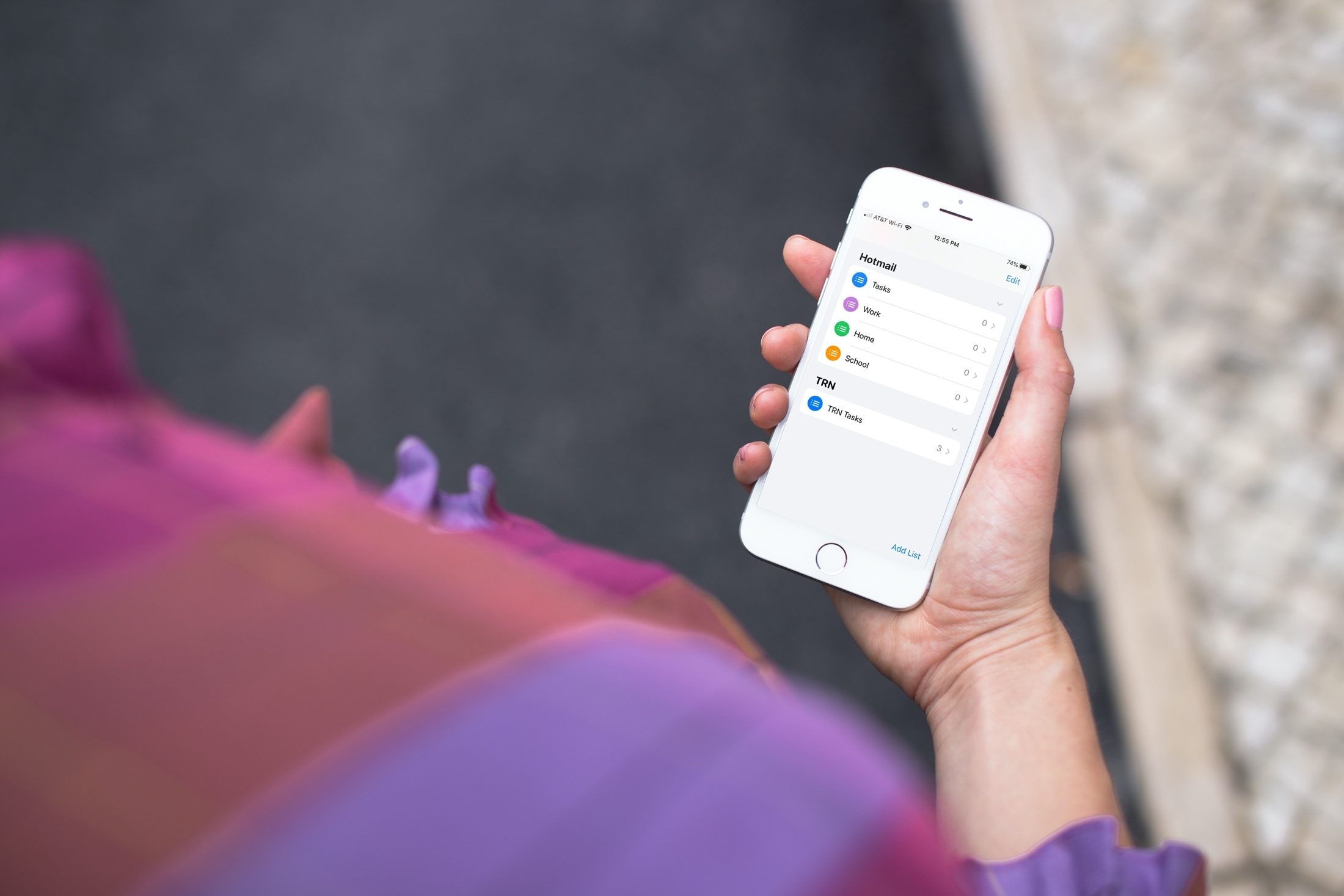
Learn how to add or remove accounts in the Apple Reminders app on your iPhone, iPad, or Mac to save your to-dos in your preferred online service.
How to edit the accounts you see in Apple Reminders app
From the latest news to the most comprehensive tutorials, learn how to get the most out of your iPad with our step-by-step guides and expert tips.
Learn how to add or remove accounts in the Apple Reminders app on your iPhone, iPad, or Mac to save your to-dos in your preferred online service.
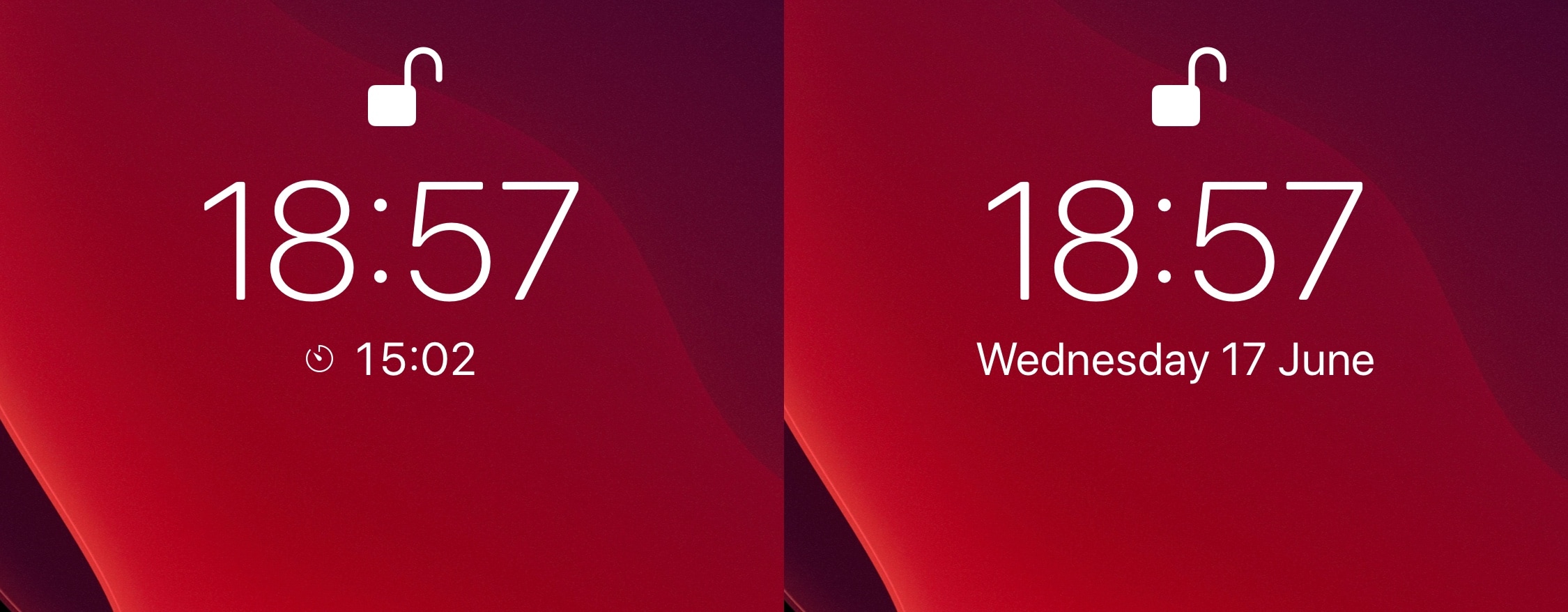
One of the things I like about iOS is how it displays any active timer on the Lock Screen, just below the time. But as much as I like having this subtle reminder when I pick up my iPhone, the implementation is somewhat imperfect. For example, it often gets in the way of viewing the Lock Screen’s native date display, which is something I find equally as useful when glancing at that particular interface.
If you’re in the same boat, then WhatsTheDate by iOS developer iCraze is a newly released and free jailbreak tweak that you won’t want to miss. It effectively solves the aforementioned problem by forcing the Lock Screen’s timer display to disappear after a few seconds, instead transitioning to the current date thereafter.
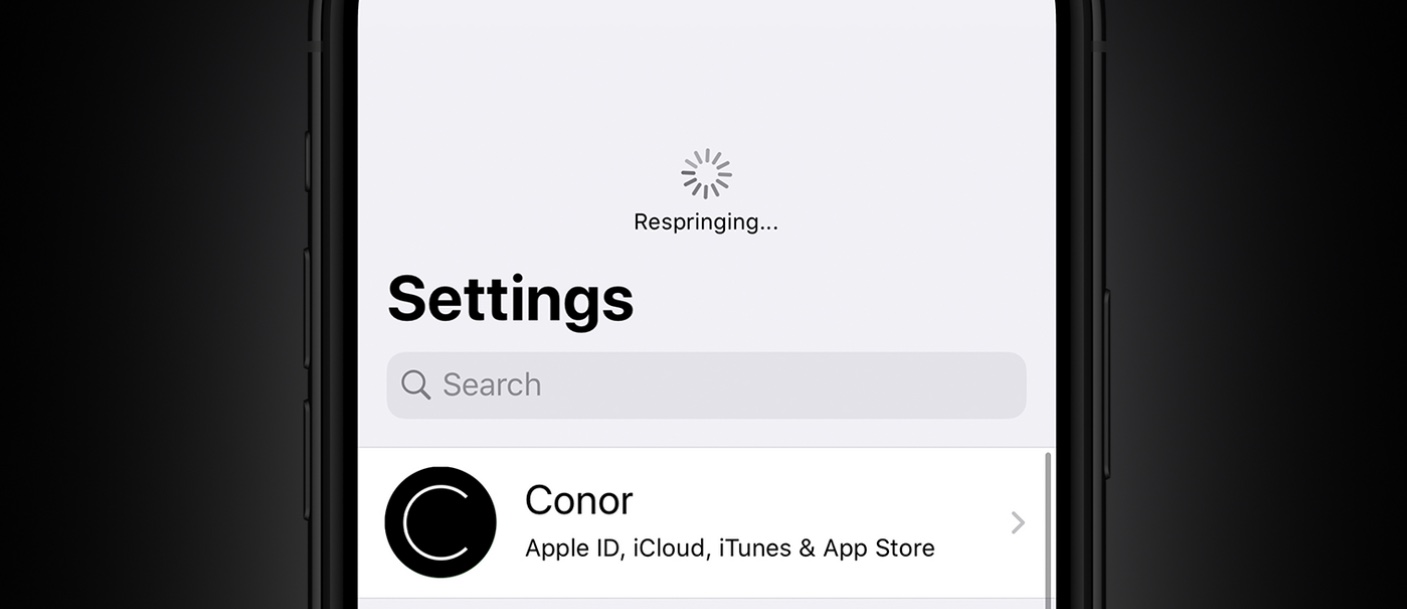
One of the things you might do a lot when you have a jailbroken device is respring. In a sense, a respring could be described as a soft reboot for appending changes to the operating system by way of jailbreak tweaks. Resprings can also be useful for other things, but regardless of why you’re doing it, it can sometimes feel cumbersome hen you’re trying to find a fast and easy way to respring your device.
We’ve covered a plethora of different jailbreak tweaks in the past that allowed you respring your handset on demand, but one of the latest tweaks to join that growing list of releases is an updated tweak dubbed Dragspring by iOS developer ConorTheDev.
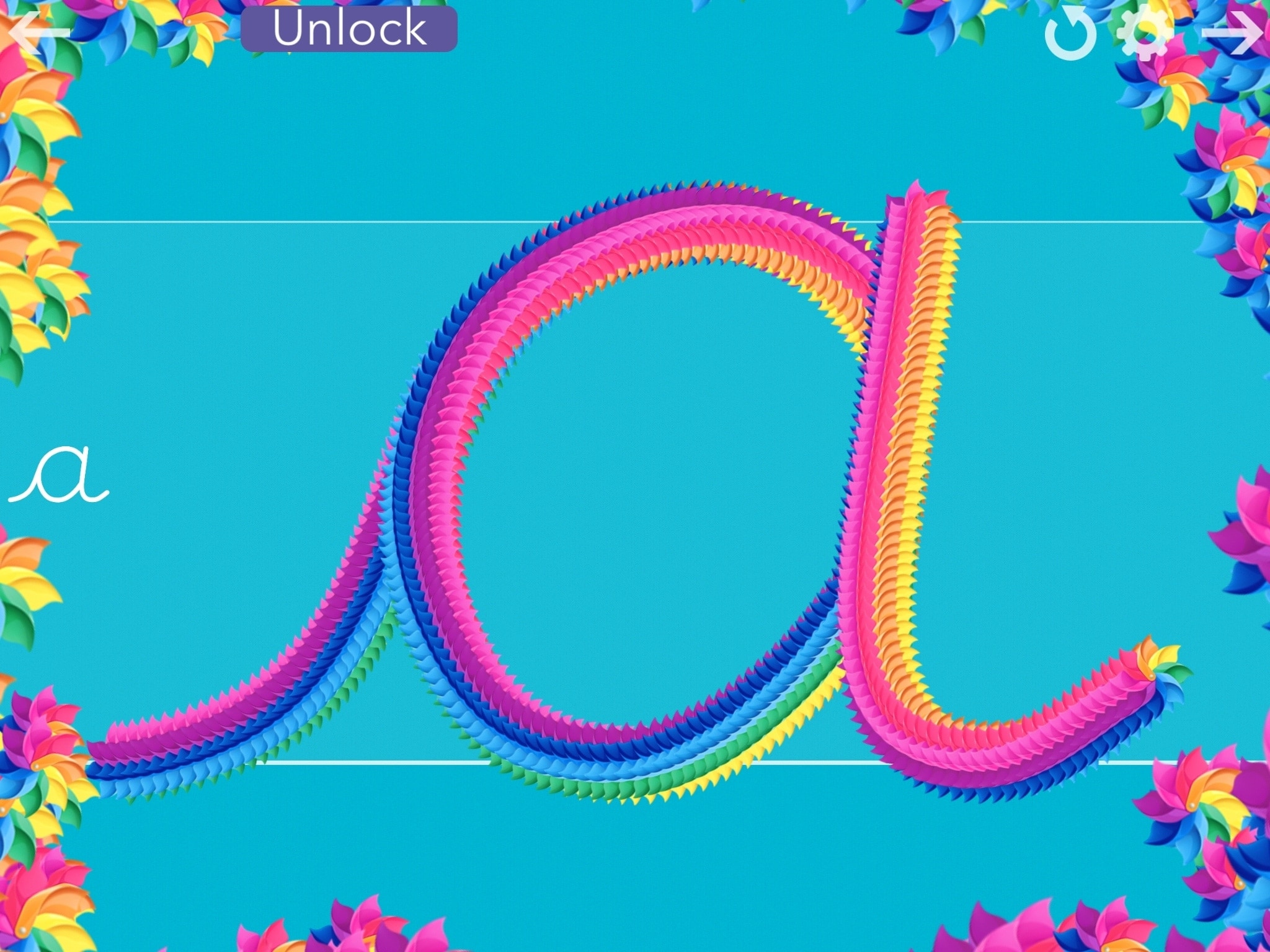
Back in 2010, the Common Core State Standards brought the end of the cursive writing style in many, many U.S. states. And while the debate on whether it should still be taught continues, some states are already bringing it back to their curriculum.
If you’re concerned that your child will not learn cursive writing skills, you do have other options besides relying on educational institutions. Of course, you can teach them yourself. And if you add in these free apps for iPhone and iPad, your child has a fun way to practice what you teach.
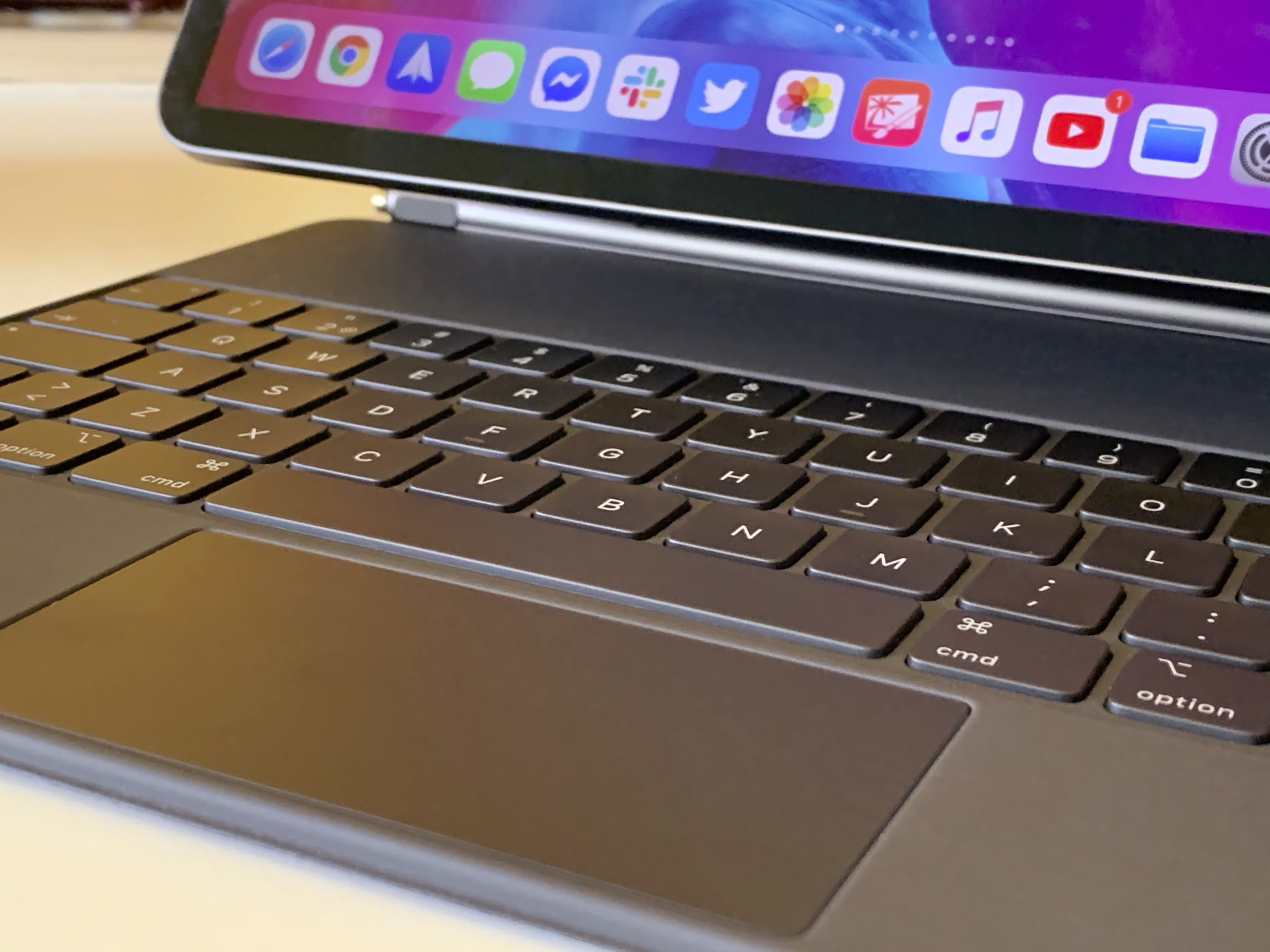
Learn how to switch off iPad trackpad inertia to have the onscreen pointer stop moving immediately after you lift your finger from the trackpad.
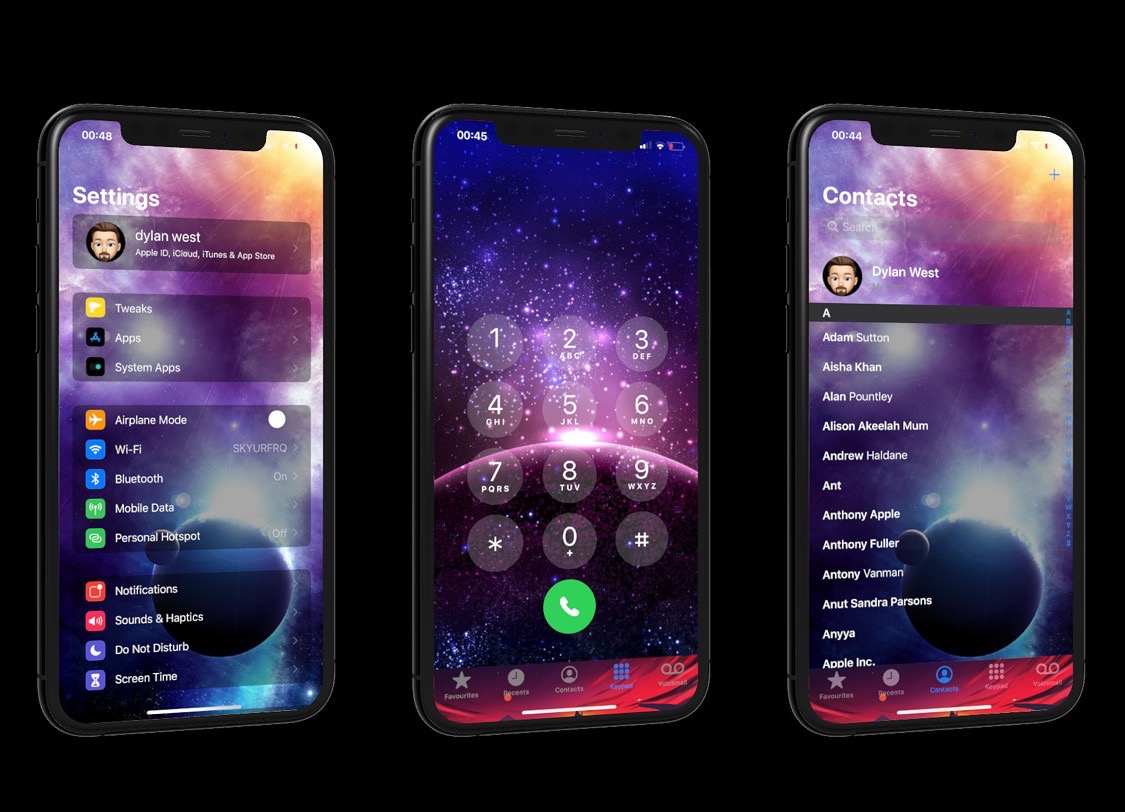
One of the things you can change on any stock iPhone or iPad is the wallpaper image that appears on both the Home Screen and Lock Screen. Unfortunately for Apple device users, that’s just about the extent of background image customization on the iPhone and iPad platforms; but it doesn’t have to be.
Assuming you’ve got a jailbroken handset at your disposal, then you can take advantage of a newly released jailbreak tweak called MyWall by iOS developer iOSthemem0d to customize the background of just about any iOS interface you can imagine.
It’s a common worry that someone might try to unlock your iPhone without your consent if you leave it somewhere unattended, and since iOS allows several passcode attempts before it initiates a passcode lockout timer, it’s possible for someone to continue guessing your passcode time and time again. Unfortunately, iOS doesn’t provide any way to letting you know when someone does this, leaving the user completely oblivious to such attacks.
Enter Handcuff (iOS 13), a newly released jailbreak tweak by iOS developer Ahmed that alerts users to attacks of the aforementioned variety. If or when a passcode is entered incorrectly or a power down is attempted, Handcuff alerts the user to this activity via email and via text message and includes a selfie image of the offender trying to conduct said mischief.
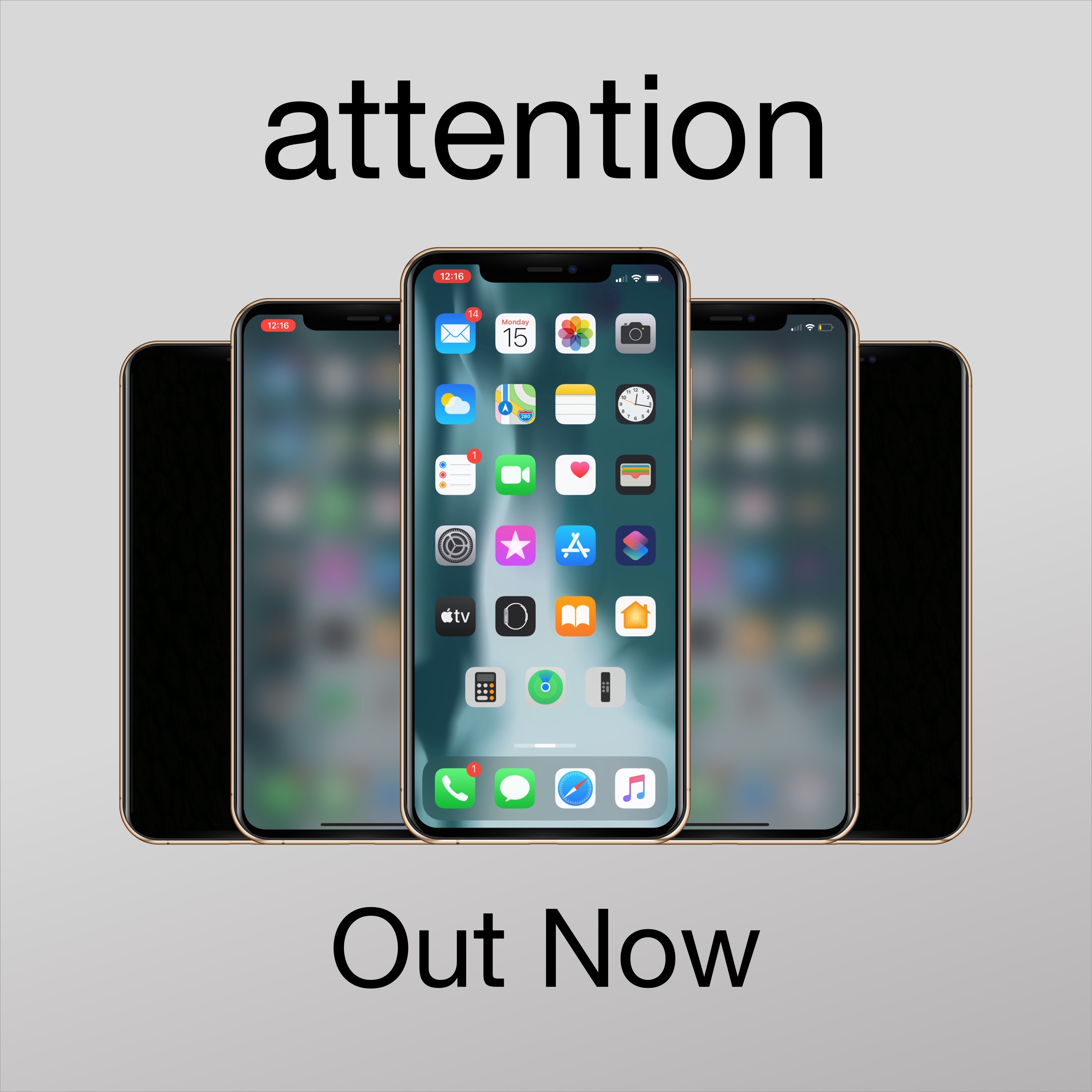
Apple designed iOS in such a way that when you don’t use your unlocked iPhone after a certain period of time, the display will start to dim before eventually falling asleep and locking entirely. Some people like this feature because it helps keep battery drain at bay during times of idle use, but if you’re interested in something different, then you may take a liking to a newly released and free jailbreak tweak called attention by iOS developer woofy.
Upon installing attention, your iPhone will still automatically lock itself after a predetermined period of inactivity. The only major difference, however, is that your handset’s display will exhibit a blurred effect after a period of inactivity and right before falling asleep instead of dimming the display’s backlight.
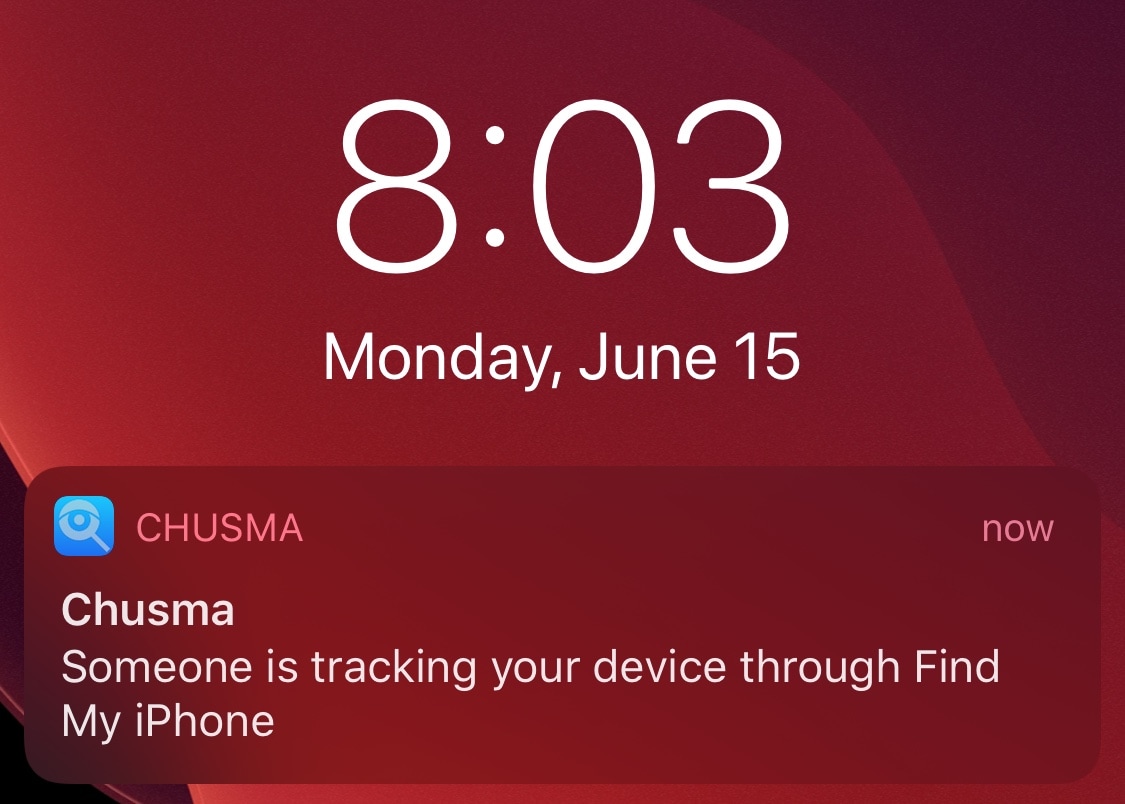
Chances are you probably wouldn’t like it if someone you knew secretively began tracking your every move via Apple’s Find My service, but would you actually ever know if someone was? Apple unfortunately doesn’t provide any sort of straightforward notification to let you know when your handset is being tracked, but the jailbreak community now offers a solution for that.
Say hello to a newly released and free jailbreak tweak dubbed Chusma by iOS developer Itaybre. Once installed, this tweak provides its users with real-time push notifications whenever anyone begins tracking your iPhone or iPad with Apple’s first party Find My service.
When you’re trying to enjoy music and someone approaches you to say something, you might feel compelled to turn your volume all the way down so you can hear that person’s voice. The only problem is that when you do this, your music continues to play, forcing you to miss bits of your song.
If you can relate to the somewhat frustrating experience described above, then we think you’ll probably have a deep appreciation for the likes of a newly released and free jailbreak tweak called MusicBeQuiet by iOS developer lia, as it can keep you from missing your tunes after turning your volume all the way down.
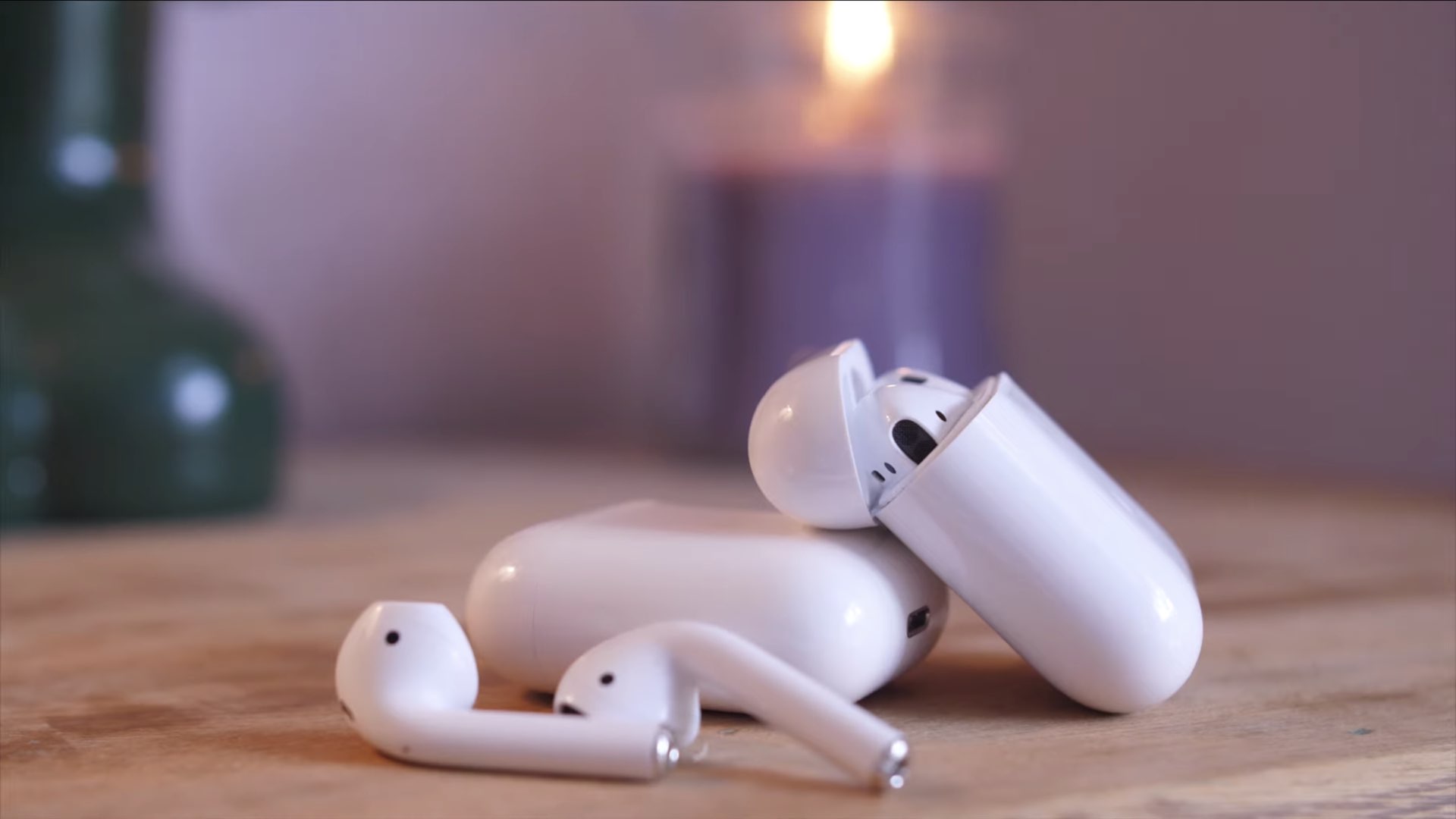
For its annual "Back to School" promotional event, Apple is offering a free pair of AirPods with select purchases.
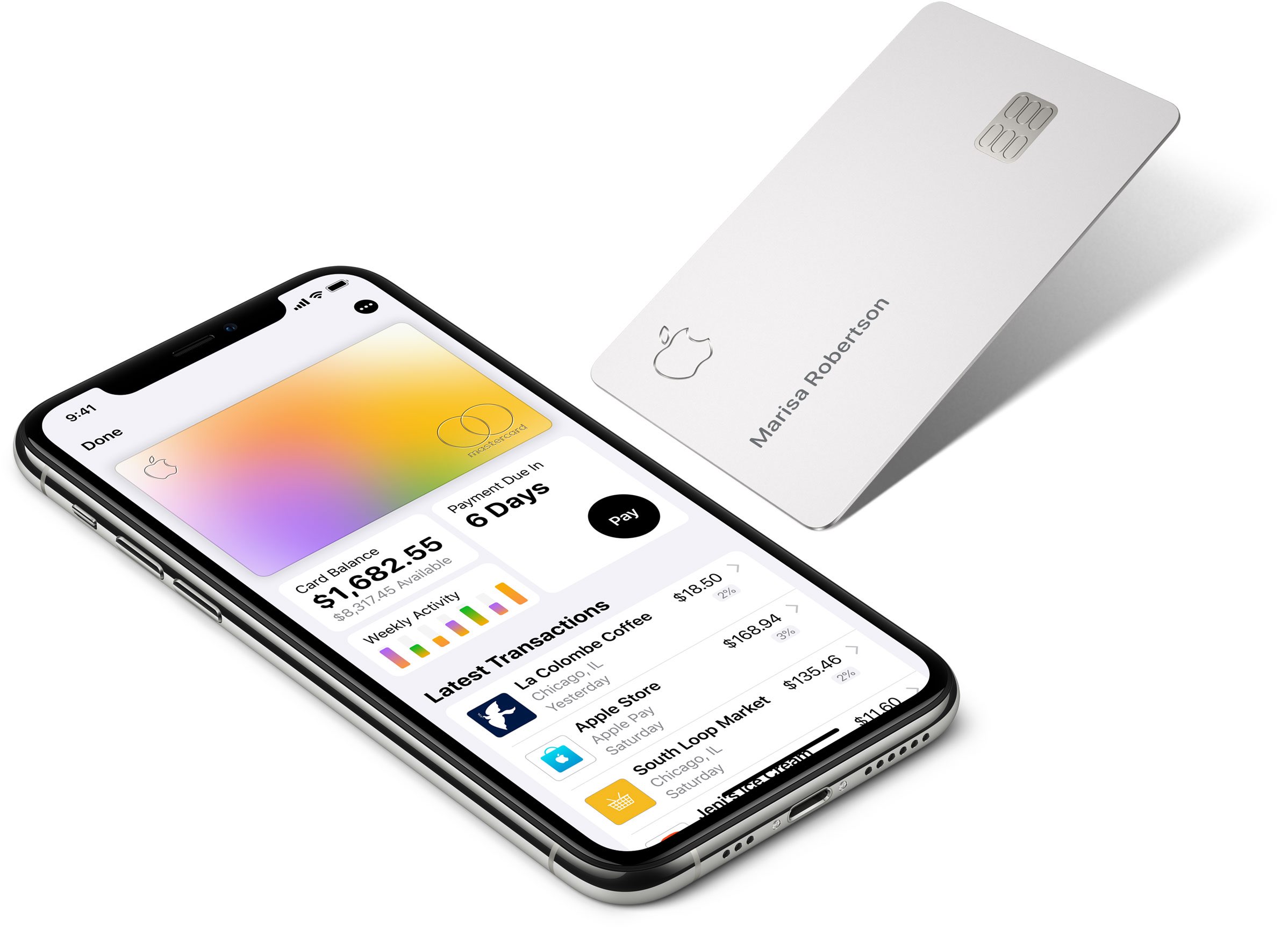
It was rumored to be happening just last week, but now it's official: Apple Card now offers installment plans, with 0% financing, for a wide range of new Apple-branded products.