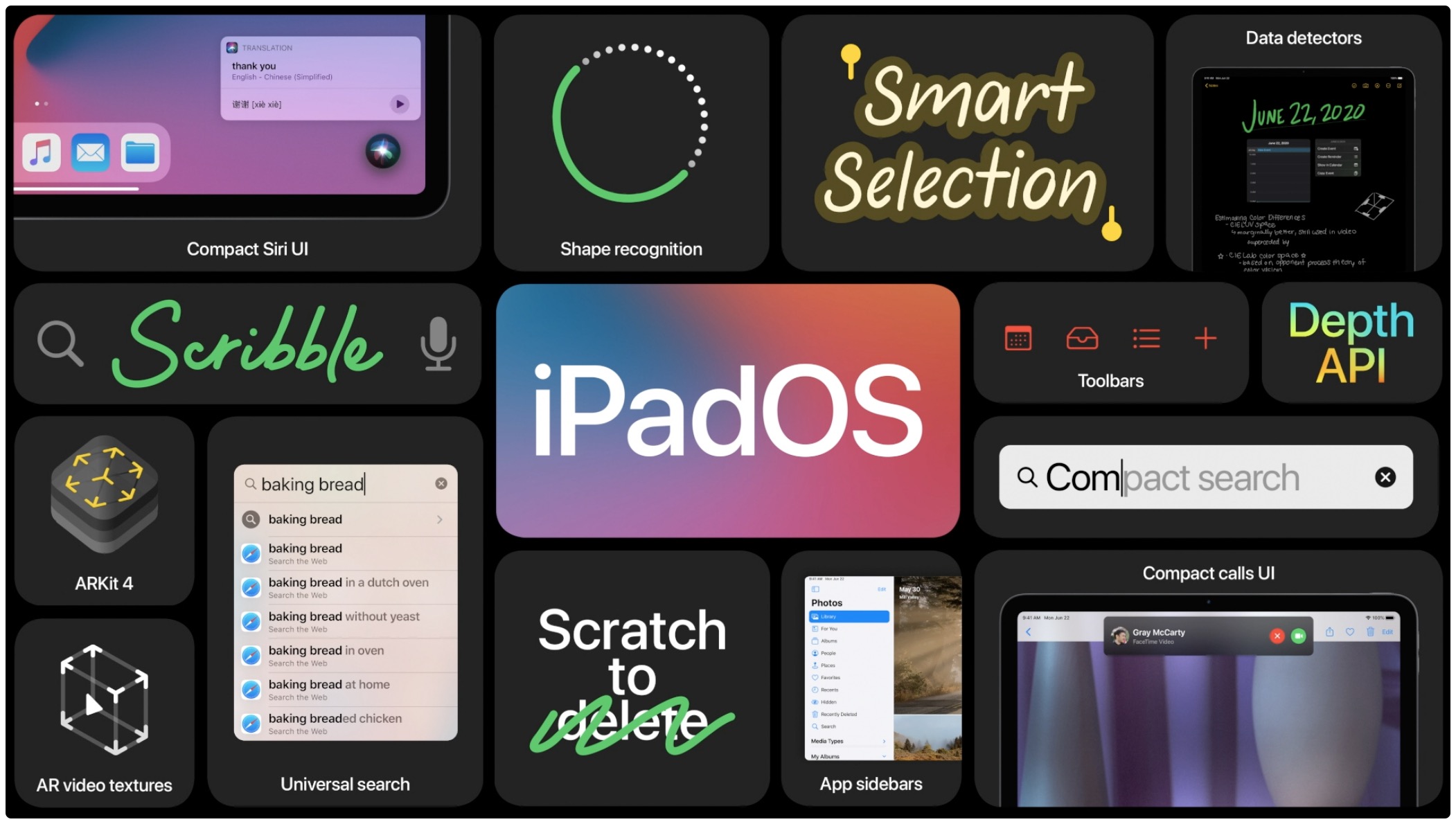
Along with iOS 14 and macOS 11.0 Big Sur, Apple also revealed the next major update to the iPad lineup: iPadOS 14 at this year's Worldwide Developers Conference.
The 12 most compelling new features in iPadOS 14
From the latest news to the most comprehensive tutorials, learn how to get the most out of your iPad with our step-by-step guides and expert tips.
Along with iOS 14 and macOS 11.0 Big Sur, Apple also revealed the next major update to the iPad lineup: iPadOS 14 at this year's Worldwide Developers Conference.
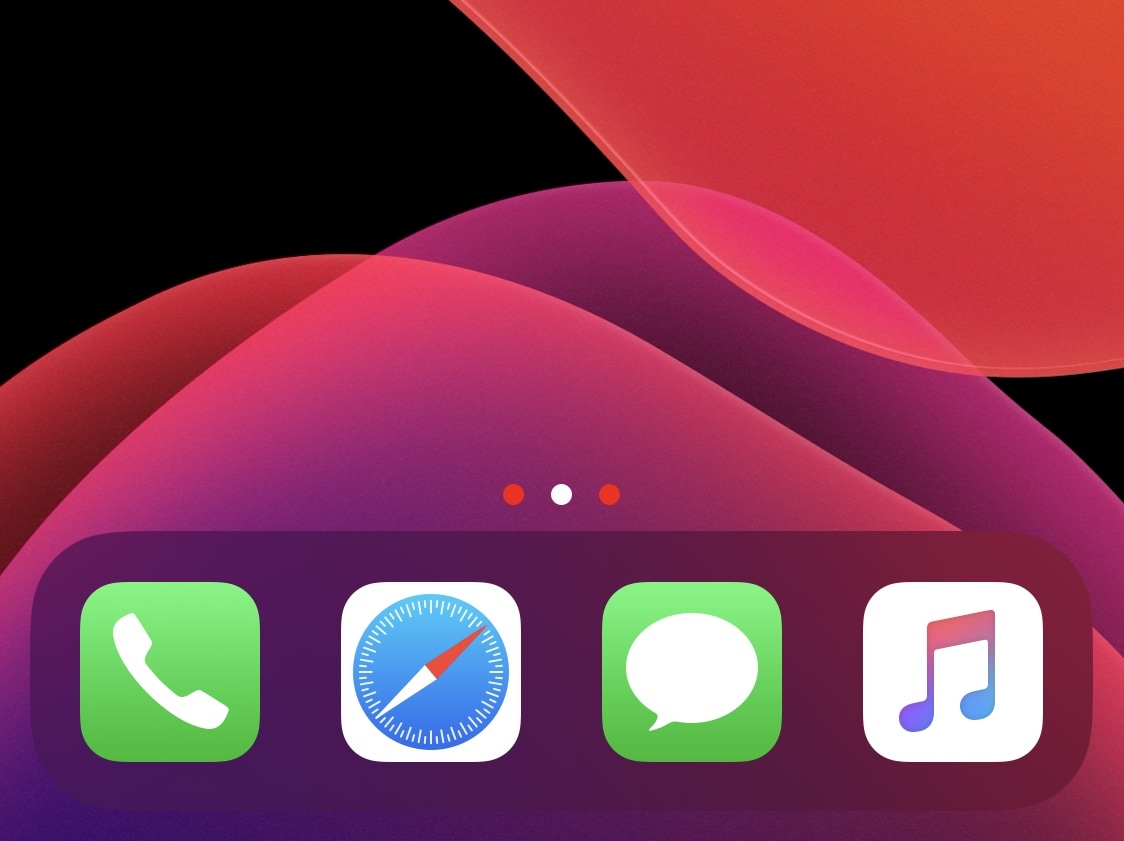
Jailbreakers can customize virtually anything they want about their iPhone or iPad’s user experience and behavior, but if you consider yourself a bit of a minimalist and prefer subtler changes over the more extravagant ones, then we think you might want to try a new and free jailbreak tweak release called Dots color by iOS developer 8a1wkar.
Just as the tweak’s name implies, Dots color lets users apply a custom color to the paging dots that typically appear on the Home Screen and Lock Screen. As you’ll see in the screenshot examples above, the selected page dot remains white, whereas the deselected page dots appear red instead of grayed out.

Apple during today's WWDC 2020 keynote presentation showing off the new features in its upcoming iOS 14 and iPadOS 14 software updates briefly highlighted one small but important improvement that a lot of people have beeb clamoring for: an unobtrusive calling screen.
Apple has introduced iPadOS 14, bringing a variety of new features to the mix, but also focusing quite a bit on the overall experience.

Electra Team lead developer CoolStar took to Discord late last night to share that the team was working diligently on a new jailbreak tool dubbed Odyssey for A9-A13 devices running iOS 13.0-13.5. If you remember those teasers about Chimera13 in the distant past, then this appears to be that very jailbreak, albeit with a different name.
Citing the brief, the Odyssey jailbreak will ship with proprietary software including libhooker and the Sileo package manager. Furthermore, it will ship with Procursus and it’s expected to be inter-compatible with checkra1n devices that have used the Odysseyra1n script to enjoy the Odyssey bootstrap on those devices.
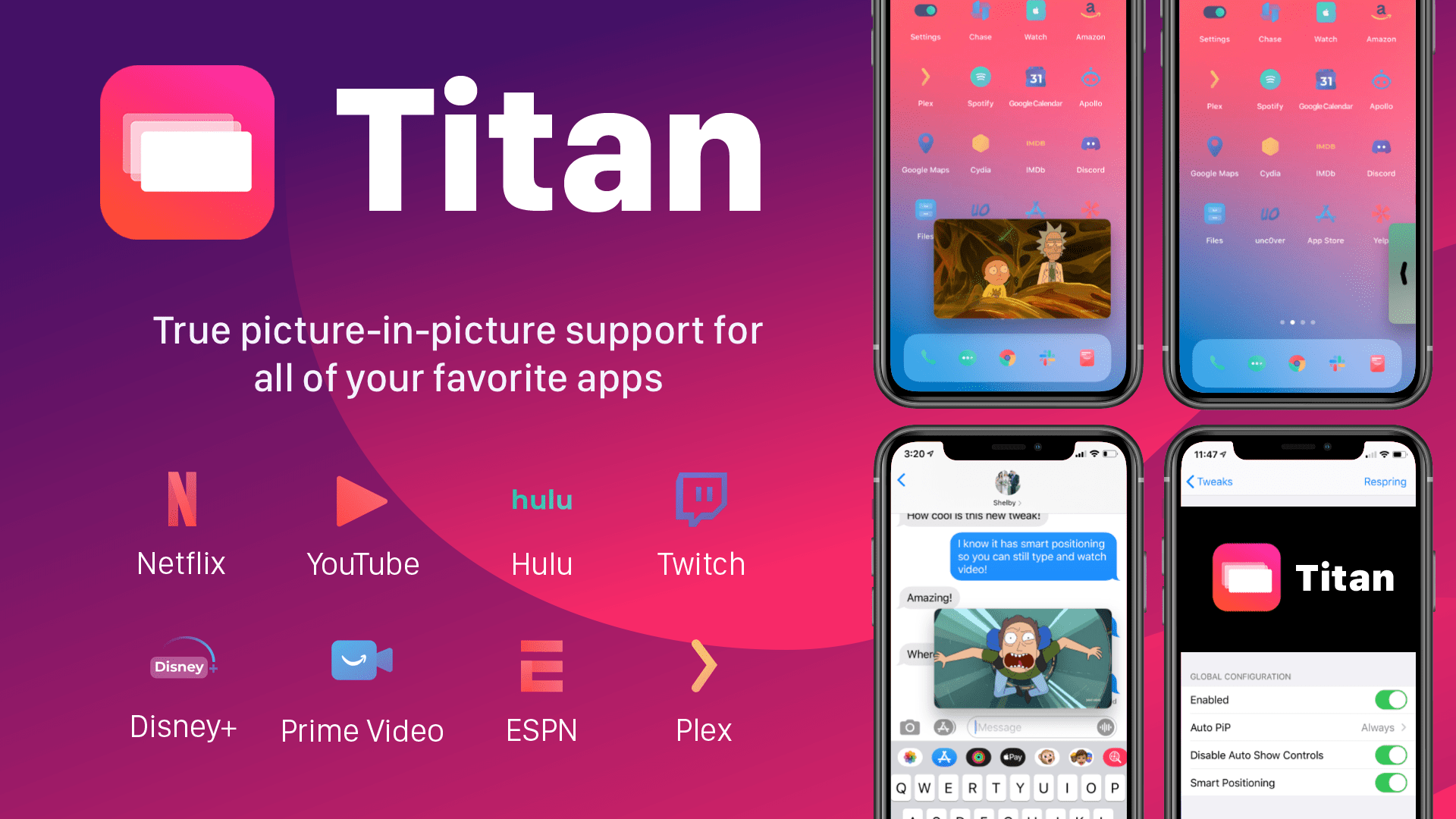
The iPad's incredible Picture-in-Picture mode is one of the core features of iPadOS that lots of iPhone owners wish Apple would bring to the iOS ecosystem. In a classic Apple move, however, it seems like that request could go unanswered indefinitely. Fortunately for the jailbreak community, however, we have ways to circumvent these restrictions.
Titan is a newly released jailbreak tweak by iOS developer tcbrooks that brings true iPadOS-style Picture-in-Picture mode support to pwned iPhones and iPod touches, and in addition to that, it comes out of the box with support for a colorful variety of video-centric apps, including the following:
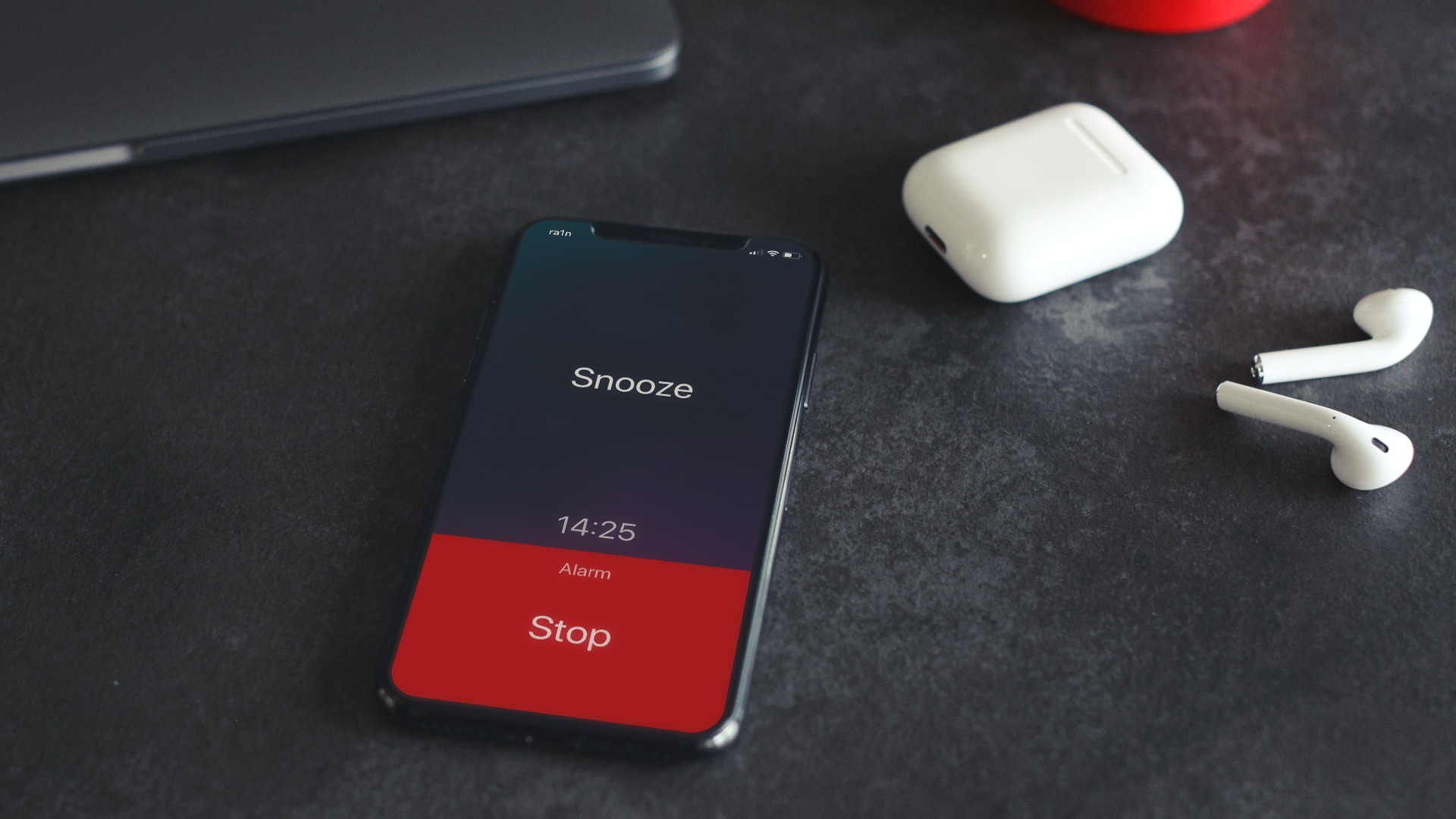
Many iPhone users rely on their handset's native alarm feature to wake them up each and every morning. Some iPhone users may even rely on the handset’s native timer feature to ensure that they don’t overcook their dinner. Whatever you use your iPhone’s alarm or timer features for, chances are that you may be able to benefit from the likes of a newly released jailbreak tweak dubbed BetterAlarm by iOS developer NoisyFlake.
Right off the bat, you’ll notice that BetterAlarm supplants iOS’ traditional alarm interface with a beautiful new full-screen experience that makes it easier to interface with a firing alarm or timer. Even so, to say that BetterAlarm stops with a full-screen alarm and timer interface replacement would be a grotesque understatement.

Another week, another jailbreak tweak-centric roundup intended to help you trick out your pwned handset to its furthest extent.
This roundup will encompass all the latest jailbreak tweaks we’ve shown you from Monday, June 15th to Sunday, June 21st. As usual, we’ll kick things off by discussing our favorite releases first and then wrap things up with an outline of the rest afterward.
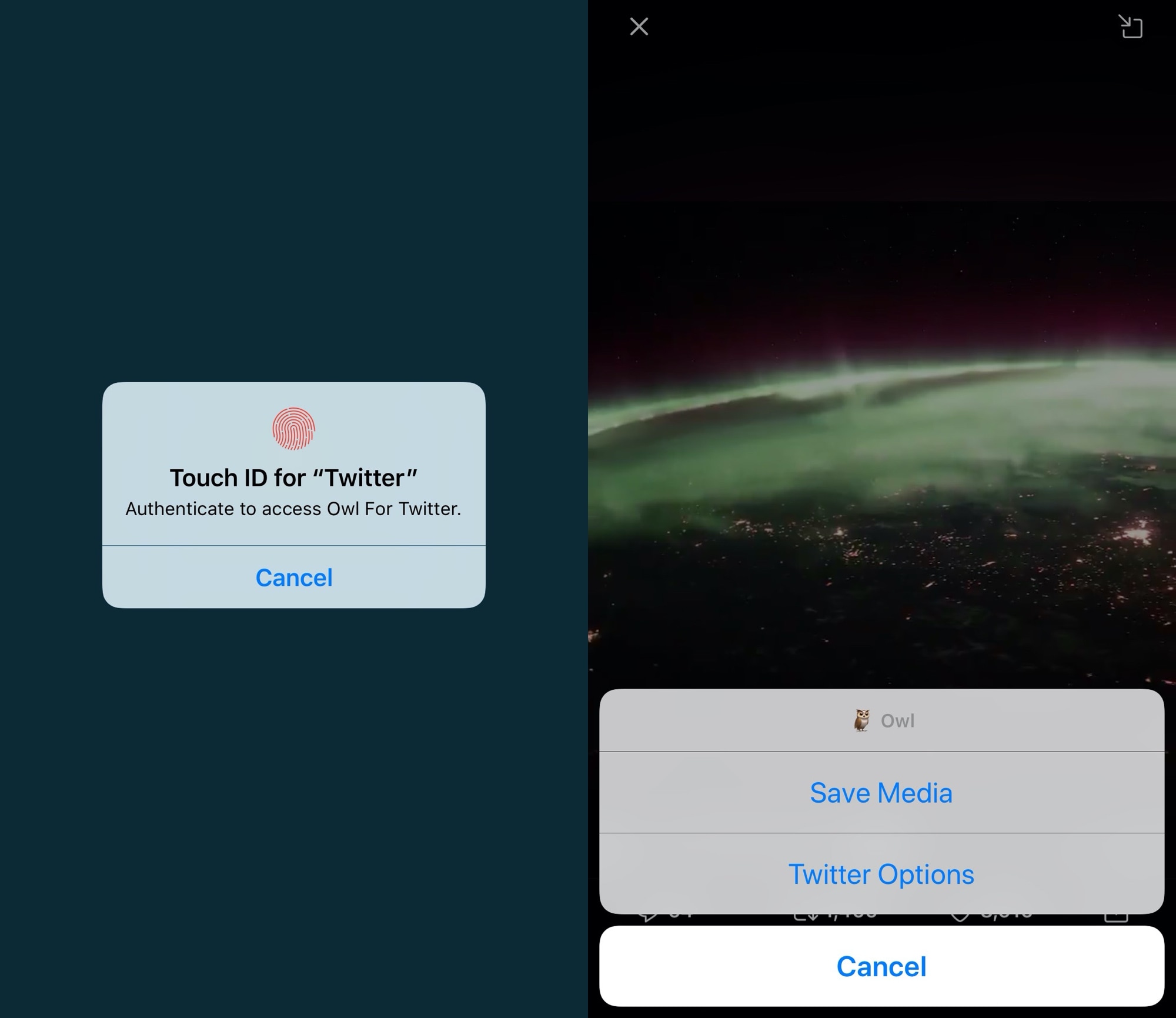
There are several third-party apps for accessing Twitter on the iOS platform, but there’s no question that the official Twitter app is the most popular by far. Unfortunately, it lacks a number of features that could make the user experience as good or better than many third-party alternatives, which is why they exist in the first place.
If you aren’t interested in spending money for a third-party Twitter client and you have a jailbroken handset at your disposal, then the good news is that you can take advantage of a newly released and free jailbreak tweak called Owl by iOS developer Michael Lema to breathe new life into the existing official Twitter app.
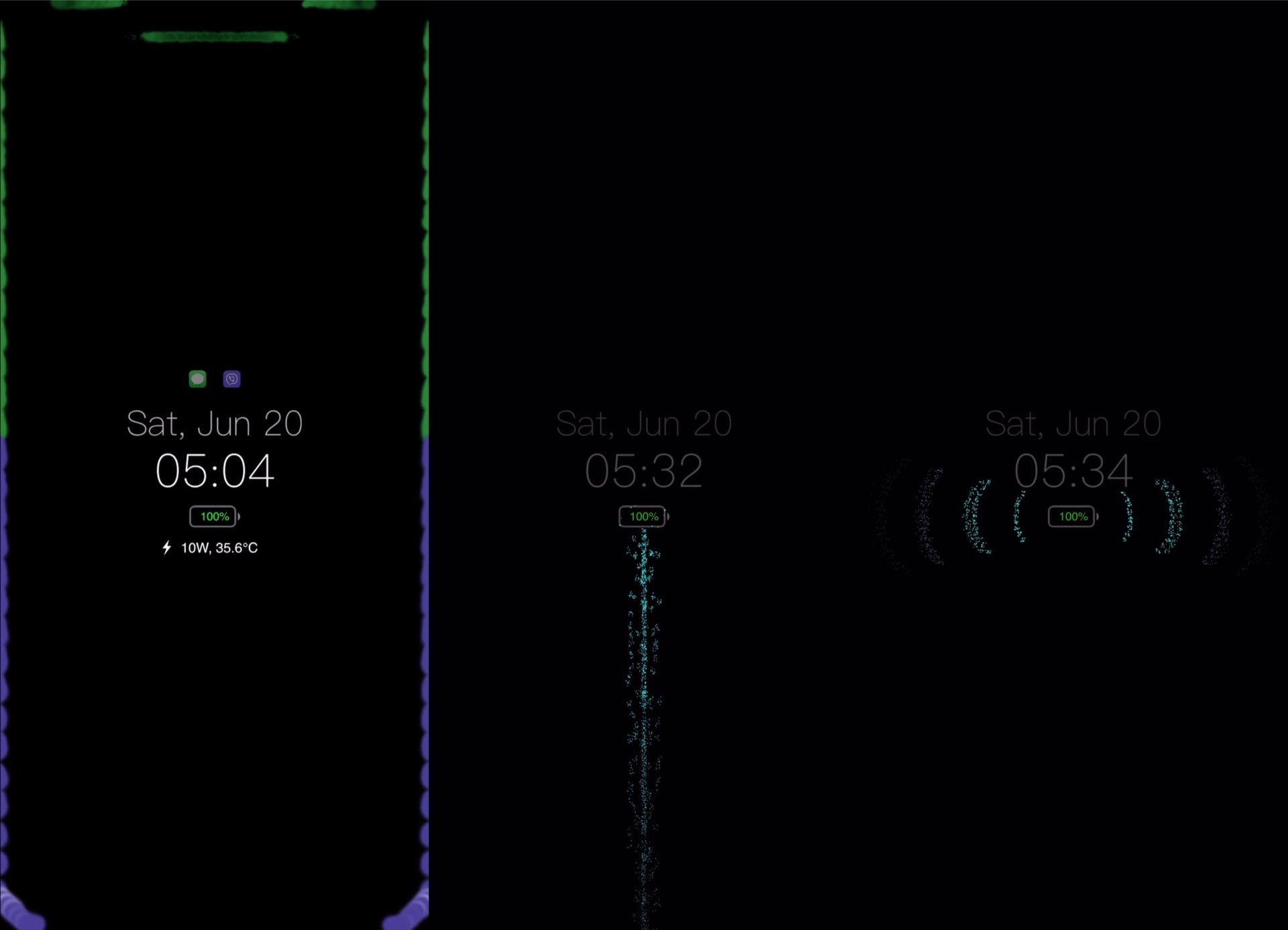
Ever since Apple first started integrating OLED display on its iPhones, starting with the iPhone X in 2017, we’ve witnessed a steady increase in the number of jailbreak tweaks attempting to bring a true always-on display experience to the platform. One of the latest attempts comes by way of respected veteran tweak developer Elias Limneos and has been aptly named Glow.
Like other always-on display tweaks before it, Glow takes full advantage of the OLED display in Apple’s high-end handsets to express true darks for the background. It simultaneously displays pertinent details such as the date, time, and battery level, along an indicator to let you know whether you’ve got any missed notifications. Best of all, it does all of this while consuming as little power as possible.
A plethora of announcements and new software capabilities to be unveiled at next week's WWDC reportedly include a redesign for the Apple Podcasts app on the iPhone, iPad and Mac with new features for both creators and consumers.
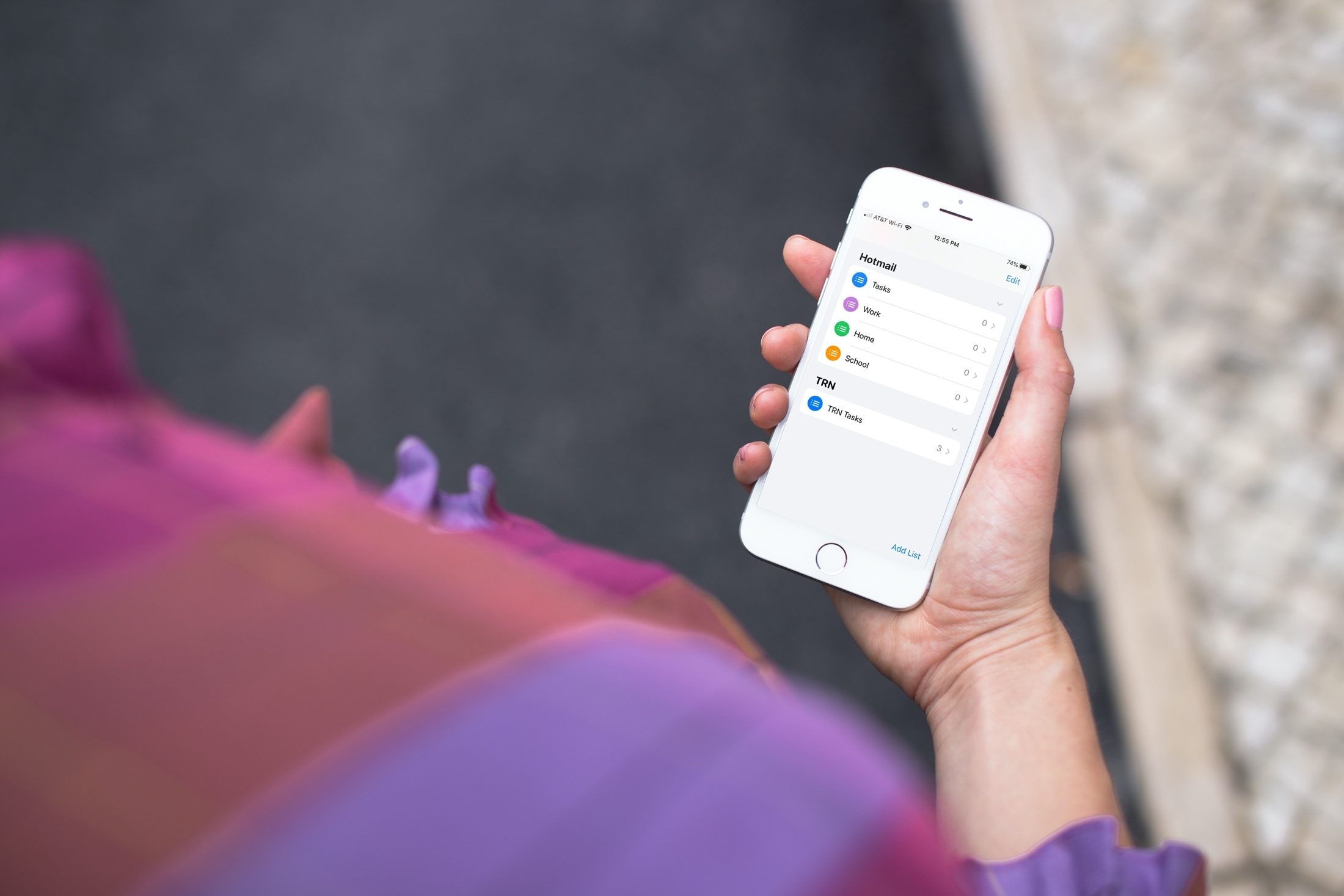
Learn how to add or remove accounts in the Apple Reminders app on your iPhone, iPad, or Mac to save your to-dos in your preferred online service.