Check out these 10 simple yet powerful trackpad gestures you can use on your iPad to boost your productivity.
10 trackpad gestures all iPad Pro owners should know
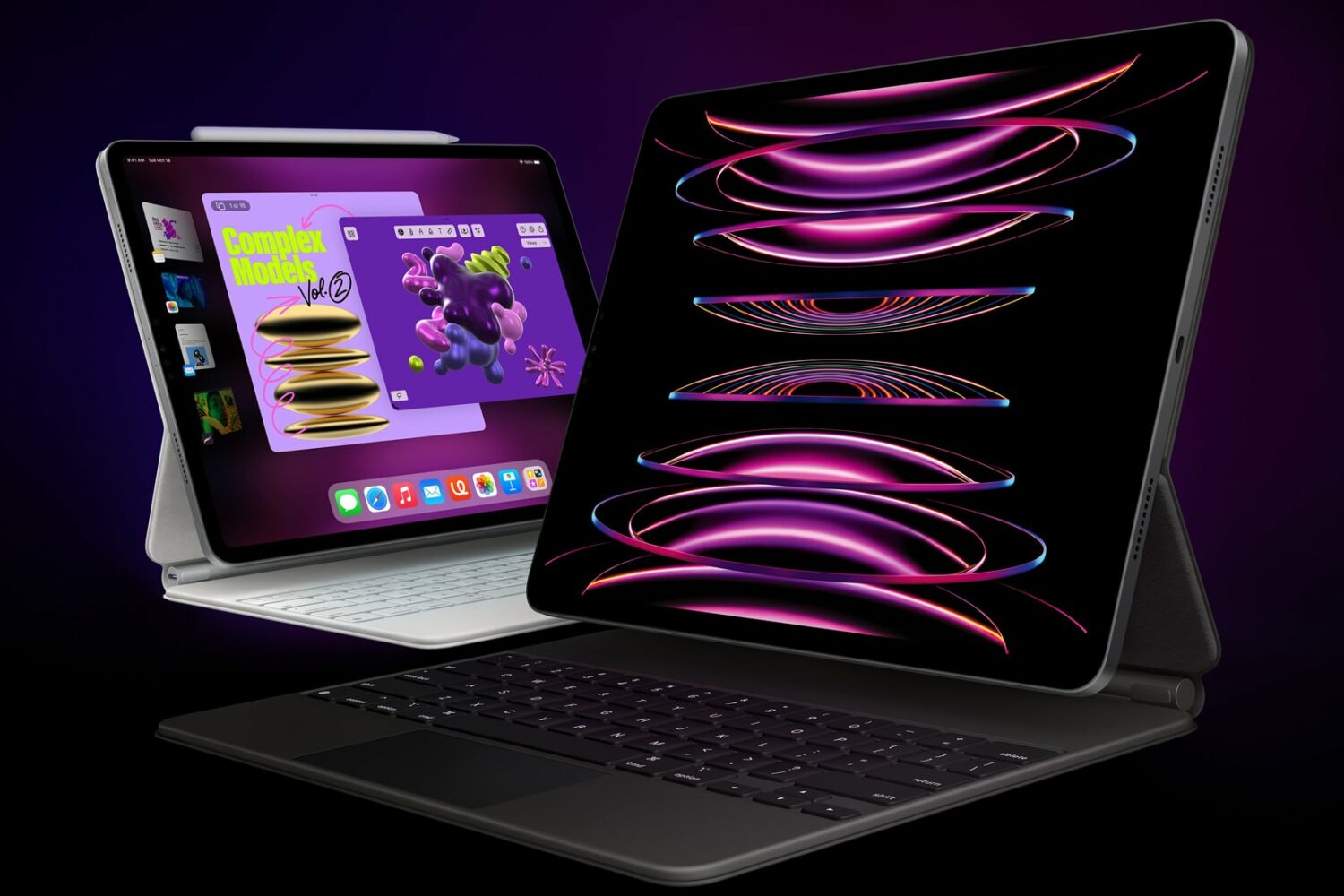
Check out these 10 simple yet powerful trackpad gestures you can use on your iPad to boost your productivity.

With an external (hardware) keyboard like the Magic Keyboard connected to your iPad, the onscreen (software) keyboard doesn’t appear. Apple in its wisdom does allow you to switch between the hardware and software keyboard, but it could have definitely done a better job surfacing that feature for average users who may be unaware it even exists in the firsts place. Follow along with our step-by-step tutorial to learn how to quickly switch your iPad keyboard between the stock iOS keyboard and your Magic Keyboard or any other physical iPad keyboard.
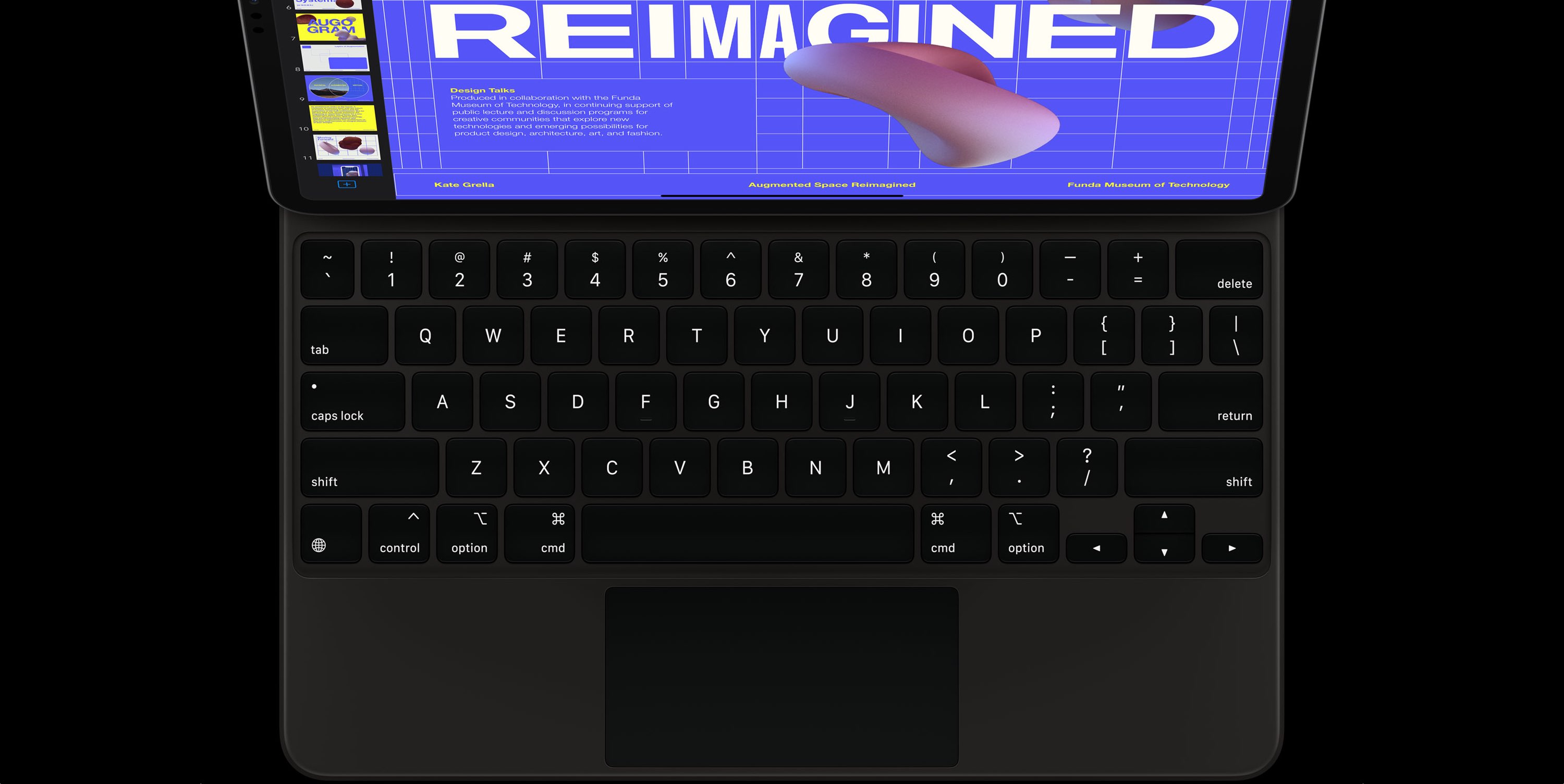
The Magic Keyboard for iPad Pro features backlit keys that make it a lot easier to type in the dark. The Magic Keyboard brightness can be changed manually or automatically, based on the ambient lighting conditions. But sometimes you want to watch a movie in the dark, or perhaps read a long article or a book without the keyboard backlighting interfering. To help with that, our tutorial will teach you how to adjust the Magic Keyboard brightness to your liking.
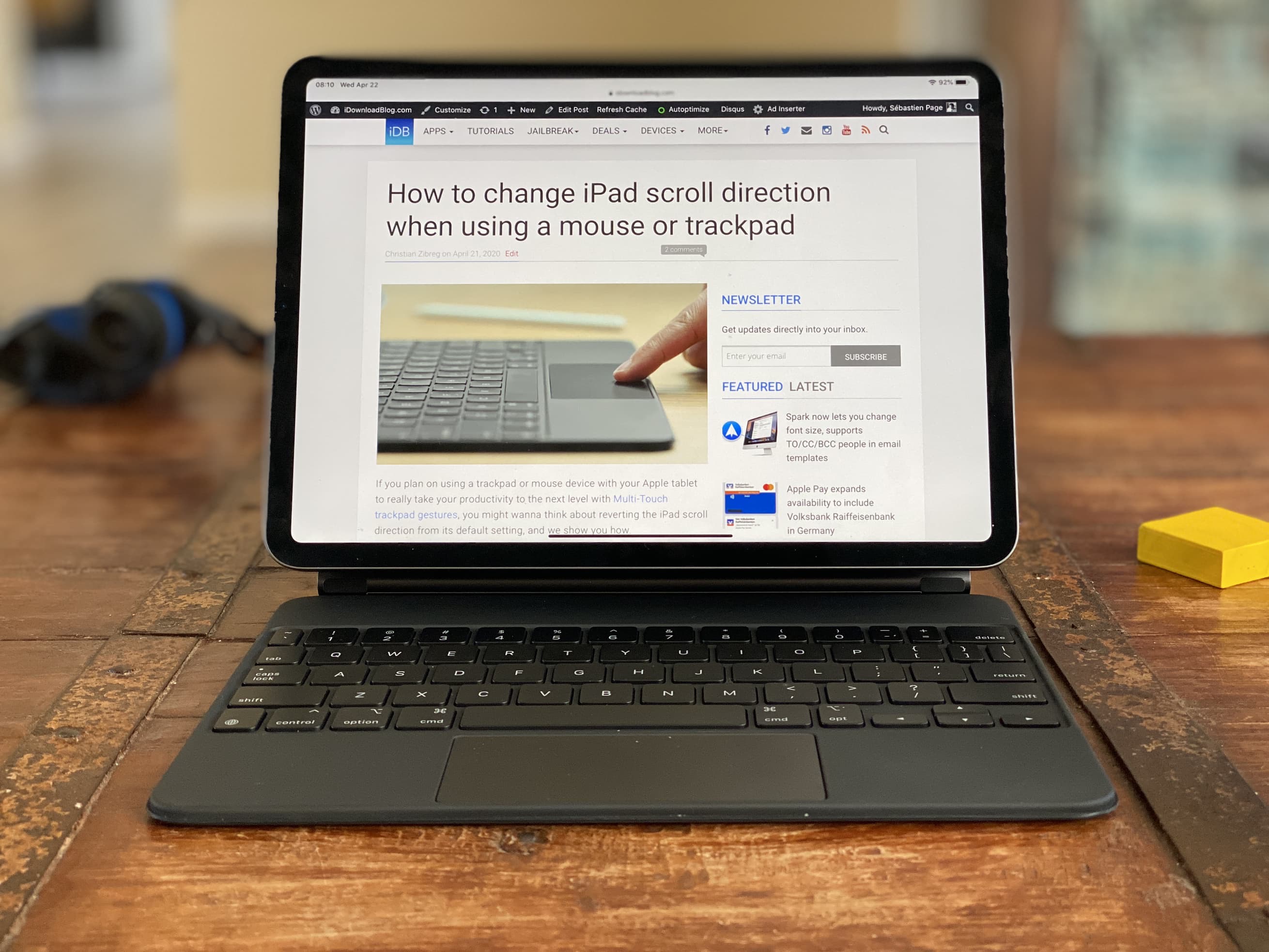
I received my Magic Keyboard for iPad Pro less than 24 hours ago, and wanted to share early thoughts and impressions about this new accessory.
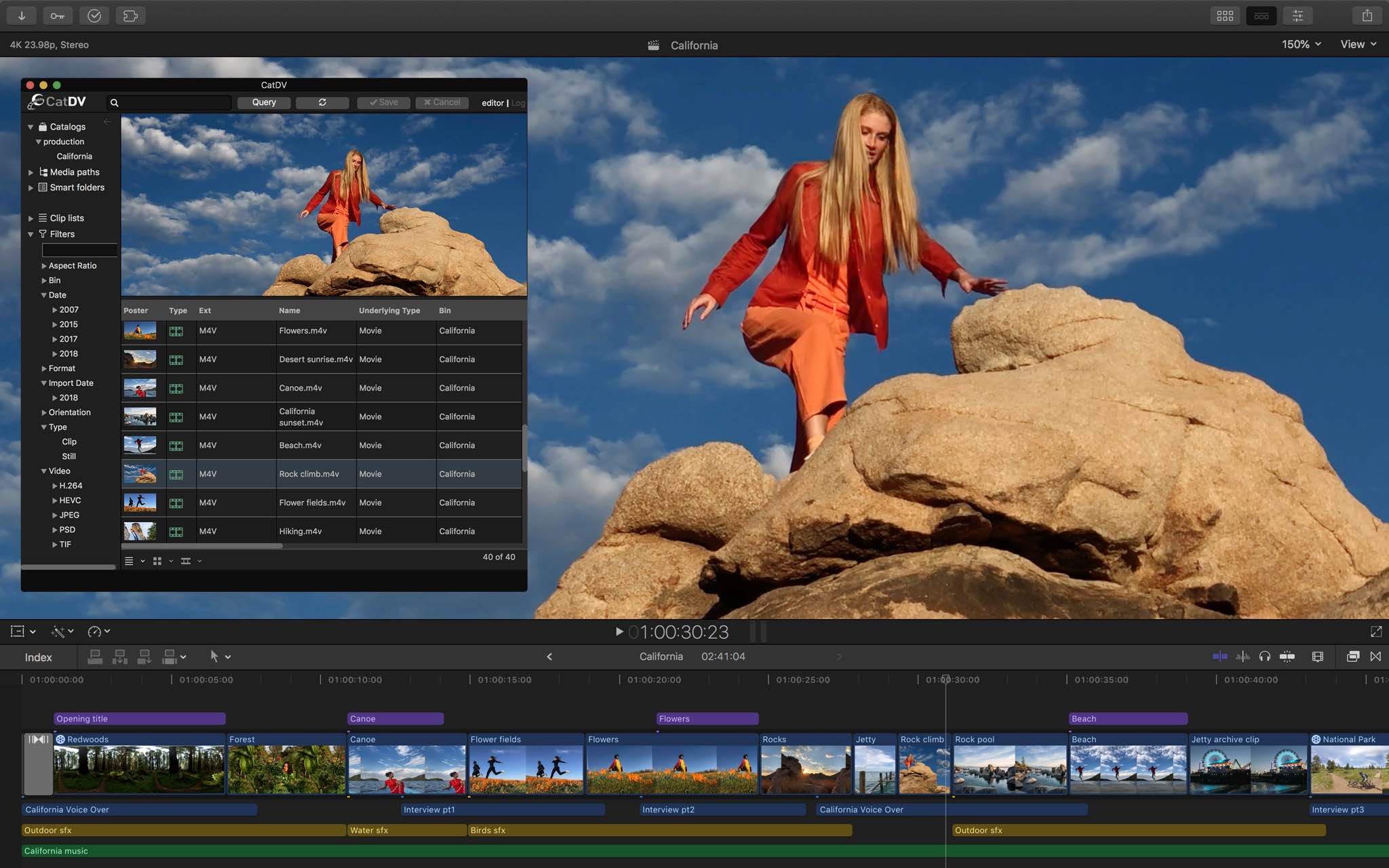
If you own an iPad Pro and have been hoping that Apple would bring its Logic Pro X, Final Cut Pro X, and Xcode apps to the powerful tablet, you may not have much longer to wait.
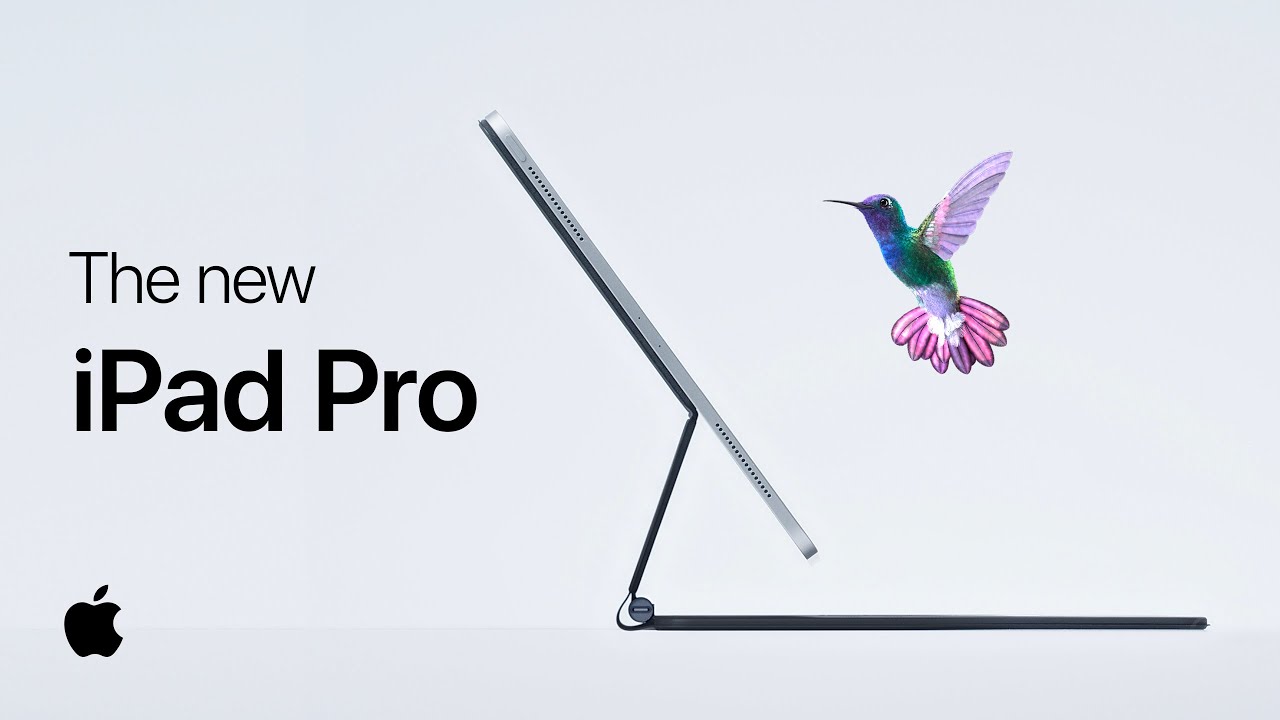
Apple launched the new 11- and 12.9-inch iPad Pro models not too long ago, and the company opened orders for the brand new Magic Keyboard with a built-in trackpad last week. So now the company is showing both off in a new ad.
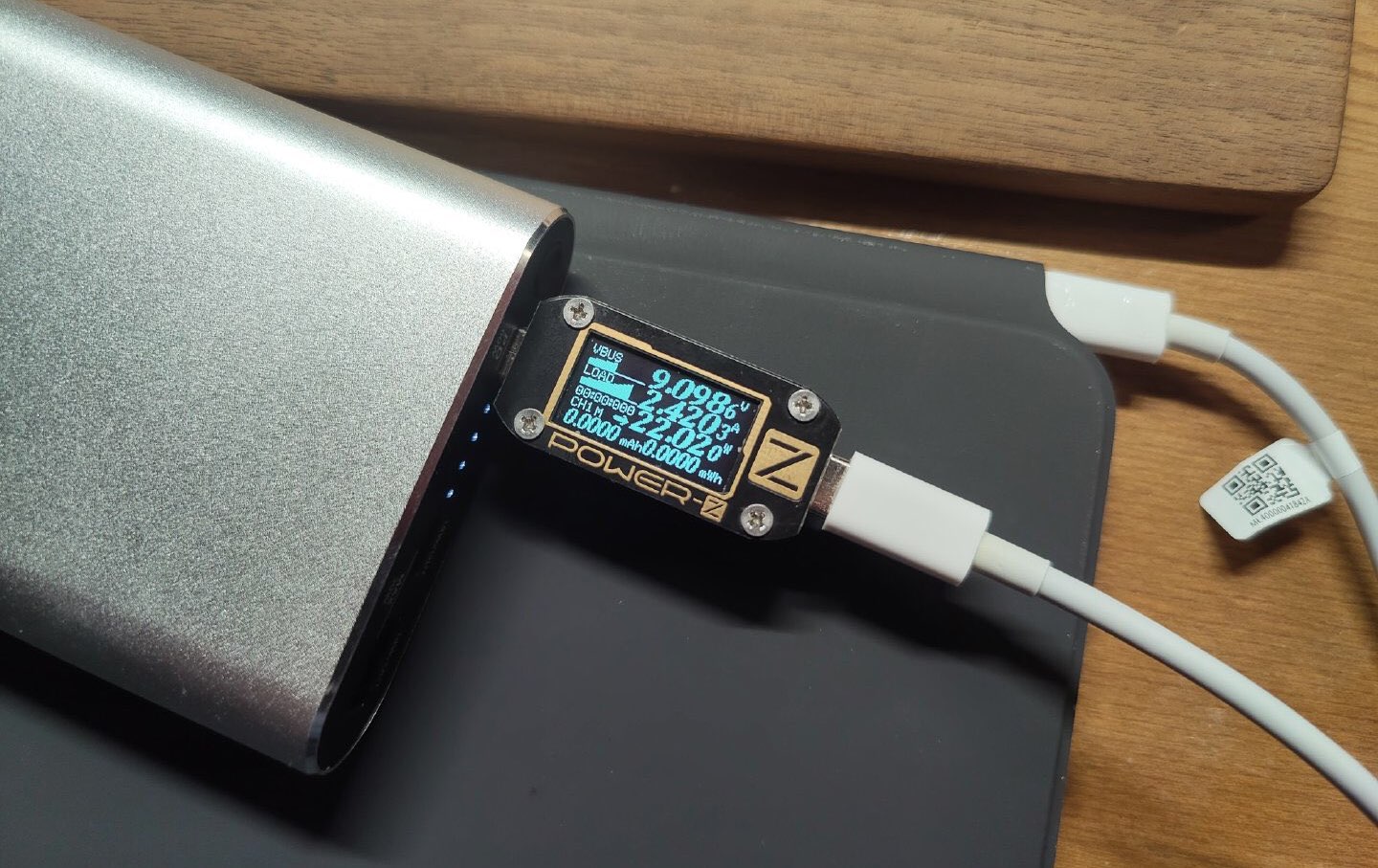
As the new Magic Keyboard for iPad Pro starts landing in customers' hands today, early adopters have begun to share their first impressions on social media. According to Twitter leaker L0vetodream, charging an iPad Pro via the Magic Keyboard's passthrough USB-C port is slower versus charging the tablet via its own native USB-C port.
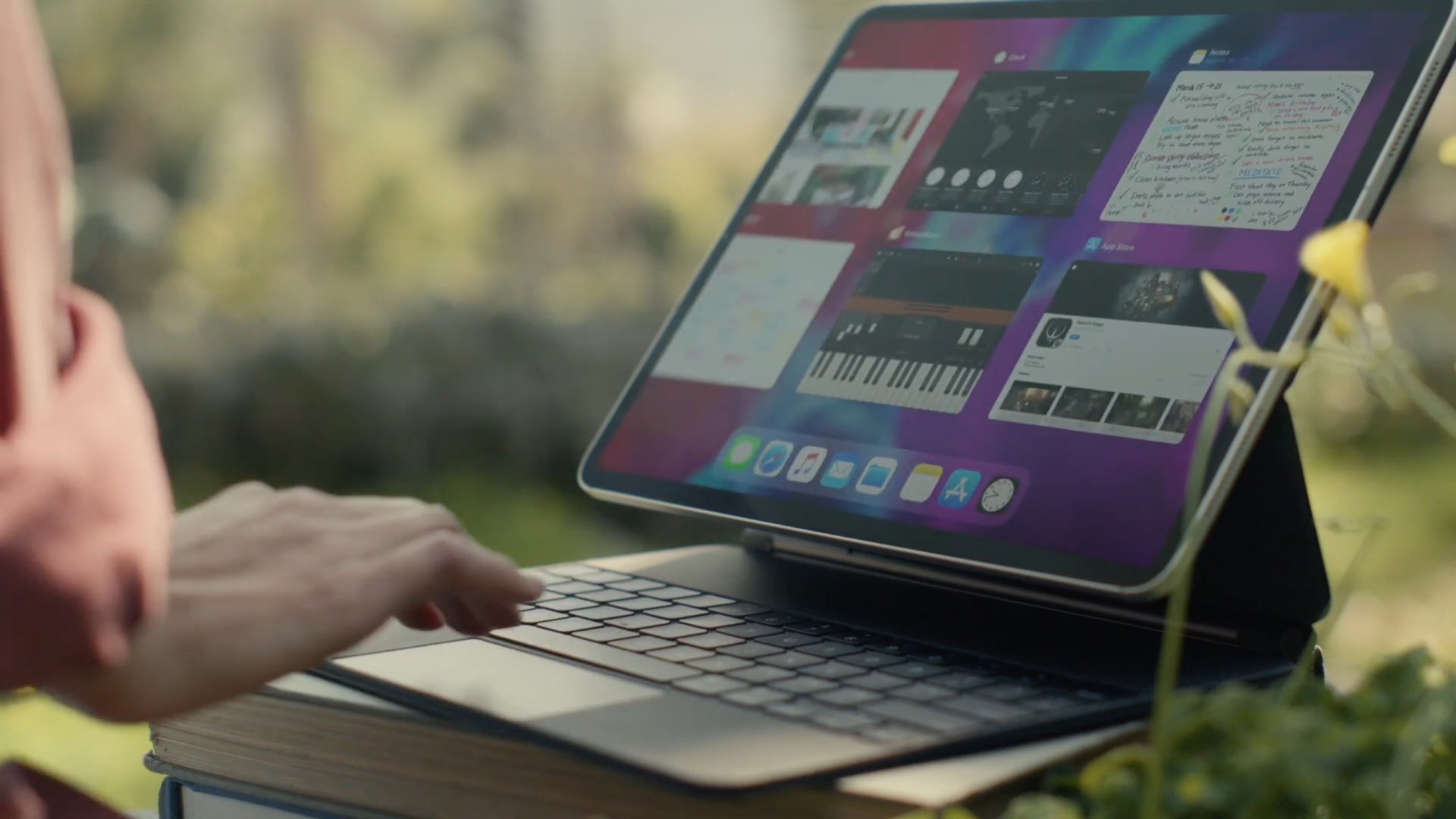
Last week, Apple opened orders for the brand new Magic Keyboard accessory for the iPad Pro, which features a brand new keyboard design (compared to the Smart Folio Case for the same tablet lineup) and a built-in trackpad.
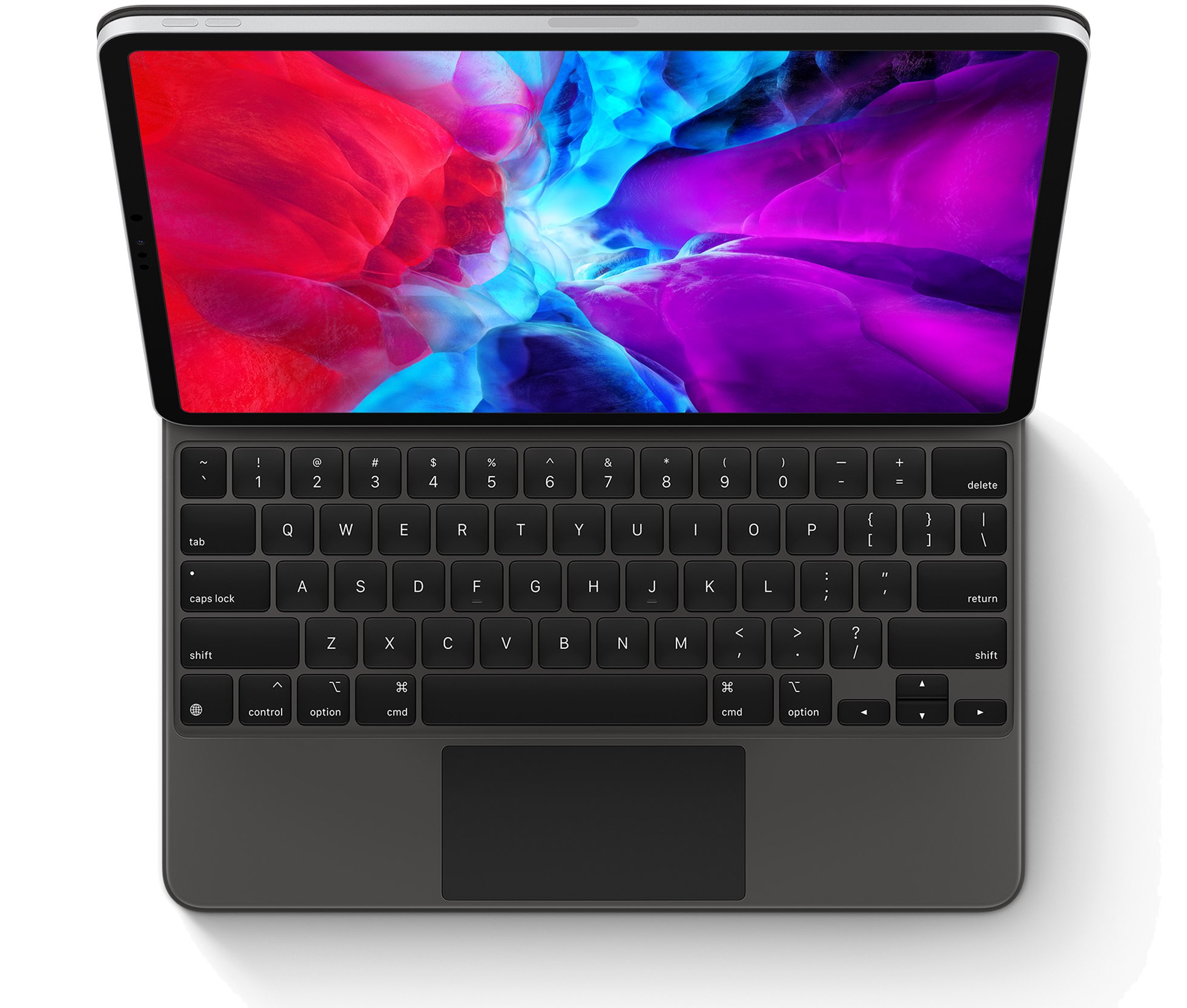
Apple's new Magic Keyboard has arrived, and customers have noted that the 12.9-inch model is actually heavier than the 12.9-inch iPad Pro, which comes in at 641 grams.
Earlier this week, Apple opened the gates and allowed folks to order the brand new Magic Keyboard for the iPad Pro, with deliveries expected to start arriving before the end of the month.
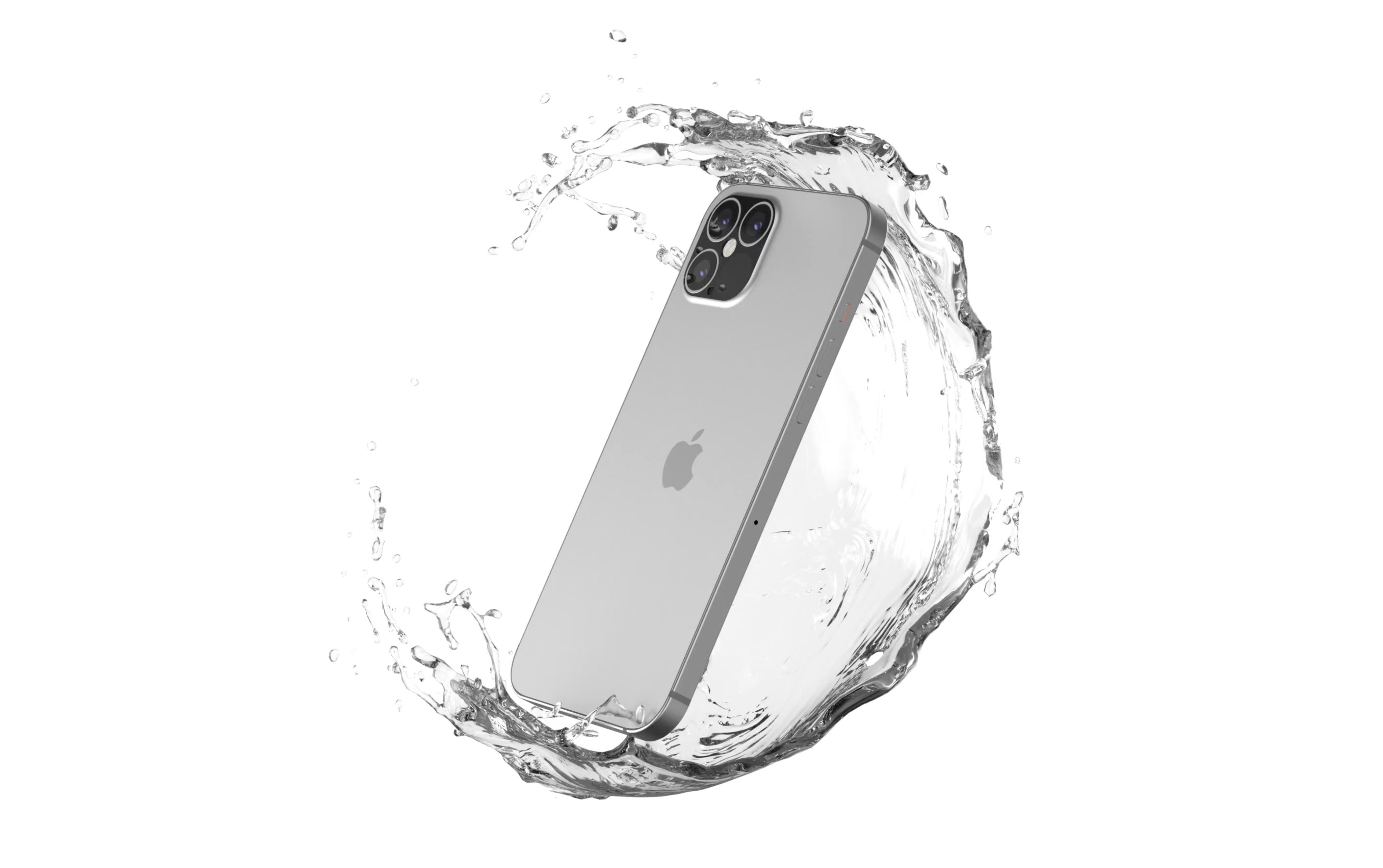
If the rumors pan out, Apple is going to launch four new iPhones later this year. Months before that happens, though, we're getting a look at what's being referred to as CAD designs for one of the upcoming handsets.
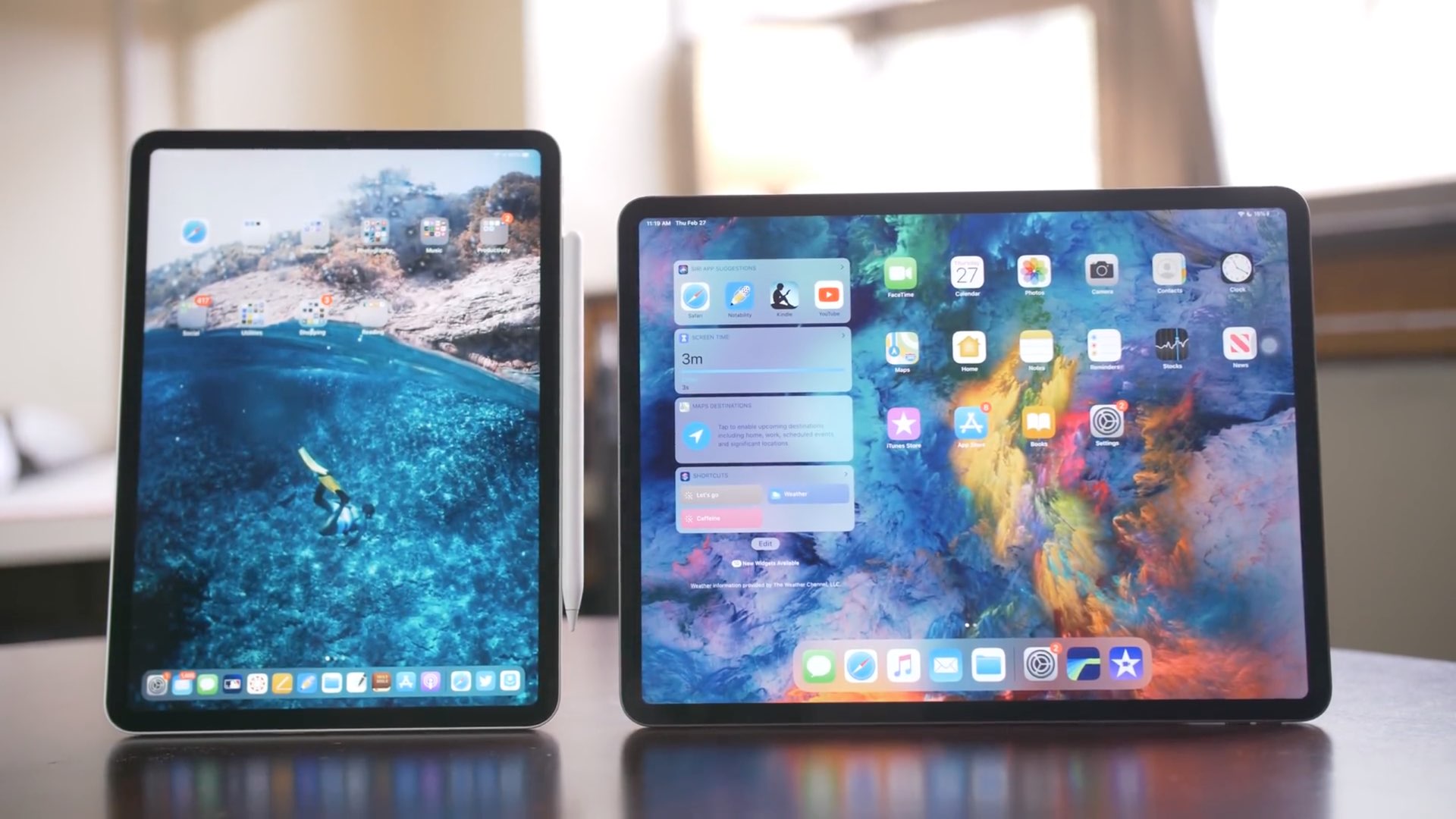
It has been rumored for quite some time that Apple is planning on transitioning to different display technology for future products, which could see the light of day before the end of 2020. But one of those rumored devices might not make the unofficial deadline.