iOS

Chimera v1.3.7 released with updated generator support for A12(X) devices on latest firmwares

Chimera Banner Image.

The Electra Team has dropped an updated version of the iOS 12-centric Chimera jailbreak tool on Tuesday, bringing the public release up to version 1.3.7.

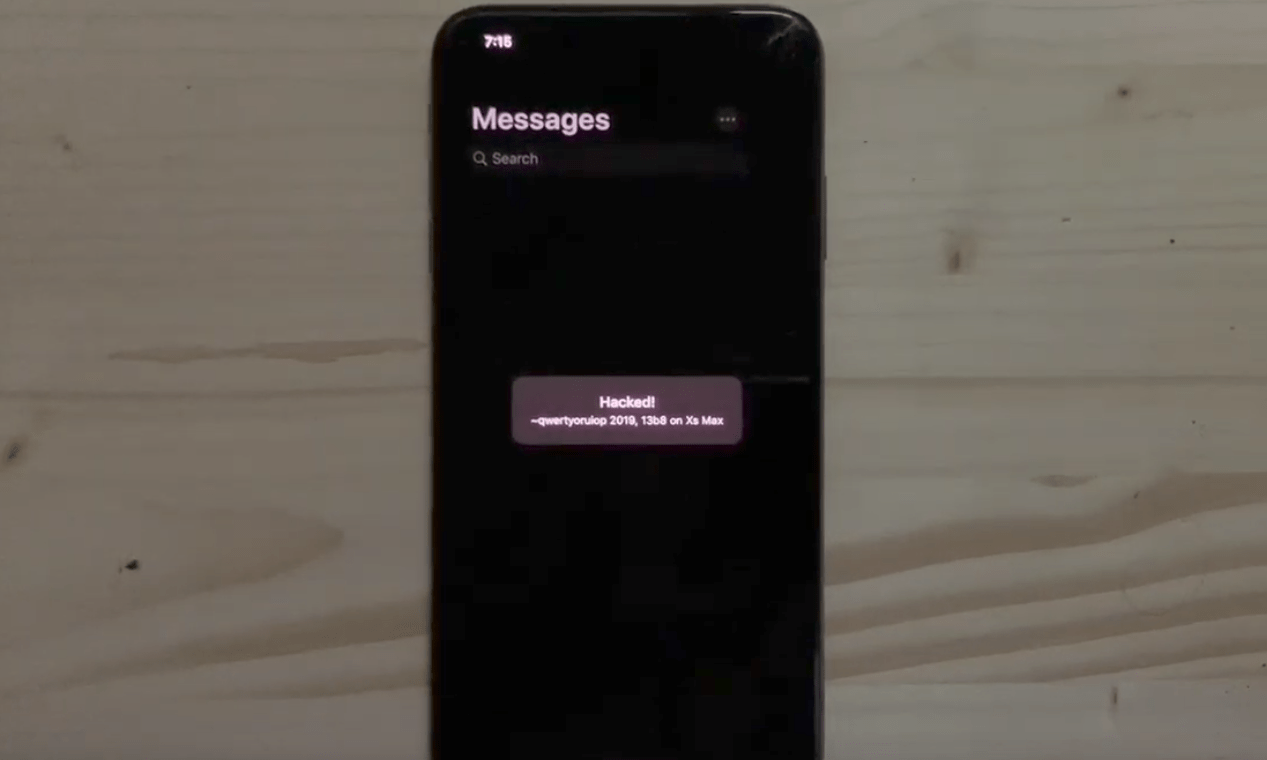
Citing the official announcement, which was shared early this morning via the Electra Team’s official Twitter account, this update implements support for getting and setting nonce generator on A12(X) devices running iOS 12.1.3-12.2 and 12.4:

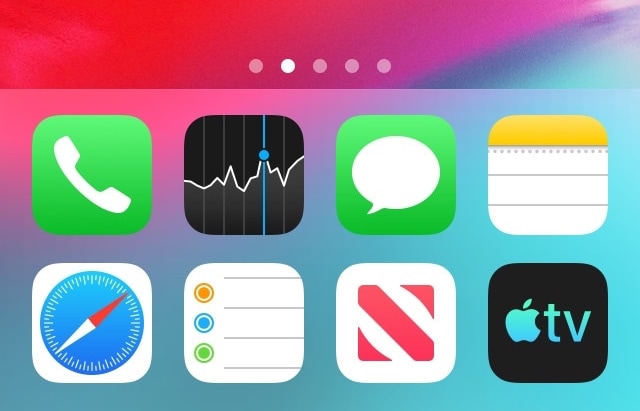
This tweak removes the Dock’s background to make your wallpaper more visible

While there are slight variances in the Dock's background appearance between iPhone models, such as the iPad-style rounded corners on the iPhone X, XR, XS, and XS Max when compared to the rectangular appearance on every other handset, the fact remains that all iOS devices have a Dock background of some sort.

If you’re in the market to do away with the Dock’s transparent background to maximize your Home screen wallpaper’s visibility, then we think you’ll take a liking to a newly released jailbreak tweak called ClearDock12 by iOS developer NoisyFlake.

Jailbreak tweaks of the week: AOD, Carabiner, SwitchShades, and more

It’s a great time to be an active participant in the jailbreak community – not only because you can jailbreak iOS 12.4, Apple’s latest non-beta public mobile operating system, but also because A12(X) support with Cydia is just around the corner.

That said, if you’re jailbroken and you’re looking for ways to trick out your handset, then you’ll definitely want to check out this roundup. Below, we’ll discuss our favorite jailbreak tweak releases this weak and then outline the rest afterward.

Carabiner gives your iPhone’s Home screen a more unified user experience

Apart from a few refreshed application icons and a nice new wallpaper here and there, Apple hasn’t done much to improve the Home screen experience since the original iPhone. With that in mind, it should come as no surprise to anyone that it’s a point of interest when it comes to customization on jailbroken handsets.

One such example is a brand-new jailbreak tweak release dubbed Carabiner by iOS developer LaughingQuoll. As shown in the screenshot example above, Carabiner crams several interfaces into the Home screen, providing a gorgeous all-in-one experience that provides more information at a glance.

Add new features to your App Switcher with XSwitcher

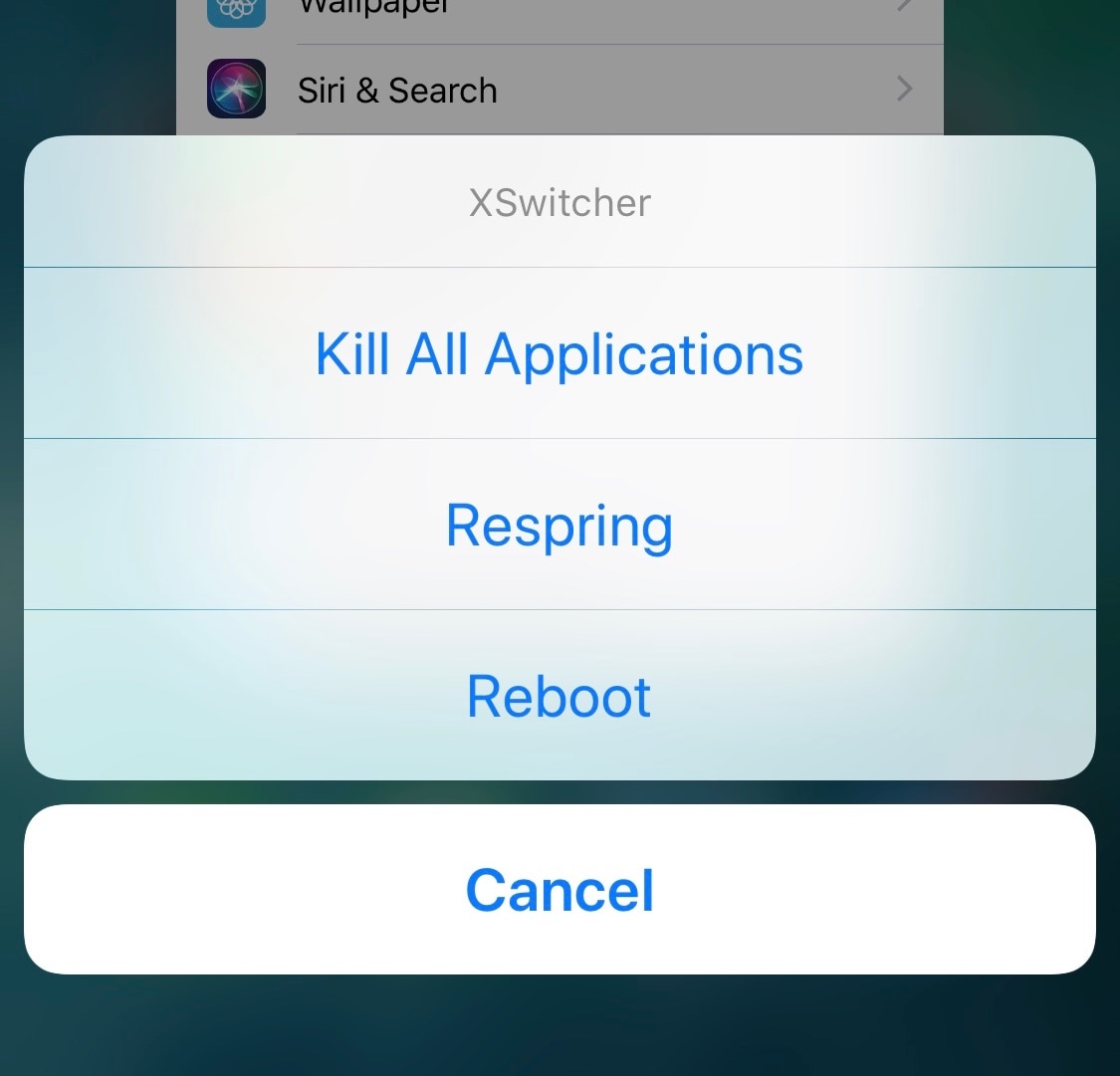
If you’re in search of a way to make your jailbroken iPhone’s App Switcher more useful, then you may want to turn your attention to the likes of a new and free jailbreak tweak dubbed XSwitcher by iOS developer CUNSTUCK.

As shown in the screenshot example above, XSwitcher lets you access various useful shortcuts in the App Switcher by just swiping down on any of your available application preview cards in the App Switcher interface.

2dock doubles the real estate of your jailbroken iPhone’s Dock

The Dock on any stock iPhone’s Home screen is limited to just four application icons, but with a newly released jailbreak tweak dubbed 2dock by iOS developer Nepeta, you can effortlessly double the app real estate for any iPhone’s Dock.

As you might’ve noticed from the screenshot example above, 2dock doesn’t make the Dock scrollable, nor does it push all the app icons together and cause crowding. Instead, it transforms the Dock we all know and love by turning it into a dual-row interface.

This tweak gives your Home screen folders a 2×2 grid layout

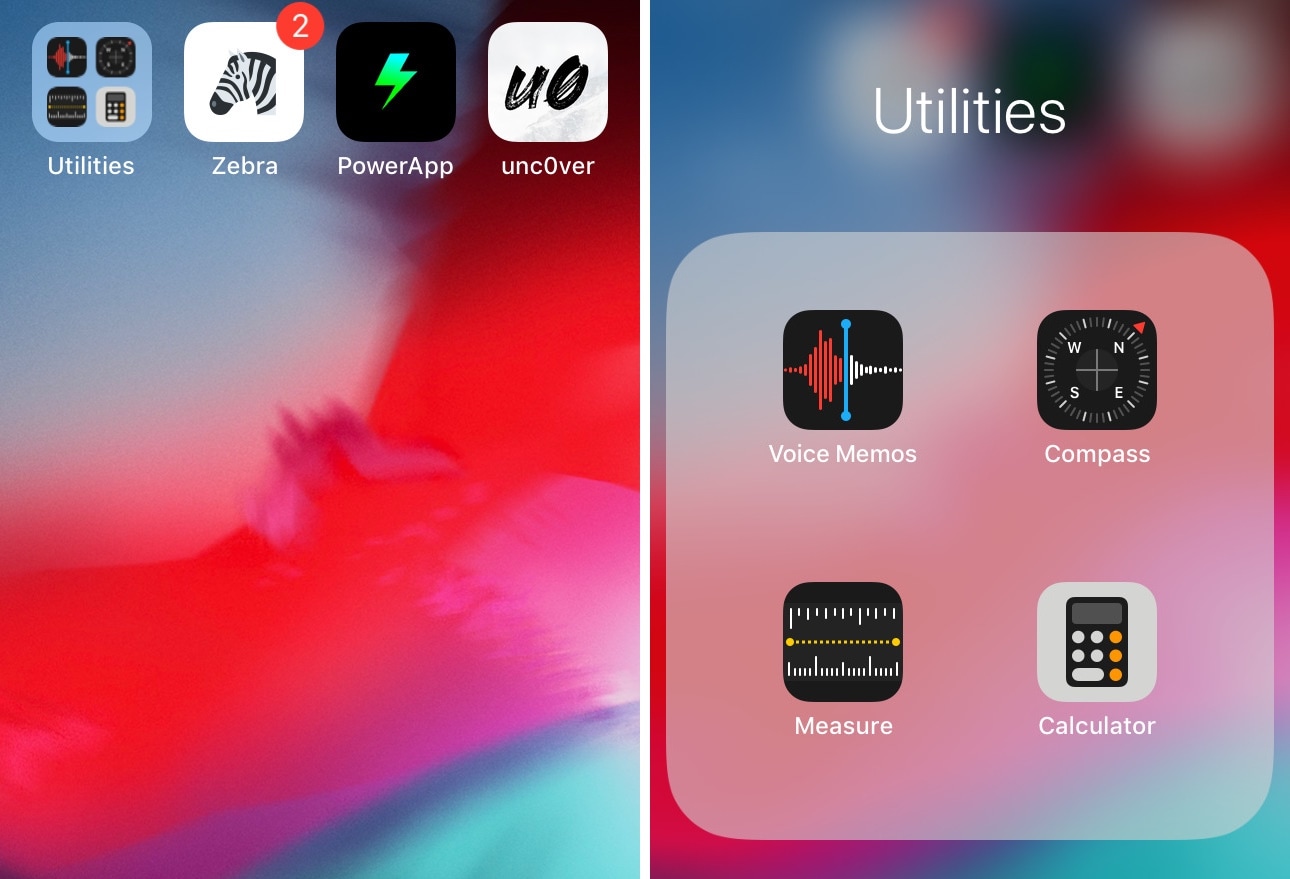
Home screen folders on an iPhone can hold up to nine apps per page at a time, but in certain cases involving extreme Home screen-centric UI customization often necessitate delicate icon balance, and the native look and feel can sometimes appear unsightly or asymmetrical.

If you’d appreciate a nicer-looking folder icon on your Home screen, then chances are that you might take an interest in a newly released and free jailbreak tweak called 2x2 by iOS developer Nepeta.

Augment the typing experience on your jailbroken iPhone with iKeywi 4

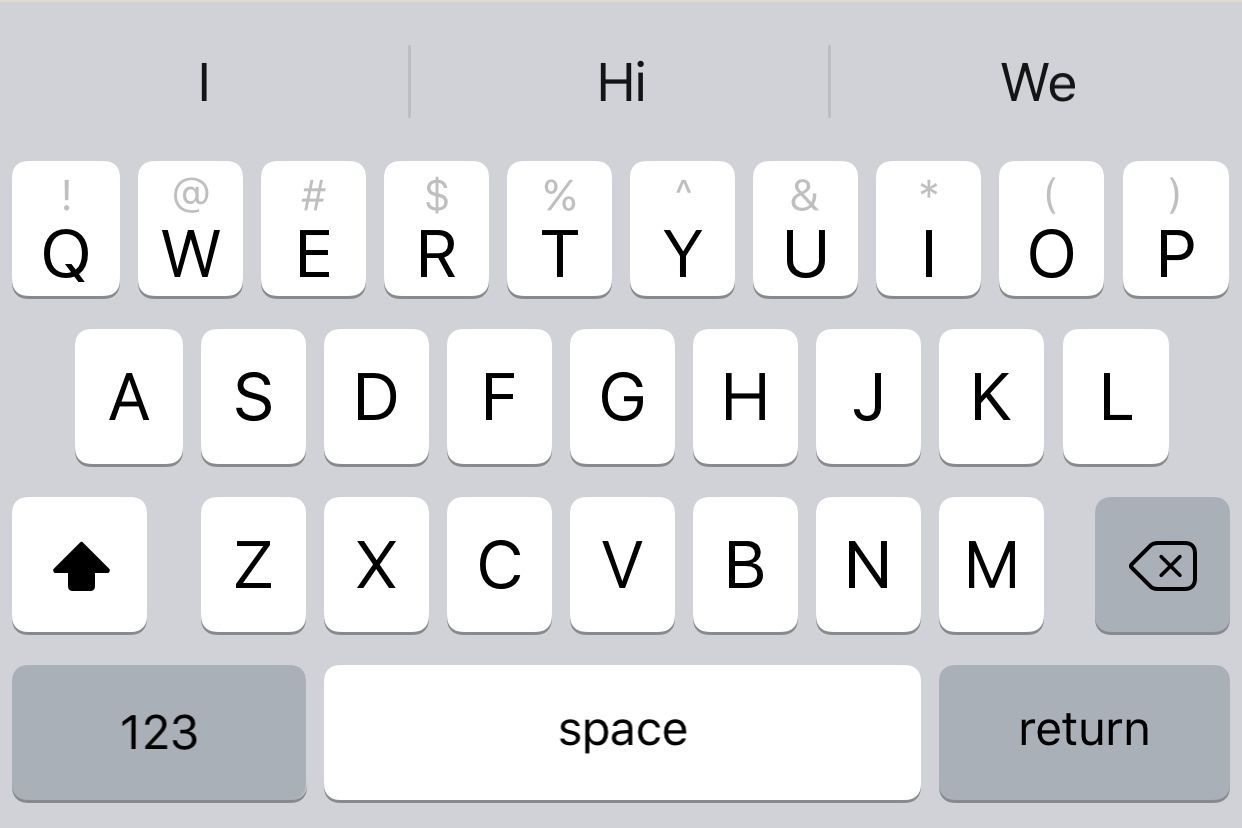
I’ve always been a proponent of keyboard-enhancing jailbreak tweaks for the iOS platform, and with that in mind, I’m particularly excited to share the news of a recent release dubbed iKeywi 4 (iOS 11~12) by iOS developer hiraku.

As you might’ve inferred already from the name, this isn’t the first iteration of the iKeywi tweak; it’s the fourth. Each new iteration has brought with it support for newer versions of iOS and introduced new features for users to enjoy, and this release is no different.

Sileo Beta v1.3.6 now available with improved native depiction support

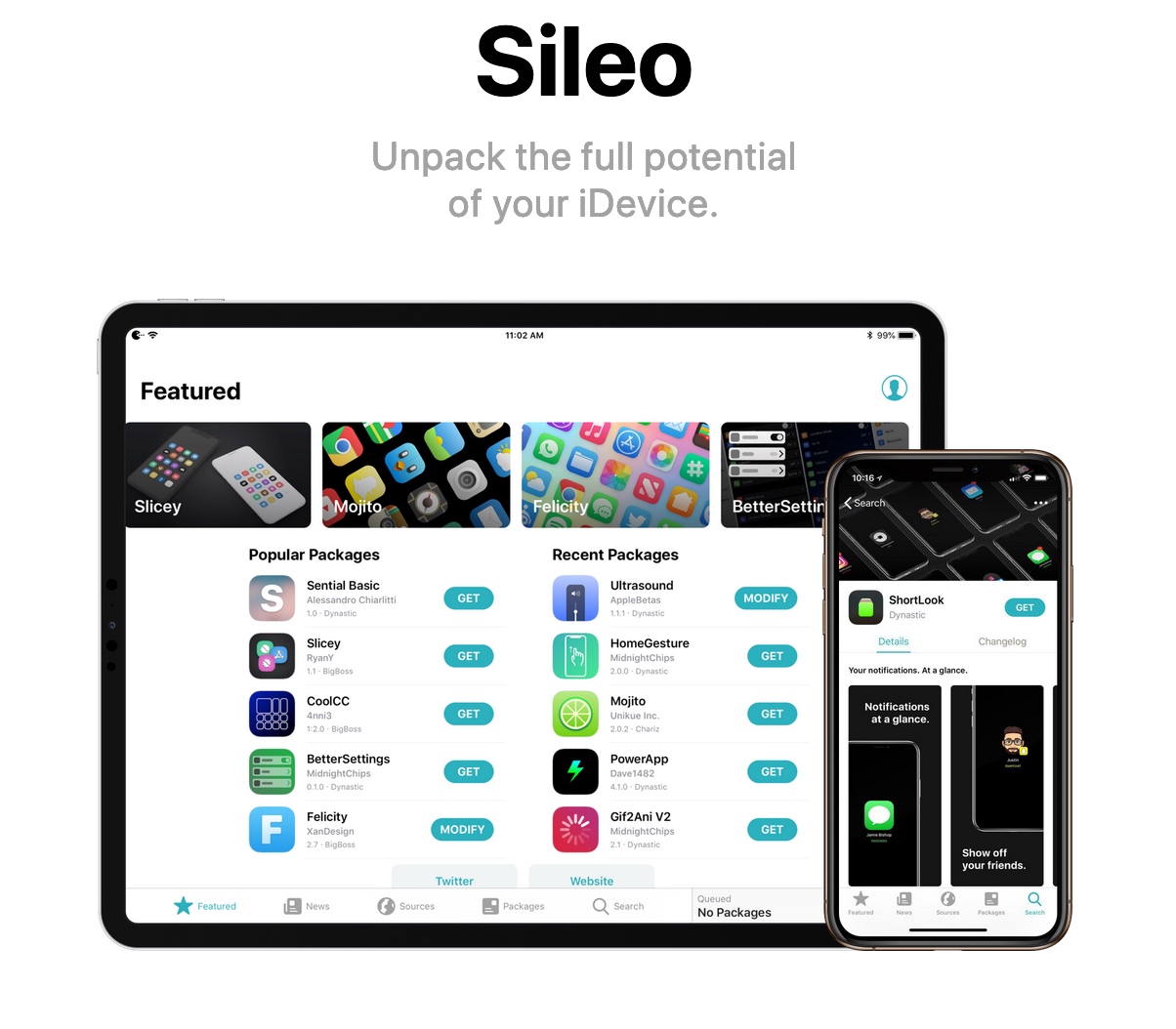
The Sileo Team surprised us all on Wednesday with a new beta iteration of the package manager that gets installed by default on iOS 11 and 12 devices liberated with the Electra Team’s Chimera and Electra jailbreaks.

Citing the Sileo Team’s announcement, shared via Twitter several minutes ago, Sileo Beta v1.3.6 simplifies the process of converting webview-based jailbreak tweak depictions to native depictions.

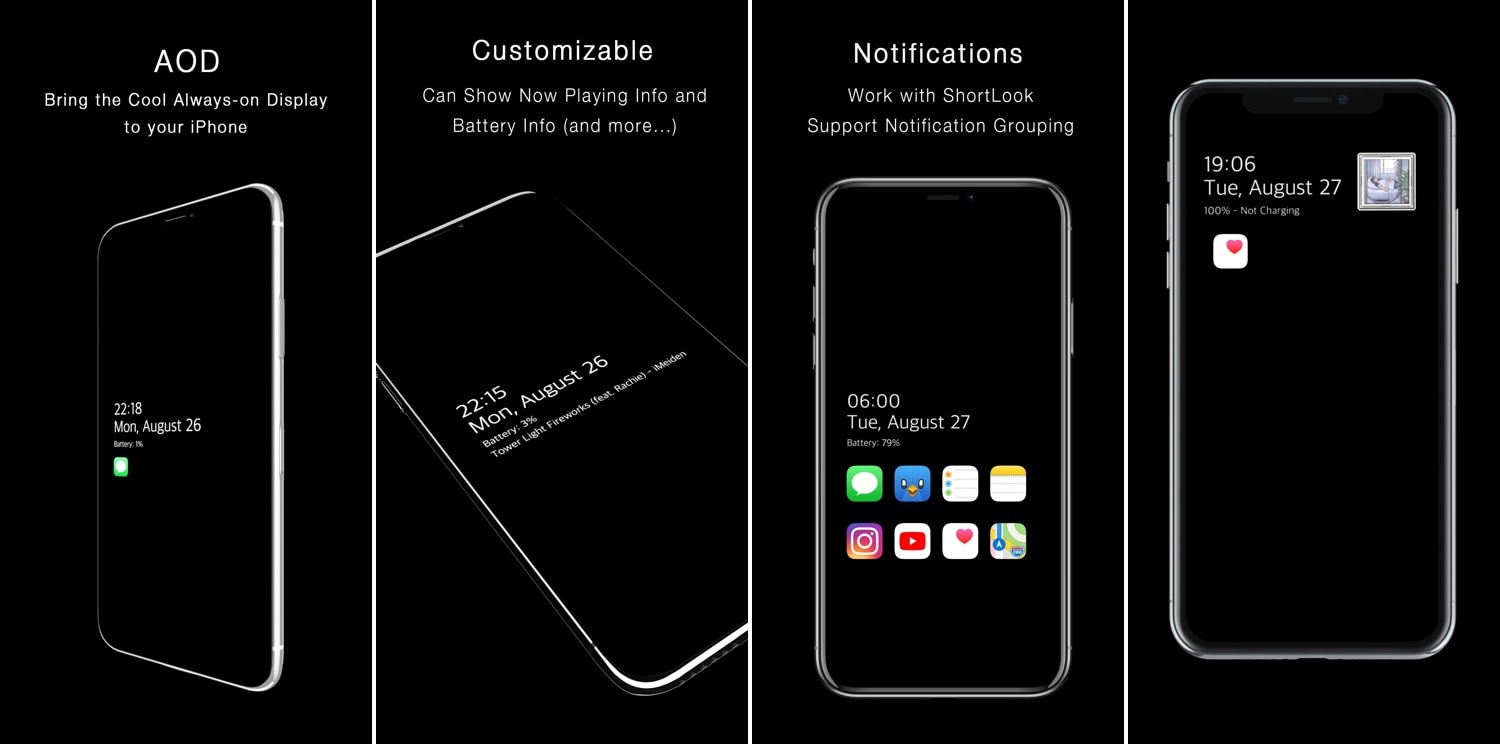
AOD brings an Android-style always-on-display to jailbroken iPhones

One of the cool things that several Android handsets have that the iPhone doesn’t is an always-on-display, which, for those who don’t know, continuously displays information on the Lock screen of OLED display-equipped handsets without ever shutting off, such as the time and any missed notifications. Fortunately for jailbreakers, this is no longer an Android-only feature.

With the help of a newly released jailbreak tweak dubbed AOD by iOS developer Soh Satoh, you can enjoy a true always-on-display experience on jailbroken devices running iOS 12, and while it works best on handsets equipped with OLED displays, it should work with LCD displays too.