iOS

No2Theft3 brings anti-theft features to jailbroken installations of iOS 13

Just over a year ago, we showcased a sleek anti-theft jailbreak tweak for iPhones dubbed No2Theft2 by iOS developer Elias Sfeir that could sound alarms when someone began tinkering with your handset without your permission. Just this weekend, however, Sfeir released the third iteration of his popular extension dubbed No2Theft3.

Just as you’d come to expect, No2Theft3 introduces native iOS 13 support to the popular anti-theft extension. But if that wasn’t enough, it also introduces a slew of new features that will help make catching your suspected thief or prankster even easier for you.

WeatherGround unlocks fancy new Weather-centric features in iOS

WeatherGround provides more dynamic weather views on jailbroken iPhones.

Some of my favorite jailbreak tweaks of all time have been those that transform my iPhone’s weather reporting experience, and that’s one reason why I’m especially stoked to be sharing the news about a new free release dubbed WeatherGround by iOS developer Tr1Fecta.

In a nutshell, WeatherGround brings surreal weather-centric animations to the wallpaper of your Home screen and/or Lock screen. What’s more is that the effects can be displayed exactly how they’d appear in your iPhone’s native Weather app, or you can have the effects superimposed over your existing wallpaper image.

April brings a new level of Lock screen customization to jailbroken iPhones

Jailbreakers that are looking to get the most out of their pwned handsets’ Lock screens would be doing themselves a huge favor by checking out the likes of a newly released and free-to-download jailbreak tweak dubbed April by iOS developer DaydreamDev.

April is a new all-in-one Lock screen customization tweak that provides users with everything they need to achieve the custom aesthetics they never knew they needed. Whether you’re trying to change up the Lock screen’s date and time display, tinker with the Now Playing interface, or customize the Quick Actions, this tweak’s for you.

Sileo Team releases open source Sileo v2.0.0 alpha 1 for testing

At the start of the week, the Sileo Team turned a new leaf that resonated positively with the jailbreak community when it said that most of the first alpha iteration of Sileo v2.0.0 had been published to GitHub as open source software. But since then, the team has been particularly tight-lipped about when it would be pushed to the default repositories for hands-on testing.

Fortunately, that’s no longer a mystery. In an announcement shared via Twitter Friday evening, the Sileo Team said that Sileo v2.0.0 alpha 1 could now be installed from the Electra and Chimera repositories on their respective jailbreaks:
Ryan Petrich’s MailMend jailbreak tweak fixes a vulnerability in iOS’ Mail app

Earlier today, we showed you a new jailbreak tweak called CaptureTheFlag that could be installed to patch a rather tedious text message-centric bug in which someone could send you a string of text from the Sindhi language to ‘freeze’ or ‘crash’ your iPhone. A great add-on to have if you’re jailbroken, but perhaps not the only one…

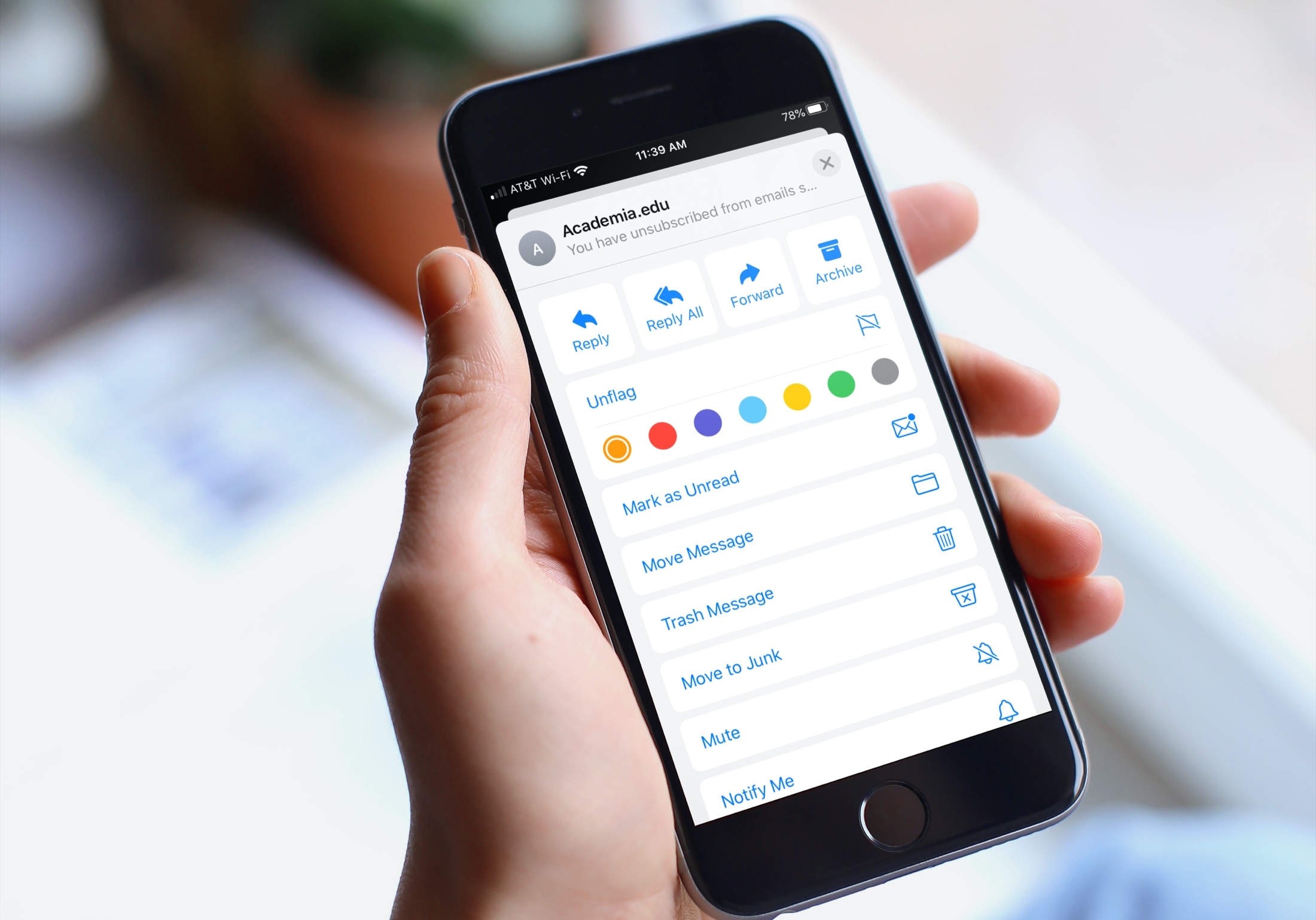
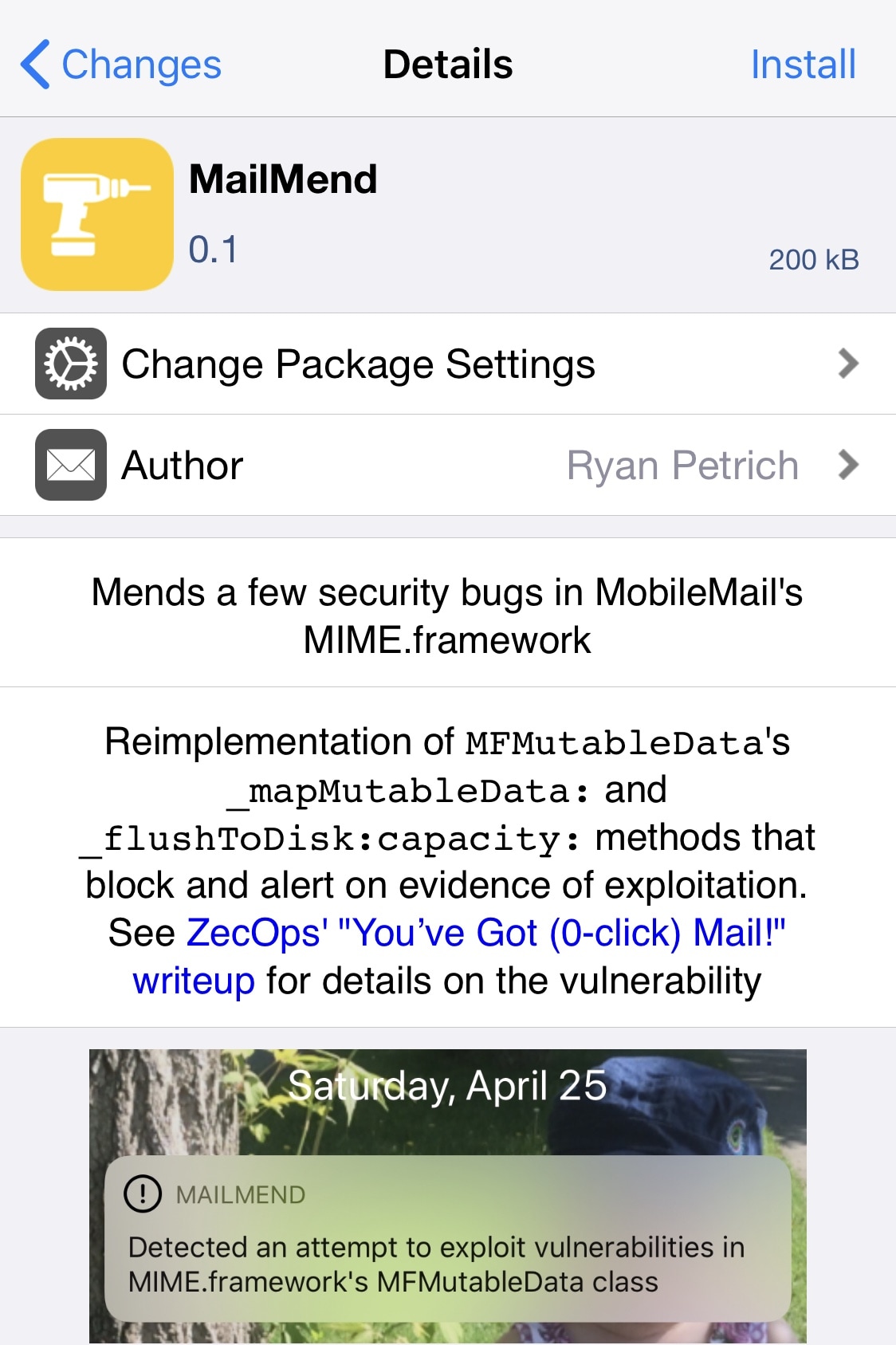
Yet another new jailbreak tweak release dubbed MailMend by iOS developer Ryan Petrich claims to patch a vulnerability that was only just recently discovered and disclosed in iOS’ native emailing app (Mail) by cybersecurity company ZecOps.

CaptureTheFlag fixes the Sindhi text message glitch for iOS jailbreakers

If you’ve been following the news lately, then you’ve unquestionably heard about the latest text message bug affecting the iOS platform that can crash or freeze the recipient’s iPhone. Demonstrations of the glitch were published all over YouTube and internet news sources yesterday afternoon, and reveal that characters of the Sindhi language are the primary culprit.

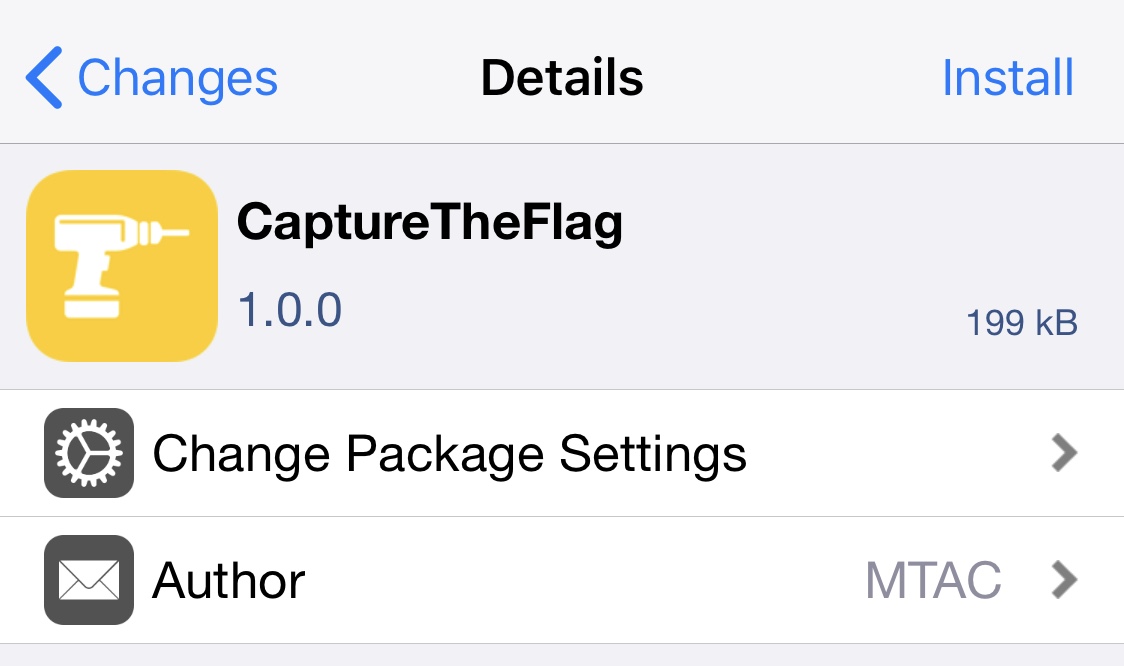
Apple will unquestionably address this issue in a future software update to iOS and iPadOS, but jailbreakers who want to avoid updating to new software releases will be excited to learn that there’s now an unofficial patch by way of a newly released jailbreak tweak dubbed CaptureTheFlag by iOS developer MTAC.

Edictus lets users create Dynamic & Live iOS wallpapers for free

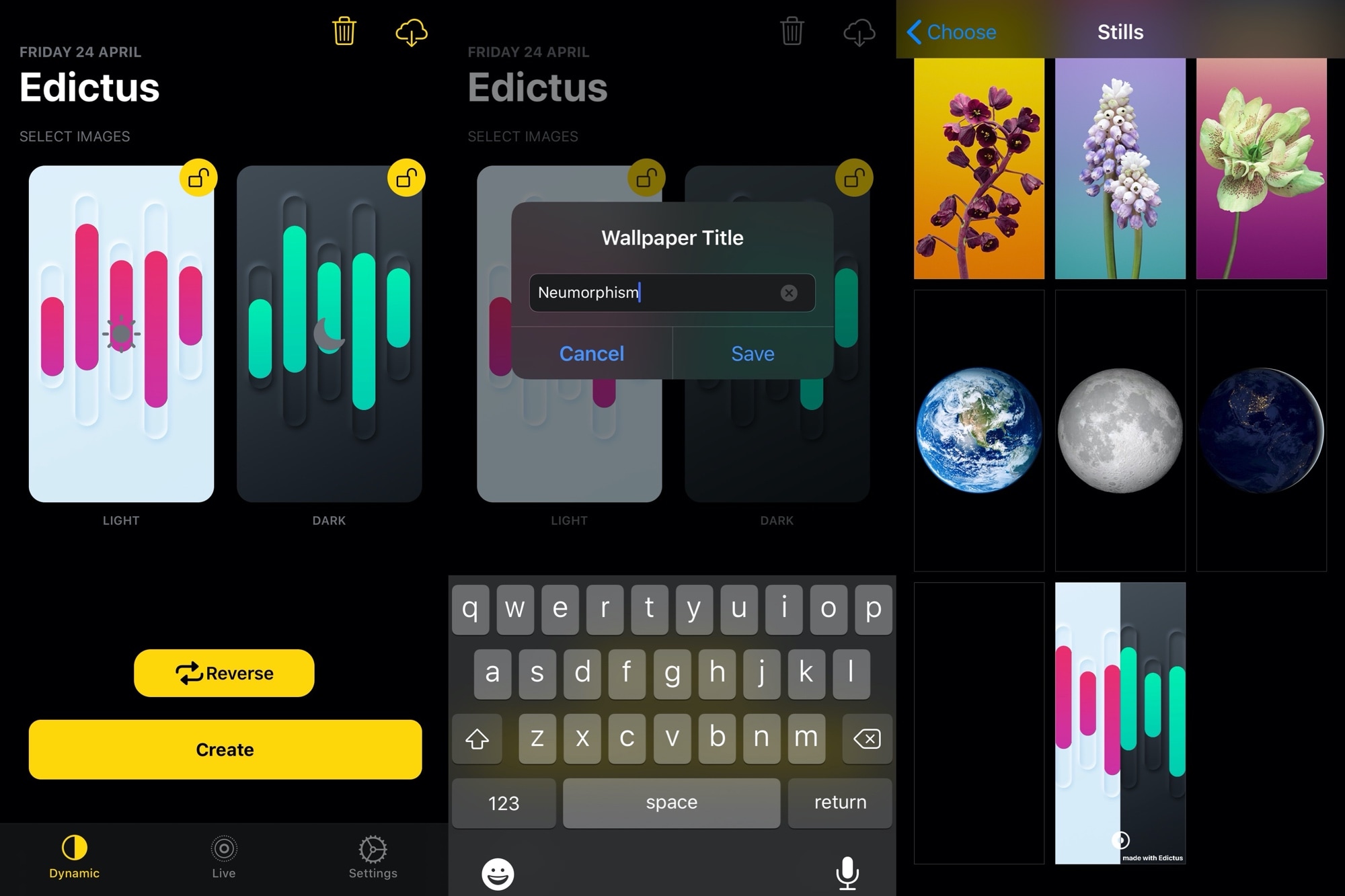
Just last week, we took an in-depth look at a jailbreak tweak dubbed DynaWall that permitted users to create Dynamic and Live wallpapers for their iOS device. With it, users could expand their handset’s wallpaper options when switching between dark and light modes. And if that wasn’t enough, users could even create their own animated Live wallpapers.

DynaWall was certainly an impressive release, but the full version also came with a price tag. That’s one reason why we’re particularly excited to share the release of a new free jailbreak tweak called Edictus by iOS developers aboutzeph and Soongyu Kwon.

Add some character to your Status Bar with WonderBar

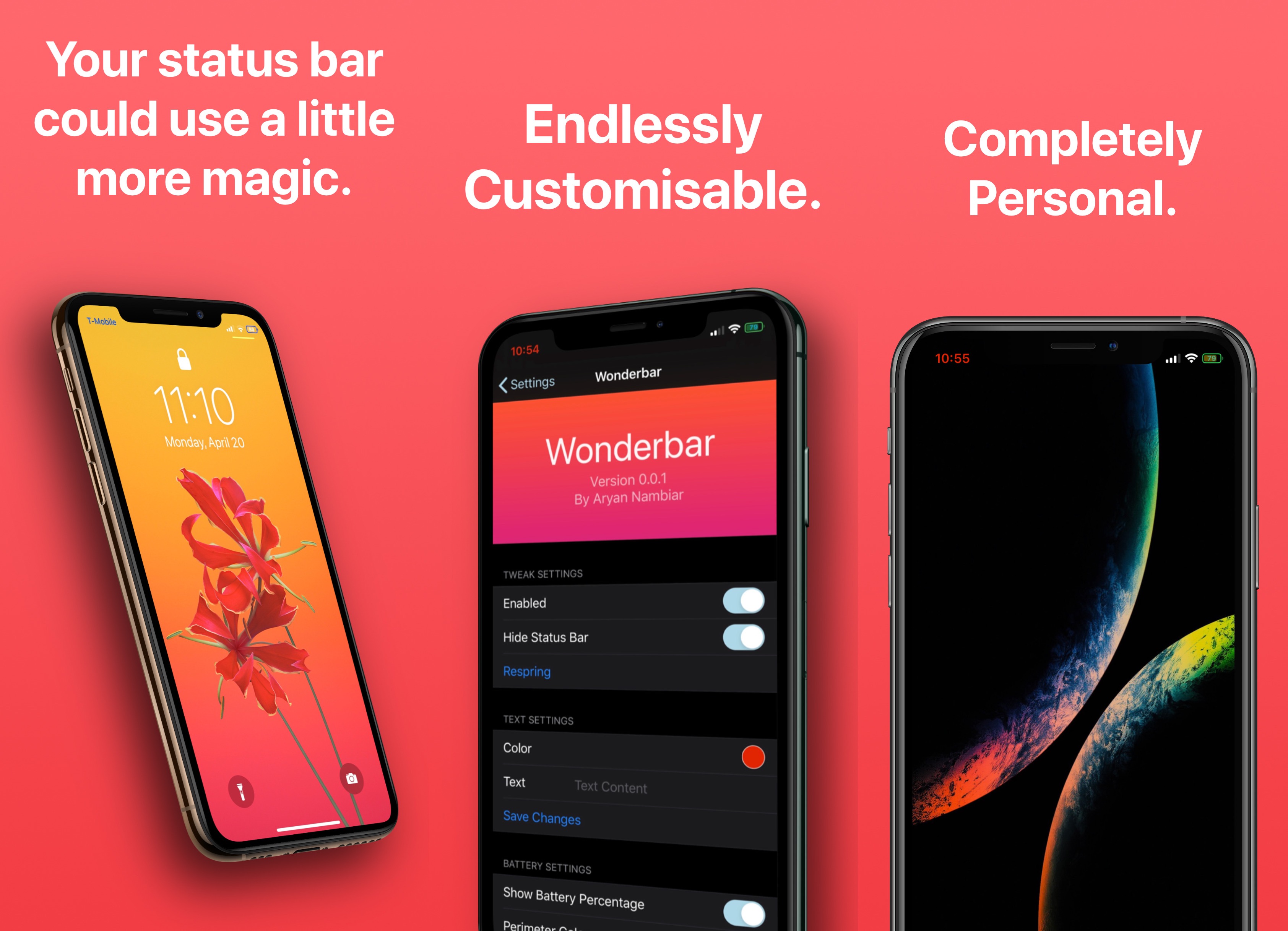
The Status Bar is something that iPhone and iPad users alike will have in their field of view most of the time, unless of course those users are using a lot of full-screen apps like games. With that in mind, it may come as no surprise that this is one of the first things that jailbreakers like to customize after liberating their handset from Apple’s control.

Say hello to WonderBar, a newly released and free jailbreak tweak by iOS developer Aryan Nambiar that provides what seems like boundless customization for the battery percentage display and more in your pwned handset’s Status Bar.

CoolStar’s new Chimera1n script brings the Chimera bootstrap to checkra1n devices

Chimera Banner Image.

Electra Team lead developer CoolStar on Wednesday released a new script-based utility dubbed Chimera1n for iOS devices that have been liberated by the popular checkra1n jailbreak tool.

Chimera1n replaces the native checkra1n bootstrap on the checkra1n jailbreak with the Chimera bootstrap. In doing so, it provides users with the Sileo package manager and a Substitute/Libhooker-based alternative to Cydia Substrate for tweak injection.

How to make taps on your iPad trackpad register as clicks

Do you use a pointer device with your iPad, like a trackpad? If so, it pays to know about an option that makes tapping the trackpad with one finger register as clicking. Follow along with us as we show you how to enable or disable Tap to Click for your connected iPad trackpad in case you'd like to make taps on the trackpad register as either regular taps or physical clicks.