iOS

This tweak adds a date countdown timer to the iPhone’s Lock screen

One thing I’ve always wished that the iPhone had was a more sophisticated countdown timer. While you can certainly use the iPhone’s Clock app to accomplish this in terms of hours or minutes, it would be more useful if you could add days to the mix as this would make it easier to count down to Birthdays and other important dates.

While Apple has yet to introduce an official solution, a newly released and free jailbreak tweak dubbed Counted by iOS developer Dave van Wijk introduces an elegant and fully customizable day counter to any iOS handset’s Lock screen.

Alleged kernel-level jailbreak bypass may let jailbreakers evade detection in apps [U]

Matrix code hacked iPhone.

Anyone using a jailbroken iPhone or iPad as their daily driver has likely experienced the aching inconvenience of something called jailbreak detection. This is essentially where an app developer implements some kind of trap in their app that detects if your handset is jailbroken and then responds one of two ways: 1) by denying the user access to the app on the jailbroken handset; or 2) banning the user for the use of potential third-party hacks.

Jailbreak detection has been a pain (to say the least) for users who enjoy the freedoms made possible by liberating their handset from Apple’s control, and the feeling is made worse when you find out that an account for one of your favorite games was banned for accessing said game on a jailbroken device. These issues have raised community-driven demands for jailbreak bypasses, especially one at the kernel level that would be far more robust than the traditional variety.

Why settle for an ordinary iPhone Dock when you can use Multipla?

The Dock gives iPhone users quick access to their favorite apps from anywhere on the Home screen, but that’s just about the extent of it on stock handsets. If you’re jailbroken and looking for a more enticing experience, then you’ll probably like what a newly released jailbreak tweak called Multipla by iOS developers burrit0z and Thomz brings to the table.

As depicted in the screenshot examples above and below, Multipla expands upon the Dock’s existing functionality by unlocking additional features that simply wouldn’t be possible on a stock handset. Among those are adding more apps, viewing informative widgets, and much more.

DarkAlertPls makes all iPhone alerts respond to iOS 13’s dark mode

Albeit rare, iOS sometimes displays alerts as opposed to banners. These alerts are designed to appear at the center of the display, usually with a prompt of some sort for the user to respond to.

Unfortunately, even if you’ve configured your iOS 13 handset for dark mode, some of these alerts may still come through as light instead of dark. This is a problem that iOS developer LaughingQuoll aims to fix with a newly released jailbreak tweak called DarkAlertPls.
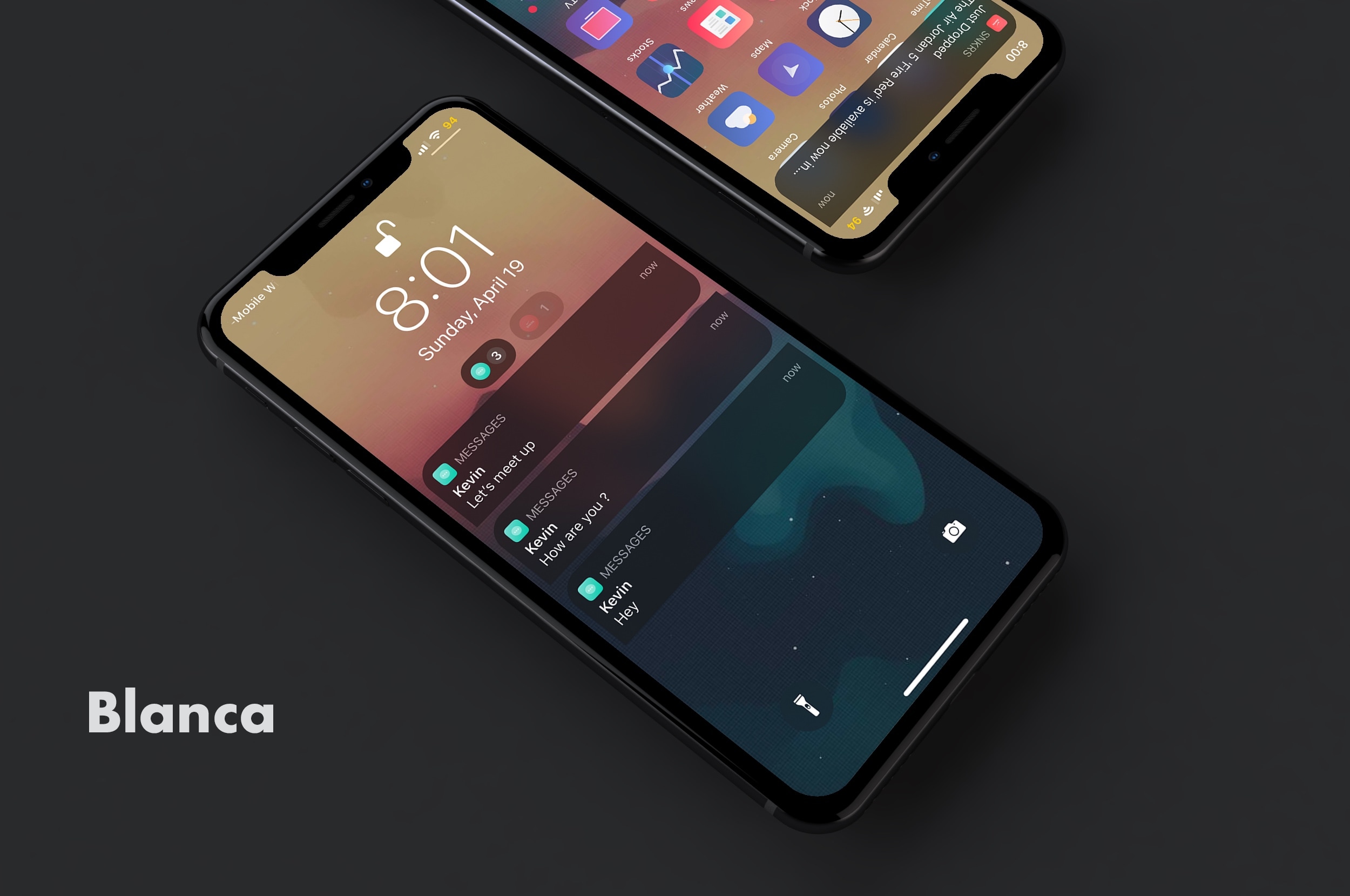
Blanca brings sexy leaf-shaped notifications and more to iOS

Looking for a quick and easy way to upgrade your iPhone’s Notification Center experience? If so, then you’re in for a treat. Blanca is a newly released jailbreak tweak by iOS developer Phoenix Dev that lets users redesign the native Notification Center interface with custom aesthetics.

As depicted in the screenshot examples above, Blanca can redesign notification banners, Today widgets, and even the Now Playing media player. Furthermore, Blanca users will be able to choose how many preview lines appear in their notification banners and fine-tune the banner corner radii, among other things.

AlbumPref lets you choose a favorite photo album for iMessage sharing

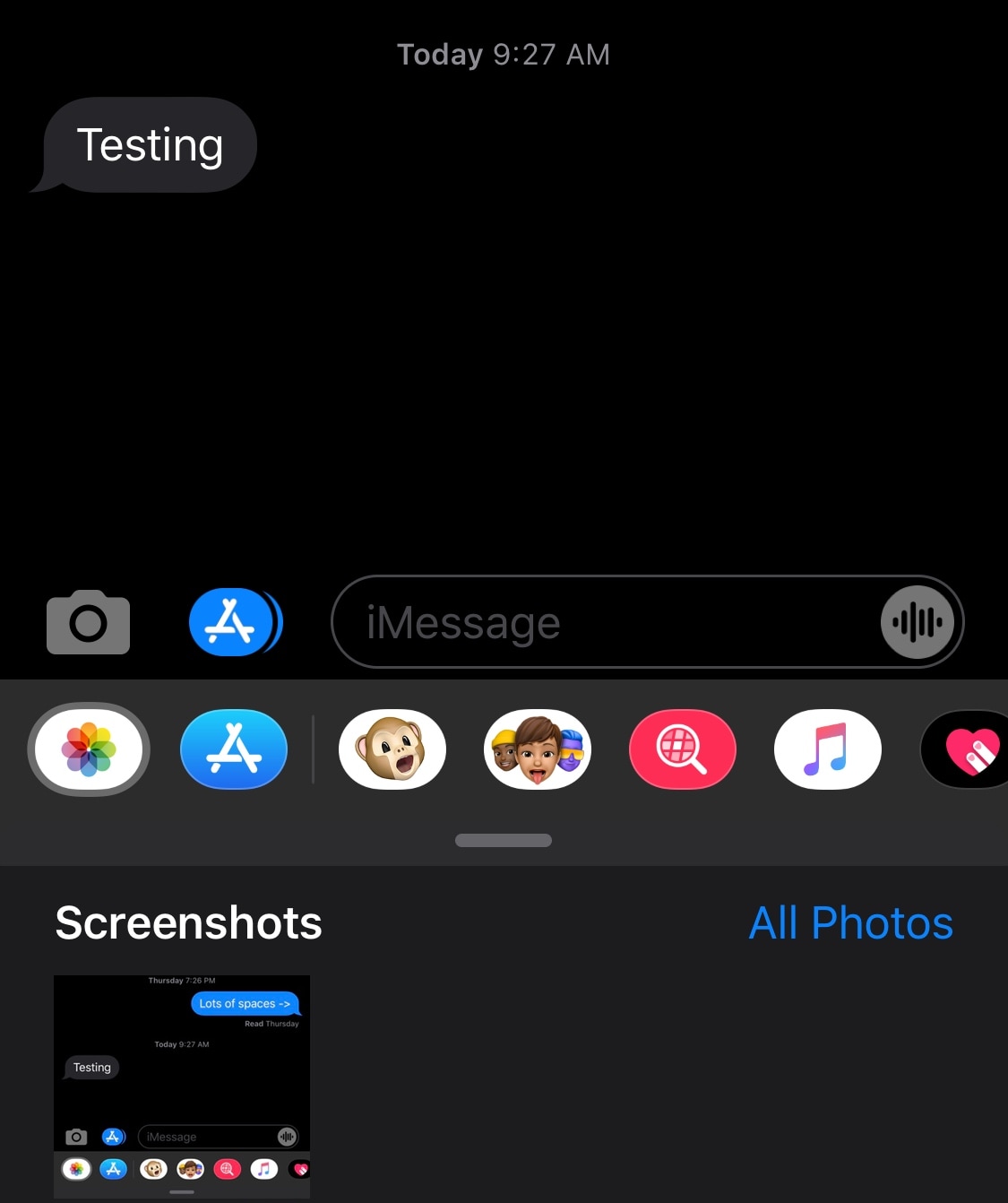
If you’ve ever tried to send somebody an image from your Photo Library via iMessage before, then you’ve probably noticed how it always defaults to the Recent Photos album. This tends to be convenient if you plan to send someone a recent photograph, but not so much if you’re trying to look back on older images.

Here to address this problem is a newly released and free jailbreak tweak called AlbumPref by iOS developer Julio Verne. Just as the name implies, AlbumPref lets users choose a preferred album that will appear when attempting to access the Photo Library browser in the native Messages app.

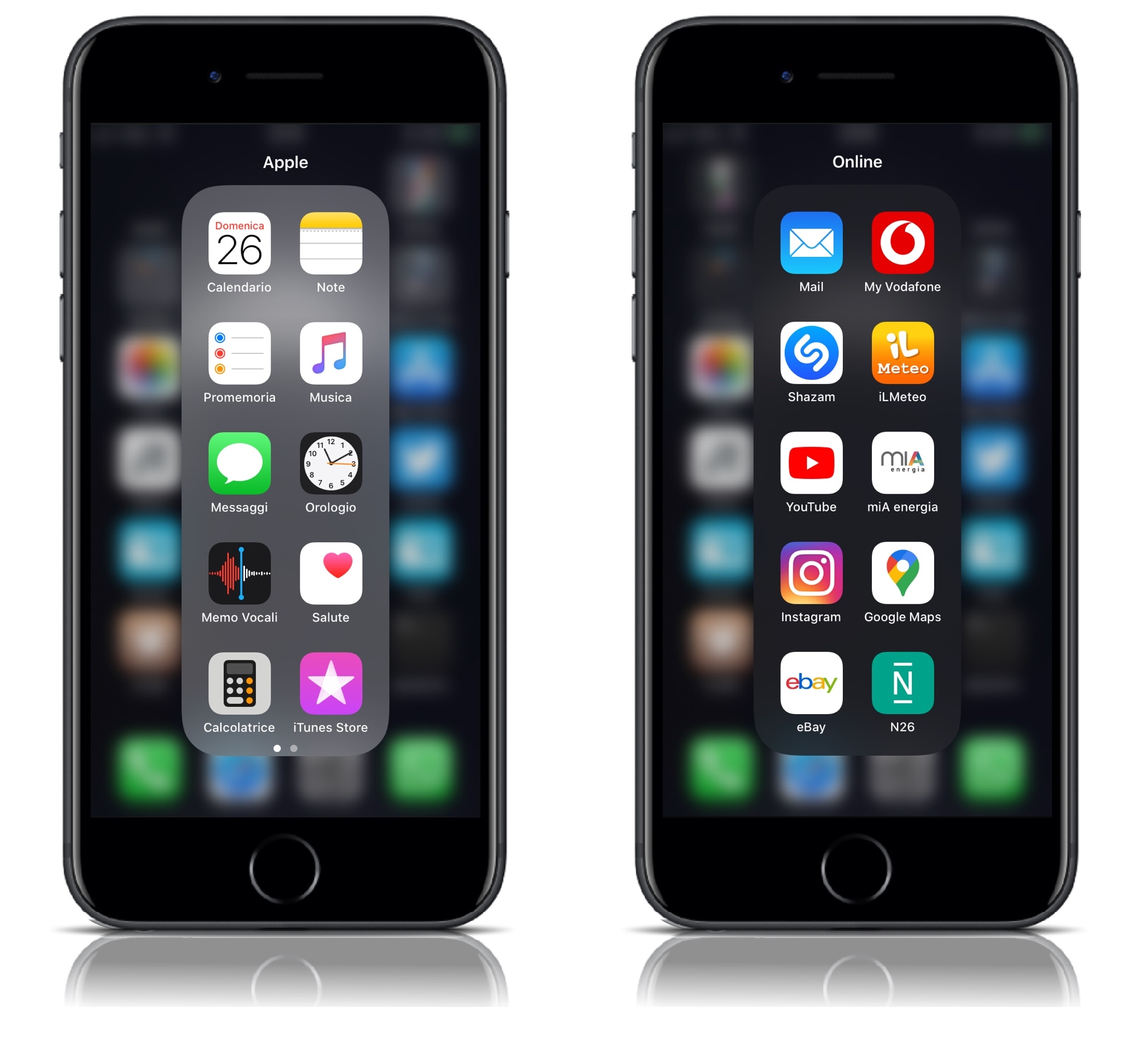
YouFold helps folders take better advantage of your iPhone’s tall display

Folders can make organizing your iPhone’s Home screen a lot easier, but the native implementation leaves a lot to be desired. For example, why would anyone want to have a square-esque full-screen folder on a portrait-oriented rectangular display?

YouFold is a free and snazzy new jailbreak tweak by iOS developer Plat-Ykor that addresses this concern head-on by replacing the traditional full-screen folders in iOS with something more friendly to the iPhone’s natural display shape.

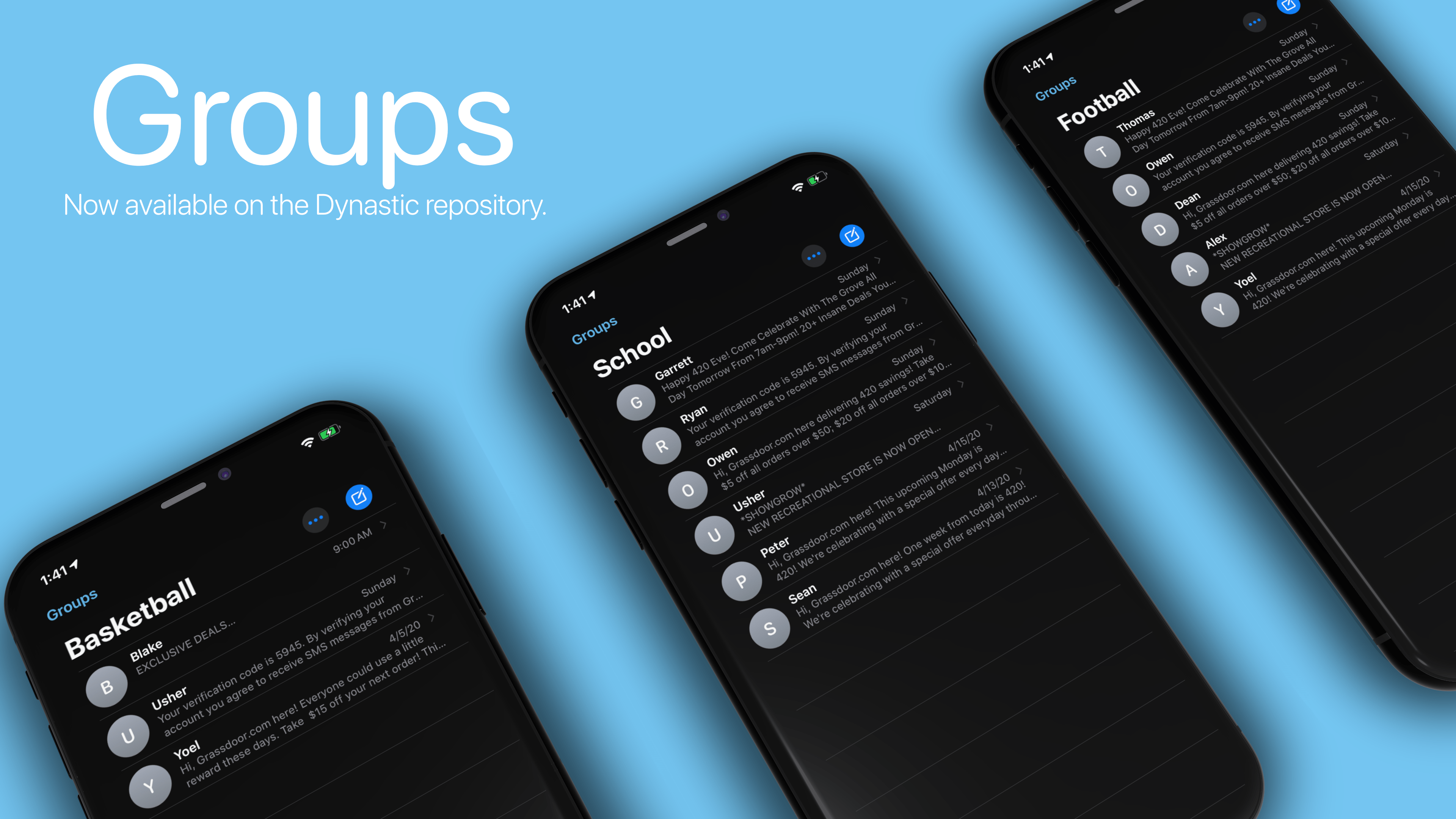
Groups helps jailbreakers organize conversations in the native Messages app

There are two types of people in this world: 1) those that proactively partake in conversation thread thinning in the Messages app to keep things clean and organized; and 2) those that let conversation threads build up over time in their Messages app, resulting in a seemingly endless list of conversations.

If your mannerisms align with the packrat-esque folk in the latter group, then we’ve got some great news for you. A newly released jailbreak tweak called Groups by iOS developer Ryan Trent can help you get organized by permitting you to sort conversation threads in the Messages app into… you guessed it… groups.

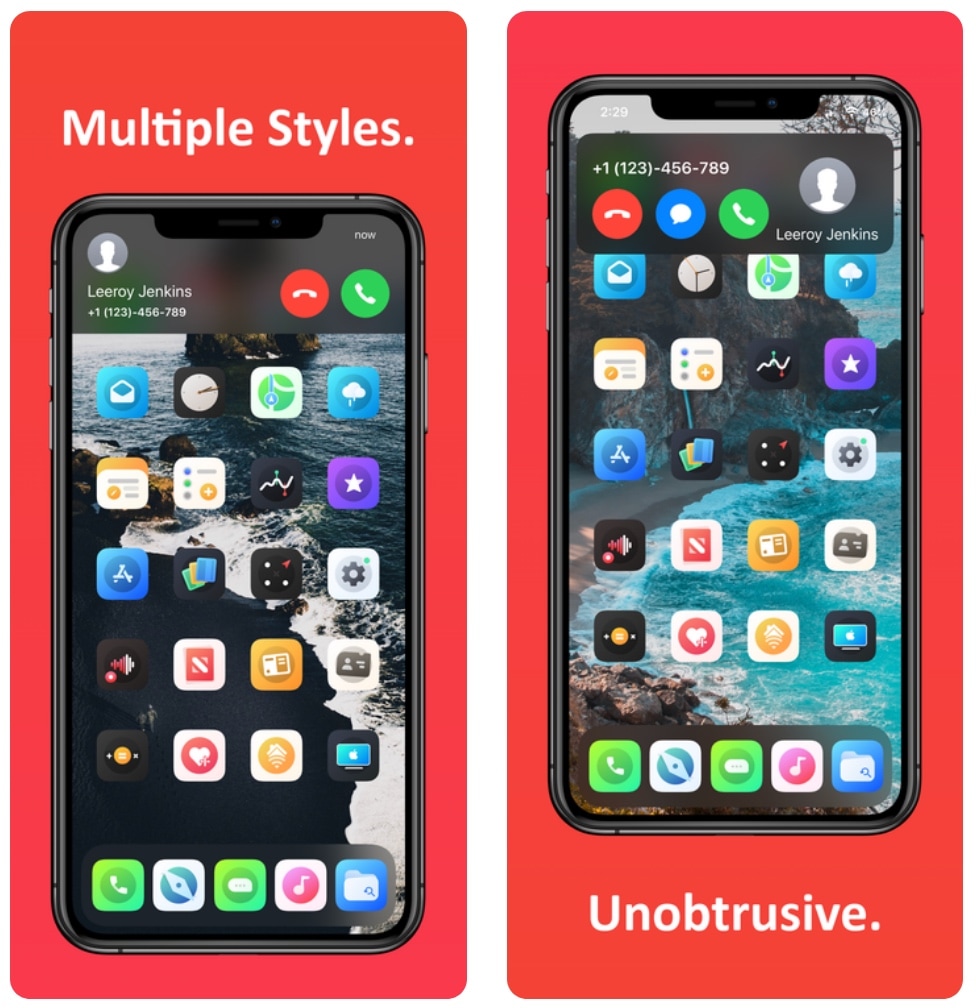
Hate the iPhone’s native incoming call interface? You may like Scorpion

It’s honestly rather embarrassing that Apple’s incoming call interface on the iPhone still looks the way it does in 2020, and that’s one of the reasons why I’ve always advocated for jailbreak tweaks that unlock minimized incoming call interfaces that are far less intrusive and more visually stunning than the native UI.

With the above sentiment in mind, it may not come off as much of a surprise that I’m having trouble containing my excitement about the likes of a newly released jailbreak tweak dubbed Scorpion by iOS developer Esquilli.

Jailbreak tweaks of the week: Edictus, WeatherGround, WonderBar, and more…

If you have a jailbroken iOS device at your disposal, then chances are you’re looking for new and quirky ways to get the most out of it. Fortunately, we’re here to help with that.

In this roundup, we’ll discuss all the latest jailbreak tweaks to be released from Monday, April 20th to Sunday, April 26th. As usual, we’ll kick things off by discussing our favorite releases first and then wrap things up with an outline of the rest afterward.

This tweak lets you set a custom auto lock timer when Low Power Mode is on

Low Power Mode.

I use Low Power Mode so often that I sometimes feel like something’s wrong when I don’t see the little yellow battery icon in my Status Bar. The point is, I like saving battery whenever I can – even when my handset isn’t low on juice. On the other hand, using Low Power Mode isn’t without its downsides.

For example, you can’t change the amount of time it takes before your handset falls asleep automatically from inactivity. But that’s where a newly released and free jailbreak tweak called LPMAutoLockTime by iOS developer smokin1337 comes into play.

Make your jailbroken installation of iOS 13 more stable with StopCrashingPls

If you’ve started distinguishing some rather peculiar instabilities after jailbreaking iOS 13, then you may not be alone. iOS developer Adam Demasi of HASHBANG Productions seems to have recognized a similar wave of patterns that urged him to create a hot-fix in the form of a newly released jailbreak tweak called StopCrashingPls.

Citing the brief Cydia description for StopCrashingPls, it was designed as an experimental workaround for iOS 13’s jetsam crash issue. This apparent issue could be exacerbated by certain jailbreak tweak installations, resulting in unwanted battery drain and overall system instability.