iOS

Palette is a powerful color picker and manager for jailbroken handsets

Whether you’re a graphic designer trying to make better use of the tools on your mobile handset or you’re a themer trying to get an exact color code from an image in your screen to make things match better, we’re excited to share a jailbreak tweak with you that could make your like so much easier.

Enter Palette, a newly released and free jailbreak tweak by TitanD3v that makes picking colors, gathering color codes, and managing color collecting easier than you could ever imagine on an iPhone or iPad.

Jailbreak tweaks of the week: Amēlija, Speedy, Substia, & more…

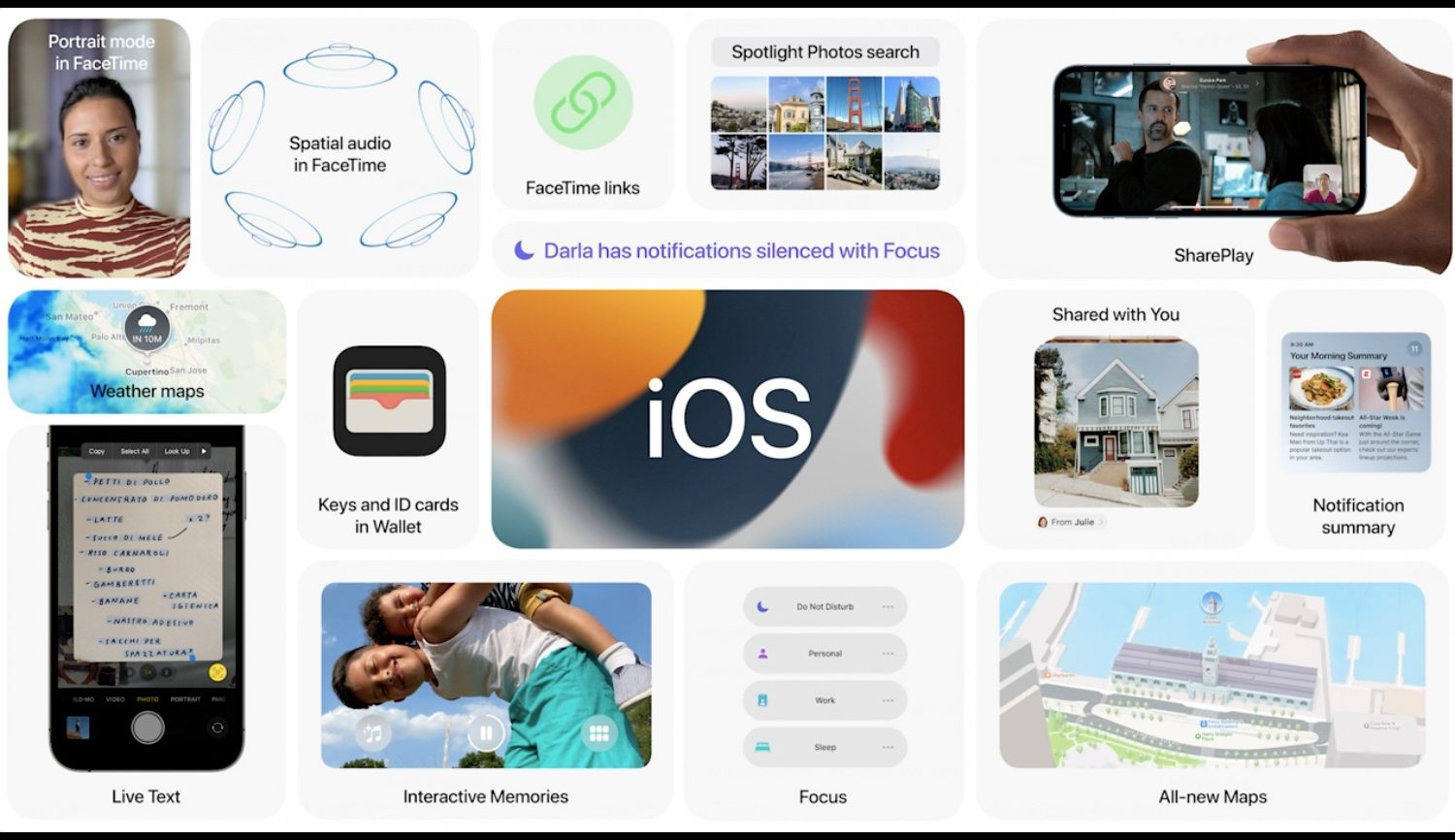
With Apple having just recently announced iOS & iPadOS 15, we can finally see what to expect from Apple’s upcoming iterations of its mobile operating systems.

Perhaps unsurprisingly, the jailbreak community is taking note. We’ve already shown you 15 things that iOS & iPadOS 15 ‘borrowed’ from the jailbreak scene, and it’s likely we’ll soon best witness to jailbreak tweaks that retroactively port features from the upcoming update to older jailbroken versions of iOS and iPadOS.

Add neat blur effects to your jailbroken iPhone’s wallpaper with Amēlija

Wallpapers are a highly personal choice for customizing the look of your Home Screen, but in many cases, images used as wallpapers can make the Home Screen look too busy with all the app icons overlapping everything.

One way to deal with this concern is to apply a blur to said wallpaper image — either as subtle or as powerful as you’d like. You can do this with photo manipulation software before setting an image as your wallpaper on a stock device, or if you’re jailbroken, you can do it directly on the device on the fly. As for how, that’s what we’re about to show you.

Customize your jailbroken iPhone’s notification aesthetics with NotifyMe

Jailbreakers often experience an itch to customize their handset’s user interface. After all, who could blame them? Having a pwned device means you can customize things well beyond the stock parameters put in place by Apple out of the box.

One thing we commonly see customized by the end user on jailbroken handsets is the notification interface — namely the banners.

Some of the best jailbreak tweaks for iOS 14’s Home Screen

We’ve been on a mission to showcase some the best jailbreak tweaks for different areas of the iOS & iPadOS 14 mobile operating systems for the past several weeks, and we’ve already discussed our favorites for things like Control Center, the Messages app, and the Now Playing interface.

But there’s still a lot more to cover, and that’s why this time we’ll be taking a closer look at some of the best jailbreak tweaks for the Home Screen on iOS & iPadOS 14.

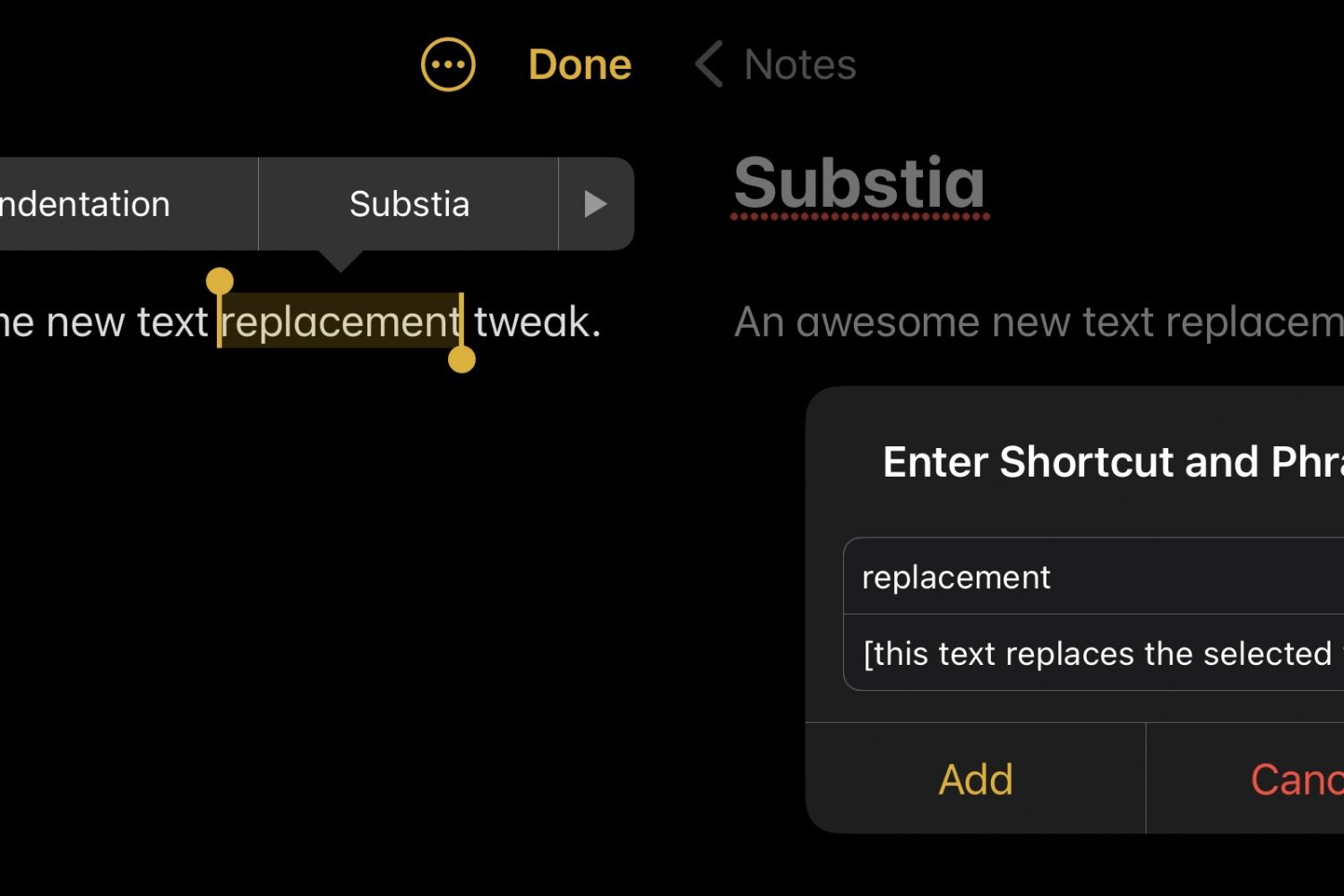
Substia upgrades iOS’ text replacement feature, making it more accessible

Shortcuts that help you do things with less effort can be a godsend, especially when it comes to being productive on a small and often cramped device like an iPhone.

That’s one of the reasons why I enjoy taking full advantage of iOS’ Text Replacement feature whenever I can. The only problem with it is that you’ll find yourself inconveniently navigating to Settings → General → Keyboard → Text Replacement to manage (add or remove) your text shortcuts.

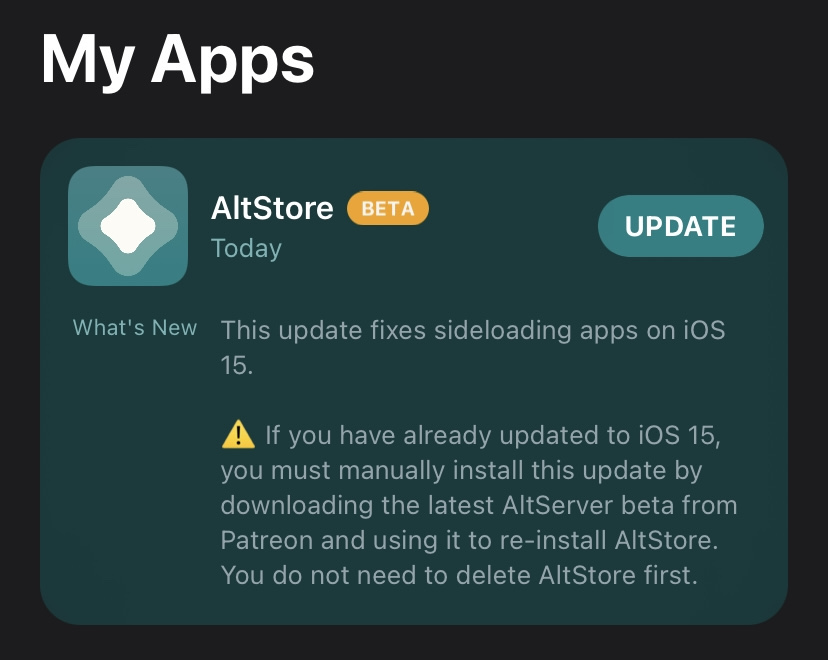
New AltStore beta available with preliminary support for side-loading apps on iOS 15

Last week’s WWDC 2021 Keynote address was chock-full of goodies for iPhone and iPad users, including iOS & iPadOS 15 and the new features they promise for these types of devices.

Developers and beta testers alike rushed to be among the first to download and install the iOS & iPadOS 15 betas after the Keynote ended. Shortly after, we learned that the popular AltStore side-loading platform didn’t work on iOS & iPadOS 15 and that it would necessitate an update to work with Apple’s upcoming operating systems.