There comes a time when almost every iPhone or iPad owner comes to realize that they want to do partake in Spring cleaning on their handset’s Home Screen.
Batch uninstall apps from your jailbroken iPhone or iPad with Speedy
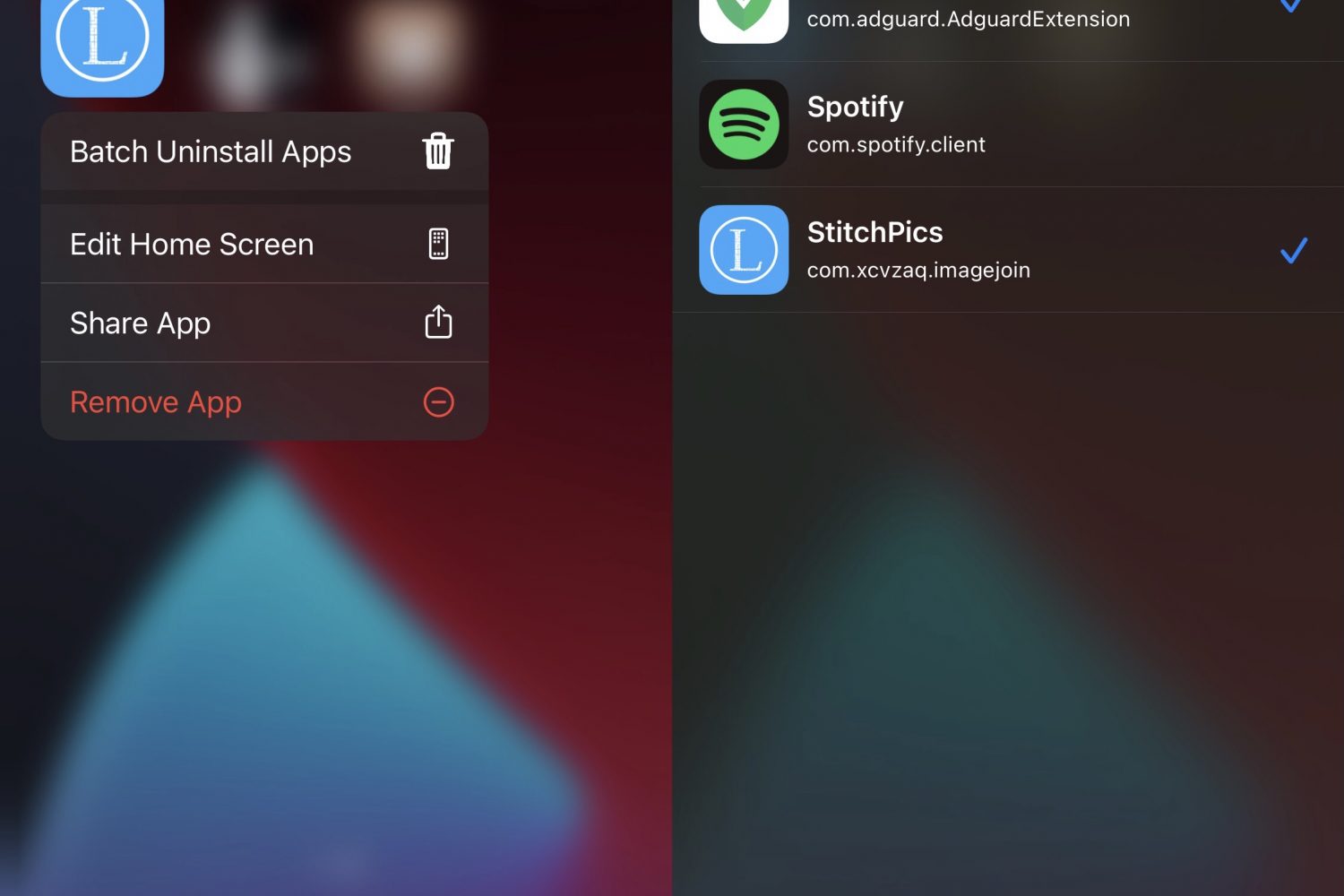
There comes a time when almost every iPhone or iPad owner comes to realize that they want to do partake in Spring cleaning on their handset’s Home Screen.

With so much happening in the jailbreak world today, it can be a challenge to keep up with everything.
That’s why we curate a weekly roundup post just like this one, to help our readers keep up with all the latest jailbreak tweak releases and news developments that they may have missed throughout the week.
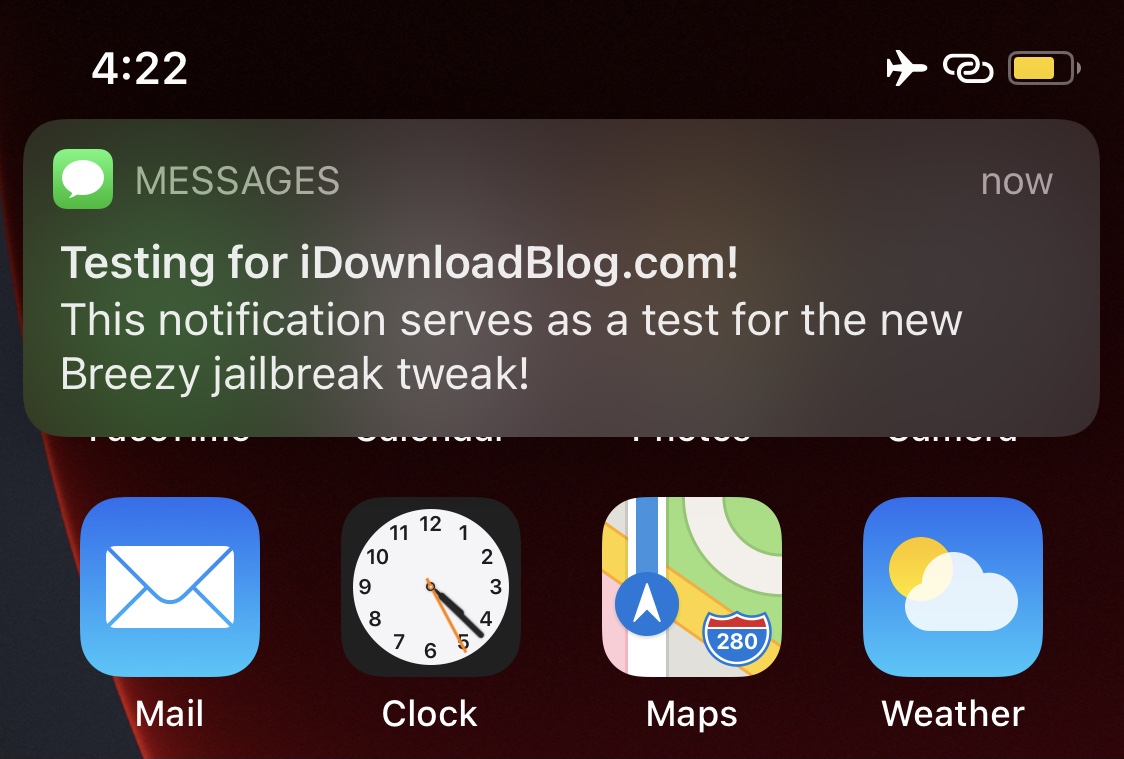
Most people can relate to being involved in one of those awkward social situations where they just can’t wait to get up and leave, but they don’t have a good reason to and don’t want to come off as rude.
Having said that, a newly released and free jailbreak tweak called Breezy by titand3v can offer assistance in this department, as it lets you create fake, yet convincing notifications that can make it look like you’re needed somewhere else.
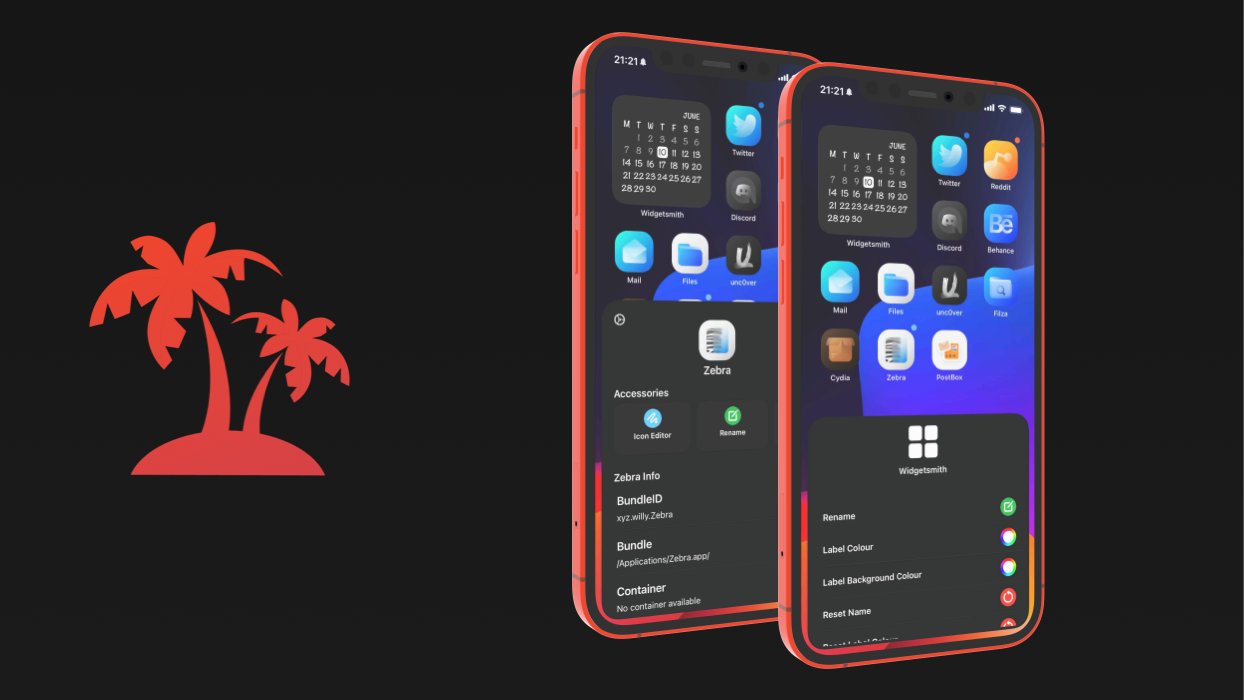
If you’re looking to accomplish a custom Home Screen setup on your iPhone or iPad, then your typical options include shifting app icons to different pages or organizing them into folders. You’d be hard-pressed to customize much else, as Apple doesn’t offer many other options.
This apparent shortcoming has left the jailbreak community to do what it does best: break down Apple’s unfortunate customizability barriers by offering end users a slew of options for achieving unique Home Screen aesthetics that no one else will have – especially not those using stock, non-jailbroken handsets.
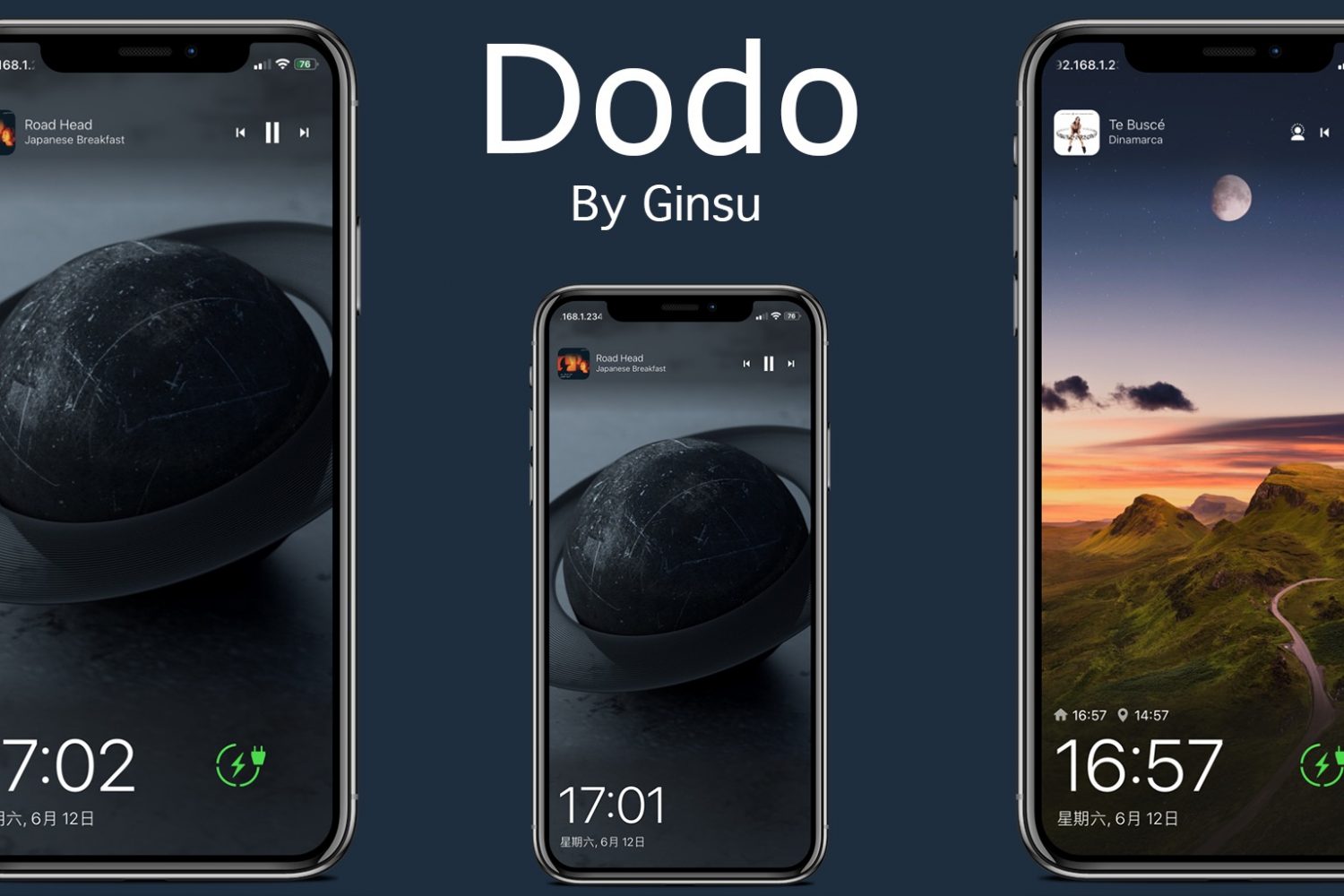
The iPhone’s native Lock Screen does exactly what it was designed to do – that is, provide a secure layer between the user and your handset’s operating system where you need to authenticate yourself to move forward.

The Odyssey Team frequently updates the Taurine jailbreak tool for iOS & iPadOS 14 with new features, bug fixes, and improvements. Today is no different.
Taurine v1.0.6 is now officially available to the general public, introducing important patches and upgrades that jailbreakers won’t want to miss out on.
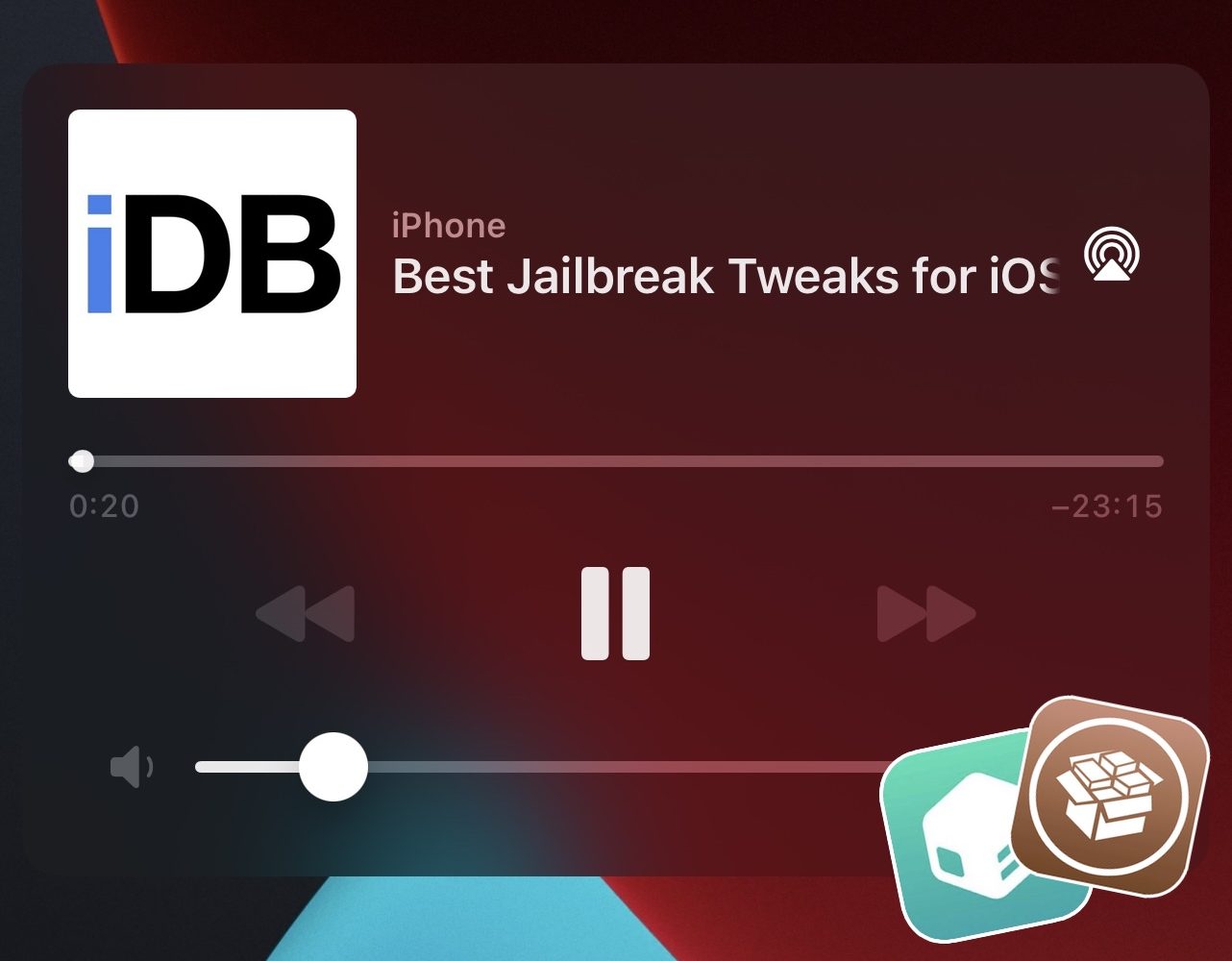
Continuing our unrelenting coverage of jailbreak tweak releases and pwnage news at iDownloadBlog, we’re coming back at you this week with yet another addition to our new micro series of posts showcasing some of the best jailbreak tweaks for personalizing a particular component of the iOS 14 mobile operating system.
We’ve already dove into the likes of Control Center and the Messages app, but this week we’ll be focusing on the Music component of pwned handsets by showcasing some of the best jailbreak tweaks for iOS 14’s Now Playing interface.
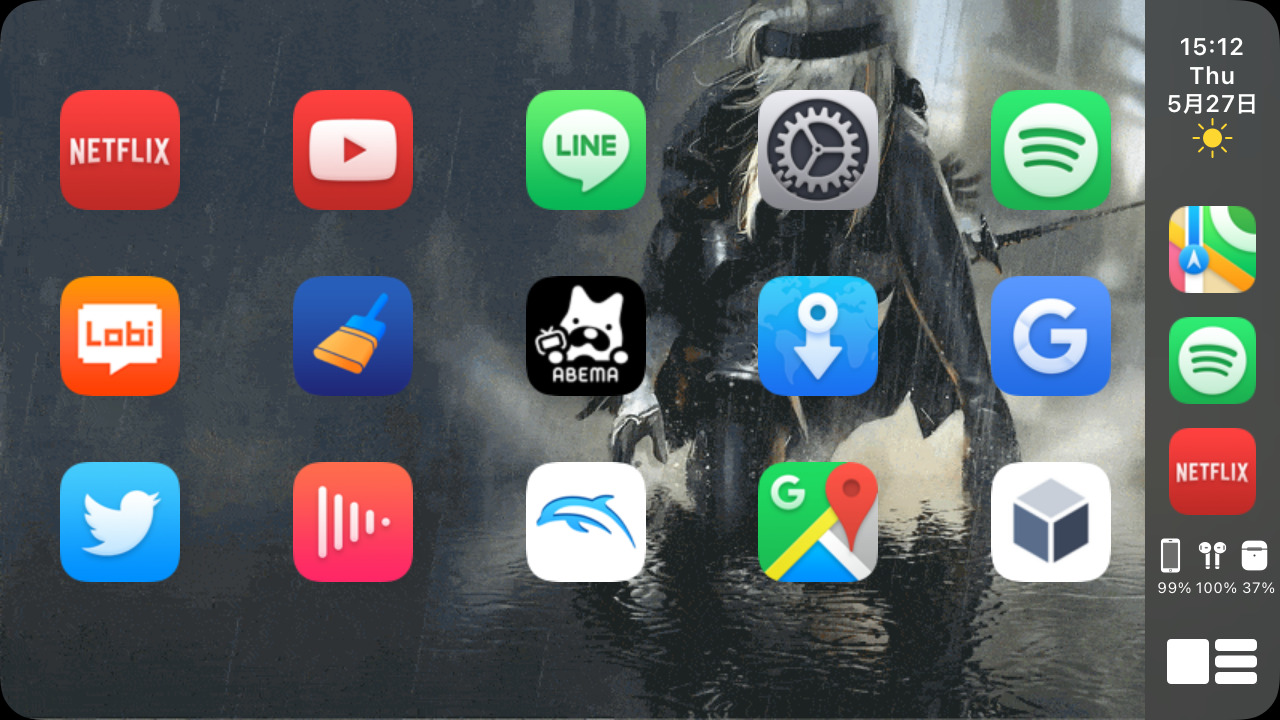
CarPlay is something that a lot of iPhone users take advantage of to operate their handset more safely while in the comfort of their moving or stationary vehicle.

It's par for the course for Apple executives to start making the rounds after major announcements. And the company's annual Worldwide Developers Conference is certainly no different. Craig Federighi, Apple's SVP of Software Engineering, has already done some interviews talking about the big announcements from this year's event. But now he's doing something a bit different this year.
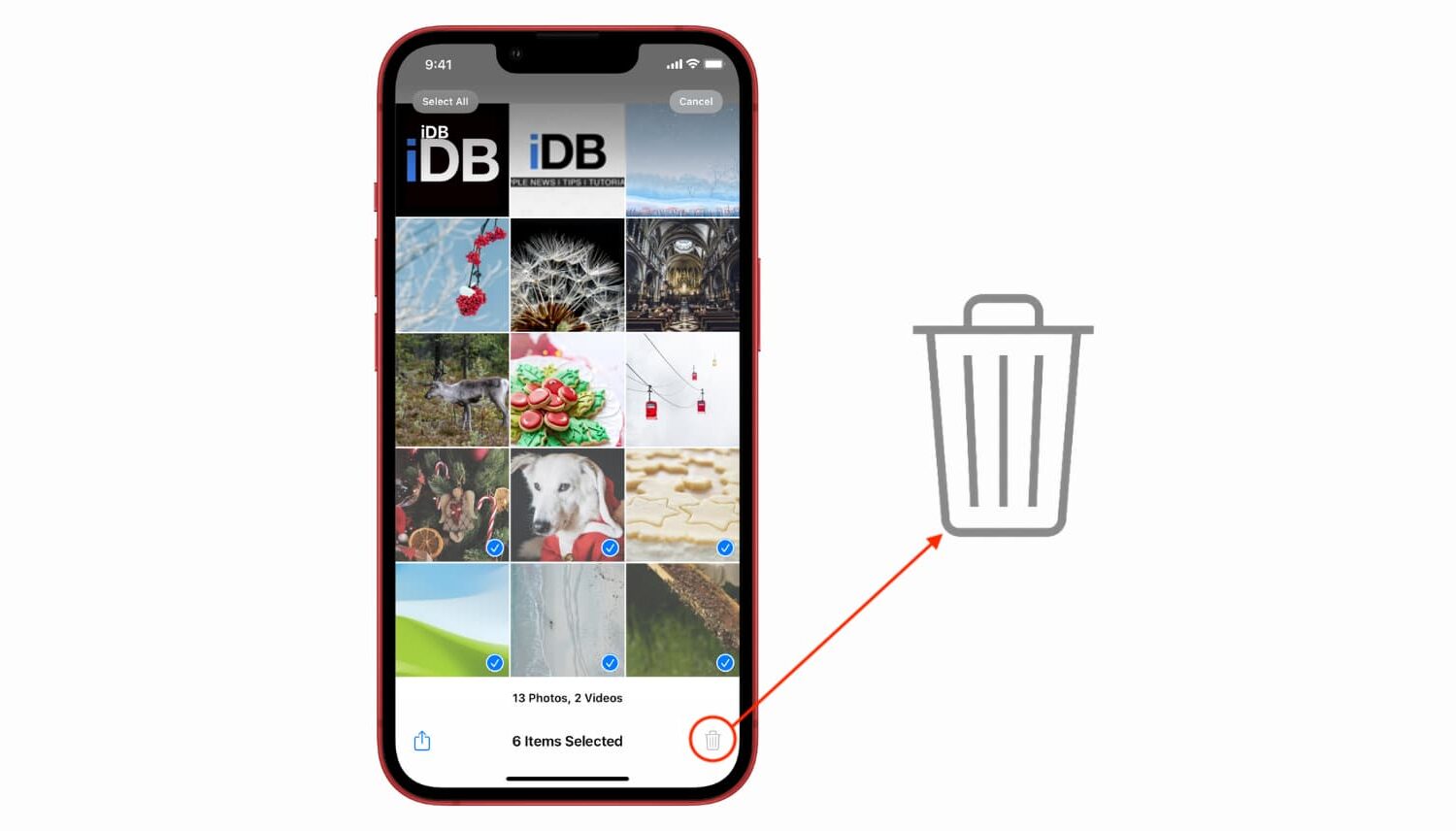
Learn what to do if you try to delete a picture from your iPhone or iPad, but the delete icon is grayed out, and you can’t remove it from your photo library.

It took a bit of doing, but Microsoft (like other companies) figured out the "best way" to get its cloud game streaming aspirations on iPhone and iPad: web browsers. Microsoft launched its xCloud game streaming service in a beta earlier this year. But now the company has confirmed a broader launch is coming soon, and with one very important change along with it.