iOS 9

Spotlight Suggestions expand to seven new countries, including India and Hong Kong

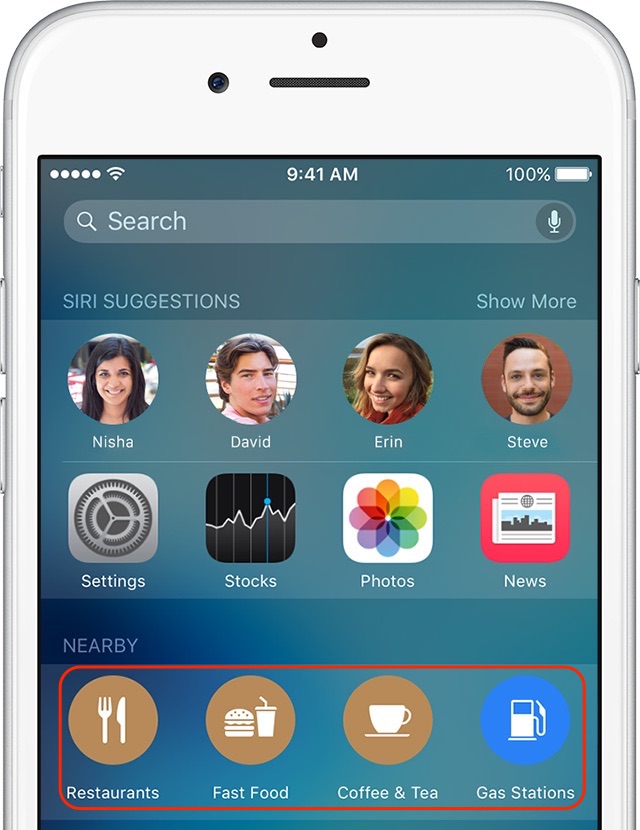
Spotlight Suggestions, a feature that recommends content from the Internet when searching with Spotlight on an iPhone, iPod touch or iPad with iOS 9.0+ or a Mac running OS X 10.11 El Capitan or later, has expanded to seven additional markets: Hong Kong, India, Luxembourg, Malaysia, Philippines, Singapore and United Arab Emirates.

Counting these regions, Spotlight Suggestions are now available in a total of 26 major markets around the world, listed on Apple's iOS Feature Availability webpage.
iOS 9 adoption is stalling amid slowing iPhone sales

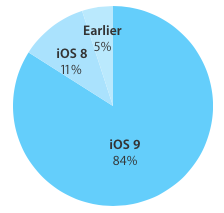
Last time we checked, iOS adoption rates stood at 84 percent of iPhone, iPod touch and iPad devices that were detected as running iOS 9. Moreover, eleven percent of hardware was on iOS 8 and the remaining five percent of devices used iOS 7 or older editions of Apple's mobile operating system.

These stats were valid as of a little more than two weeks ago. The new numbers Apple just posted to its App Store dashboard for developers, however, paint a not-so-rosy picture for iOS 9 adoption.

According to App Store device logs, the latest set of figures has not changed the slightest bit, or has not changed enough to move the needle versus two weeks ago.

ASBlur increases iOS 9 App Switcher privacy by blurring app previews

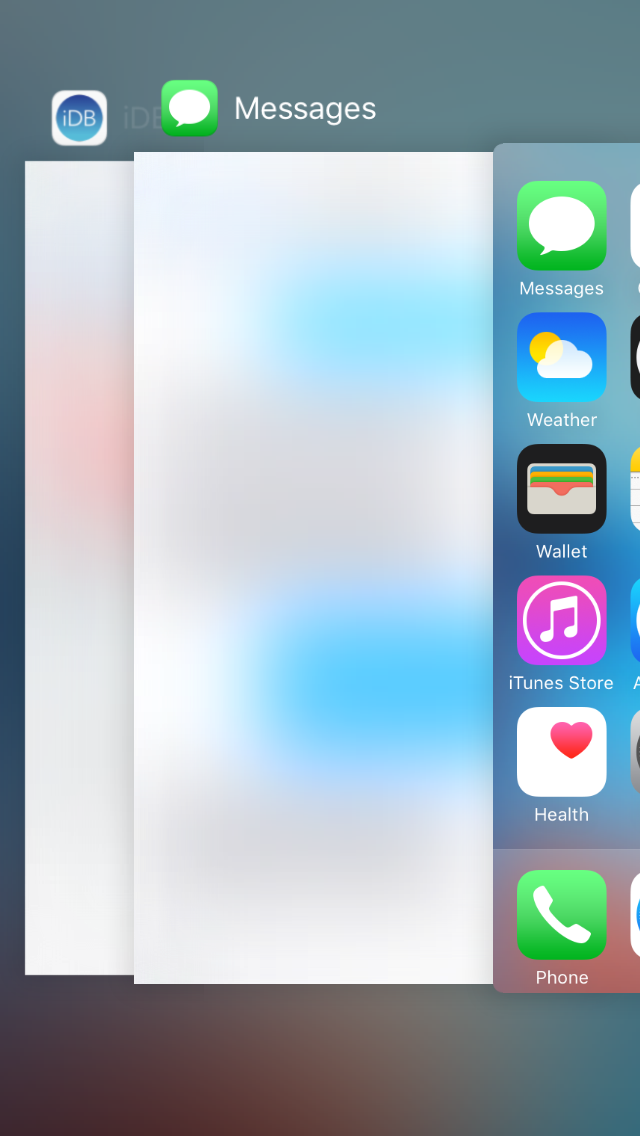
You probably use the App Switcher a lot throughout your day-to-day iPhone usage. It's an essential part of multitasking because it lets you easily get back to the apps you've used recently.

On the other hand, it also takes a screenshot of your last activity in the apps you closed recently, so it's a privacy hazard because anyone can peek over your shoulder to see what you've done recently when you're switching between recently-used apps.

ASBlur is a new free jailbreak tweak that helps solve this problem by blurring the contents of your App Switcher app previews.

Get Instagram’s new flat UI redesign now with this jailbreak tweak

Earlier this week, we had shared with you what appears to be a redesign for the Instagram app for iPhone that may soon be rolled out to all users.

The new interface utilizes an iOS 9-esque flatter design with white UI elements and black button highlights.

However, if you're jailbroken, then you don't have to wait to unlock this new interface for yourself right now. There's a new jailbreak tweak in Cydia called IGExperiments that will let you do this, and more.

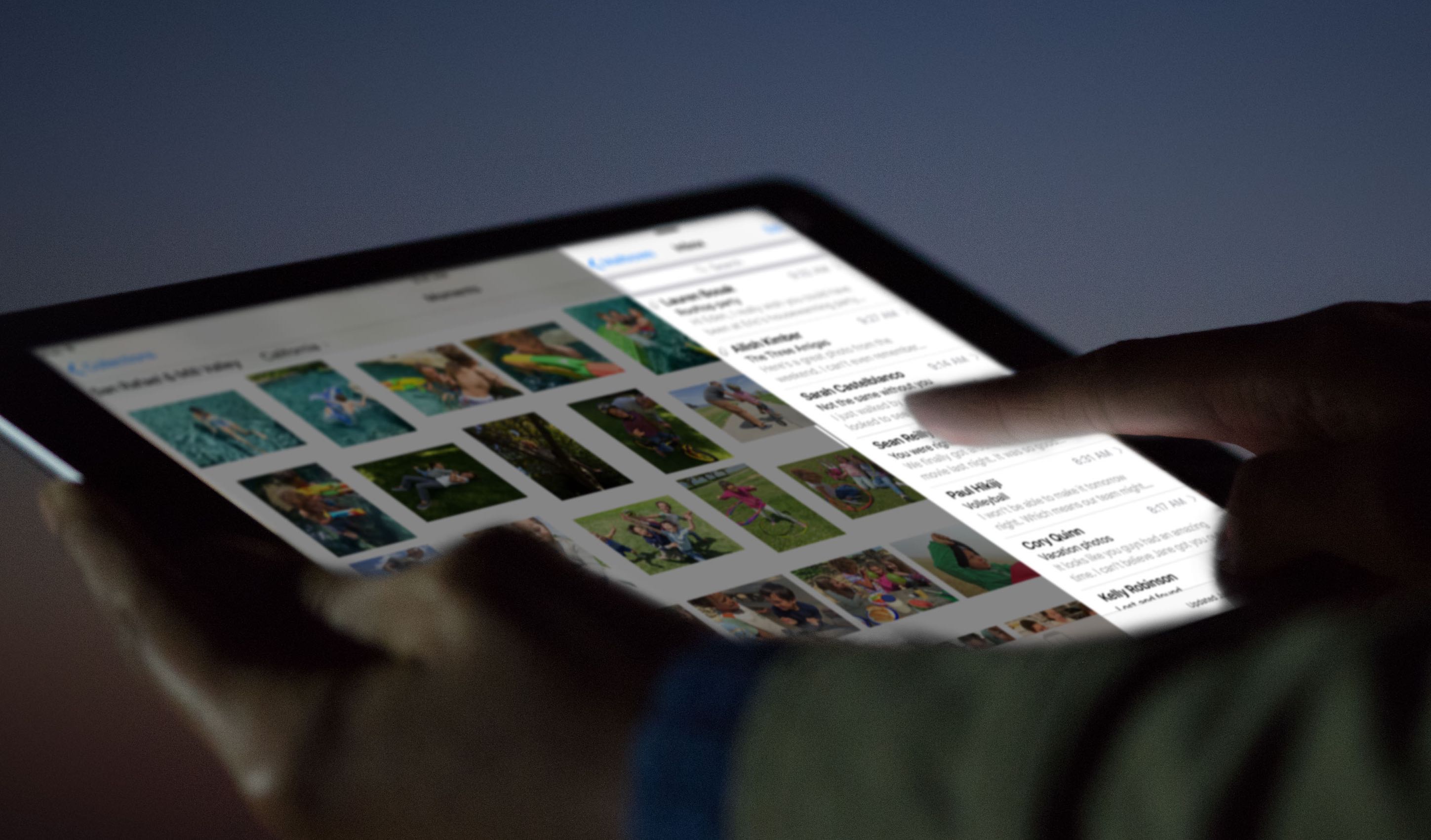
iOS 9.3.2 beta 2 brings back ability to use Night Shift and Lower Power Mode at the same time

The ability to use iOS 9.3's headlining Night Shift feature when an iPhone is in Low Power Mode has been reinstated in a second beta of iOS 9.3.2 that was seeded to Apple's registered developers this morning, as noted by eagle-eyed users on Twitter and first reported on by MacRumors.

Night Shift and Low Power Mode worked simultaneously on prior iOS 9.3 betas, but that feature was later removed without explanation in iOS 9.3 beta 4.

Apple seeds iOS 9.3.2 beta 2 to developers

Two weeks after Apple released the first beta of iOS 9.3.2 to its registered developers, the company today released iOS 9.3.2 beta 2 to members of the Apple Developer Program. The new beta has a build number and can be applied over-the-air on devices running an iOS 9 beta in Settings → General → Software Update or you can download the full installer from the Apple Developer Center, which requires a paid membership in the Apple Developer Program for full access.

84 percent of devices are now using iOS 9

iOS 9, Apple's latest and greatest edition of the mobile operating system powering the iPhone, iPod touch and iPad, is currently installed on 84 percent of device, according to the freshest stats posted on Apple's official App Store dashboard for developers.

In less than a month, iOS 9 adoption rate has climbed from the eighty percent mark, a figure Apple officially shared during its March 21 'Let us loop you in' media event, to 84 percent—a cool four-point gain.

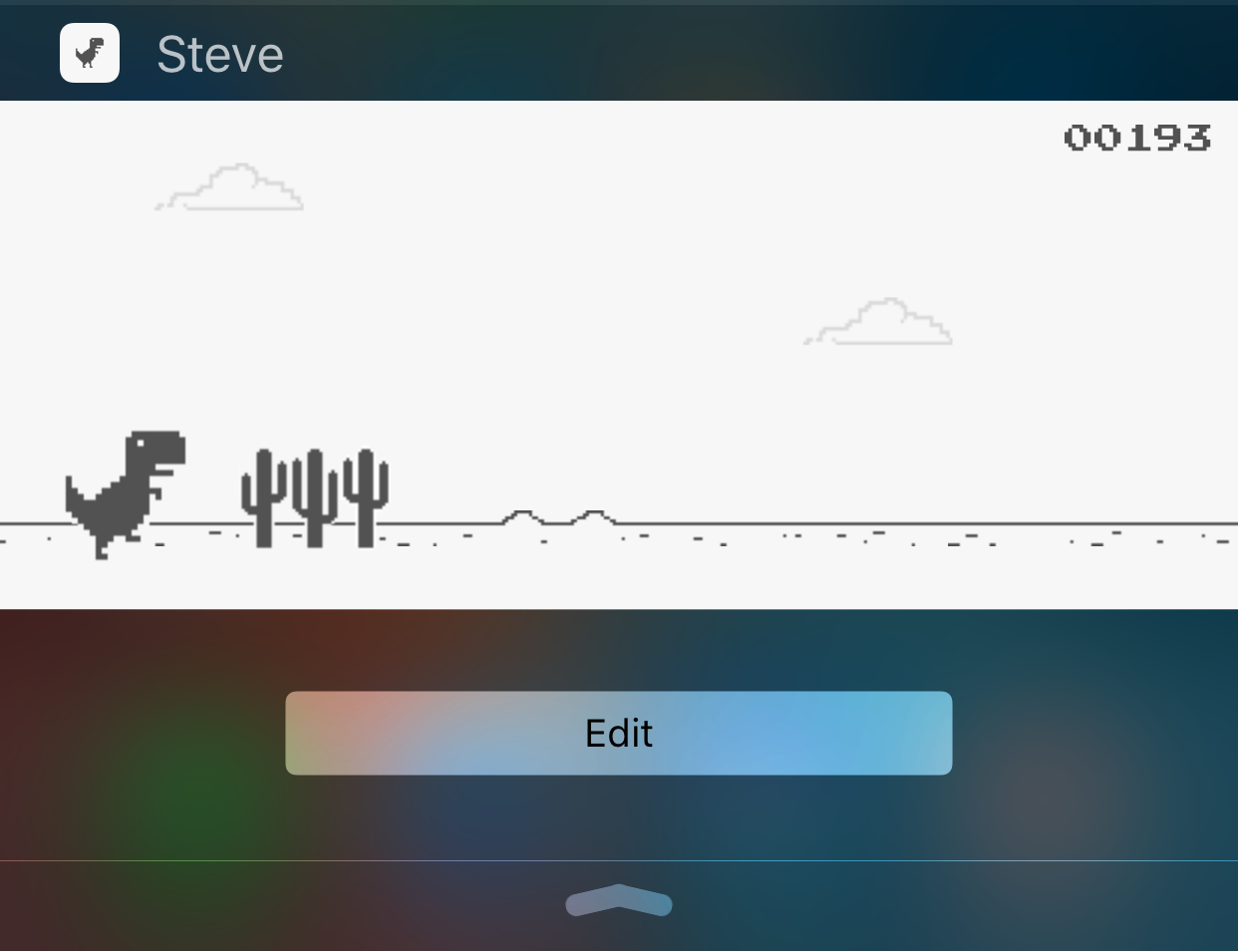
Check out this endless runner game you can play from Notification Center

Knowing that Apple has been restrictive in the past on what is and what isn't allowed to pass in the App Store for a Notification Center widget, it can be fun when little gems find their way into the top charts section and you stumble upon them.

While looking through them, I discovered a free endless runner game called Steve - The Jumping Dinosaur, but unlike other endless runners you've played before, this game is played inside of a Notification Center widget rather than from the app itself.

How to increase your privacy by removing location from Diagnostic & Usage Data logs

Apple collects anonymous information about how you use your iPhone, iPad, iPod touch and other devices so that it can improve its products in future releases. End users can easily opt in and out of diagnostic collection in the Settings → Privacy → Diagnostics & Usage section.

I have this enabled to help Apple improve their products, but privacy-minded people might opt out of diagnostic collection on the grounds that the logs include their approximate location.

In this tutorial, we'll explore increasing your privacy on iOS by having your location excluded from diagnostic data that iOS creates.

3D Touch tips and tricks for the stock Videos app

In this day and age of YouTube streaming and on-demand video, the stock Videos app feels a little outdated and way too limited in terms of features though it gets the job done.

With the Videos app, you can watch movies, televisions shows and music videos that you bought or rented from the iTunes Store, as well as enjoy your personal clips synchronized from iTunes on your computer.

On the iPhone 6s and iPhone 6s Plus, using the Videos app is a little more engaging thanks to 3D Touch. In this tutorial, we'll let you in on 3D Touch shortcuts and gestures that are available  in the Videos app.

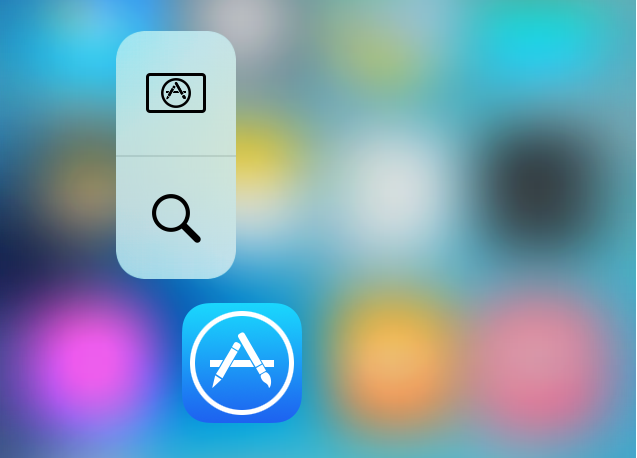
Brevis lets you customize your 3D Touch Quick Action menus

If something looks a little different to you in the 3D Touch Quick Actions menu examples above, that's because you are seeing the effects of a new jailbreak tweak called Brevis, which is available now in Cydia for $1.00.

What this tweak will allow you to do is customize the look and feel of your Quick Action menus on your 3D Touch-enabled iPhone.

We will be showing you how the tweak works and what it's capable of in this piece, and you might just want to pick it up yourself!

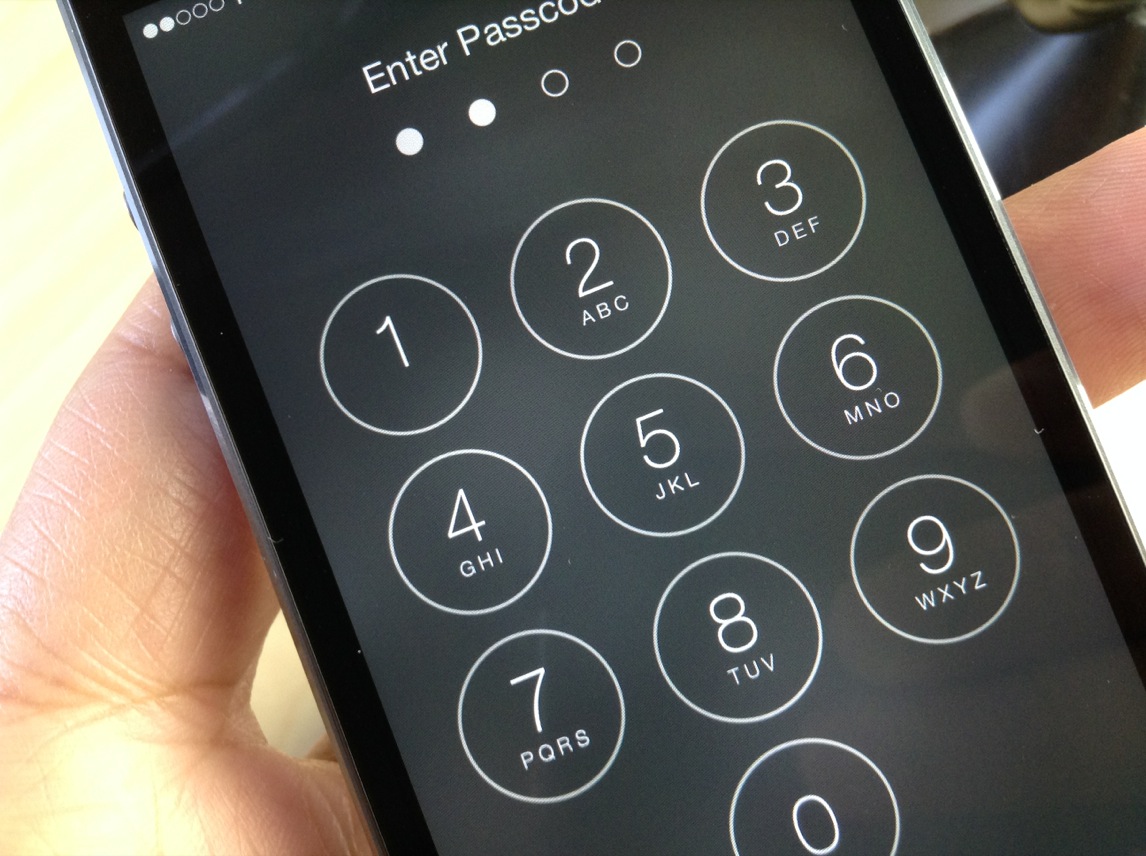
Callisto lets you use the current time as a passcode on your iOS 9 device

You may have heard that the best security is something that lays in plain sight. In some instances, this can be right, because people tend to over-think things.

A jailbreak tweak called Callisto is now available in Cydia's BigBoss repository for $1.49 that lets you use the current time for a passcode instead of something you set for yourself.

In this review, we'll walk you through how it works and show you all of the settings it comes with to make life more comfortable for passcode input.