iOS 9

iOS 9.3.3 released with bug fixes and performance improvements

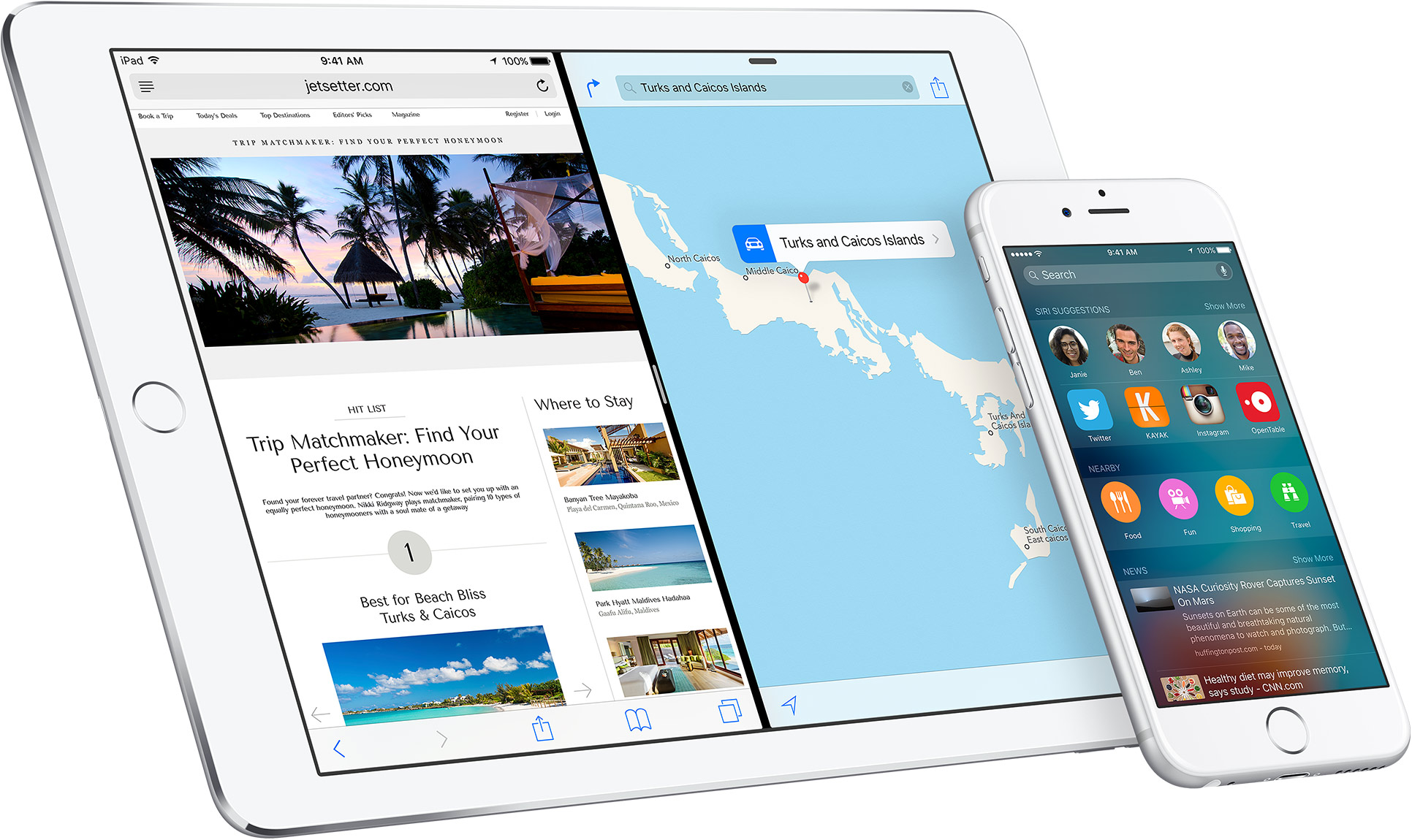
Apple is releasing minor OS updates to its install base today, starting with a bug-fix focused watchOS 2.2.2 update for the Apple Watch and continuing with iOS 9.3.3, which appears to include a bunch of bug fixes and unspecified performance improvements. The update can be applied on your device over-the-air in Settings → General → Software Update or downloaded through desktop iTunes.

Jailbreak tweaks of the week: Decorus, Nowability, & more…

Jailbreakers have been hard pressed to get some really functional jailbreak tweaks as of late. The lack of a jailbreak on Apple's latest firmware has put Cydia in somewhat of a drought.

Nevertheless, there are still some jailbreak developers who are still developing for the jailbreak community, and although this week has once again been slow, Cydia isn't completely dry just yet. We'll go over this week's releases in this roundup.

ProximityLock lets you lock your iPhone with its proximity sensor

Those of you still rocking a jailbreak despite these dry last few weeks have some new jailbreak tweaks to check out this weekend.

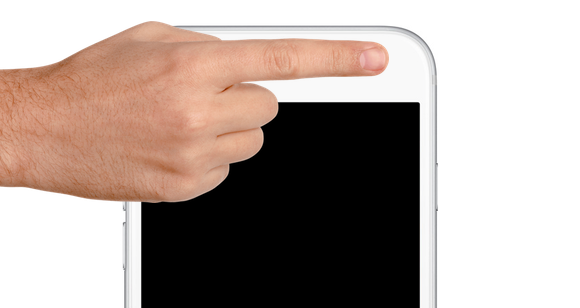
One of those is ProximityLock, which is a new freebie that lets you lock your iPhone with nothing more than the proximity sensor by waving your hand over, or putting your finger over the sensor right by the front-facing camera and ear speaker.

Decorus gives your jailbroken device an iOS 10-inspired Control Center

Control Center gets a makeover in the upcoming iOS 10 update that you can expect to get your hands on this Fall, but in the meantime, those of you with jailbroken iOS 9 devices can get a new look and feel for Control Center right now.

Decorus is a new jailbreak tweak inspired by iOS 10 that gives your iPhone the modular Control Center experience you won't be able to get until this Fall, unless of course you install the iOS 10 betas.

iOS 9.3.3 beta 5, tvOS 9.2.2 beta 5 and OS X El Capitan 10.11.6 beta 5 released for testing

Two weeks after seeding a fourth beta of iOS 9.3.3, Apple today released a fifth beta of the mostly bug-fix software update to members of the Apple Developer Program and public beta testers signed up with the Apple Beta Software Program. The new software is available as an over-the-air update on devices running a prior beta of iOS 9.3.3 through the Software Update mechanism in Settings. Apple also released tvOS 9.2.2 beta 5 to its registered developers and OS X El Capitan 10.11.6 beta 5 to developers and public beta testers.

Enjoy the new Unicode 9.0 emojis on iOS right now with a simple workaround

Many of you probably already heard the news that Unicode 9.0 became official this week and that there were going to be 72 new emojis coming soon.

Although Apple is likely to add support for these new emojis in iOS 10 in a future beta or release update, they're not yet available in iOS whatsoever, but in this tutorial, we'll show you how you can still use them without a jailbreak on a completely stock device.

Breadcrumb10 enables iOS 10-style Breadcrumb links on jailbroken devices

There is a truckload of new features in iOS 10, but some of the features it has to offer have existed for a long time already and have just received a facelift.

One of the features that has existed since the launch of iOS 9 is the Breadcrumb links that appear in the Status Bar when you switch between apps, and iOS 10 changes the look of these a little bit.

If you're a fan of the new design, you'll be happy to hear Breadcrumb10 is a new jailbreak tweak that lets you port the iOS 10 Breadcrumb changes to your jailbroken iOS 9 iPhone, iPod touch, or iPad.

BootScreenCustomization lets you colorize the boot screen to your liking for free

Each and every time you turn your iPhone, iPod touch, or iPad on, you get the boot up screen, which shows a mono-colored background and an Apple logo in the center with an opposing color.

Depending on whether your device has a black or white bezel, the colors of the boot up screen differ from the factory, but with jailbreaking, you can actually take control of the colors and configure them your own way.

BootScreenCustomization is a new jailbreak tweak that will let you do this, and we'll show you how the tweak works in this review.

SemiRestore is now (sort of) available for Mac OS X

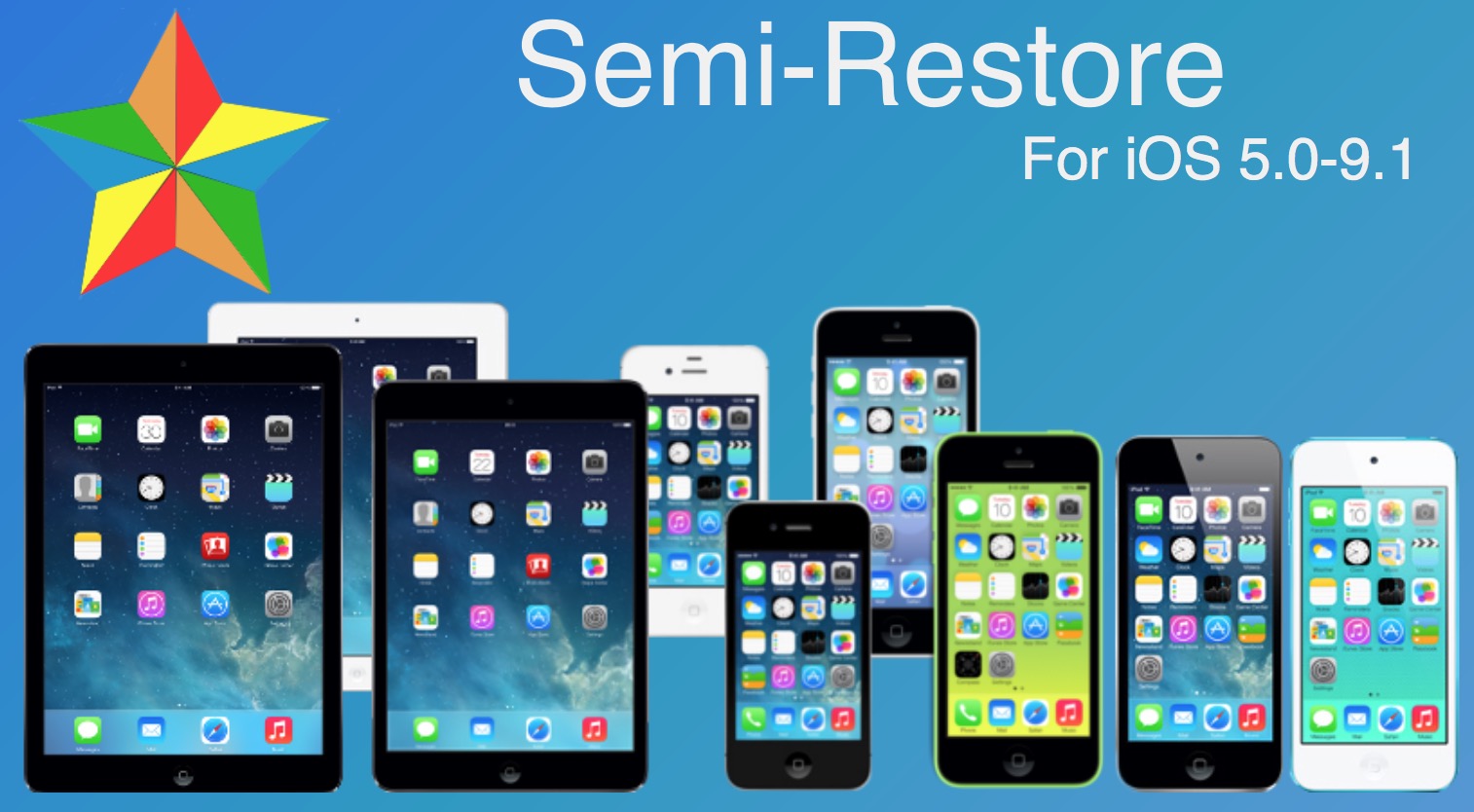
Three days after the release of SemiRestore for Windows and Linux, the tool is also now supporting Mac OS X. Well, sort of, as the developer notes in the ReadMe file that "SemiRestore for OS X is provided on a 'works for me' basis." So our initial warning about using this tool still applies here, as you might do this at your own risks.

Customize Spotlight features to your liking with PersonalSpotlight [jailbreak]

iOS 9 came with a totally new Spotlight experience for the iPhone, iPod touch, and iPad, but there still remains a lot that could be changed to better suit individual users' needs.

Thanks to the jailbreak community, however, customization is never really a problem.

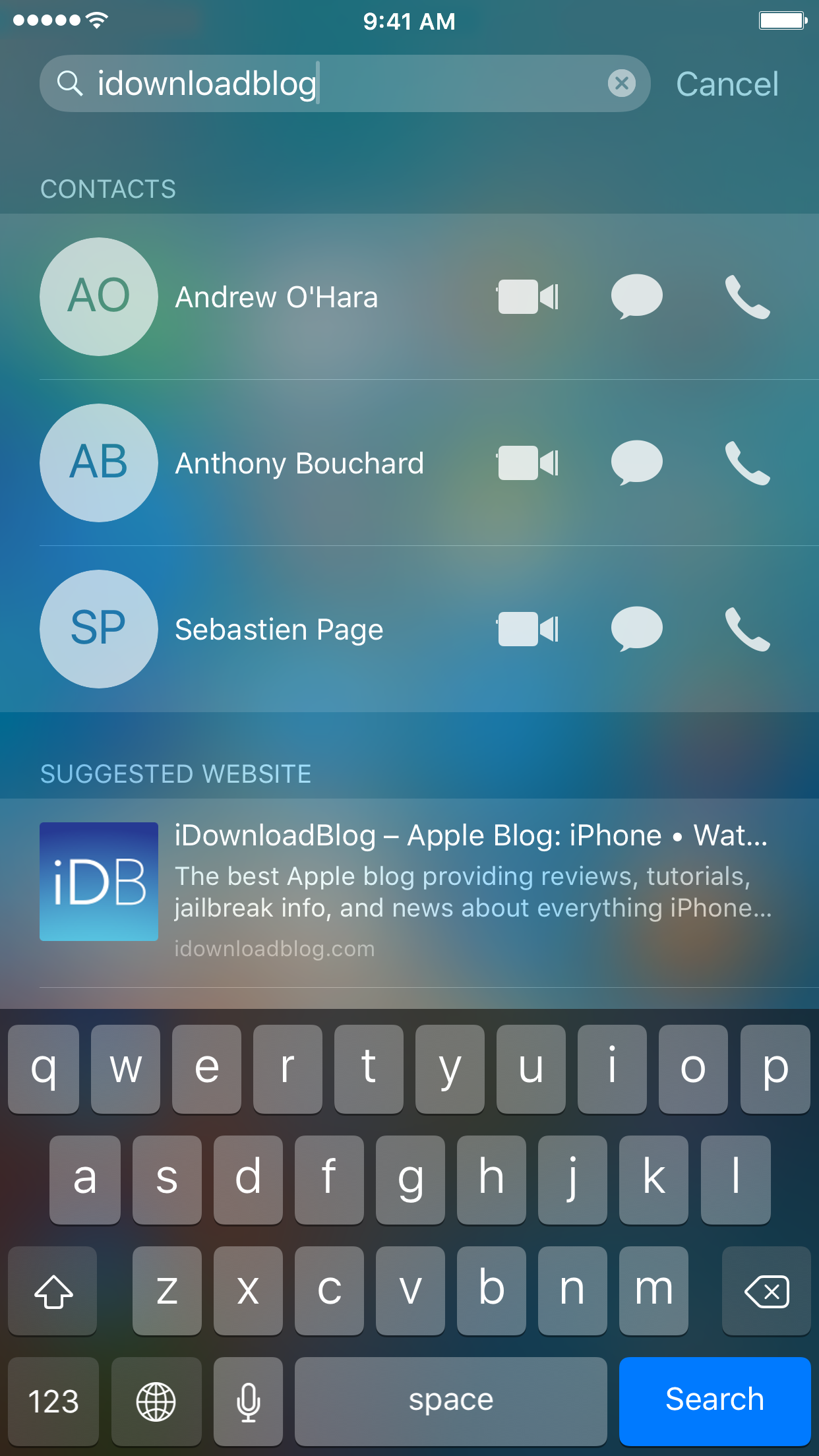
A new free jailbreak tweak called PersonalSpotlight is now available that gives users the ability to personalize their Spotlight experience in a way that better suits them, and we'll show you how the tweak works as we go hands-on in this review.

Changing the default payment method in Apple Pay

Despite some Apple device users being skeptical of using Apple Pay for security reasons, many are embracing the power of NFC payment technology everywhere it is supported.

If you're like many Apple Pay users, then you might have more than one credit or debit card linked to your Apple Pay Wallet. If this is the case, then it would be good to know how to choose which card is set as the default card when you choose to carry out payments at the register.

In this tutorial, we'll show you how that's done.