iOS 7

Apple updates Find My Friends and Find My iPhone ahead of iOS 7 release

With less than three weeks left until Apple's big Fall reveal, the company has started updating some of its own apps on the App Store to bring them more in line with the all-new iOS 7 look.

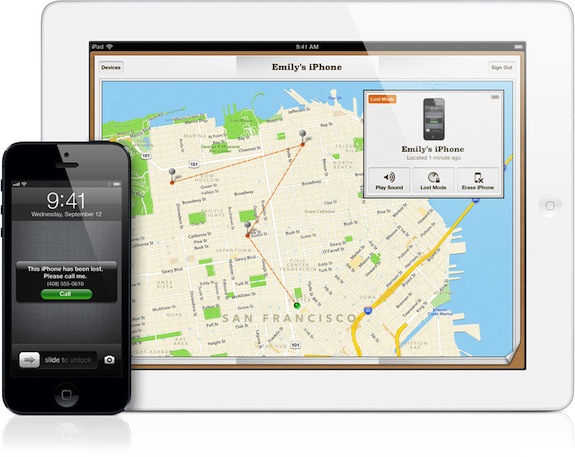
Find My iPhone and Find My Friends apps have both been updated with bug fixes and stability improvements, but no new features have been added and the design remained unchanged.

Find My iPhone is particularly interesting. Not only has the update broken the app for non-developers, but the software now comes with a brand new flattened icon which essentially mimics its counterpart on the recently revamped iCloud Beta website. More findings right below...
New report details iPhone 5S Home button, suggests delay in iOS 7 for iPad

As Apple's September 10th event—where it's expected to unveil its new iPhone(s)—draws near, we're beginning to learn new details about the handset. For instance, the latest rumblings seem certain that it'll feature a new gold color option.

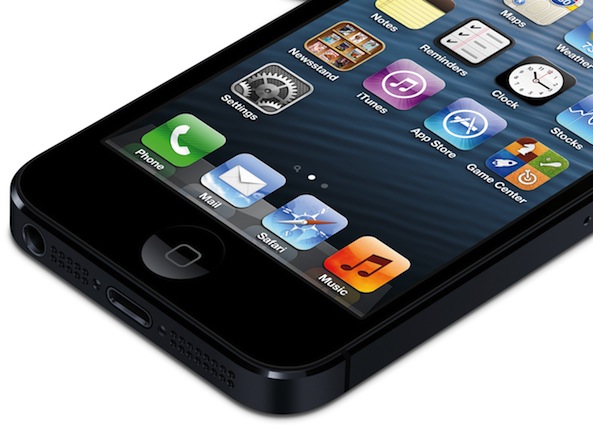
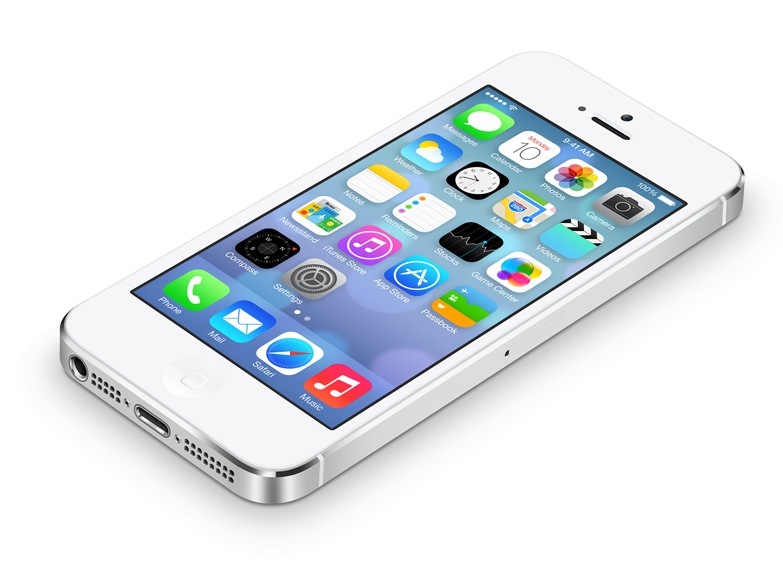
And today we learn a few more particulars from the often-accurate Mark Gurman of 9to5Mac. Gurman has published a sweeping report, detailing everything from what the iPhone 5S Home button is going to look like, to the status of iOS 7...

Seventh and final iOS 7 Beta could land today

The seventh and final beta of Apple's forthcoming iOS 7 mobile operating system could be seeded to developers later today, BGR reported Monday morning. Though the tech blog has a fairly accurate track record in terms of iOS 7 beta dates, it's worth pointing out BGR last week said Apple would release iOS 7 Beta 6 this week.

Just a few hours following that prediction Apple spoiled BGR's party be seeding iOS 7 Beta 6 to developers. Here's to hoping the final iOS 7 beta lands today. Otherwise, this could be the last time I write about BGR's predictions...

Apple seeds iOS 7 beta 6 with fix for iTunes in the Cloud issue

Apple has unexpectedly seeded iOS 7 beta 6 to developers this afternoon, breaking its typical two-week cycle. The update comes just a little more than week after beta 5 landed, and appears to be an emergency fix-related release.

Beta 6 is available now to all registered Apple developers via both the Dev Center and OTA, which can be installed by visiting the Software Update section in the Settings app of proper devices that currently have iOS 7 installed… 

Apple reportedly releasing iOS 7 Gold Master on September 10

Apple is shooting to release a Gold Master build of iOS 7 to developers by September 10, if BGR is to be trusted. Gold Master refers to a final version of software that's ready for release to manufacturing - it's usually the same build as the version that comes factory preloaded on latest devices.

The publication reports that Apple will make a final Gold Master build available to its employees and carrier partners five days early, on September 5. More tidbits right below...

15 apps that look great on iOS 7

Earlier this week, Apple launched the fifth beta for iOS 7. Time ticks by and we get closer and closer to the public launch of iOS’ biggest design change in six years.

To get you ready for the new look, we’ve got a list of apps that will nicely compliment Apple’s new mobile operating system…

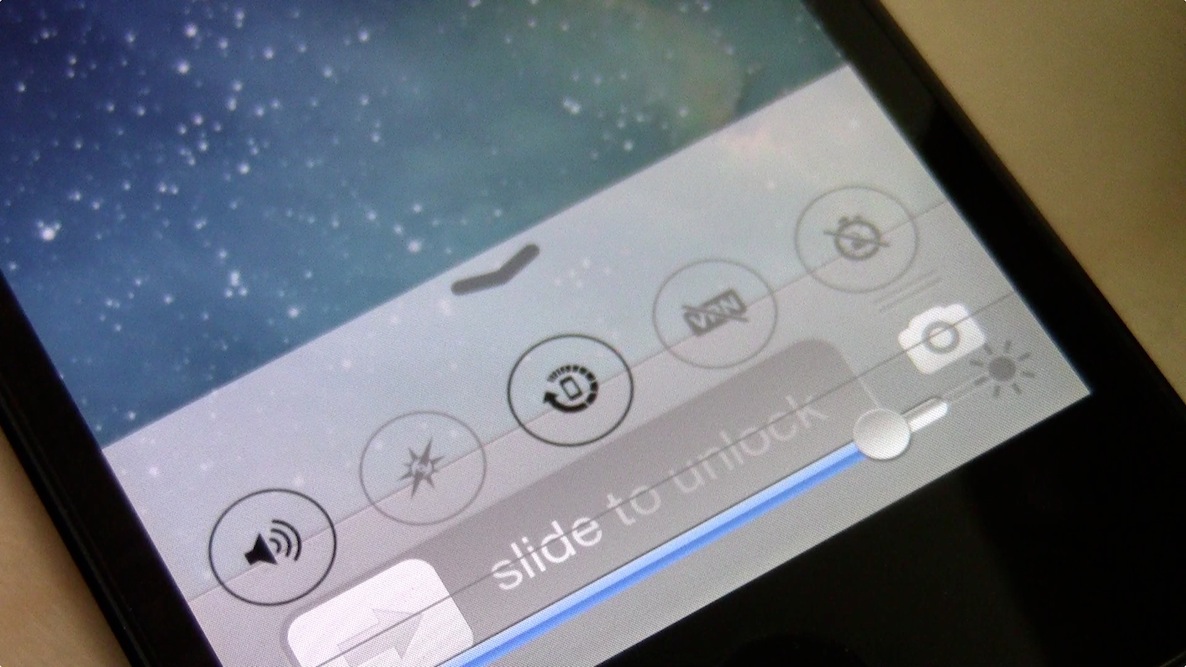
Preview: LockBar Pro

LockBar Pro is an upcoming jailbreak tweak that brings a little of the iOS 7 flavor to lesser firmware. A tweak that's obviously been influenced by the Control Center feature in iOS 7, LockBar Pro is sure to satisfy those who desire to have some of the feature set from Apple's newest firmware, but are relegated to iOS 6.

We've taken a little bit of time to go hands-on with LockBar Pro. Check past the break for a preview video that showcases some of its features.

A closer look at Frequent Locations in iOS 7

Apple's iOS 7 upgrade, when it lands this Fall, will allow users to opt-in to mapping where they've been since installing the software, how many times and for how long. The Frequent Locations feature, which first appeared in iOS 7 Beta, is found in Settings. When enabled, it permits iOS devices to use GPS coordinates of the places you frequently visit, Apple explains.

The opt-in, consumer-facing feature is provided for the purposes of improving Maps (and other location-based products and services), providing useful location-related information and letting you check out a handy map history of the places you've visited. Here's what you need to know about Frequent Locations in iOS 7...

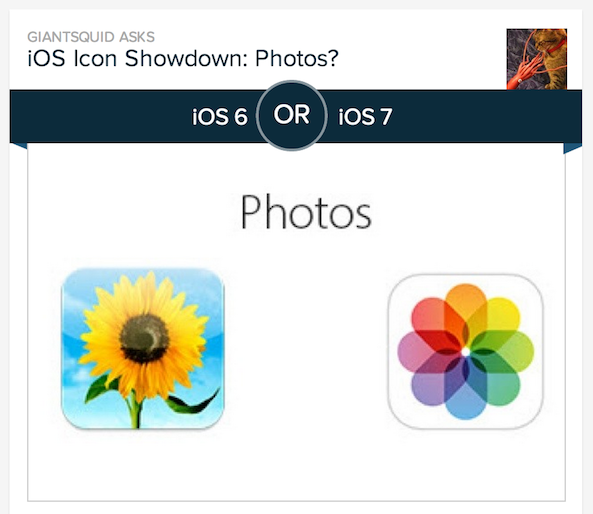
Poll finds most users actually prefer the look of iOS 7 over iOS 6

The responses to the radical user-facing changes Apple has made in iOS 7 have been a mixed bag thus far. While some users welcome the new designs and like the way the software looks, others dislike the update so much they say it could kickstart Apple's downfall.

But it looks like the voices in the latter camp are just the loudest, and don't necessarily represent the majority. Because according to this online poll conducted by Input Factory's Polar platform, most folks actually prefer the overall UI design of iOS 7 to that of iOS 6...

Apple seeds iOS 7 beta 5 to developers: this is what’s new

Apple has seeded iOS 7 beta 5 to developers this morning. The update comes just one week after the release of beta 4, as it appears that the company is trying to get back on track after the lengthy Developer Center outage.

Beta 5 is available now to all registered Apple developers via the Dev Center and OTA, which can be installed by visiting the Software Update section in the Settings app of proper devices that currently have iOS 7 installed...

10 new features in iOS 7 beta 5 [Video]

Like we did with the iOS 7 beta 4 release, we've put together a brief video highlighting some of the changes and features included in Apple's latest beta release. This beta, the 5th so far in the series, includes quite a few subtle updates that may be looked over if you're not intently looking for them. Have a look at our video walkthrough inside for a hands-on glimpse at 10 of the new features included with the latest beta.

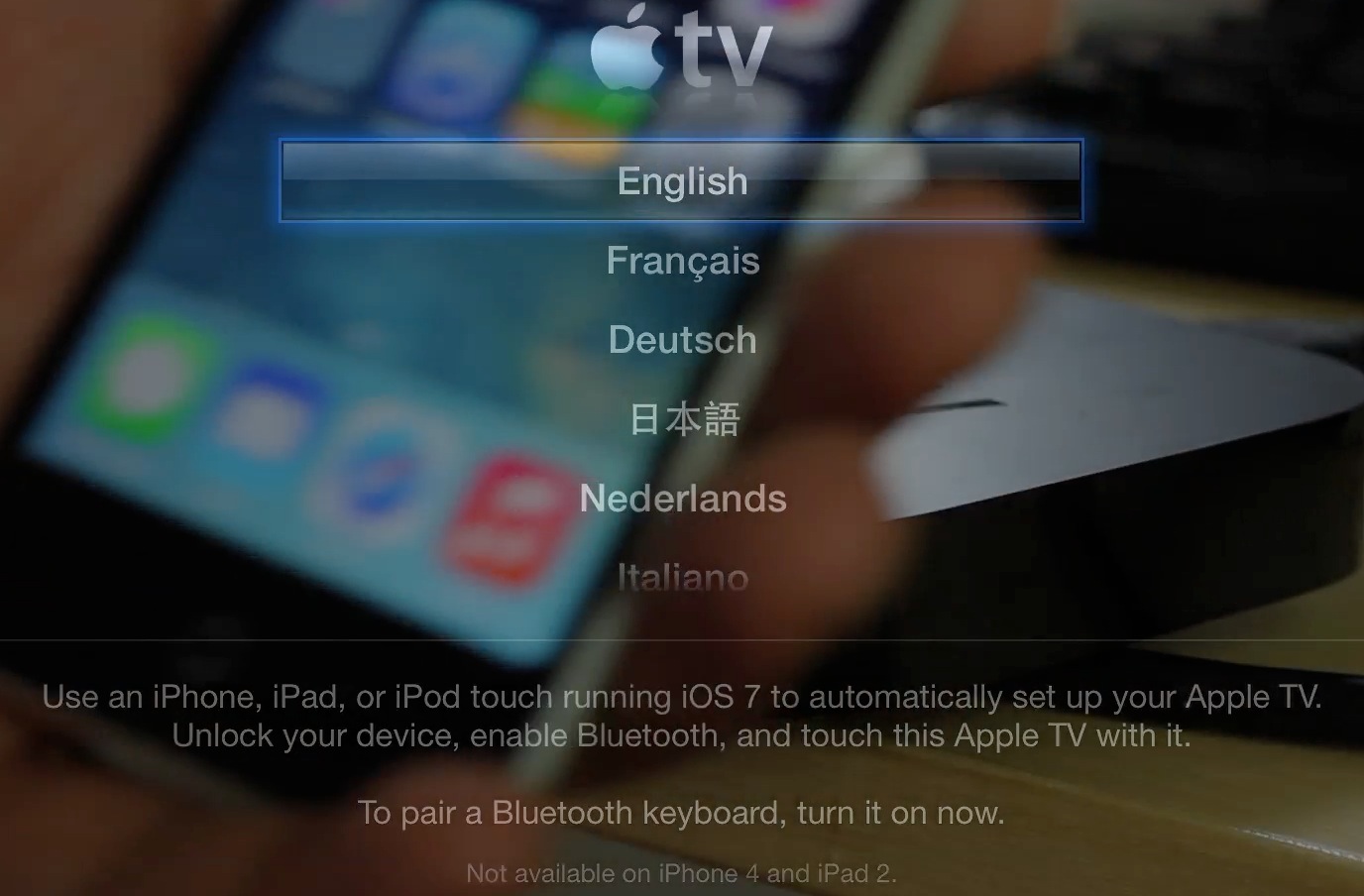
How to use the new Apple TV beta automatic configuration

The new Apple TV beta has an awesome new feature — the ability to automatically configure settings via Bluetooth using an iOS 7 enabled device. We put the new feature through its paces just a few minutes ago, and came away quite impressed.

The new automatic setup feature will save Apple TV users a lot of time, and avoids the need to input tedious passwords and IDs using the little remote control that comes bundled with each set top box. Have a look inside, as we walk you through the entire setup process on video...