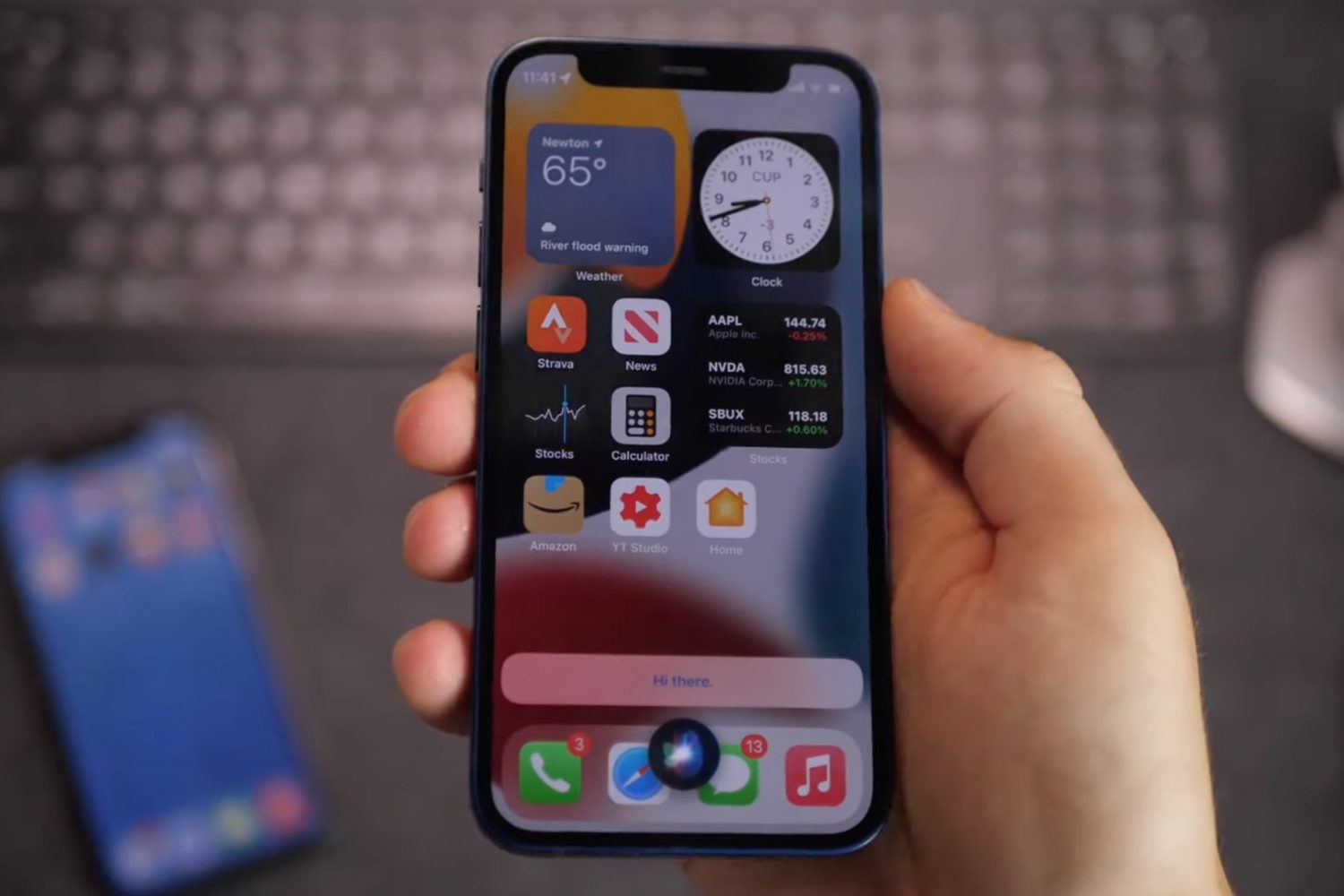
iOS 15 brings offline Siri, which leverages on-device processing to handle specific types of requests even without an internet connection, and we have a video to show it to you.
Video: Siri goes offline
Stay up-to-date on the latest iPhone news and learn new tips and tricks with our comprehensive tutorials. From software updates to new features, we’ve got you covered.
iOS 15 brings offline Siri, which leverages on-device processing to handle specific types of requests even without an internet connection, and we have a video to show it to you.
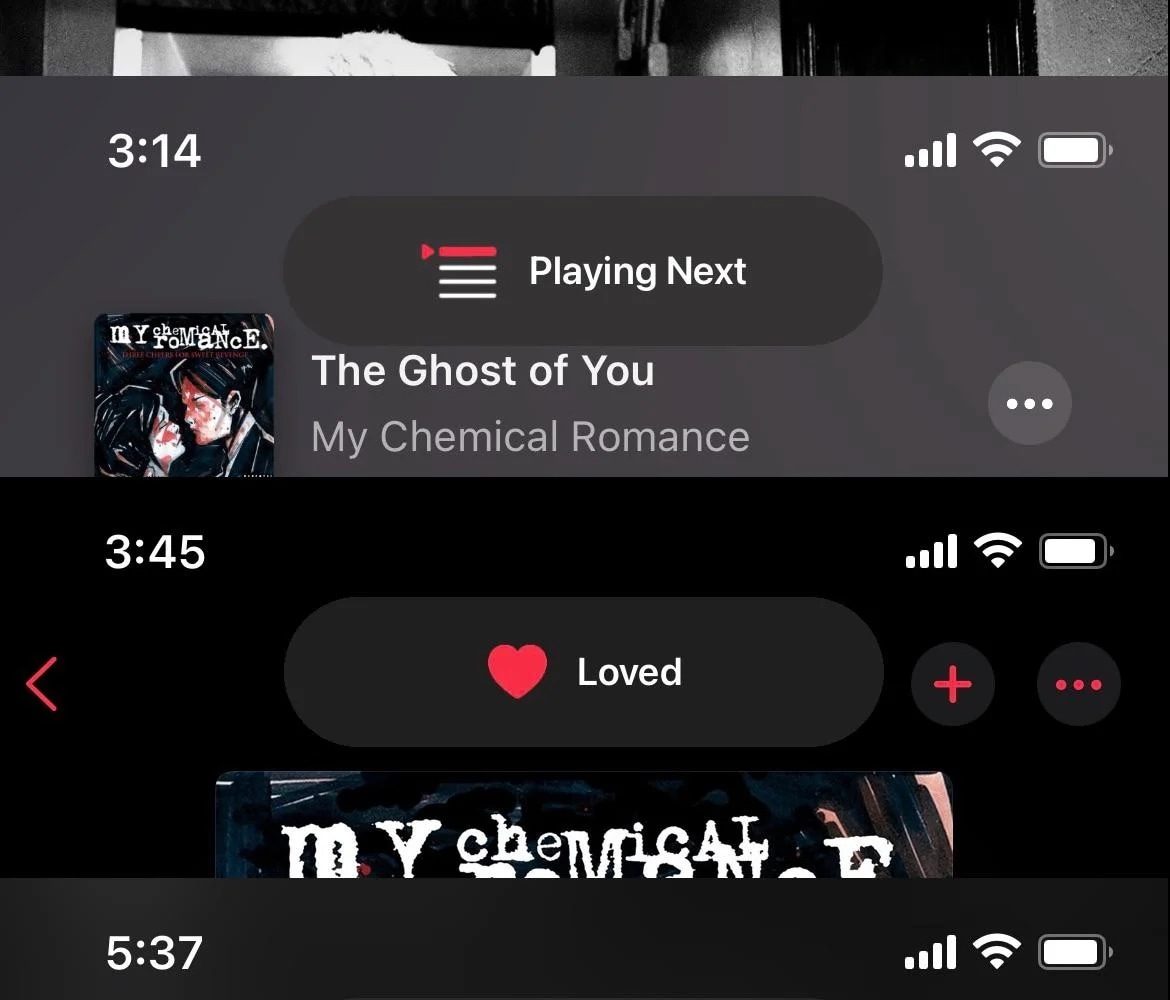
Apple Music is by far one of the most popular ways to stream music on the iOS & iPadOS platforms. This statement remains true even regarding users of jailbroken handsets.
Jailbreakers who want to upgrade their user experience in the Apple Music app are in luck this Tuesday morning thanks to a new and free jailbreak tweak dubbed MusicBanners by iOS developer level3tjg, as it effectively replaces the Apple Music app’s ugly center-screen HUD pop-ups with something nicer.
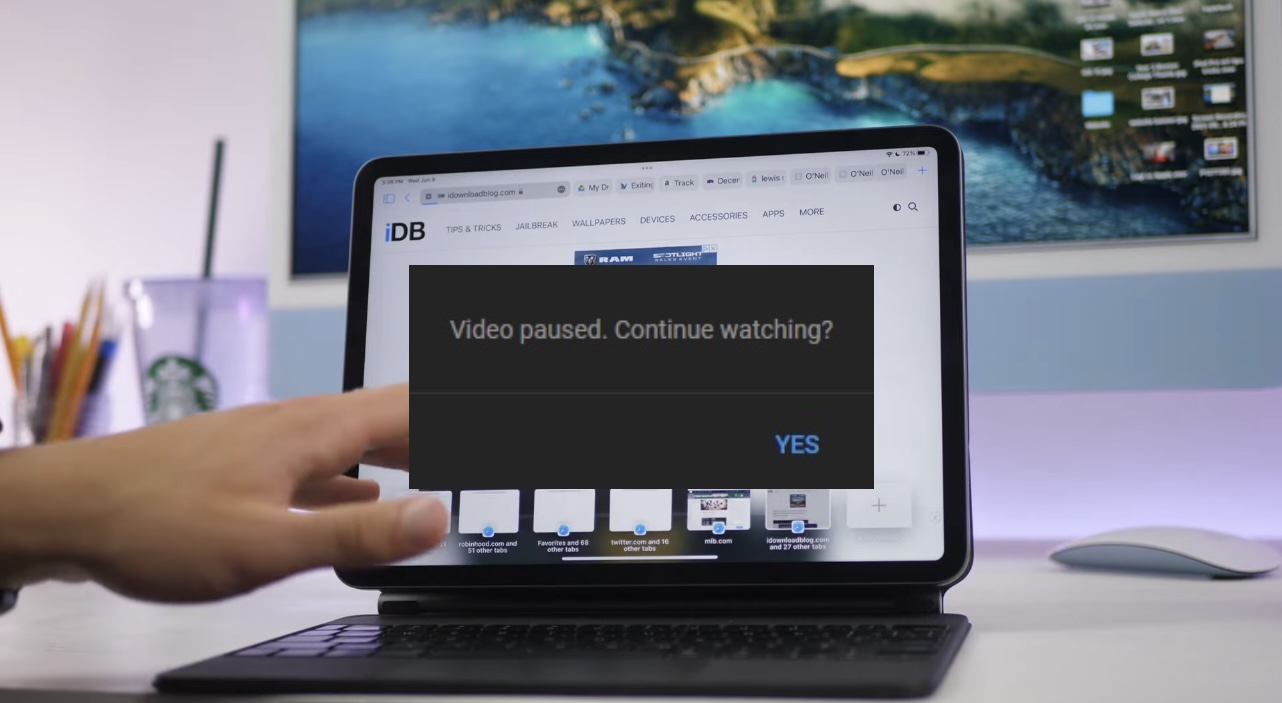
If you’ve decided to commit to watching a lengthy video on YouTube, then you might eventually find yourself greeted by a pop-up that asks if you’re still actually watching the video you’re playing.
The pop-up not only pauses your video playback, but asks if you’d like to continue watching it. Users can tap “Yes” to continue, however it’s a somewhat annoying circumstance to deal with if you’re just getting into something good and YouTube automatically pauses your playback.

The jailbreak community is entering its annual lull as we prepare for the public release of iOS & iPadOS 15 this Fall, but that doesn't mean that jailbreak developers aren't pumping out interesting and useful jailbreak tweaks.
In this piece, we'll showcase all the latest jailbreak tweaks and jailbreak-based news from this past week, spanning Monday, July 5th to Sunday, July 11th.
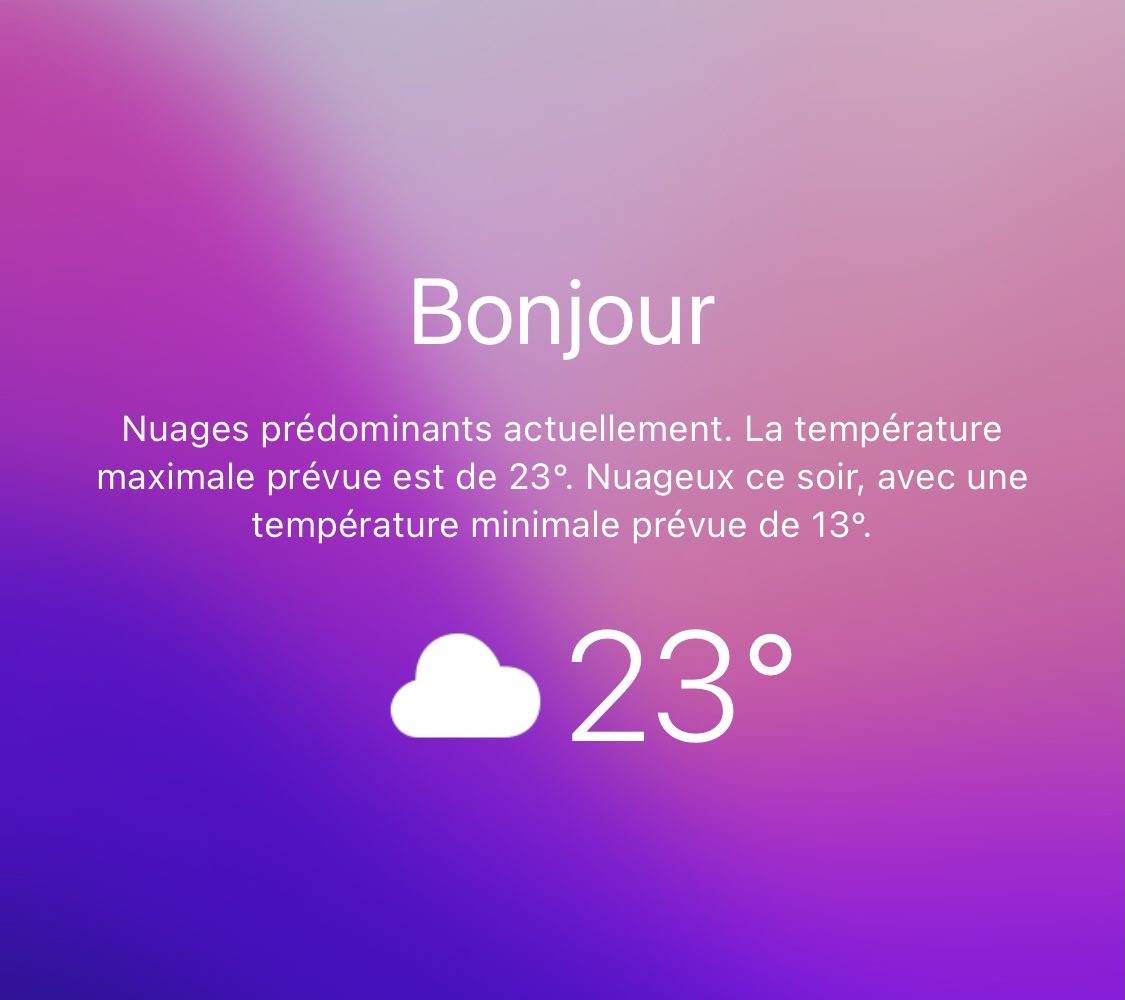
iPhone users that want to know more about the weather outside have a couple of options: 1) view the Weather widget; or 2) open the Weather app.
Even as we approach the upcoming iOS 15 release, it’s somewhat upsetting to reflect upon how the iPhone still doesn’t display weather information on the Lock Screen, as it would provide users with valuable information without unlocking their handset.
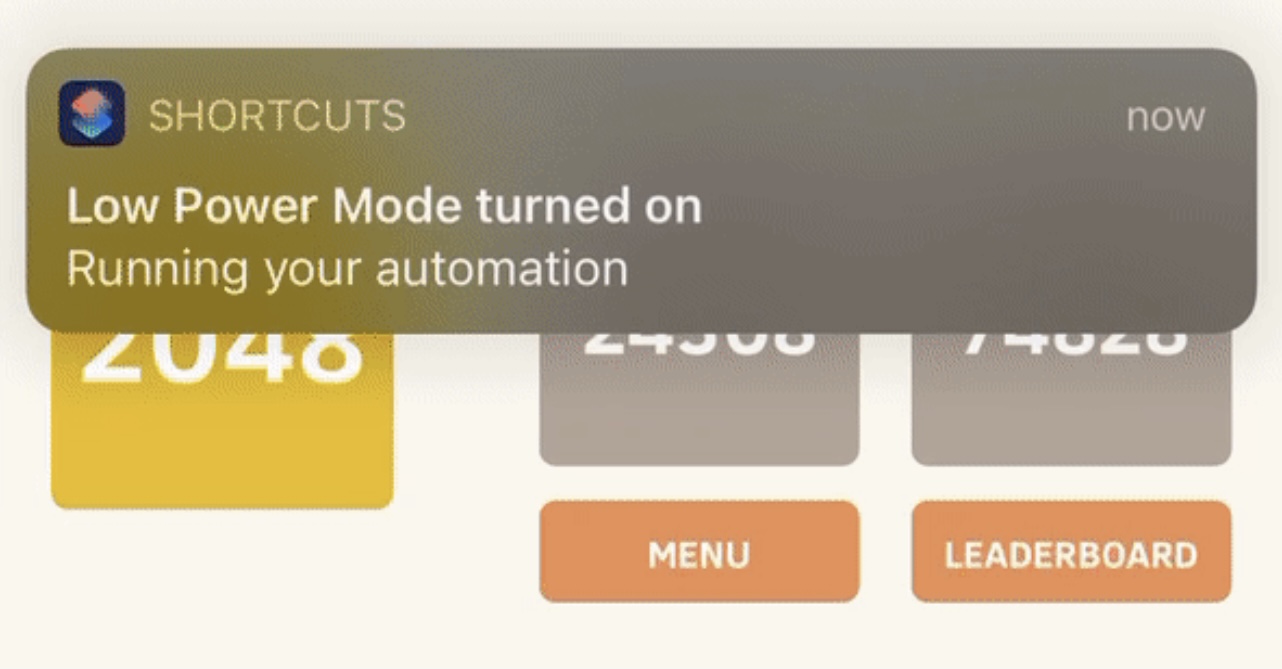
Anyone who takes advantage of the Shortcuts app to perform automations would be familiar with the notification banner that manliest itself after the automation completes.
Apple intended for this notification to let the user know when the automation finishes running, but if you’re already familiar with what your automation is supposed to do, then sometimes it can come off as redundant information.
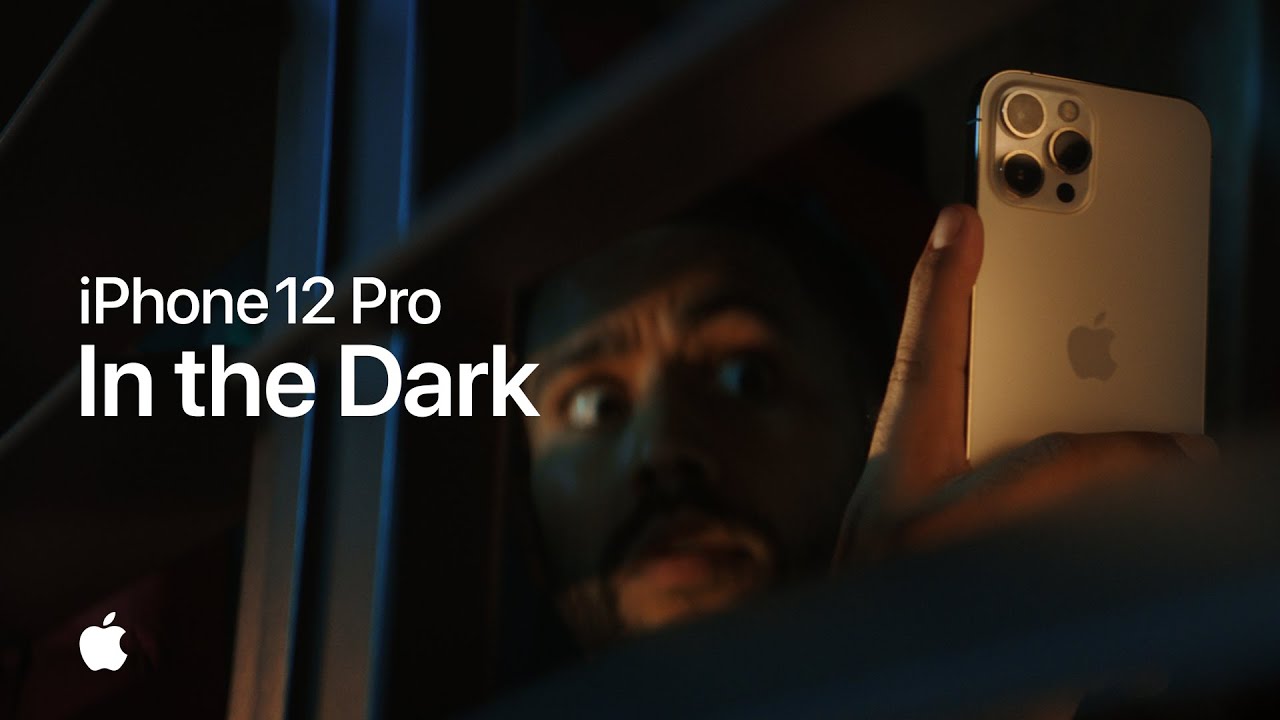
With the launch of the iPhone 11 lineup, Apple welcomed "Night Mode." A better way for iPhone users to take great photos in low light situations. Or dark ones for that matter. And today, Apple has shared a new ad promoting the feature in its latest smartphones.
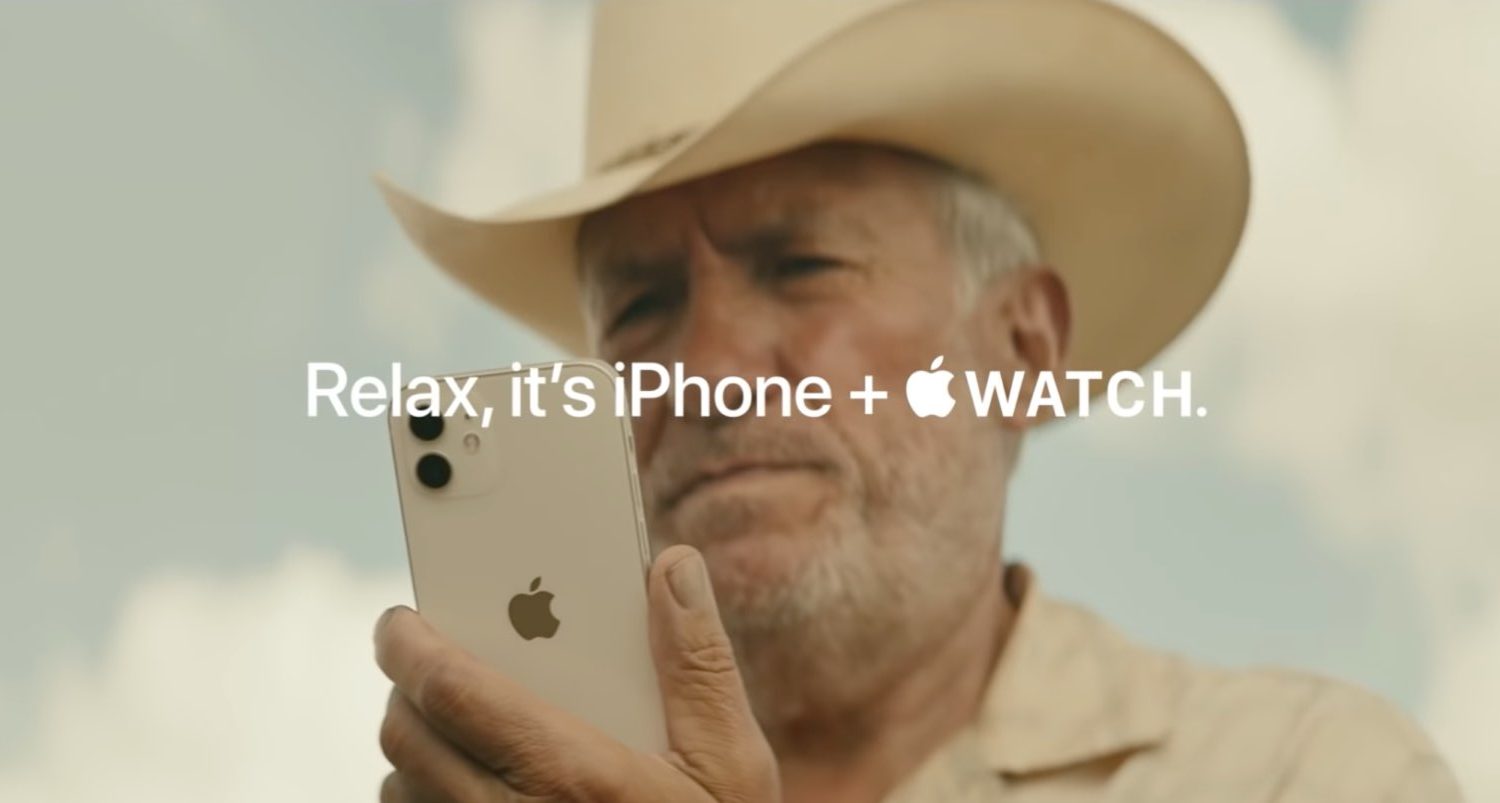
A new iPhone 12 commercial from Apple, dubbed “Haystack,” demonstrates how easy it is to find a misplaced iPhone with an Apple Watch.
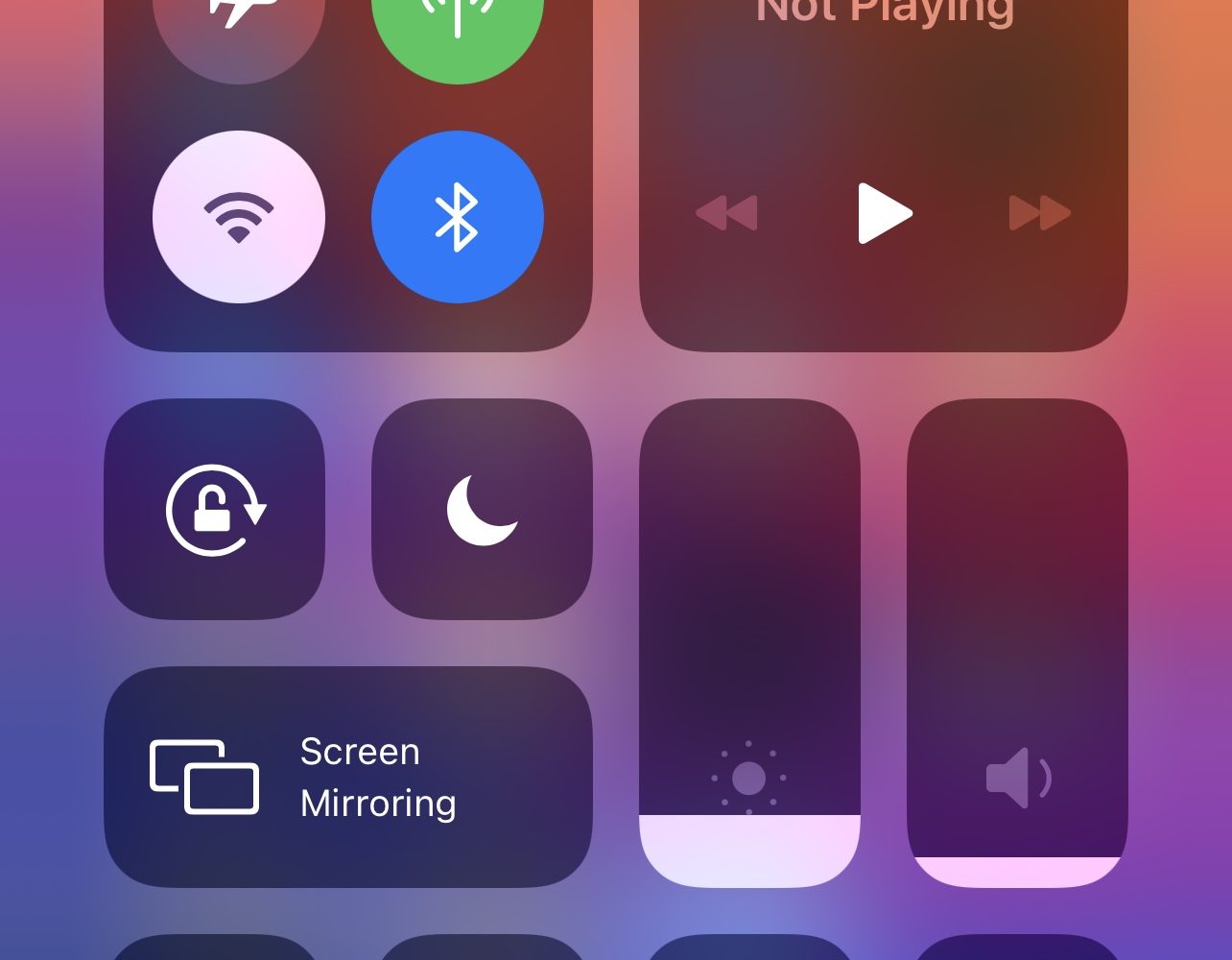
Control Center is something I take advantage of on a daily basis, whether for turning on Do Not Disturb, Low Power Mode, or toggling my iPhone’s wireless radios on or off.
While I’ve come to realize the convenience of Control Center, I also recognize that the gesture can sometimes get in the way, especially when playing full-screen games in landscape mode.

iCloud Backup is a great convenience. But before you use this handy feature, be sure to learn about Apple's data retention policy in terms of keeping old backups.

Learn how to use the Scheduled Summary or Notification Summary features on your iPhone and iPad to eliminate distractions from apps that send you non-urgent notifications throughout the day.
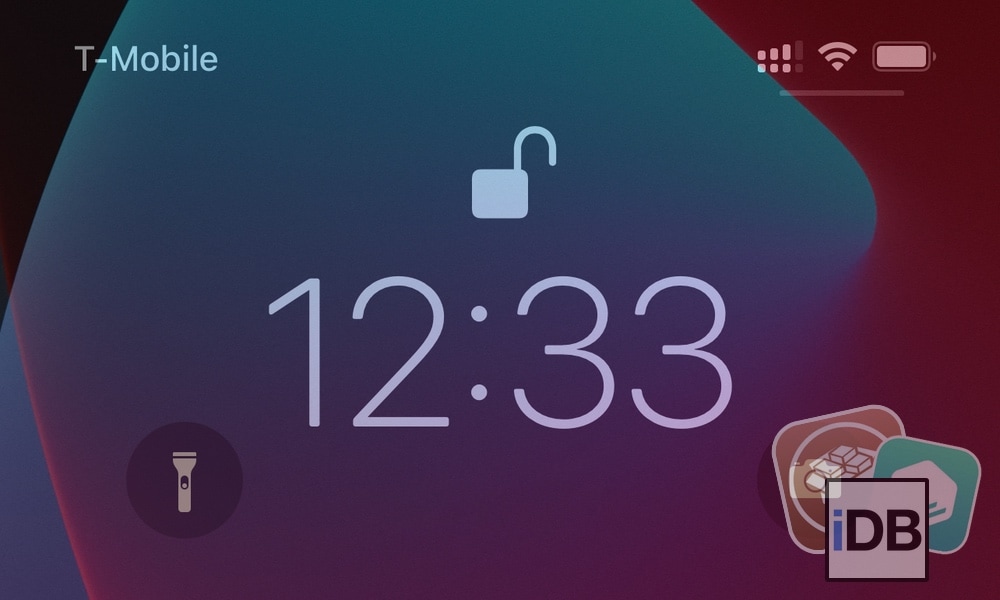
Jailbreakers are almost always looking for ways to gear up their pwned iPhones and iPads. Sadly, some of the best jailbreak tweaks tend to get lost in the proverbial memory hole with time, especially as newer releases drown them out. This can make tweak discovery a continuous challenge.
Fortunately, we’re here to help. Our mission to enhance visibility for the best jailbreak tweaks for certain elements of the iOS and iPadOS mobile operating systems hasn’t stopped. We’ve already taken deep dives into some of the best jailbreak tweaks for iOS 14’s Control Center, Home Screen, Keyboard, Messages app, Now Playing interface, and notification system. But this week, we’ll adjust our focus to iOS 14’s Lock Screen.