iMessage

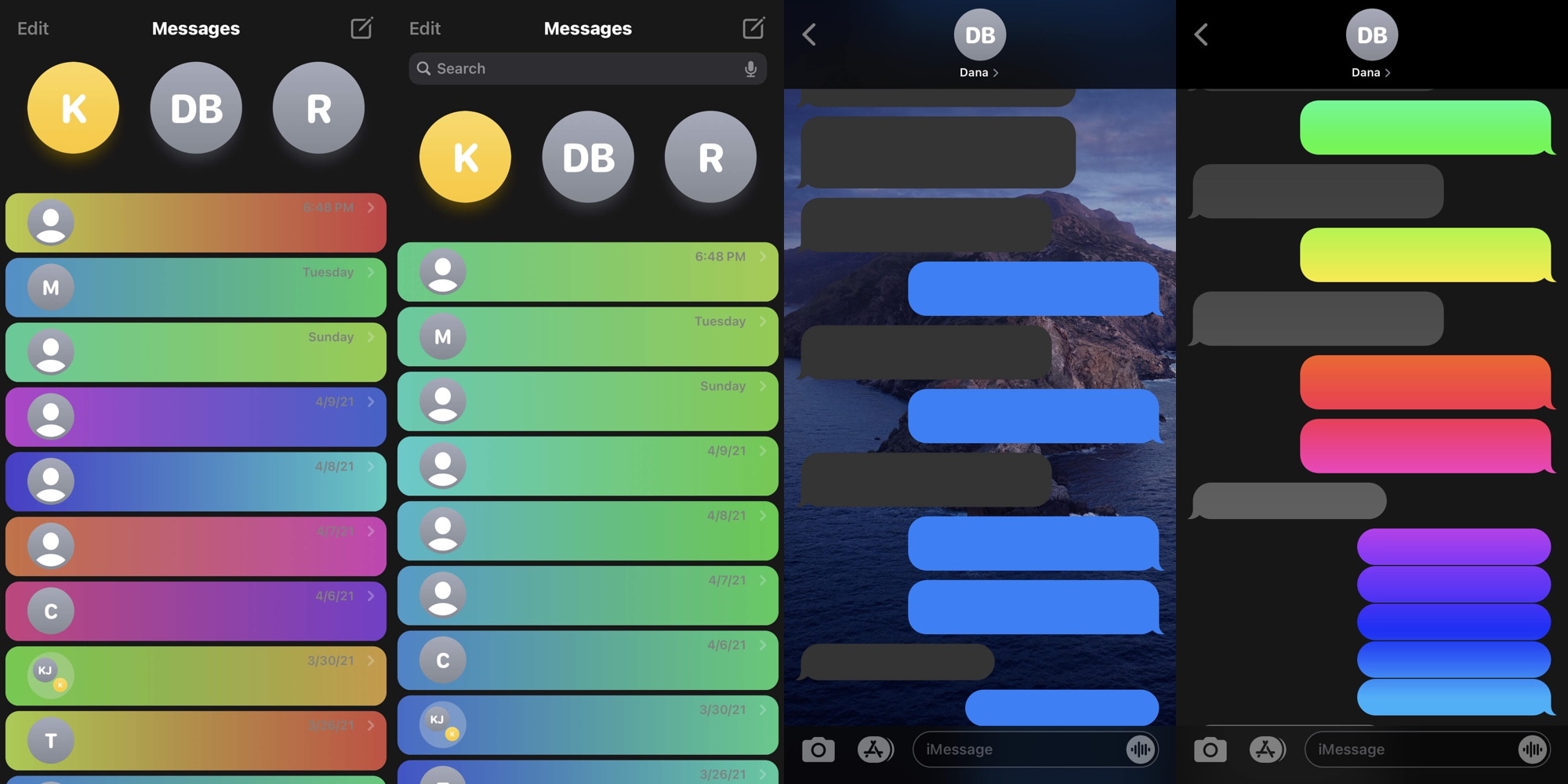
Personalize your Messages app however you want with the new ChatUI jailbreak tweak

Many iPhone users spend absorbent amounts of their time in the Messages app, and that’s not surprising given just how explosively popular text messaging has become over the years. Given that fact, it’s easy to see why someone might desire more customization options with respect to an app they use all the time.

Fortunately for jailbreakers, iOS developer CreatureSurvive is out with a new and free jailbreak tweak dubbed ChatUI that offers a smorgasbord of seemingly limitless customization for the native Messages app that comes pre-installed on iPhones and iPads alike.

MsgSwap makes it easier to share Photo Library media in Apple’s Messages app

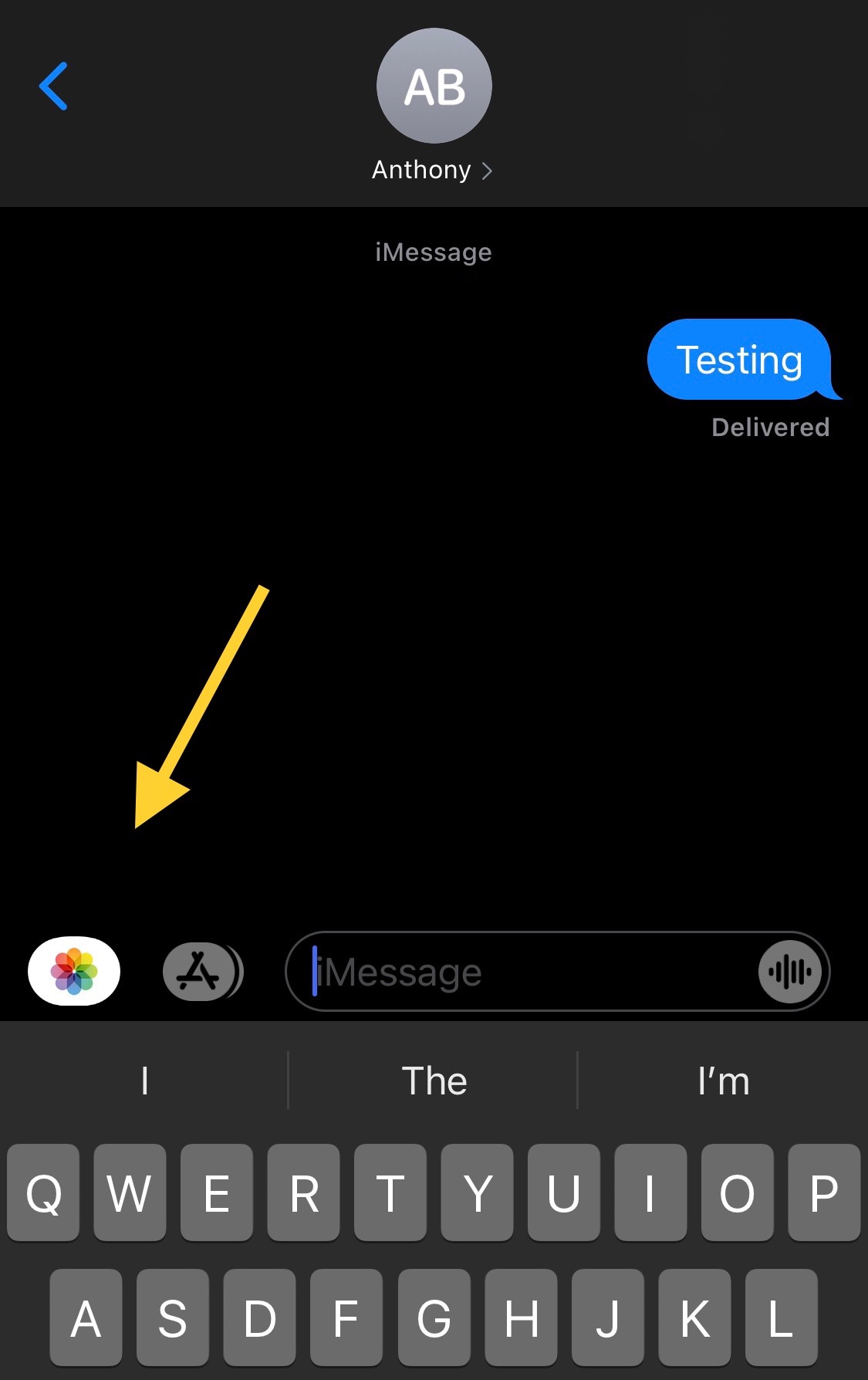
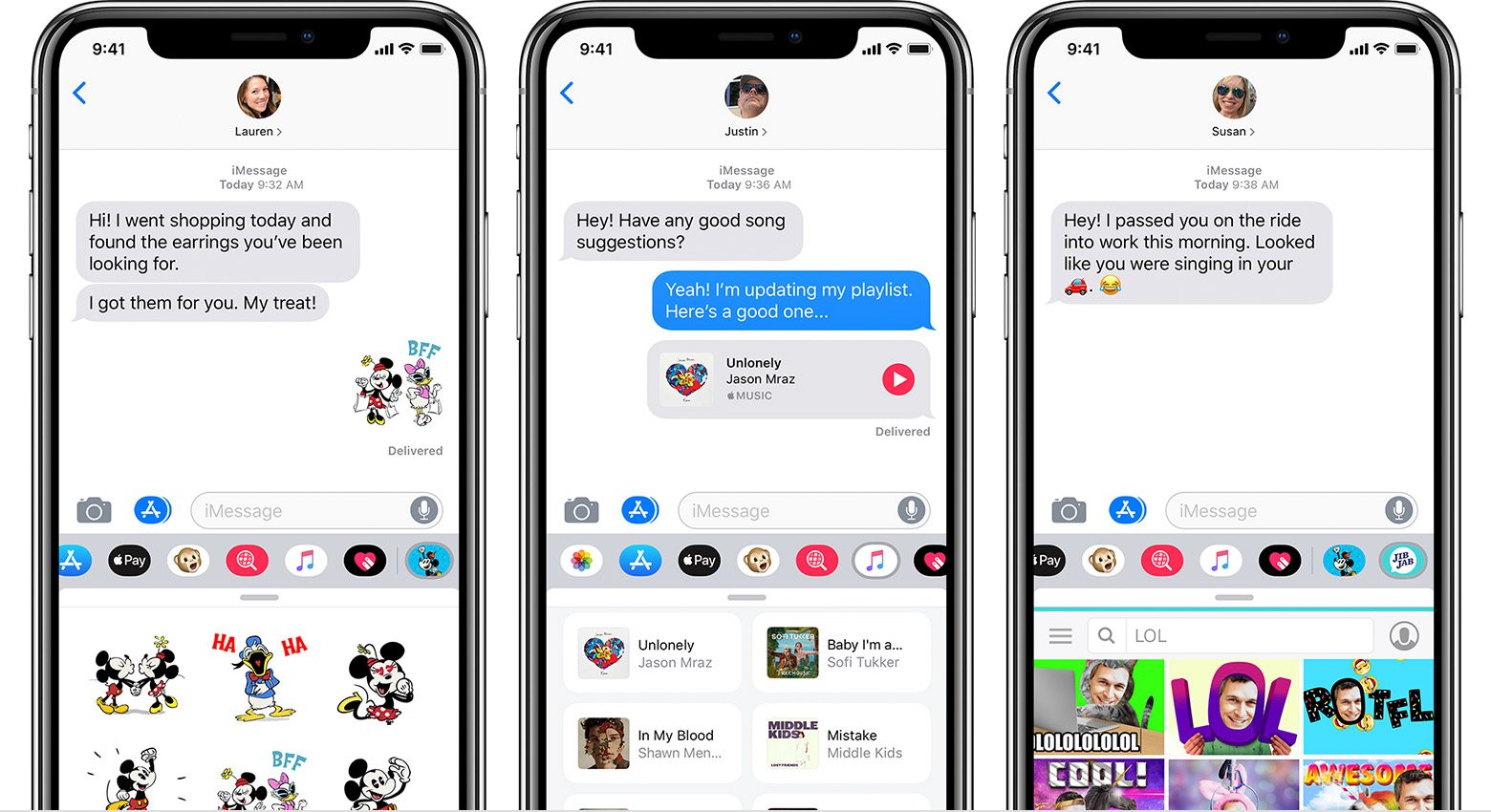
One of my biggest pet peeves when using Apple’s Messages app to send Photos to contacts via iMessage or MMS is that you have to jump through hoops just to open the Photo Library picker.

Users will either tap on the Camera shortcut and then launch their Photo Library from the ensuing Camera viewfinder interface, or they’ll tap on the App Store button to view installed iMessage extensions and visit the Photo Library via the dedicated Photos button.

Keep prying eyes away from your missed notifications with LeaveMeOff Pro

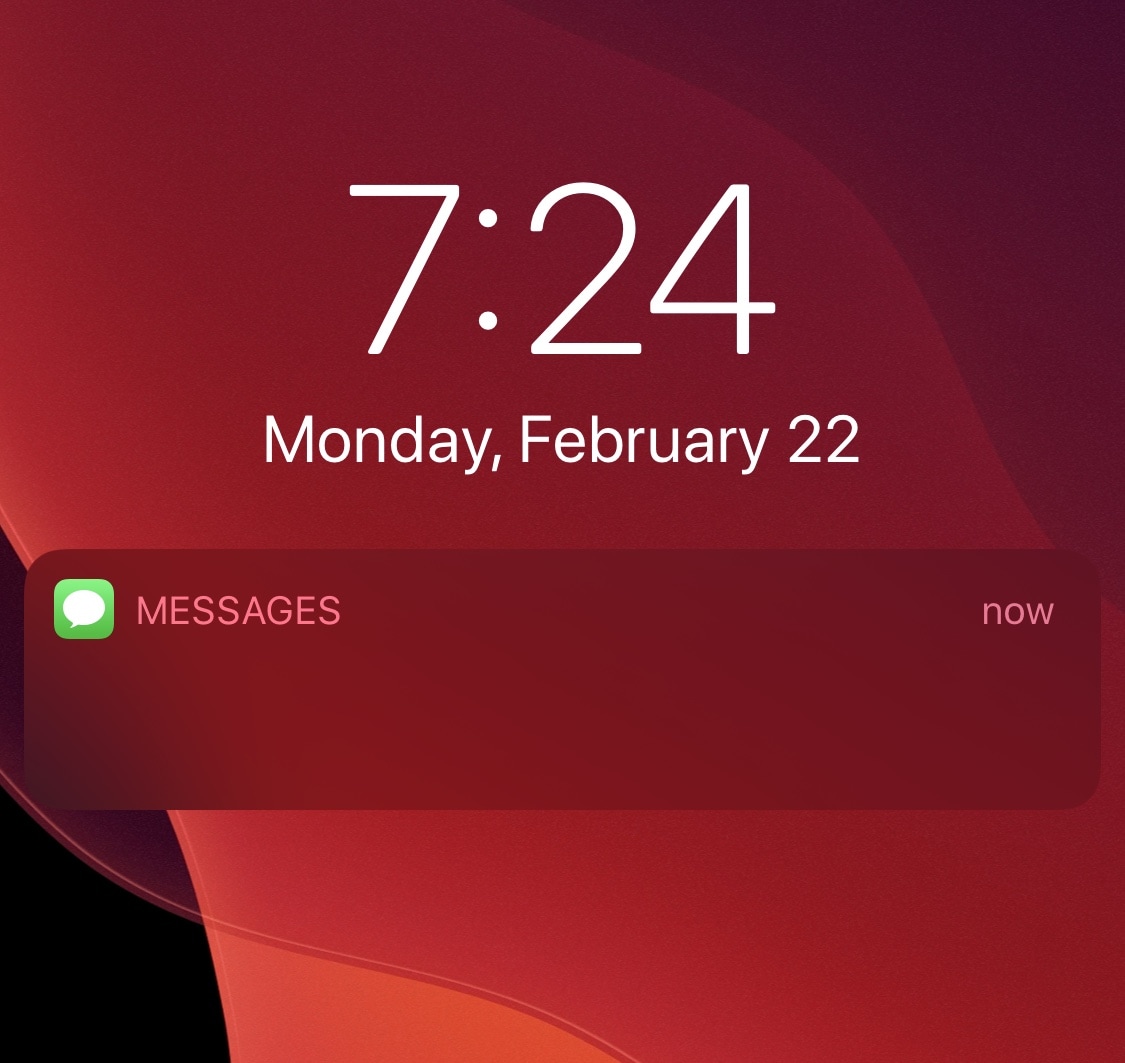
It’s not uncommon for nosy onlookers to peer at your phone screen from over your shoulder as you enjoy a text message-based conversation with one of your friends or loved ones. Albeit creepy, such is life.

Apple’s iOS mobile operating system takes this fact into account, offering a handy feature in the Messages app’s notification settings that can hide message contents from your Lock Screen’s notification banners under various circumstances. But if that’s still not enough privacy for you, then a newly released jailbreak tweak dubbed LeaveMeOff Pro by iOS developer Plat-Ykor could be worth checking out.

This tweak can convert text to sPoNgEcAsE with the tap of a button

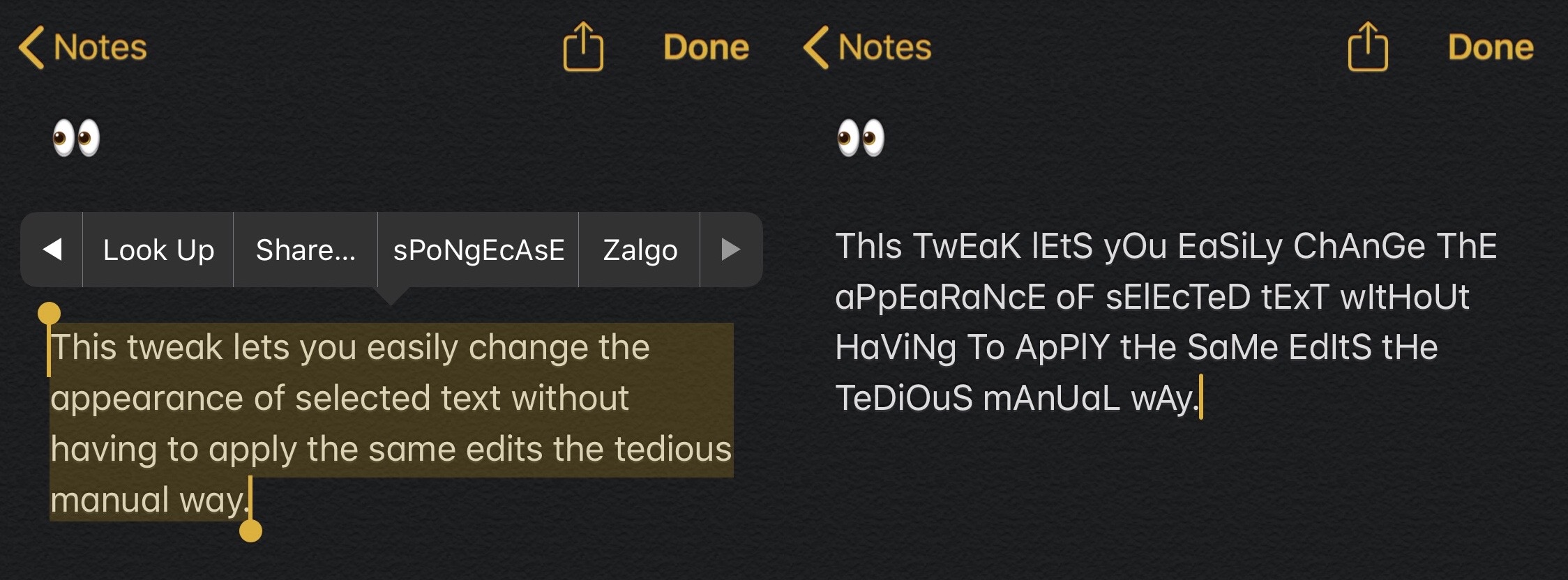
Texting fanatics know that there’s more than one way to get your point across. In addition to simply typing out short strings of text or adding a high volume of Emojis after a statement, one might use different text effects to help convey a message with a specific type of tone.

One common example that has gained substantial traction recently is something called sPoNgEcAsE, which as you can see for yourself, inverts the case of every other letter in a word or sentence to provide a sarcastic mocking tone to anything it gets applied to.

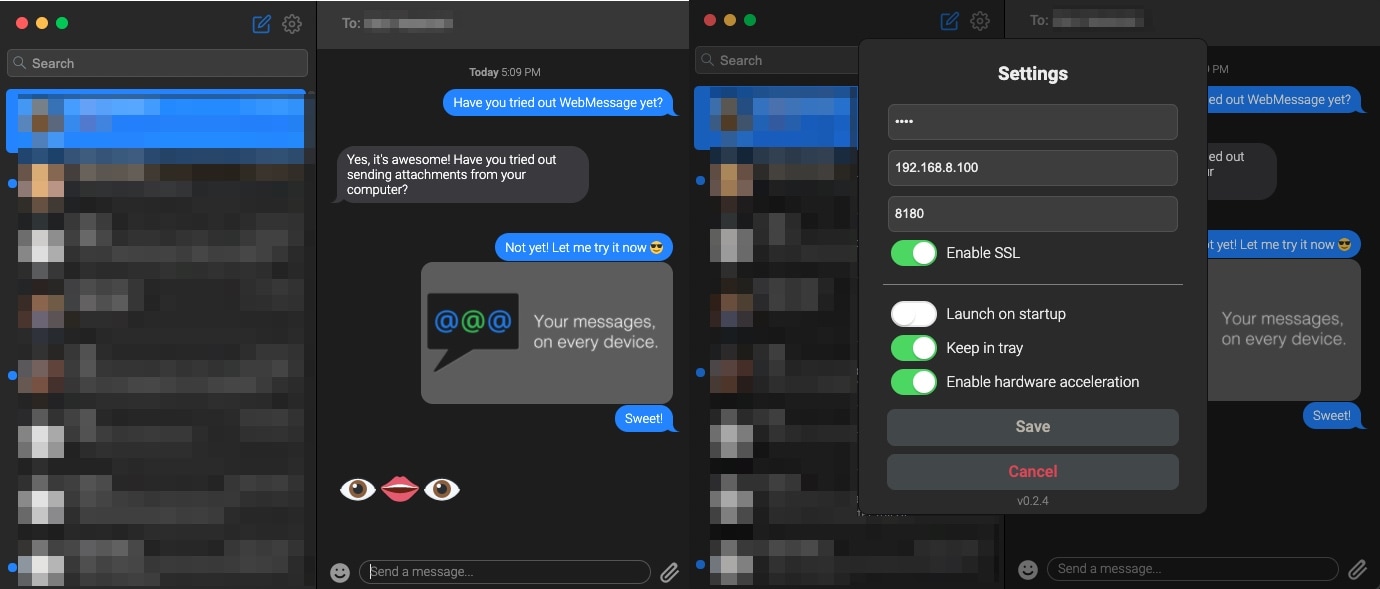
WebMessage lets jailbreakers send SMS and iMessages via almost any computer

If, like so many others, your primary methods of communication comprise of iMessage and SMS via your iPhone, then you might take a particular liking to a newly released jailbreak tweak and computer application combination dubbed WebMessage by iOS developer sgtaziz.

WebMessage effectively turns your iPhone into a messaging server on demand, and by installing a special client on your computer, you can read and respond to both iMessage and SMS conversations via your computer even if it’s not a Mac.