How to

How to watch the NHL Draft on iPhone and iPad

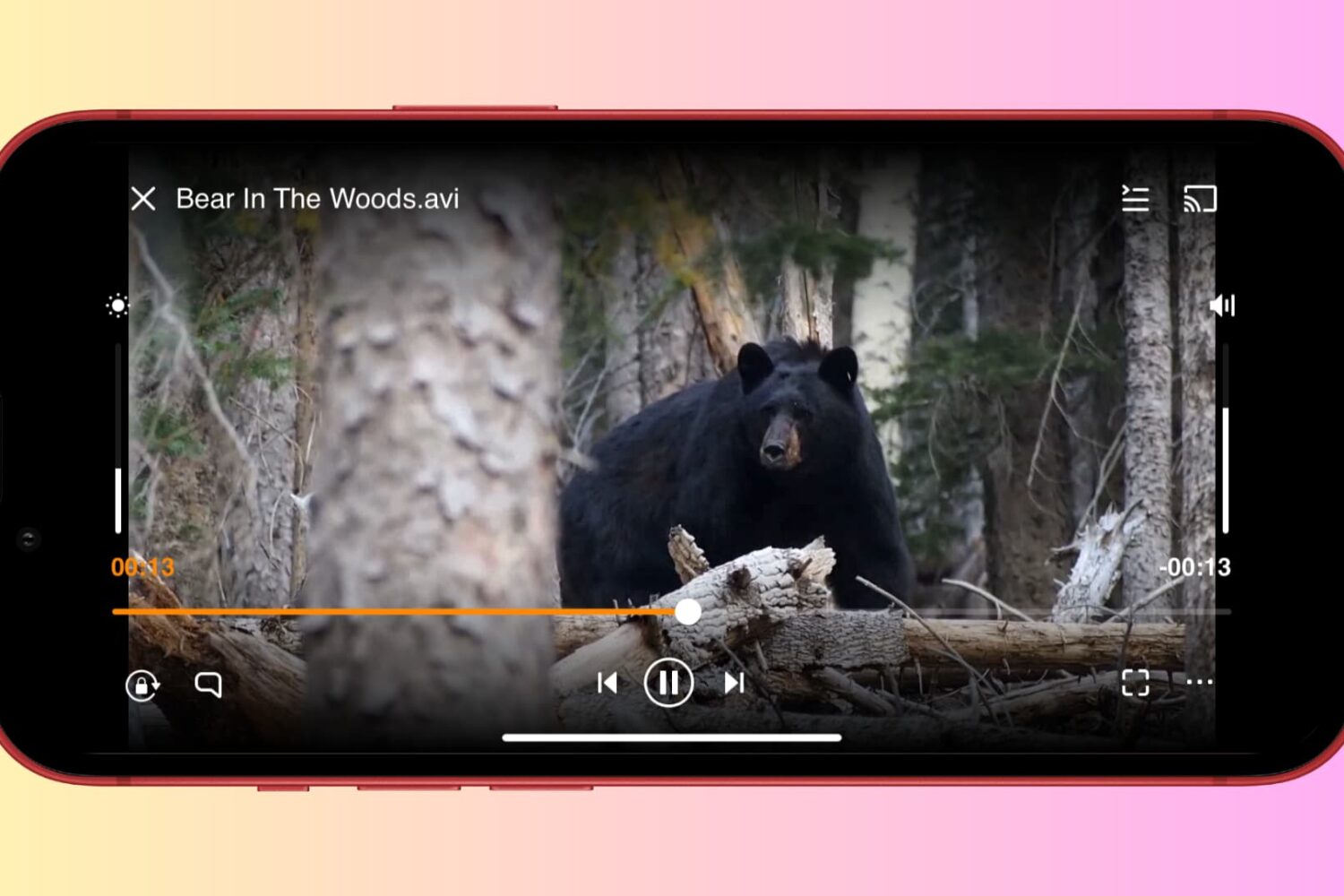
The future players of the National Hockey League will be chosen on a pick-by-pick basis tonight at the NHL Draft, which begins tonight at 7:00 PM Eastern on NBCSN in the United States and TSN in Canada. It will be interesting to watch how the first round plays out, as there is no clear consensus on who will be picked first overall. The second to seventh round picks continue tomorrow at 10:00 AM Eastern.

The first pick, which belongs to the Florida Panthers, could be used on anyone from Kingston Frontenacs center Samuel Bennett or Barrie Colts defenseman Aaron Ekblad to Kootenay Ice center Sam Reinhart or Prince Albert Raiders center Leon Draisaitl. To help you follow the action as it unfolds, we've prepared this guide on how to watch the NHL Draft on iPhone and iPad… 
How to jailbreak iOS 7.1.x with Pangu on Mac OS X using a virtual machine for free

So it's kind of a bummer that there isn't a Mac version of Pangu just yet. This is especially true for those of us who only have Macs and don't own any Windows machines (raises hand).

But just because Pangu is only available for Windows doesn't mean that you're dead in the water. There is an easy, if not a teeny bit time consuming, way to jailbreak iOS 7.1.x on a Mac right now. It can be accomplished by means of using a virtual Windows instance.

Check inside to see how you Mac users can jailbreak your iOS 7.1.x devices with Pangu using a Windows virtual machine instance. It's probably a lot easier than you imagined, and most importantly, it's absolutely free!

How to remove PPSync from iOS 7.1.1 jailbreak

While we recommend exercising caution with the iOS 7.1.1 jailbreak until the dust settles, there will inevitably be some users that go ahead and upgrade anyways. If you have done so, and you are experiencing bugs or other unforeseen problems on your device, it may relate to issues with PPSync, a package that may be bundled if you use this new jailbreak tool by the Chinese team PanGu… 

How to jailbreak iOS 7.1 and iOS 7.1.1 untethered with Pangu on Windows [video]

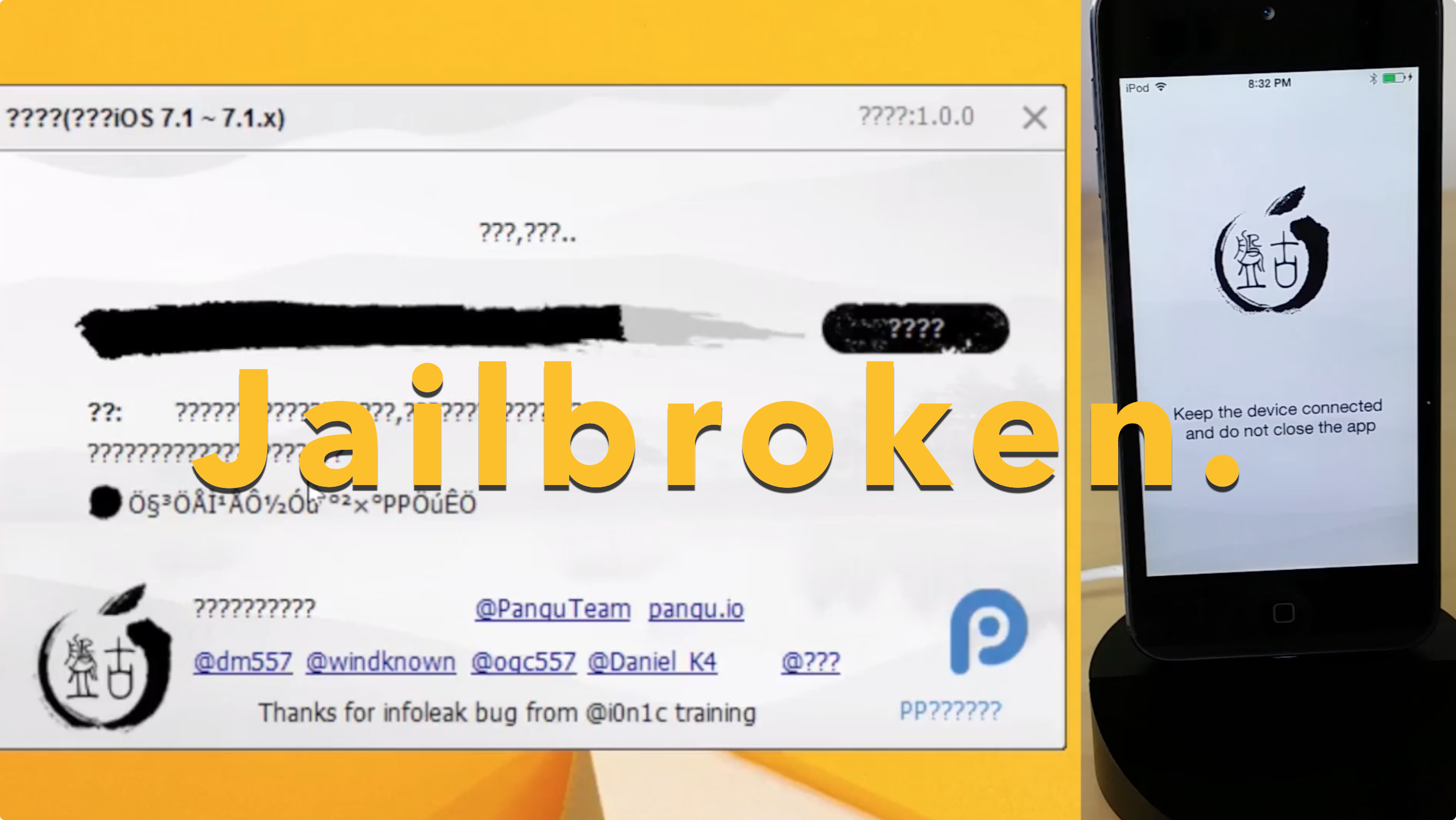
The Pangu.io jailbreak seemingly came out of nowhere, but we can confirm that it 100% works. We tested the jailbreak on our device running iOS 7.1.1 and it worked just as advertised, burning two exploits in the process.

Pangu will eventually come in two flavors—a Windows version and a Mac version—however, the Mac version is still in development. Inside, we'll show you how to jailbreak iOS 7.1.x on your device using Pangu for Windows. 

How to access iOS 8’s new ‘Flyover City Tours’ feature in Maps

A few days ago it was reported that a new Maps feature was discovered in the just-released beta (2) of iOS 8 called 'City Tours.' Hidden within secret debug menus of the software, the feature takes users on virtual 3D Flyover tours over major cities.

This weekend, it was discovered that City Tours is actually available in the public UI of iOS 8, meaning anyone with the latest version of the developer beta can try it out. Getting to the feature is a little involved, but we'll show you how to do it below...

How to enable Yosemite’s somewhat functional dark mode

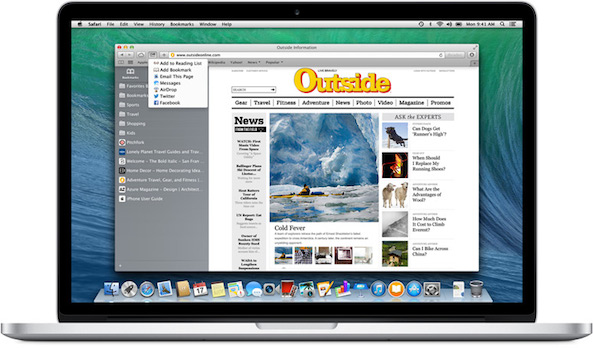
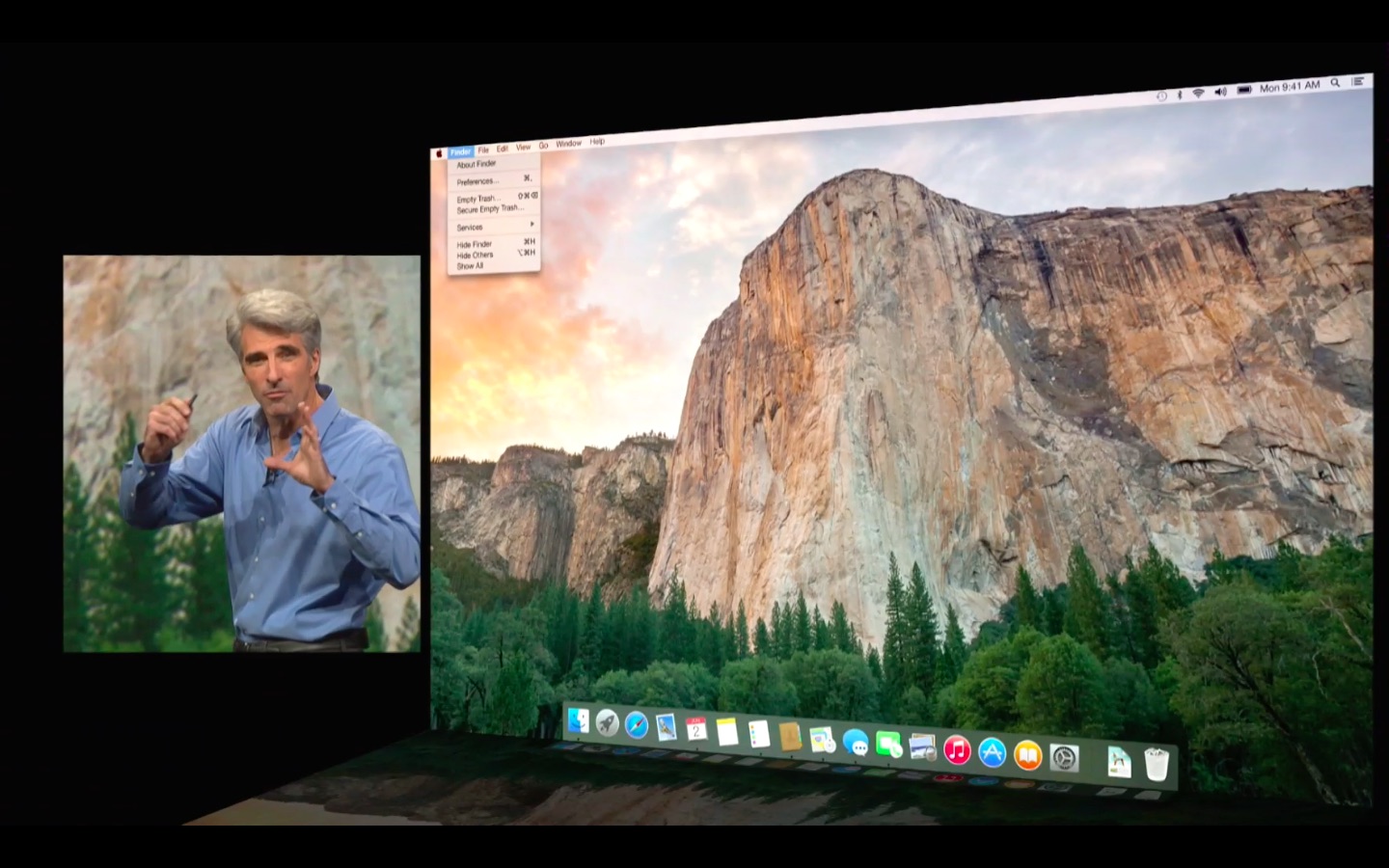
There were lots of oohs and aahs in response to Apple's software engineering chief Craig Federighi showing off a new dark UI mode in OS X Yosemite at WWDC two weeks ago. It basically alters the appearance of the menus, sliders, buttons, windows and other UI elements.

The gorgeously subdued look is inspired by the dark appearance of Apple's pro software such as Aperture and Final Cut Pro. In fact, I like it so much that I enthusiastically tweeted right after the keynote that I was very much looking forward to using it on a permanent basis come this Fall.

However, dark mode was notably absent from the first beta of OS X 10.10 and is nowhere to be found in the just-released Beta 2. For a good reason, too, as it's unfinished and very much work in progress so not really ready for prime time yet.

If you're a type of person who can't wait to see it in action, you can enable Yosemite's dark UI using just a simple Terminal command...

How to add World Cup games schedule to your iPhone calendar

The 2014 FIFA World Cup begins today with a match between the host country Brazil and Croatia, kicking off a month-long tournament that involves 32 countries competing to win the World Cup Finals. With dozens of matches over the span of over four weeks, it can be a little daunting to keep up with all of the game fixtures. That's why we're here to help, with this simple tutorial on how to add a World Cup games schedule to your iPhone calendar. Read ahead for the step-by-step instructions… 

How to install OS X 10.10 Yosemite beta on a separate partition

When Yosemite was first announced with all of its awesome features, I exclaimed on iDB's group chat session that I would be installing the OS as soon as it was available for download. Sebastien quickly rebuffed my excitement and told me how unreasonable it was to install a beta OS on my main machine, and especially so while I'm out of the country. After being a bit disappointed (that wasn't what I wanted to hear at all...I mean, SMS texting on OS X!) I eventually came to the realization that he was right.

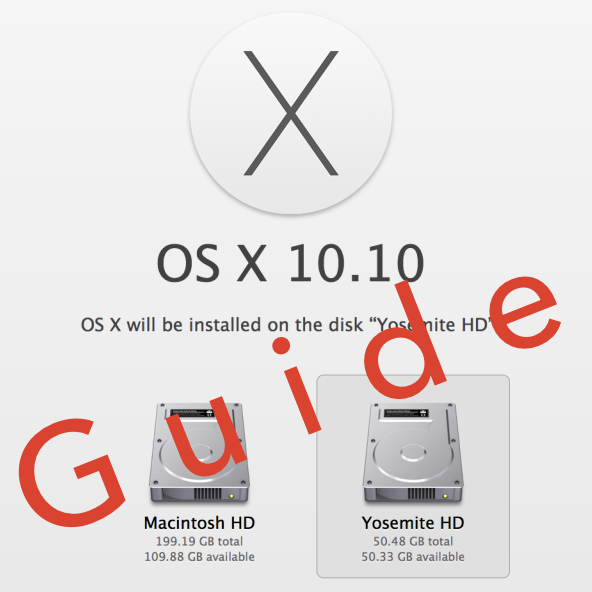
But then, I remembered that I didn't need to settle. I could easily create a partition on my Mac and keep Yosemite completely separate from my main (and stable) Mavericks install. It had been a while since I had last messed around with disk partitioning in OS X, but it didn't take long before I was installing the Yosemite beta on the same Mac where my primary Mavericks install lays its head down at night.

The benefits are multi-faceted. Number one, you get to try out Apple's new OS right now. Number two, you don't have to worry about buggy beta software cramping your style; after all, you're still running your main OS on the a separate partition. Number three, it can be done quickly, and with little to no downsides (as long as you have the disk space to spare). Check inside for our full tutorial that shows you how to install OS X 10.10 Yosemite on a separate partition on your primary Mac.