Learn how to stream music, videos, and movies from your Mac to your iPhone, iPad, or another Mac using Apple’s built-in Home Sharing feature.
How to use Home Sharing between Mac, iPad, and iPhone

Learn how to stream music, videos, and movies from your Mac to your iPhone, iPad, or another Mac using Apple’s built-in Home Sharing feature.
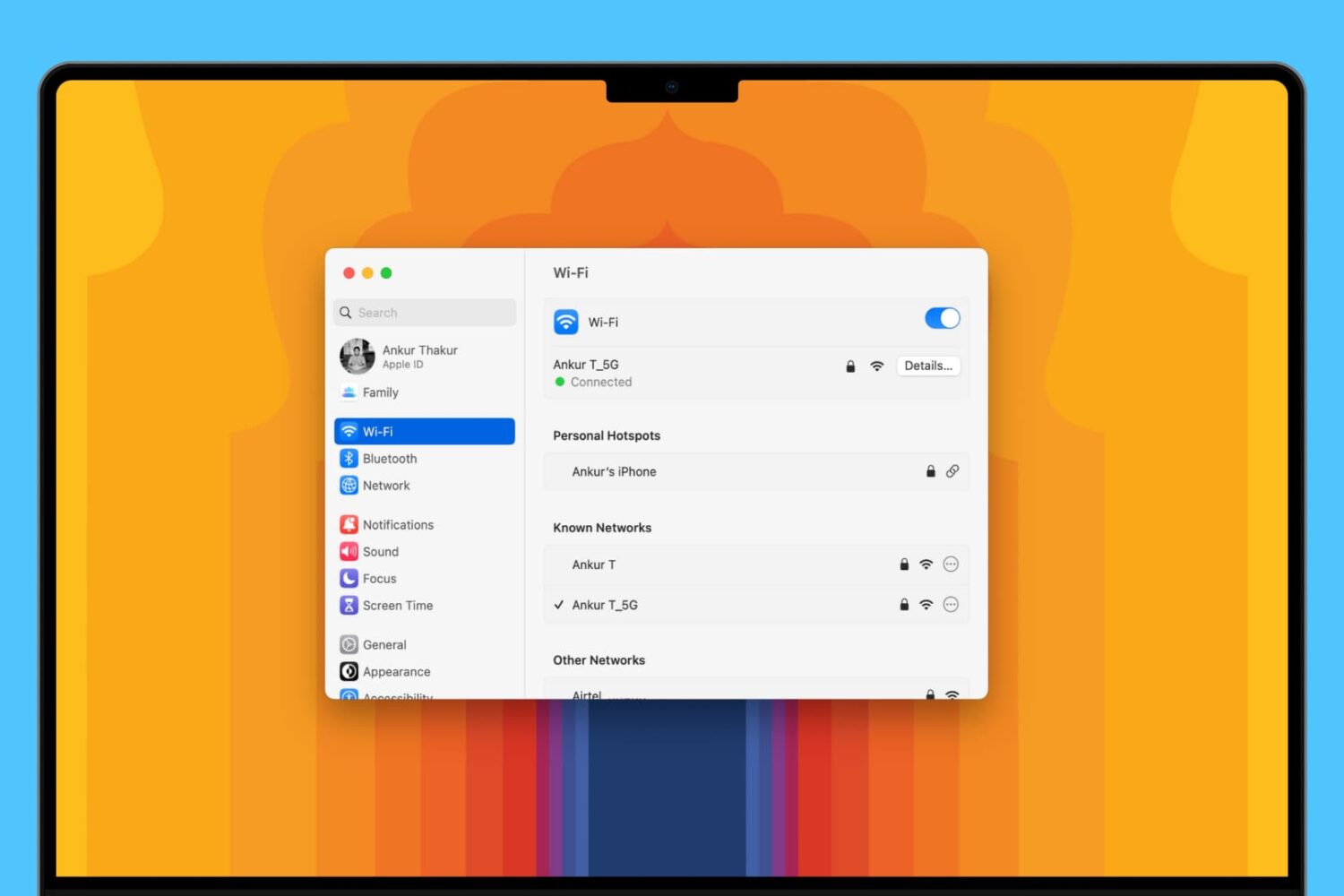
Learn about 5 quick ways to see the saved Wi-Fi passwords on your Mac if you need to connect a new device or simply want to share the password with someone else.

Apple yesterday released the OS X Mavericks 10.9.3 Software Update and some of the people who have installed it reported that their /Users folder has seemingly disappeared from the Finder.
The /Users folder is located at the top level of your hard drive and holds sub-folders for specific user accounts so some feared 10.9.3 has messed up their system. Turns out the folder is there, it’s just hidden and here's how to unhide it...
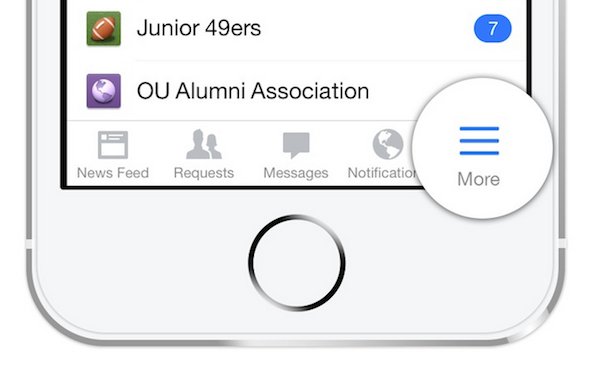
Facebook for iOS was recently updated to version 10.0 with several improvements, including a faster news feed and the ability to draft posts without an internet connection. The option to switch the news feed to "most recent" view, which displays the latest posts in reverse chronological order, was also hidden within the settings of the social networking app. By default, the app now displays posts based on a "most popular" setup. If that isn't your preference, there is no need to be worried. Here is an extremely simple tip for how to switch back to the "most recent" feed on Facebook…
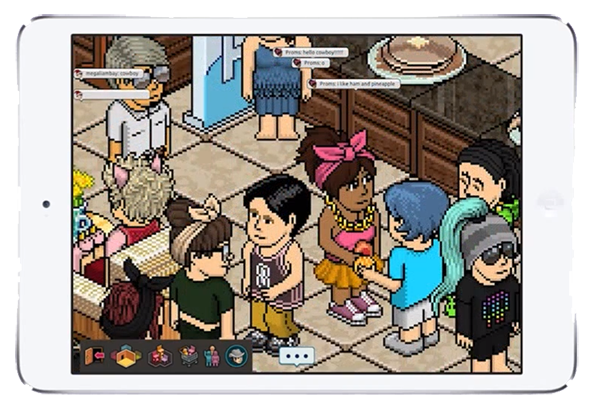
Habbo is a popular online community based upon a virtual hotel where you can create a character, decorate rooms with virtual furniture, chat with others, play mini-games, organize events and more. Sulake launched the game in Finland in 2000 and has since expanded it to Australia, Canada, United Kingdom, United States and other regions over the past decade. On the desktop, it was originally a Shockwave-based game that has since transitioned to Adobe Flash.
As you probably know, Adobe Flash has never been supported on the iPhone, iPad or iPod touch. In fact, over four years ago, Steve Jobs published an article called Thoughts on Flash to explain why Apple is so inexplicably against supporting the platform on its iOS devices. As such, it is impossible to play Habbo through Safari by traditional means. That is no reason to be worried, however, as there are actually a few options for playing Habbo on an iPhone or iPad. Take a look…

Apple does not allow an iPhone to be synced with multiple iTunes libraries, presumably because users would simply share songs with each other and lower already declining music sales on the iTunes Store. When you sync an iPhone with another Mac or PC, a warning pops up on iTunes that an iPhone can only be synced with one library at a time.
If you proceed to sync your iPhone with the secondary computer, the contents of that iTunes library will automatically replace whatever media you had on your device in the first place. On a side note, that doesn't include things like contacts, calendars or settings. Those are safe, but any songs or videos are not. Fortunately, there is a solution for how to use an iPhone with more than one iTunes library. The method is explained in detail ahead…
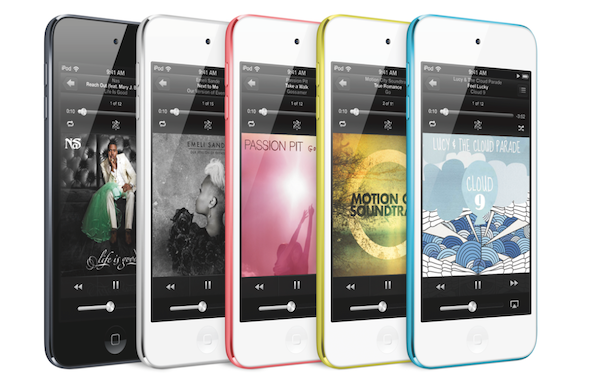
While the iPod touch might be dwindling in sales, it remains one of the best and cheapest portable media players on the market. I like to think of it as a gateway product to the iPhone nowadays, which is exactly what it was for me. I received the original iPod touch as a Christmas gift over six years ago, upgraded to the second- and fourth-generation models, and eventually moved on to an iPhone.
I haven't looked back since, but I know there are quite a few users that rely on the iPod touch as their day-to-day device. That inspired me to write this guide on how to turn an iPod touch into an iPhone, something that is more possible than you might think. For the purposes of this article, I am assuming that you have at least a fourth-generation iPod touch running iOS 6 or later. Some of the apps and accessories listed work with older devices and iOS versions…

Let's face it. Life is busy these days, to the point that most of us don't even have time to focus on meeting a significant other. The struggle is real. And while there still might be a negative stigma surrounding online dating platforms, Tinder has quickly emerged as one of the most popular platforms for meeting someone outside of a bar or club. The startup app has received numerous awards since launching over 18 months ago, helping to connect everyone from busy university undergraduate students to single adults for dates and casual encounters.
Tinder is essentially an anonymous "hot or not" app for iPhone and Android smartphones. If you find someone physically attractive, swipe right. If you don't, swipe left. It is made to be incredibly simple — and shallow — in nature, yet you probably wouldn't be reading this article if Tinder was as easy as it sounds. If you are not on the top of your game, don't expect to be getting too many right swipes on Tinder. Fortunately, it only takes a few minutes and a little bit of effort to improve your results. Read ahead for tips and tricks on how to get more matches on Tinder…

Learn about all the ways to turn off unhelpful website notifications that you get via the Google Chrome browser on your Mac.

If you have a kid, you know the internet can be a wild place for them to hang around. I've experienced first hand when my two year old daughter was casually watching cartoons on YouTube and ended up watching a guy shout in Russian while shooting an assault rifle.
iTunes, to a lesser extend, can be a similar place. Apps, books, movies, TV shows and podcasts can contain material that could be shocking to a younger audience. Thankfully, there is some simple things you can do to set up iTunes parental control. In this post we're going to show you how.

I recently found out there is a feature in iTunes that allows you to set up an allowance for someone to have access to a pre-determined amount of money to spend each month in the iTunes Store, App Store, or iBooks Store.
A perfect illustration of this feature would be the case where parents would be able to set up an allowance for their kids. This way, kids have access to a credit they can spend each month, either on apps, movies, musics, books, etc.
In this post, I will show you how to set up an iTunes allowance so you can send a monthly iTunes Store credit to anyone...
