Learn how to add parental content restrictions on Apple TV and adjust key settings to create a safe viewing experience for your kids and other household members.
How to set up parental content restrictions on Apple TV
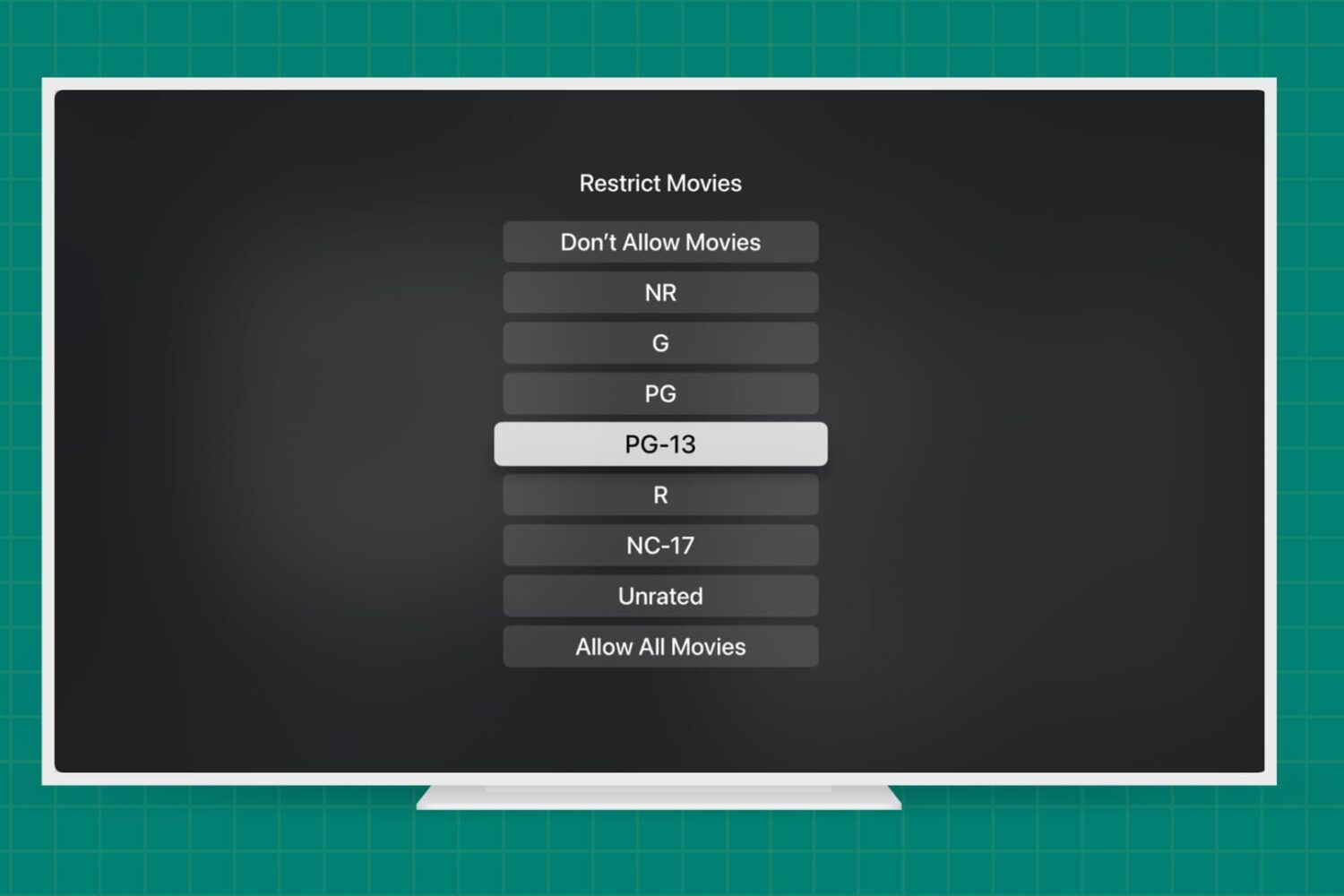
Learn how to add parental content restrictions on Apple TV and adjust key settings to create a safe viewing experience for your kids and other household members.
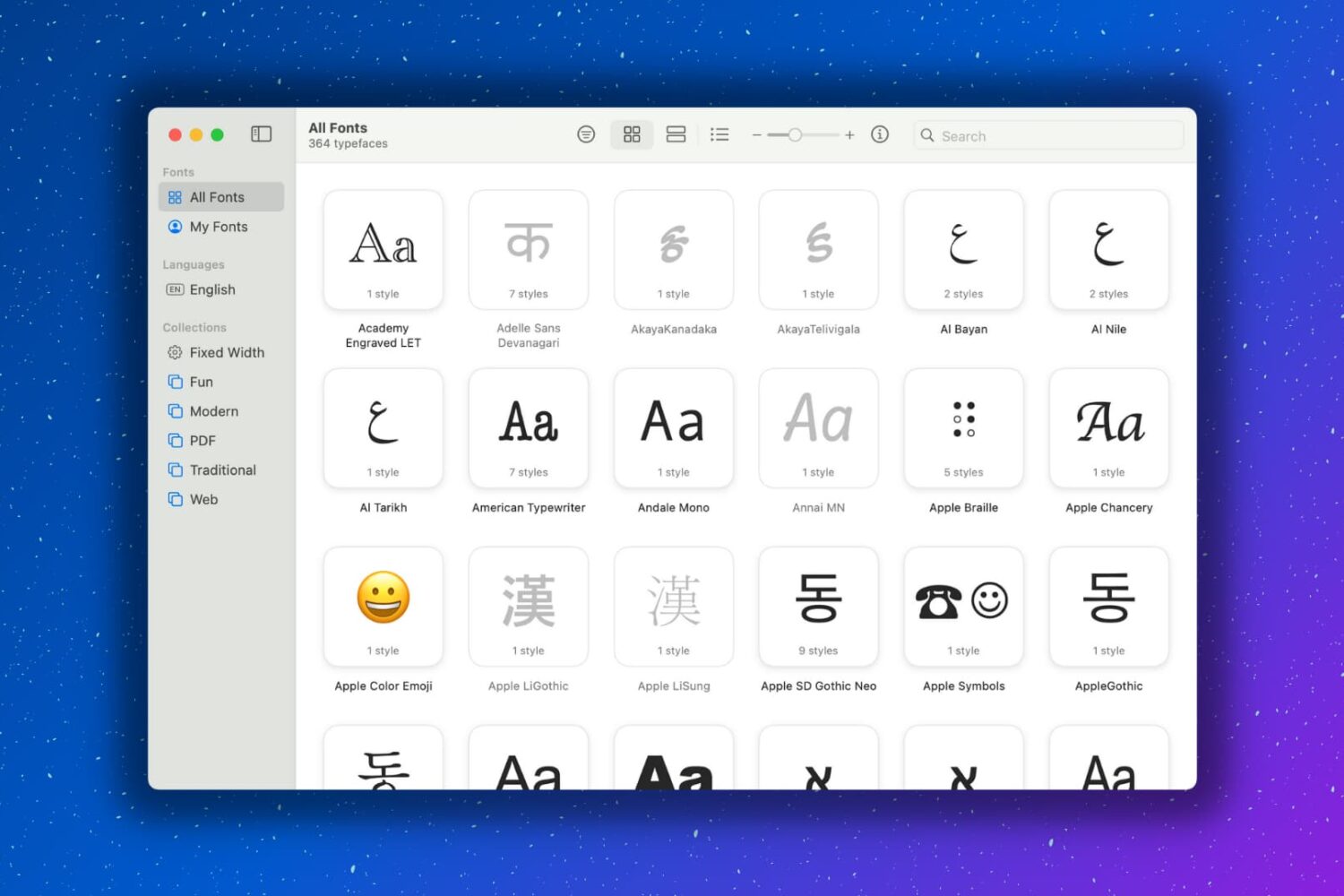
Having extra fonts available on your Mac is awesome. You might be composing a document that you want to have a special look. Or maybe you like using unique font styles for taking notes. Whatever the case may be, you can certainly find fonts on the internet and install them, which is super easy. But you might not realize that your Mac has cool fonts tucked away that you can use.
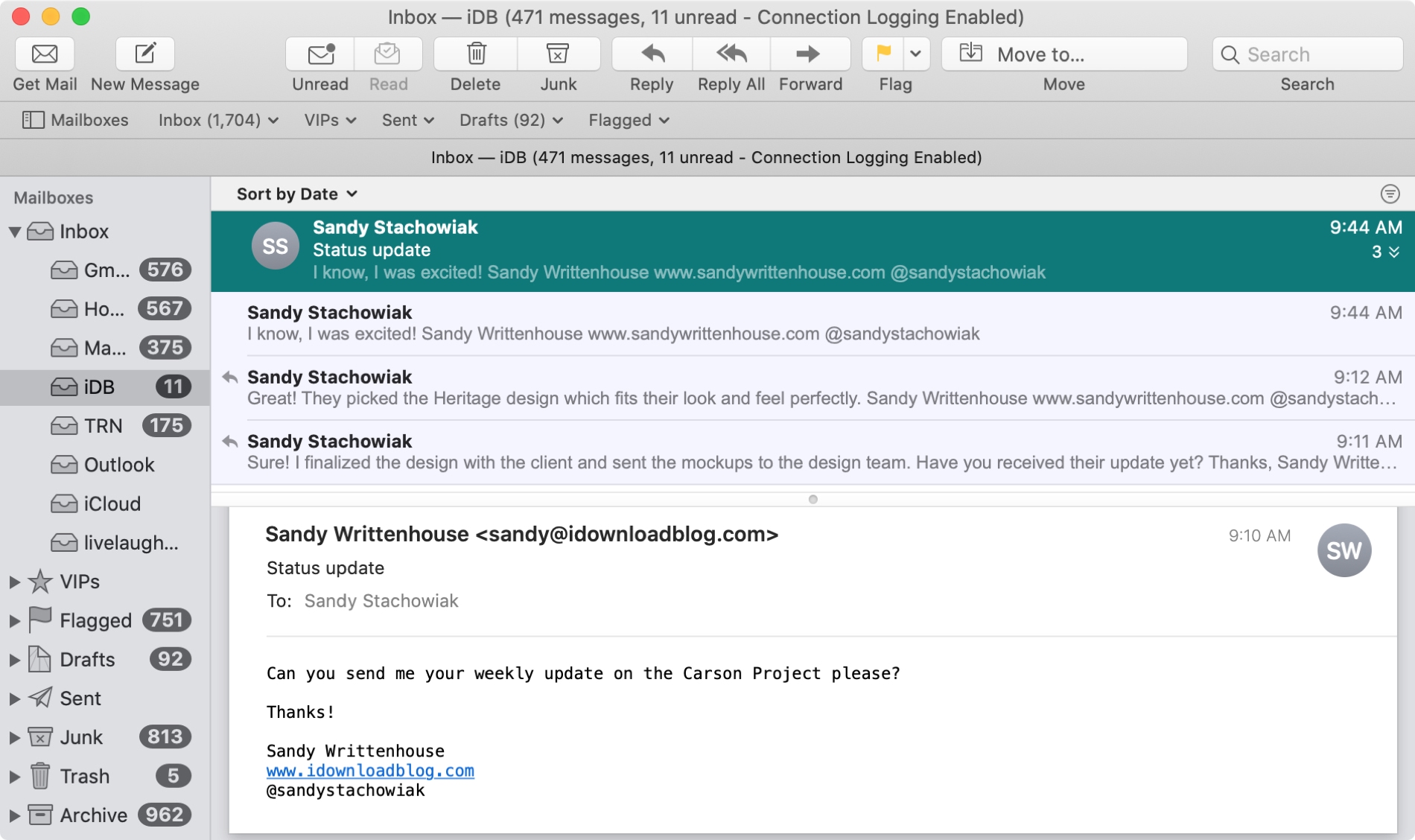
The Mail app uses what are called Conversations to group your emails together. This is handy when you and your recipient are emailing back and forth on the same subject because all of those communications will be in the same thread.
And you can do a few things with conversations in the Mail app like highlight, expand and collapse, or disable them all. If the conversations in the Mail app on Mac are new to you, here’s how to work with them.
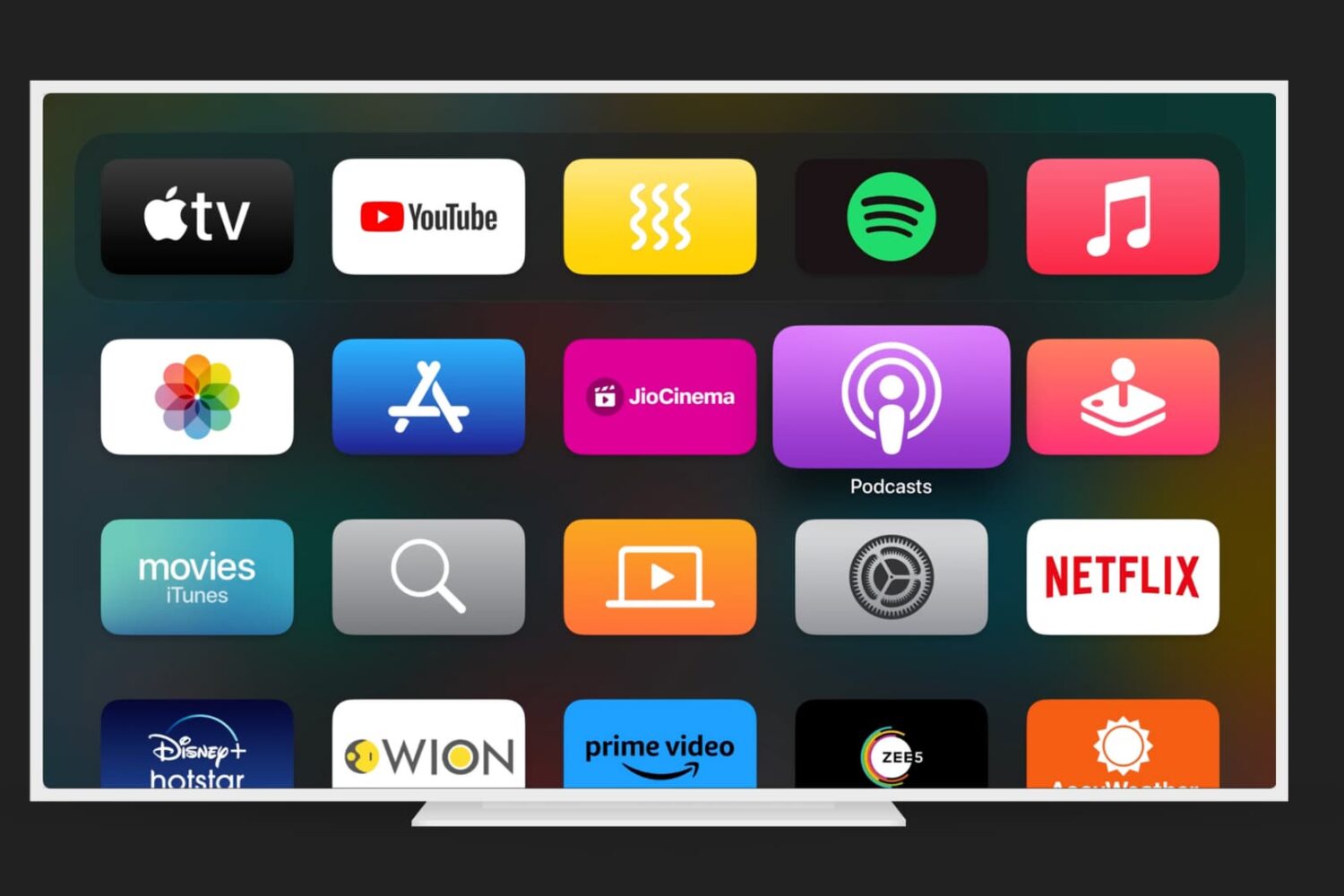
Just like on your iPhone, iPad, and Mac, your Apple TV lets you customize certain settings for the Music, TV, and Podcasts apps. Whether you want specific playback options, certain views on the main screen, or want to turn on or off syncing, you can do it on Apple TV.
If you’re ready to take a few minutes to use these apps exactly as you’d like, here’s how to customize the TV, Music, and Podcasts apps on Apple TV, along with iTunes show settings.
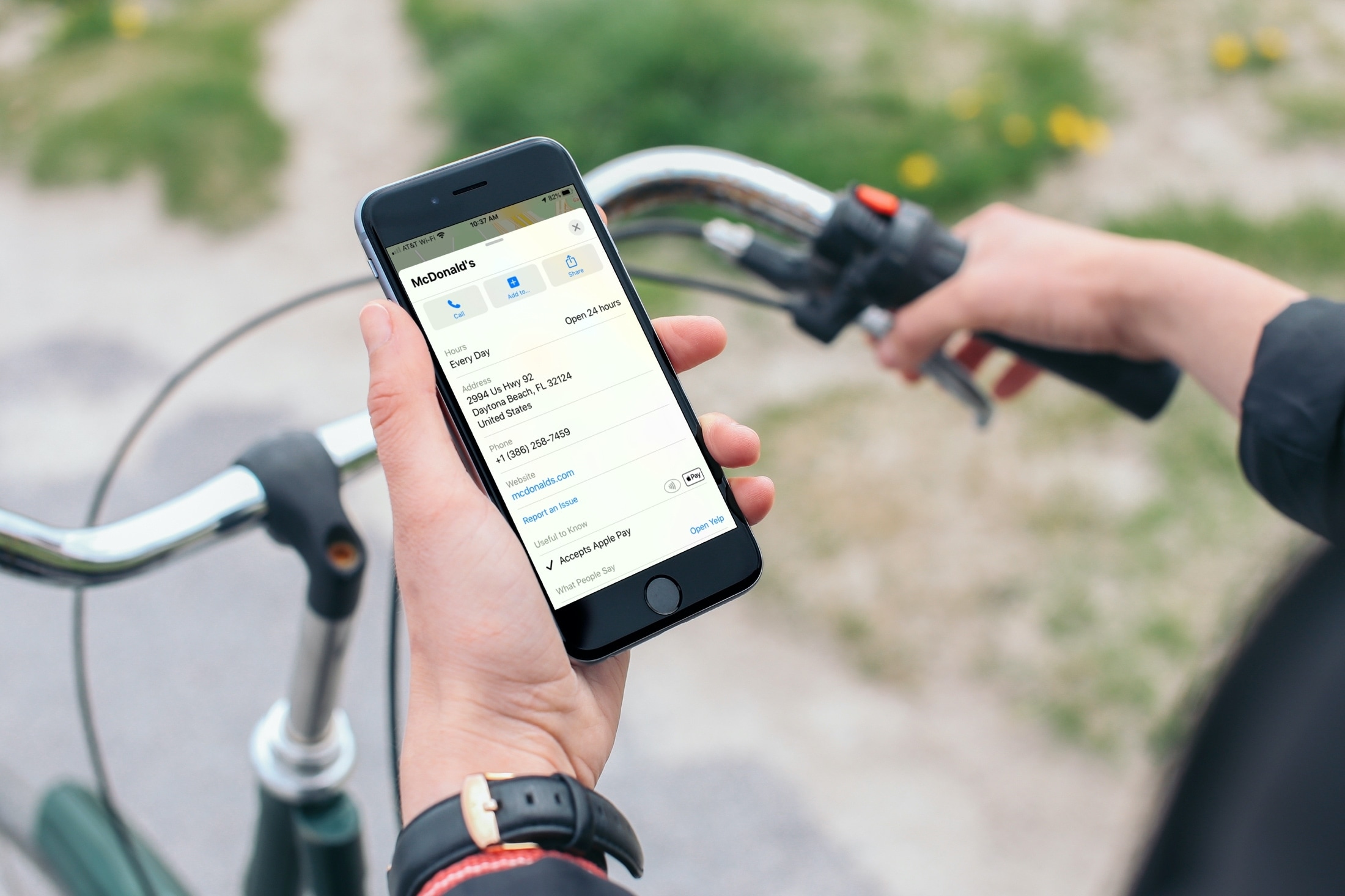
Learn how to find out if a location you see in the Apple Maps app on your iPhone, iPad, or Mac accepts Apple Pay or not.
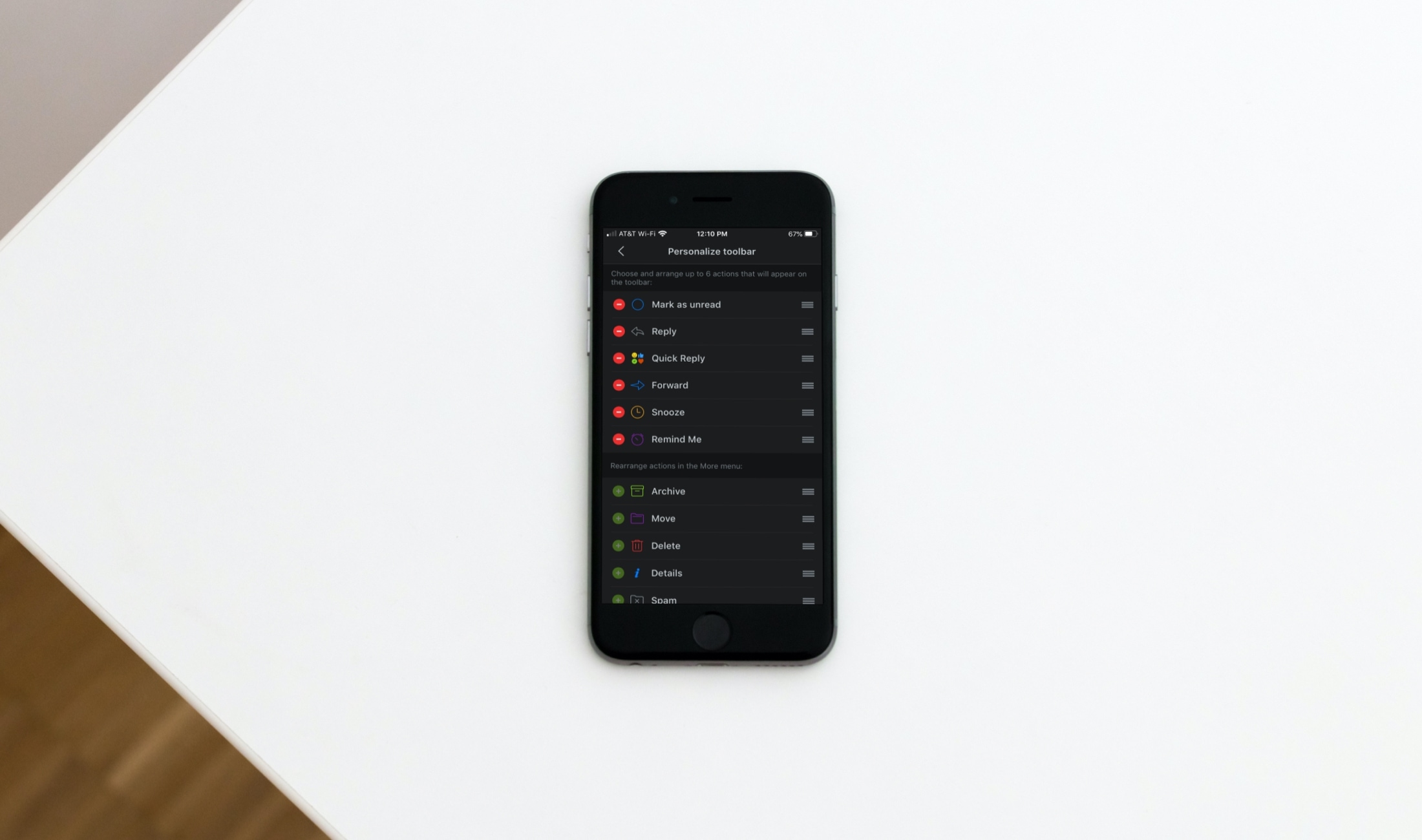
For Spark email users, the update we covered bringing features like dark mode, avatars, and productivity tools to iPad was great news. And another terrific feature with that update came the ability to customize the email actions toolbar on iOS.
You’ve seen that toolbar at the bottom of an email and used it plenty of times. But modifying it with the actions you need most is another super reason to use Spark. To help you out, here’s a short tutorial on how to customize that Spark email action toolbar.

If you’re a Twitter user and want to start fresh, you may decide to delete all of your tweets. There might be some tweets that you’d like to simply erase from your account for personal or professional reasons. You know the saying, “some things are better left unsaid”? Well, if it’s on Twitter, it’s been said.
While you can delete a tweet manually, Twitter doesn’t offer a way to delete bulk tweets and is clear about that on their Twitter Help page. So now what?
There are a few services that you can use to take care of wiping out your tweet history. We’ll show you a couple of them and let you decide which works best for you.
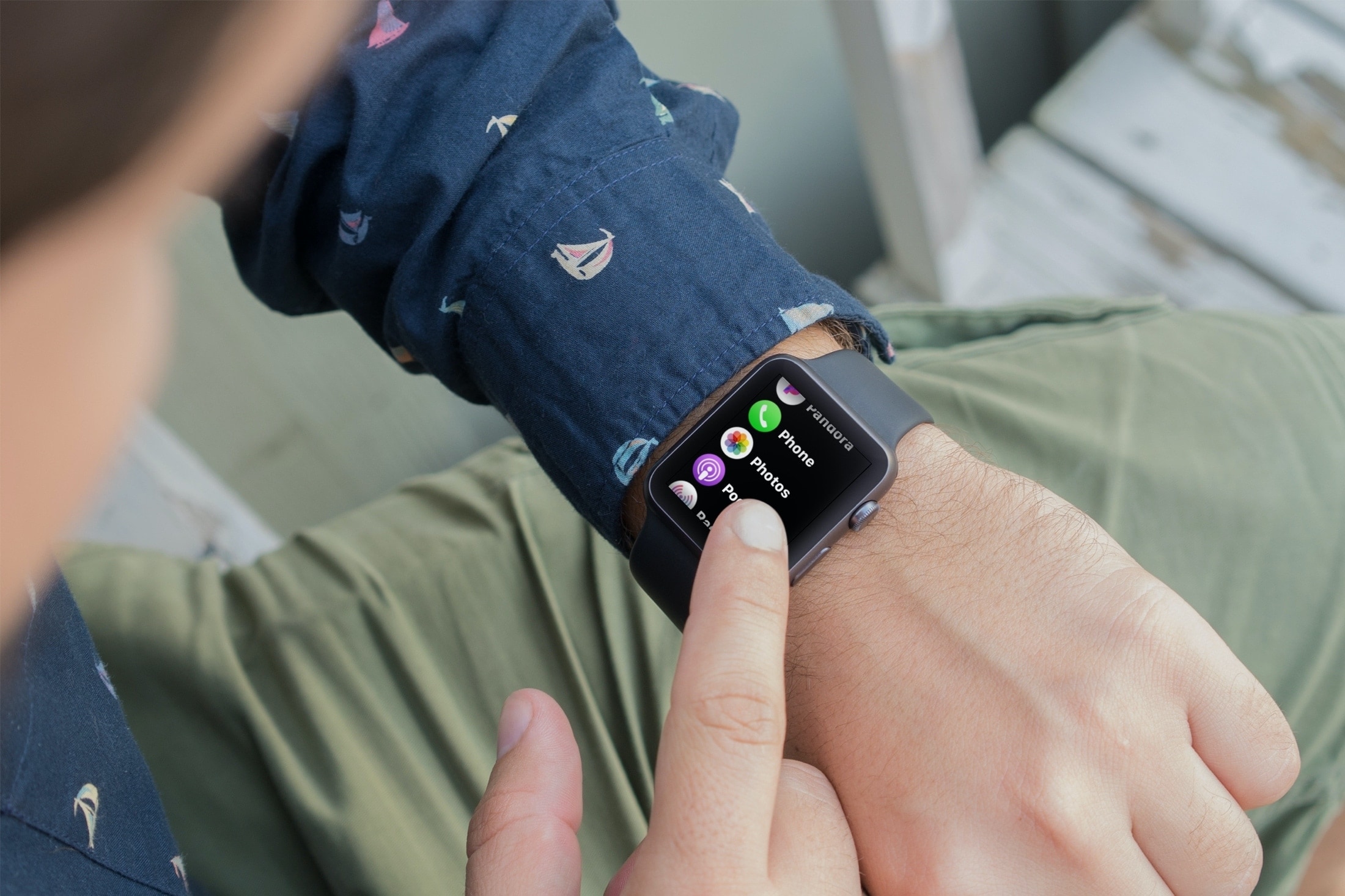
Learn how to limit the number of photos your Apple Watch can sync from your iPhone, and see how much storage space they’re taking up.
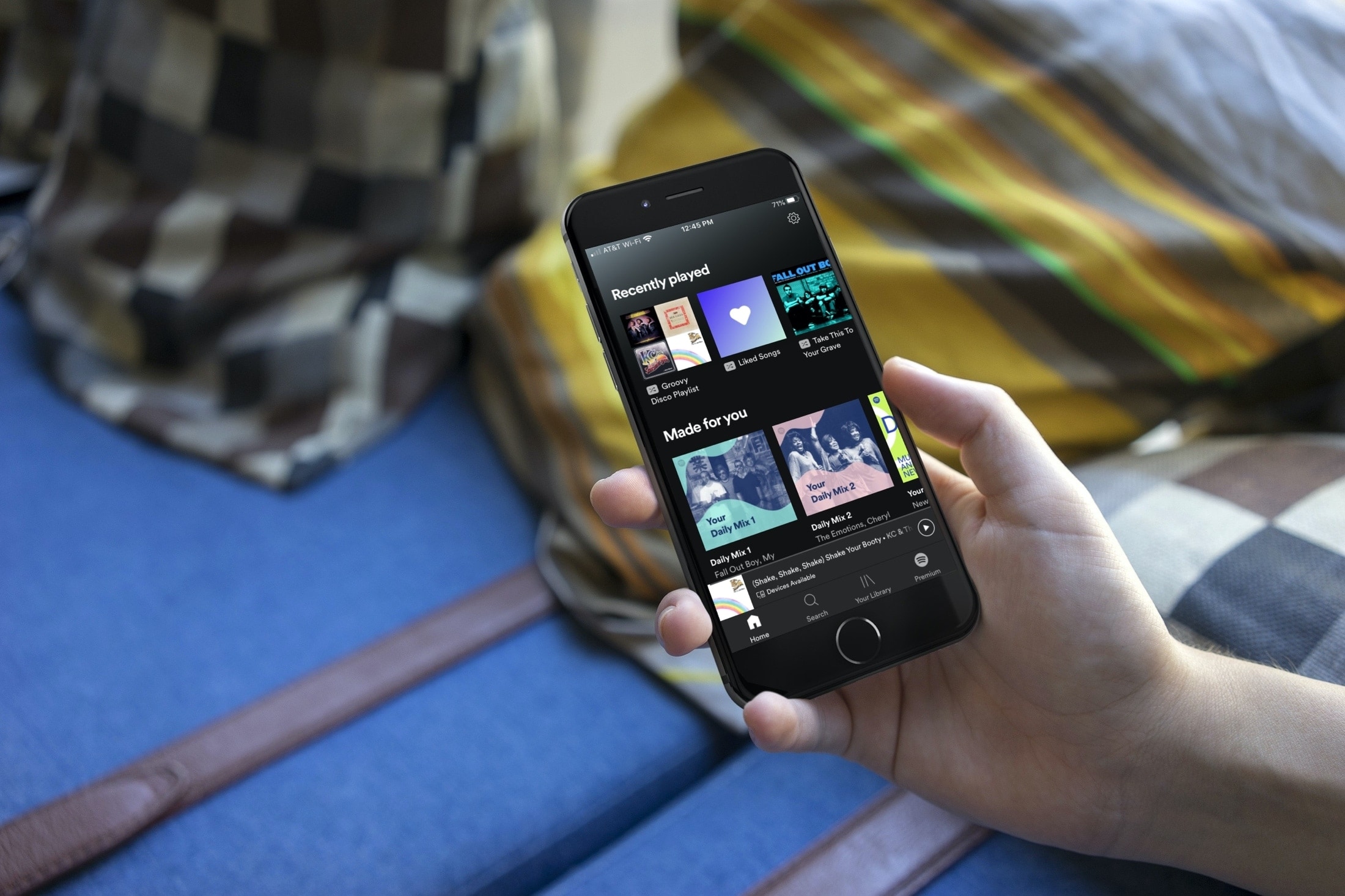
If you’re ready to enjoy non-stop music, then the Autoplay feature in Spotify can be quite useful. However, if you’d rather not have continuous songs or Spotify’s suggestions play, you can easily disable this feature in the app settings.

Learn how to set up your Apple TV, HomePod, or iPad as the home hub to control your smart accessories and check their current status.

The unc0ver jailbreak supports a semi-untethered jailbreak on iOS & iPadOS 14.0-14.3 and a fully unethered jailbreak on arm64e devices (iPhone XS and later) running iOS 14.4-14.5.1, which means that the tool is now compatible with all versions of iOS & iPadOS ranging from 11.0-14.3 (and 14.4-14.5.1 with a big asterisk). To date, AltStore is the best and most reliable way to install the unc0ver jailbreak app on your iPhone or iPad.
As long as your iPhone or iPad is running running iOS or iPadOS 12.2 or later, then you can use AltStore to install the unc0ver jailbreak, and in this tutorial, we walk you through the steps necessary to make it happen so you can reap all the benefits.

If you’re setting up a new Mac, you can use the Setup Assistant. This will automatically transfer all of your iCloud Keychain passwords for you. But if you don’t use the assistant and want to copy over your passwords, here’s how to export and import your iCloud Keychain passwords, certificates, and keys on Mac.