How to

How to connect your Joy-Con controllers to play video games on your Mac

Nintendo Joy Con controller.

Some games are just easier or more fun to play with a controller. And if you happen to own a Nintendo Switch, you can use the Joy-Con controllers from it to play games on your Mac. You can take them out of the Switch, connect them to Mac, and then pop them into the Joy-Con Grip in just a few minutes.

This tutorial shows you how to connect your Joy-Con controllers to your Mac so the gaming can begin!

How to see which watchOS apps you have downloaded feature Apple Watch complications

Apple Watch complications are special features that can be assigned to their predetermined slots on some watch faces. These small elements typically display essential information right on the watch face, such as stock prices, the weather, your heart rate, activity tracking and so forth. Apple Watch complications get their information from watchOS apps you've installed. Finding available complications is easier said than done so be sure to following along with iDB as we show you how to see which apps have Apple Watch complications.

Here are all the iPad gestures available with Apple’s Magic Trackpad and Mouse accessories

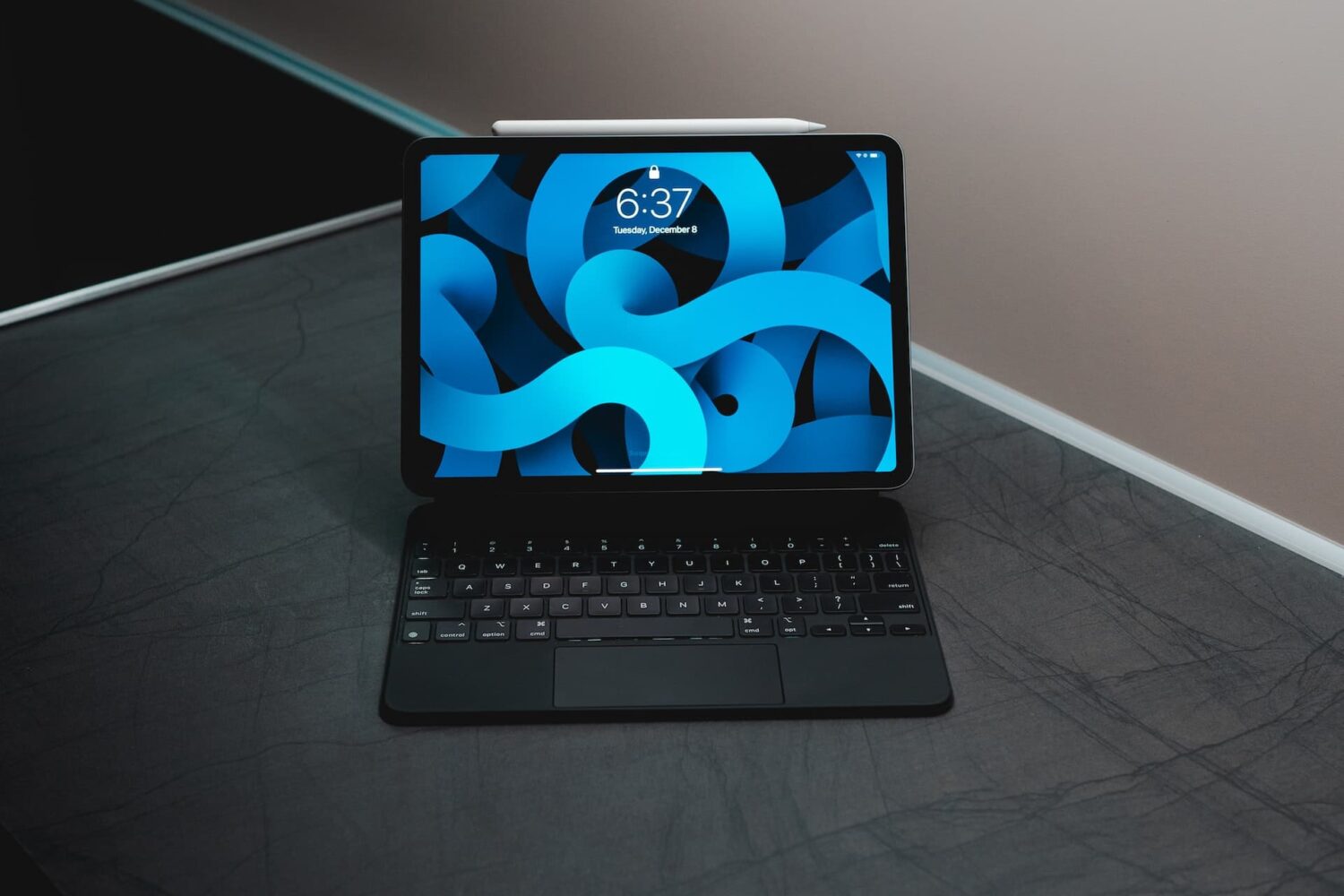
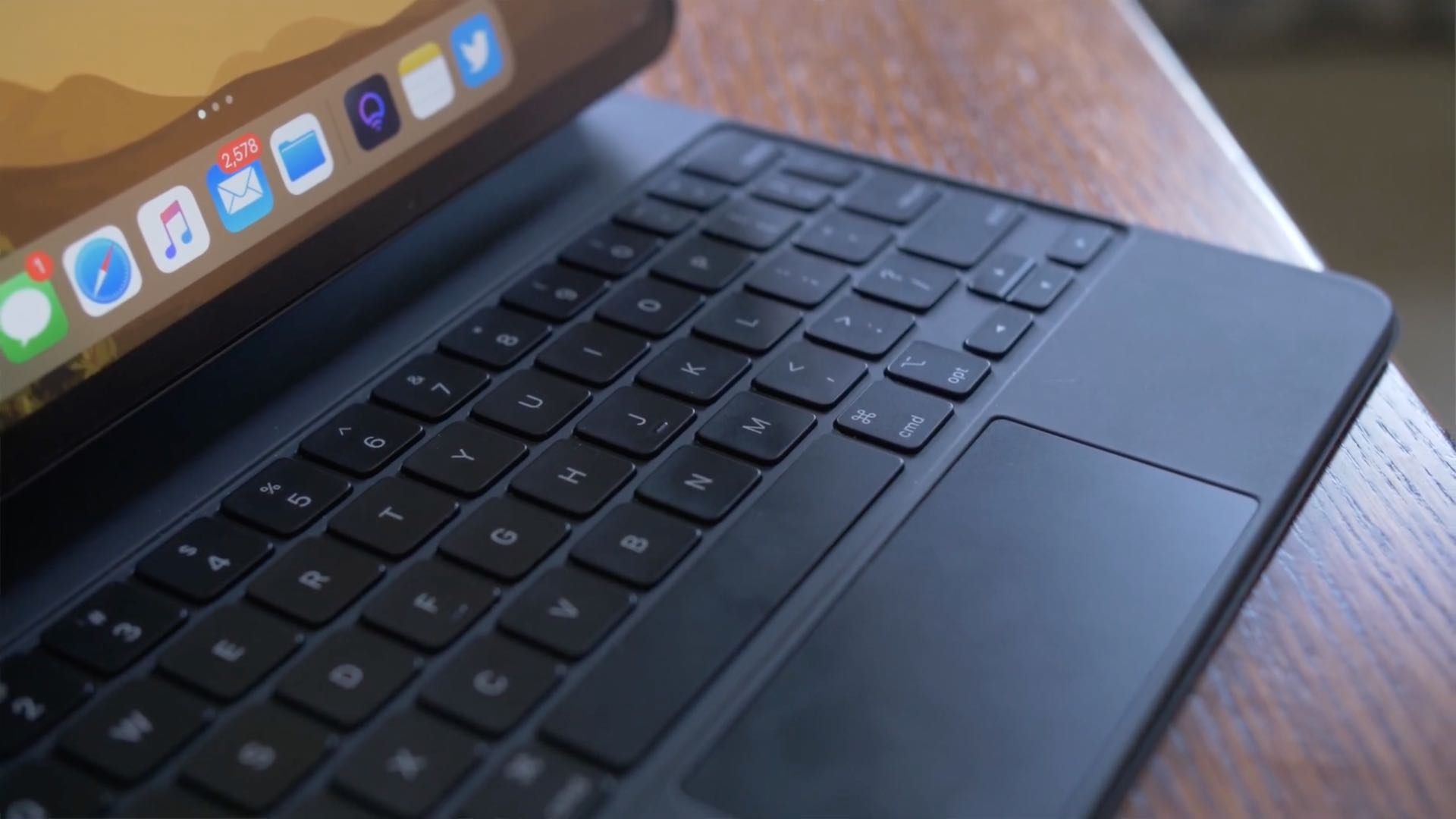
iPad trackpad support in iPadOS 13.4 opens up whole new ways to use your Apple tablet. iPad trackpad and mouse gestures are supported by Apple's Magic Keyboard for the iPad Pro, as well as the company's standalone Magic Trackpad and Magic Mouse 2 accessories. Follow along with your favorite blog as we teach you about all of the iPad trackpad gestures that are available with the Magic Trackpad 1 and 2, Magic Mouse 2 and third-party mice.