Learn how to use direct mentions to make a text to someone standout in a group conversation on iPhone, iPad, and Mac.
How to use people mentions in Messages on iOS and Mac
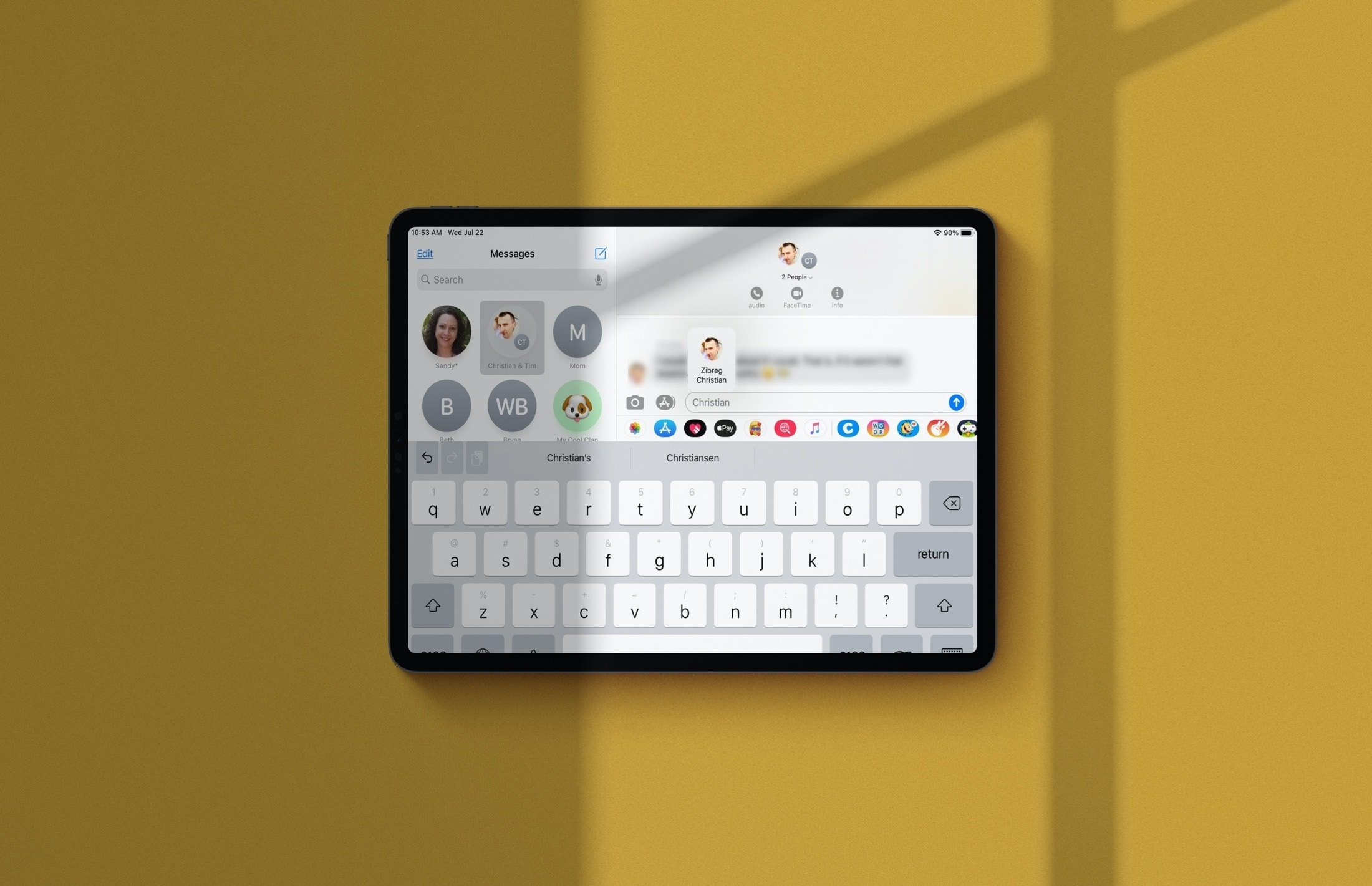
Learn how to use direct mentions to make a text to someone standout in a group conversation on iPhone, iPad, and Mac.
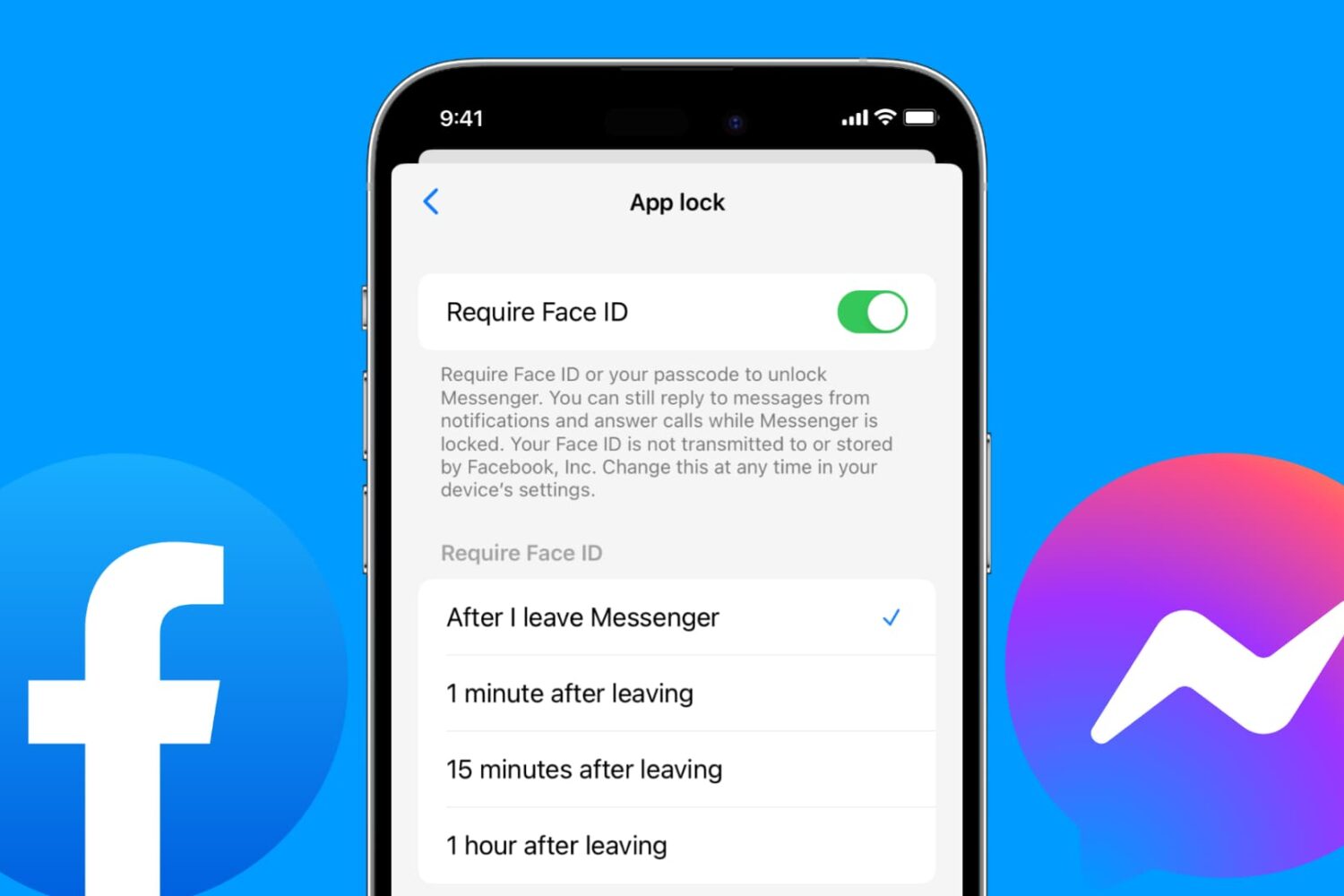
The Messenger app for iPhone and iPad includes a handy security feature that allows you to secure your chats from prying eyes. You can protect all your Facebook messages with Face ID, Touch ID, or your passcode.
Follow along as we show you how to lock Facebook Messenger on your iPhone or iPad and adjust how quickly Messenger locks after you close the app.
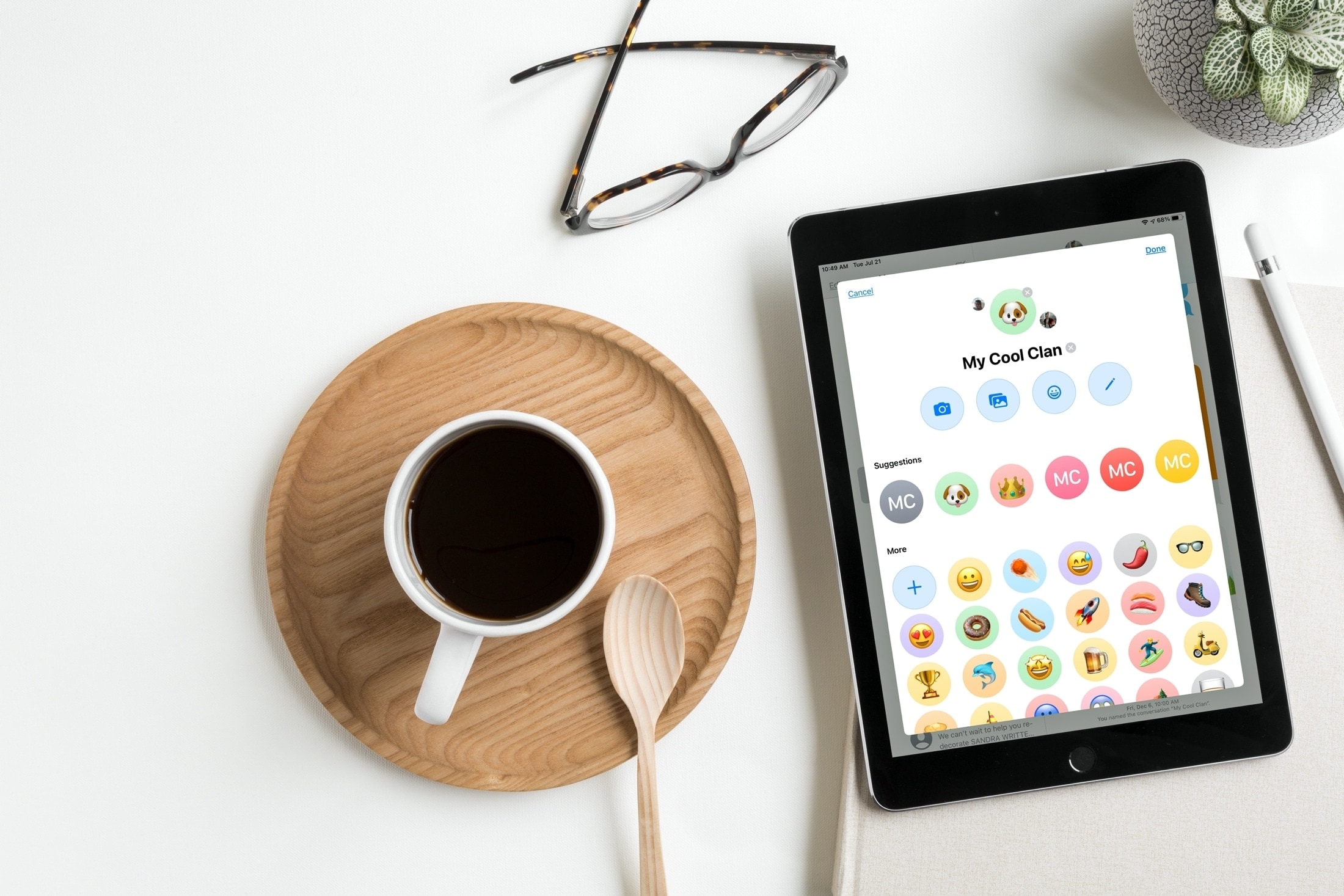
Learn how to customize group chats with images in Apple's built-in Messages app on your iPhone, iPad, and Mac to distinguish them in the conversation list.

Learn how to pin important conversations to the top of the Messages app on your iPhone, iPad, or Mac to access them quickly without scrolling through a sea of chats.
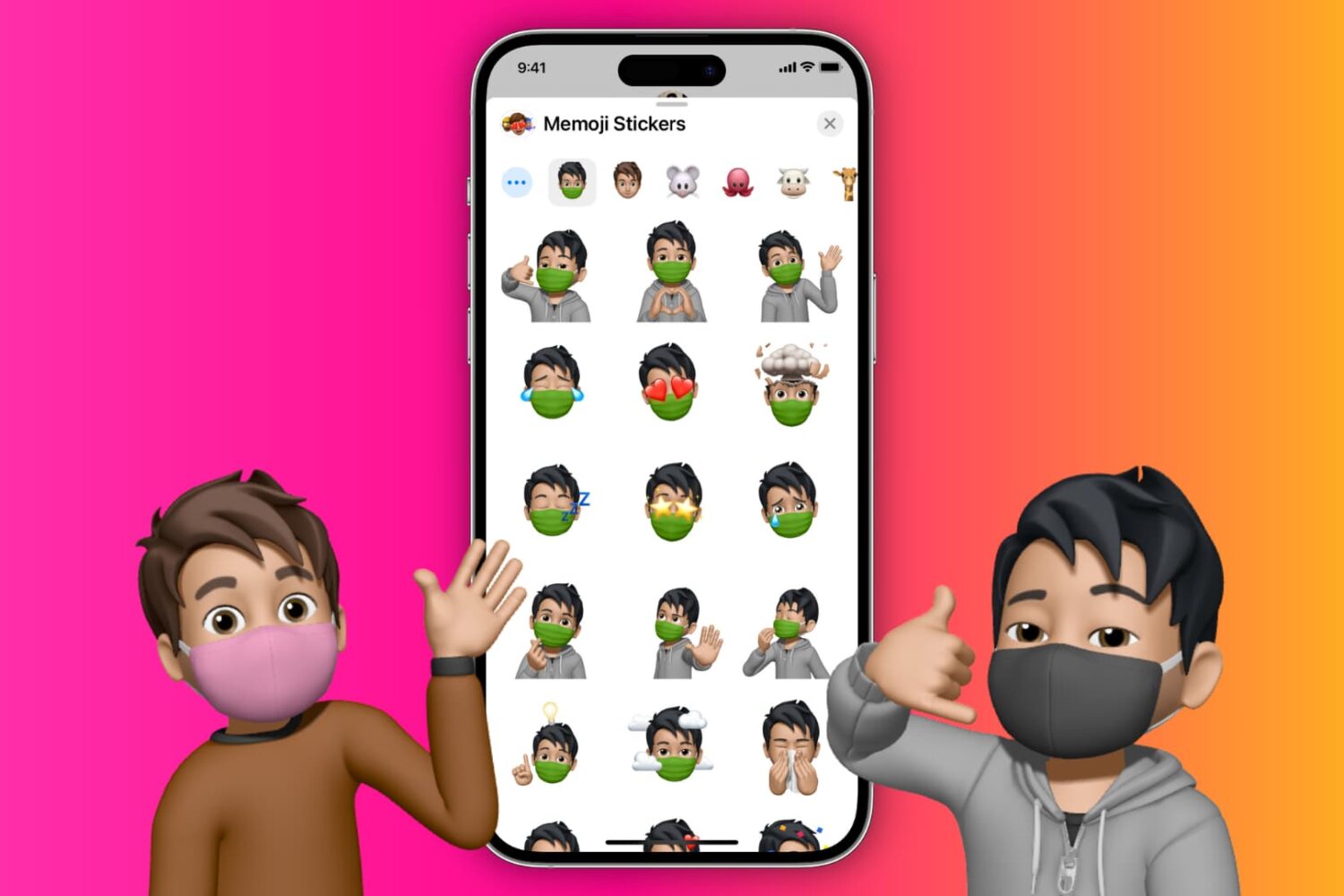
You can easily put a face mask over your Memojis, and in this tutorial, we'll show you how to do that on your iPhone, iPad, or Mac.

Learn how to automatically sort your iPhone messages into Unknown, Transactions, Promotions, and Spam categories to keep the main screen clean, organized, and free of unnecessary texts.
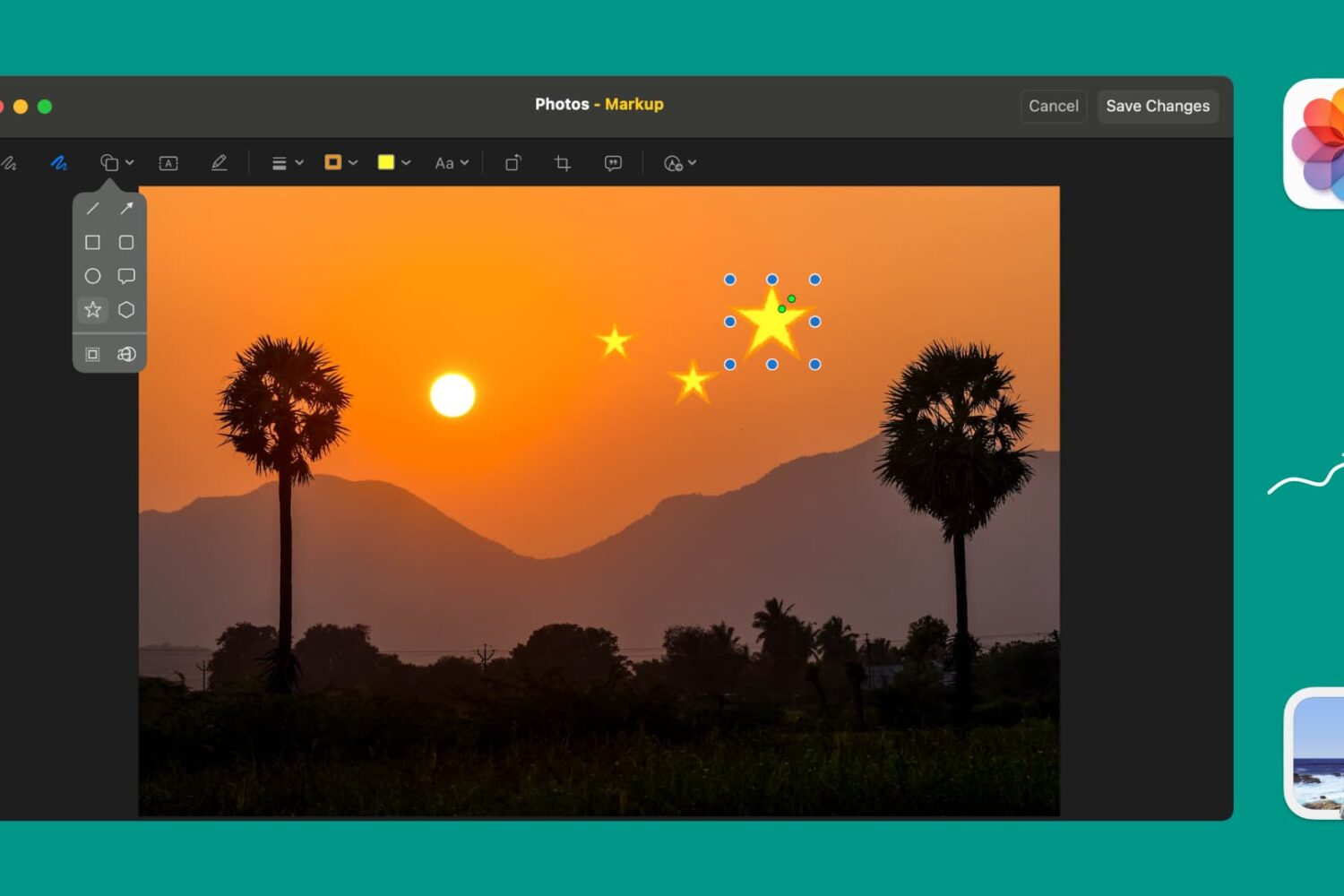
Learn how to use Markup tools in the Preview and Photos apps to annotate, highlight, add shapes, or draw on images without needing third-party apps.

Learn how to customize Apple News on your Mac to make stories easier to read, get more or less suggestions, see only the notifications you want, and more.
Learn how to use a lesser-known setting in the Preview app on your Mac if using the ‘Go to Page’ feature takes you to the wrong page in the PDF.
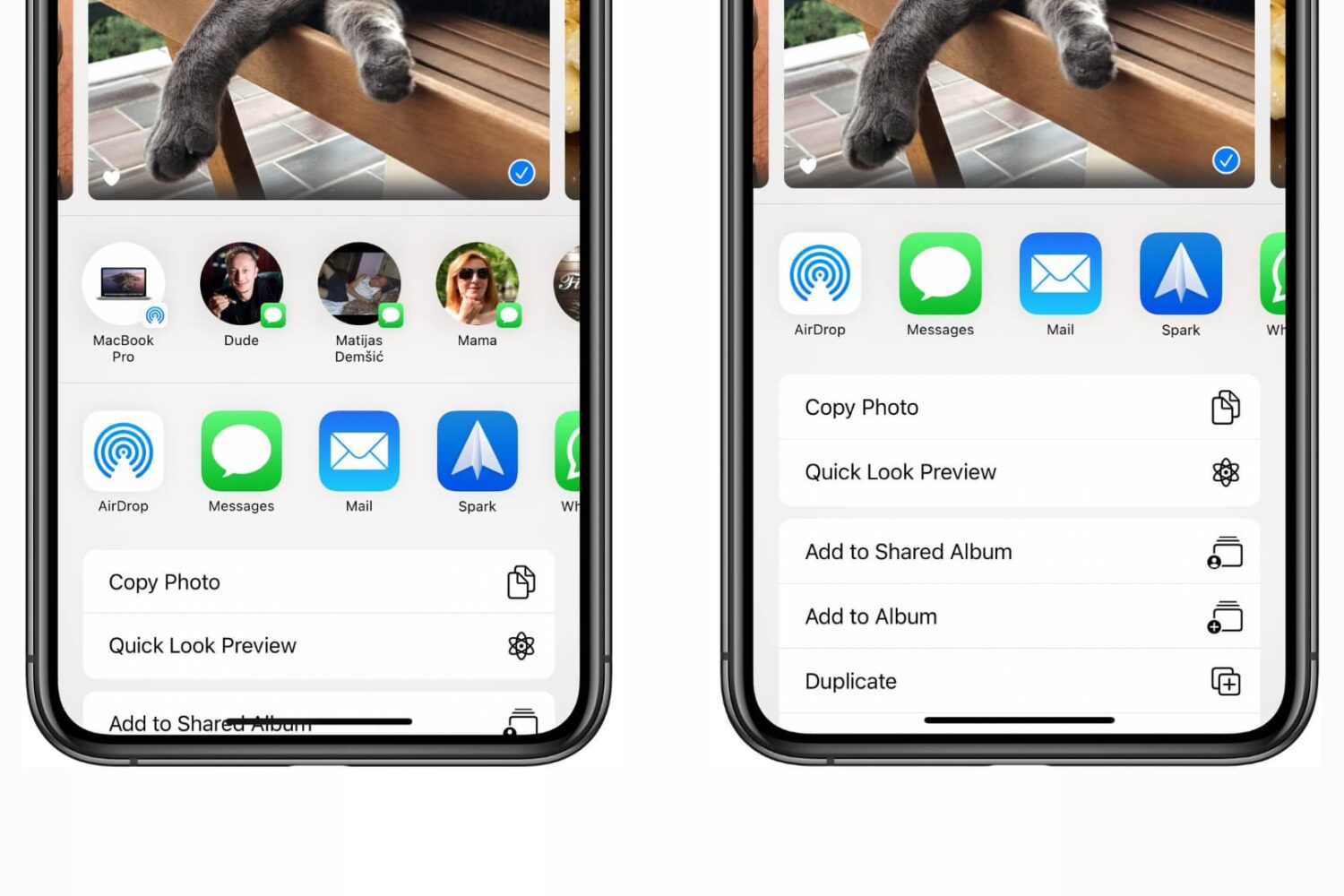
Check out the steps to disable the contacts row from the top of the iOS Share Sheet that appears when sharing items from apps on iPhone and iPad.

Wondering how much storage space you have used and have left for your email account? Find out how to see your Quota Limits in the Mail app on Mac.
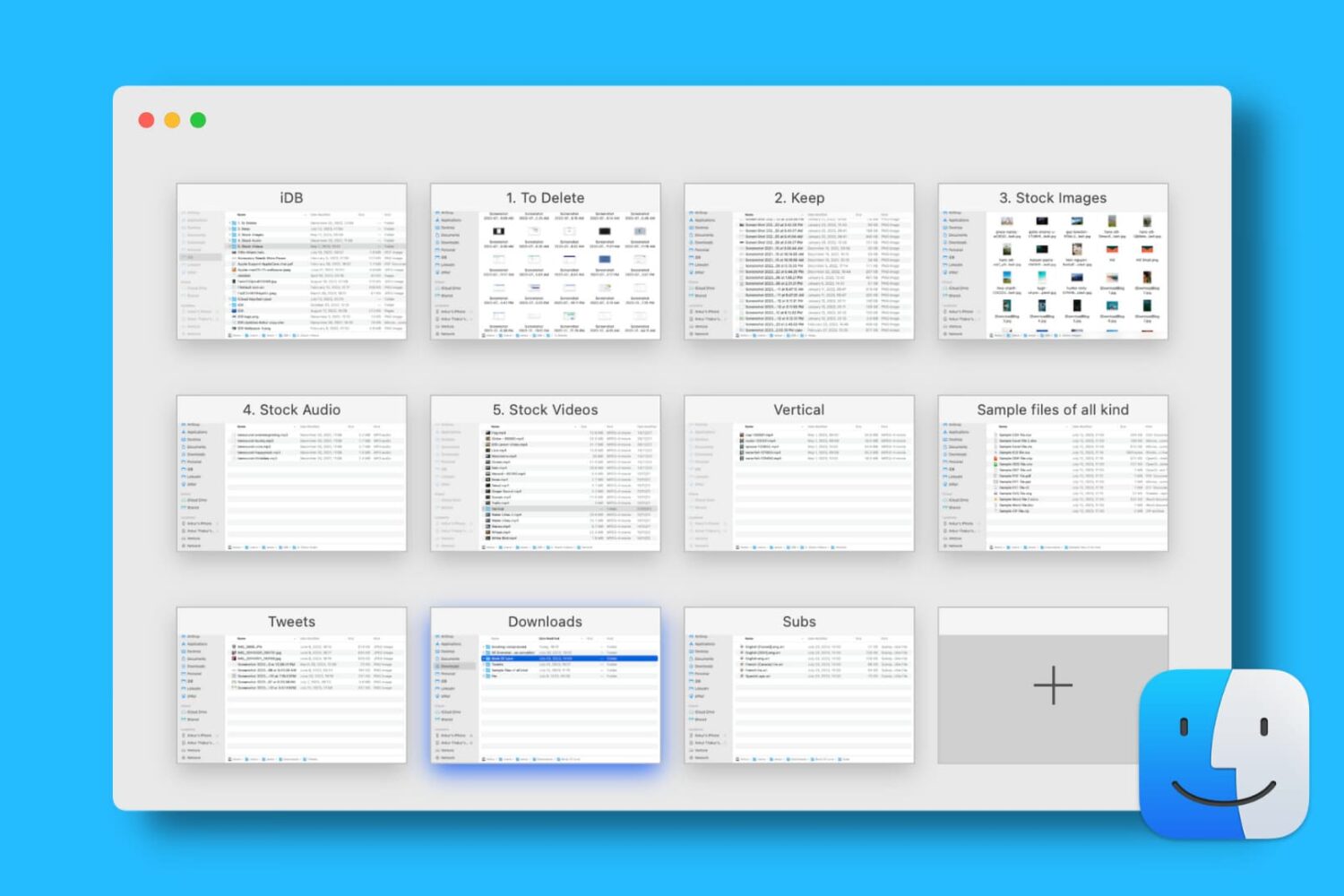
Find out how to open, use, navigate, rearrange, and close tabs in Finder on your Mac so you can work with multiple folders in just one window and keep your desktop uncluttered.