In this tutorial, we will show you how to customize Apple Maps so you can make the most of it while navigating or route planning on your iPhone, iPad, or Mac.
6 tips to customize Apple Maps on iPhone and Mac
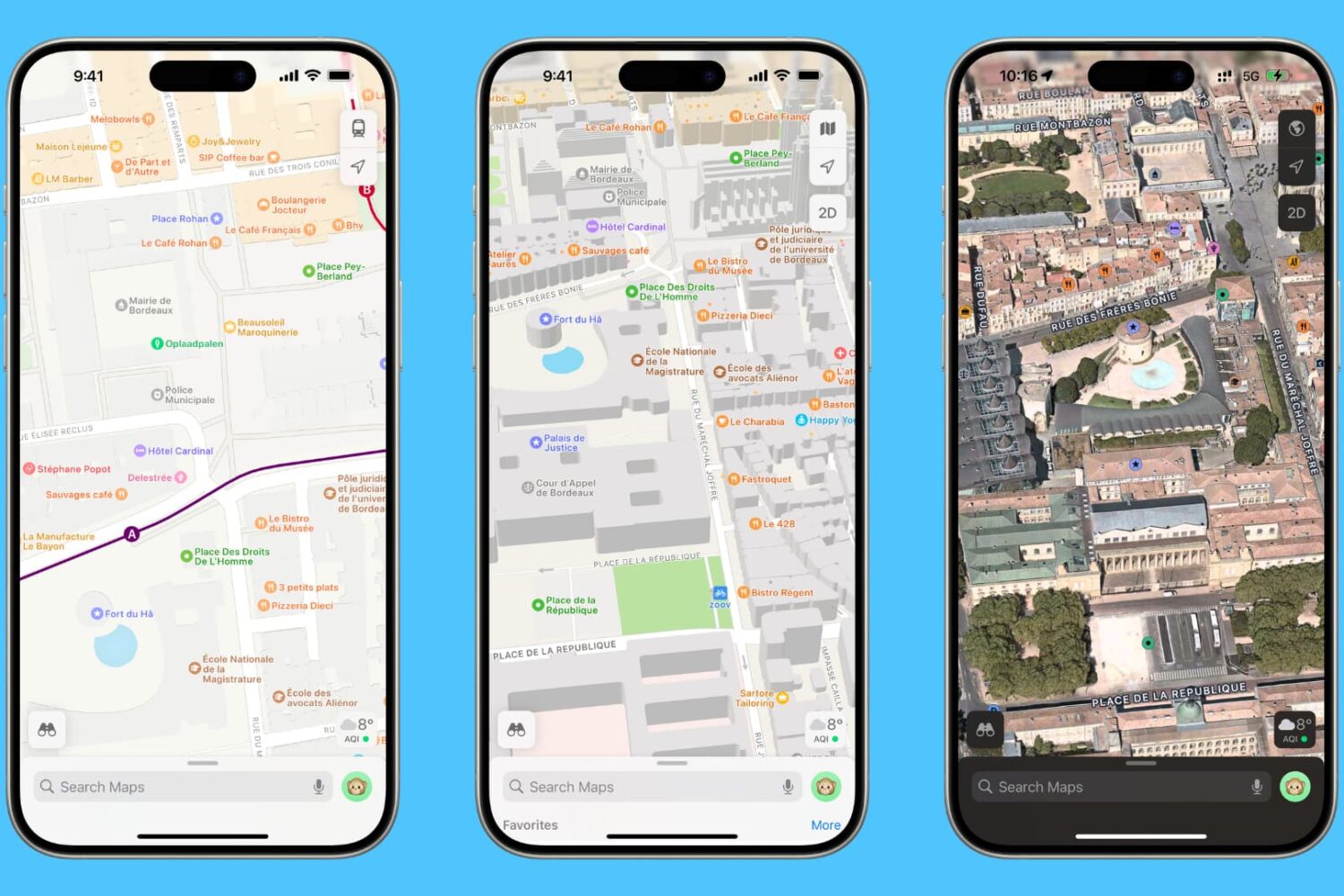
In this tutorial, we will show you how to customize Apple Maps so you can make the most of it while navigating or route planning on your iPhone, iPad, or Mac.
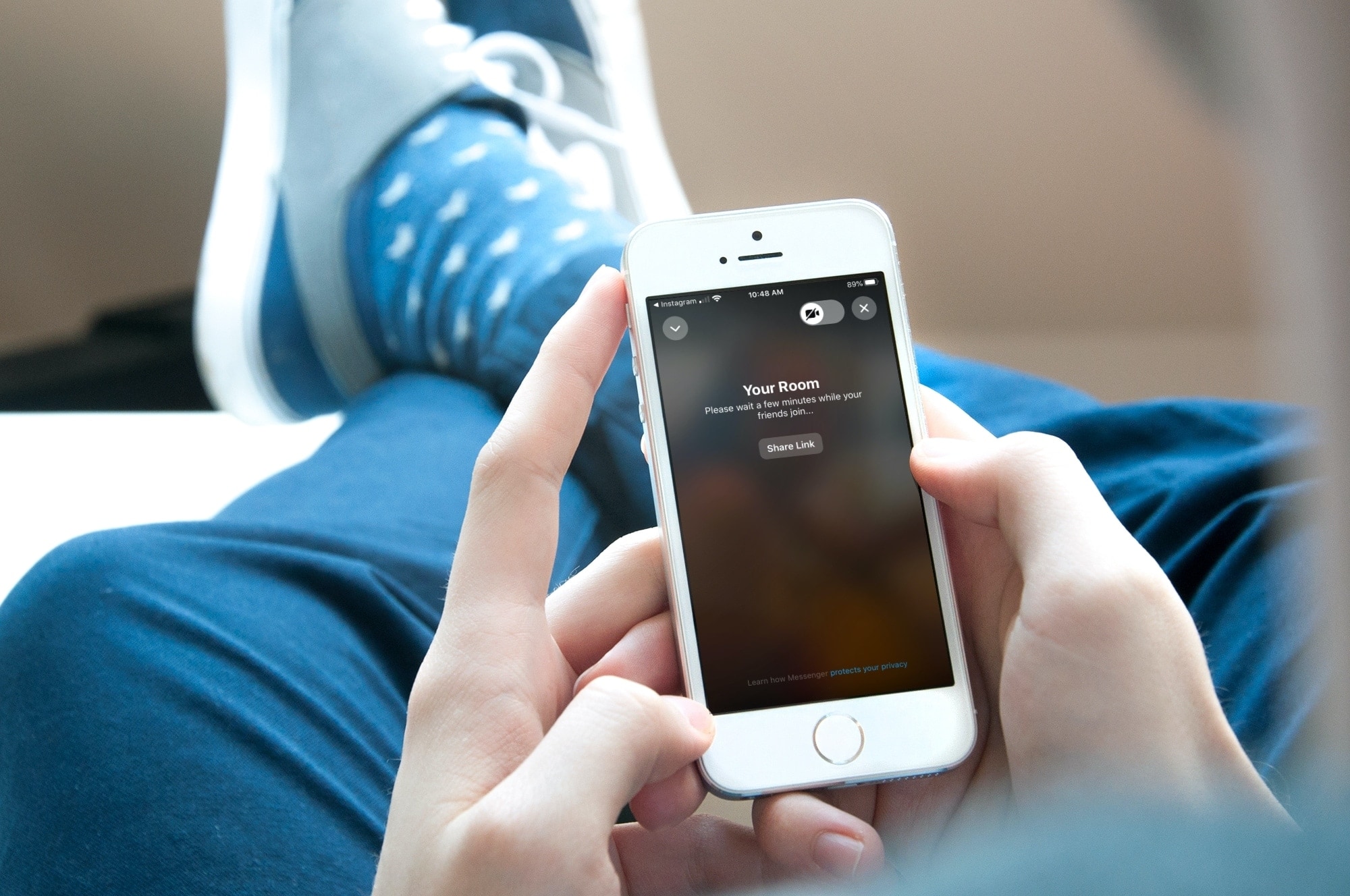
If you want to hang out with your Instagram followers, you can do a group Instagram video chat. This is a fun way to get together with a few pals at the same time to make plans or just catch up. But it’s not the only way to meet. You can also create a private room using (Facebook) Messenger and Instagram together.
The nice thing about using a chat room is that you can have up to 50 people, whereas with a group Instagram video chat, you can only currently have four. So if you have family around the world or friends around the country that you want to chat with at once, here’s how to create a Messenger Room to video chat through Instagram.

With iOS 13.7, iPhone owners can use COVID-19 contact tracing to receive exposure alerts if they're near someone with the coronavirus symptoms. Follow along with iDB as we show you how to activate COVID-19 contact tracing on iPhone to receive exposure notifications.
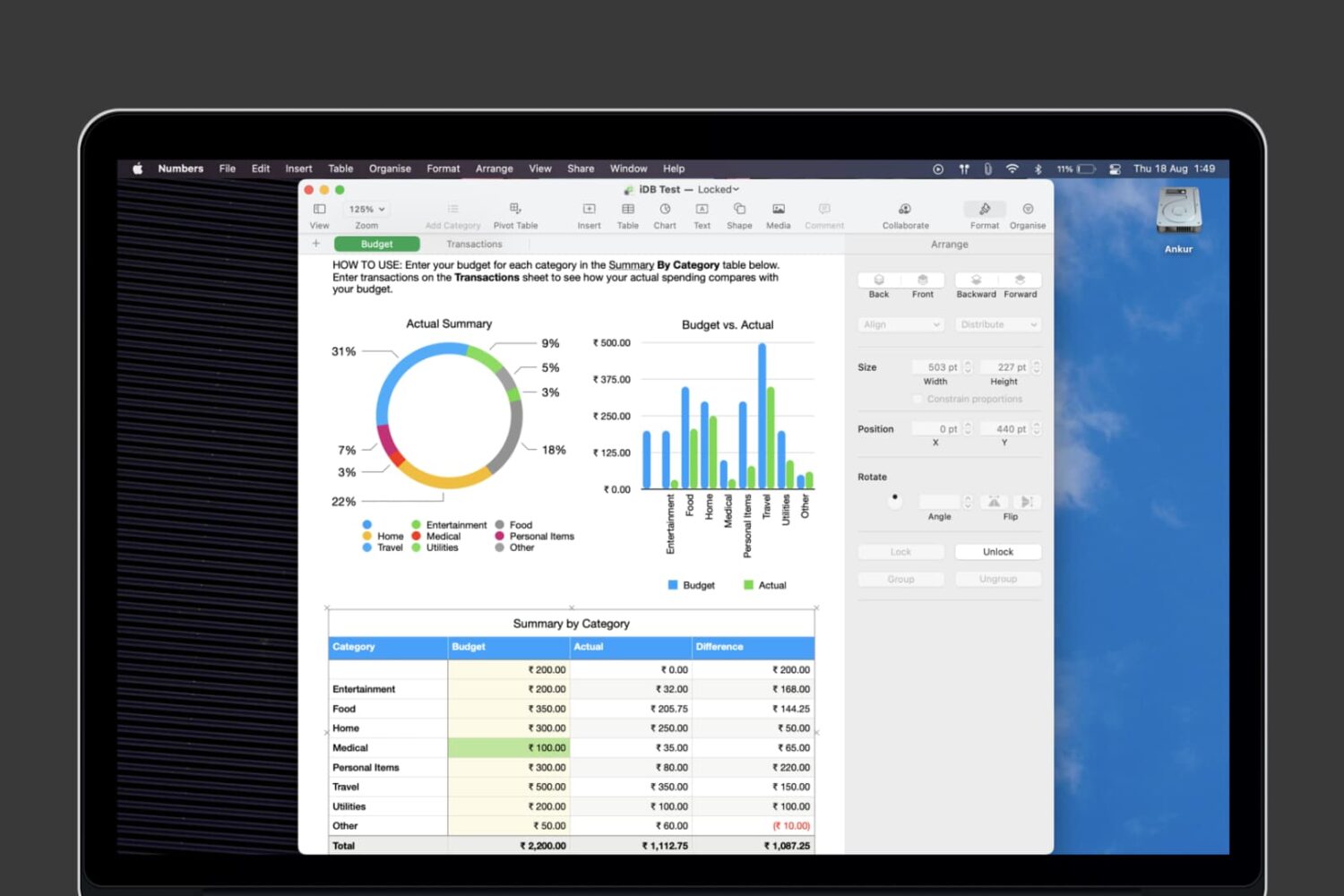
Learn how to lock individual tables or the entire workbook in the Apple Numbers app on your Mac, iPad, and iPhone to prevent unwanted changes to your spreadsheet.
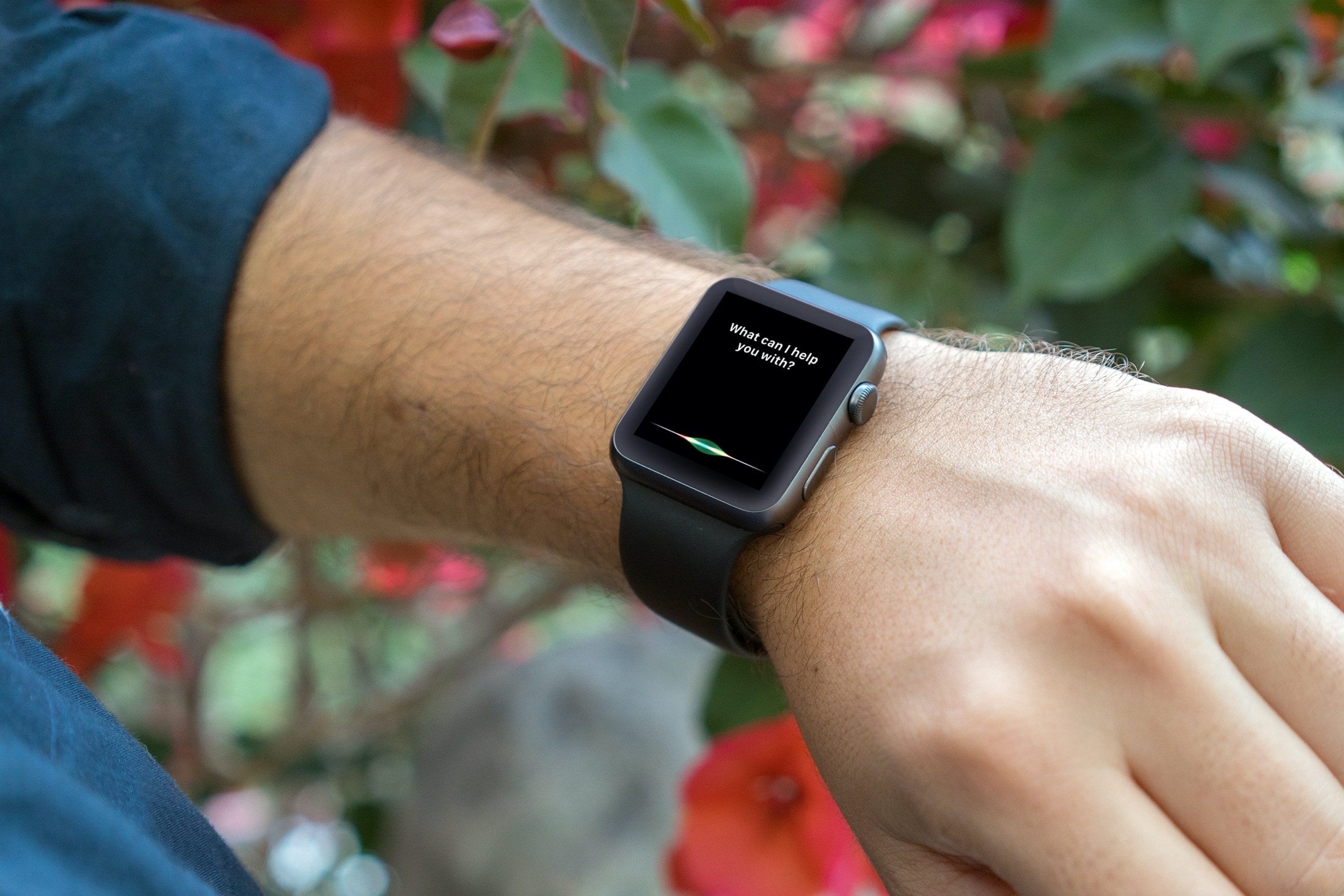
From looking for apps on the App Store to creating reminders and identifying unknown songs, this tutorial shares expert tips for using Siri on your Apple Watch to the fullest.
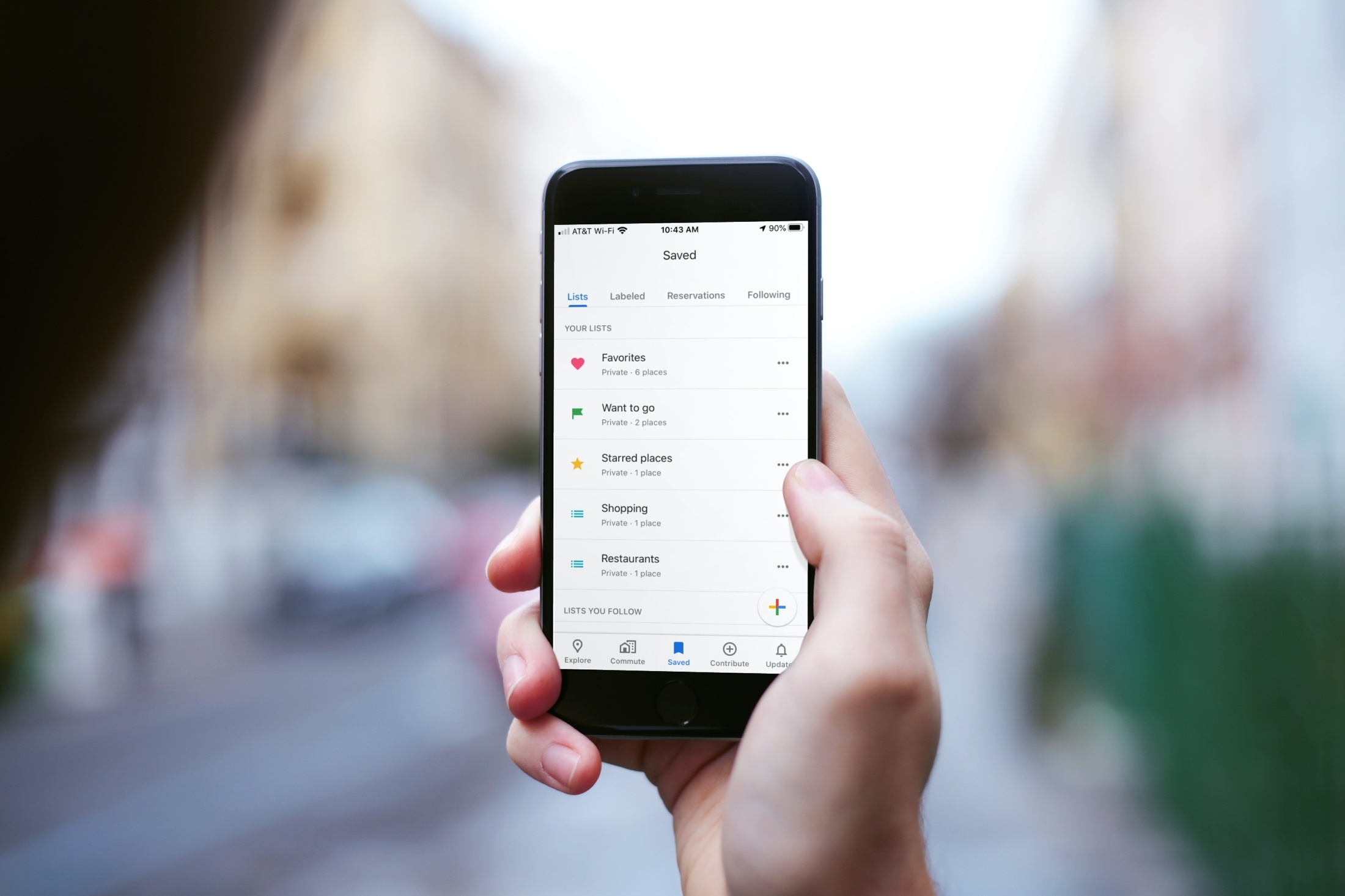
Learn how to use the List feature in Google Maps on your iPhone to keep track of your favorite spots or those you want to visit.

Learn how to hard reboot, hard reset, force restart, or force reboot (they all mean the same) your iPhone or iPad if it’s frozen, the screen is completely unresponsive, and you can’t turn it off like you normally do.
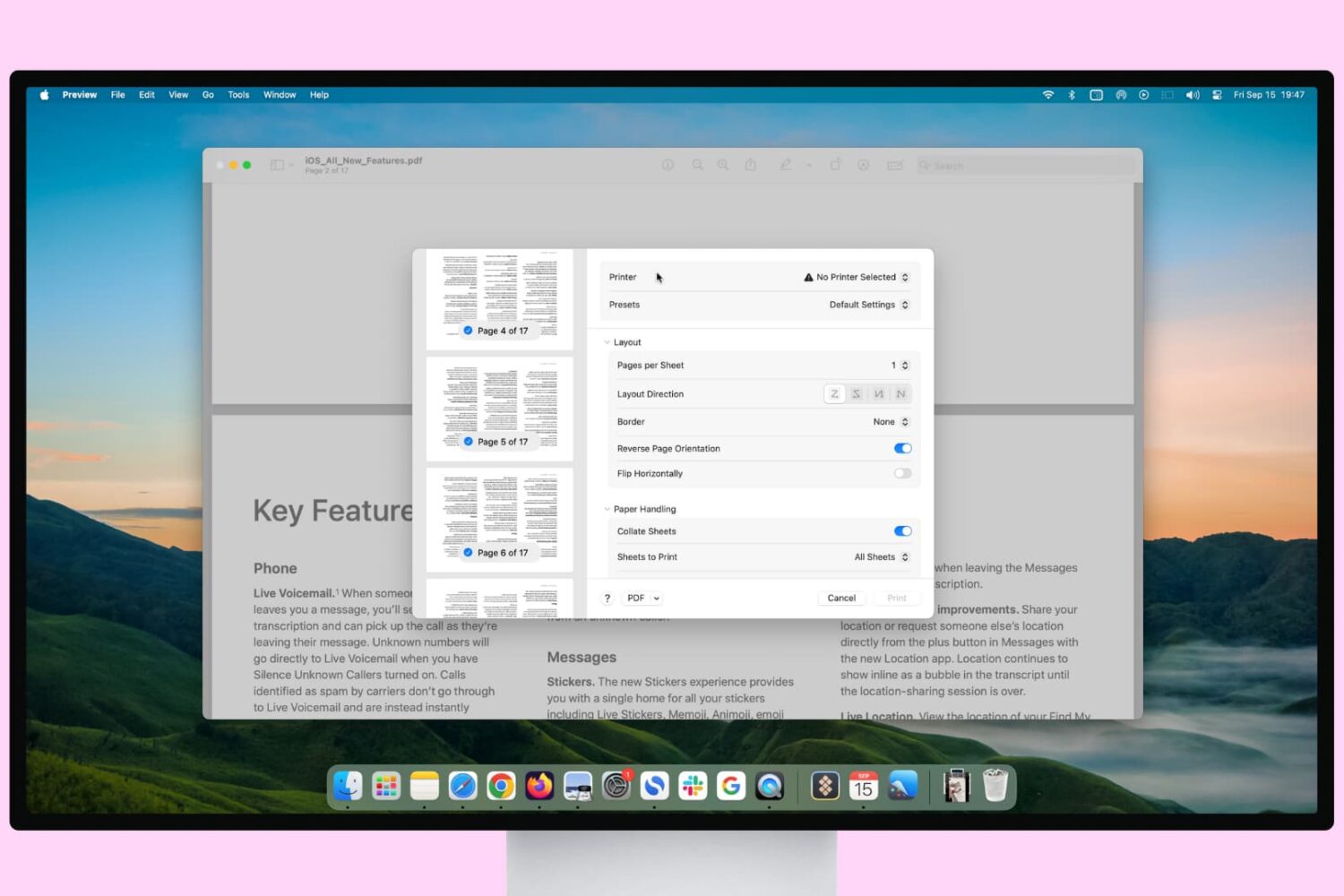
Learn how to print pages upside down if you’re printing for a folded document or in reverse order to ensure the final printed paper stack is in the correct order.
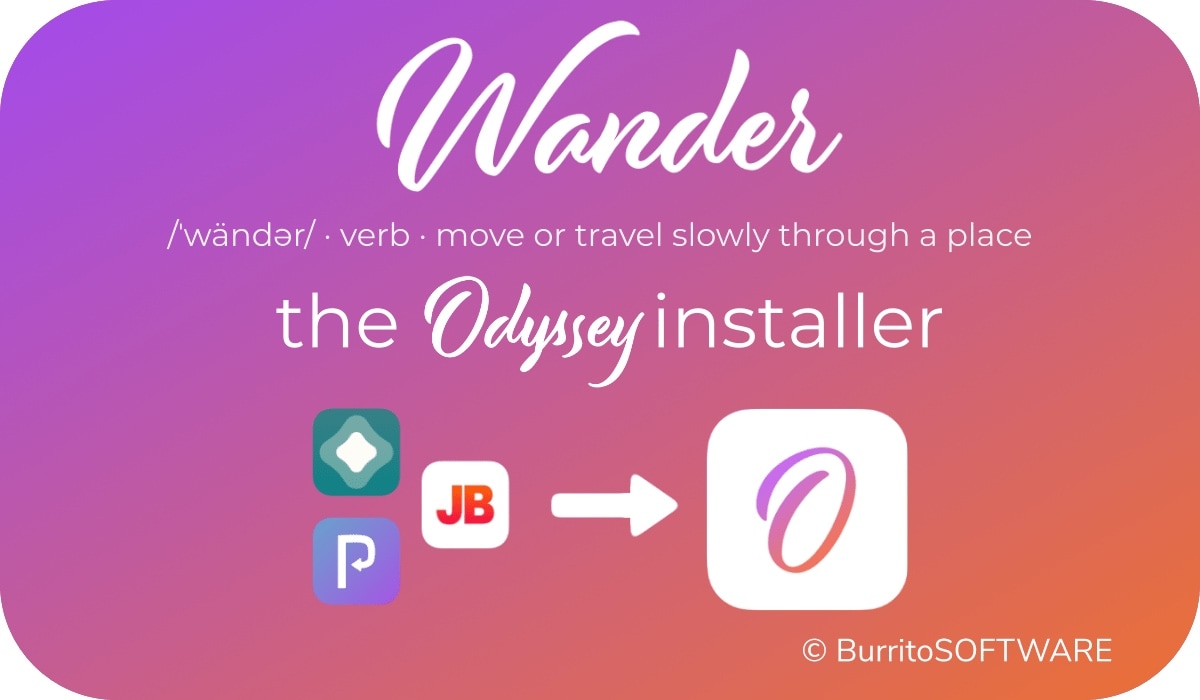
Just like unc0ver, the Odyssey jailbreak app is intended to be side loaded into a compatible iPhone or iPad. To help make the process of side-loading the Odyssey jailbreak app easier, the Odyssey Team officially endorsed the brand-new Wander add-on for Apple’s Shortcuts app shortly after the tool came out of public beta.
The Wander add-on doesn’t replace side loading utilities like AltStore and ReProvision or signing services like Jailbreaks.app, but rather synergizes with them to make the process of installing Odyssey and updating to newer versions faster and less cumbersome while providing a more native user experience through Apple’s Shortcuts app in the process. In this tutorial, we’ll show you how to set up the Wander add-on with your Shortcuts app.
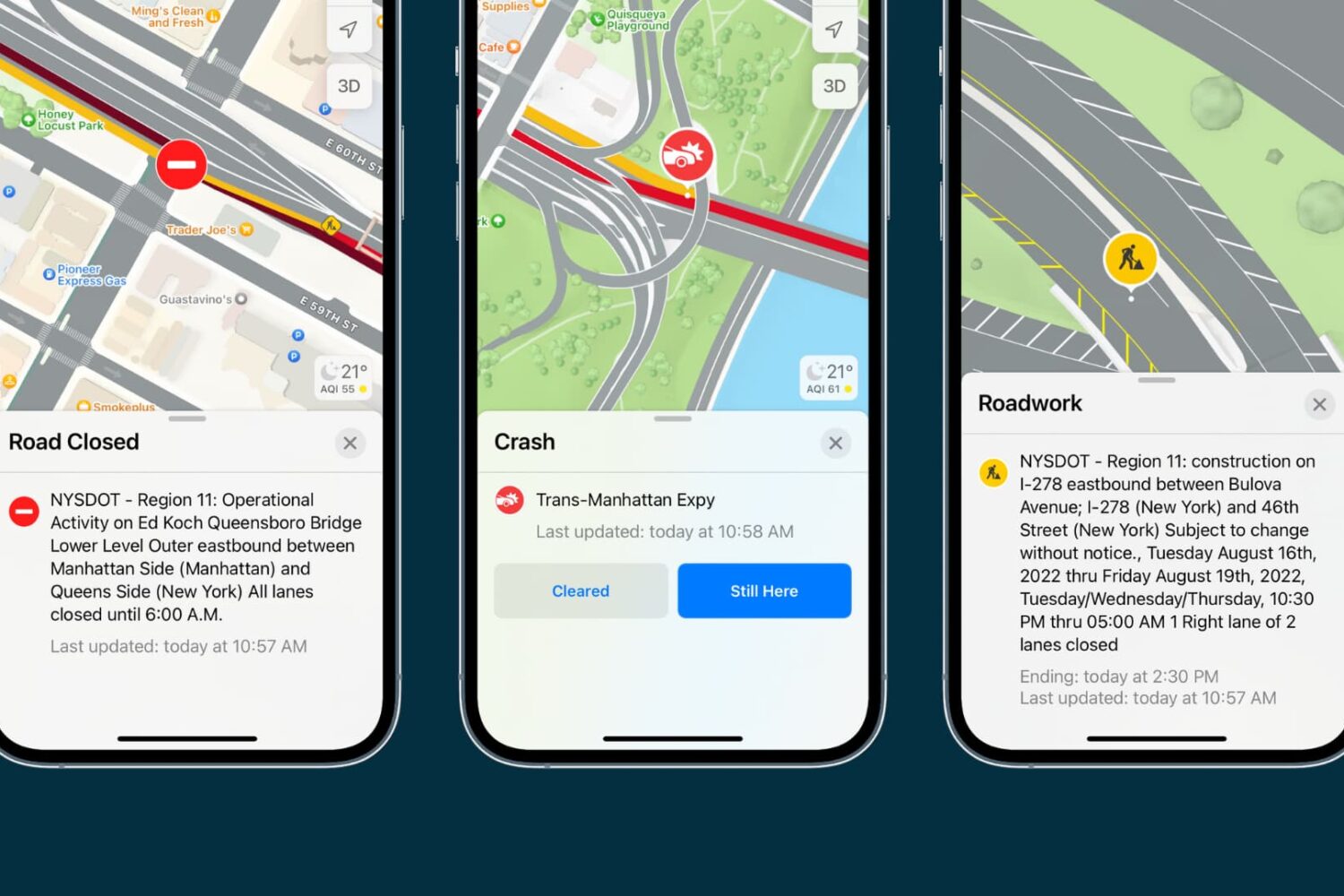
Learn how to check the current traffic in the Apple Maps app on your iPhone, iPad, or Mac to avoid congestions, road closures, and construction work, saving time.
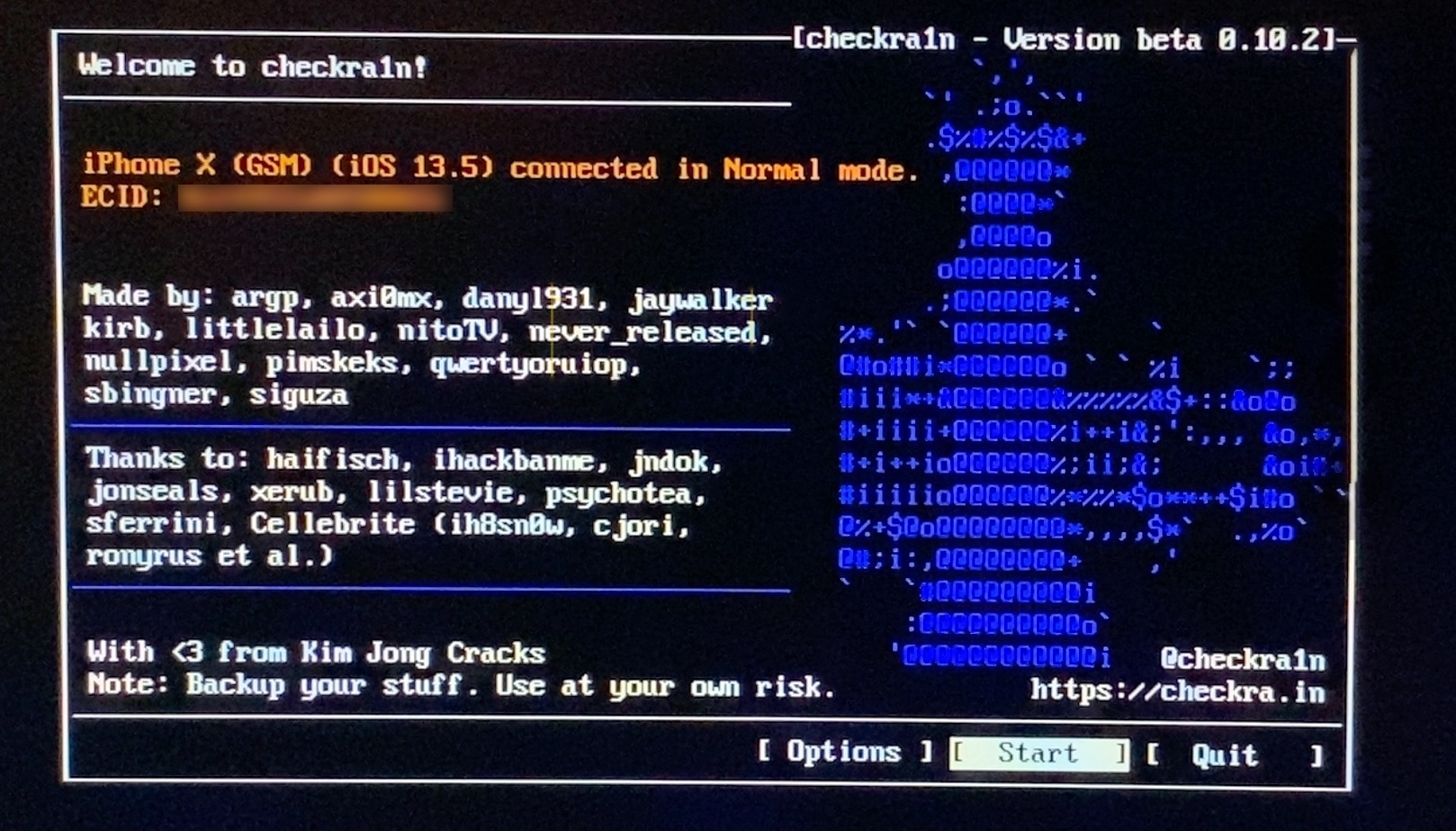
If you follow the checkra1n team closely on Twitter and you pay attention to the our news pieces as the team releases updates to the tool, then you’d probably come to assume that you can’t run the checkra1n jailbreak unless you have a Mac or a computer running Linux. While the aforementioned state is still technically true, you can use a helpful utility called bootra1n to run the checkra1n jailbreak on your Windows PC.
While it takes a little more finesse than simply running the checkra1n application on a Mac or a Linux box, using bootra1n is a great way to get jailbroken if you don’t have access to either of the above. In this tutorial, we’ll be showing you how to go about it, step by step.
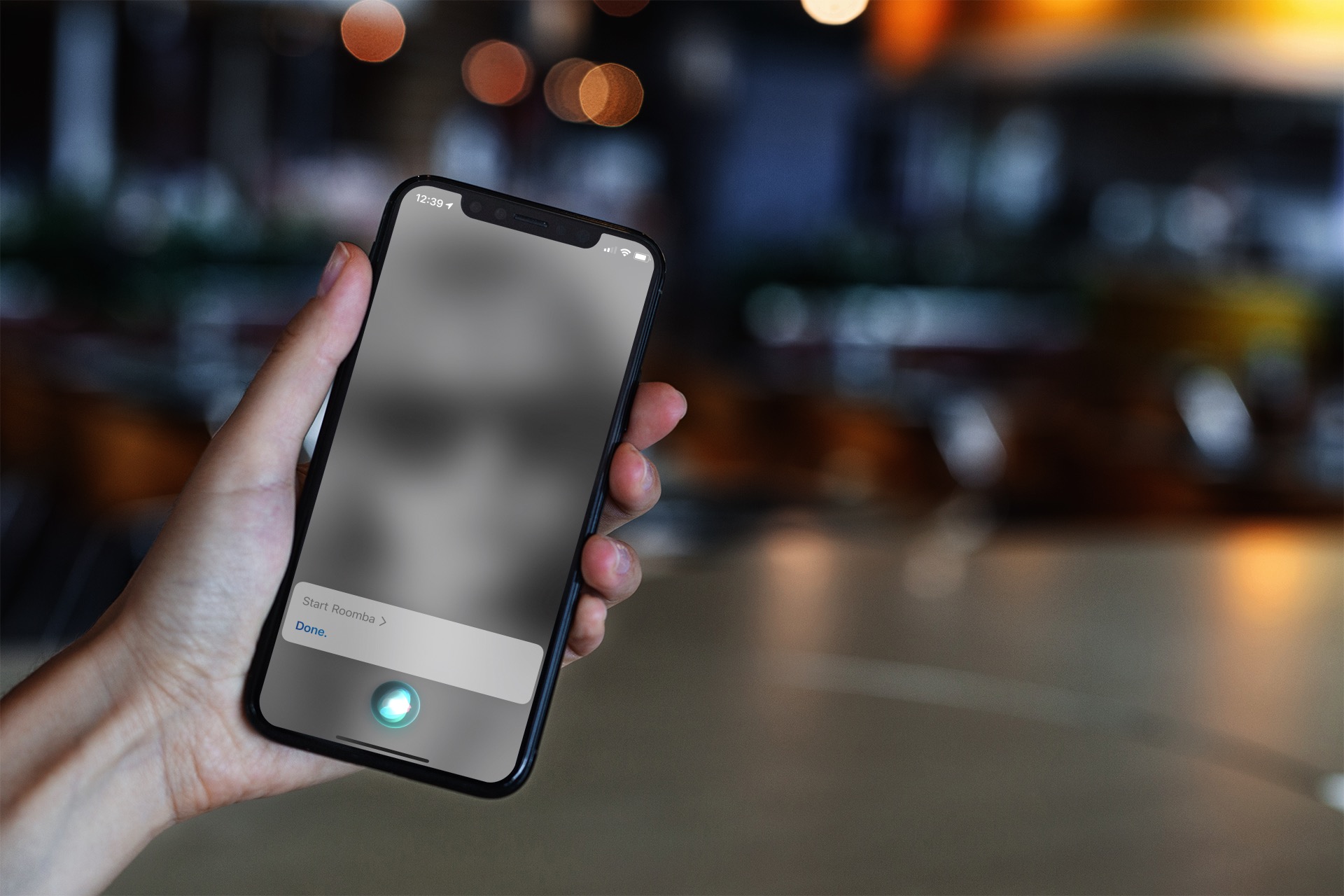
Learn how to control your iRobot Roomba with Siri and command your smart vacuum from anywhere using your iPhone, iPad, or HomePod.