Learn how to use Google Chrome, Microsoft Edge, Mozilla Firefox, Brave, or another compatible app as the default web browser on your iPhone or iPad instead of Apple’s Safari.
How to change the default web browser on iPhone and iPad
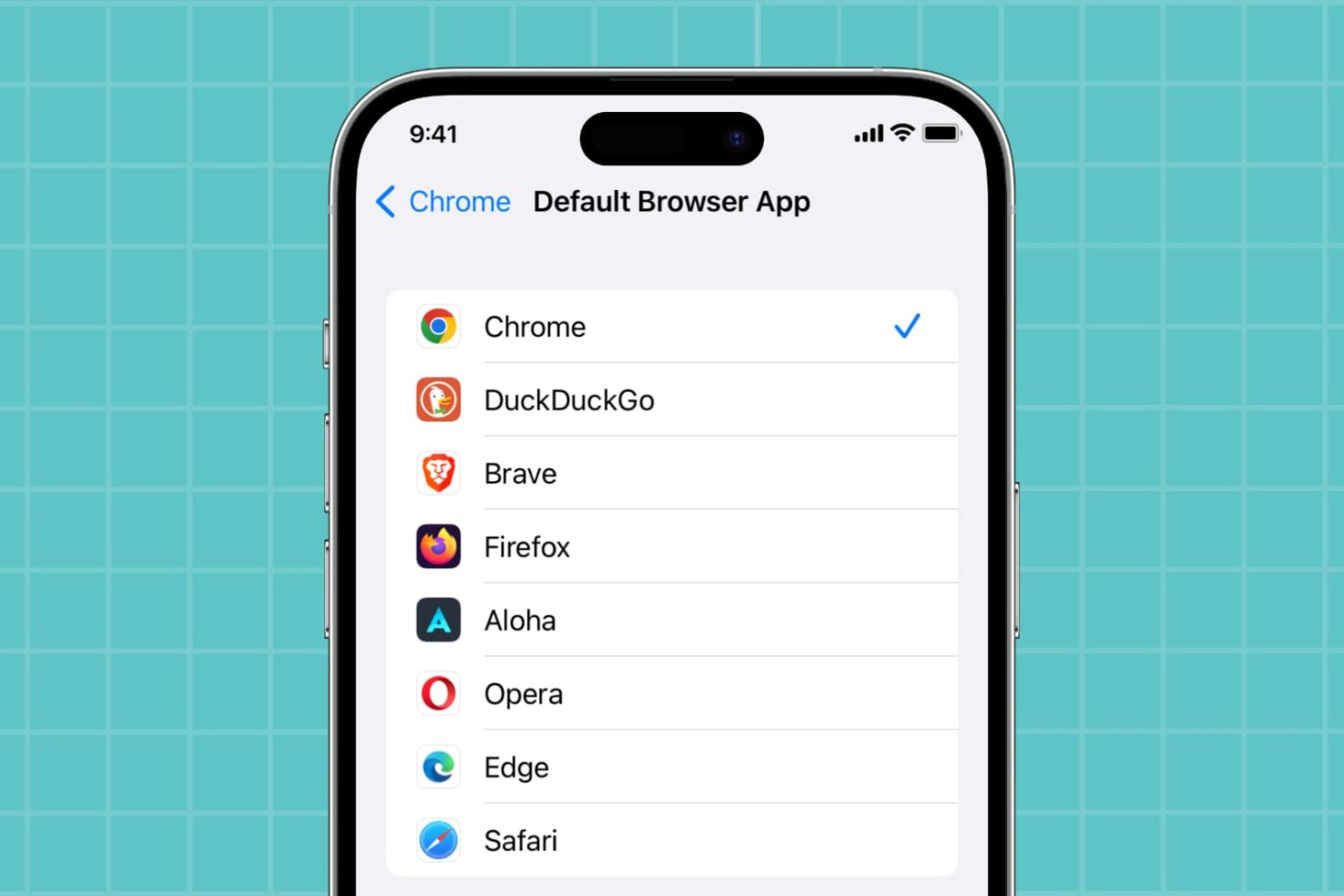
Learn how to use Google Chrome, Microsoft Edge, Mozilla Firefox, Brave, or another compatible app as the default web browser on your iPhone or iPad instead of Apple’s Safari.

Wondering how to change your Skype name? We’ll show you how to do this on iPhone, iPad, Mac, and web browser.
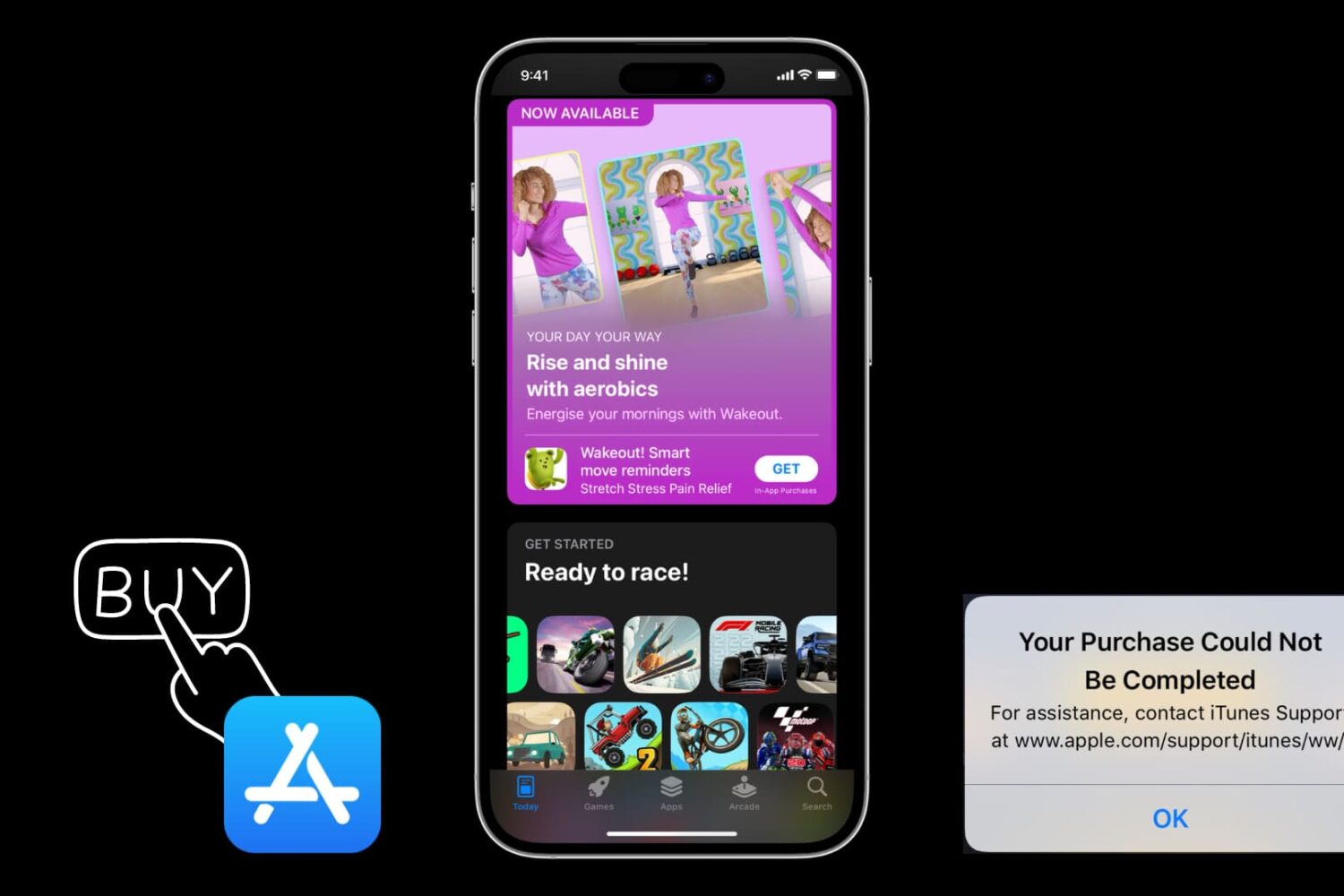
Have you ever tried to make a purchase on your iPhone or iPad for a new app or in-app upgrade and received an error message that your purchase could not be completed in the App Store app? This guide lists several possible reasons and solutions to fix this problem.

Learn how to change the quality of content streamed or downloaded in the TV app on your iPhone, iPad, Mac, Apple TV, and Apple Vision Pro.
Learn how to use the Tab Groups feature in Google Chrome on Mac to keep your open browser tabs organized and increase your productivity.

In this tutorial, we will show you how to view your Google Maps Timeline on your iPhone, iPad, and computer to go through your past travels. We will also explain how this information can be useful to you.
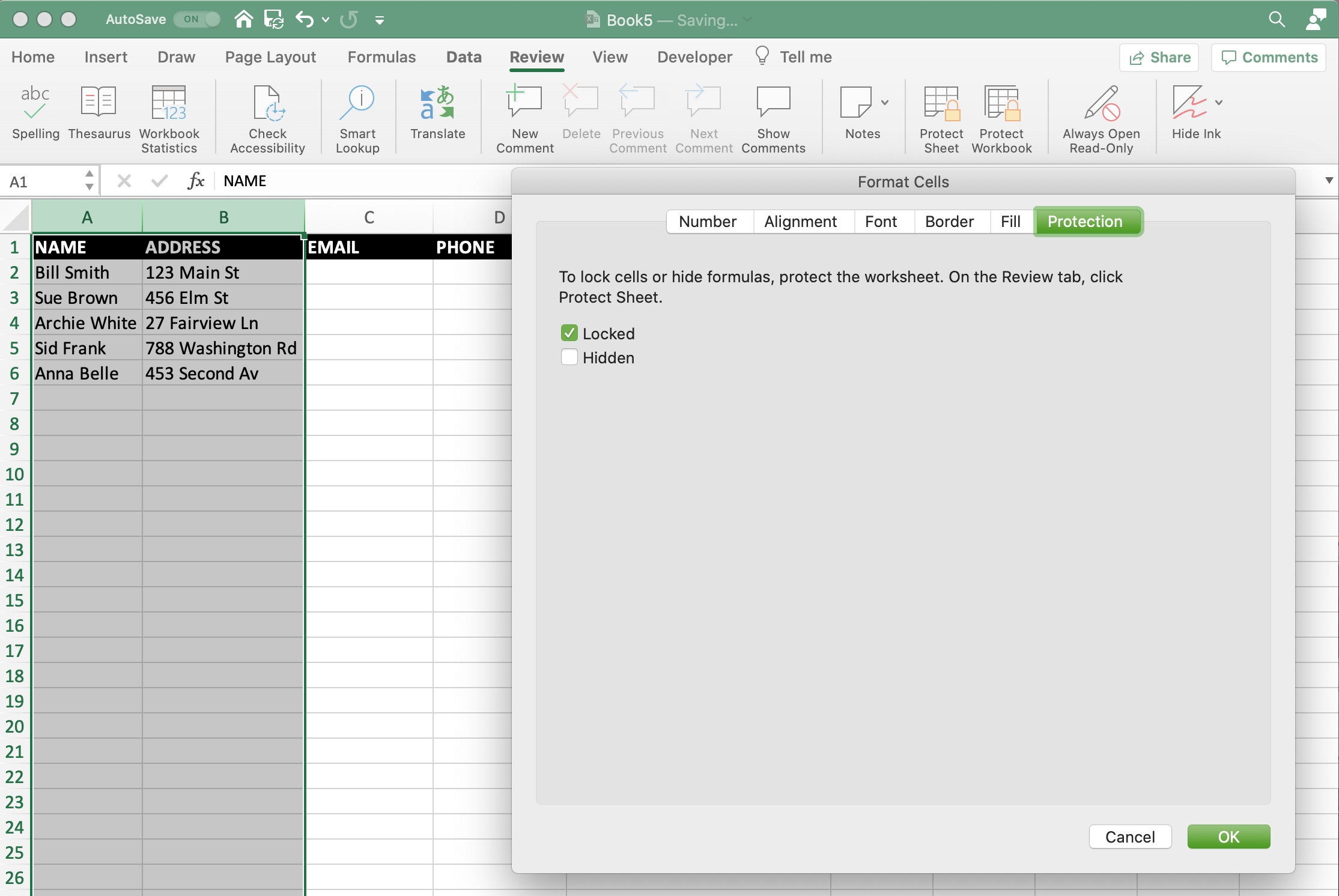
If you have an Excel spreadsheet or workbook that you want to either share with others, you likely have data that you don’t want them to be able to change. Maybe you want to allow them access to only edit certain cells. On the other hand, you may have data that you want to make sure doesn’t get accidentally changed as you work on the sheet yourself.
Unlike Numbers, you can lock cells in Microsoft Excel in a variety of ways. You can lock specific cells, cell ranges, rows, and columns. There are a few sets of steps in the process, but after you do it once, it will come easily for future workbooks. Here, we’ll walk you through how to lock cells in Microsoft Excel on Mac.
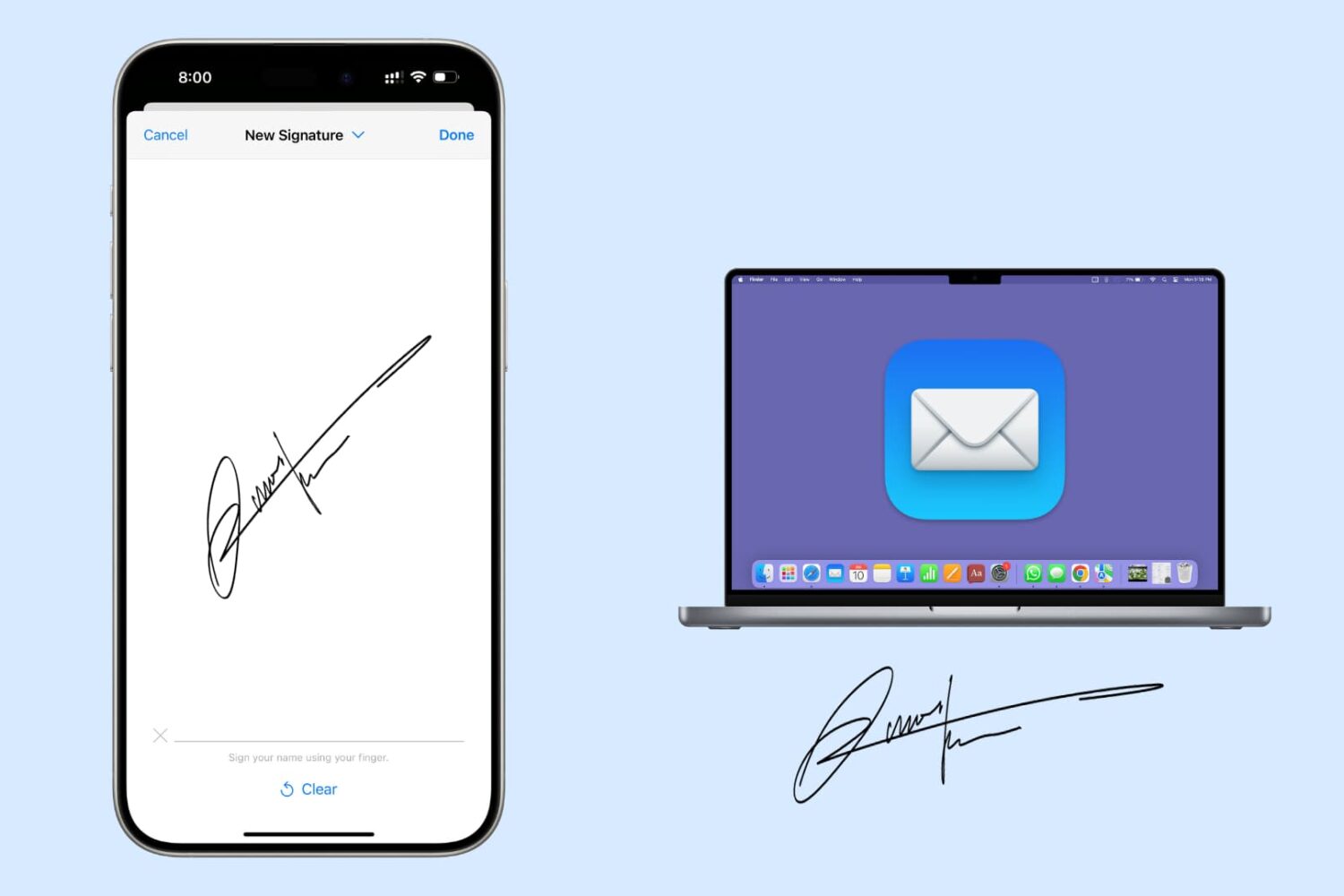
Have a PDF in the Mail app that you want to sign before sending? In this tutorial, we’ll show you how to sign an email attachment on your Mac using your iPhone or iPad.
Learn how to refresh Safari favicons on your Mac to force the browser to fetch the new icons and display everything correctly if some website icons are missing or showing unrelated images.
Whether you’re transferring to another mapping app or creating a backup, this guide shows you how to export and download your Google Maps data on both iPhone and the web.

Learn how to use keyboard dictation on your Mac with our quick and easy guide, enhancing your productivity through hands-free typing.

Are you allergic to your AirPods? In this guide, we explain what you can do to relieve some of the symptoms of the allergy caused by AirPods.