Learn how to save articles to the Reading List in Google Chrome on your computer and iPhone so you can read them later, even if you don’t have an Internet connection.
How to save articles to read later in Google Chrome

Learn how to save articles to the Reading List in Google Chrome on your computer and iPhone so you can read them later, even if you don’t have an Internet connection.
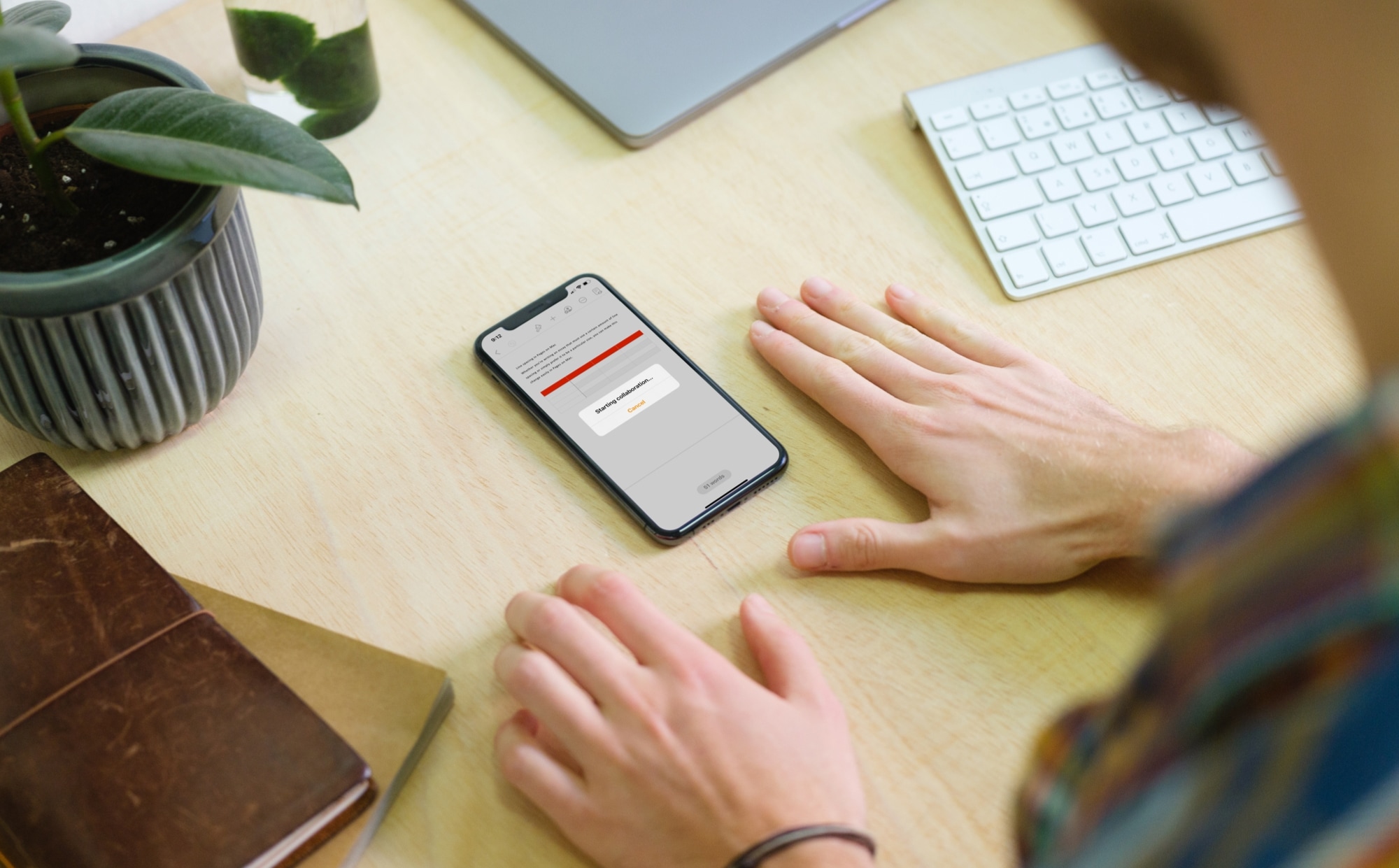
Learn how to collaborate in Pages, Numbers, and Keynote on your Mac, iPad, or iPhone to work seamlessly on documents with friends and teammates.
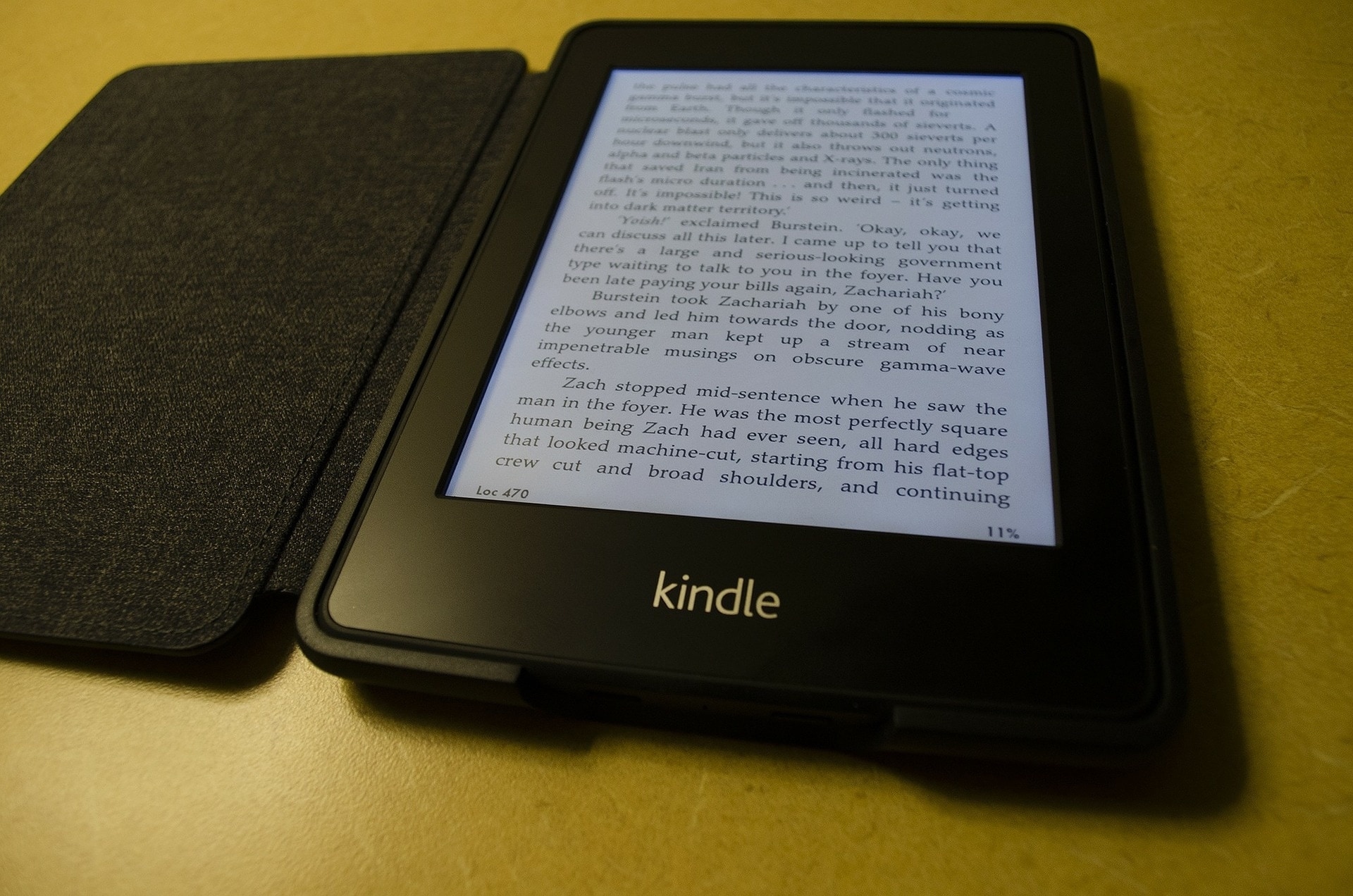
If you just picked up your first Kindle and have been reading terrific books, we have several ways for you to get even more, for free.
You may not realize it, but there are plenty of free books out there if you know where to look. From perks you get with Amazon Prime to checking your local library online, you don’t have to spend a dime to enjoy reading on your Kindle.
In this tutorial, we’ll show you how to zoom in and out in Pages, Numbers, and Keynote apps on your Mac, iPad, and iPhone for better visibility and control over your documents and presentations.
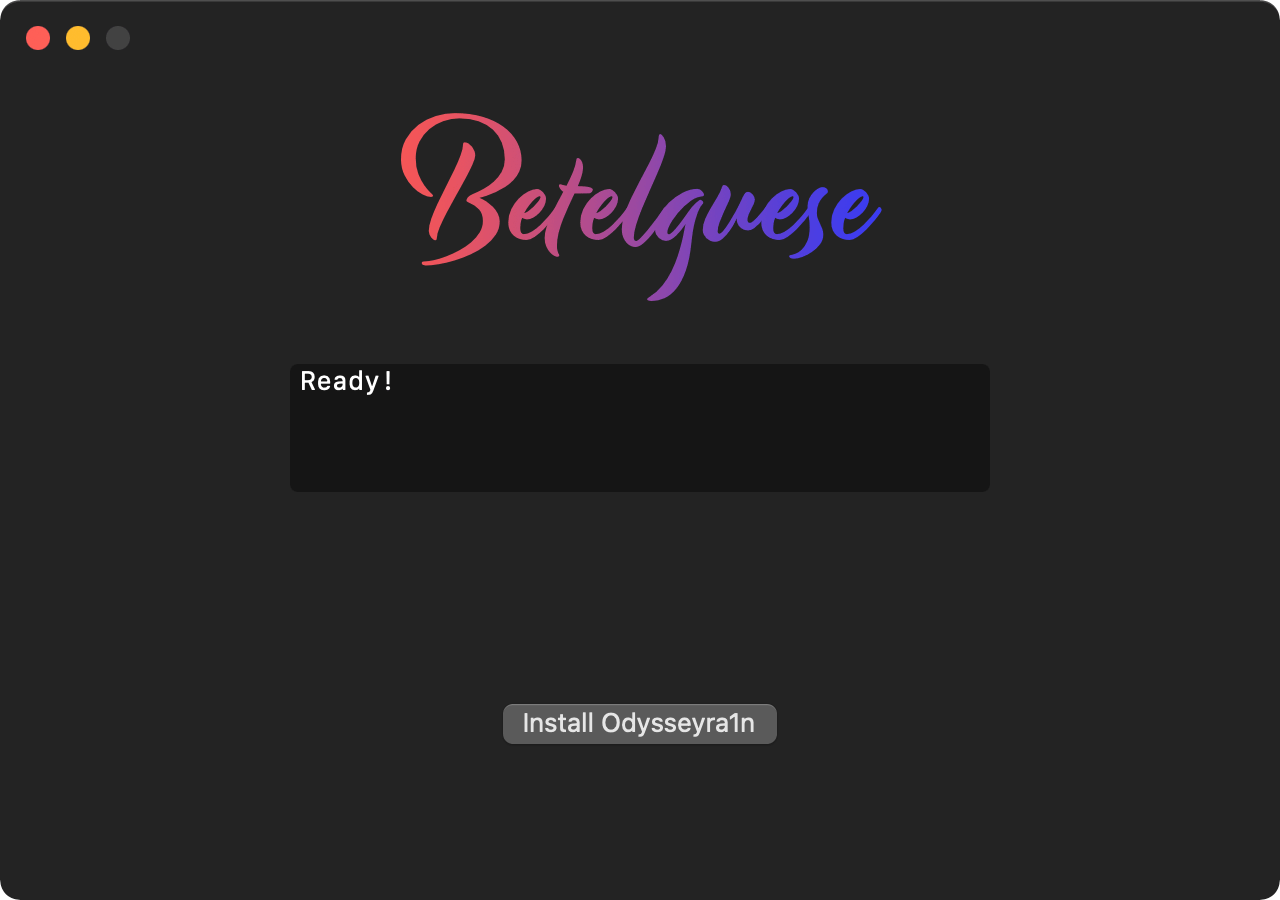
A brand-new one-click application for macOS called Betelguese by @23Aaron_ and @hbkirb is now available that lets checkra1n’d iPhone and iPad users install Odysseyra1n on their handset via the convenience of a graphical user interface (GUI) as opposed to pasting lengthy and complicated commands into a traditional command line interface (CLI).
When Betelguese is complete, your checkra1n jailbreak transforms into Odysseyra1n, which means that it will utilize the Procursus bootstrap with Sileo as the default package manager and libhooker as the tweak injection method. These will replace Cydia and Cydia Substrate or Substitute for tweak injection — the process that handles your jailbreak tweaks — whichever of the latter you might’ve had installed at the time.
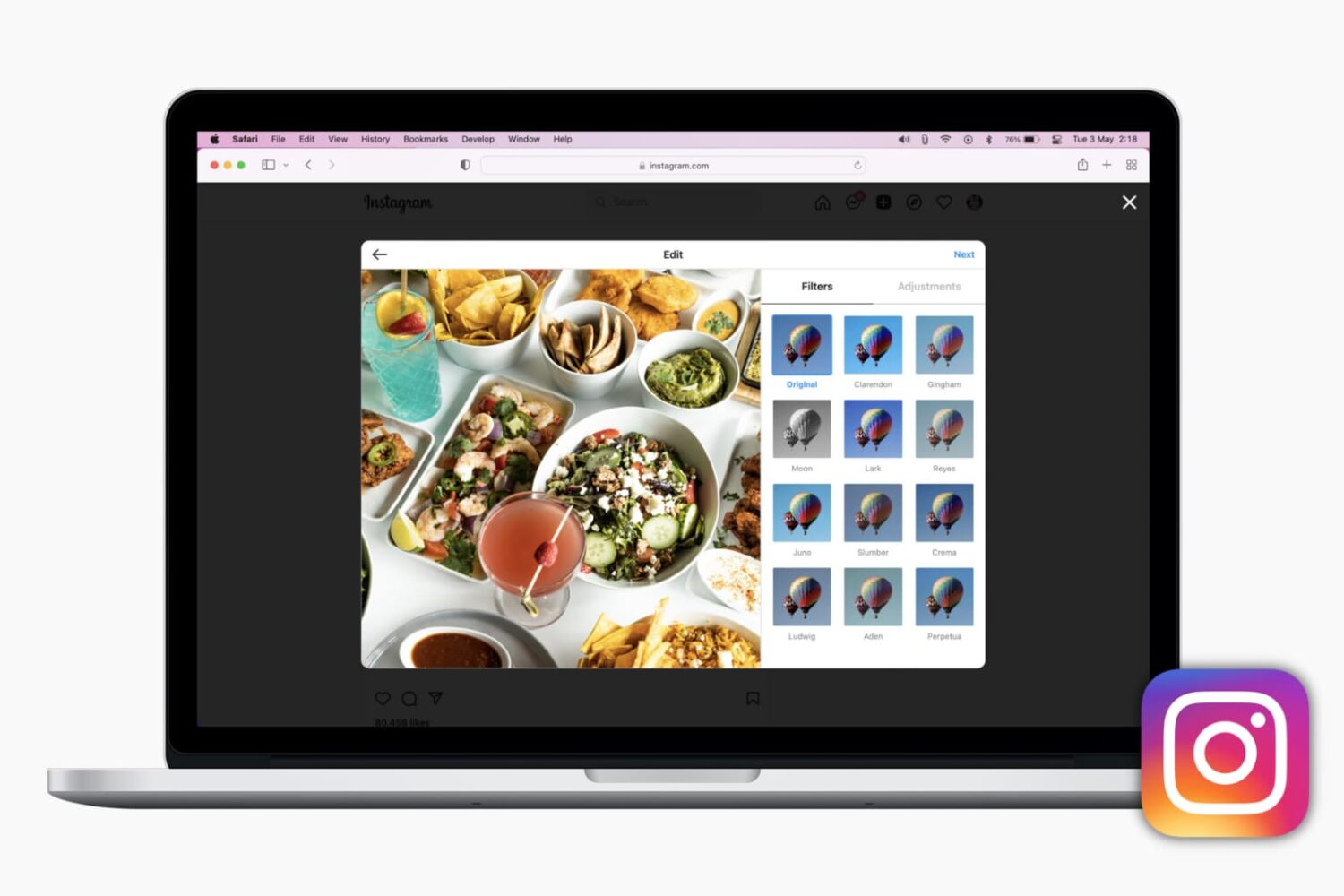
Here are the different methods to post on Instagram from your computer using Safari, Firefox, and Chrome. With this, you can grab those photos or videos saved on your computer and post them to Instagram without opening the app on iPhone or Android.
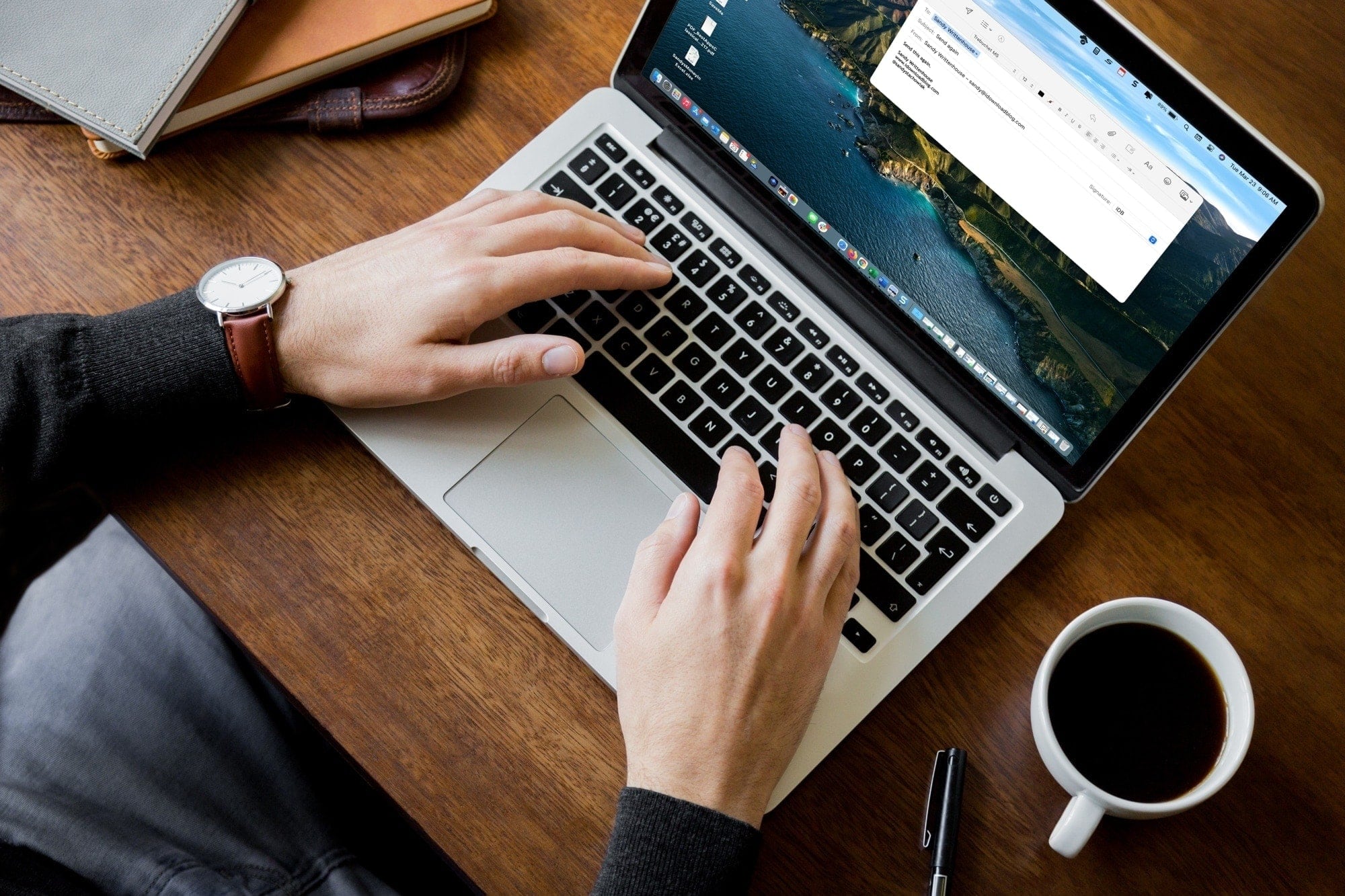
Learn how to use the Send Again feature in the Apple Mail app on your iPhone, iPad, or Mac to resend a sent email without copying, typing, and framing the message again.
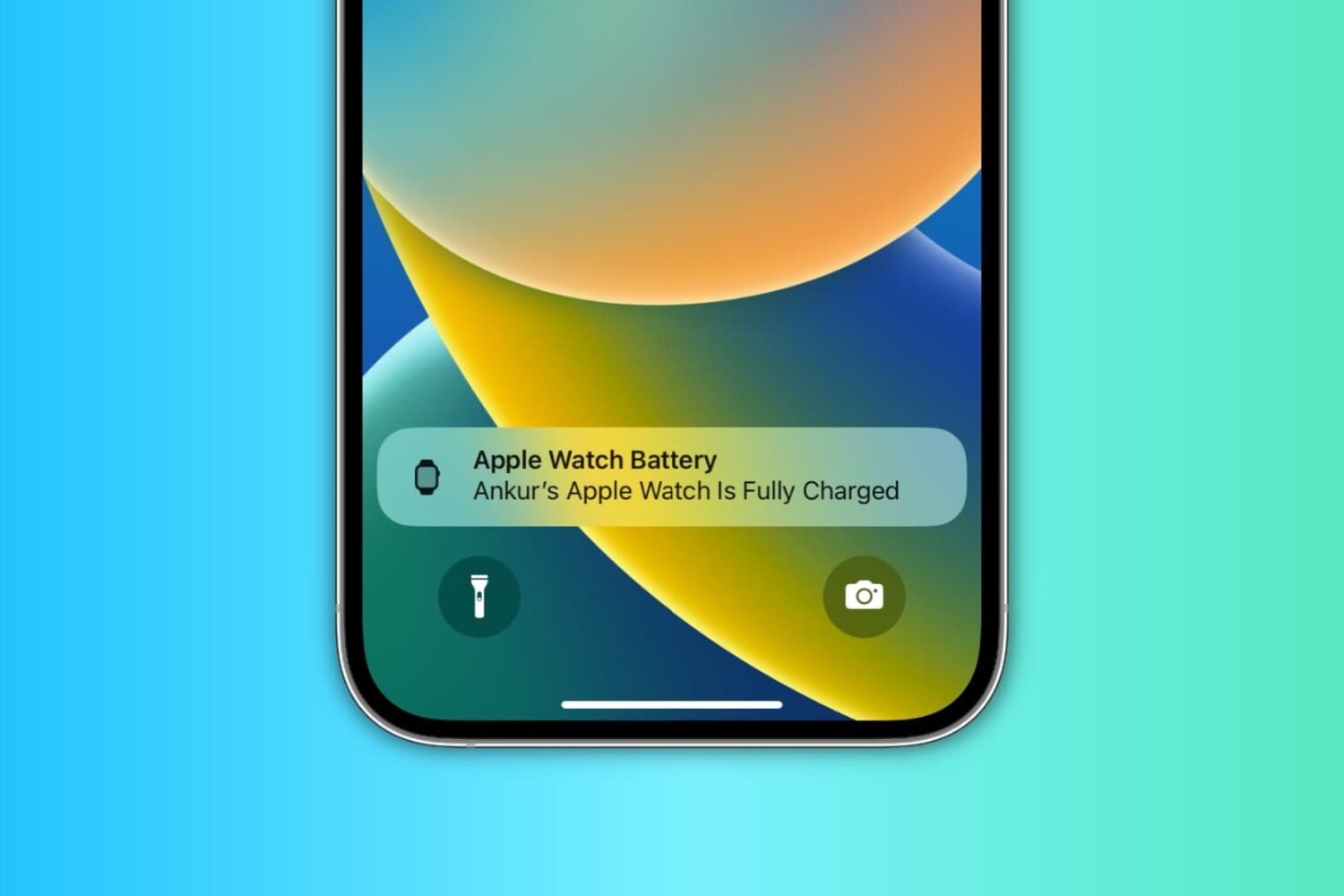
Learn how to use the handy Charging Reminders feature, which sends an alert on your iPhone to charge your Apple Watch before going to sleep and notifies you when the wearable is fully charged.

Learn how to insert charts in the Apple Pages app and format them with data to make your documents stand out on Mac, iPad, or iPhone.

In this step-by-step tutorial, we'll show you how to add music to your Instagram story to enhance your content with your favorite tunes.
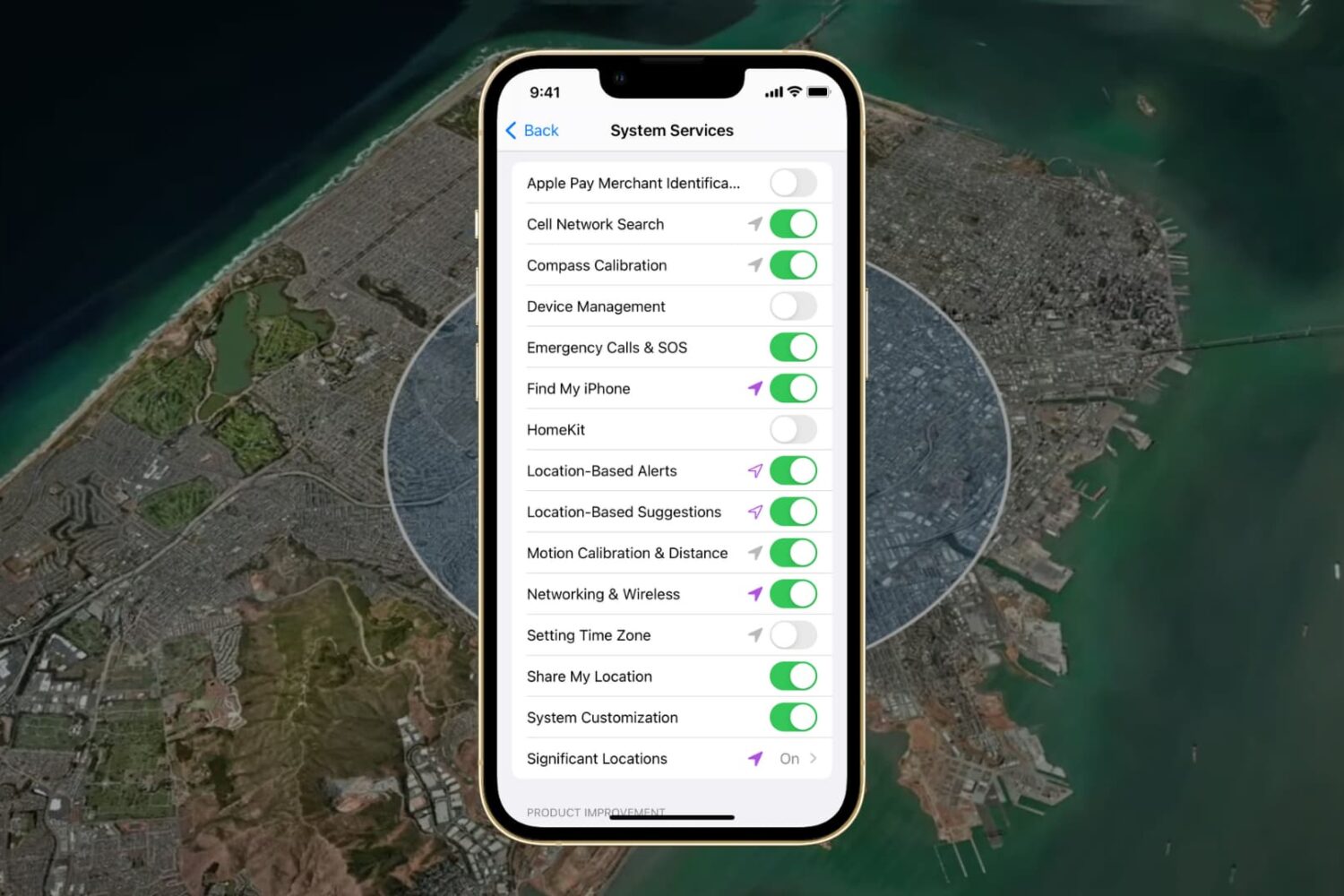
In this guide, we go over all the important options in your iPhone or iPad’s Location System Services section and help you decide whether to turn them off or leave them on.
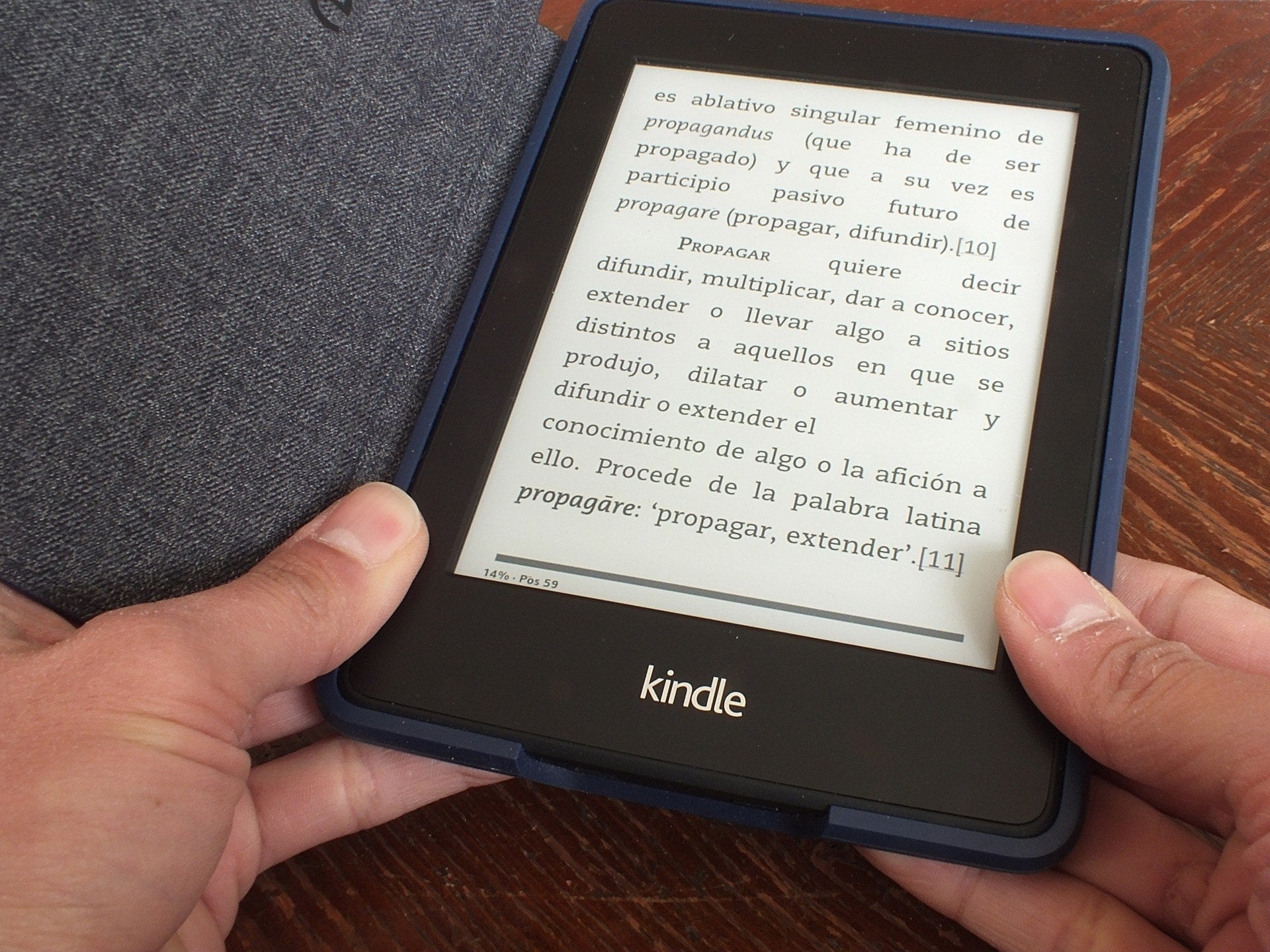
Learn how to convert a PDF file into a Kindle book format and then send the book to your Kindle Paperwhite so you can read it comfortably whenever you want.