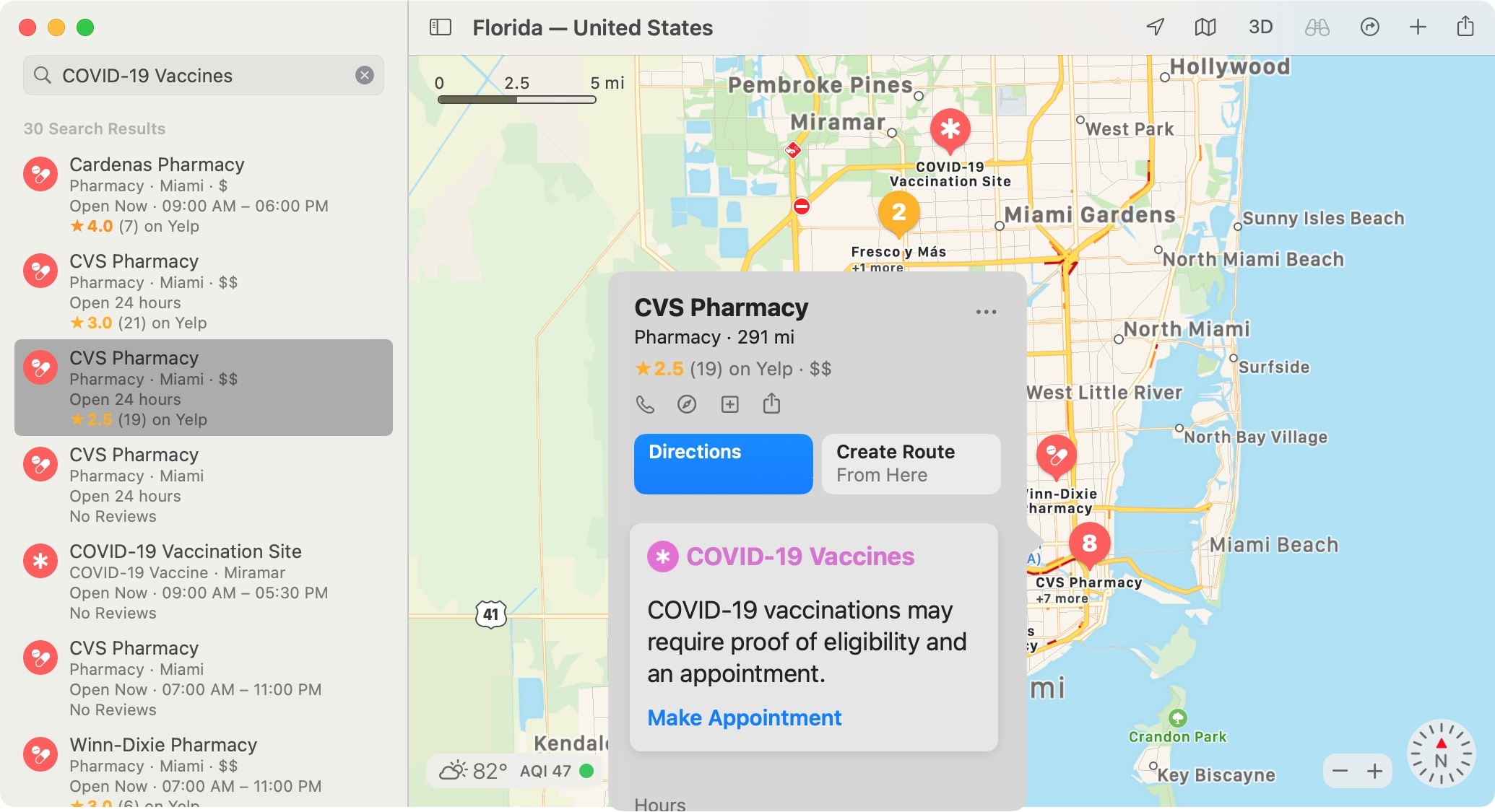
In 2020, we showed you how to find COVID-19 testing locations using Apple Maps. And this is something you can still take advantage of. But luckily this time, we get to show you how to find locations in Maps offering the COVID-19 vaccine in your area.
Whether you’re considering getting the vaccine yourself or want to help a friend or family member, Maps makes it easy. On iPhone, iPad, and Mac, you can see locations offering the vaccine and even hit a simple button to make an appointment on the location’s website.
So if you’re ready, let’s get to finding COVID-19 vaccine locations in Maps.