Learn how to transfer a note from the Apple Notes app to the Pages app on your iPhone, iPad, or Mac while preserving all its original formatting.
How to convert an Apple Note into a Pages document on iPhone, iPad, and Mac
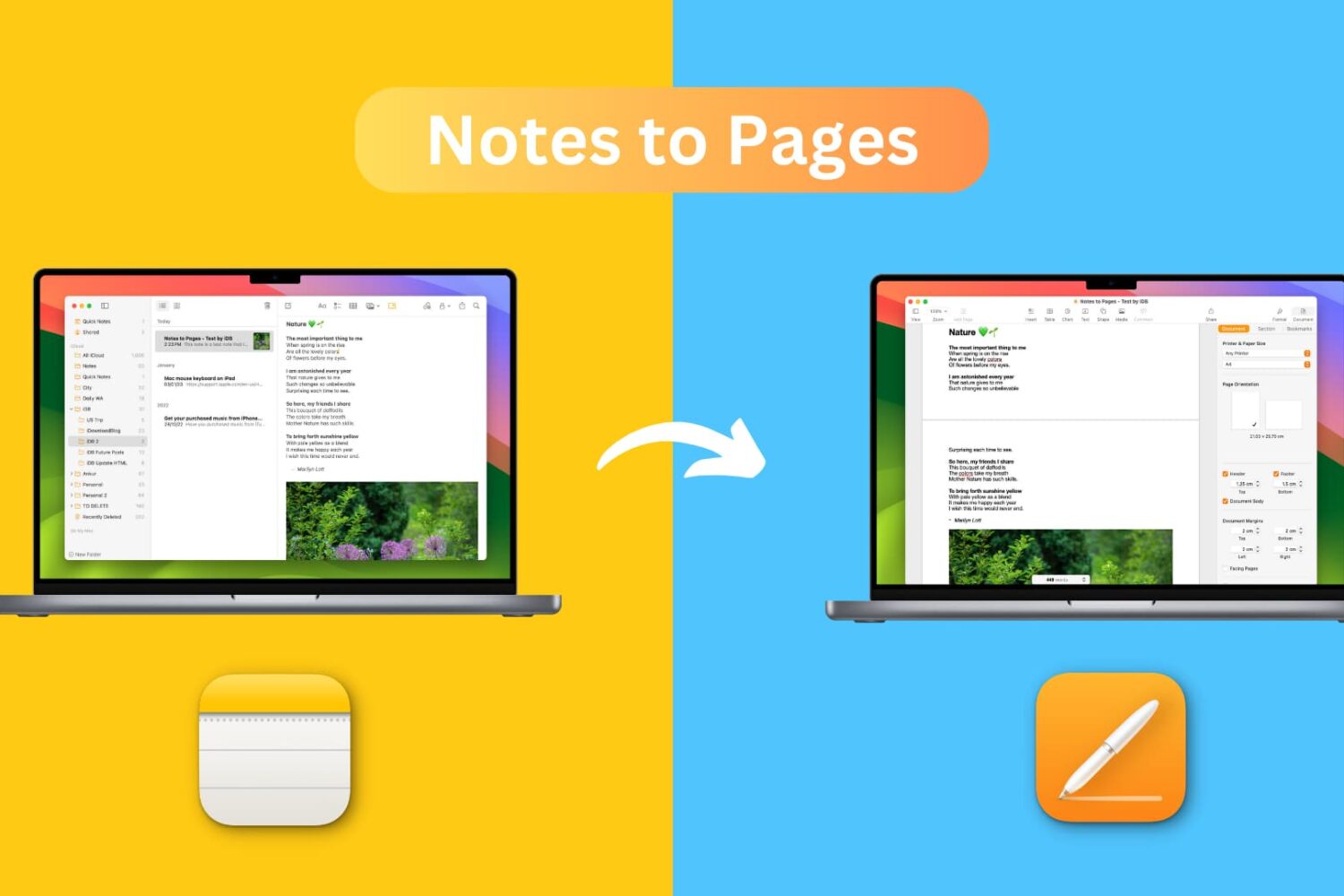
Learn how to transfer a note from the Apple Notes app to the Pages app on your iPhone, iPad, or Mac while preserving all its original formatting.
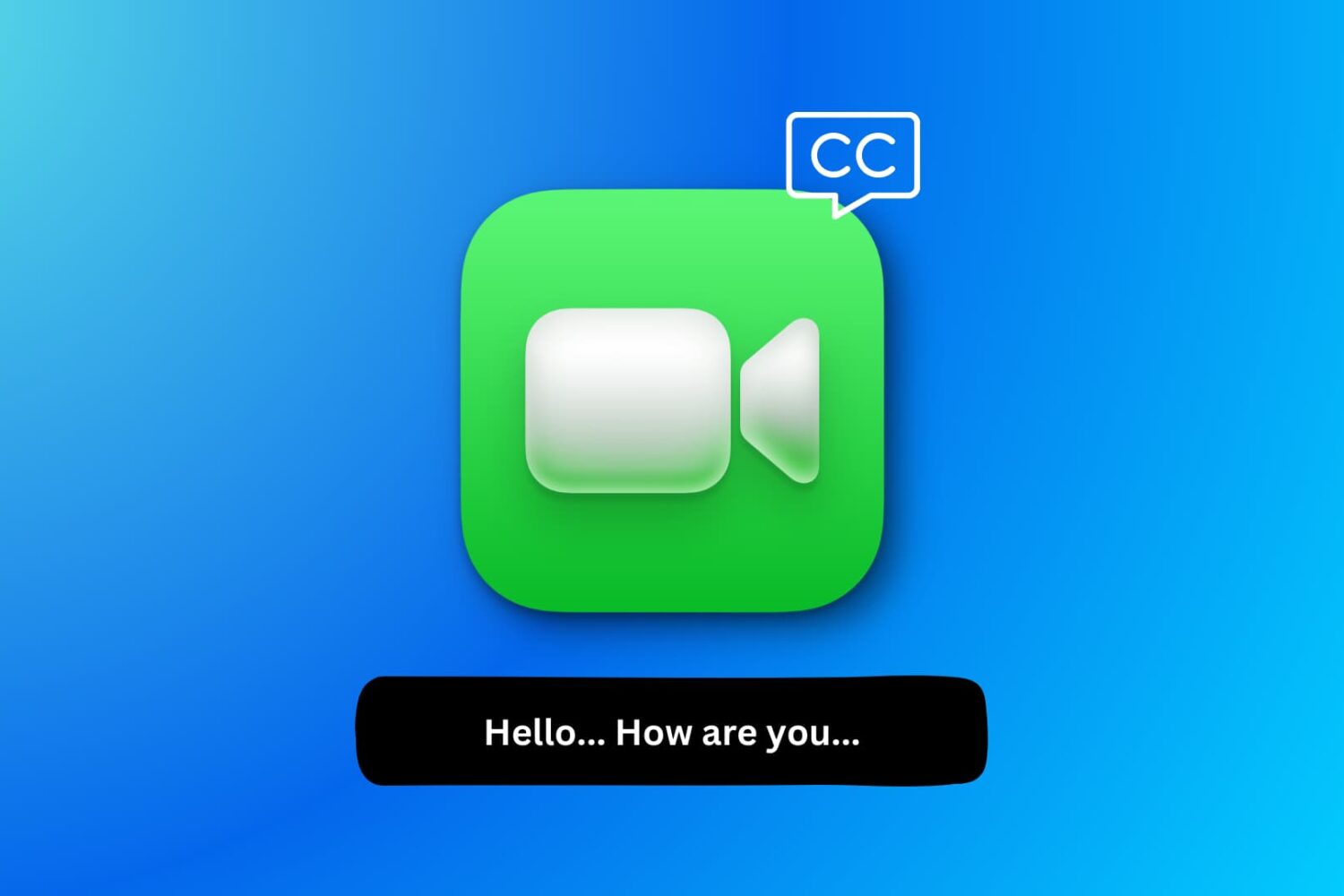
Learn how to use FaceTime Live Captions on your iPhone, iPad, and Mac to view real-time transcriptions of your conversations.

Learn what Live Speech is and how to set it up and use it on your iPhone, iPad, Mac, or Apple Watch to convert typed words into speech.
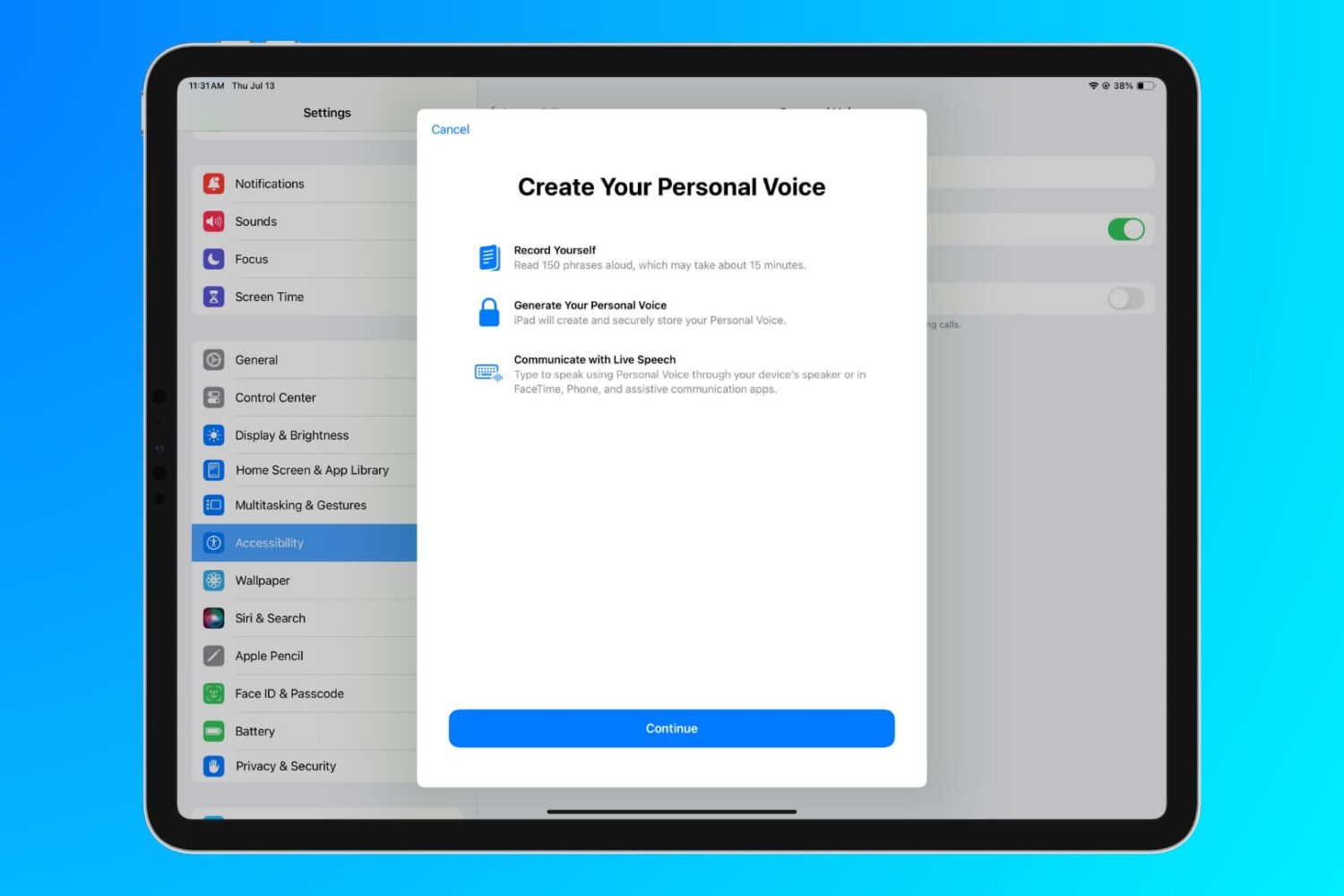
Learn how to use the Personal Voice accessibility feature to create a replica of your voice on iPhone, iPad, and Mac for use with Live Speech.
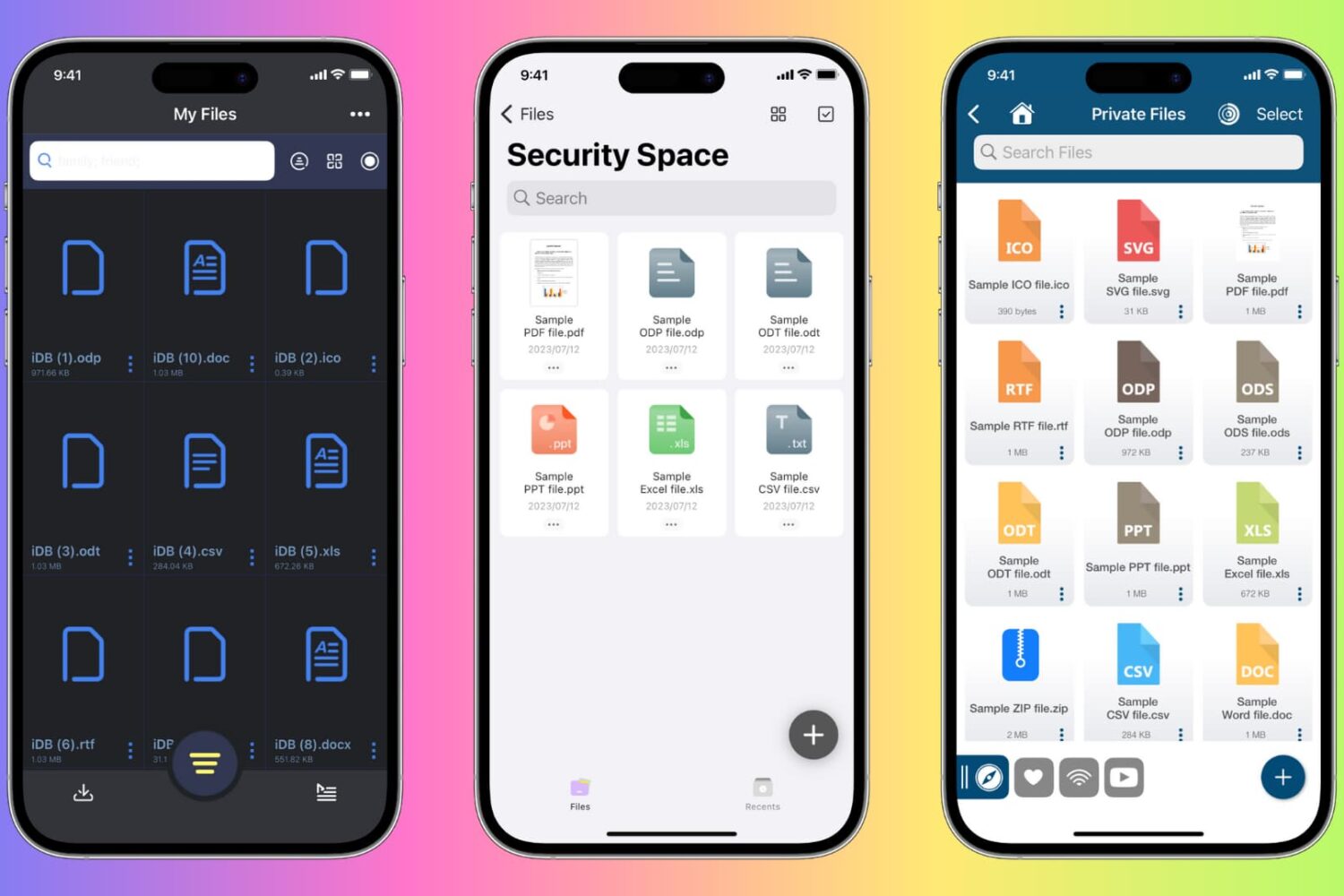
Learn how to protect private documents on your iPhone, iPad, or Mac from prying eyes by locking them with Face ID, Touch ID, or device passcode.
Learn how to turn any website in Safari into a proper web app that you can open on your Mac straight from the Dock or Launchpad.
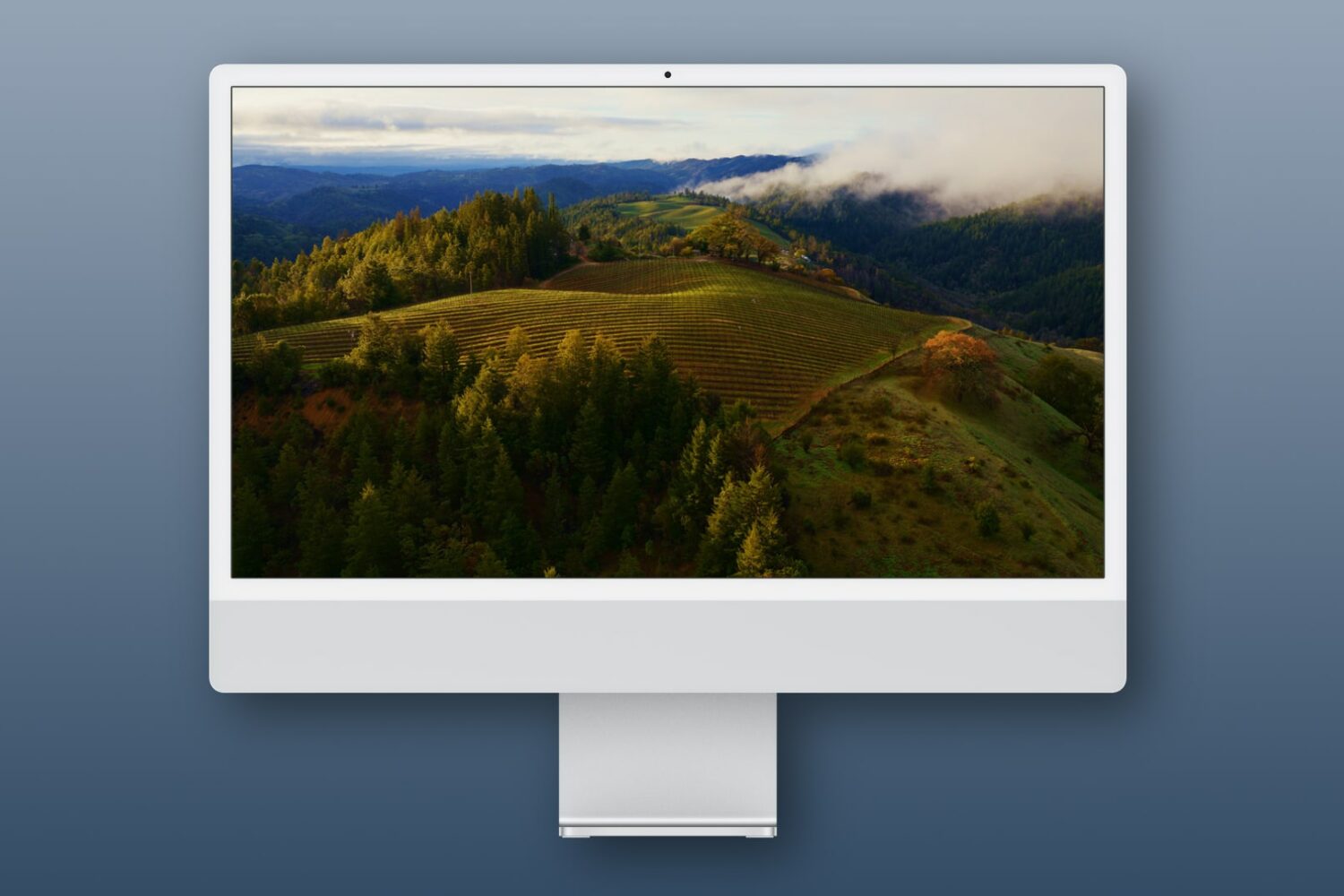
Learn how to use Apple's breathtaking Aerial screen savers and moving wallpapers on your Mac's Lock Screen and desktop in macOS Sonoma.
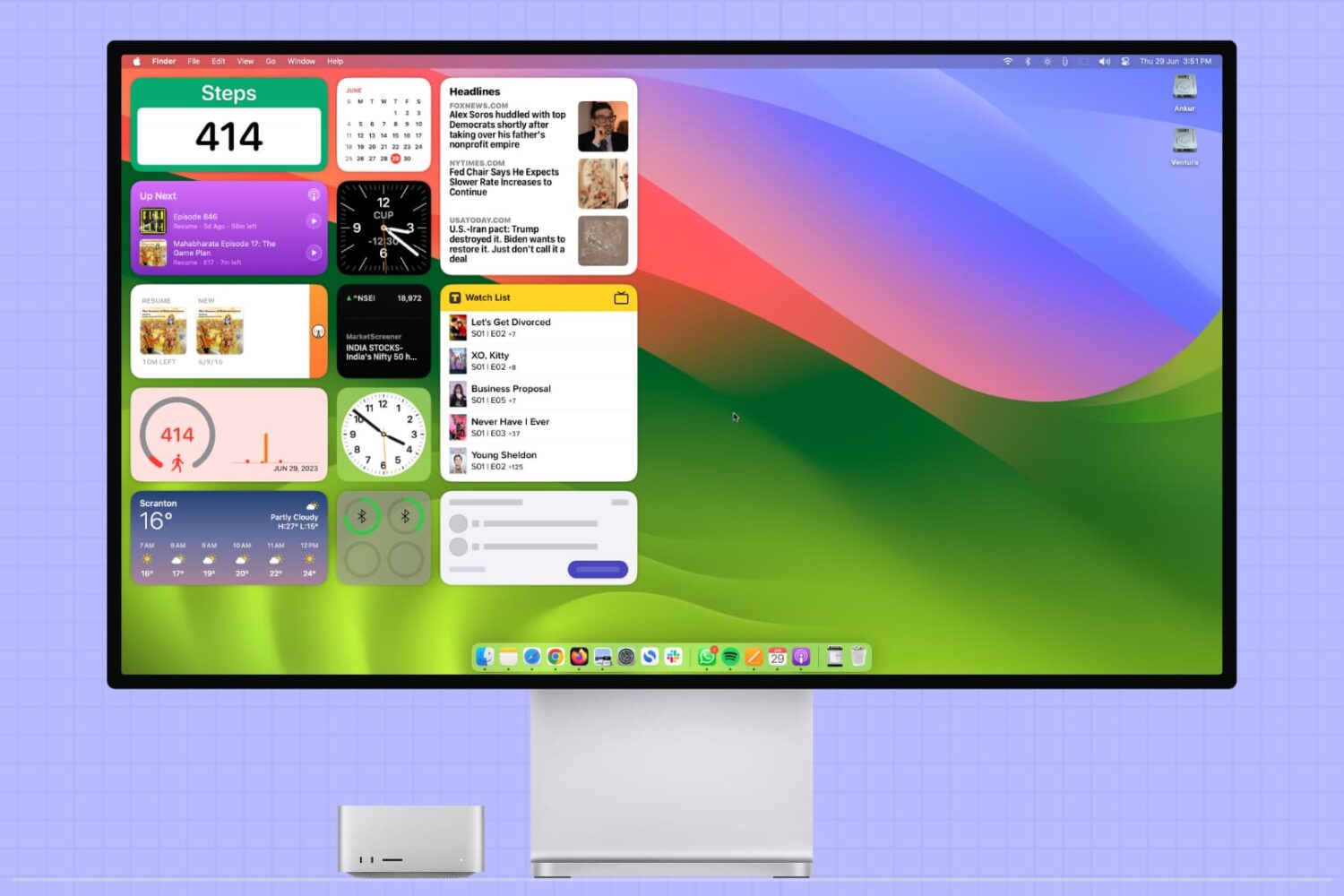
This tutorial covers how to add, use, and manage app widgets on your Mac's desktop, including how to add widgets from your iPhone apps to your Mac.
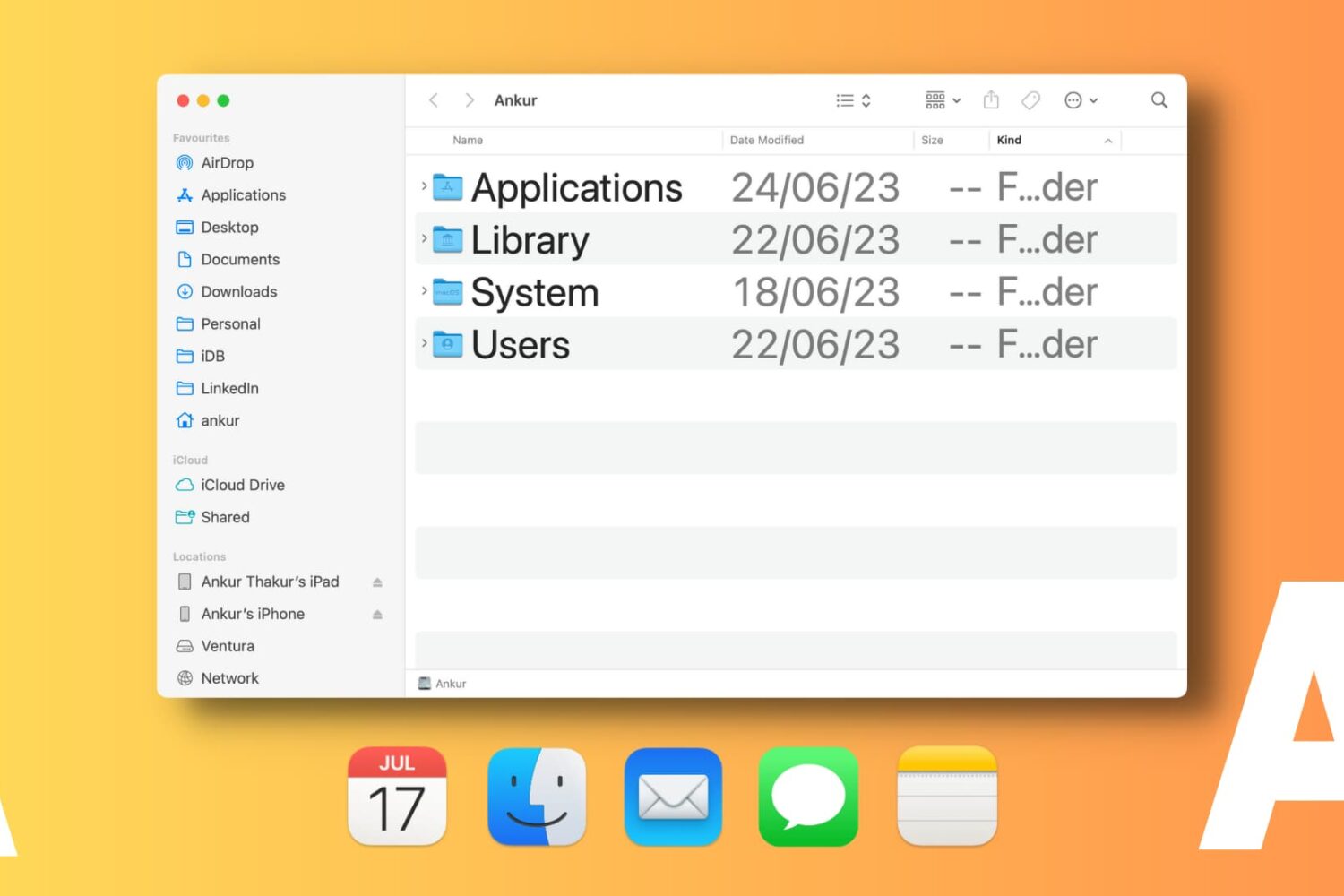
Learn how to change font sizes of specific Mac apps to create a comfortable reading experience without affecting the overall size of system text.

Learn how to configure Apple's Safari browser on your Phone, iPad, and Mac to pause animated GIFs on web pages and render them as static images instead.
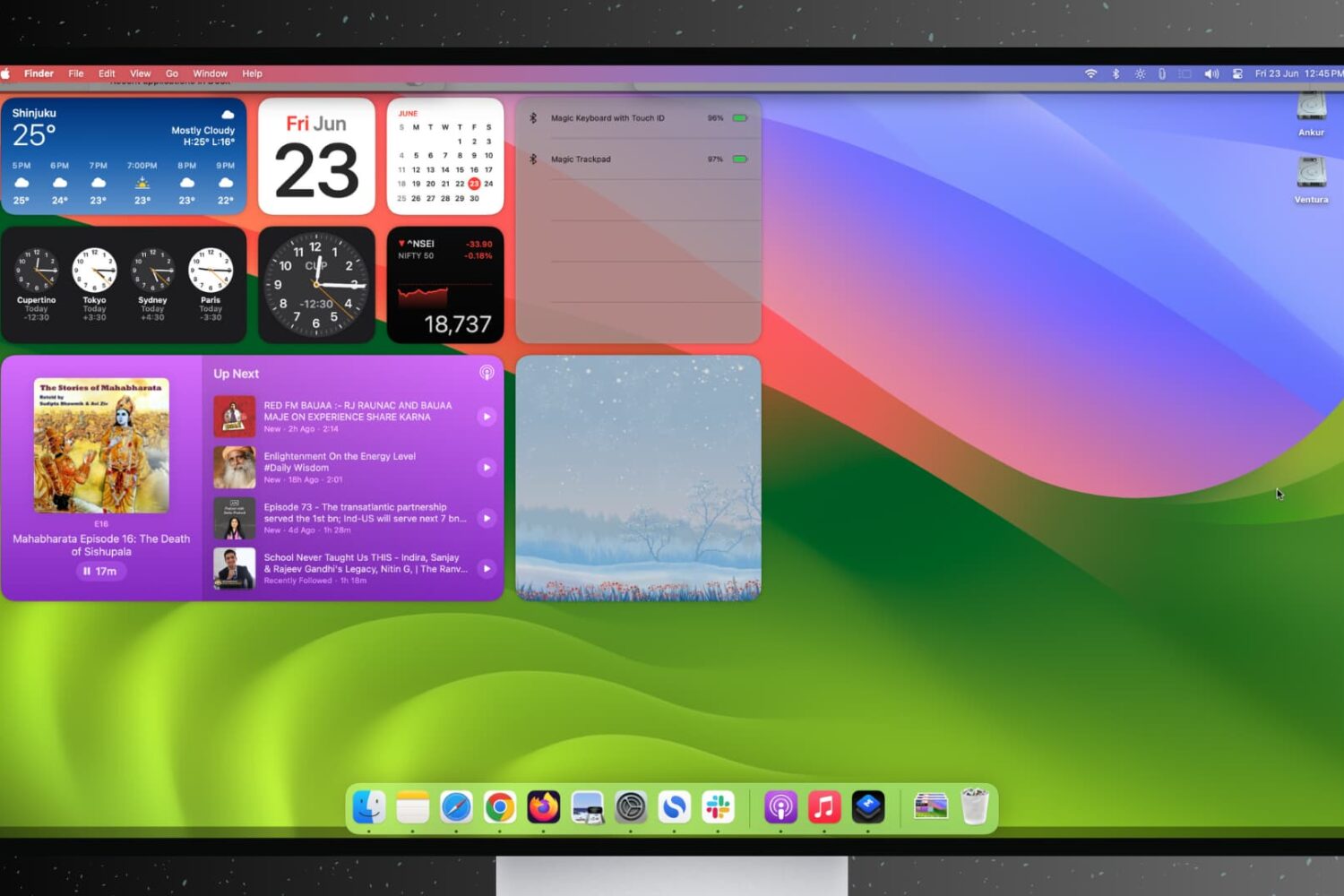
Find out how to stop open apps and windows on your Mac from hiding automatically when you click the desktop wallpaper.