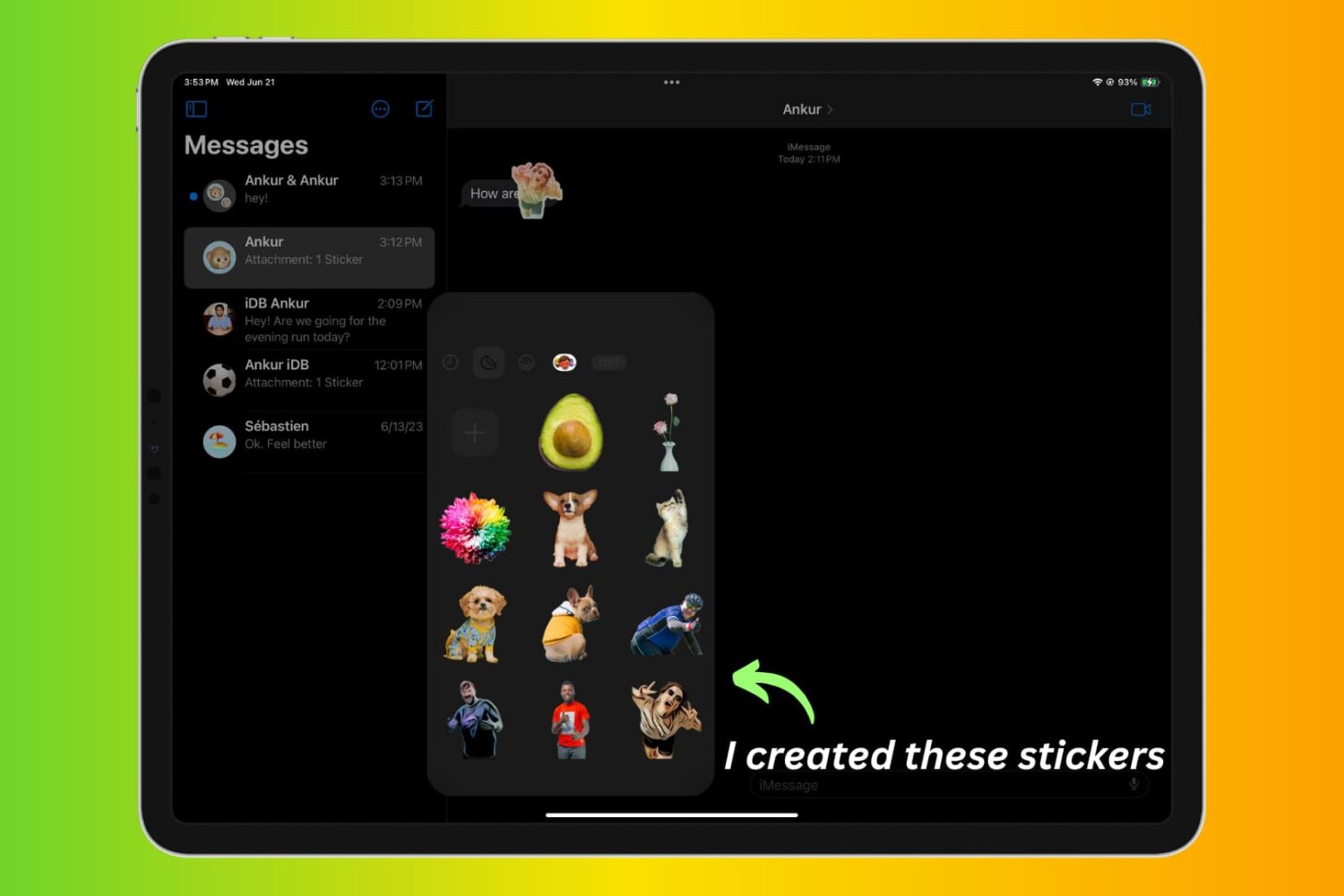
Learn how to convert PDF files into the Apple Pages format on your Mac to seamlessly edit and work with your existing documents.
How to convert a PDF document to Apple’s Pages format on Mac
Learn how to convert PDF files into the Apple Pages format on your Mac to seamlessly edit and work with your existing documents.
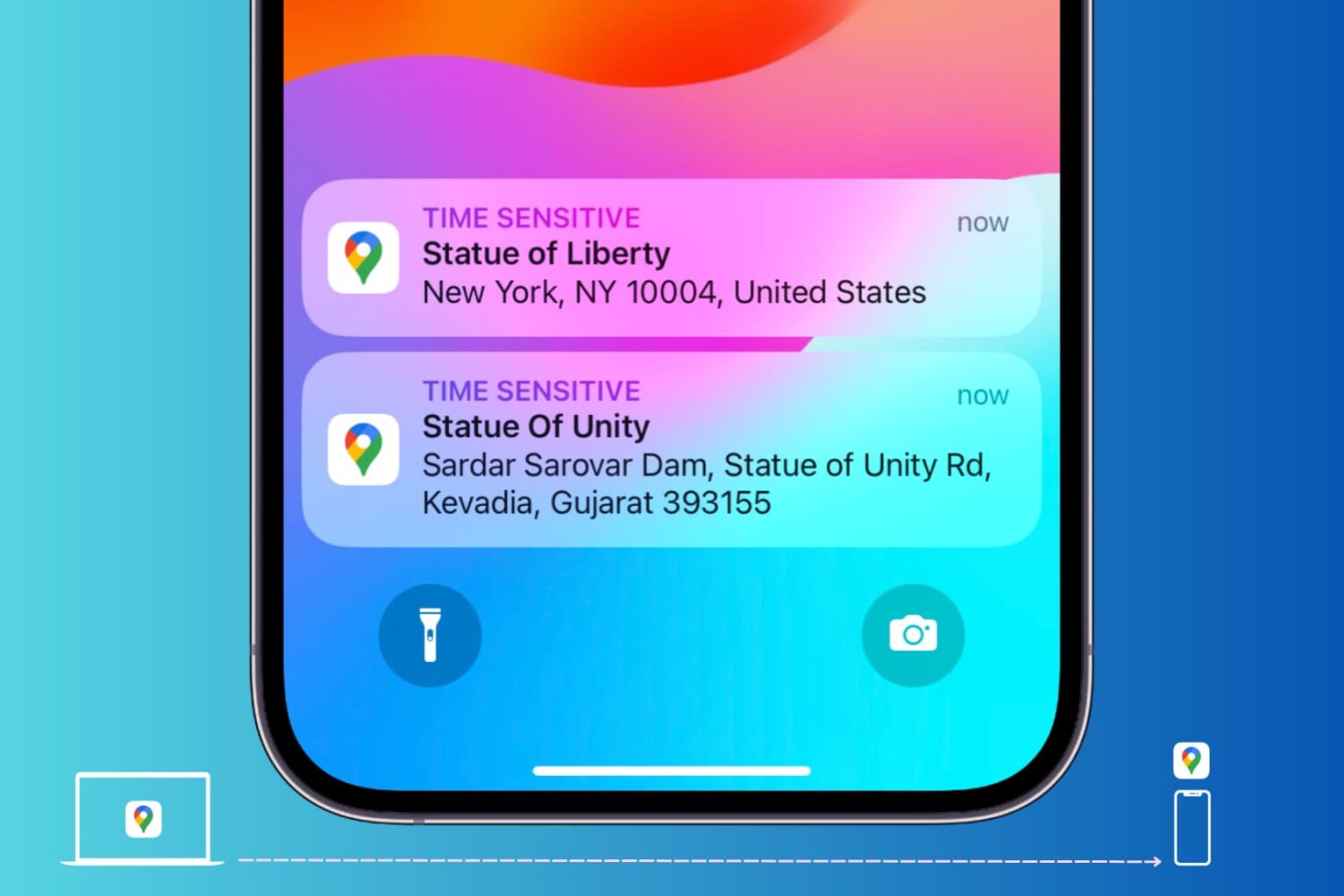
Learn how to send locations of your favorite restaurant, stores, and other places of interest from Google Maps on your computer to your iPhone or Android phone.
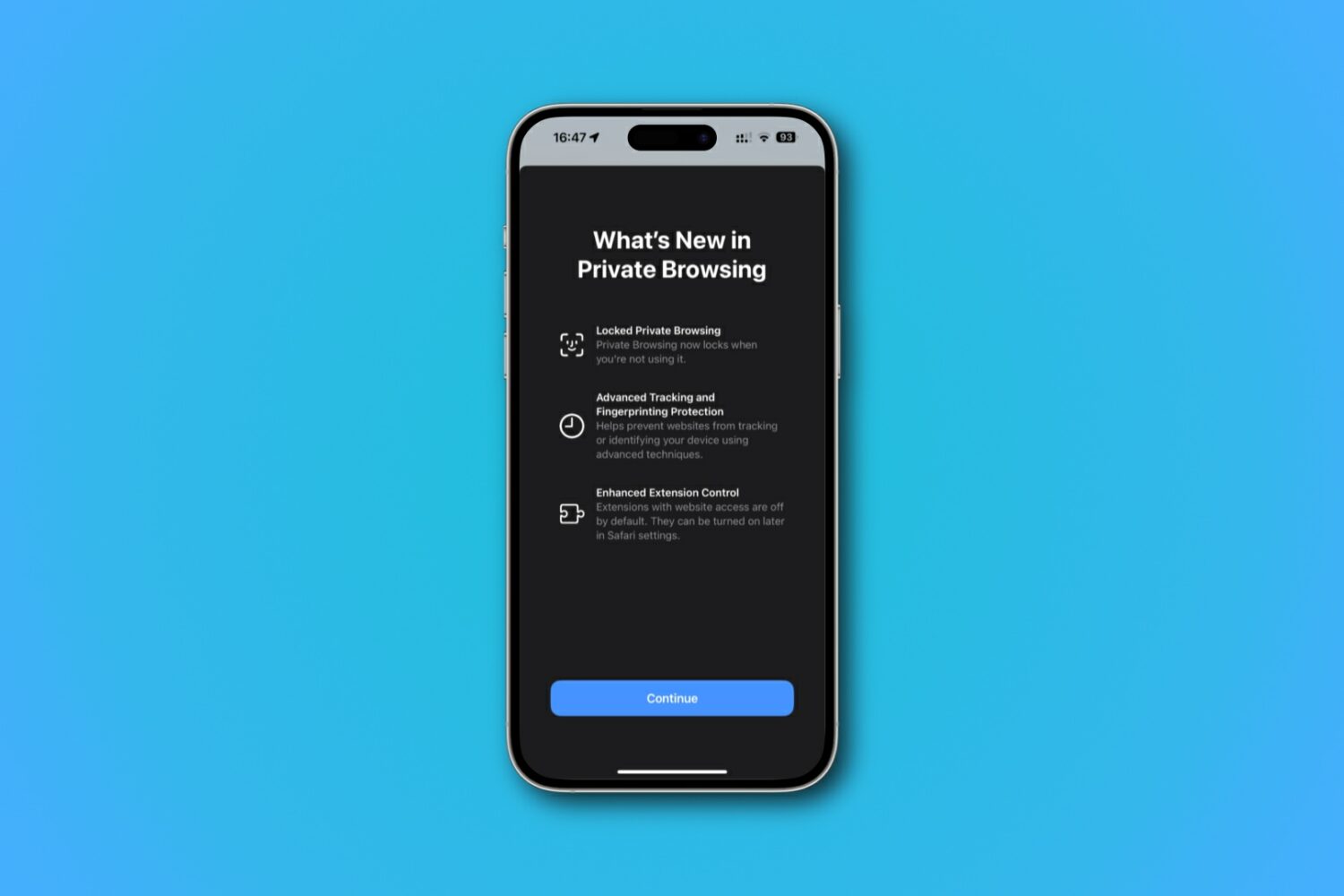
Learn how to lock and unlock your private tabs and windows in Safari with Face ID, Touch ID, or device passcode.

Learn how to save battery life and lower memory usage when running Google Chrome on your Mac so you can browse longer on a single charge.
Learn how to use profiles in Safari on your iPhone, iPad, or Mac to keep your personal and work browsing separate.
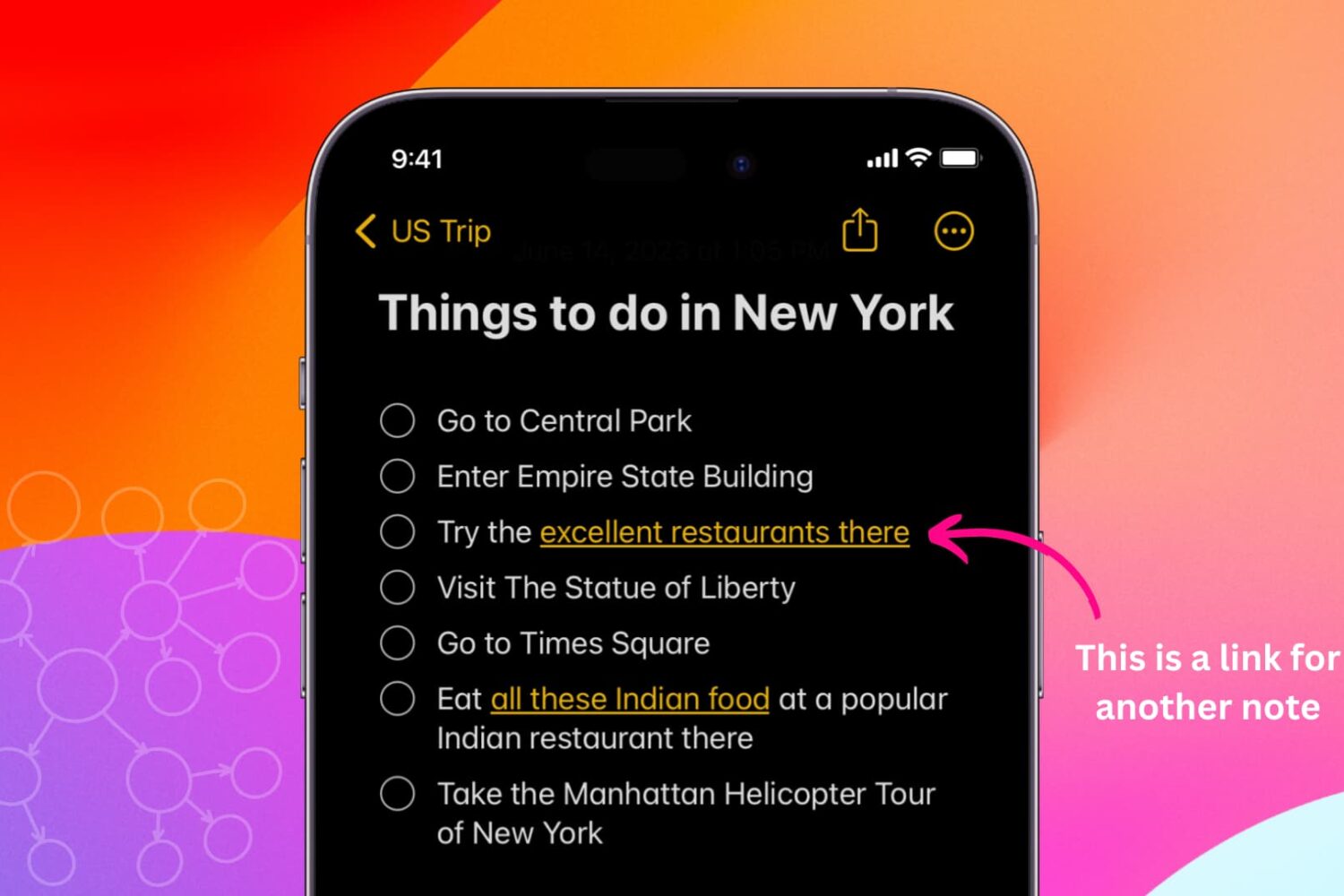
Learn how to link related notes in the Notes app on iPhone, iPad, and Mac for better organization and easier navigation.
Learn how to easily see the Wi-Fi IP address of your Mac, iPhone, and iPad in this comprehensive tutorial.

Learn how to enable, create, and use templates in Gmail to save time on repetitive emails or set up auto-replies for incoming messages.
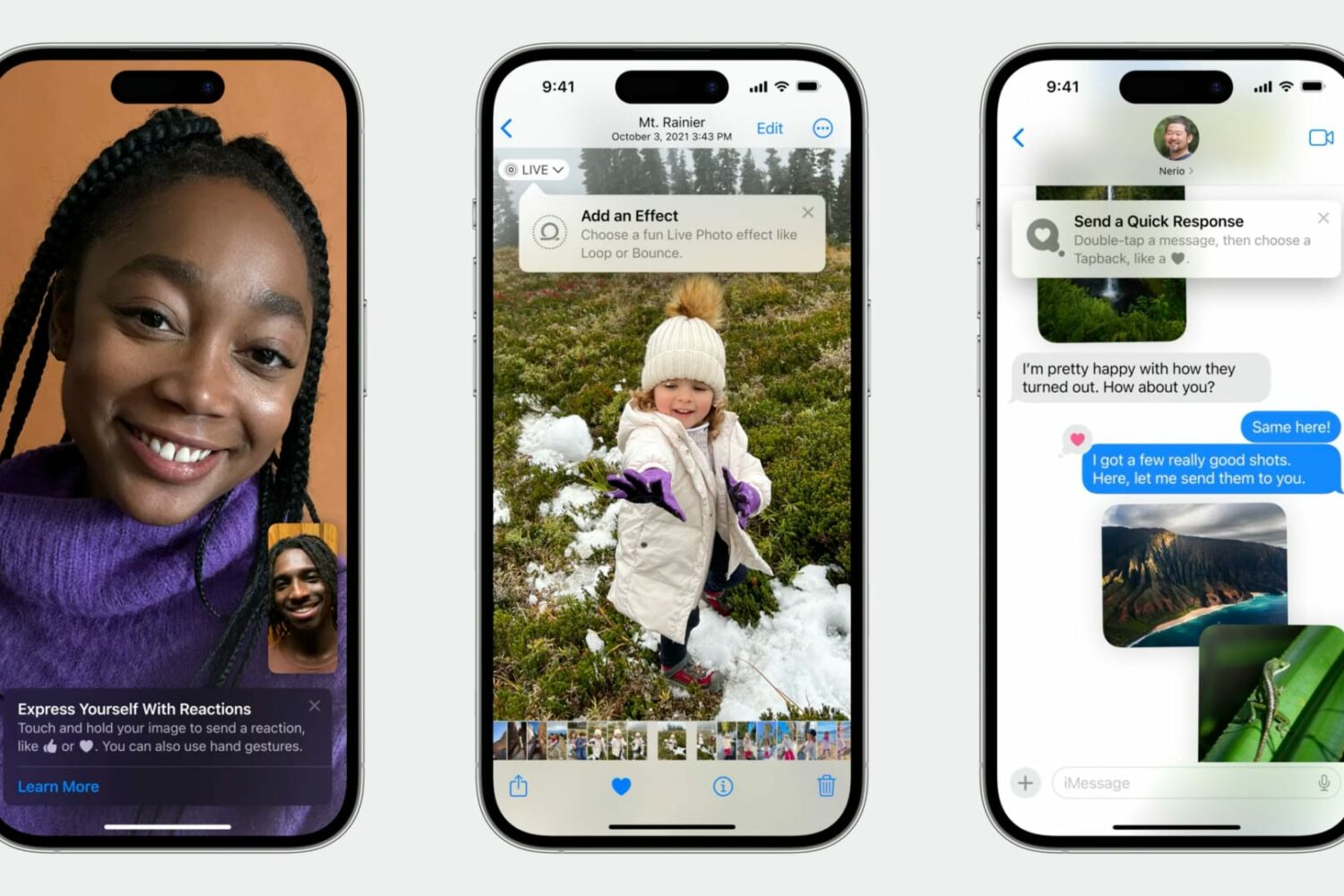
Learn how Apple's TipKit software framework lets developers aid the discovery of new features in apps for users in delightful ways.

Learn effective tips and tricks to optimize your Mac’s startup time and boost its performance with a few simple steps.

Learn how to install macOS Sequoia on a different volume (disk partition) and have two macOS versions simultaneously on your Mac.