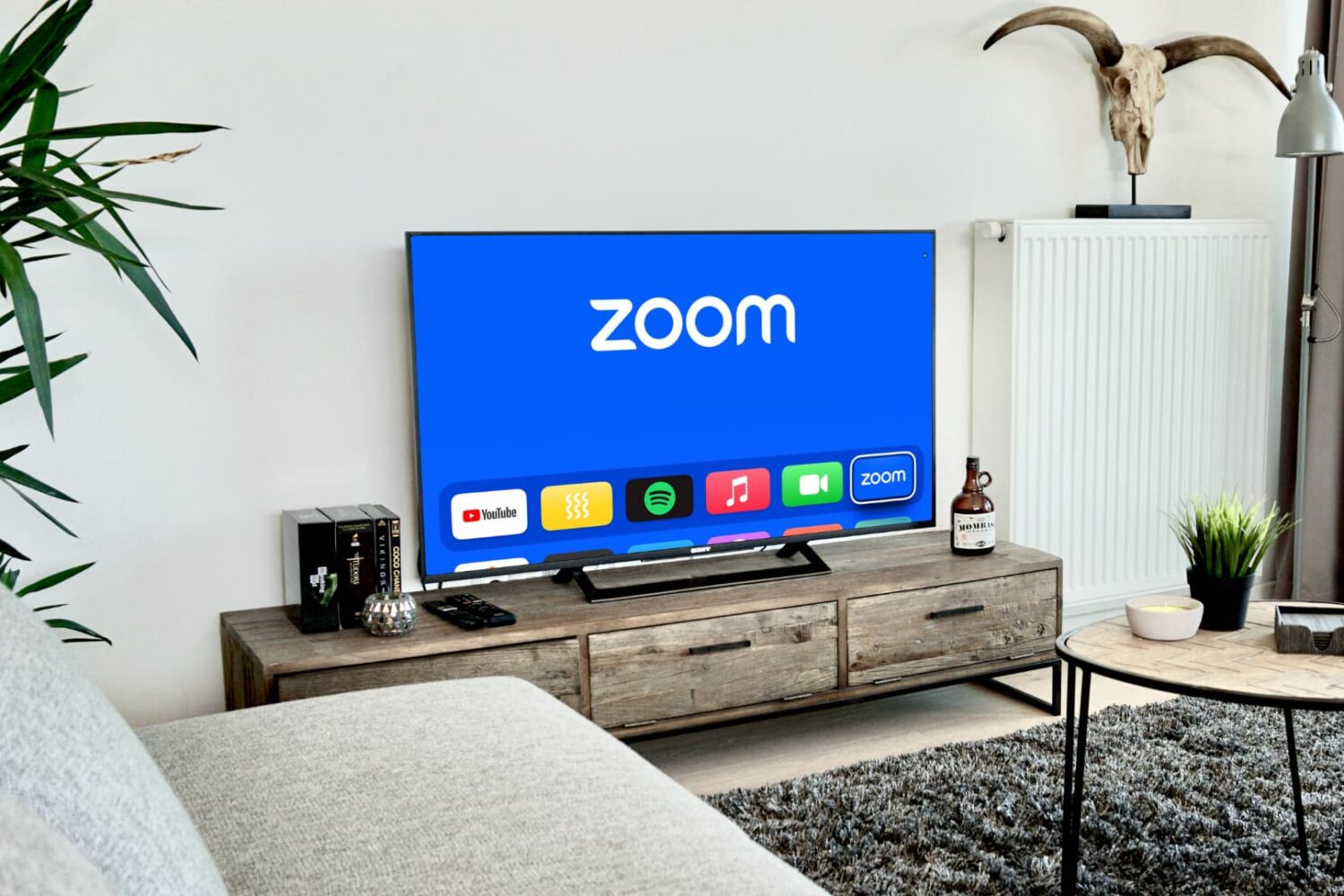
Learn how to make a Zoom call or join an existing Zoom meeting on your Apple TV to video conference from the big screen.
How to use Zoom on Apple TV for video calls and meetings
Stay up-to-date on the latest Apple TV news and learn how to get the most out of your device with our comprehensive tutorials and guides. Discover new features, troubleshoot issues, and explore the best apps and games for your Apple TV.
Learn how to make a Zoom call or join an existing Zoom meeting on your Apple TV to video conference from the big screen.
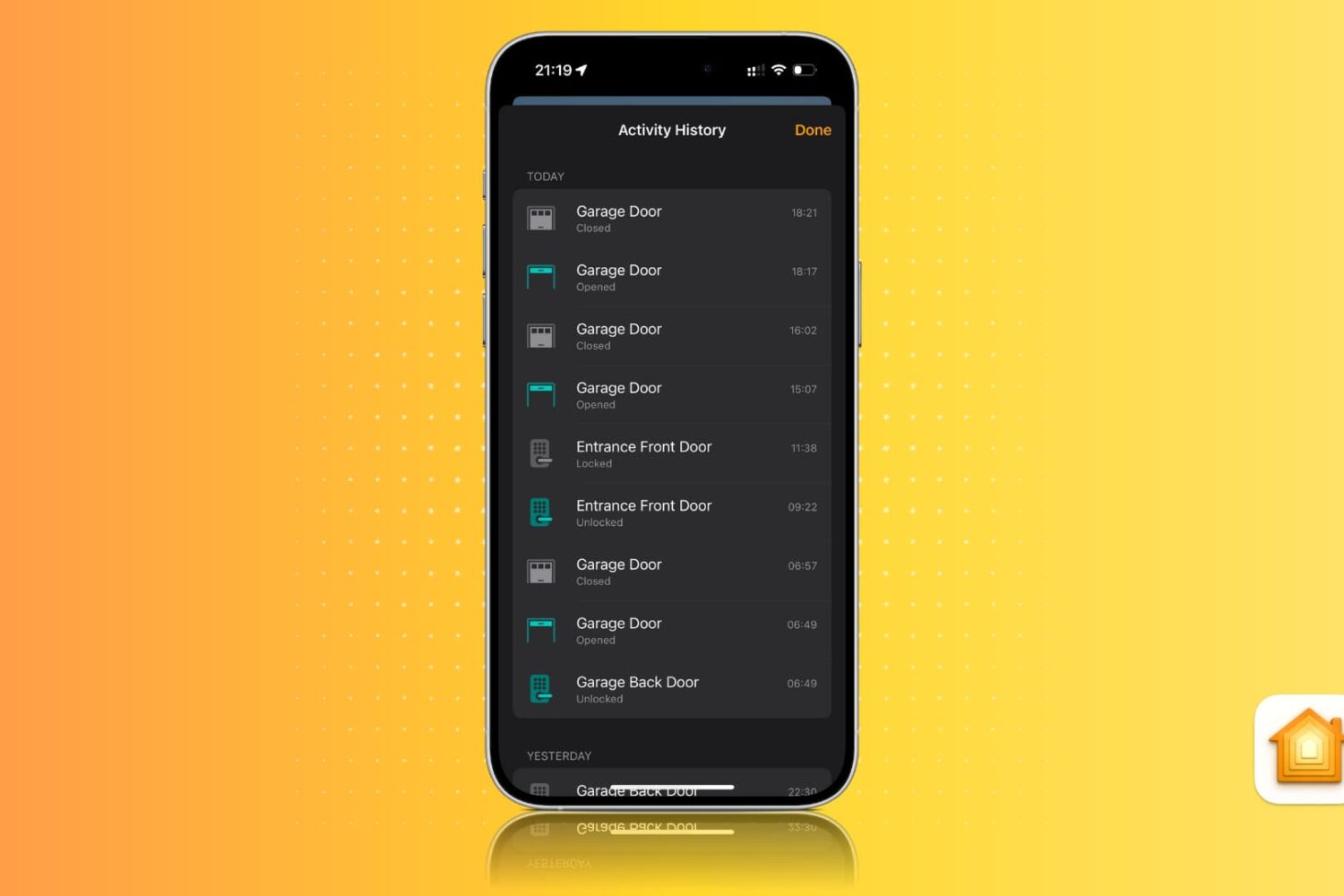
Learn how to view activity history for locks, alarms, sensors, smoke detectors, smart lights, and other smart home accessories in the Apple Home app on an iPhone, iPad, and Mac.
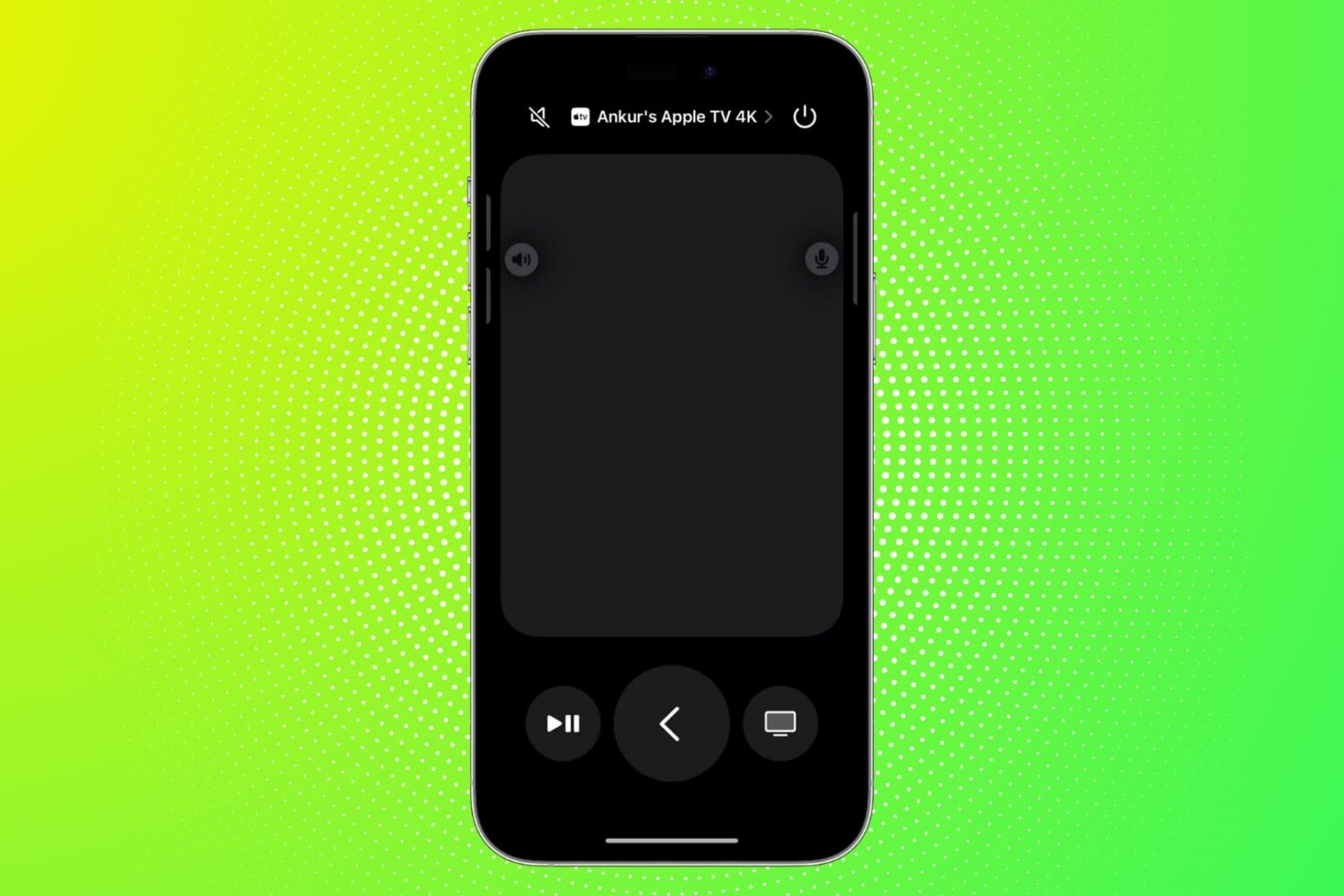
Find out what to do if the Remote feature on your iPhone or iPad isn’t working with your Apple TV.
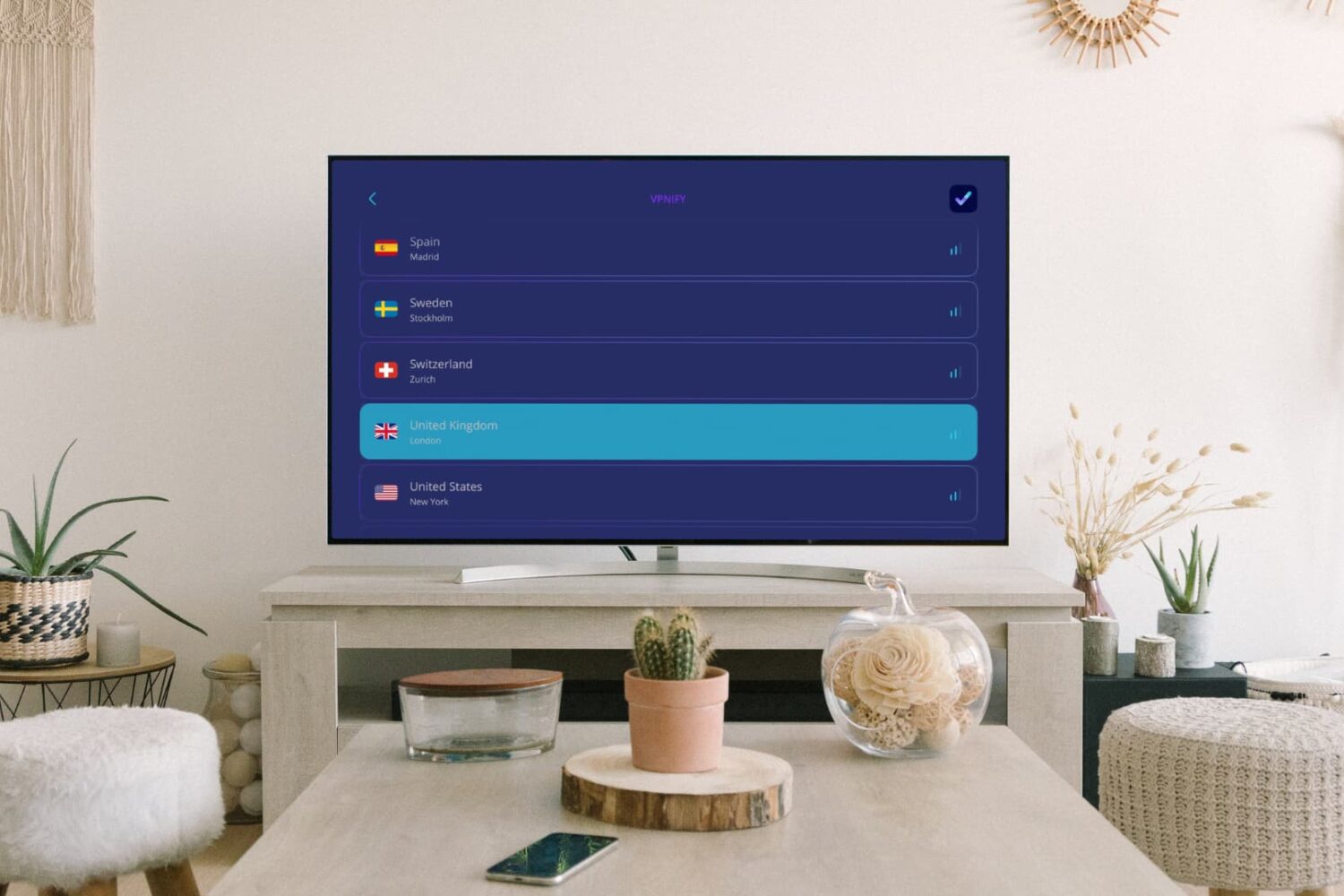
Learn how to download, set up, and use a VPN on your Apple TV to bypass geo restrictions and watch movies, TV shows, and live content not available in your country.
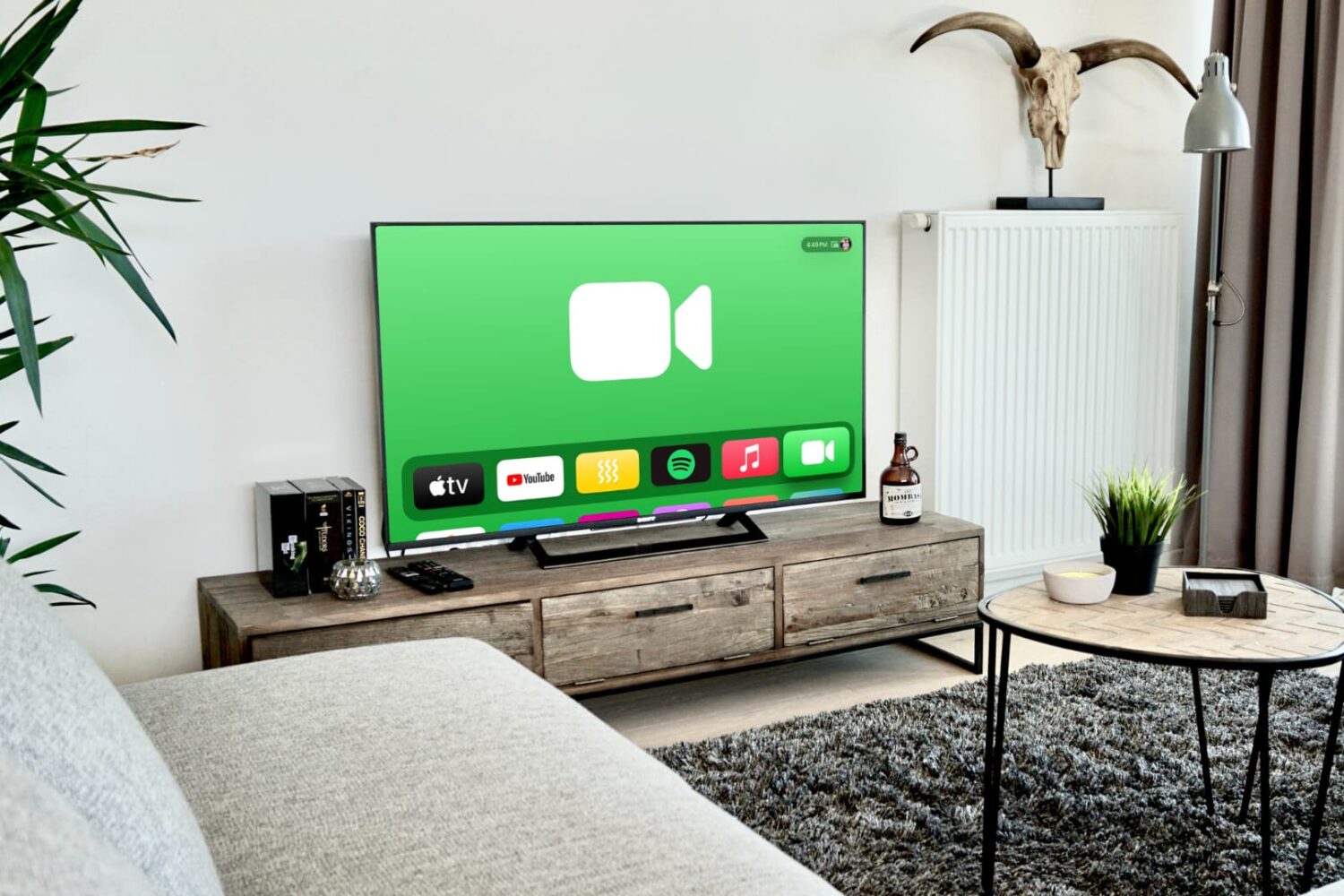
Learn how to make a FaceTime call from your Apple TV or transfer an ongoing iPhone or iPad FaceTime call to your TV without disconnection.
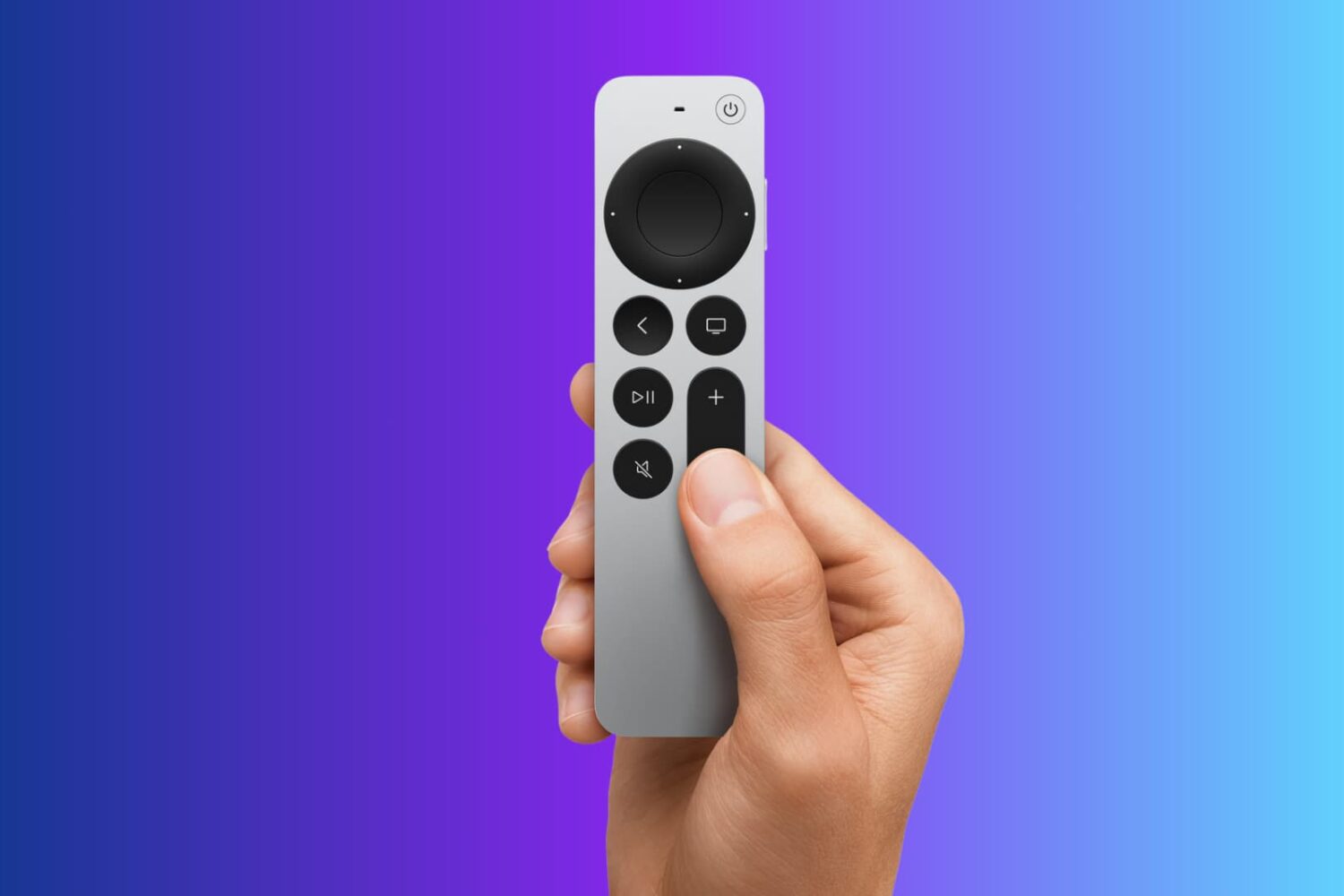
Lost your Apple TV Siri Remote? Learn how to use your iPhone to quickly find your Apple TV remote without tearing apart your couch or living room.
Explore 13 solutions to fix Siri Remote issues on your Apple TV, such as it not working, glitching randomly, or losing connection.
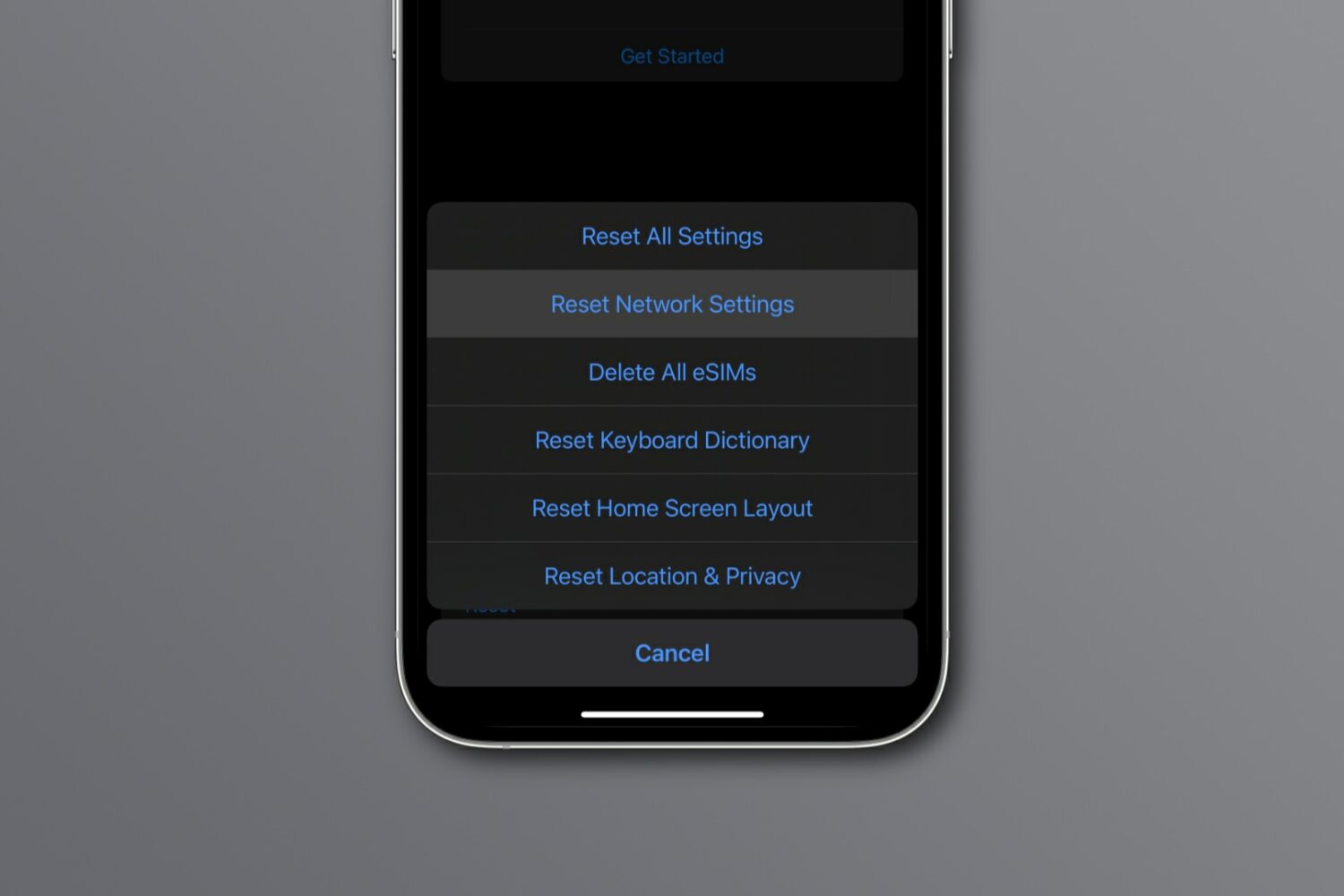
Reset network settings on your iPhone, iPad, Mac, Apple Watch, or Apple TV to resolve common Wi-Fi issues, network glitches, and internet connectivity problems.
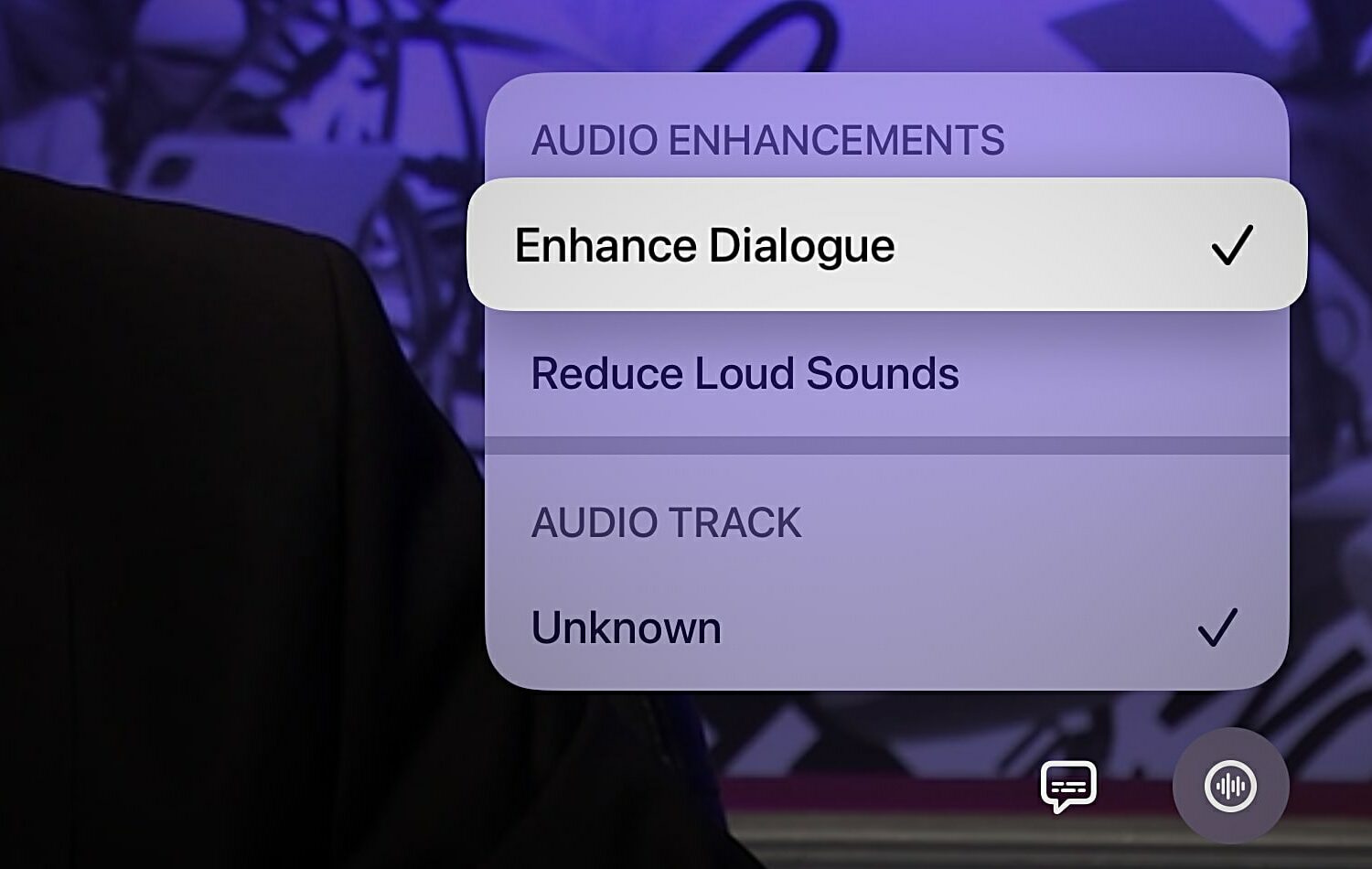
Learn how to use the Enhance Dialogue feature on your Apple TV when you can't clearly hear what the characters in your favorite TV shows and movies are saying.
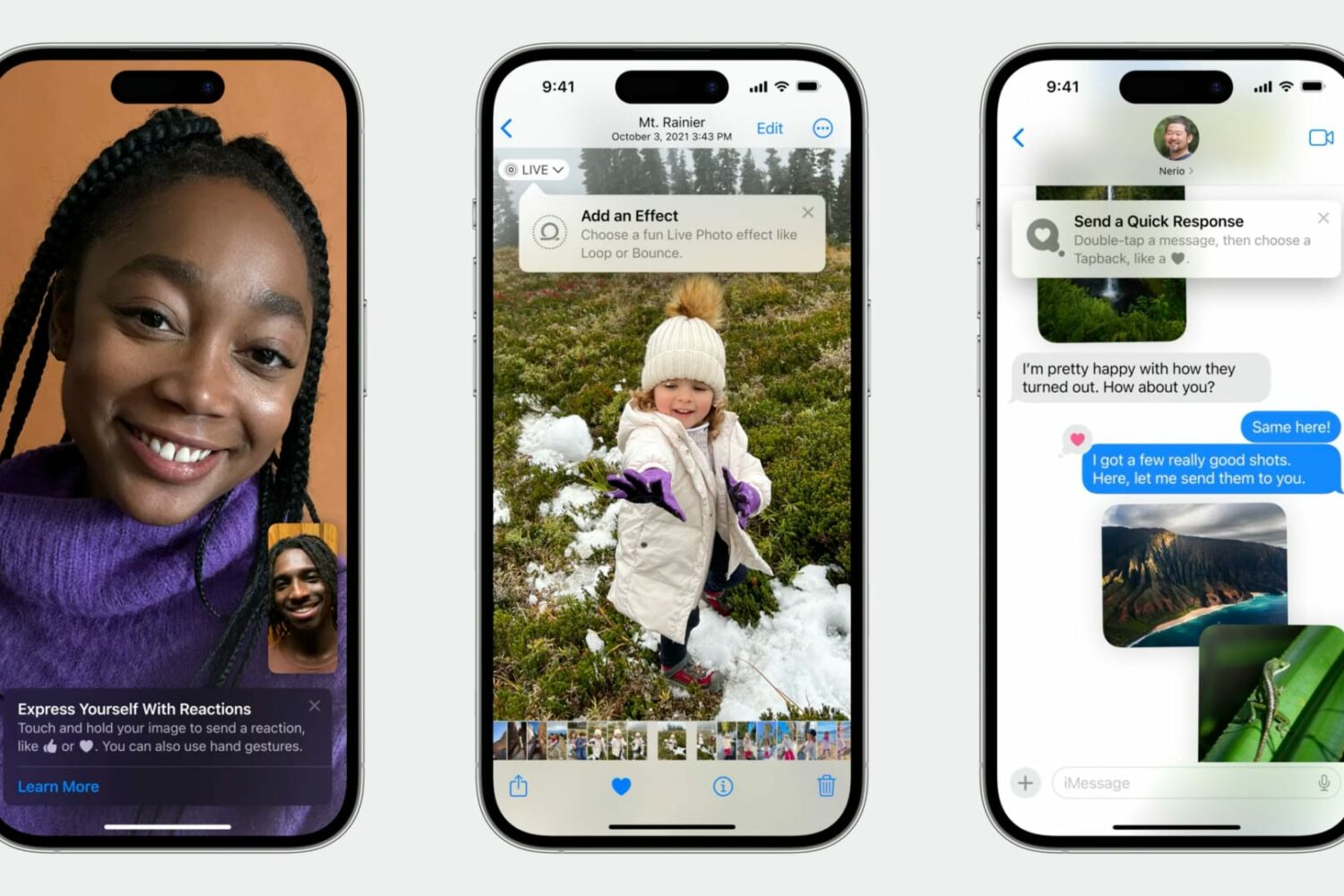
Learn how Apple's TipKit software framework lets developers aid the discovery of new features in apps for users in delightful ways.
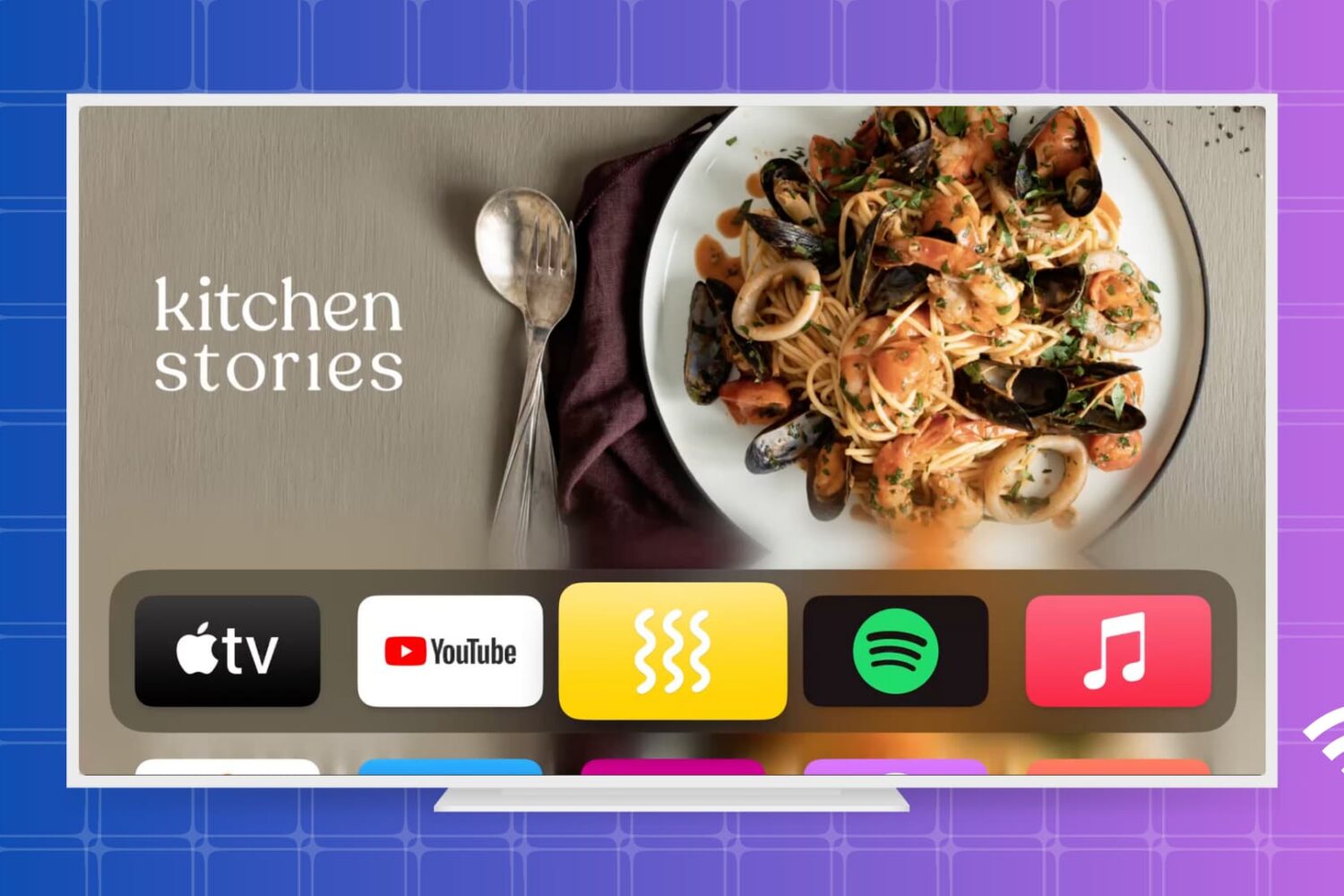
Get your Apple TV back online in no time with our step-by-step guide on how to fix Wi-Fi connectivity issues.
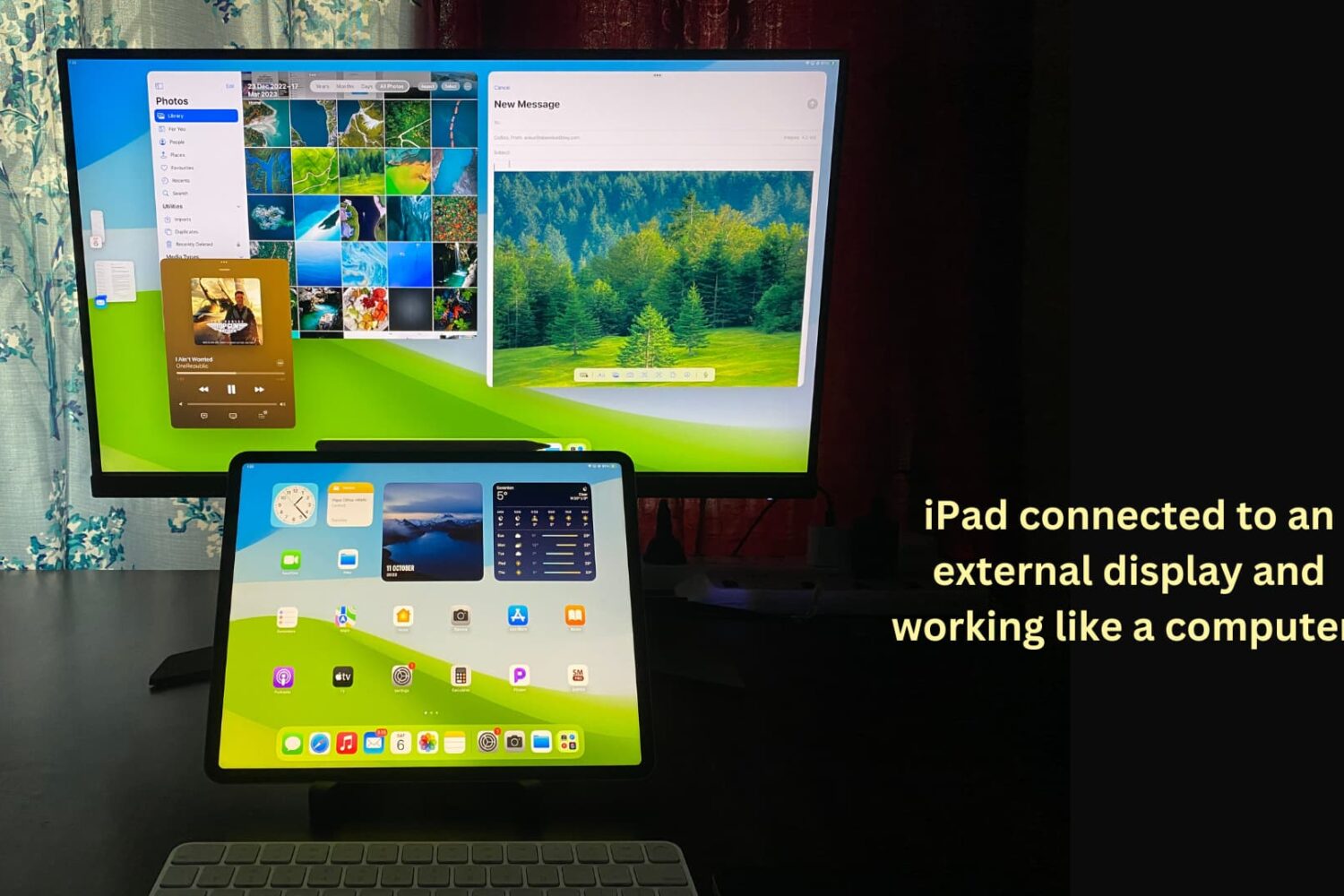
You can connect your iPad to other bigger displays, such as a computer monitor, to increase productivity and view content on a larger screen. This tutorial shows you how to use your iPad apps on another display or simply mirror your iPad to that bigger screen.