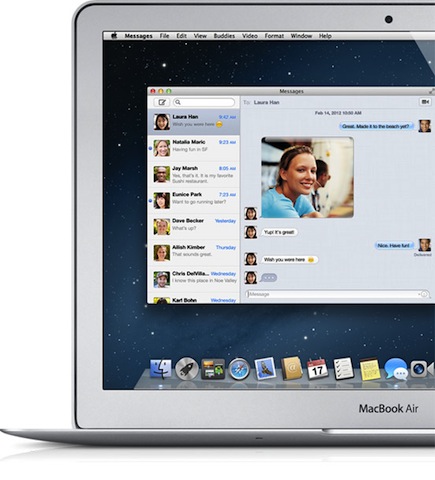
Have you ever wanted to go back and check your Mac's entire download history in one fell swoop? With this handy Terminal command, your download history is only a few steps away.
How to see the entire download history of your Mac via Terminal

Have you ever wanted to go back and check your Mac's entire download history in one fell swoop? With this handy Terminal command, your download history is only a few steps away.
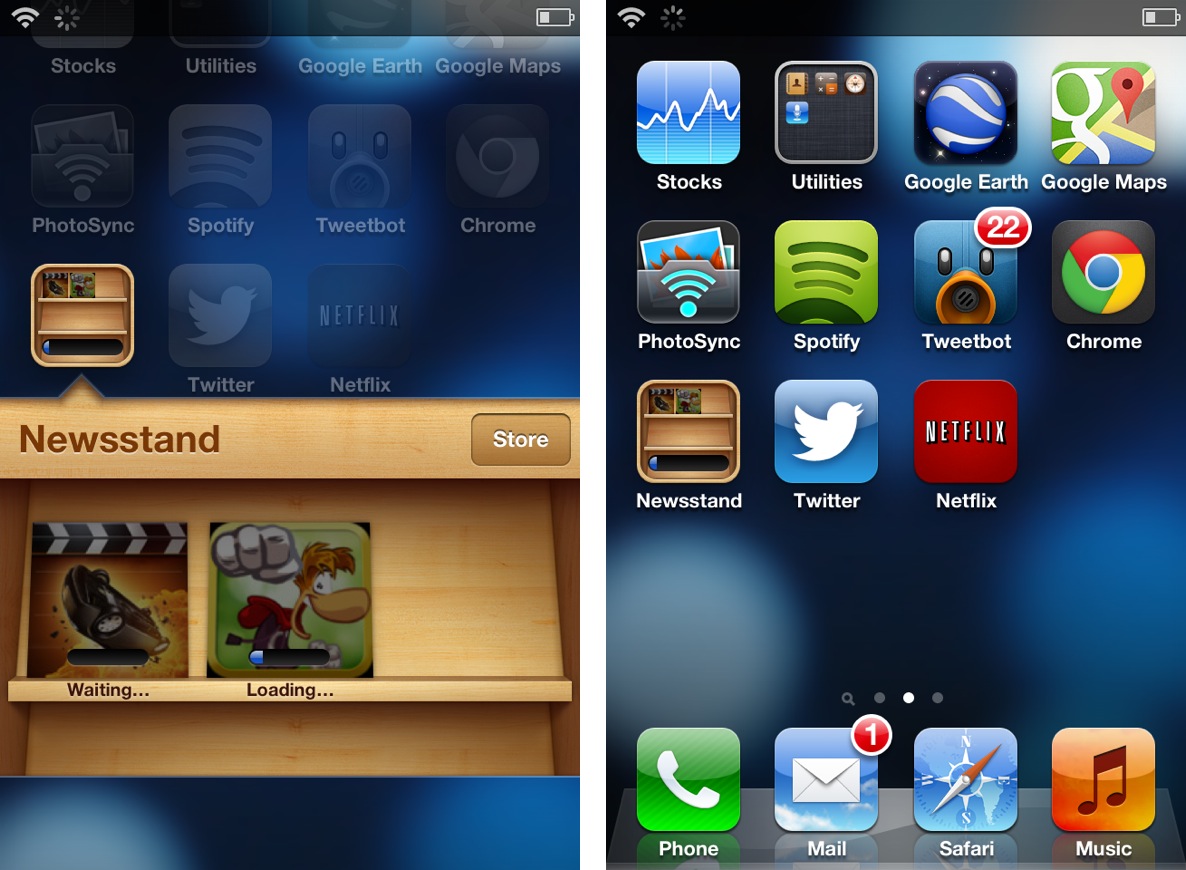
It's always great to open up the App Store and find a dozen new app updates waiting for download, but downloading so many items at once presents a small issue. If you're like me and you have a ton of apps scattered around four or five pages in multiple folders, then it can be tedious to locate each app to check its download progress.
Download To Newsstand is a recently released jailbreak tweak that attempts to address this. It moves all pending downloads into the Newsstand folder for an easy to see centralized location for all pending downloads.

Transloader is a new Mac app available on the Mac App Store, which allows you to remotely download files to your Mac via an iOS app. The two apps speak to each other via iCloud, with the iOS app acting as a means to forward a download URL for the listening client running on the Mac.
If you're like me and always on the go, Transloader is a great way to save time by downloading files while away from the home or office. Take a look at our video walkthrough inside for a glance into how it works.
In case you were not able to watch the iPad mini keynote live as it was happening yesterday, Apple made the video available for streaming on its website shortly after. But for those of you who don't want to be tied to a wifi network in order to watch the keynote, you'll be happy to learn that the whole iPad mini event is now available as a podcast download from iTunes...
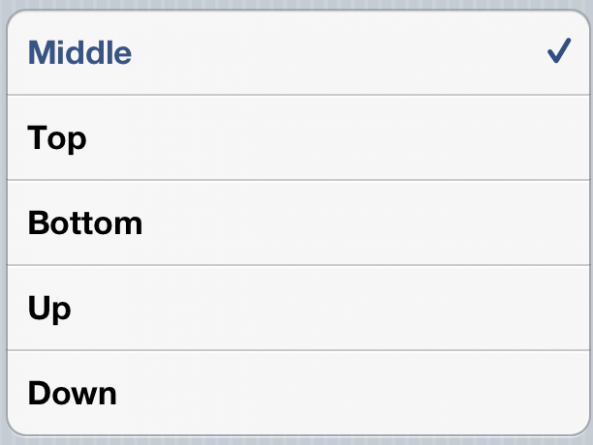
DownloadMove is a new jailbreak tweak that allows you to adjust the position of the download bar that appears when downloading apps from the App Store.
There are several positions included with DownloadMove; they include: Middle, Top, Bottom, Up, and Down. Sure, it's not the most impressive tweak from a functionality standpoint, but DownloadMove is a decent choice for those looking for this sort of change.

We all knew something better than Chrome Download Enabler was inevitable, and now it's finally here. Chrome Download Manager is a jailbreak tweak that was released just a few minutes ago to allow downloads via the Google Chrome browser.
Considering it has a name that's similar to the legendary Safari Download Manager, I'd say it has some pretty big shoes to fill. Does Chrome Download Manager live up to its expectations?

Yesterday, we mentioned that several users were reporting that the latest version of iOS 6 beta was not requiring them to put in their passwords when downloading free apps.
The news spread quickly, but the assumption was premature. It appears that Apple has quickly reversed this behavior via a backend update, and the password requirement is back in place...

If you've been experiencing problems with the iOS App Store this evening, you're not alone. Users from around the world are reporting that they are having issues with downloading applications.
At the moment, we're having trouble getting the App Store to even load on our devices. And even when we are able to get apps to populate, trying to download them results in the above error...
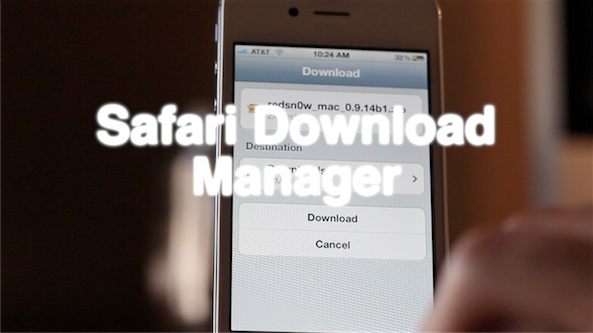
iOS power-users rejoice, the popular jailbreak utility Safari Download Manager is finally compatible with iOS 5. The tweak, developed by Dustin Howett, gives you a large amount of control over your mobile downloads.
SDM has long-since been a favorite in the jailbreak community, but has recently been all-but-forgotten due to its lack of iOS 5 support. But now it's back, and better than ever. Here's our rundown of SDM part deux...

Although the App Store and all of its wonderful applications are accessible over a 3G network, there's a bit of a caveat. Apple prevents you from downloading larger applications when using anything but a Wi-Fi connection.
That limitation used to be a measly 25MB, meaning anything over that would prompt a pop up that would tell you to connect to a Wi-Fi network to download. But it looks like today, Apple has bumped that limit up to 50MB...
There's been quite a bit to digest today regarding Apple's excellent educational event. I think the rumors that we'd see a "Garageband" for iBooks pretty much panned out like we expected.
To sort out all of the details, we've compiled a post explaining the highlights from Apple's event, along with details on the software involved and videos plus download links.
If you're at all behind on Apple's Media event this morning, don't worry, we've got you covered.