Download

How to download files and documents to iPhone or iPad

Download documents and files on iPhone and iPad

Downloading and saving files or documents to a computer is something we don't think about. Click, click, done. It's saved on the hard drive and ready to be accessed when needed. On iOS, it can get a little more complicated than that.

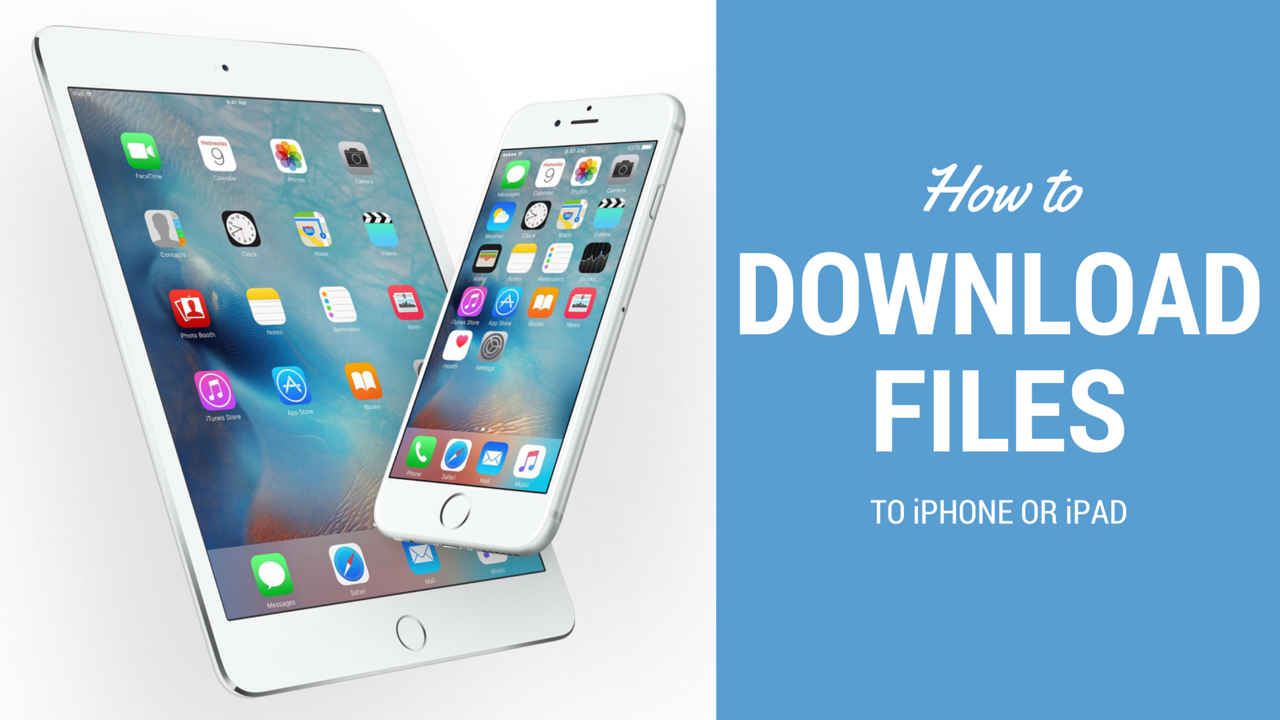
How do I download a file to my iPhone? Where do I download it to? These are questions I've recently been asked, but also problems I have faced myself. In this article, I'll try to share different options for you to download files to iPhone or iPad.

Download the new iOS 9 beta 5 wallpapers

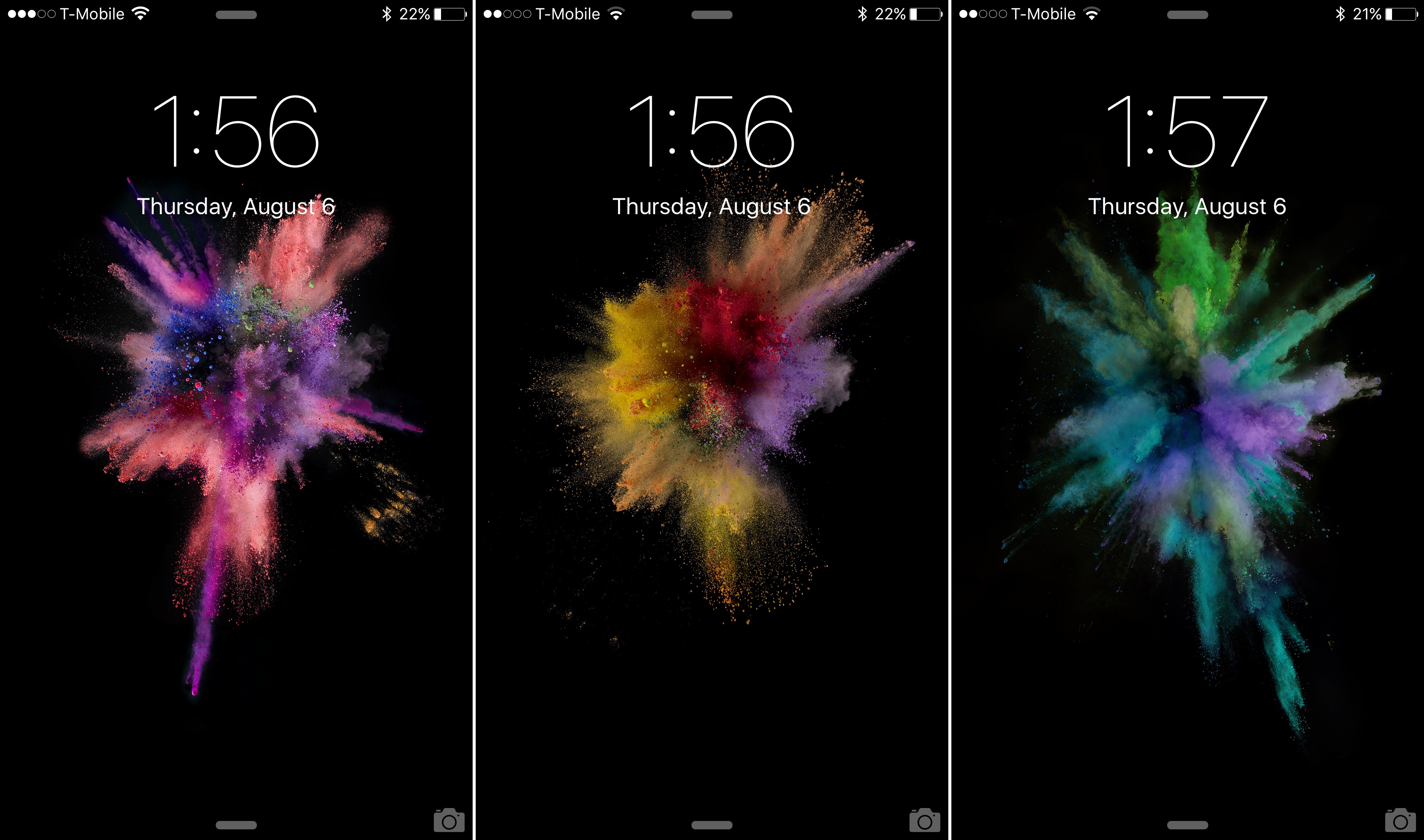
As we reported earlier, Apple has added over a dozen new wallpapers to iOS 9. The iOS 9 beta 5 release brought several new wallpapers to the table, while omitting many of the staple wallpapers that we've been accustomed to over the years.

In this post, we provide you with a download link to many of the new wallpapers. If you want to have Apple's new wallpapers for iOS 9 on your device, but you aren't running the latest iOS 9 beta 5 release, then don't fret, you can download them here.

TaiG jailbreak and website now available in English, team launches official Twitter account

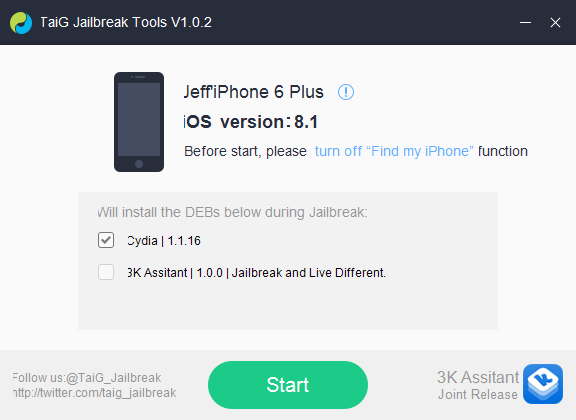
TaiG today launched an English version of its jailbreak tool and official website, making it easier for users to follow through the steps to download and use the utility to jailbreak their iOS devices running iOS 8 to iOS 8.1.1. In an effort to make communication with non-Chinese speakers better, the team has also launched a Twitter account, available in English as well.

The English version of the site can be found at TaiG.com/en. The download link, jailbreak tool UI, tutorial, and changelog pages have all been translated in English. Although the translation of the website and the jailbreak tool aren't perfect, this move will definitely make it less intimidating for users who haven't used TaiG yet to take the plunge.

Download iOS 8

After several months of beta testing, Apple has released iOS 8 to the public on September 17, 2014. This update, available over-the-air or via iTunes is a massive upgrade for iPhone, iPad, and iPod touch users.

If you're looking to download a specific version of iOS 8, we've got you covered as we list all versions available for all devices below...

iPhone 6 and Apple Watch event now available in iTunes

If you weren't able to watch the live stream of the event yesterday, Apple has made the whole video available for download from iTunes. Clocking at 2 hours and 3 minutes, the HD video goes over the announcement of the new iPhone 6 and iPhone 6 Plus, Apple Pay, and Apple Watch.

Up until now, you were only able to stream the video of the event from Apple's website, which of course depends on an internet connection. Available as a standalone download, the video of the event is now available in the Podcasts section of iTunes. You can download it here.


AppETA: an awesome way to check the progress of app downloads

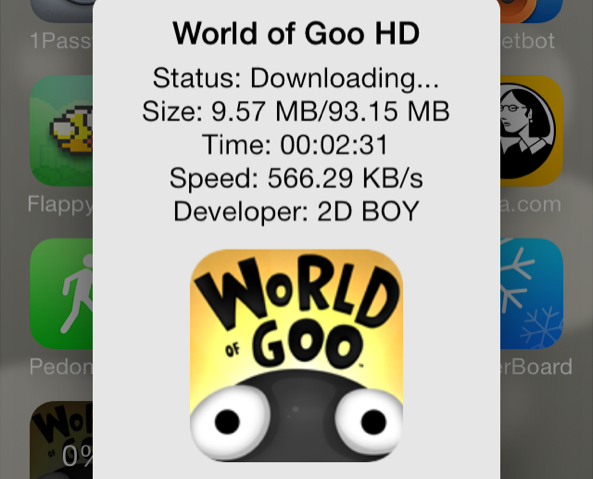
iOS 7 makes it difficult to gauge where you are with App Store downloads. With very large downloads, it's a frustrating experience to watch the progress circle slowly inch around at a snail's pace.

Wouldn't it be nice if you could get a more informational view of your App Store download progress? What about bringing back the classing download status indicators? With AppETA, a new jailbreak tweak available on Cydia's BigBoss repo, you can do all of that and more.

Free OS X Mavericks update now available in the Mac App Store

Earlier today, Apple announced that this year's OS X update would be free for the first time ever to current Mac users. That's right, as long as you have a compatible Mac computer, you're eligible to get OS X Mavericks for free.

The update is a big one, bringing about several UI changes, new applications like Maps and iBooks, and a number of new features like Finder tabs and tags and quick reply for messages. And it's now available for download...

Download the new iOS 7 wallpapers now

In addition to unveiling the new iPhone 5s and iPhone 5c yesterday, Apple also seeded the Golden Master of iOS 7. It should be the final beta we see of the big software update, before it gets released to the public on September 18.

As we've already pointed out, iOS 7 GM doesn't include much in the way of changes. It does, however, feature several new wallpapers, which we went hands-on with yesterday. And since everyone seemed to like them so much, we thought we'd do something about it by posting all the new iOS 7 wallpapers for download...

evasi0n iOS 6 untethered jailbreak released

Ladies and gentlemen, boys and girls, it’s finally here. After much anticipation, the hard working team of hackers that make up the evad3rs have released their iOS 6 untethered jailbreak tool to the public. The tool is called evasi0n, and it will let you jailbreak your iPhones, iPads, and iPod touches, on Mac, Windows, and Linux.

Evasi0n is an untethered jailbreak, and it works on every iOS device capable of running iOS 6, with the exception of the Apple TVs. That means that you can now jailbreak the iPhone 5, the iPad mini, the iPad 4, the iPad 4, iPad 3, the iPhone 4S, and various other iOS devices with evasi0n. Check inside for more information along with the download link.
‘Download To Newsstand’ makes it easier to identify pending downloads

It's always great to open up the App Store and find a dozen new app updates waiting for download, but downloading so many items at once presents a small issue. If you're like me and you have a ton of apps scattered around four or five pages in multiple folders, then it can be tedious to locate each app to check its download progress.

Download To Newsstand is a recently released jailbreak tweak that attempts to address this. It moves all pending downloads into the Newsstand folder for an easy to see centralized location for all pending downloads.