Learn how to selectively exclude specific fields before sharing a contact via your iPhone, iPad, or Mac to avoid accidentally sending unwanted information.
How to send only the selected details when sharing contacts on iPhone
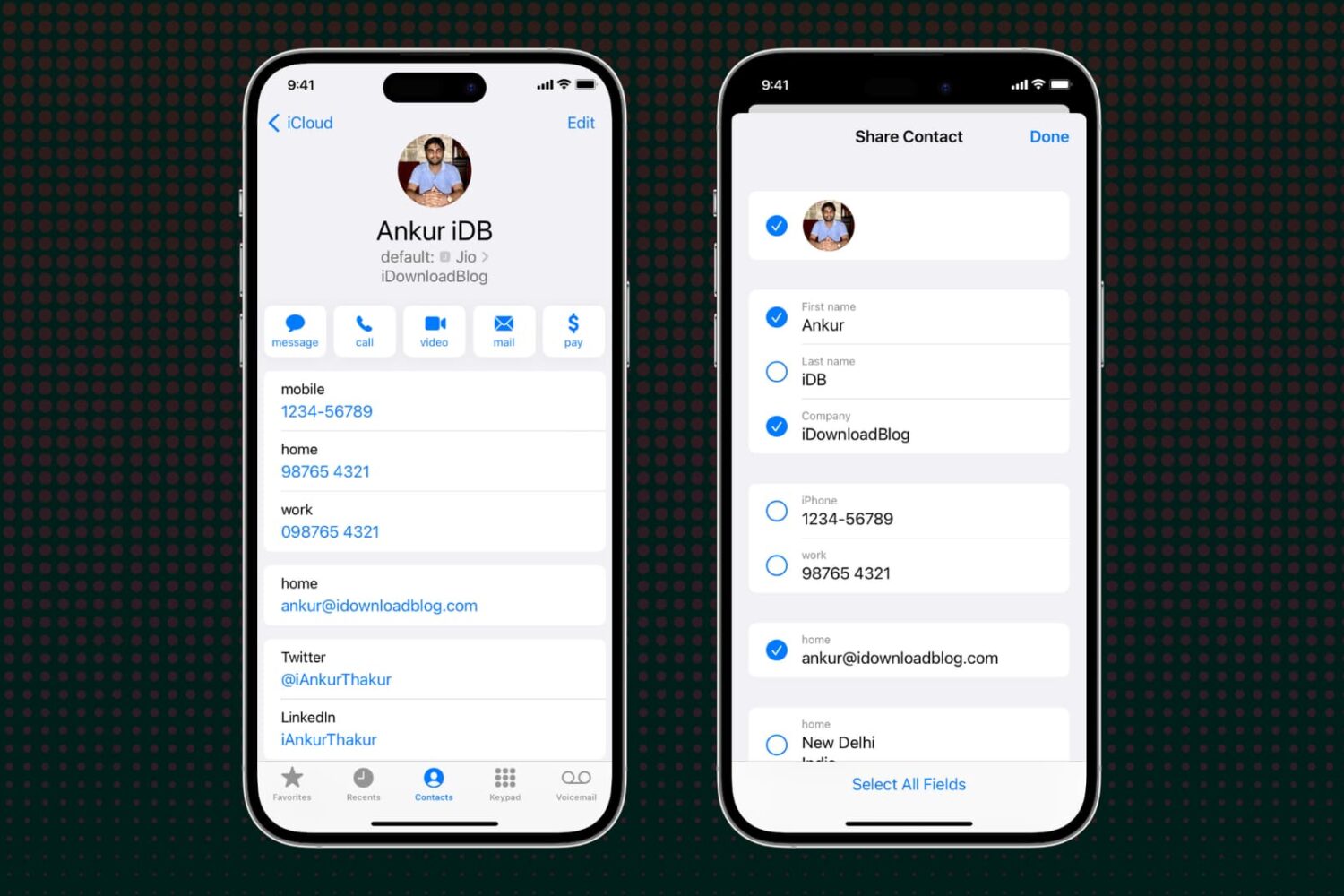
Learn how to selectively exclude specific fields before sharing a contact via your iPhone, iPad, or Mac to avoid accidentally sending unwanted information.
In this tutorial, we’ll share 8 quick ways to create a new contact and save a person’s phone number, email address, home address, and other details to your iPhone.

Learn how to use Screen Time Communication Limits on iPhone and iPad to ensure a safer communication environment for your child. From setting up restrictions to customizing contact permissions, we’ll guide you step-by-step through the process, allowing you to safeguard your child in this new digital age.
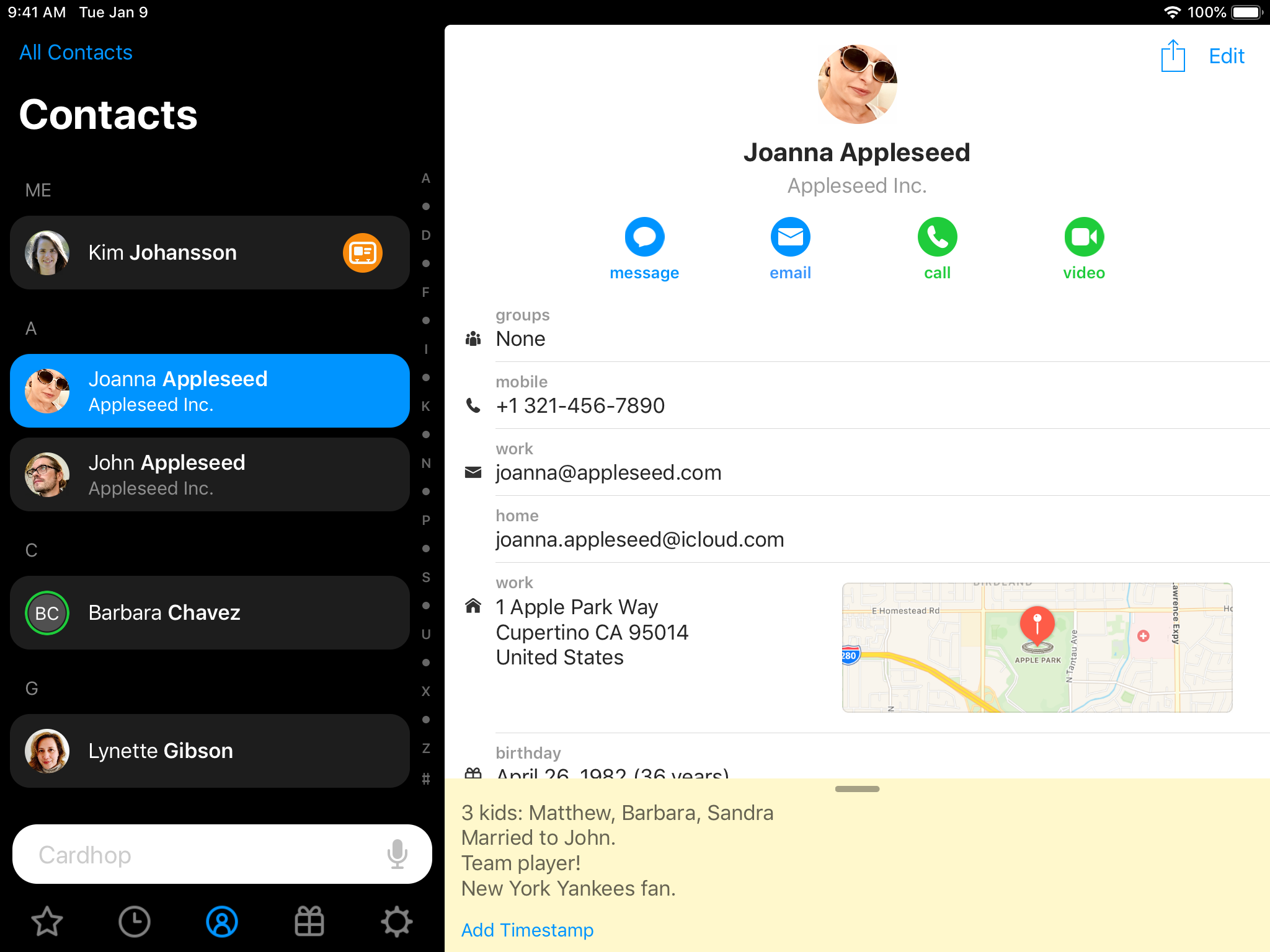
The beautiful Cardhop app is the best way to fix and manage contacts on your iPhone, iPad and Mac devices. Today, developer Flexibits announced free updates for iOS and macOS editions of the software that bring even more goodies to the only contacts app you'll ever need.
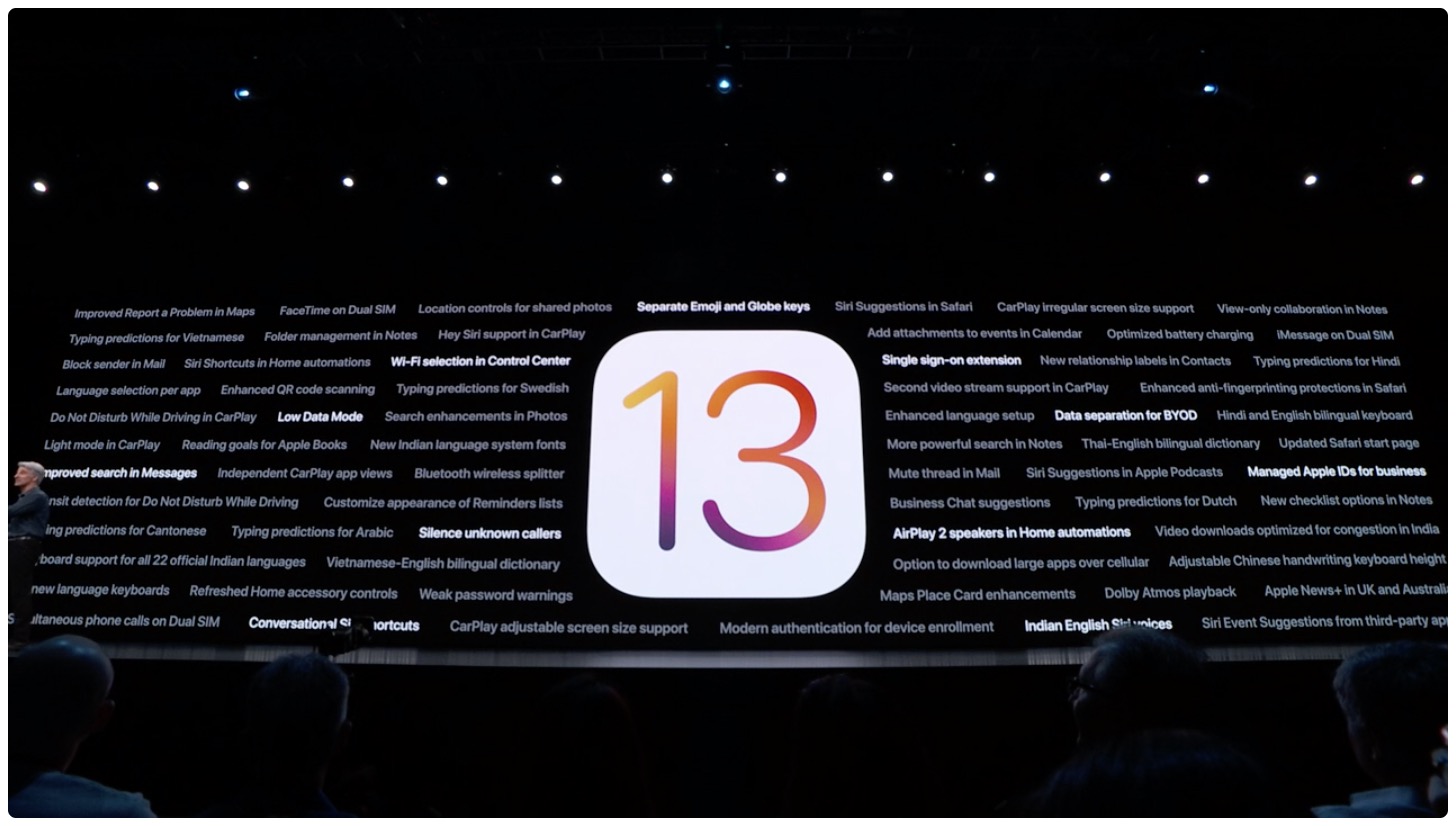
The Contacts app didn't get much attention at this year's WWDC, but Apple didn't completely forget about it.
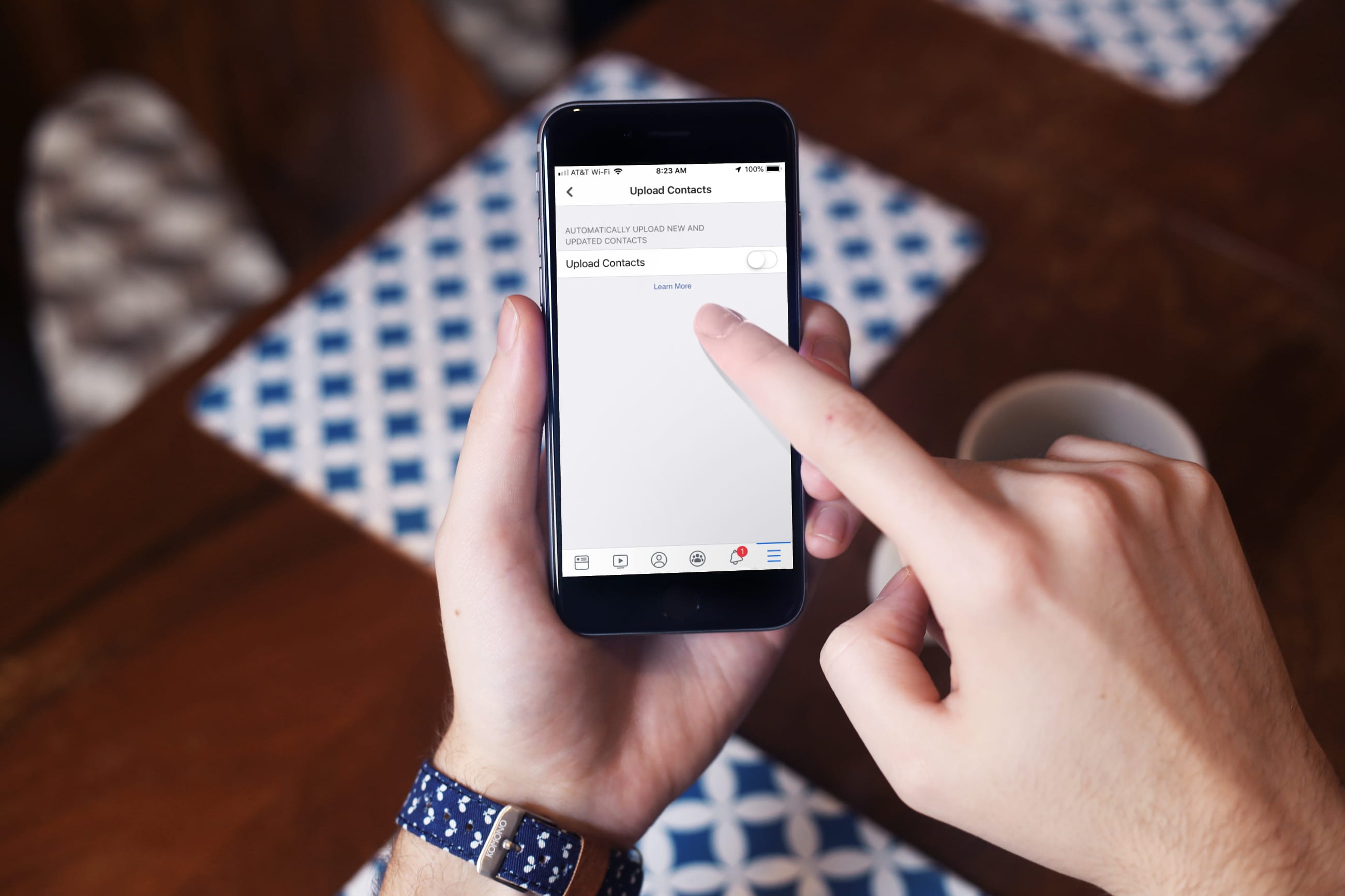
Learn how to protect your privacy by preventing your iPhone from automatically uploading your contacts to Facebook and having Facebook delete your contacts it has already saved.

If you’re having trouble importing contacts, attaching more files to a calendar event, or saving a large bookmark, you may have simply surpassed the iCloud limits. Apple puts limitations on the sizes and numbers of items.
To ensure you can continue using iCloud successfully, you should stay within these limits for Contacts, Calendars and Reminders, and Bookmarks.
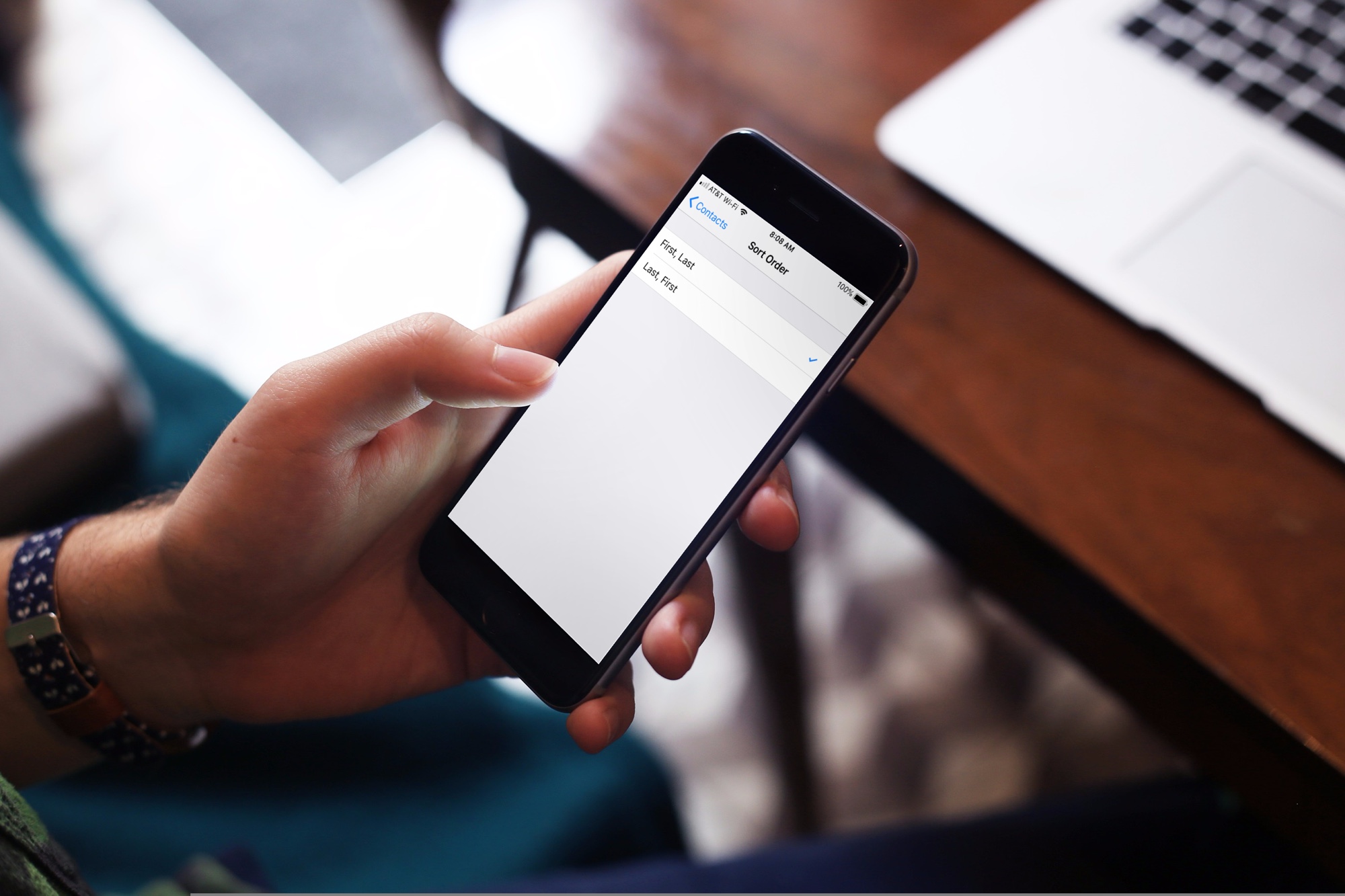
Learn how to sort your contacts by their first name followed by their last name in the Contacts app on iPhone, iPad, and Mac.
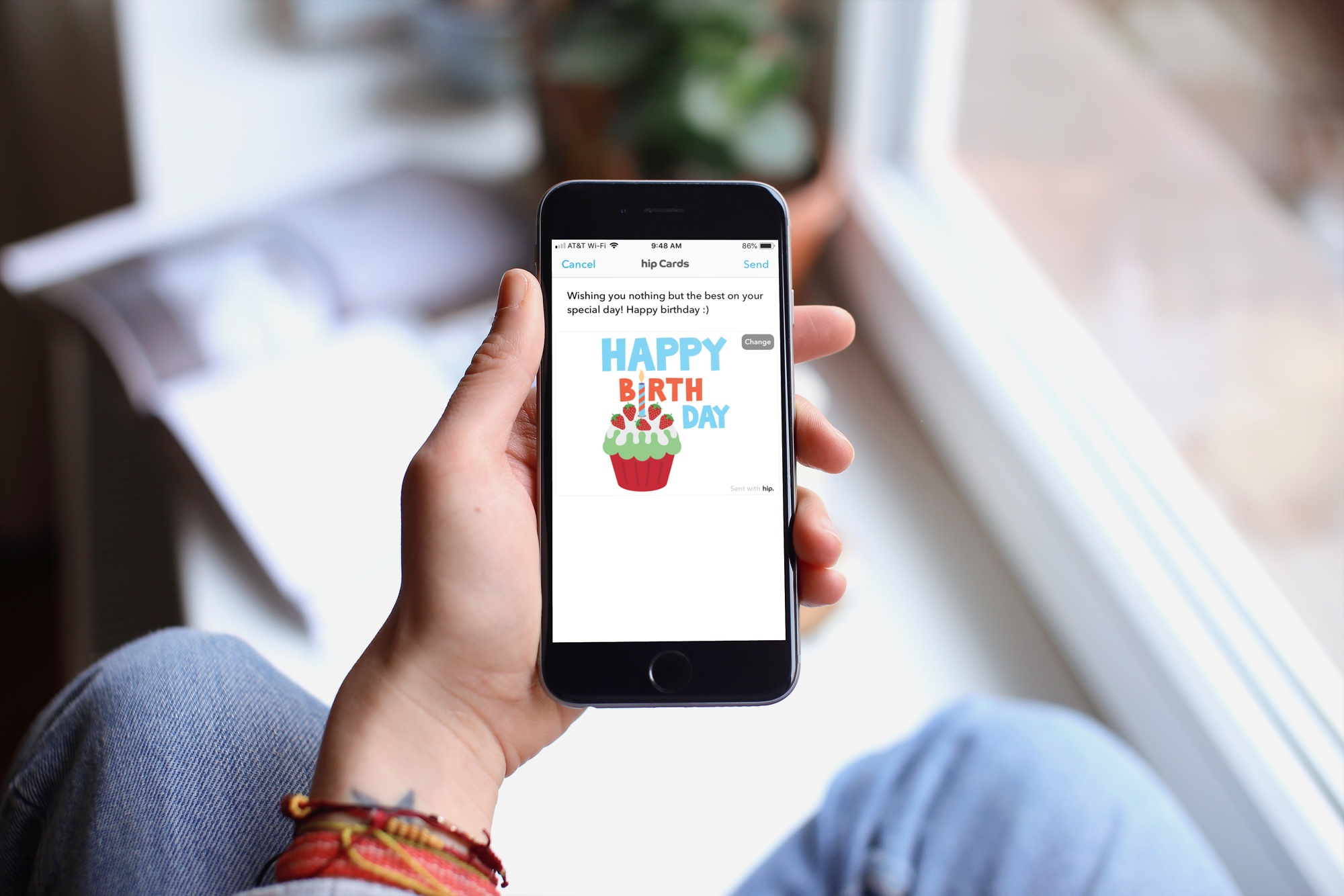
With the offerings from technology, there’s really no reason to forget someone’s birthday these days. Even Facebook makes a point to notify you when a friend’s special day has arrived. But, if you want an easier way to receive birthday reminders wherever you are, check out an app for your iPhone instead.
These are some of the best birthday reminder apps for iPhone that have just the features you need so that you never forget a birthday.
Trust me, Cardhop is the only contacts app for your Mac that you'll actually want to use a regular basis. In its latest incarnation, Cardhop brings support for Instagram as a social profile type in the contact fields, plus drag and drop improvements and other updates.
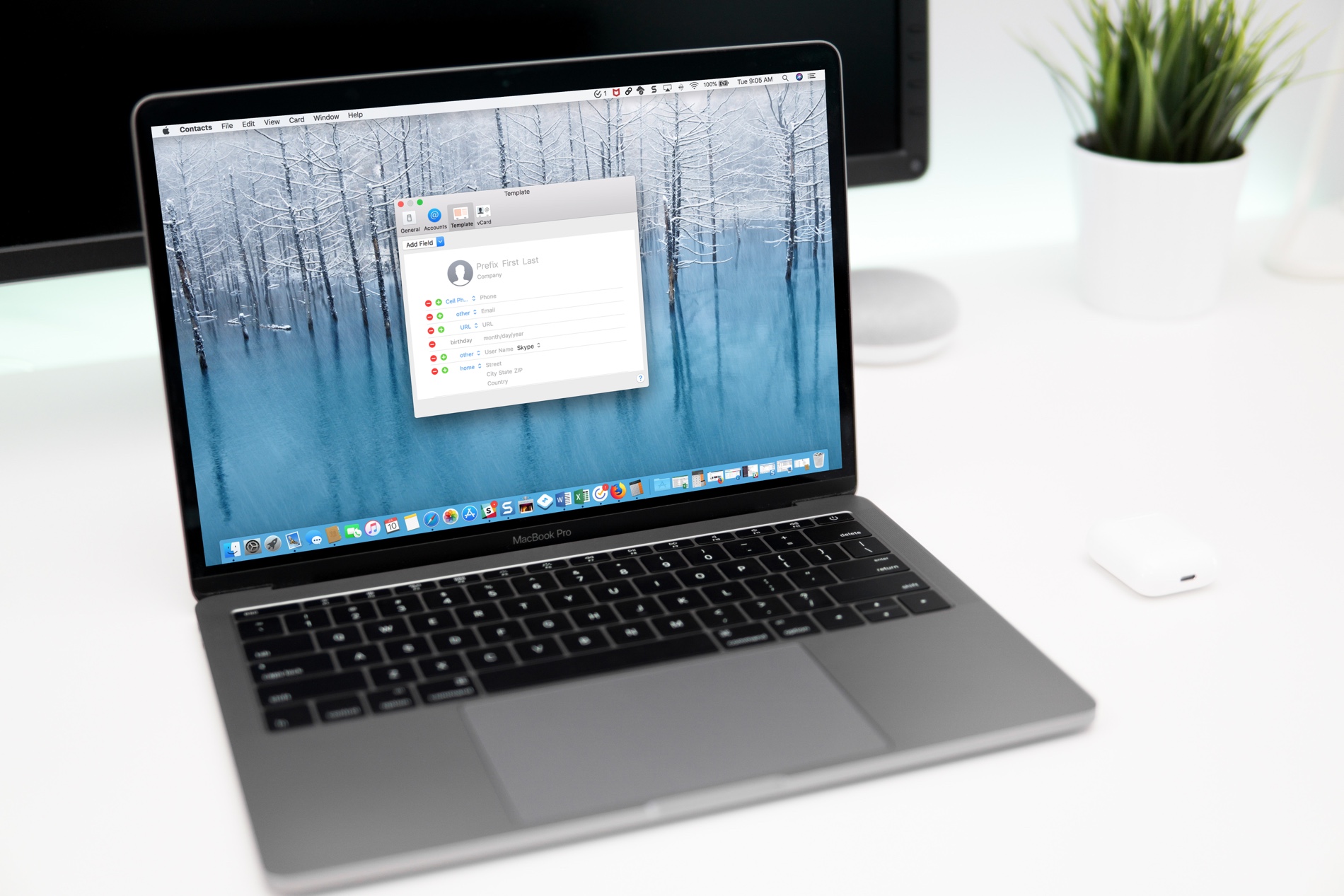
If you use the Contacts app, you’ve likely noticed by now that the cards for your contacts contain certain information by default. Each one has mobile phone, birthday, and a few email fields. But what if you want something different?
You can customize the card template for your Contacts app on Mac to add fields, remove fields, and have just the details you want.