Learn how to set two or more timers simultaneously on your iPhone, iPad, and Mac so you can easily keep track of multiple tasks or to-dos at once.
How to create multiple timers on iPhone, iPad, and Mac
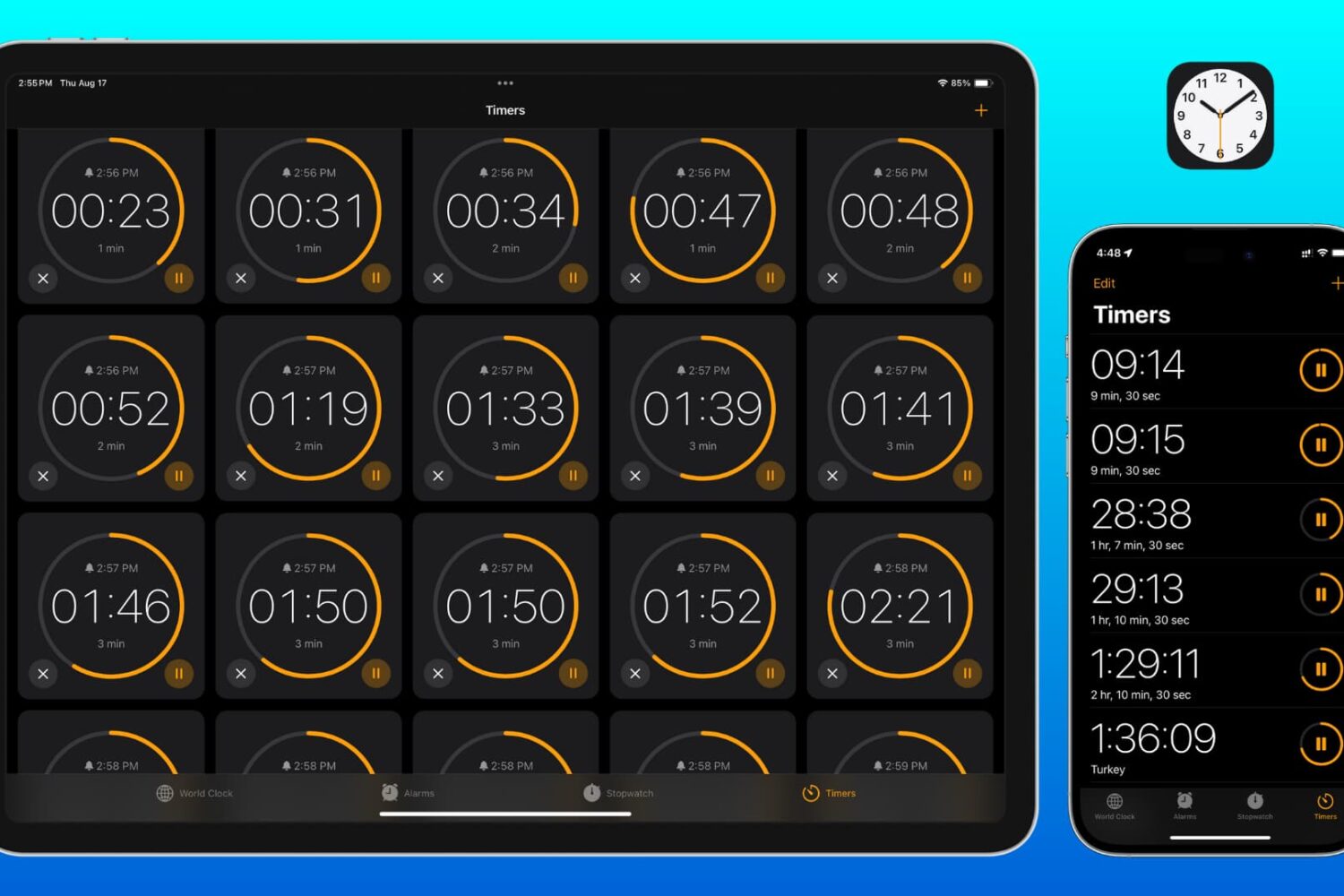
Learn how to set two or more timers simultaneously on your iPhone, iPad, and Mac so you can easily keep track of multiple tasks or to-dos at once.
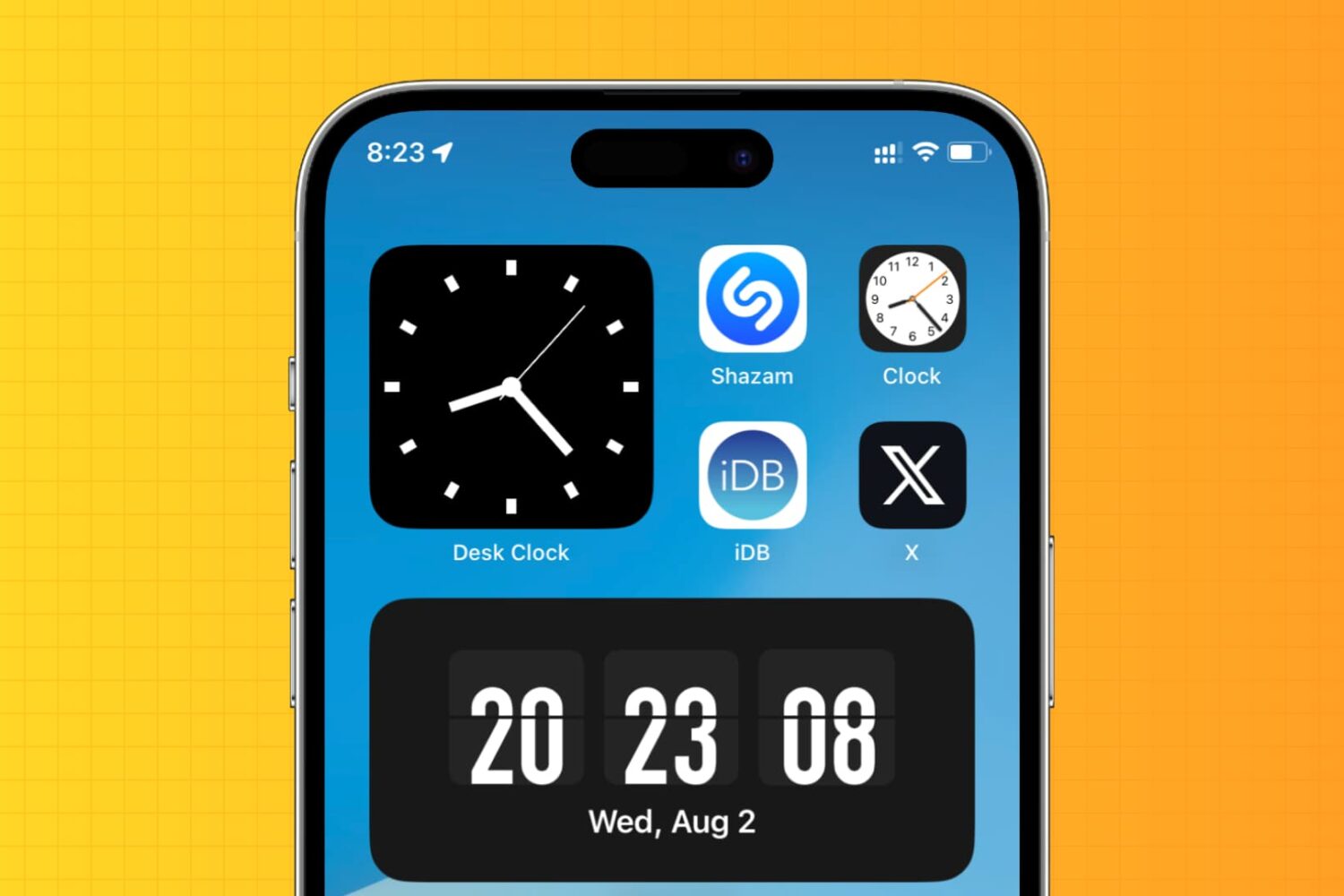
Learn how to display an analog clock on your iPhone or iPad with the hours, minutes, and seconds hands to keep track of the exact time down to the second.
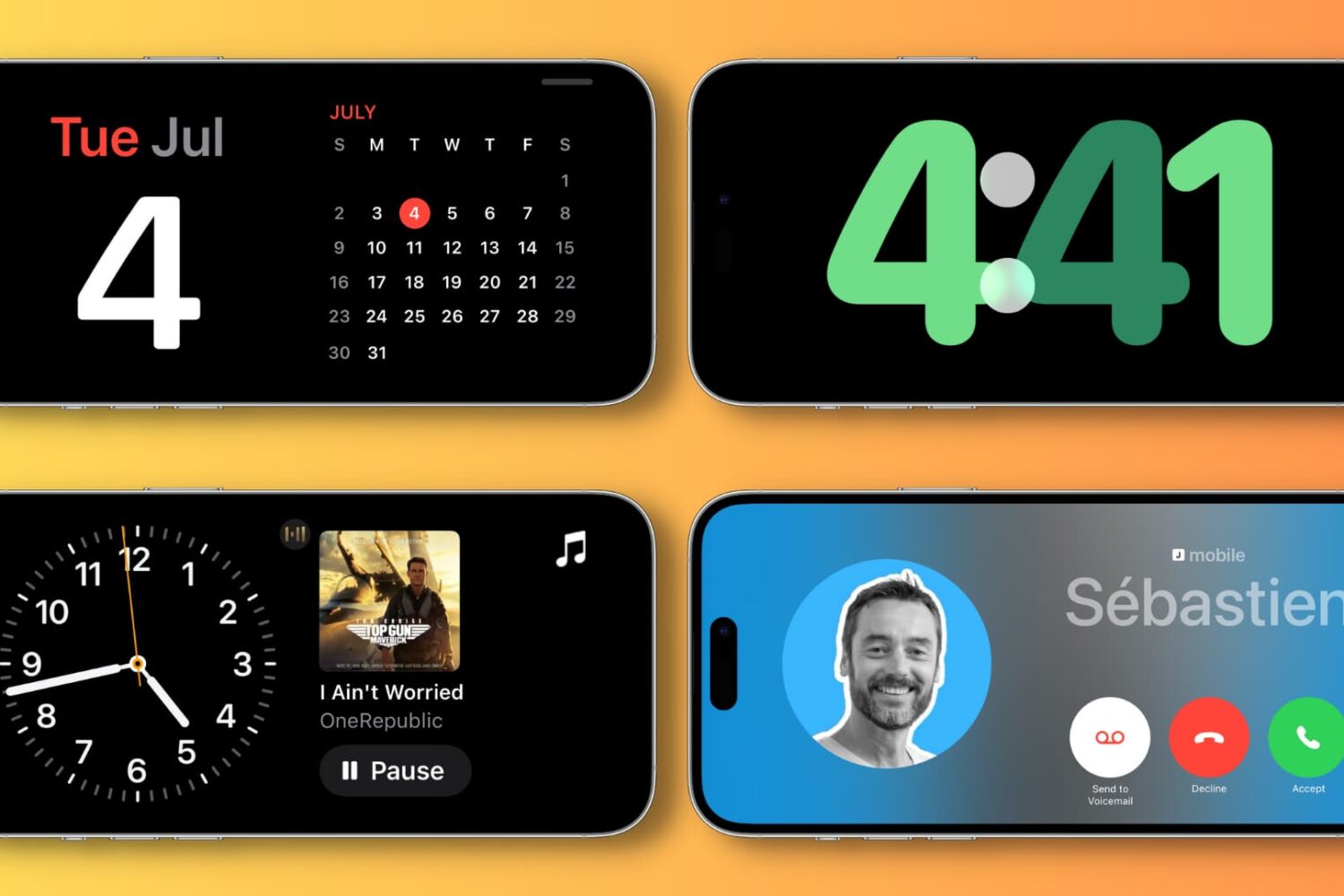
Learn how to use the StandBy feature to turn your iPhone into a smart display when it’s charging in landscape mode.
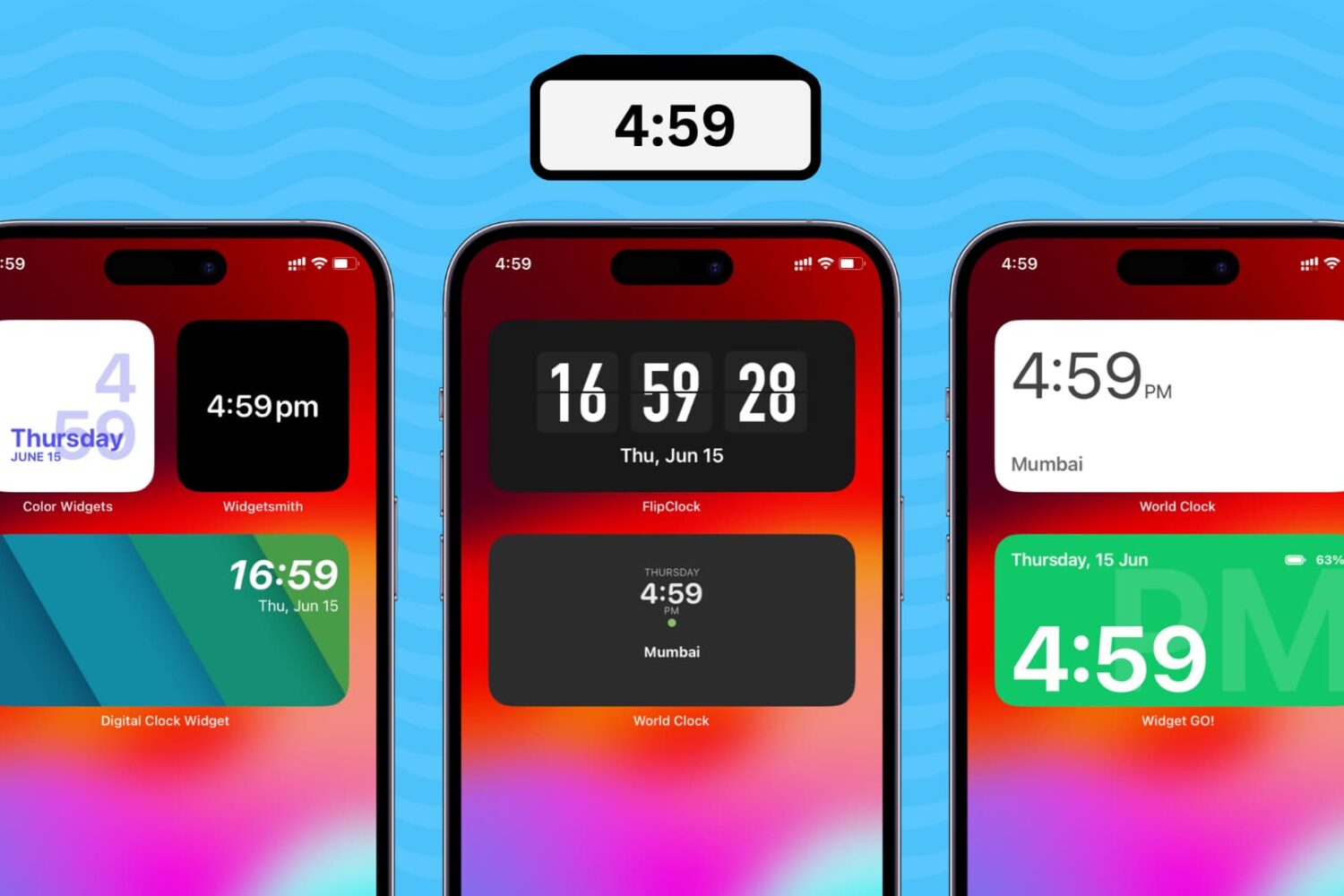
Learn how to add a digital clock widget to the Home Screen of your iPhone and iPad so that you never lose track of time and date.
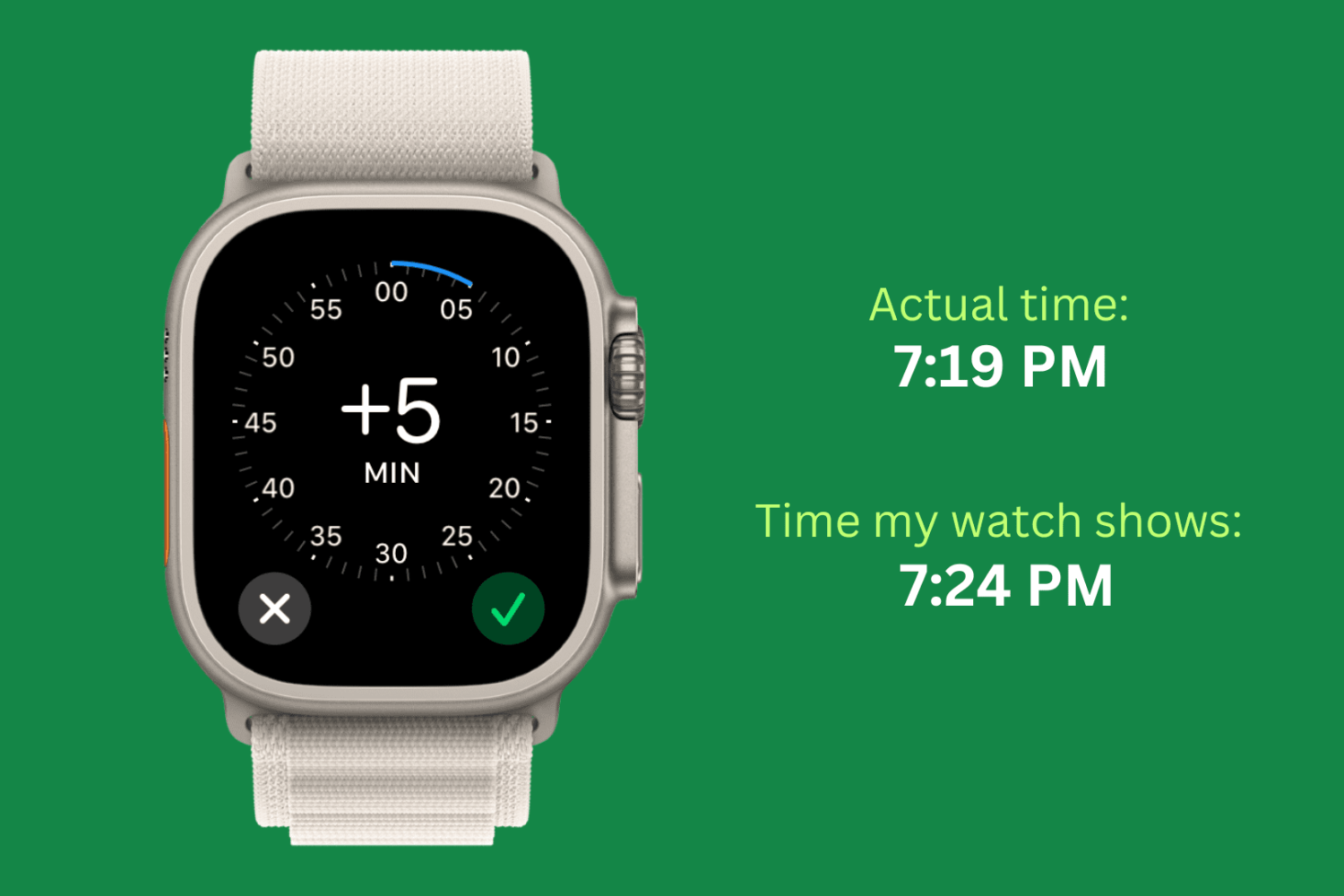
Check out this simple guide on setting the time ahead by a few minutes on your Apple Watch to always stay ahead of schedule!
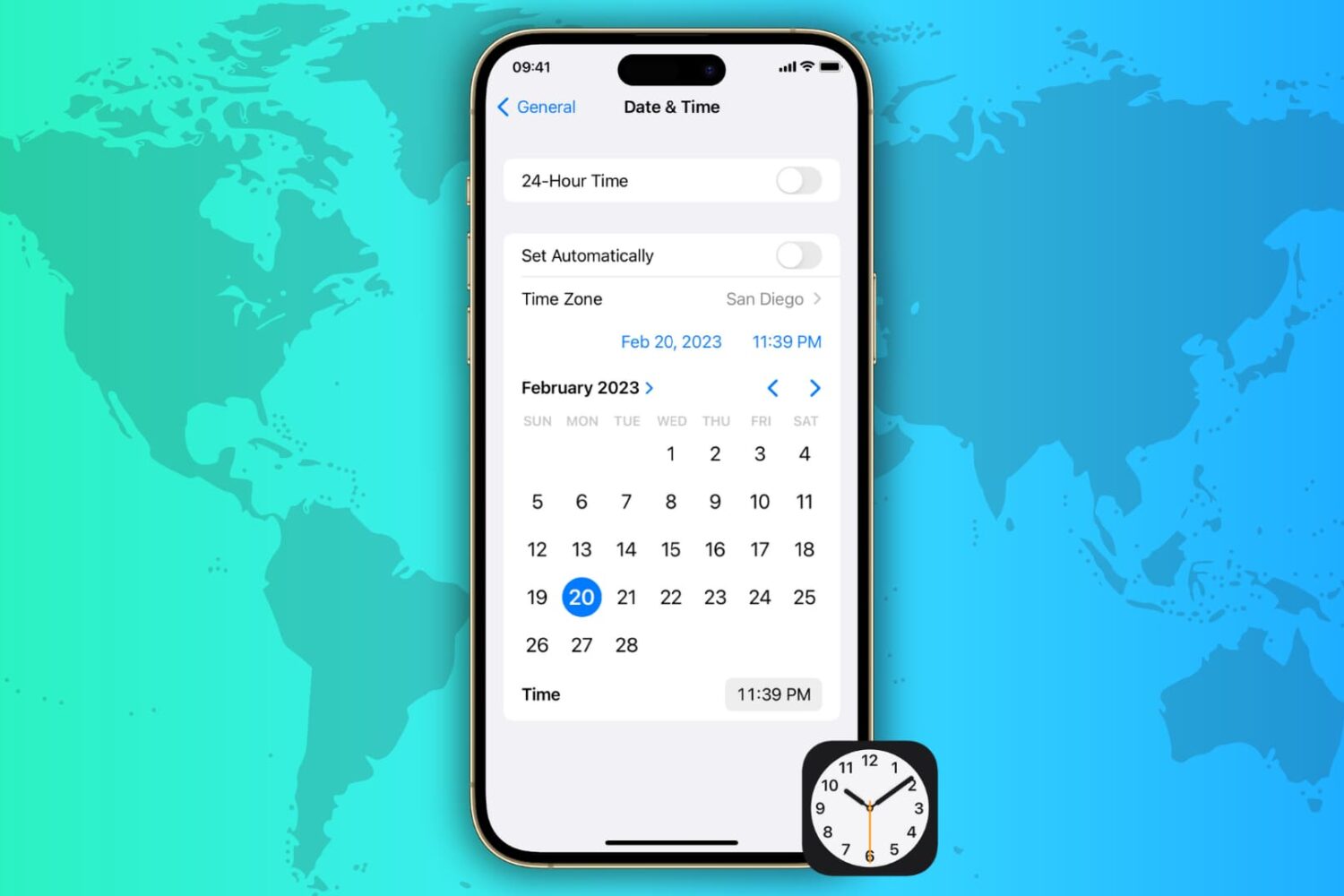
Learn how to automatically or manually change the date, time, and time zone on your iPhone, iPad, Mac, Apple Watch, and Apple TV and Vision Pro.
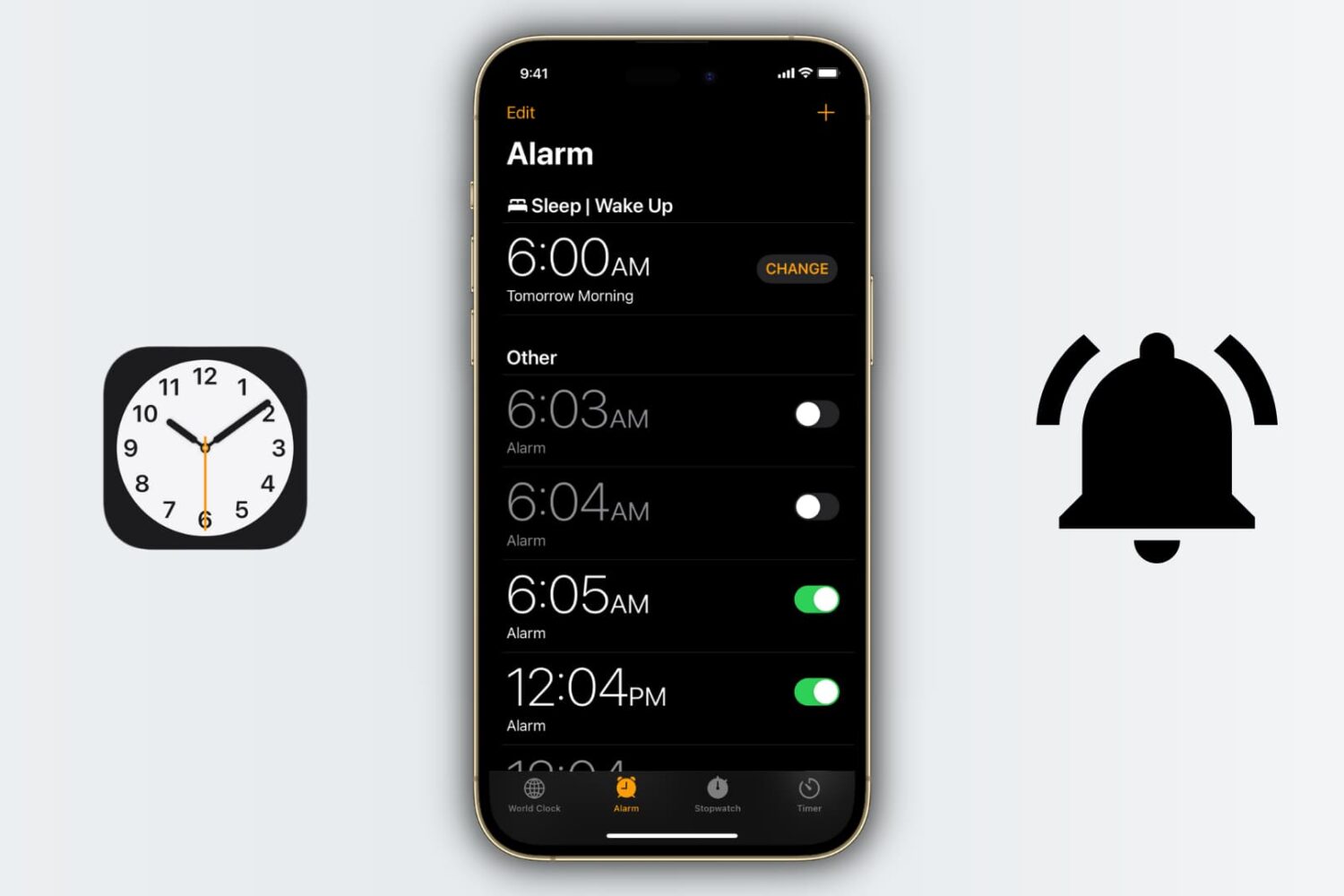
This simple tutorial will show you all the ways you can set, edit, and manage alarms on your iPhone or iPad.
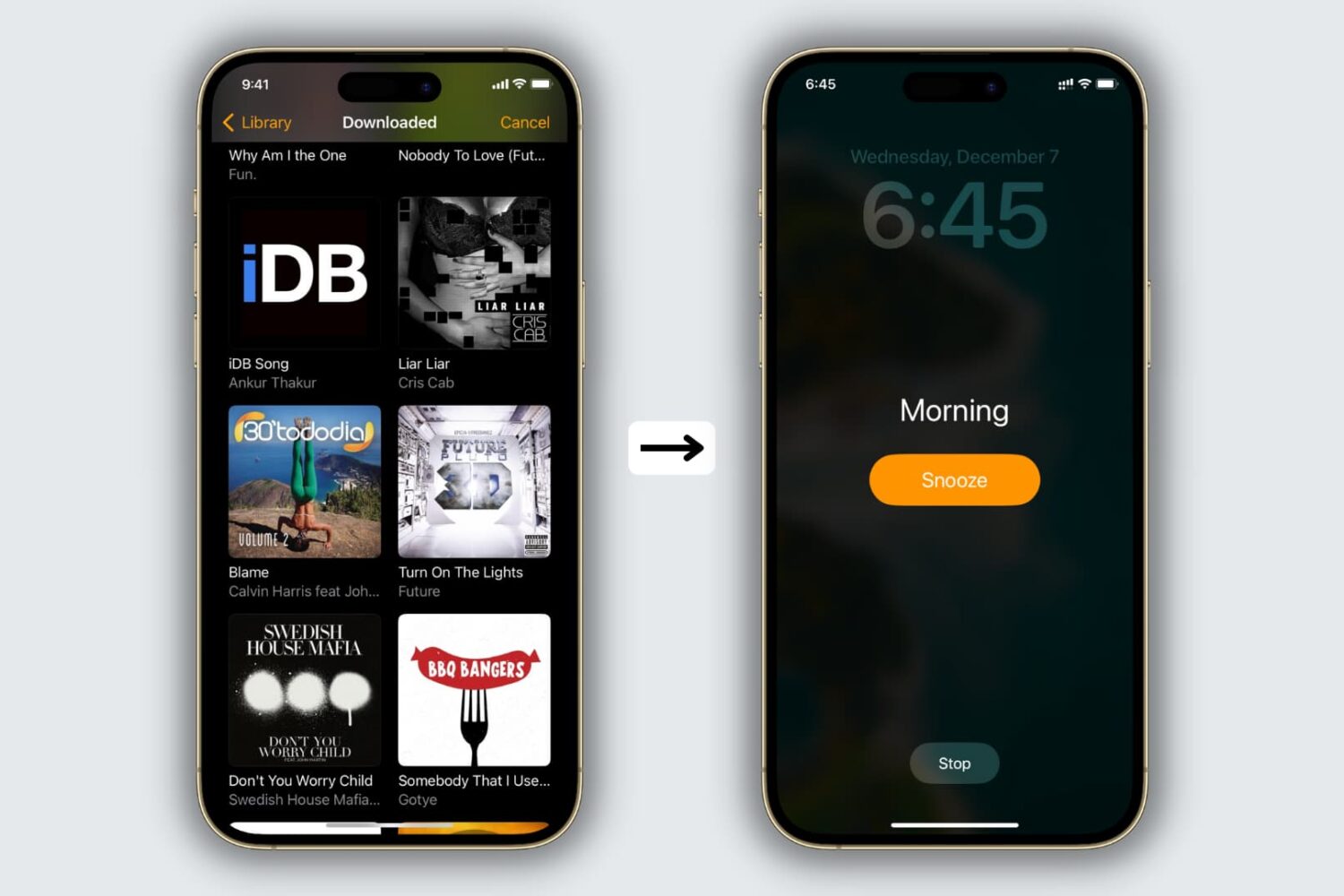
The Clock app offers several alarm tones to choose from, but if you’re tired of being woken up by default sounds like Radial, Night Owl, or By the Seaside, you’ll be happy to learn that you can use your own music as the alarm sound.
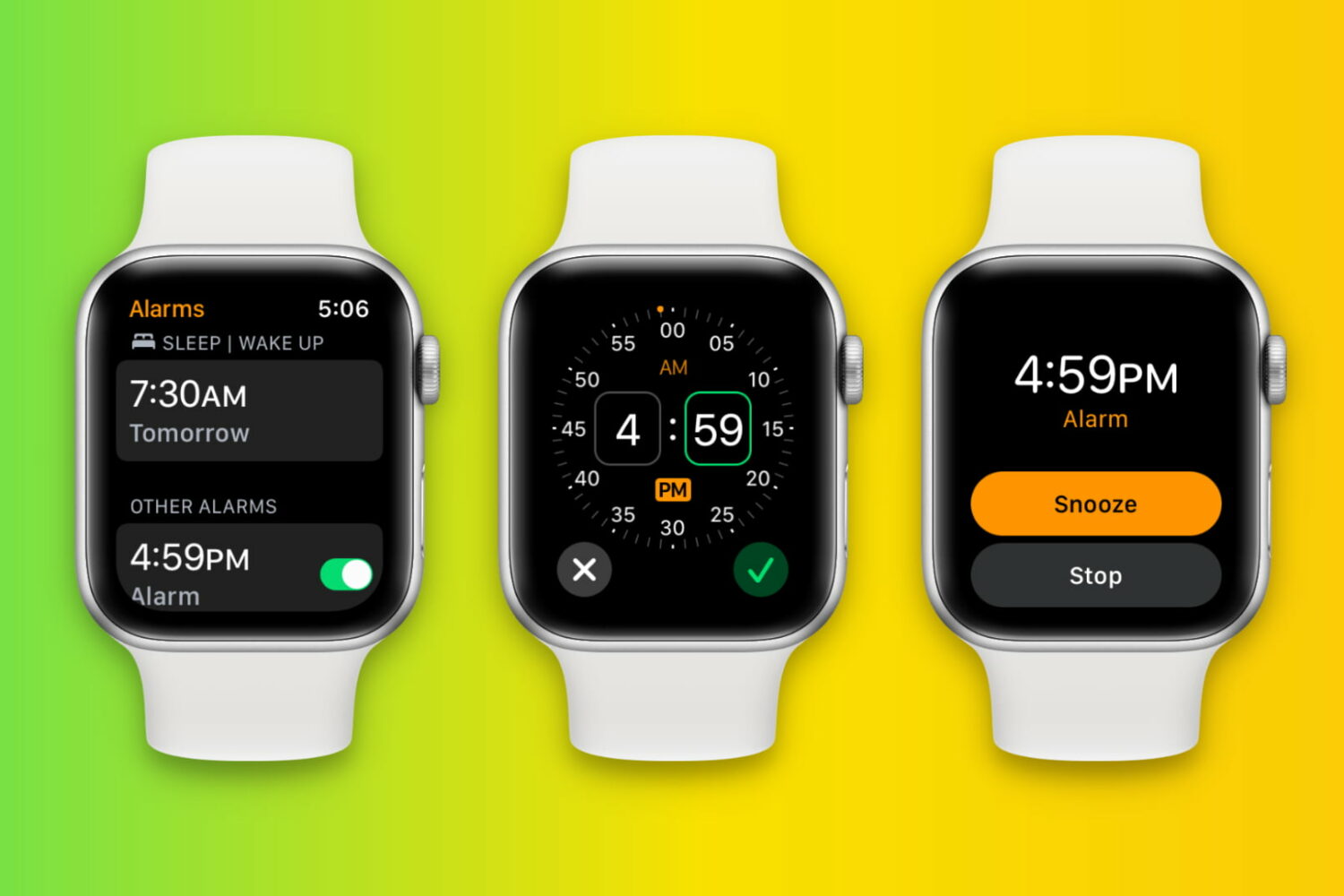
Learn how to set up, edit, delete, and manage alarms on your Apple Watch in this full walkthrough guide.
Keeping track of the time on a busy schedule is important, and that’s why iDB used the fast-paced 2022 Thanksgiving holiday to reminisce on what we believe are some of the best jailbreak tweaks for time management on the iOS & iPadOS 14 platforms.
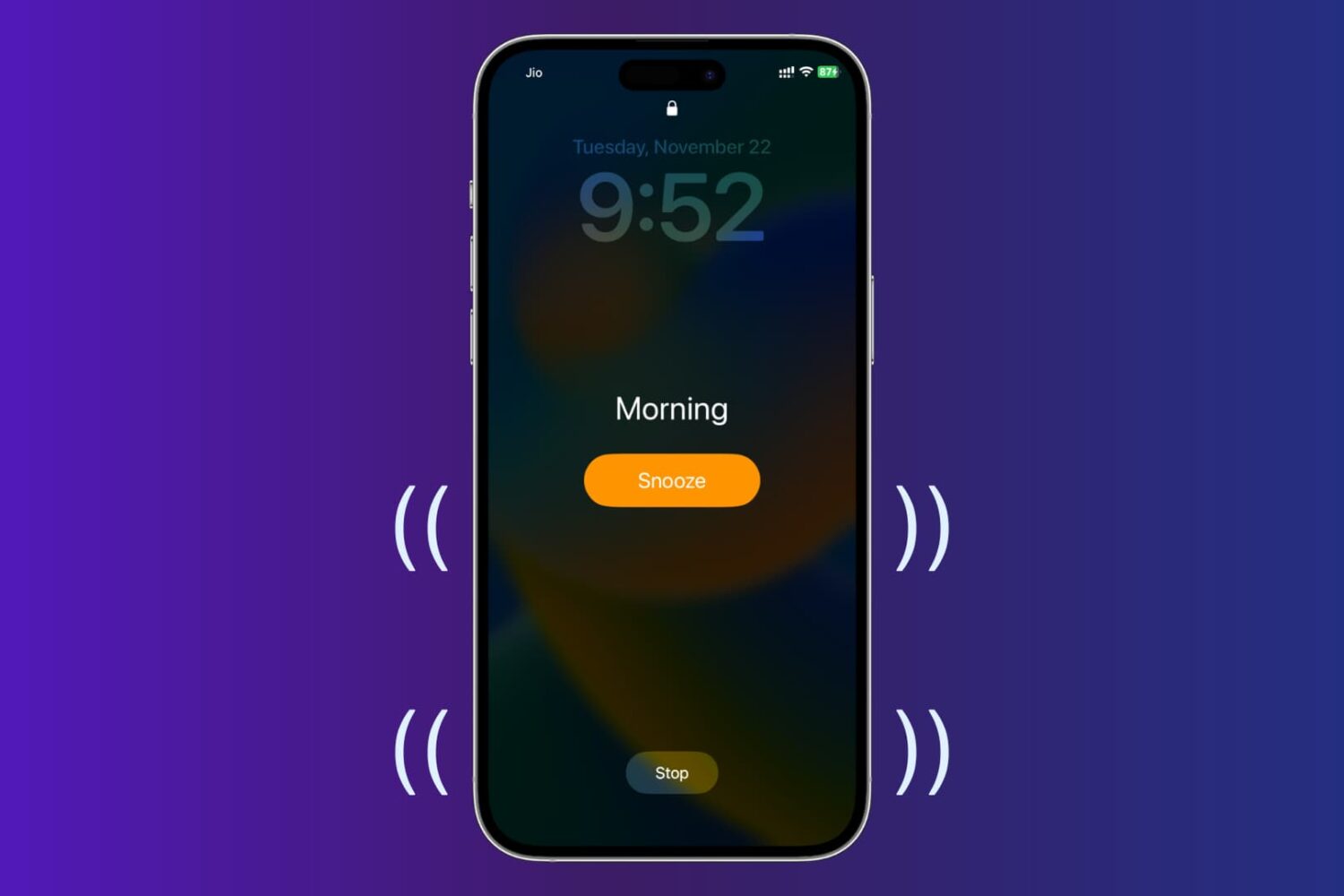
In this tutorial, we’ll show you how to set vibrating alarms and timers on your iPhone, which won’t play a sound but only vibrate.
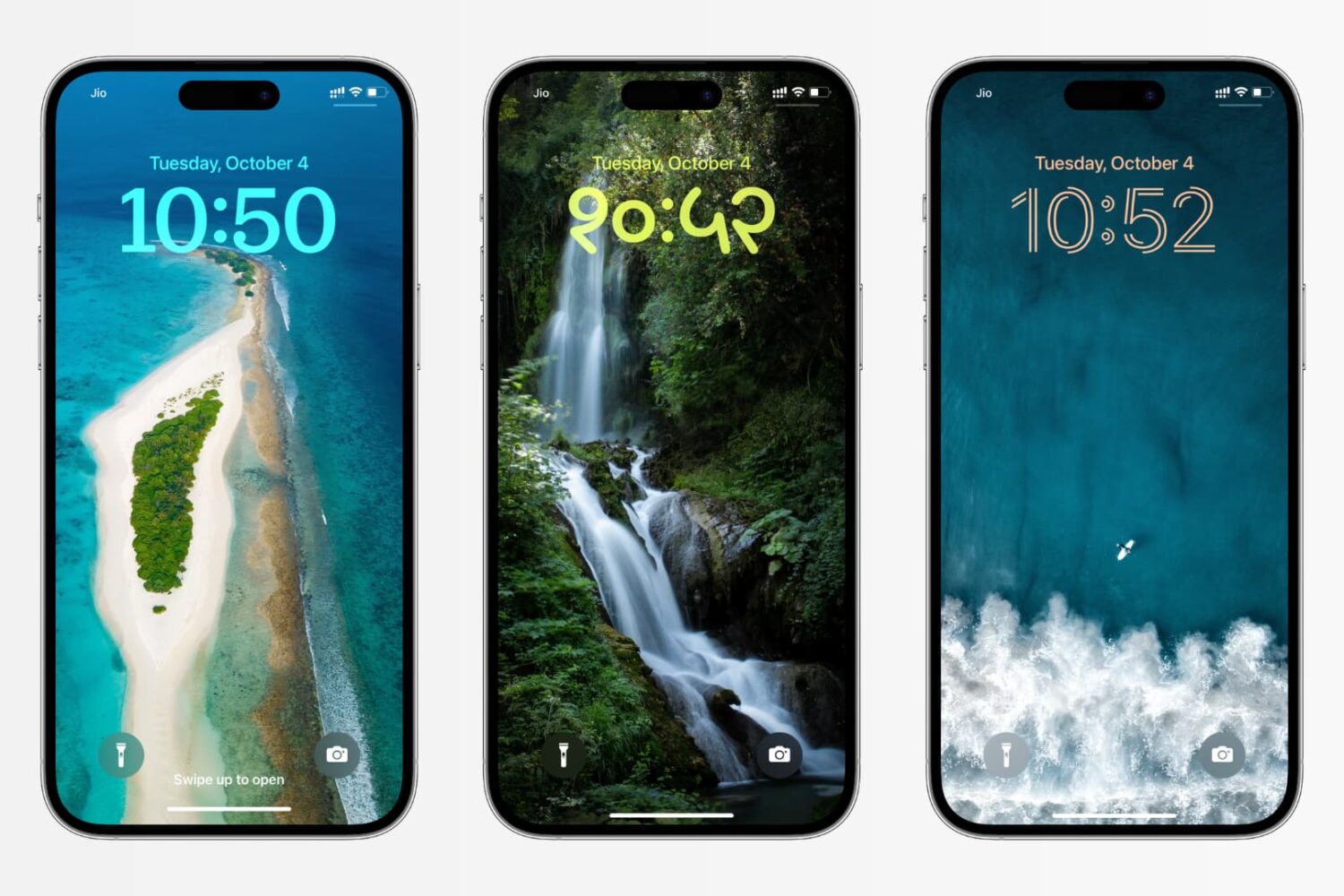
In this tutorial, we’ll show you how to change the color, font, and even the script for the clock on your iPhone or iPad Lock Screen to create a unique look.