Clock

CrazyClock: speed up the Clock app icon animation on the Home screen

Before iOS 7, a jailbreak tweak was required to have an animated Clock app icon on the Home screen. That, of course, changed with iOS 7, as Apple ushered in its own version of the animated clock icon.

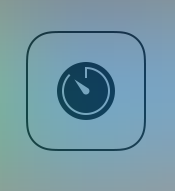
CrazyClock takes Apple's animated app icon and does some pretty interesting things with it. It can significantly speed up the animated hands on the clock, and even make the hands move in a counter-clockwise direction.

Allarm: a cleverly named tweak that toggles all alarm clocks simultaneously

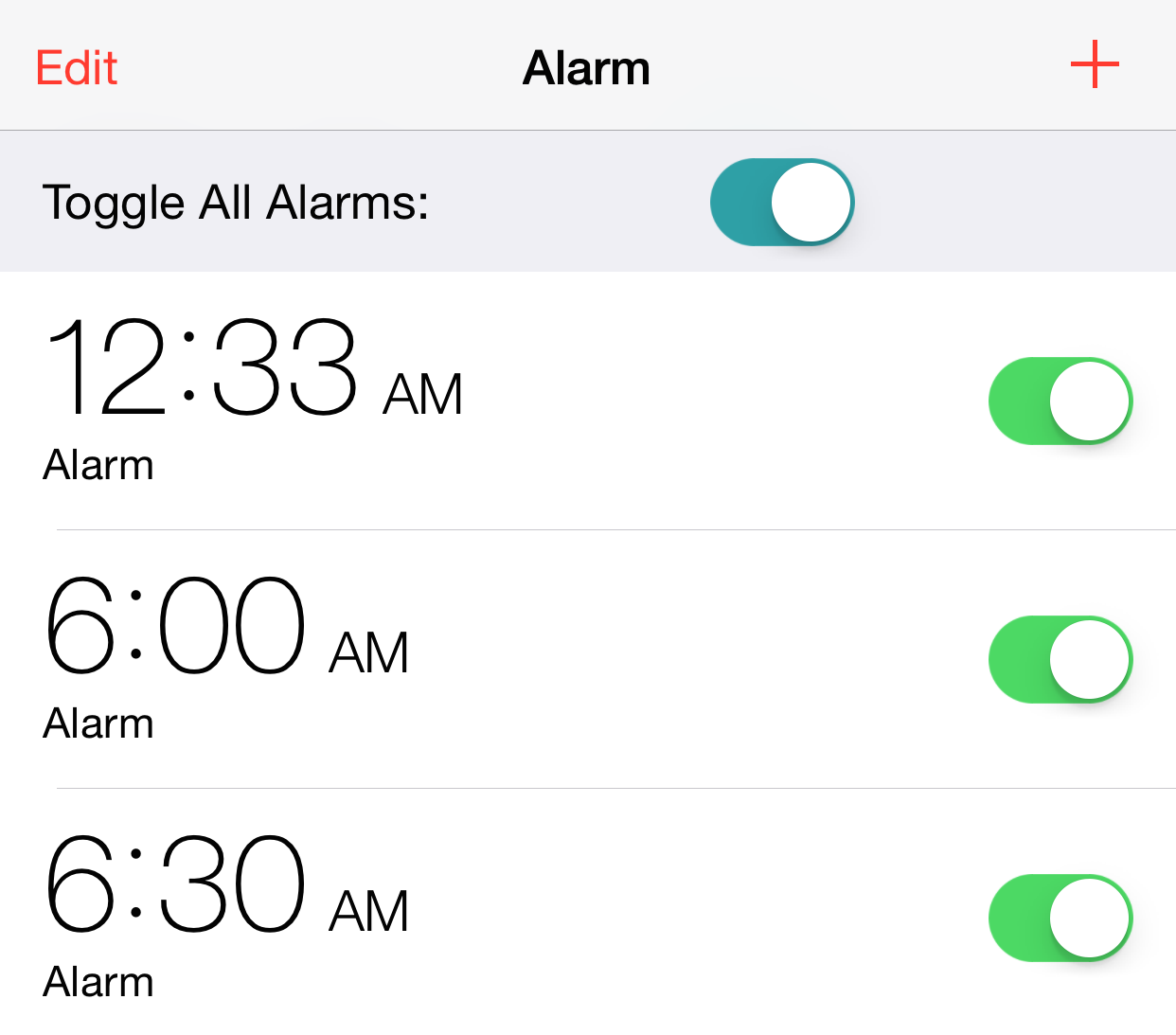
Looking for a quick way to disable all alarm clocks in the stock Clock app at the same time? Allarm—a clever mix of the words All and Alarm—is a brand new jailbreak tweak that allows you to do just that. It places a handy toggle switch at the top of the alarm clock tab in the stock Clock app. Toggling this switch allows you to quickly disable all alarms simultaneously.

iOS 7: the ultimate Clock app guide

The stock Clock app featured in iOS 7 is the central hub for managing anything that has to do with time on your iOS device. The app is basically four different applications combined into a single app interface.

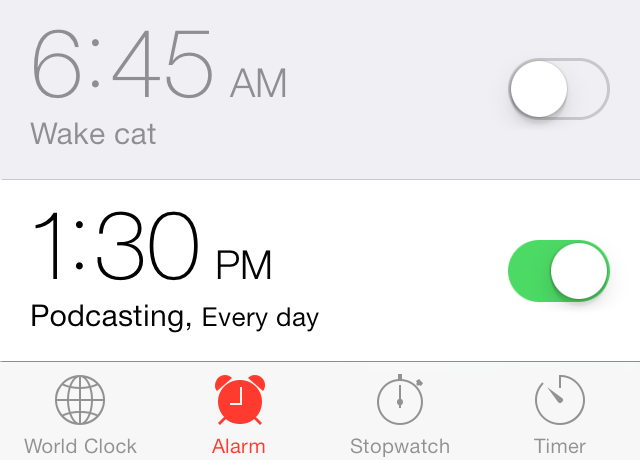
You'll find tabs for the World Clock, Alarm, Stopwatch, and Timer at the bottom of the stock Clock app interface. Each tab is capable of working independently of the other tabs; for example, I can run a timer and a stopwatch simultaneously.

That at all being said, the stock Clock app is still a very basic stock application. Please check out the table of contents below for each section pertaining to the features found in iOS 7's Clock app.

How to enable swipe-to-delete in the stock Clock app

I don't know about you guys, but I find it really annoying when there's not a swipe-to-delete option available in an application. One good example of this is found in the stock Clock app. On its world clock tab, you are forced to use the edit button in the upper left-hand corner in order to delete a clock.

Wouldn't it be nice if you could add swipe-to-delete functionality and cut the amount of gestures necessary to delete a clock down from three to two? That's the premise behind Edit Clocks—it makes deleting clocks found in the stock Clock app uber-intuitive and easy. Have a look at our video demonstration of the tweak in action after the break.

How to map Control Center’s timer shortcut to the alarm clock

I don't know about you, but I rarely use the timer found in the stock Clock app. I know Sebastien has mentioned that he uses the timer from time to time while cooking, but he's one of the few I know who do.

The Control Center panel in iOS 7 features a shortcut to the timer section of the stock Clock app. Personally, I think it would have been more beneficial to link that shortcut to the alarm clock section of the Clock app. If there's one area of the stock Clock app that I frequent on a daily basis, it's the alarm clock section.

Jailbroken iOS 7 users can now reassign the timer shortcut to the alarm clock. Take a look inside at our video walkthrough to see how...

iOS still struggling with Daylight Saving Times as some users are affected with yet another bug [update]

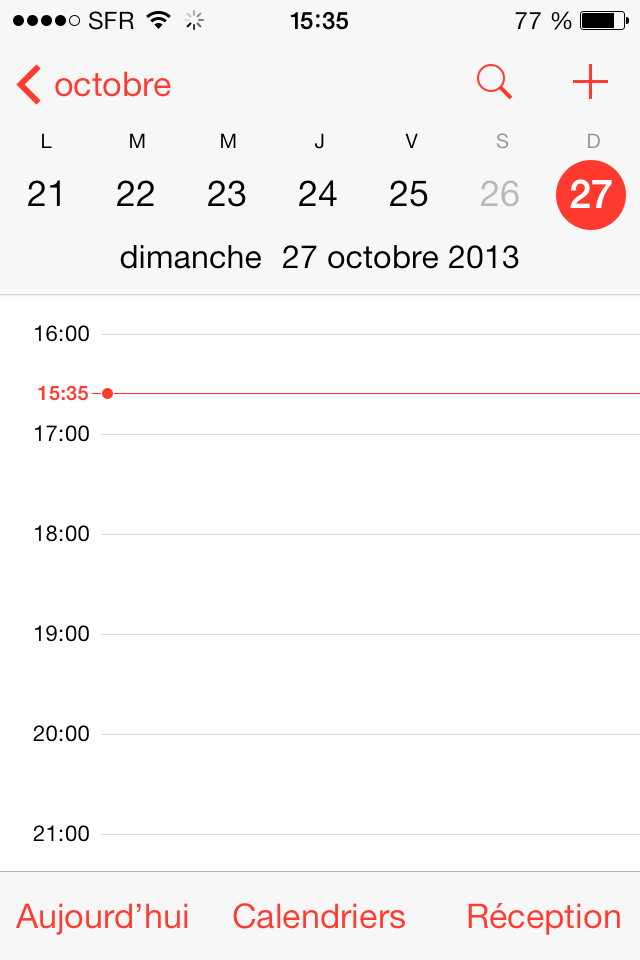
iOS is no stranger to Daylight Saving Times bugs. It could actually be considered a recurring things as we've seen several occurrences of Apple's operating system not properly adjusting to time changes in the past, most notably back in 2010 and twice in 2011.

After all this time, you'd think Apple would have figured out how to properly adjust such a basic feature, but apparently they haven't. Some French users are reporting today that although the time has adjusted correctly to the country's DST change, there is still a little bug visible in the Calendar app...

The best alarm clock apps for iPhone

Waking up in the morning is a very personal thing. You can either get up easily with just a subtle sound to alert you, or you have to be kicked out of bed, and still might fall asleep on the floor for 10 more minutes.

We've got a list of some of the best alarm clock apps that are sure to wake you up when you need to. You’ll never have to worry about being late to work again.

Get more out of the stock Clock app with ‘Stopwatch Pro’

Stopwatch Pro is a recently released jailbreak tweak that we previewed a few weeks ago. It's an enhancement for the iPhone's stock Clock app, which allows you to save the times and laps logged in the stopwatch section of the app. Stopwatch Pro is self contained within the stock Clock app and features no settings or options to configure. Have a look at our full video walkthrough after the break.

Preview: Stopwatch Pro

Interested in saving your lap times from the stock Clock app's Stopwatch tab? If so, then perhaps this upcoming jailbreak tweak might garner your interest. Stopwatch Pro is a tweak that modifies the stock Clock app to be able to save stopwatch times for later viewing. You can even reorder the saved times, and created named sections to sort your times. Take a look at our brief preview video demonstration for more details.