If you are an Apple Watch owner that enjoys closing Activity rings to win challenges, there is a new one coming on June 21.
Celebrate International Day of Yoga on June 21 with a new Apple Watch Activity Challenge
If you are an Apple Watch owner that enjoys closing Activity rings to win challenges, there is a new one coming on June 21.
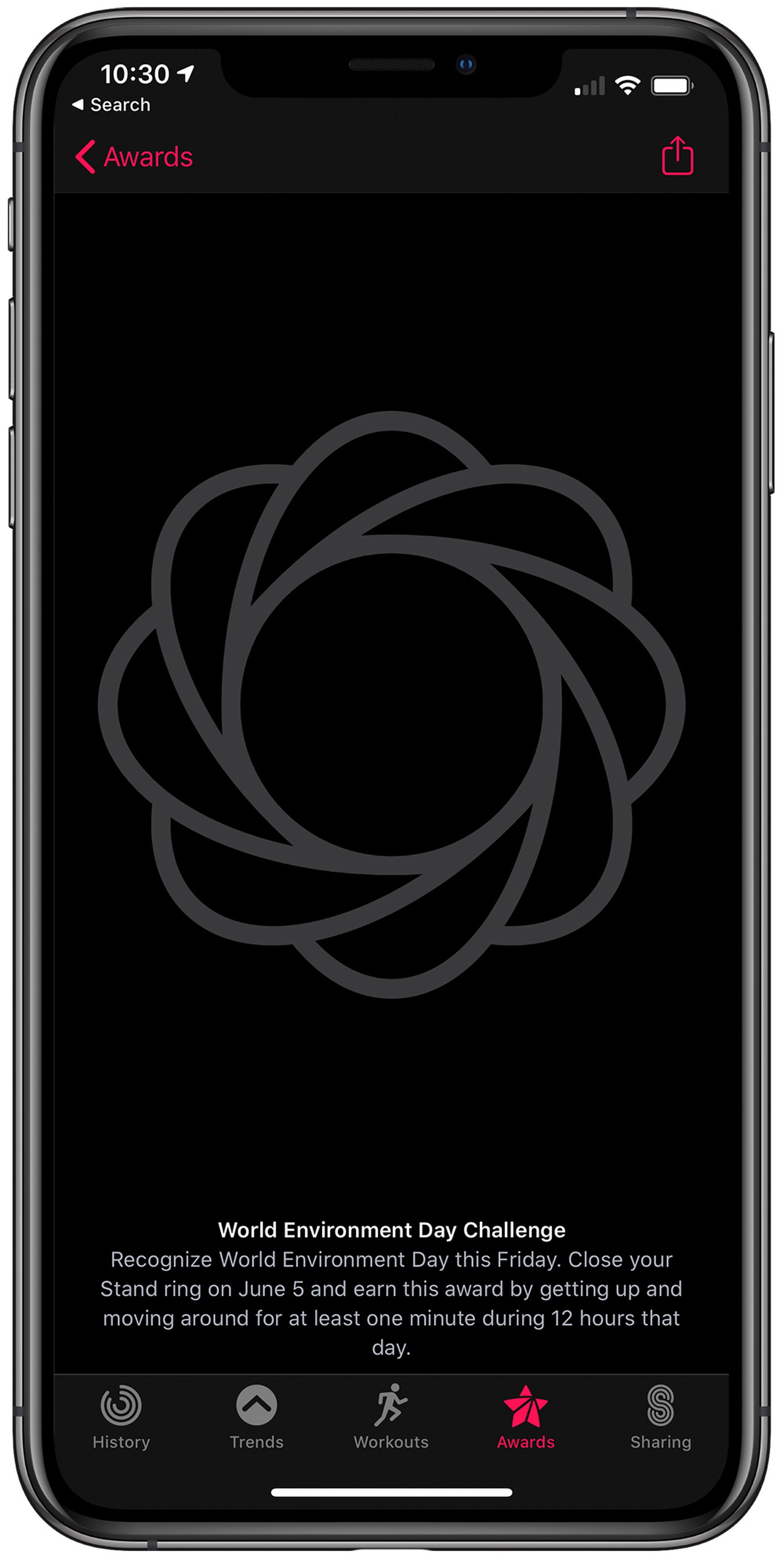
If you're on the hunt for a new activity challenge for the Apple Watch, you only have one more day to wait as the latest launches on June 5.

The next Apple Watch Activity challenge will celebrate the upcoming World Environment Day.
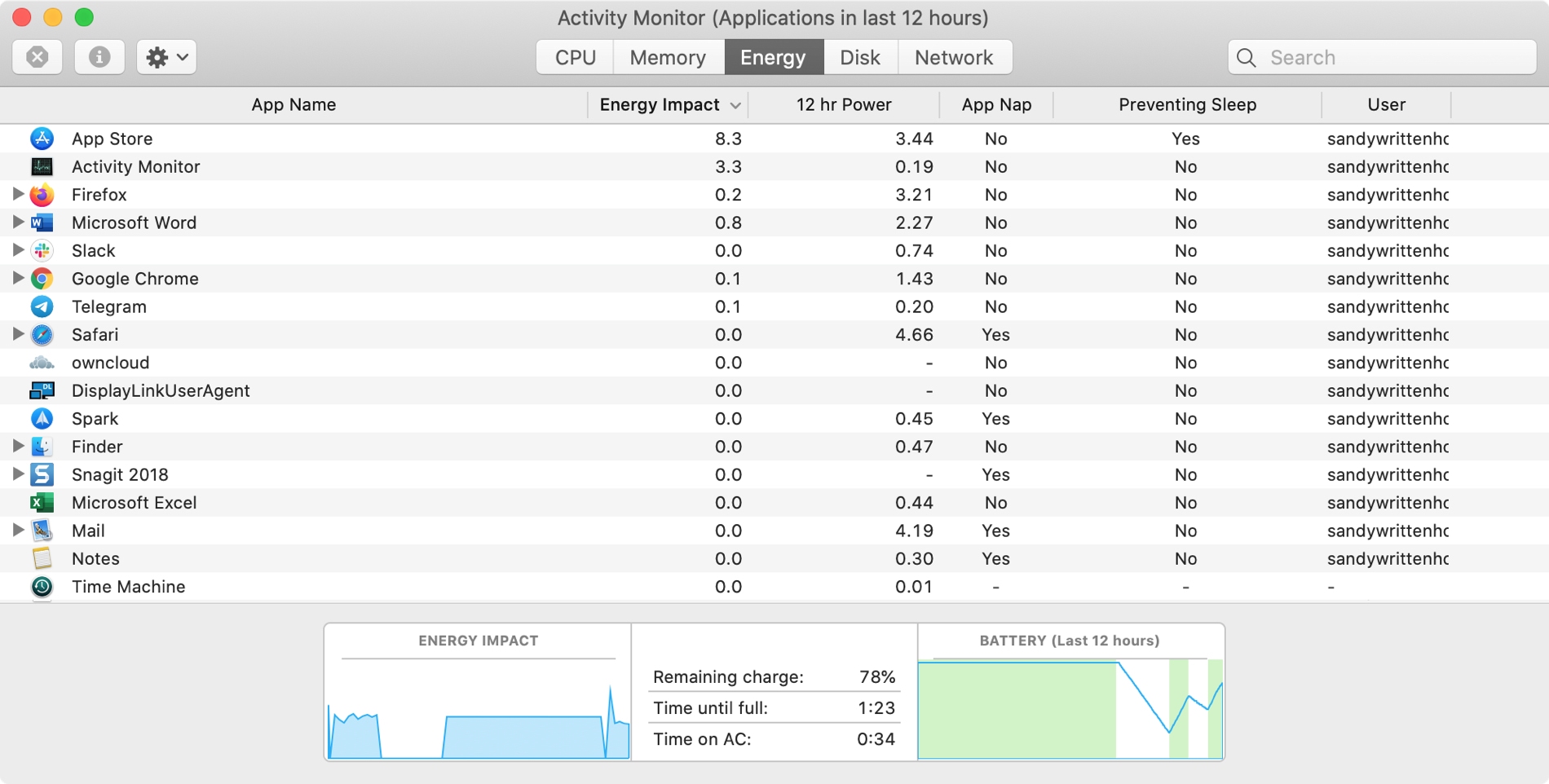
The Activity Monitor on your Mac is one of those tools that you should become familiar with. You by no means need be an expert on it, but you should know the basics. Why, you ask? Because the Activity Monitors shows all the processes running on your Mac. It’s like a task manager, so you can see how those processes affect your Mac and close any if needed.
Whether you’re new to Mac or simply new to the Activity Monitor, we’ll walk you through the basics you need to know.
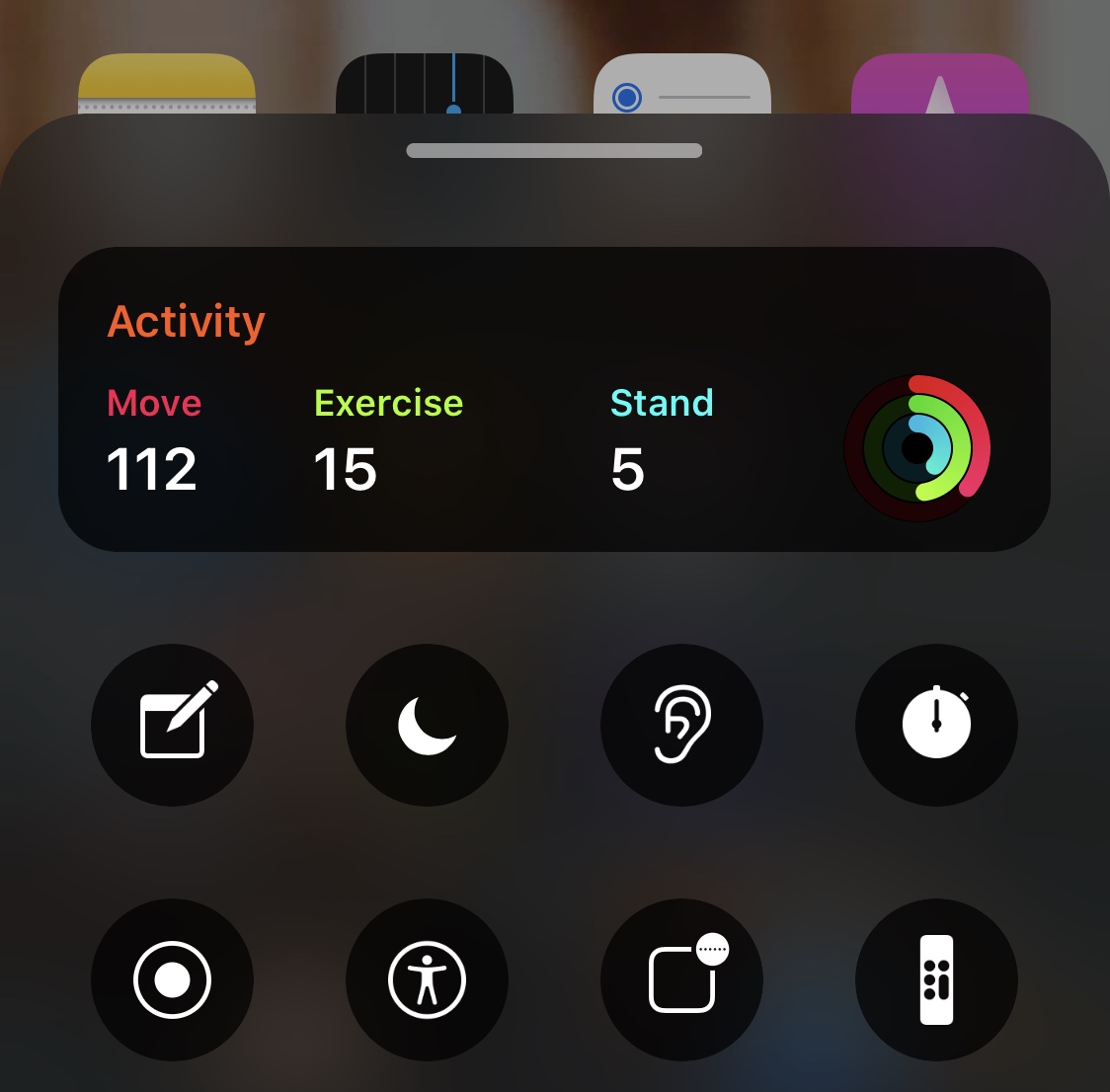
Just last year, we showed you a rather intriguing jailbreak tweak called BottomToolBar that made pertinent toggles and information easier to reach with just your thumb while using your iPhone one-handed. But we never imagined that we’d eventually see compatible add-ons capable of augmenting the user experience.
Enter Activity-BottomToolBar, a newly-released extension for the BottomToolBar tweak by XCCiao that adds Activity ring information to the interface for those who avidly concern themselves with their health.

Roman Numerals are an acquired taste, but if you’ve come to appreciate them as a time display more than basic numbers, then we have a gut feeling that you’ll enjoy a newly released and free jailbreak tweak dubbed Tempus Romānum by iOS developer Ryan Nair.
Tempus Romānum can be used to replace both the Lock screen time and Status Bar time with a Roman Numeral-centric display, and it’s very easy to use.
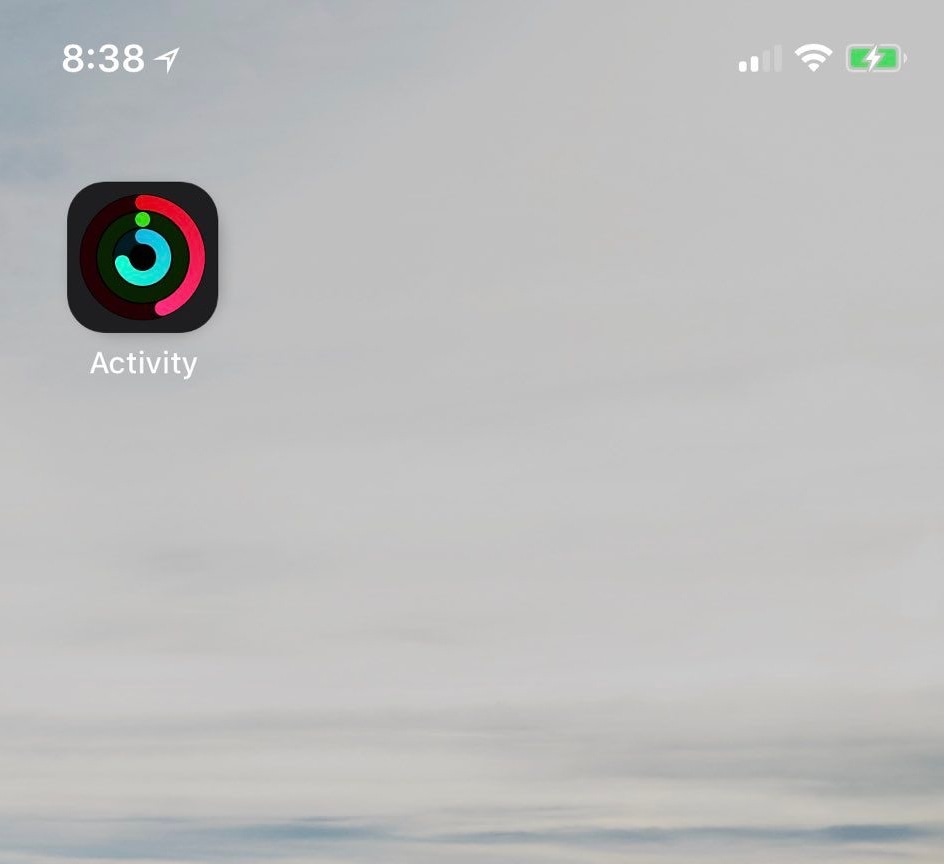
If you take advantage of the standard fitness features that ship with your iPhone and Apple Watch, then you might use the native Activity app to view daily progress. As you proceed, the rings inside the app slowly complete a 360–degree circle, an achievement commonly known as ‘closing rings.’ My only gripe with this is that you have to open the app to see any details.
Thankfully, a jailbreak tweak called LiveRings by iOS developer CPDigitalDarkroom lets you view a summary of your activity directly from the Home screen without even launching the Activity app. That’s because the tweak animates the Activity app icon itself to depict ring-closing progress.
Burn off those extra calories that you've accumulated by chowing down on delicious food this holiday, and maybe start a healthy habit, by taking Apple's 2019 Thanksgiving Day challenge.
Apple's next Apple Watch Activity challenge will target Veterans Day on Monday, November 11.
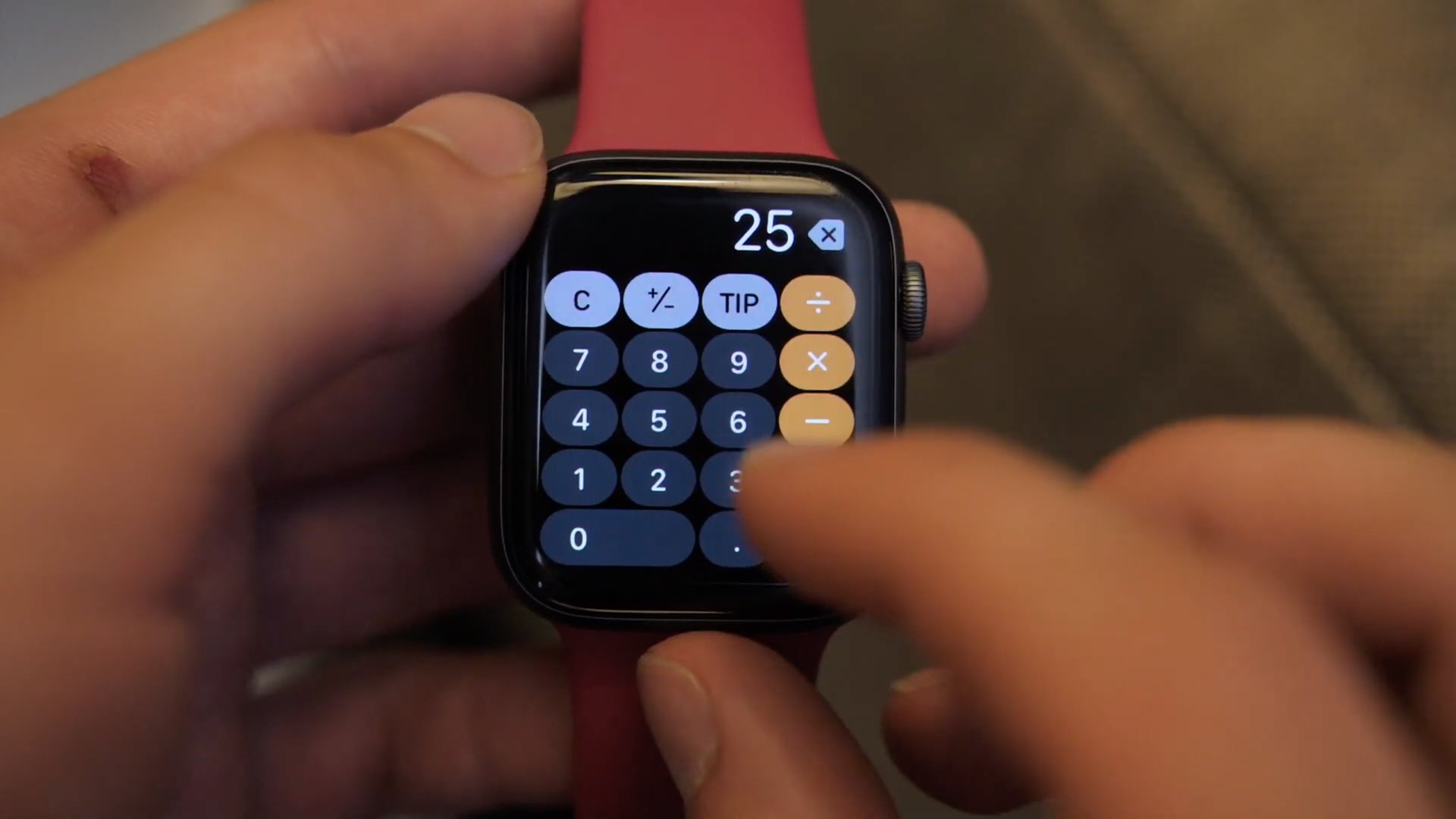
Unveiled at WWDC 2019, the watchOS 6 software update makes your Apple Watch better and more independent than it's been ever before. Here are iDownloadBlog's six reasons why watchOS 6 is amazing and how it makes your Apple Watch closer to being its own product.
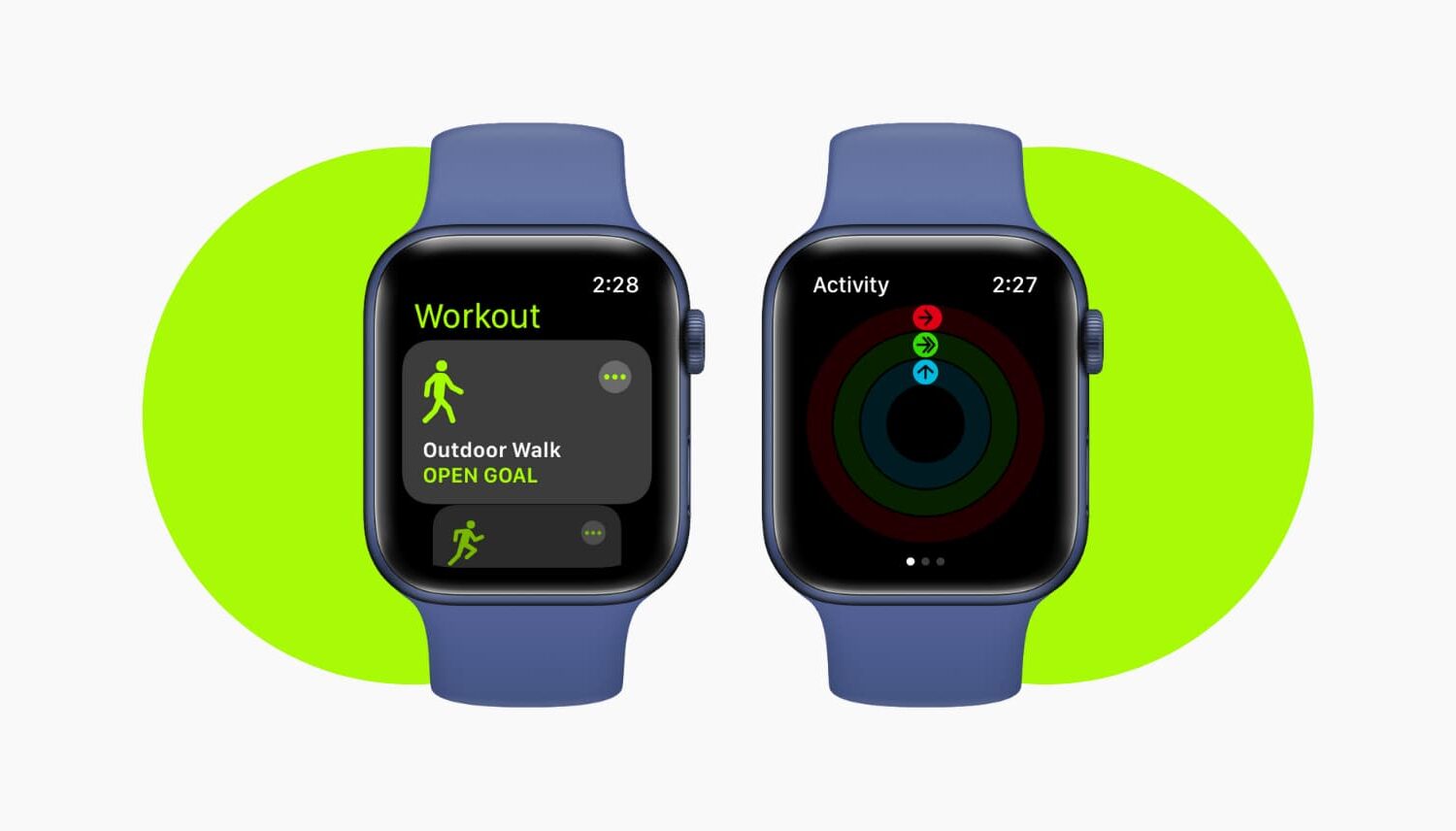
Apple Watch helps you track your Workouts and Activity goals like Move, Stand, and Exercise times for the current day and over time. But nothing is perfect, and you might run into problems with your activities being recorded inaccurately.
For instance, you completed a 45-minute workout, but your Apple Watch recorded only 10 minutes of it. Here are two ways to fix your Apple Watch not registering Workout and Exercise activities correctly.

As predicted earlier this week, Apple is honoring the International Day of Yoga by challenging Apple Watch wearers to complete a 15-minute yoga exercise today, Friday, June 21.