Accessories

This clever adapter makes your MacBook or iPad charger sit flush against the wall

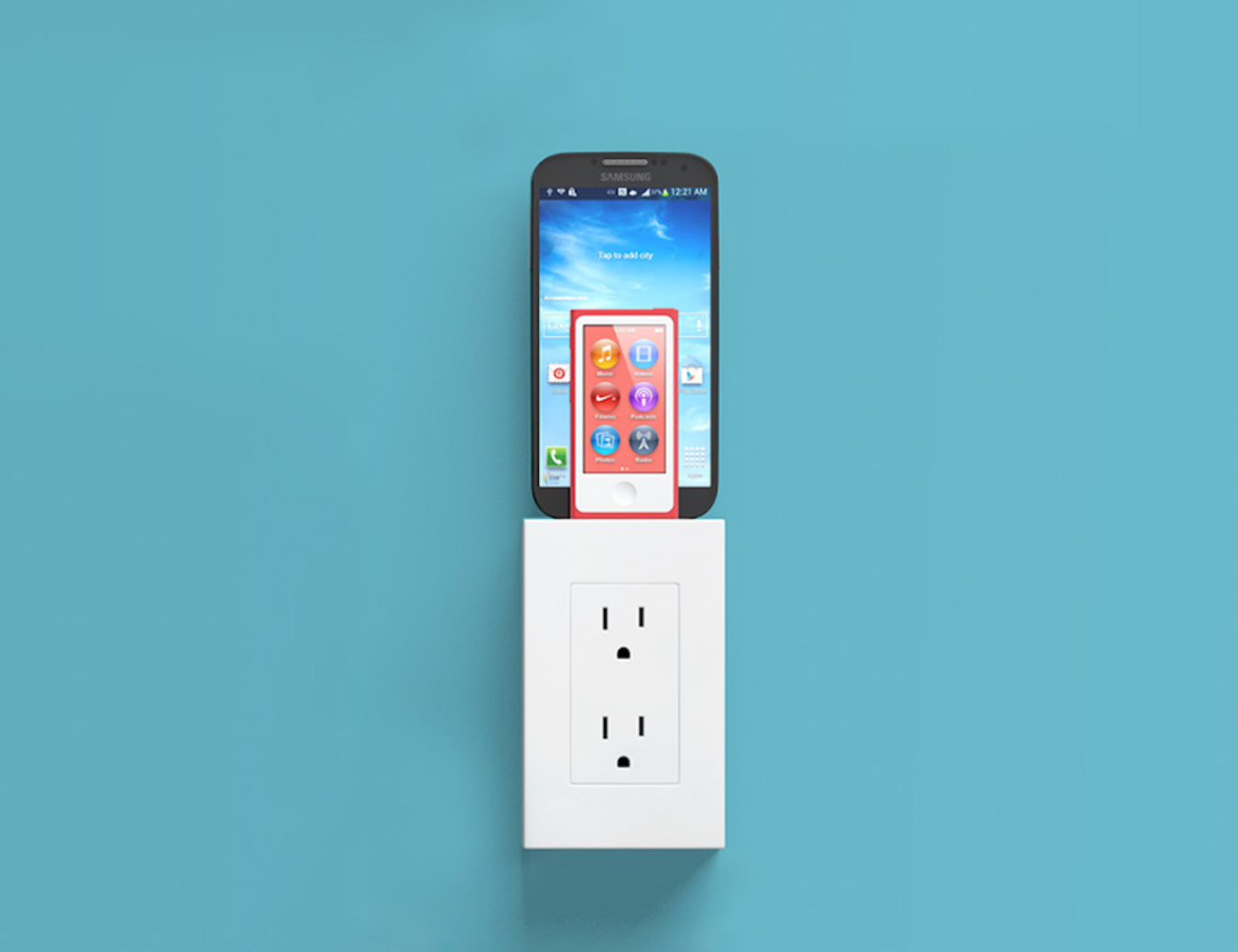
An company called One Design has announced an interesting space-saving solution that lets your MacBook or iPad charger sit flush against the wall. Dubbed the Blockhead, the inexpensive device is basically a side-facing plug for Apple's USB chargers.

It reduces between your charger and the wall socket from 3.8 inches to just 1.2 inches. By turning your MacBook's adapter sideways, Blockhead also brings its center of mass closer to the wall, resulting in a smaller footprint and less tension on the plug.

“At just over an inch thick, blockhead is the thinnest possible way to charge your MacBook,” says One Design. “Even the standard cord needs twice as much room.”

Leaked case suggests dual cameras and stereo speakers for iPhone 7

Prolific leaker Steve Hemmerstoffer today posted claimed images of a purported case for Apple's unreleased iPhone 7 on Twitter.

While not the first iPhone 7 case, this one is pretty interesting as it seemingly corroborates that the handset will in fact ditch the 3.5mm headphone jack while adopting a dual-camera setup on the back and stereo speakers.

Apple is expected to formally announce the iPhone 7, the next major upgrade to its smartphone lineup, in September.

My 5 favorite accessories to use with my MacBook Pro

Whenever I'm using my MacBook Pro, there are a number of third-party accessories I like to use to glorify my user experience based on what I may be using it for. In this piece, I'll share with you my five favorite accessories that I use with my 15-inch MacBook Pro with Retina display regularly.

thingCHARGER adds a Lightning dock and two USB ports to your wall outlet

Charging your devices is something just about everyone has to deal with. We all have phones, cameras, tablets, and more that all seem to constantly need to be replenished. When it comes to chargers, there always seems to be an endless array of options, that all seem to be variations on similar designs. thingCHARGER, is a new product that builds a multi-device charging dock right into your outlet.

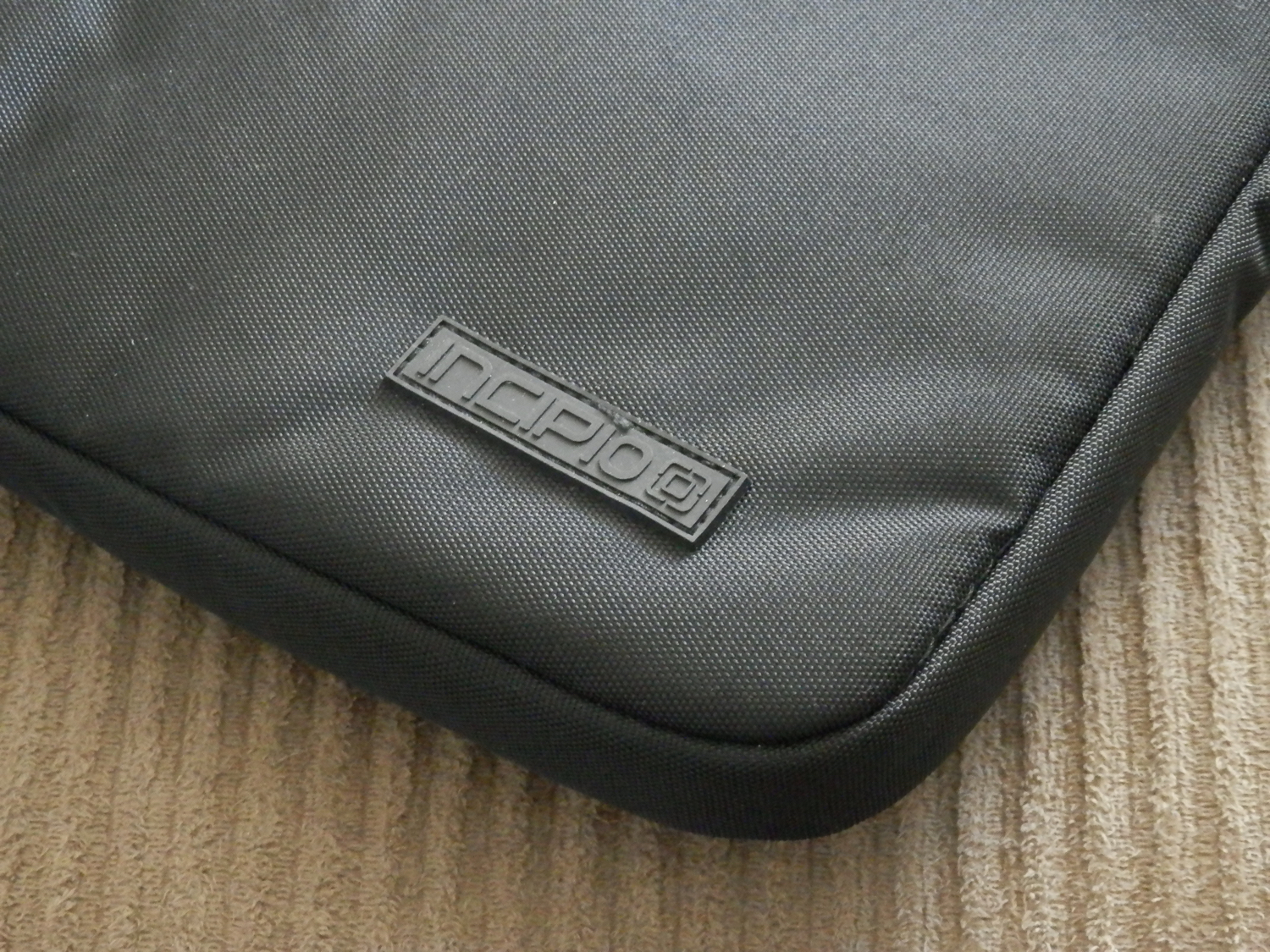
A look at the Incipio Asher MacBook Pro carry sleeve

As I'm always on the go, I needed a way to safely take my 15-inch MacBook Pro with Retina display all around with me without fearing that it could get damaged from drops or scuffs, and I turned to Incipio for those needs.

The Incipio Asher sleeve, which can be had off of Amazon for $30, is perfect for the on-the-go MacBook Pro user, as it provides excellent padding protection and additional stowaway room for the AC adapter and some small MacBook accessories.

In this review, we'll talk about some of the features of the Incipio Asher sleeve, as well as its pros and cons.

Using your iPhone to diagnose your car’s check engine light

All the do-it-yourself mechanics out there love being able to troubleshoot their own check engine light (CEL) to see what's going on under the hood of their own cars. Typically, doing so requires an expensive OBD II scanner tool that plugs into the OBD II port underneath the dash.

But, with an app on your iPhone and a tiny accessory that plugs into the OBD II port, you could save some money and you'll still have access to a lot of the information the scan tool would give you. In fact, because of how advanced your iPhone is, you may even get more information than a lot of the scan tools will offer.

In this review, we'll be taking a look at the LELink Bluetooth Low Energy OBD II car diagnostic tool, which can be had for about $35 on Amazon, as well as the $9.99 OBD Fusion app, which can be had from the iOS App Store.
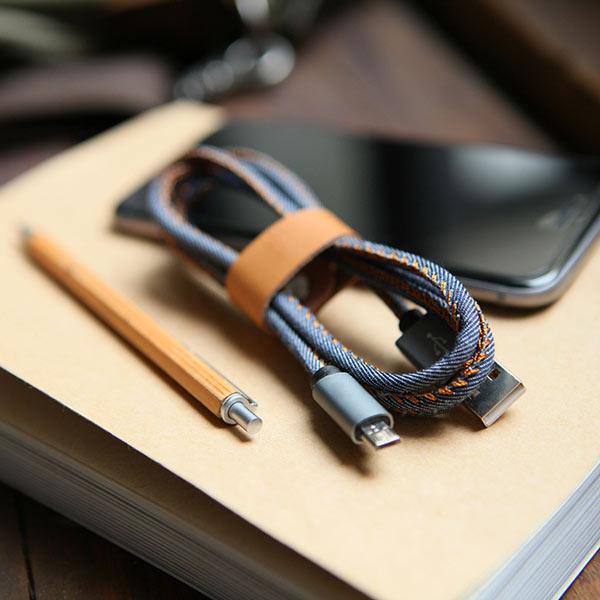
LMcable: a 2-in-1 Lightning and Micro USB connector

Lovers of technology who own both iOS and Android devices are forced to use two different cables for charging their batteries – a Lightning cable and a Micro-USB cable.

The discrepancy in charging cable type can be a pain for people who don't want to carry around more than one cable with them, and that's why a new Kickstarter campaign for a product called LMcable is trying to make its way onto the market to make charging easier for everyone.

Apple releases first over-the-air firmware update for iPad Pro’s Smart Keyboard

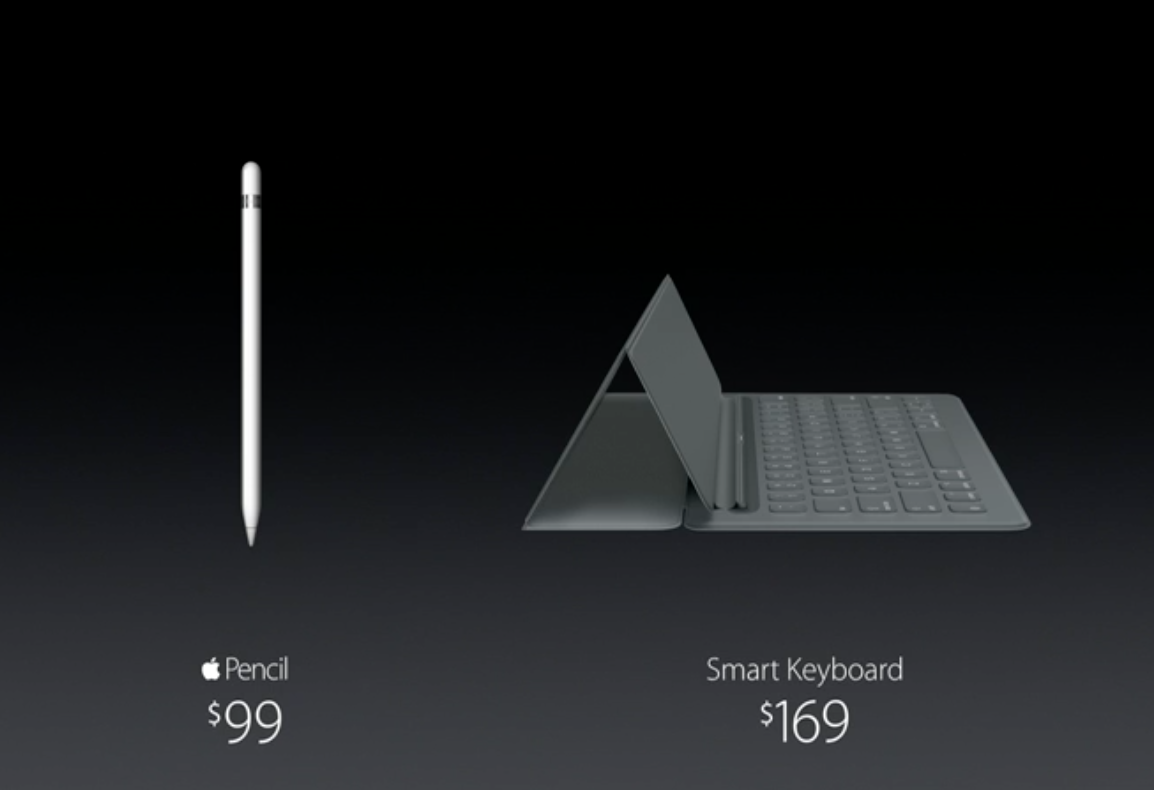
Apple has issued its first firmware update for the iPad Pro's $169 Smart Keyboard accessory. After attaching a Smart Keyboard to their iPad Pro, users will see an iOS prompt informing them of the availability of the new software. They can postpone updating the Smart Keyboard update or select to apply the new firmware immediately.

As reported by AppleInsider, the new firmware software for the accessory is delivered as an over-the-air download and is transferred to the Smart Keyboard through Apple's new magnetic Smart Connector on the iPad Pro.

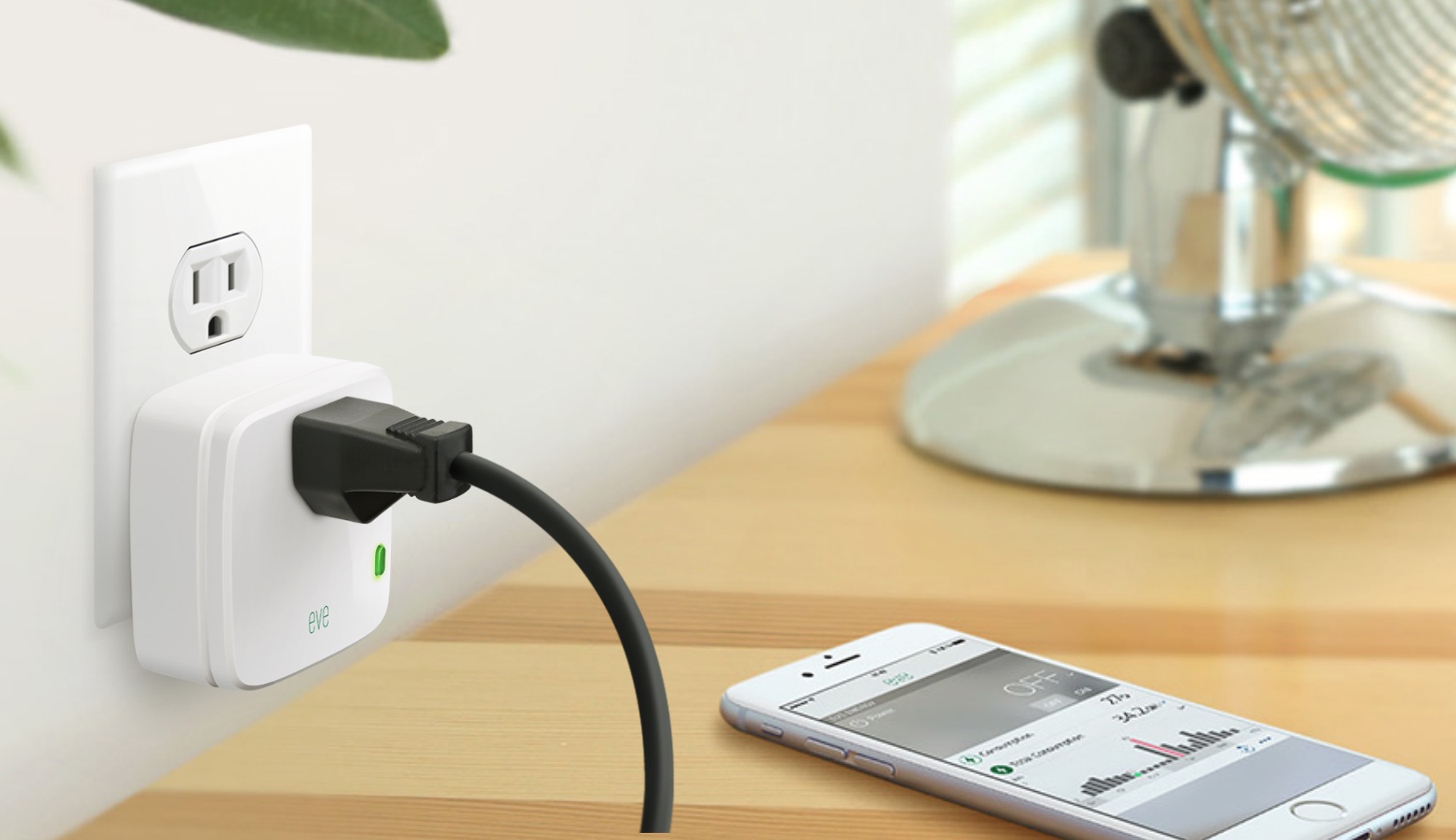
Elgato Eve Energy review: a HomeKit-enabled wireless sensor & switch

Apple’s HomeKit has had a bit of a rocky start. The home automation platform that was meant to tie all of your smart home devices together was plagued by delays from Apple, as well as manufacturers. Devices started to hit the market in the middle of last year, and this year at CES, we saw many new options that are slowly starting to trickle out. Today, we are going to take a look at one of those devices, Eve Energy from Elgato. It is a simple solutions for those who want to start or grow their smart home, without breaking the bank.

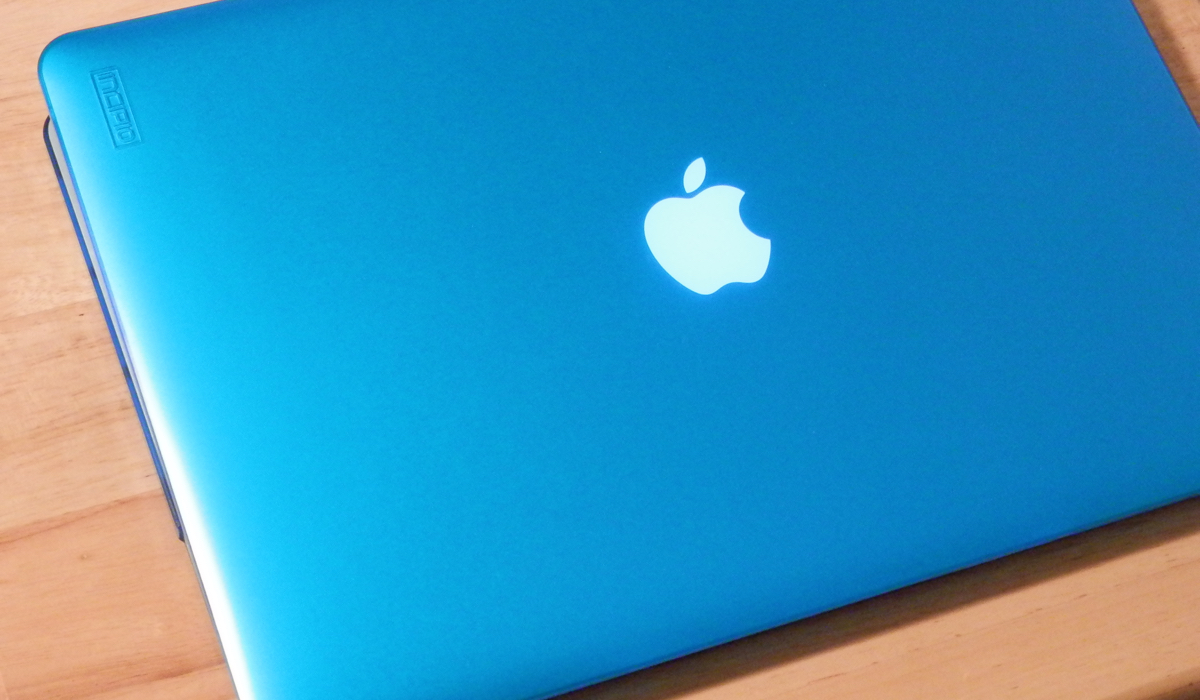
Add some protection to your MacBook Pro with the Incipio Feather case

If you travel abroad with your MacBook Pro and don't want to scuff up the factory aluminum finish as you go through every day wear and tear, you should consider adding some protection to it.

Although the slimness of modern MacBook Pro models is one of the nicest features of the notebook, Incipio's Feather cases are beautifully crafted to not only give it a splash of color, but also to protect all of its most sensitive edges from friction and shock that might occur when a notebook is stored in a laptop bag or backpack.

In this review, we'll be taking you through the case's features and show you how it looks on a 15-inch MacBook Pro with retina display from every angle.

This tweak lets you control your Home screen with a Bluetooth keyboard

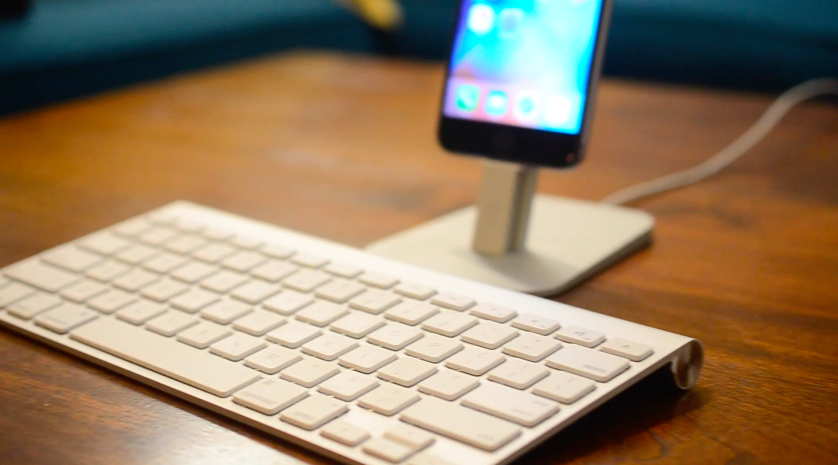
If you use a Bluetooth keyboard with your iPad, or even with your iPhone or iPod touch (although less likely), then you might enjoy a new jailbreak tweak called Keyhook, which is now available in Cydia for $1.99.

Keyhook will allow you to control your Home screen with your Bluetooth keyboard; this includes selecting apps, launching apps, and moving between Home screen pages.