iOS has a bunch of handy accessibility features, and this guide explores some of the most important ones that you should know about.
The 40 best iPhone and iPad accessibility features you should know about
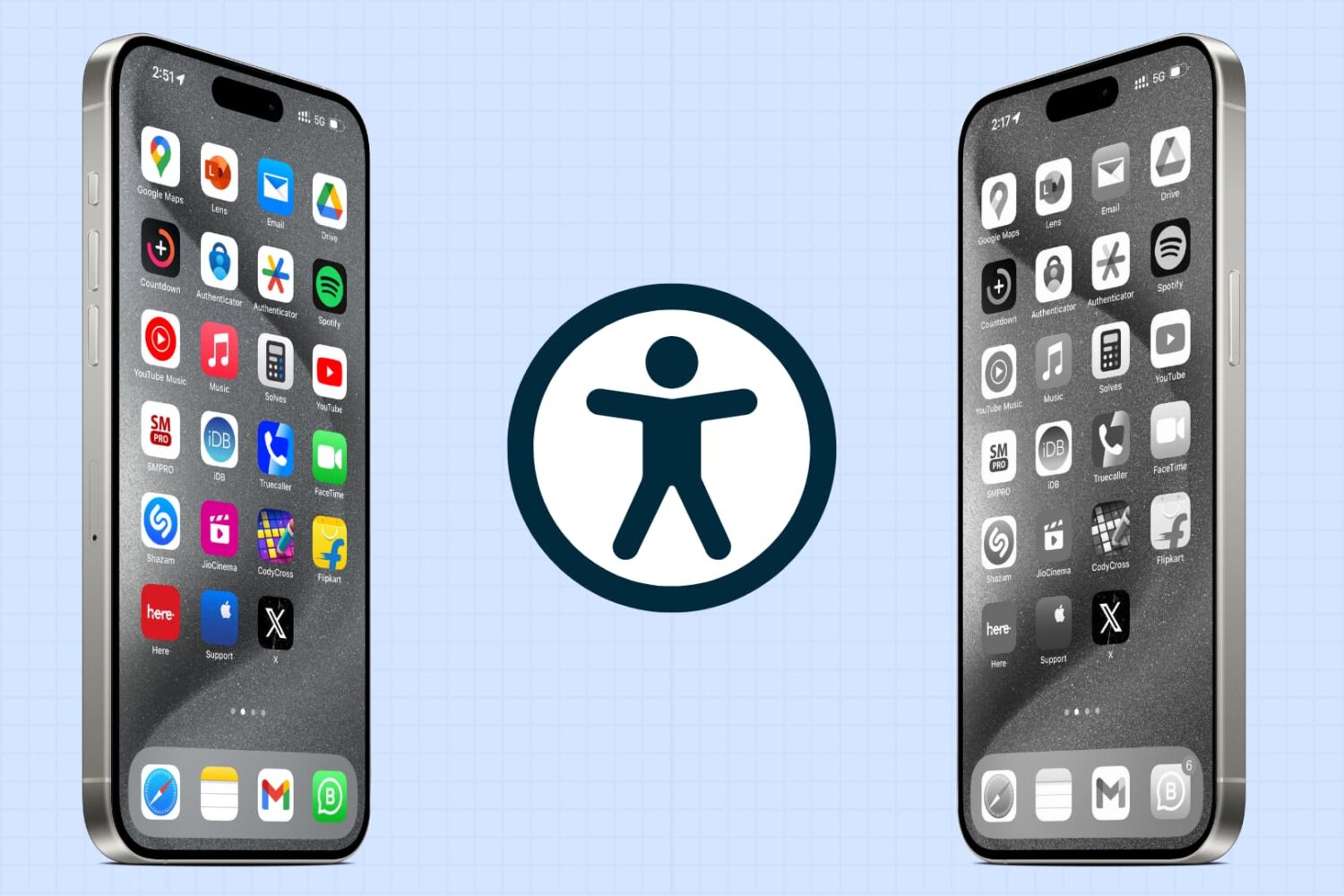
iOS has a bunch of handy accessibility features, and this guide explores some of the most important ones that you should know about.
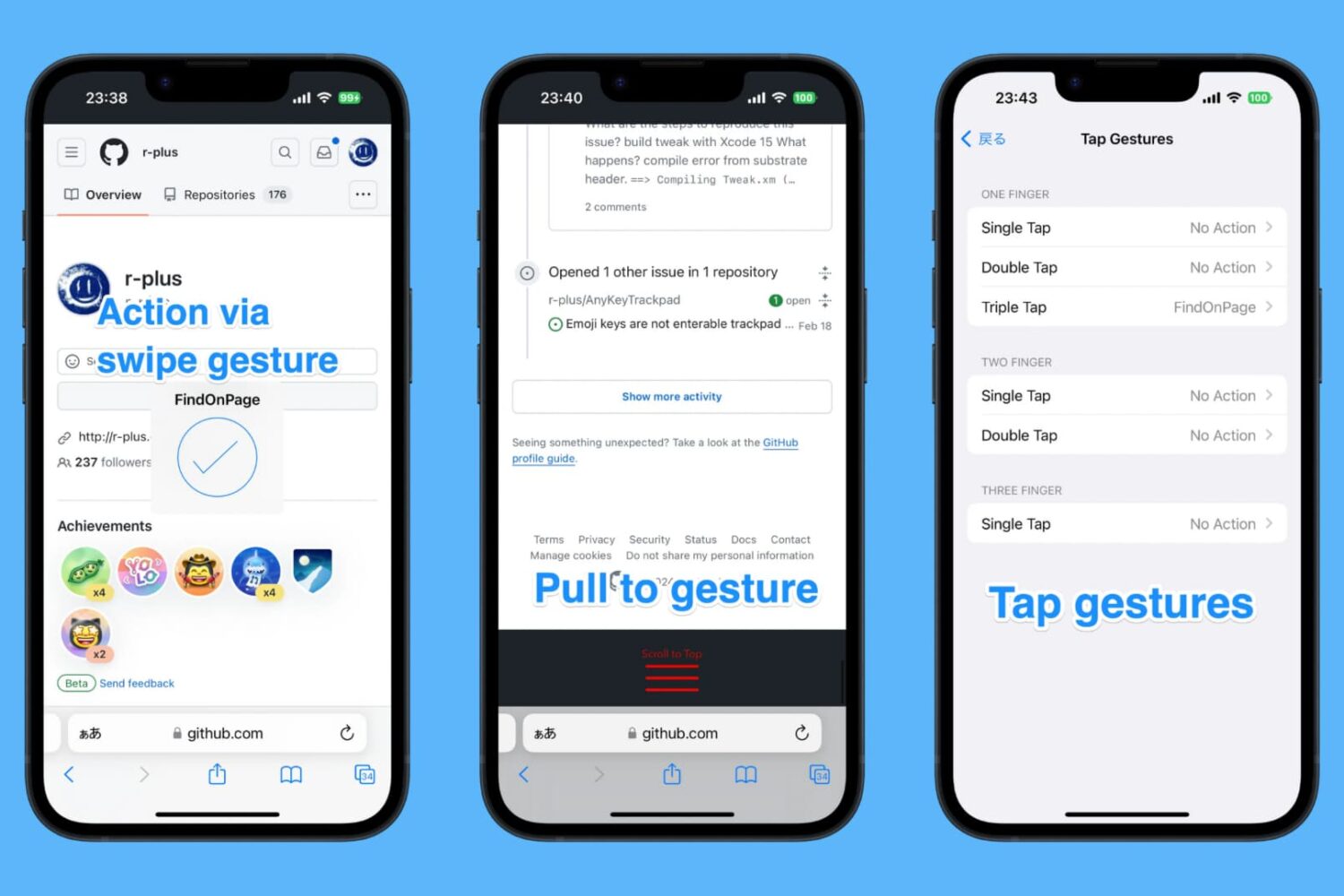
In the wake of a new jailbreak release (yes, we’re talking about that thing called Dopamine v2), many jailbreak tweak developers began updating their tweaks or releasing new builds for the latest versions of pwnable iOS & iPadOS.
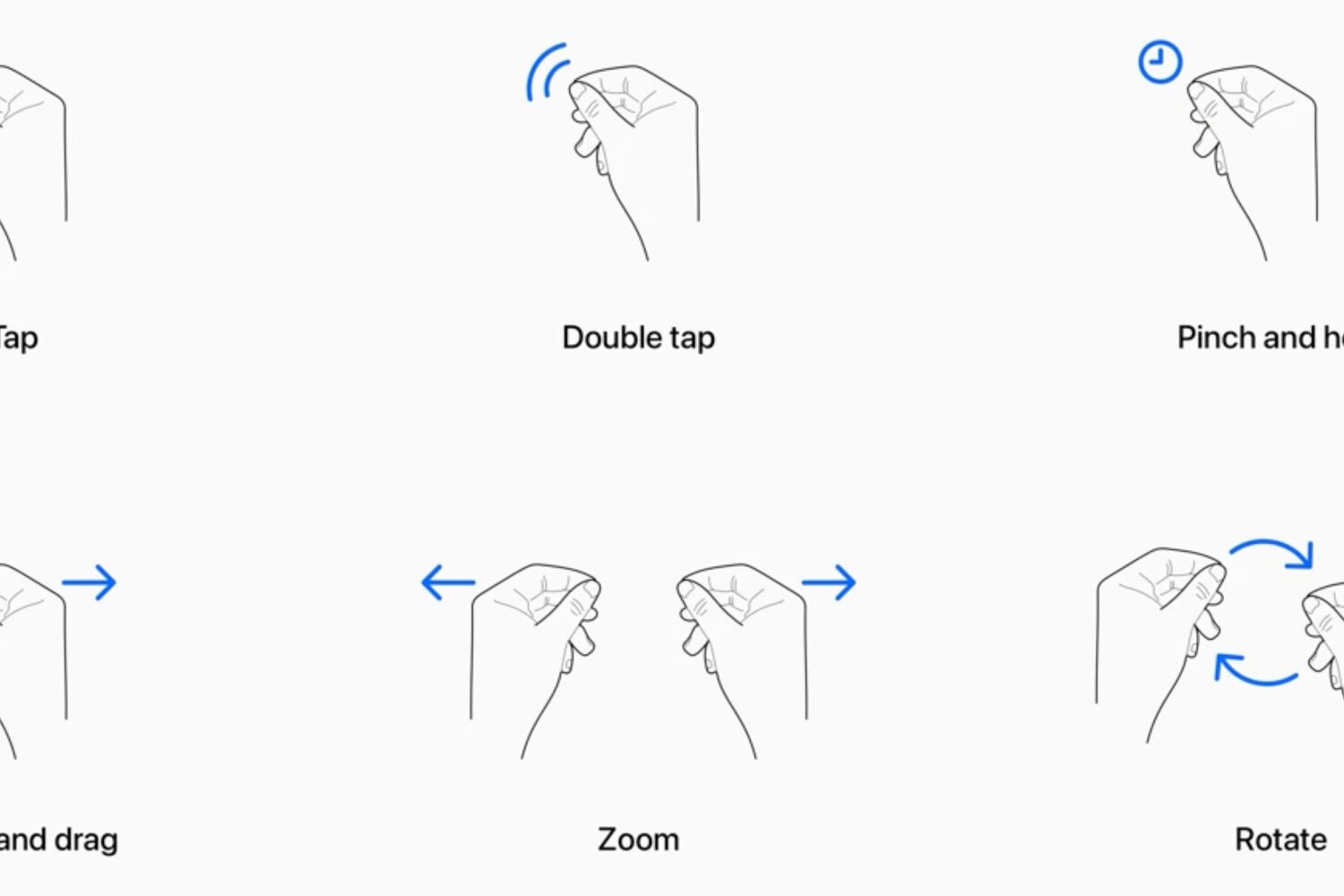
Learn how to use your Apple Vision Pro and work your way around visionOS apps and interfaces using your eyes, fingers, and hands.
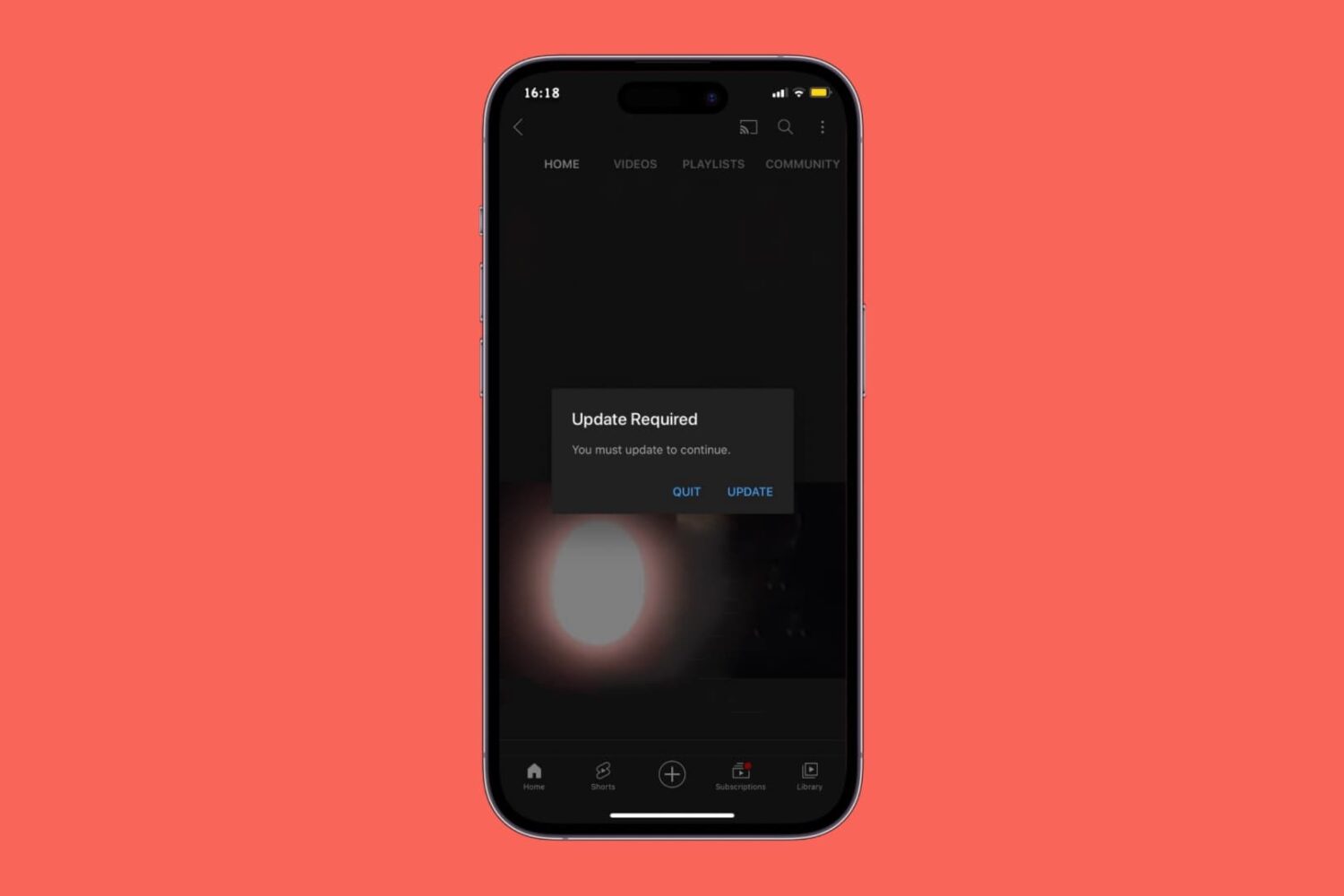
If you’re still rocking an older version of the YouTube app on a jailbroken installation of iOS 12 or 13, then you’ve likely started seeing a new prompt by the YouTube app that wants you to update to the latest version of the app.
Learn how to use the Apple Magnifier app on your iPhone or iPad to have it detect people and doors to help you maintain physical distance or get a description of things around you.
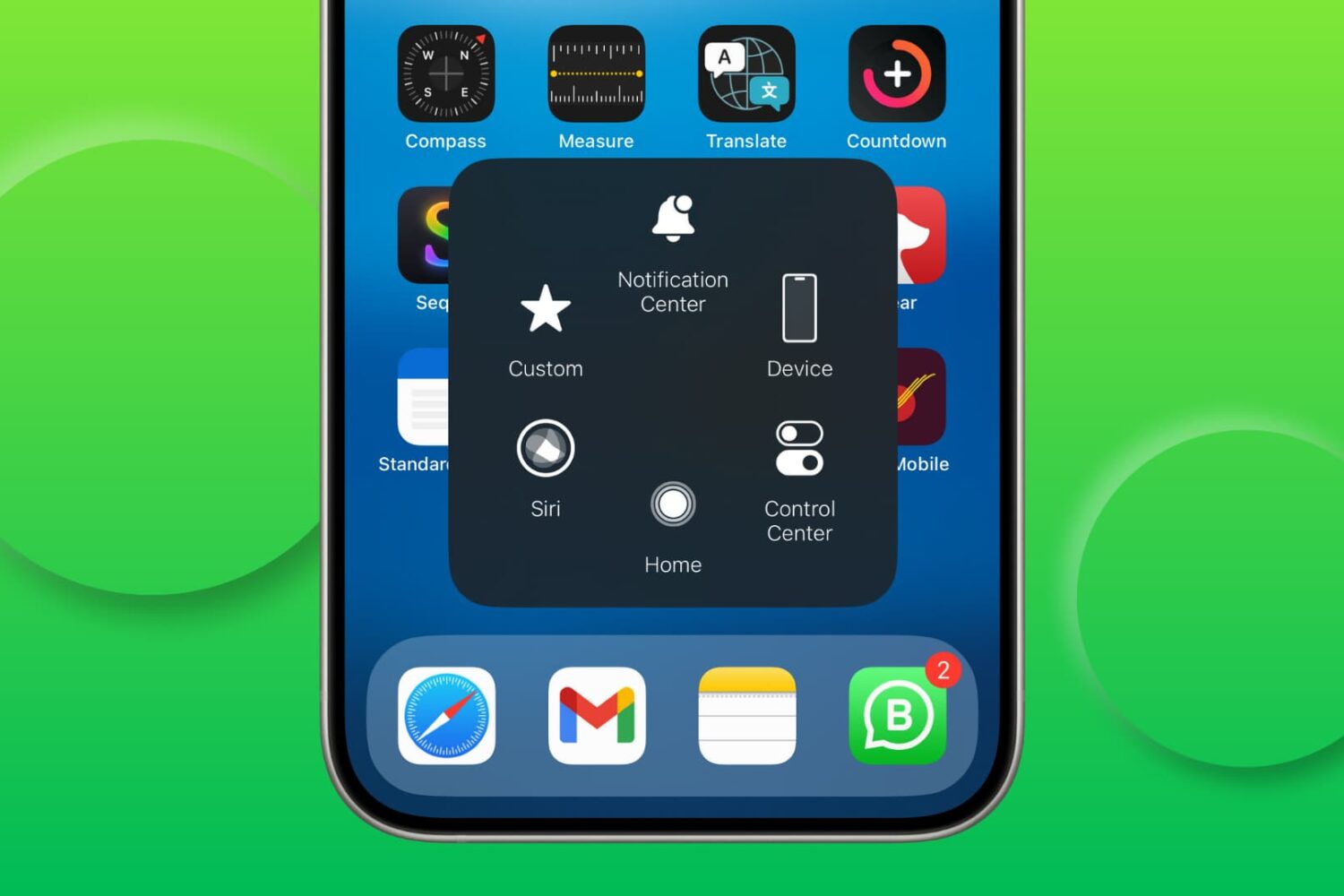
Try these solutions if AssistiveTouch isn’t responding and you’re unable to use the floating on-screen button to perform various actions on your iPhone or iPad.
In this tutorial, we will show you how to use the Apple Magnifier app on your iPhone or iPad to turn it into a magnifying glass and use it to read small text or zoom in on objects for a closer look.
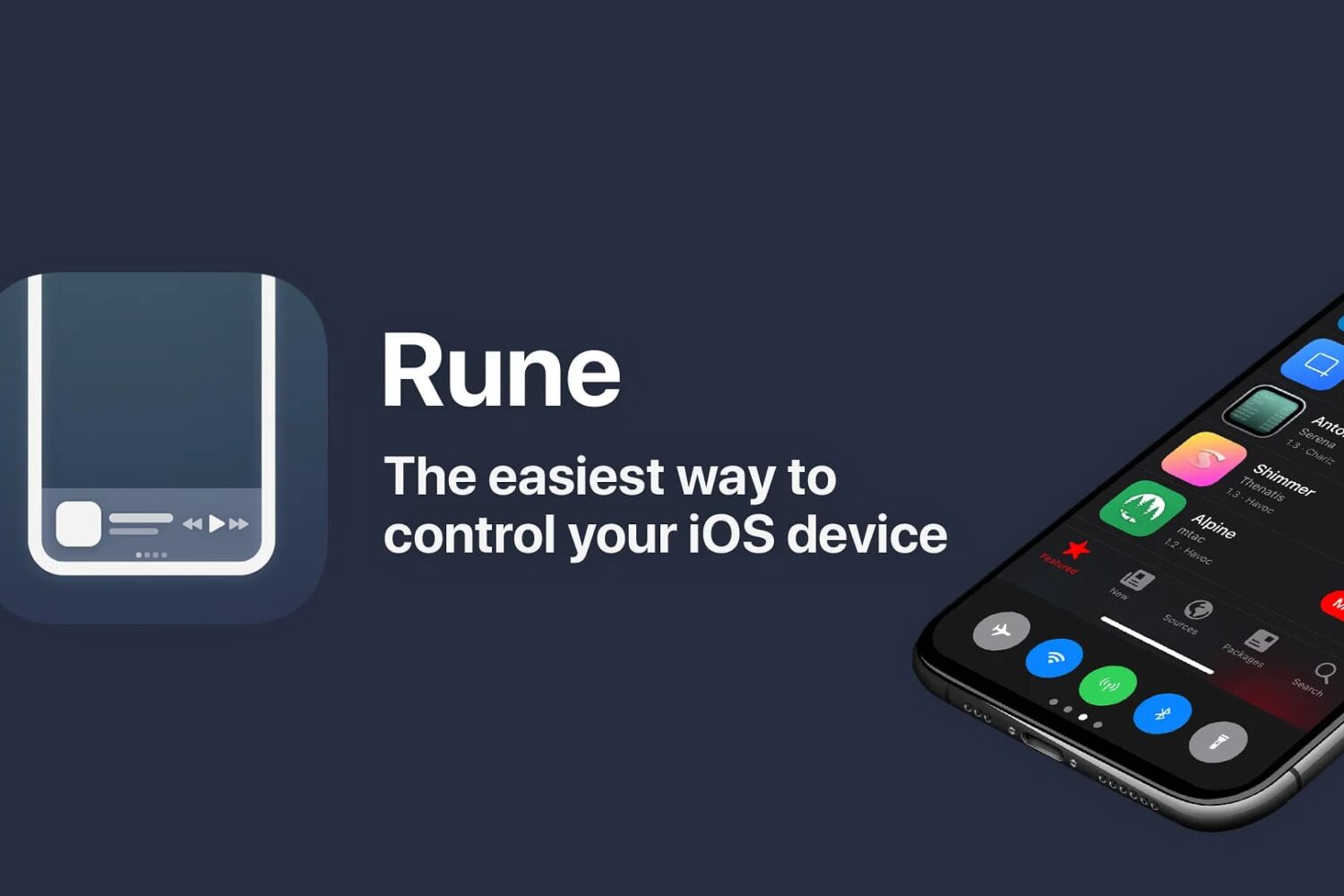
Every once in a while, a real looker of a jailbreak tweak makes it out into the limelight. A new release called Rune by iOS developer iCraze just so happens to be one of those tweaks.
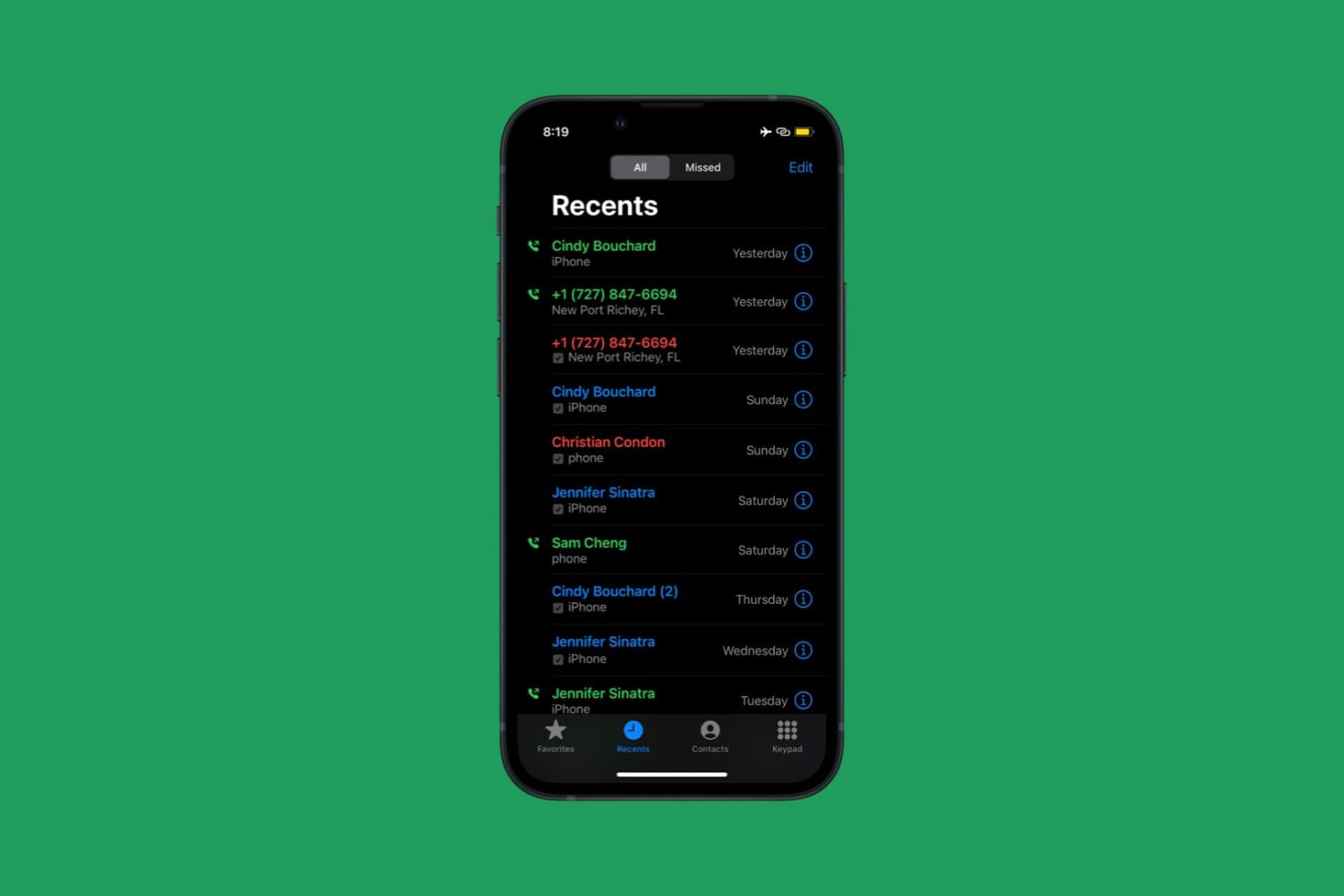
One of the things that has always bugged me about any stock iOS installation is how the native Phone app doesn’t color-code the recent call list in the Recents tab.

If you’d like to add a customizable shortcut to your iPad’s Control Center interface, but you don’t have a jailbreak, then you might be in luck depending on the version of iPadOS you’re running.
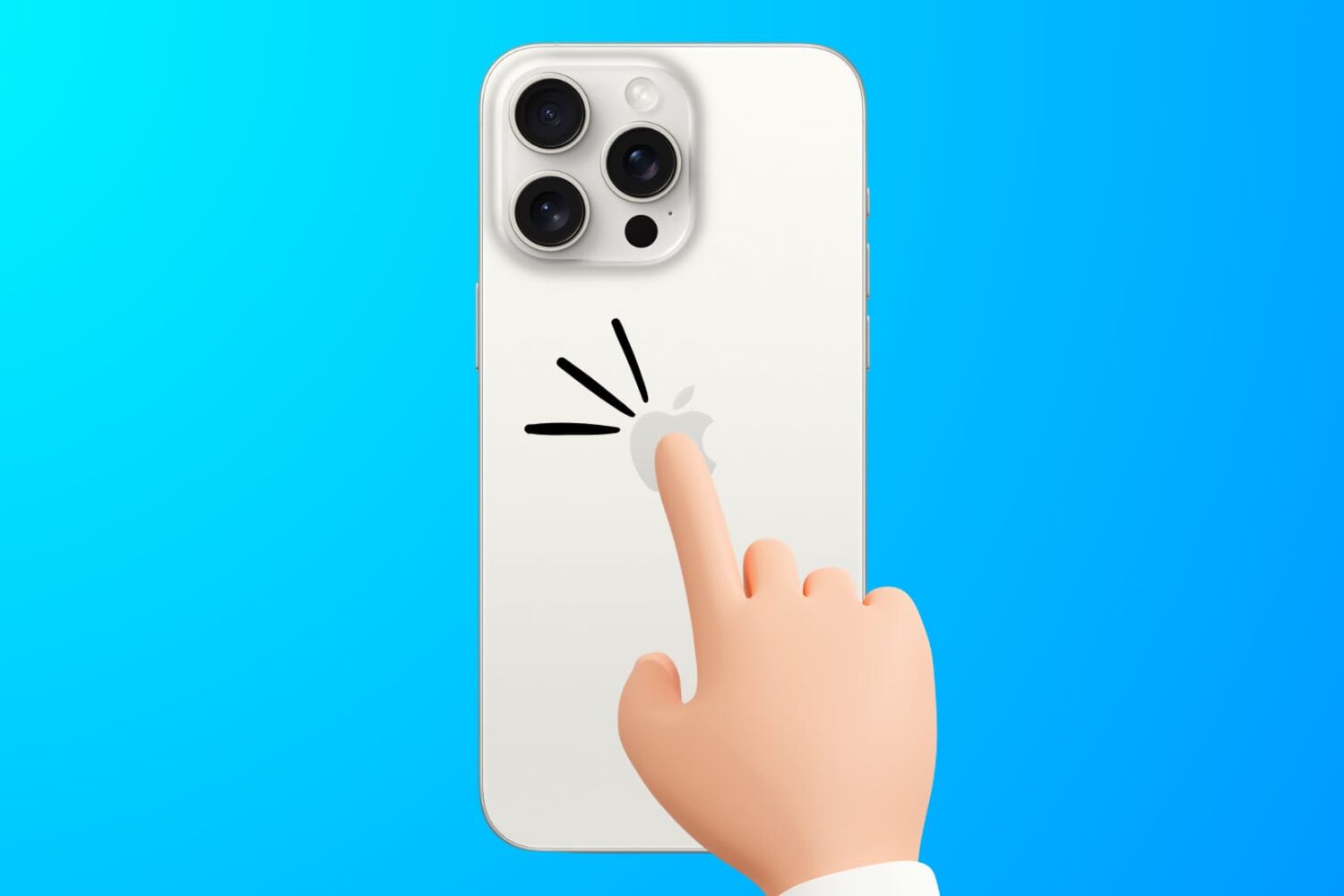
Learn how to troubleshoot the Back Tap feature to fix issues like double or triple-tapping the iPhone’s backside not registering or working properly.
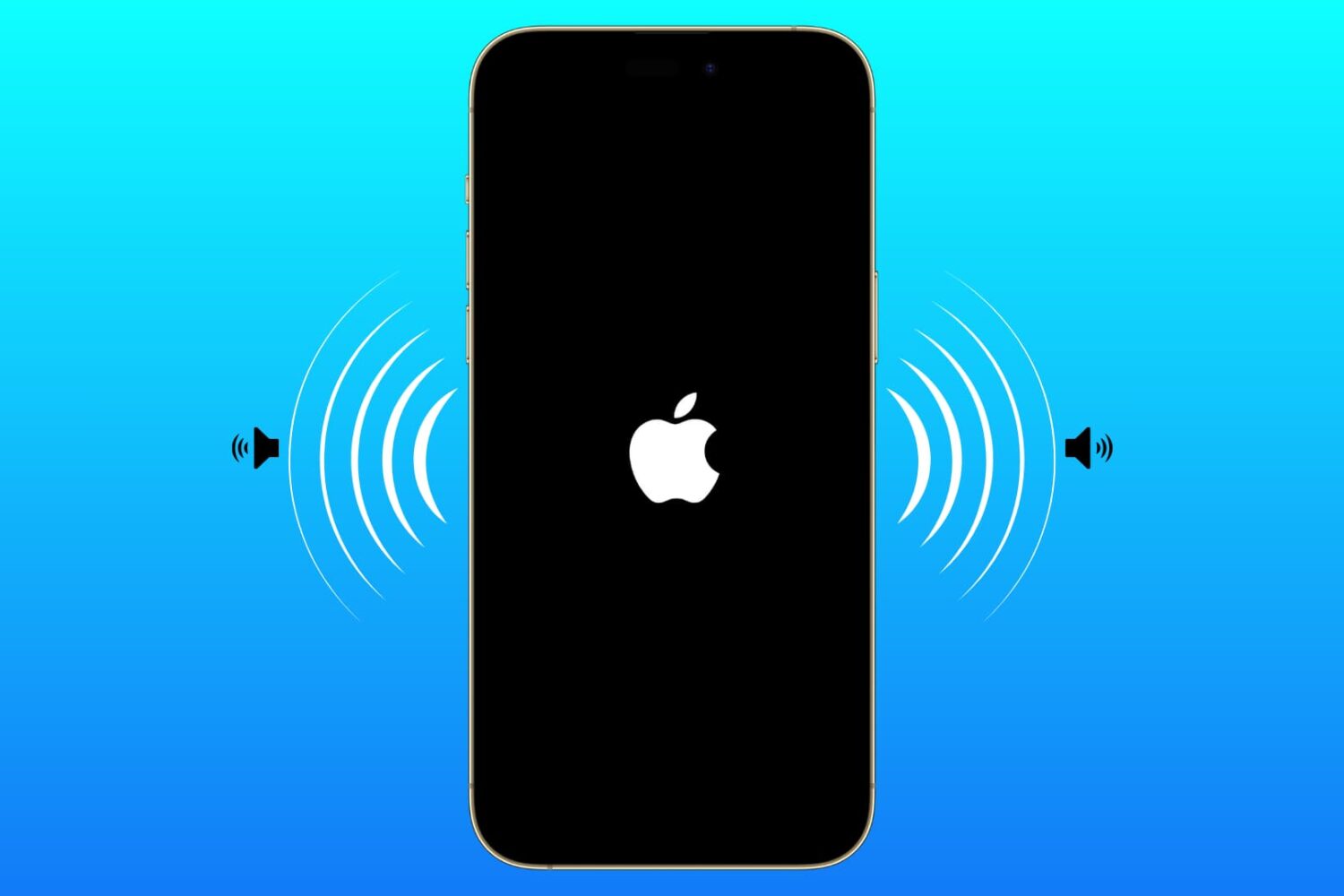
Learn how to enable an accessibility setting that makes your iPhone play a tone when turning on or off.