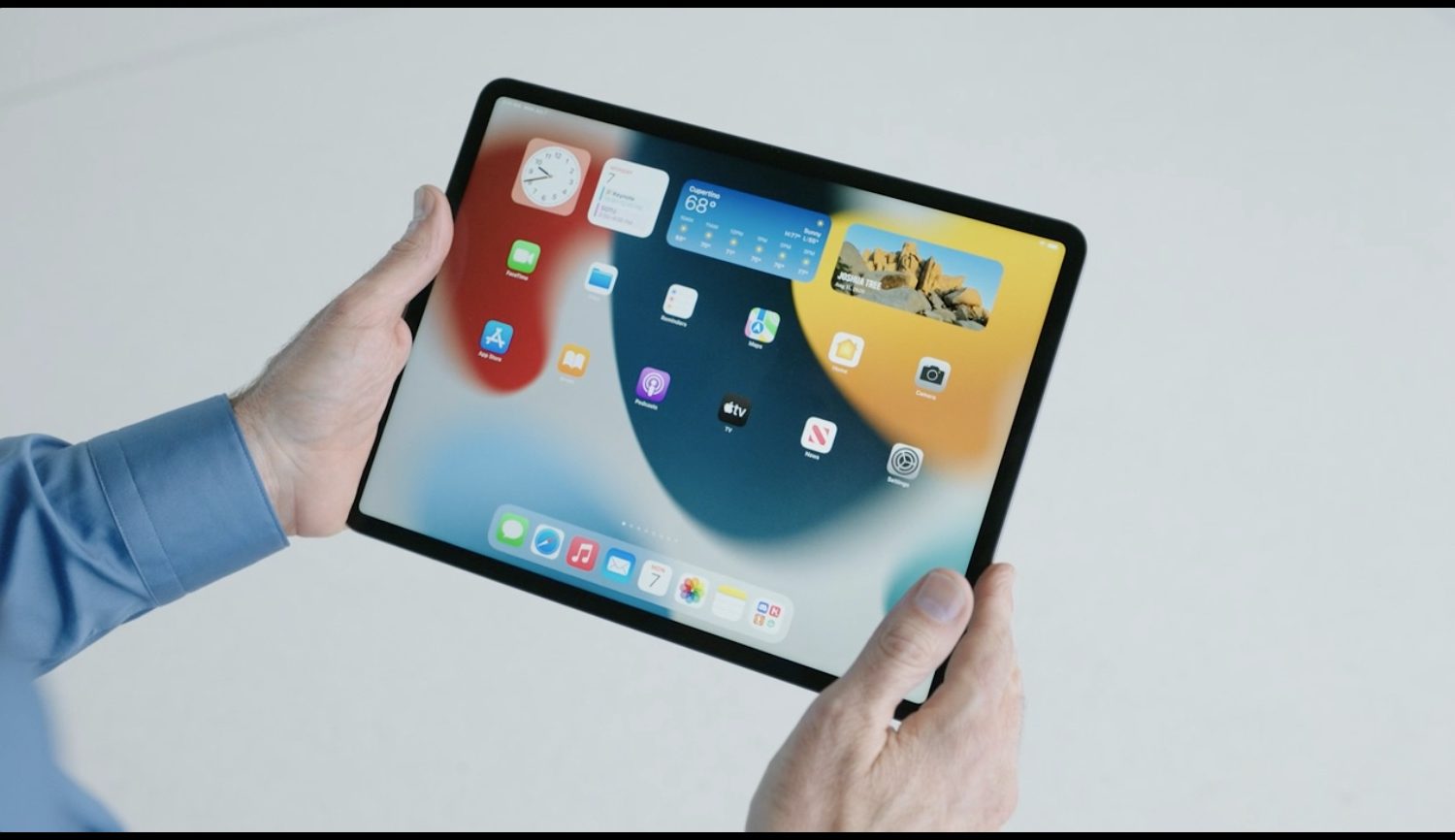
Learn about the different ways to see battery percentage on the iPhone 17 lineup, iPhone Air, and other models with Face ID, as well as older models with a Home button.
10 ways to see the battery percentage on any iPhone
Learn about the different ways to see battery percentage on the iPhone 17 lineup, iPhone Air, and other models with Face ID, as well as older models with a Home button.
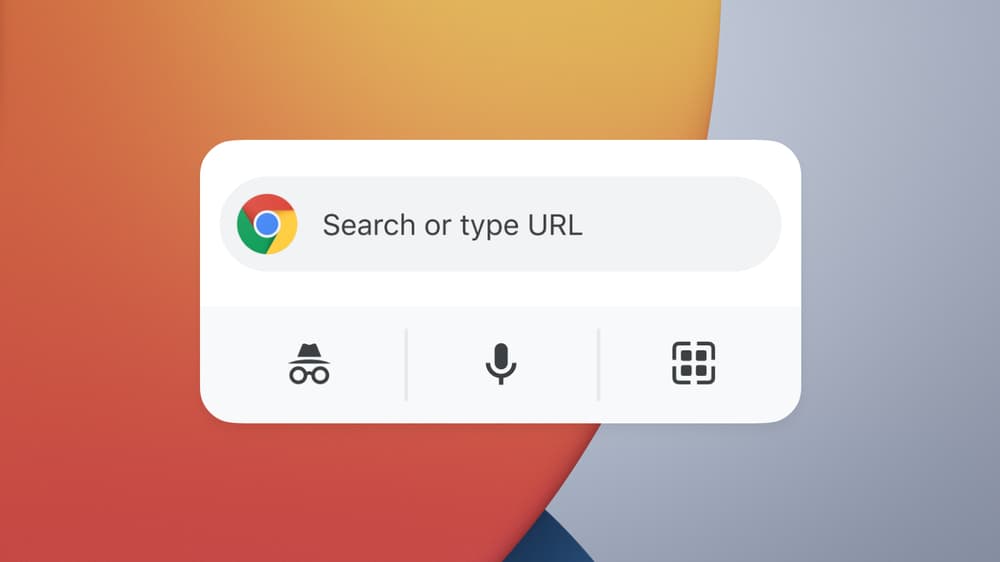
Sometimes, Google is pretty quick when it comes to offering support for Apple's software (and hardware). And other times it drags its feet. When it comes to widget support, it's a little bit of both.
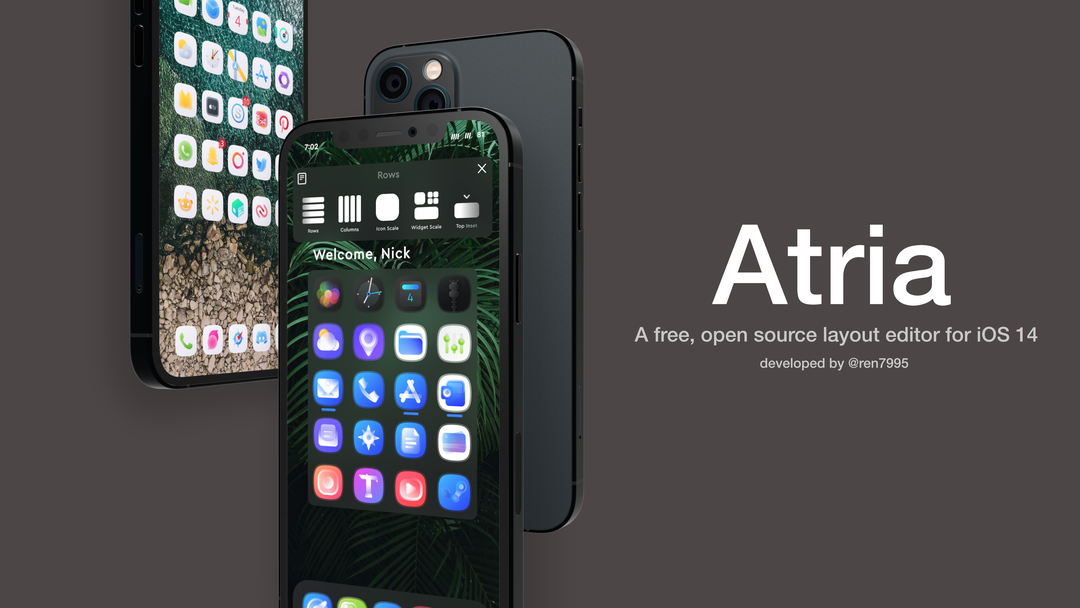
One of the things I’ve seen a lot of jailbreakers do over the years is change up their Home Screen’s default icon layout. After all, who doesn’t like giving their own device the personalization it deserves?
This capability is possible even on iOS 14 with Apple’s novel Home Screen-based widget system, but various tweak developers have released different jailbreak tweaks with their unique takes on how such a capability should be implemented.
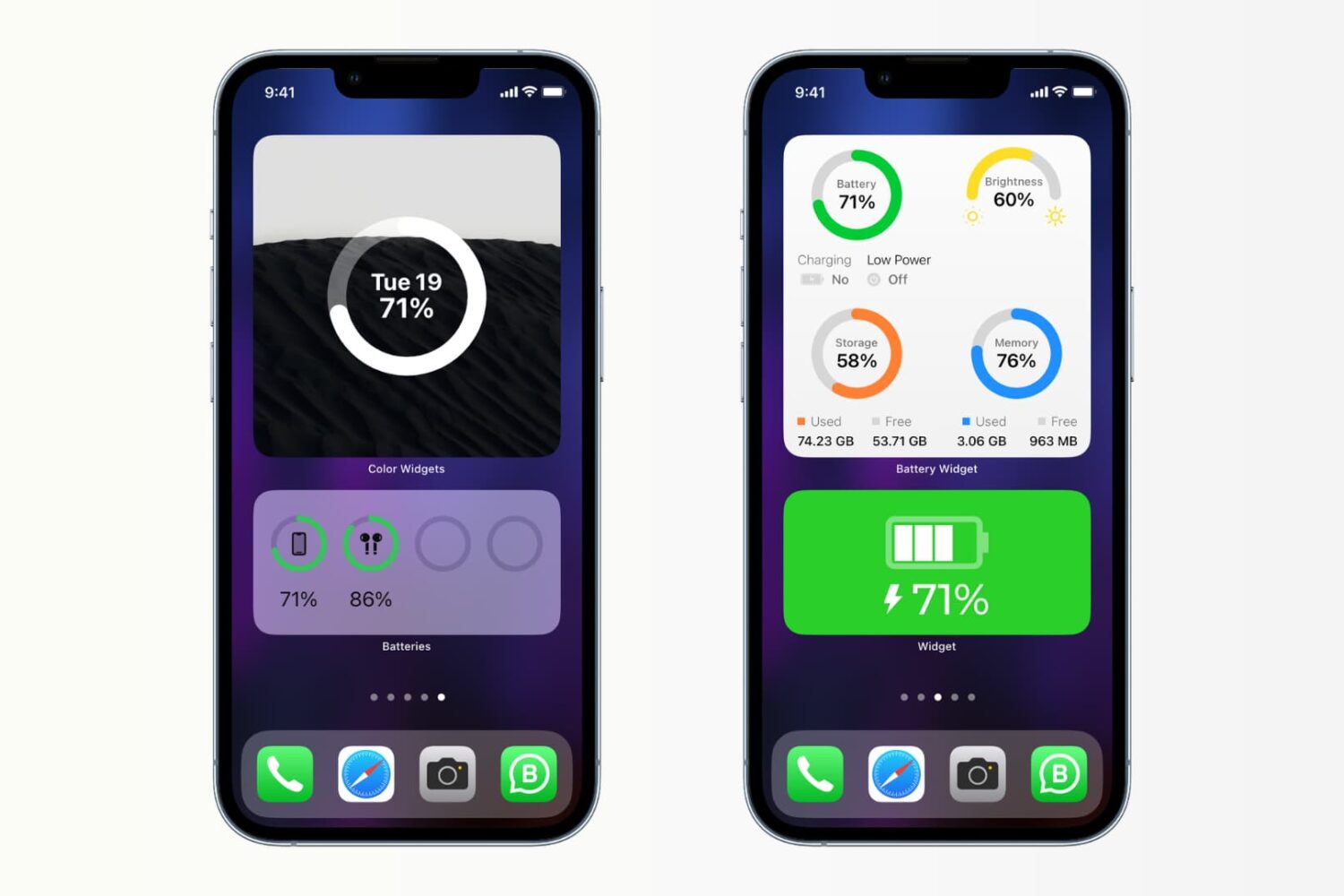
If you like to keep a close eye on your iPhone’s battery level, then you probably miss seeing the actual percentage of charge remaining that came on older iPhones. This means you probably open the Control Center to find that exact percentage throughout the day.
For those of you like me who prefer to view the percent of battery remaining all the time, check out these iPhone Home Screen widgets. These allow you to get the amount of battery left before you need a charge by showing you that percentage you so desire.
Upon unleashing iOS 14 at the end of last year, Apple introduced a refreshed widget system in which specialized widgets can be placed alongside app icons on the Home Screen instead of being crammed into the totally separate Today page.
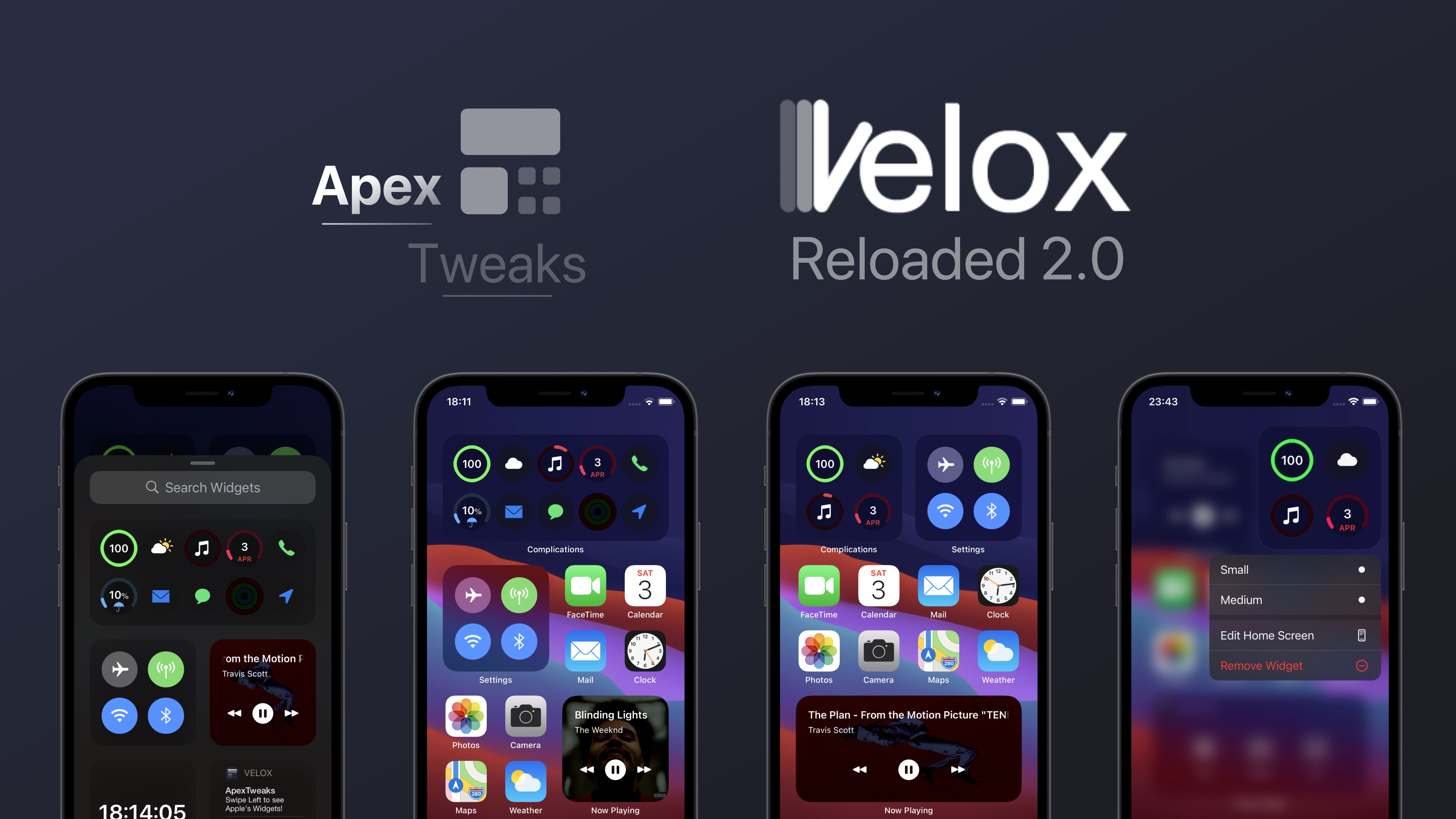
Home Screen-centric widgets have been a wishlist item for iPhone users for several years, so this was a dream come true for many. Still, it’s important to note that jailbreakers have enjoyed Home Screen widgets for what feels like forever thanks to tweaks like Velox Reloaded and the likes.
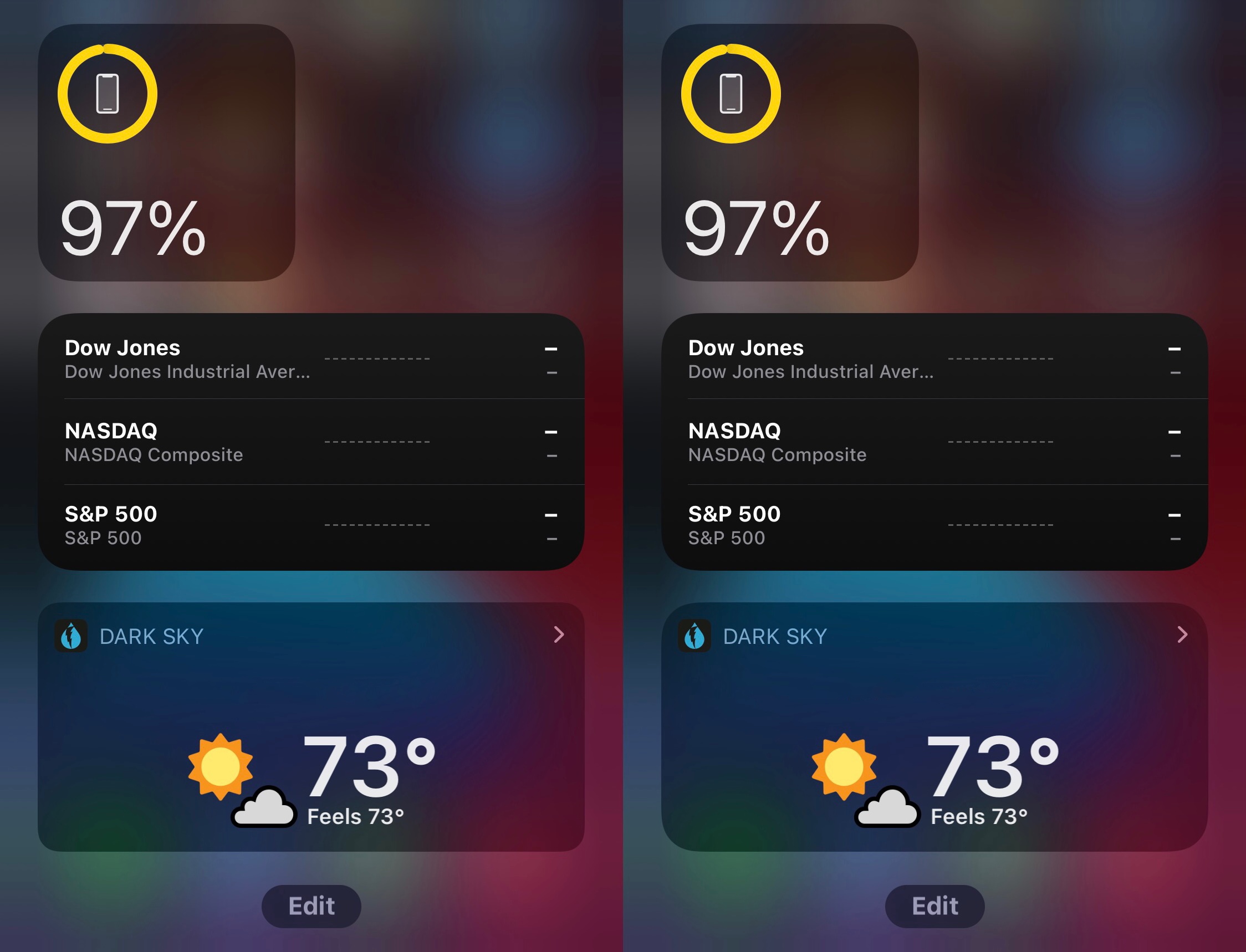
When I first upgraded to iOS & iPadOS 14 last year, I was slightly unimpressed by the appearance of Apple’s native battery widget. Not only is it bland, but it doesn’t even display numeric battery percentages, which I often like to see for myself for peace of mind.
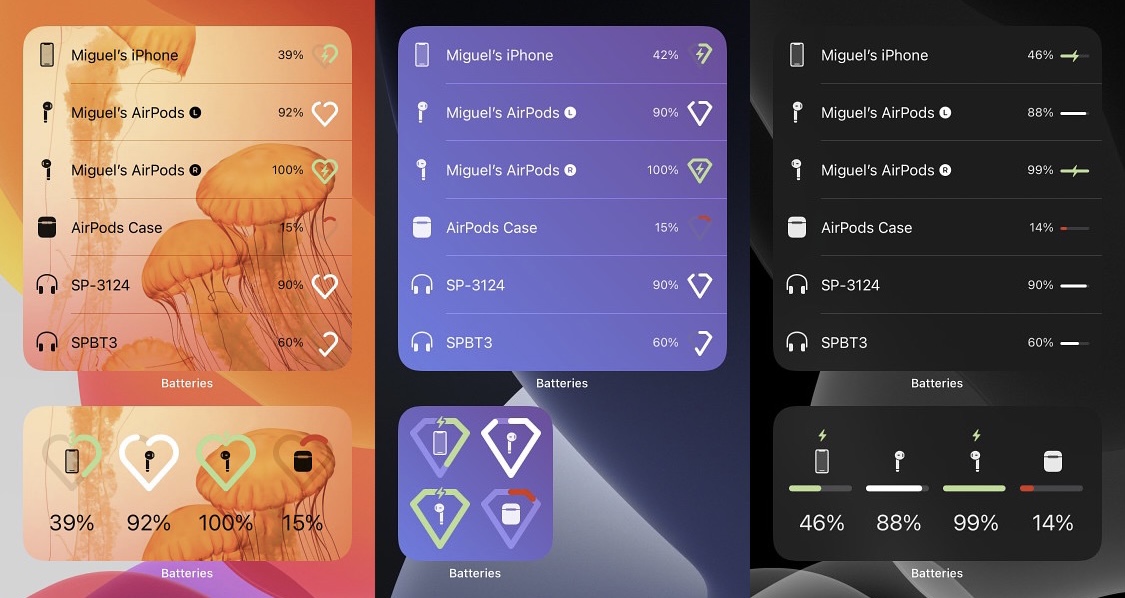
Those interested in upgrading their battery widget on iOS or iPadOS 14 would do good to try a newly released jailbreak tweak called CustomizeBW by iOS developer Miguel, as it provides a bevy of different options for making the native battery widget more aesthetically pleasing to the end user.
We graciously applaud Apple for introducing a worthwhile widget experience in iOS 14. It’s leaps and bounds better than what shipped with iOS 13 and earlier, and thanks to strong-willed app developers, these new widgets are exponentially more versatile than their predecessors.
Kind words aside, one thing that really bugs me about the iOS 14 widget experience is that Apple appears to have made no effort to help legacy widgets conform to the newer design standard. More specifically, when compared side-by-side, newer widgets have a rounder corner radius than legacy ones.
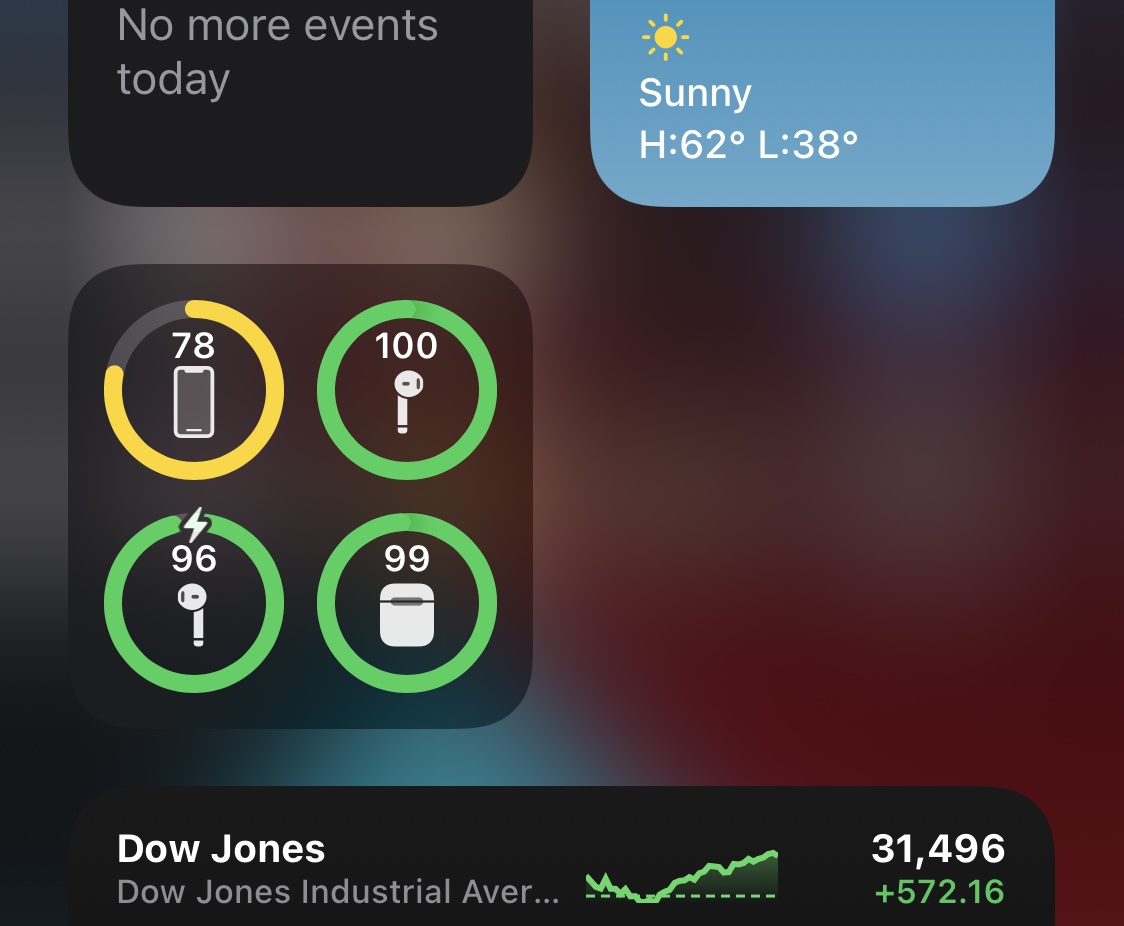
It was only a couple of days ago that we showed you a free jailbreak tweak called CompactBatteryAvocado, which improved the overall look and feel of iOS & iPadOS 14’s native Battery widget by adding numeric battery percentage labels to each item that appears inside of it.
But as it would seem, CompactBatteryAvocado isn’t the only jailbreak tweak in town that can serve the aforementioned purpose. Enter RingPercentLabel, an alternative to CompactBatteryAvocado by iOS developer P2KDev that serves the same purpose, albeit with a slightly different aesthetic.
One of the most considerable changes Apple made in iOS & iPadOS 14 involves the completely overhauled widget experience.
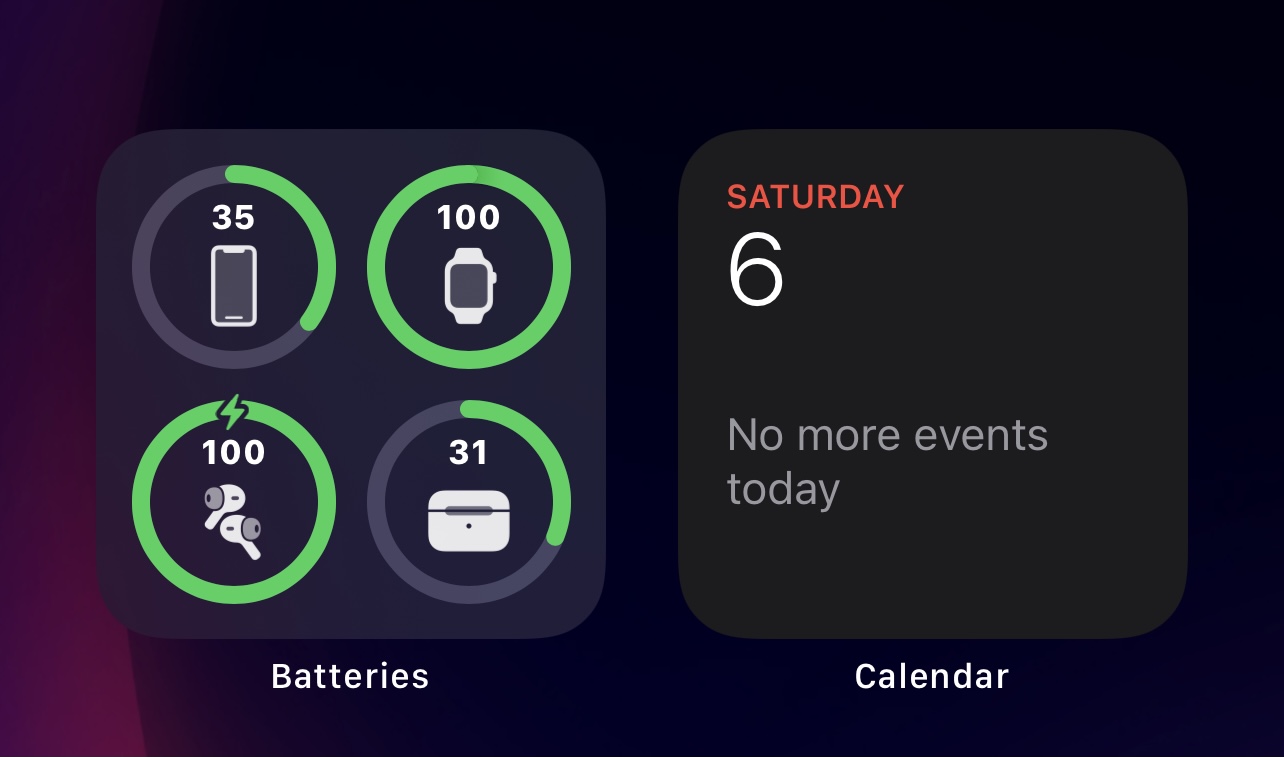
Among the plethora of widgets that Apple provides out of the box on iOS & iPadOS 14 is the Battery widget, which gauges the battery levels of your handset and connected accessories, be it a pair of AirPods/AirPods Pro, an Apple Watch, an Apple Pencil, or another Bluetooth accessory.
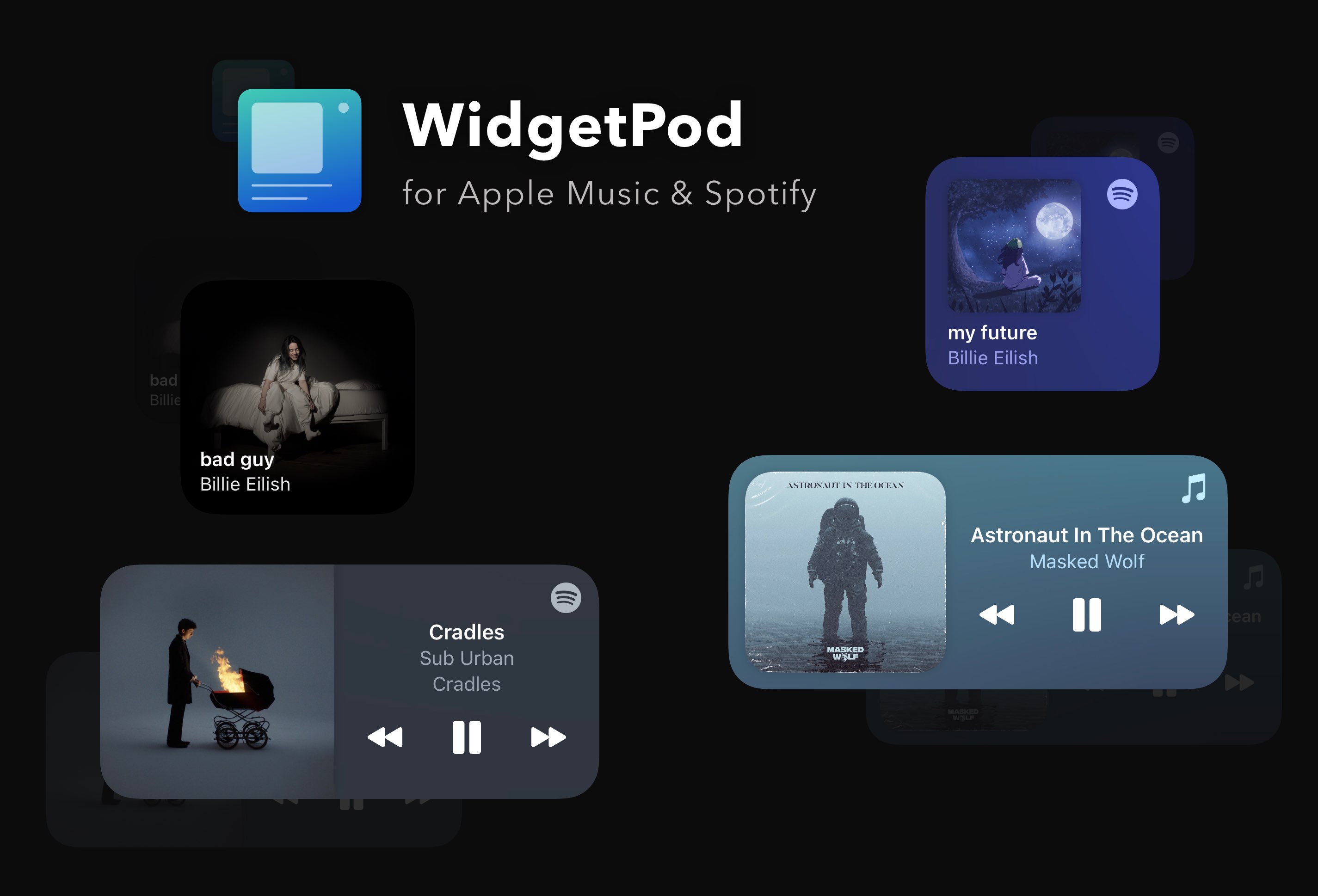
If you need a Now Playing-like widget for Apple Music and Spotify that supports live updating and rich customization, check out the excellent WidgetPod app from developer Aditya Rajveer.
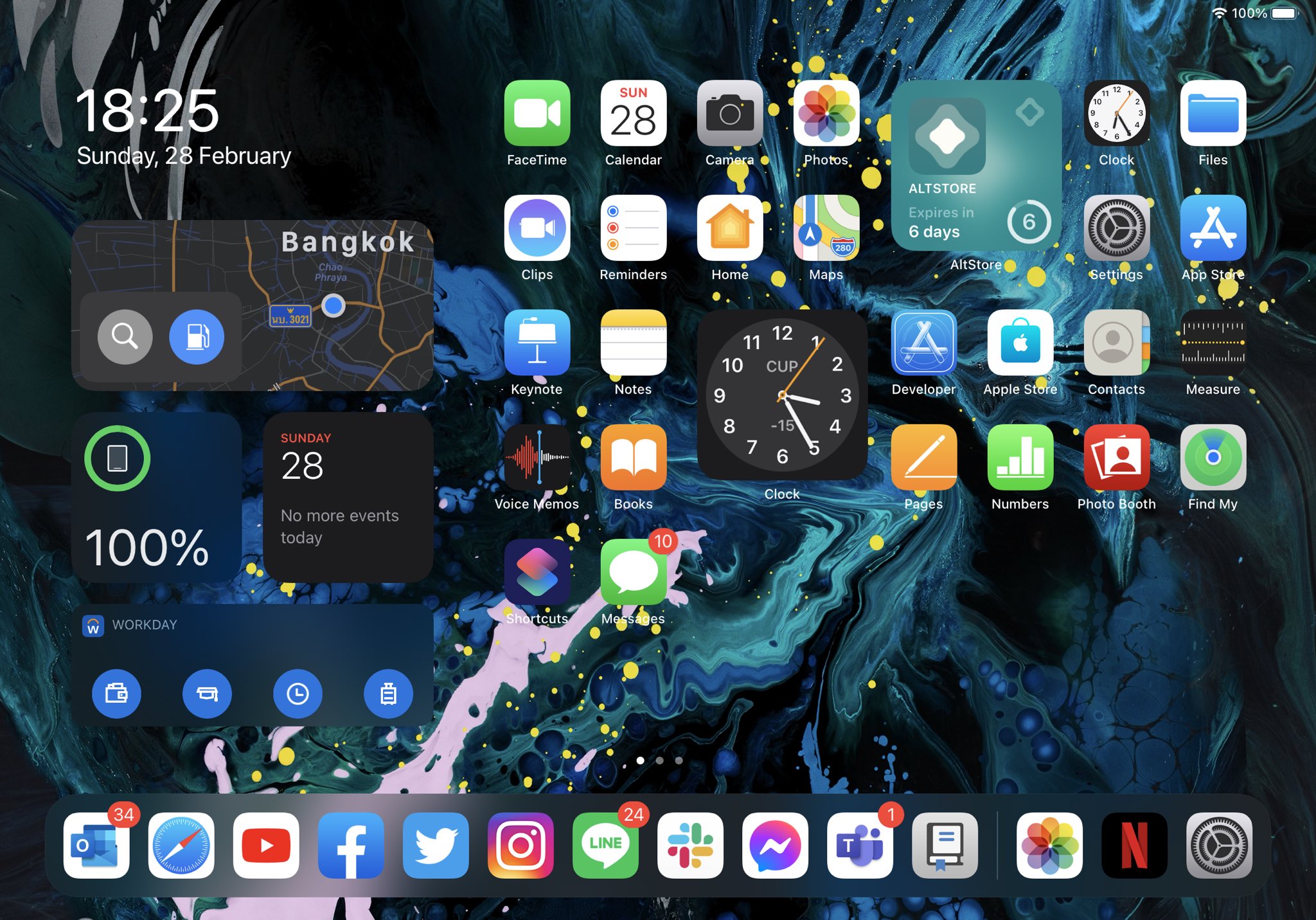
One of the things I really love about iOS 14 on my iPhone is that I can finally add widgets to any page of the Home Screen. Apple did a beautiful job on making the widget user experience very responsive and fitting those widgets into an otherwise cluttered screen of app icons.
Sadly, the same user experience can’t be appreciated on the iPad, as iPadOS 14 doesn’t let users have widgets on individual Home Screen pages. Instead, widgets are limited to the Today view, just as they always were on iPadOS 13. Bah humbug!
Most iPhone users are familiar with the Now Playing widget. It’s the thing that pops on your Lock Screen whenever you have any type of media playing in the background.
While it’s useful for granular playback controls, the Now Playing widget certainly takes up a lot of vertical screen real estate on the Lock Screen, which severely limits available space for missed notification banners. Fortunately, a new and free jailbreak tweak dubbed TinyWidget14 by iOS developer P2KDev puts the Now Playing widget on a diet.